[HD Remake] WIP Sector 5 slums

  • Thread starter Thread starter Mayo Master
  • Start date Start date
Status
Not open for further replies.
When i had that problem i changed the sound driver in the config file. If that doesnt work make sure that an audio device isnt disabled in windows (Right click the speaker icon in the system tray and go to playback devices)
Thanks for the input - I'll try that tomorrow.
Being a British person myself how could I not notice the fact all them sexy bottles are Irn Bru!!!!
Thanks for having spotted that! Although, they're not quite Irn-Bru  :P

1Mns1hl.png
 
Fe instead of Iron, eh?
Professional deformation  ;)
When i had that problem i changed the sound driver in the config file. If that doesnt work make sure that an audio device isnt disabled in windows (Right click the speaker icon in the system tray and go to playback devices)
Well, amazingly enough, I managed to fix everything by... plugging speakers  ???
 
Update!

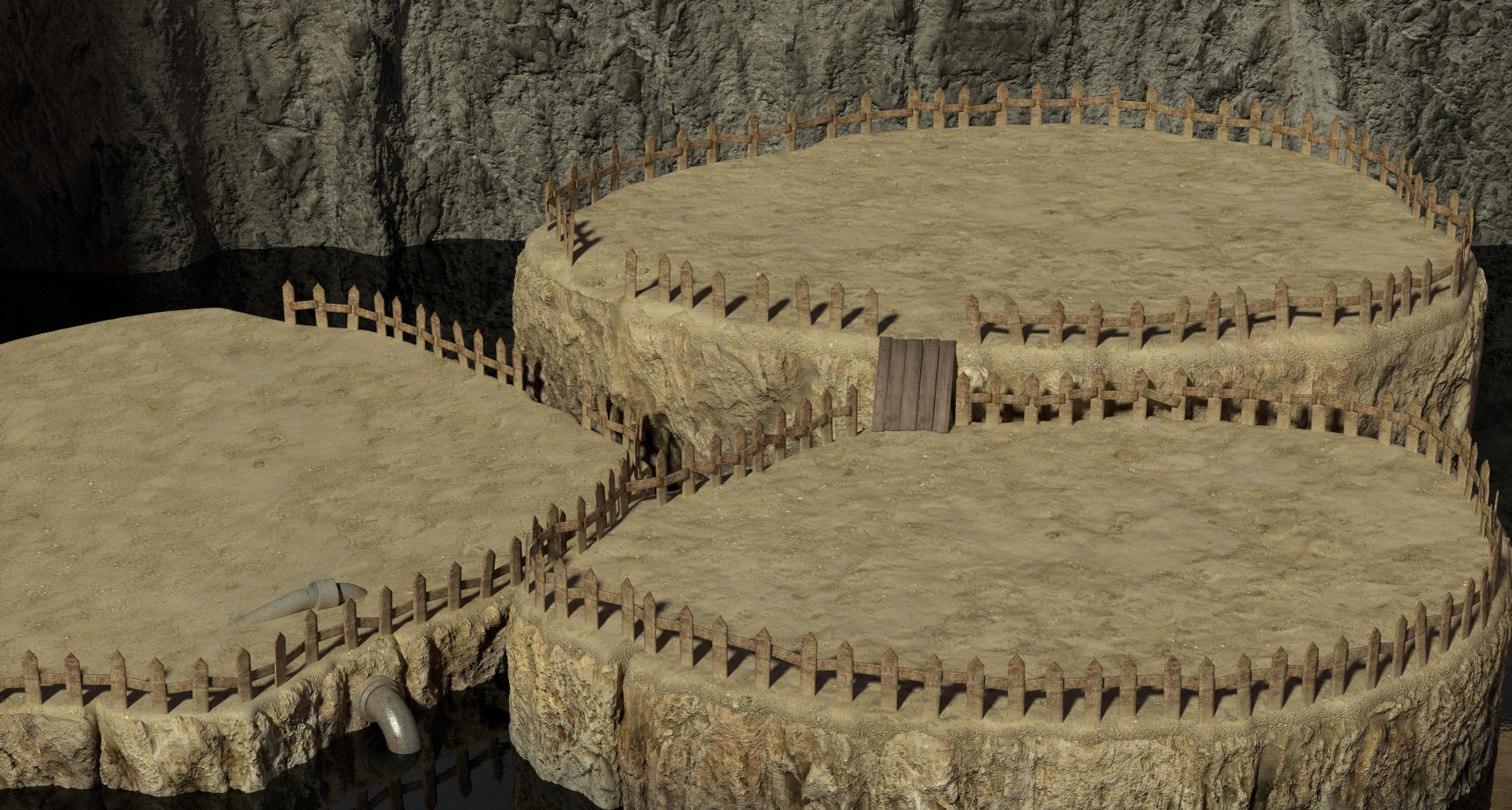
I've started to revise my works on eals_1 (outdoors of Elmyra & Aerith's house) to render it with Cycles. I redesigned the cliffs, and here's what I have so far:

yDd9F9E.jpg


The mesh quality is much better now, which should allow me to have a lot more control on the particle systems that I'll use for the grass and the flowers. I also intend to do some work on the water material - it seems very tricky to give a realistic water rendering where you can have the opalescent blue color you find in glacial lakes - which is pretty much what the water on the original image looks like (although the reason may be mako-infused water).
 
Hi folks,

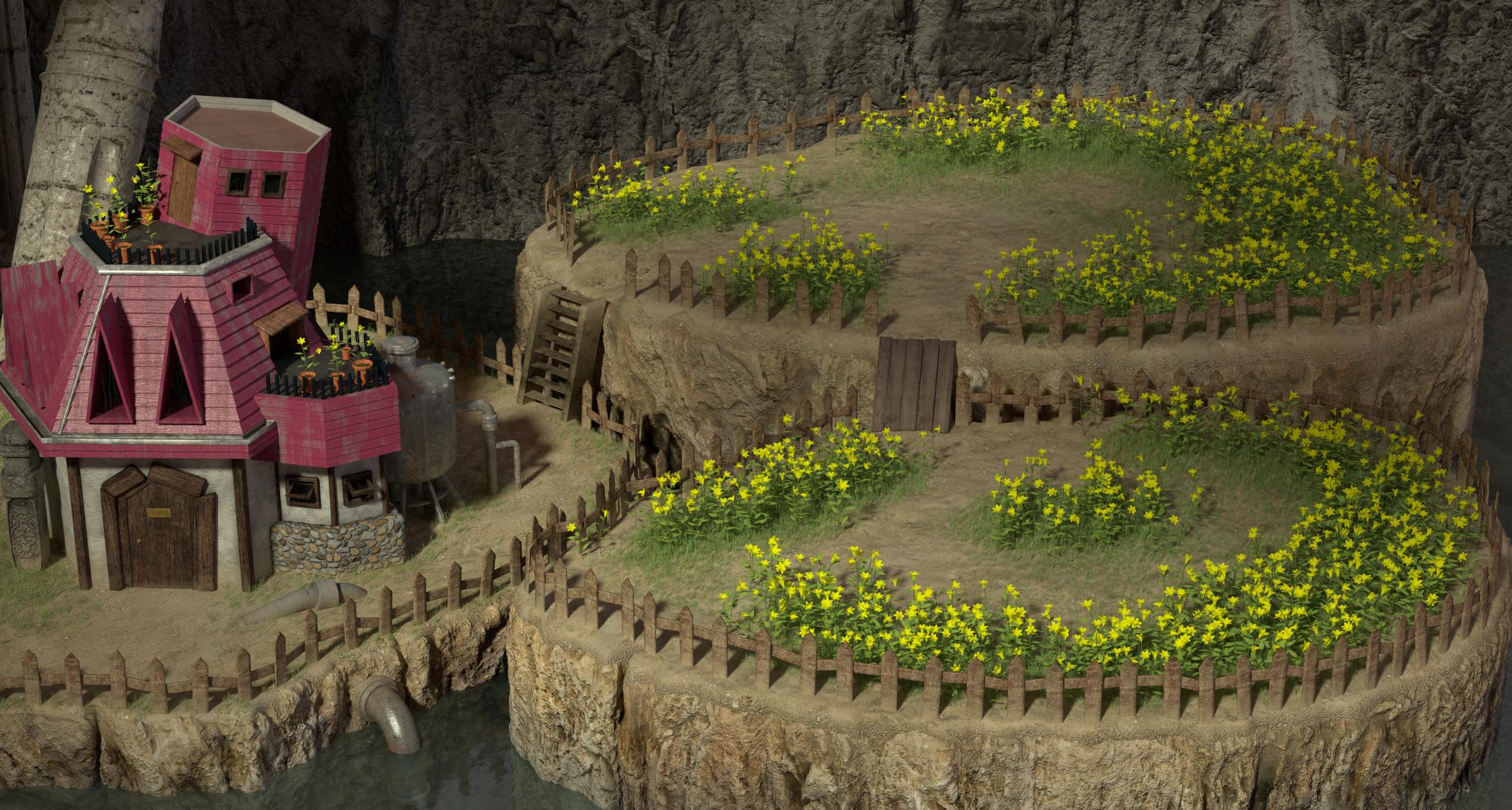
I'm pretty much done with eals_1, I'm quite happy about how it turned out. Here is the scene:

q0hBwkv.jpg


I'll have a crack at the waterfalls later, which I intend to do by smoke simulation (a relatively thin waterfall this high would just become a big spray), I hope it will be well-integrated to the rest.
However, I think I'll move on to the indoor scenes now (the top floor of the house has to be made from scratch).
 
Looks great. If you want to send it to me for render and splitting ill give it a go

Sent from my SM-N900W8 using Tapatalk
 
Blender 2.72 has some improvements for you.I 'm sure you want to re-render all the .blends.
 
Looks great. If you want to send it to me for render and splitting ill give it a go

Sent from my SM-N900W8 using Tapatalk
This render was very manageable, I don't think I'll need to send it over (the target image size is "small", and there aren't too many layers). But I have enough scenes on my desk to give you some work later ;)
By the way, I wanted to discuss your earlier renders and layering of mds5_i. Namely, I wanted to know whether you separated the layers with Photoshop, or if you used the layering capabilities of Blender. My question is related to the fact that, in your test of the scene, it looks like there is a bit of aliasing along the objects which are placed on a separate layer (like the big transverse pipe). I personally have used layering within Blender before, and I don't think I had these kind of aliasing problems on my end (since Blender renders are with antialiasing). I'll need to do further testing to verify that, though.

Blender 2.72 has some improvements for you.I 'm sure you want to re-render all the .blends.
I've just checked 2.72 release, it looks interesting and I'll update shortly. However, I don't think there are that many scenes which will need a revamp. I think the main thing that 2.72 offers for my past scenes is the Sun Beam effect in the compositor. It will certainly come in handy when I model the indoor of Aerith's house.
 
I basically used blender to render out specific objects and used them as a mask in blender. If your way is better I will need you to show me how to do it.

Sent from my SM-N900W8 using Tapatalk
 
Could you please upload and link the renders you made (could be uploaded in the repo, if you prefer)? By this, I mean the layer images you imported into Palmer to recreate the "tiled fields". I wonder if you might have used masks on instances when it's not necessary. Namely, I found out that you shouldn't mask anything (ie render everything) on the base layer. Perhaps part of the aliasing issues comes from this.
 
Thanks for the upload. I just had a check at your pictures: it does look like there is some weird aliasing problem on the foreground layers, the base layer is fine.
I may have a go at it, but not right now. It would be difficult to give you a very straightforward procedure for this, however I can give you some tips from my experience at working on that process on previous scenes (the sewer scenes, namely):
- it may not be mandatory to follow all the cuts of the original layer arrangements. I would advise not to duplicate objects from the base layer on a foreground layer when it isn't necessary.
- for Blender: I'd recommend you put foreground objects on, say, Layer #13 (3rd layer of the right block). For instance, you isolate the main pipe, the table, the computer and the cables on that layer. Then, on the Scene tab of the Properties panel, on the "Scene" side (left), you select all the layers which are going to be involved in the render (ie layers 2-10, 11 and 13) but on the "Layer" side (right) you only select Layer #13. If you render that, it should only give you the pipe, the table, computer and cables with minimal aliasing. Then, you can place these items back on one of the background layer, and select another group of objects to be rendered on Layer #13 (for instance, the chest of drawers, with the medkit and the brown flask), and render these ones, and so forth. Once you have good antialiased renders of these items, you can recombine them with Photoshop later, as needed (you'll need to recut layers via photoshop anyway, for instance when you need to put a chunk of the pipe on the third layer). Note: I don't know if you went through this process precisely already - it's a bit of a guesswork on my part. In any case, I did manage to have neatly antialiased renders on my end when it came to render distinct separate objects.

Now, with all these considerations: it turns out that the fields still produce some aliasing in game. However, I am not sure whether it is actual aliasing, or an artifact due to the fact that there are problems to display images which are at a resolution which is not  an integer multiplier of the original (since HD is actually 4.5 times the original - my renders being 5 times).

I hope that helps. I don't know if you'd like the layers I made for the sewer scenes on the repo, to serve as a reference.

I can smell those daisies now!
I thought I had based my flowers on lillies  :-[

 
Last edited:
Status
Not open for further replies.
Back
Top