[PSX/PC] Field editor - Deling (1.0)

  • Thread starter Thread starter myst6re
  • Start date Start date
Status
Not open for further replies.
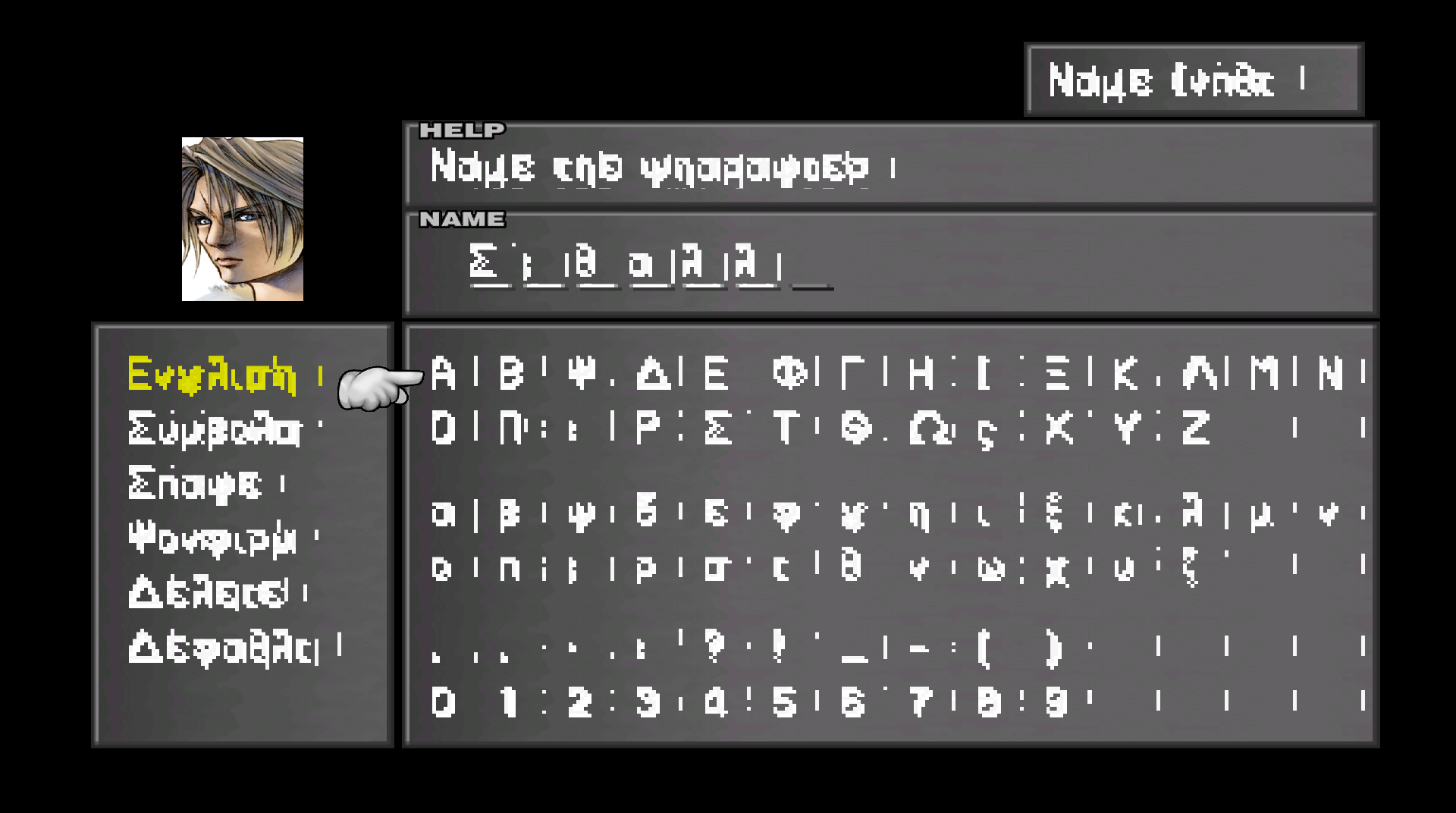
You can edit the fonts with the font editor and you can export as tdw and other formats.

 
{Squall} gets replaced by whatever the player chose as Squall's name at the beginning of the game. The same is true for Rinoa, Griever, and Angelo.
 
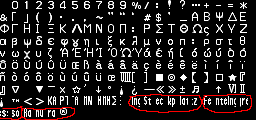
Oh thank you Shard! Highly appreciated! Can you please tell me what are the last words in the font table mean as well?

5Chg6J3.png


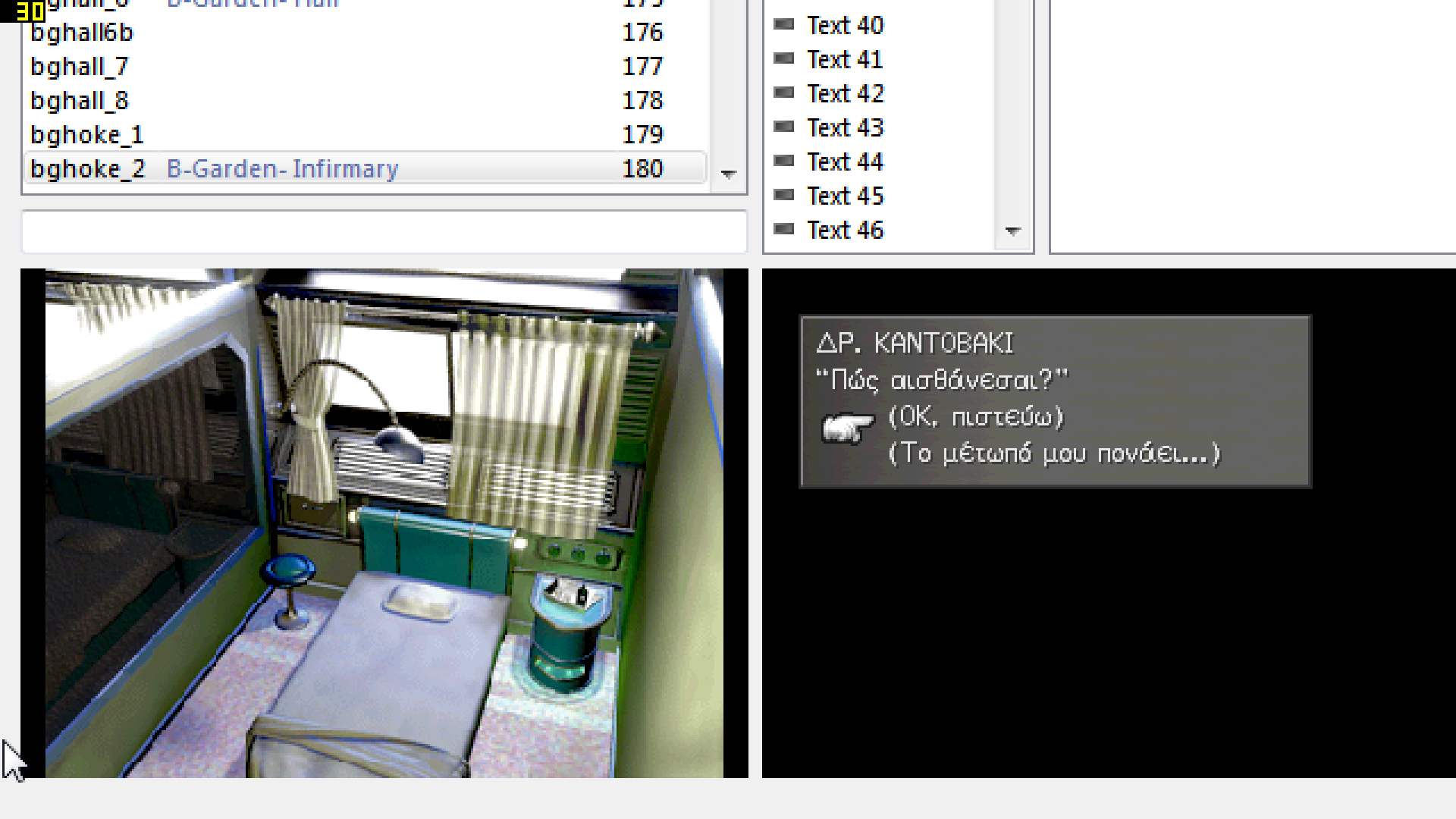
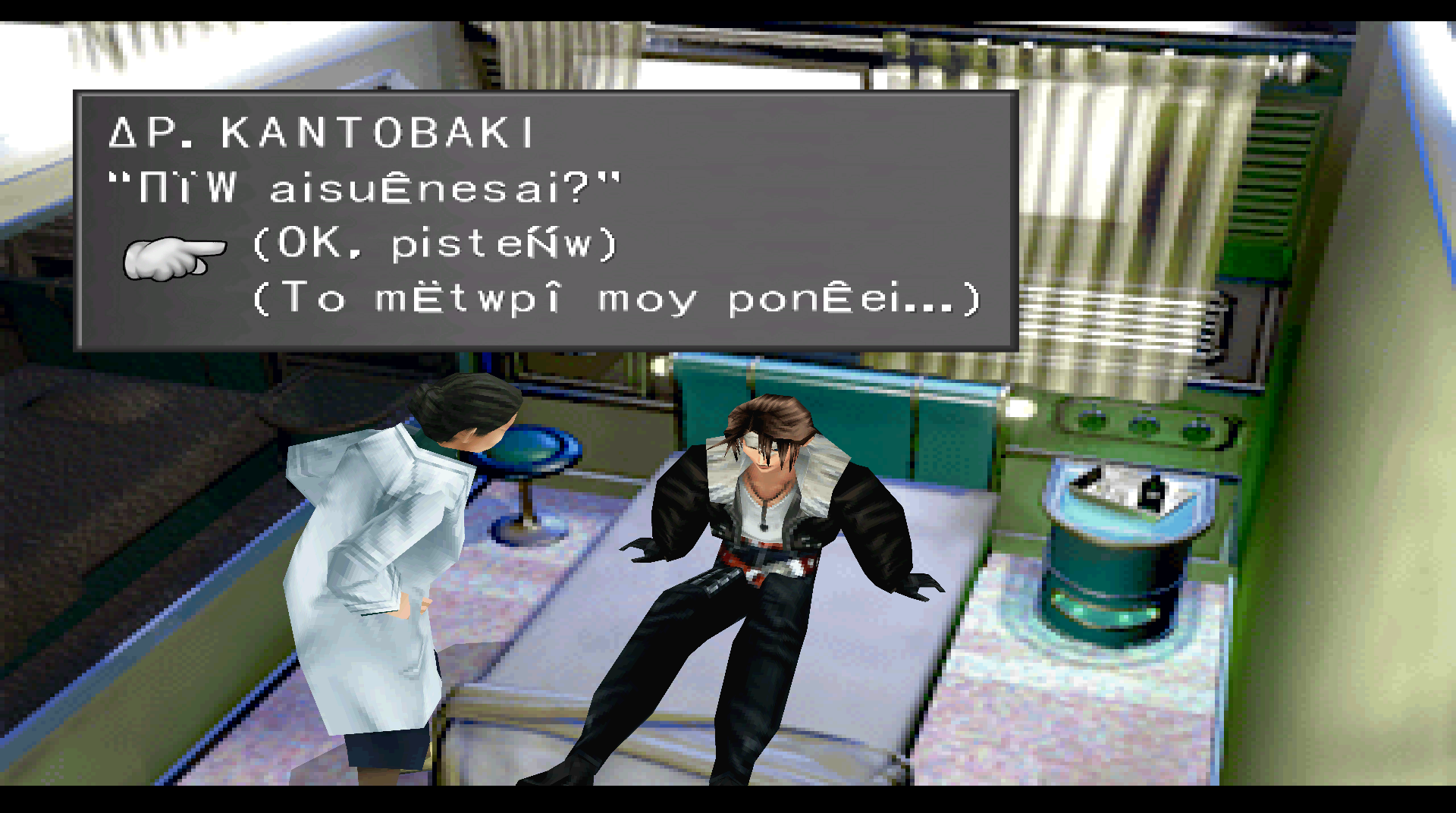
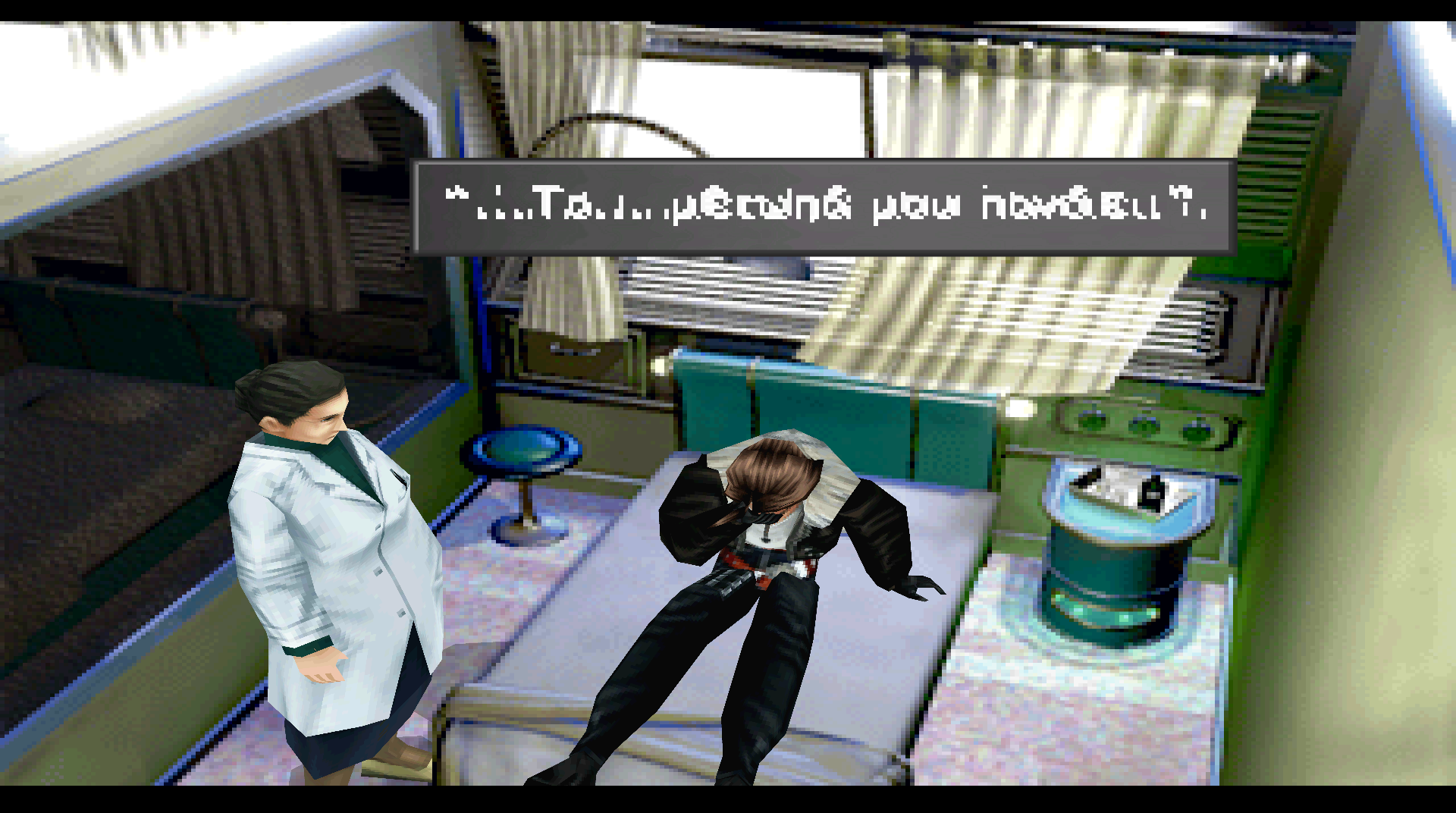
I'm nearly finishing with the Infirmary translation (scene 180)! :)
 
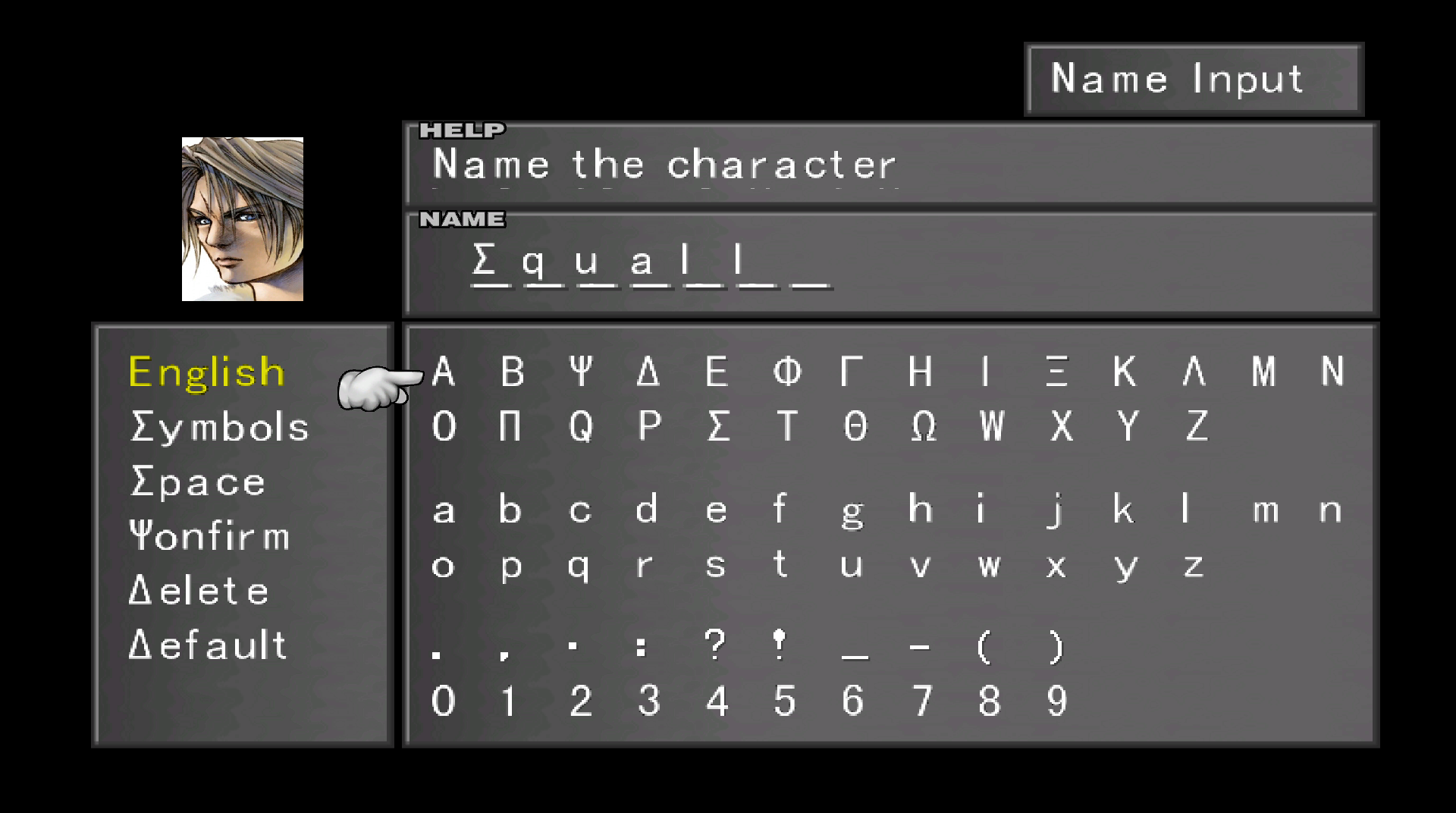
Can you please guide me through? I'm not sure what I'm missing...  >:(

VivTkzE.png


G3Z045N.png


mqepZyD.png
 
Last edited:
I have found the tdw files in main fs but they are in different colors. I don't know how to edit them. Please help! Already spent many days and nights to do this.
 
ok I'm at wits end here. Already tried many things. I'm willing to pay to get some decent support and get over with this thing as quick as possible. Just name me a price... but make it work... darn it!

Here are my files http://filetrip.net/dl?eUbRH5AYSM

I also tried to replace sysfont.tdw and sysfont.tex but it won't replace the file.

Ok removed the files and added mine. but I don't know how to cut the high res font neither do I have any...
 
Last edited:
I tested and I found a bug with Deling.

Code: [Select]
Code:
Replace file does not work, use remove and add instead
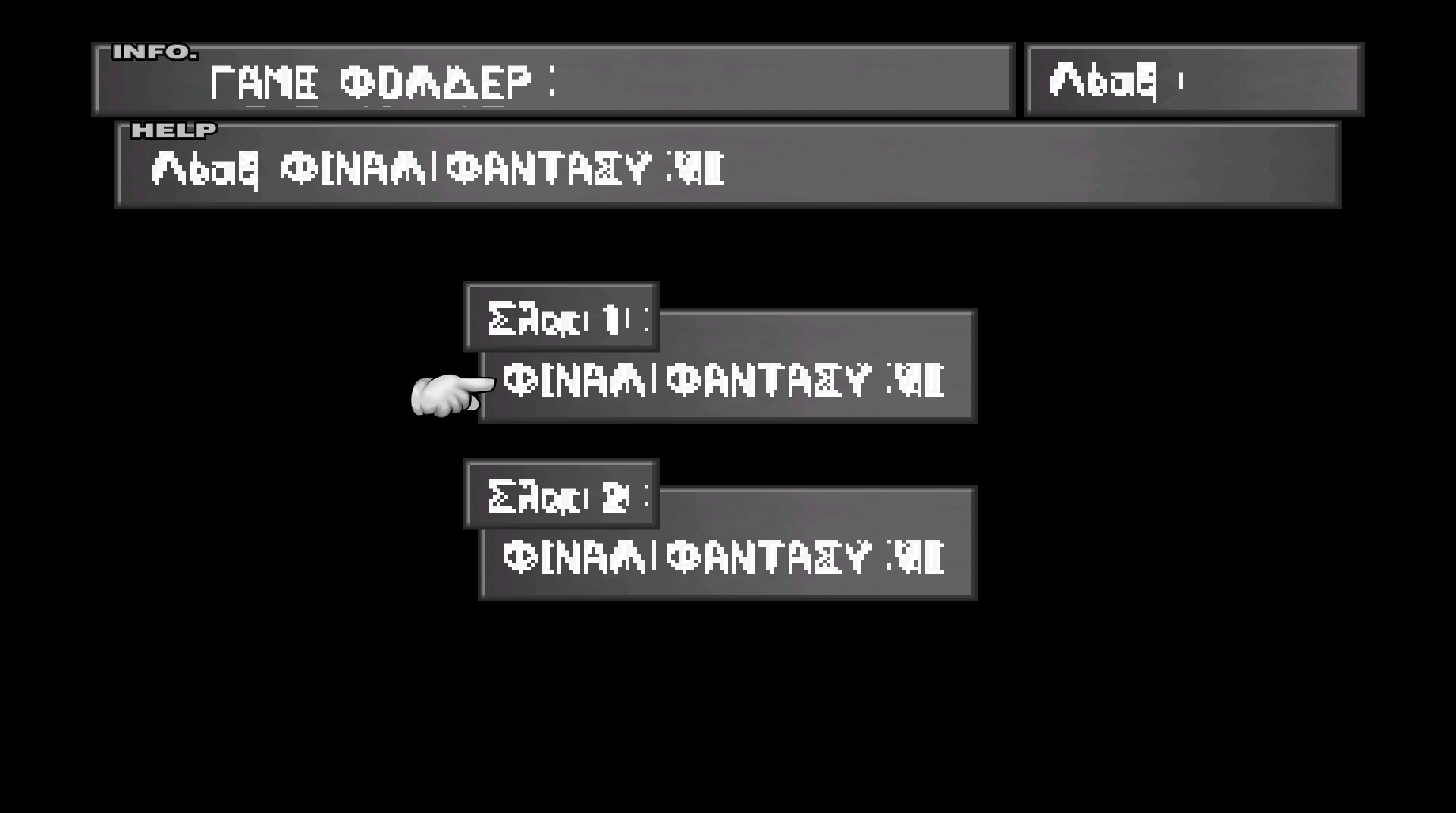
Now explications: there are two files for the high res font: sysfld00.tex and sysfld01.tex (in menu.fs/highres) (sysfnt00.tex seems unused).
Deling does not edit high res font for now, but you can use the Vincent Tim project for this.

And there are one file for the low res font: sysfont.tex (in menu.fs), editable with Deling.

If I remember well, to change the width of characters, it is in the sysfont.tdw in main.fs (not in menu.fs), Deling can edit it.
 
I replaced all those files. Except for the high res. Neither works in game. Not sure what I'm doing wrong. I'm using the old version of FFVIII.
 
Last edited:
Your fonts look too wide. They bleed into each other.  I don't know if this is the only problem but each letter must be contained in a 12x12 pixel block.  Also- some letters have very thin widths like "i" and "l" that must be edited in the tdw file.  I would set everything to 12x12 and go from there, making them thinner only if you need to.  Btw the hi res files are 24x24 pixel blocks.

It looks like the leftmost pixel of each letter is bleeding into the previous letter in the sequence.
 
Last edited:
look guys! I don't understand any of that! I used the Deling font editor, spent days and nights and now they are not working. I'm an amateur. I don't even know photoshop.
 
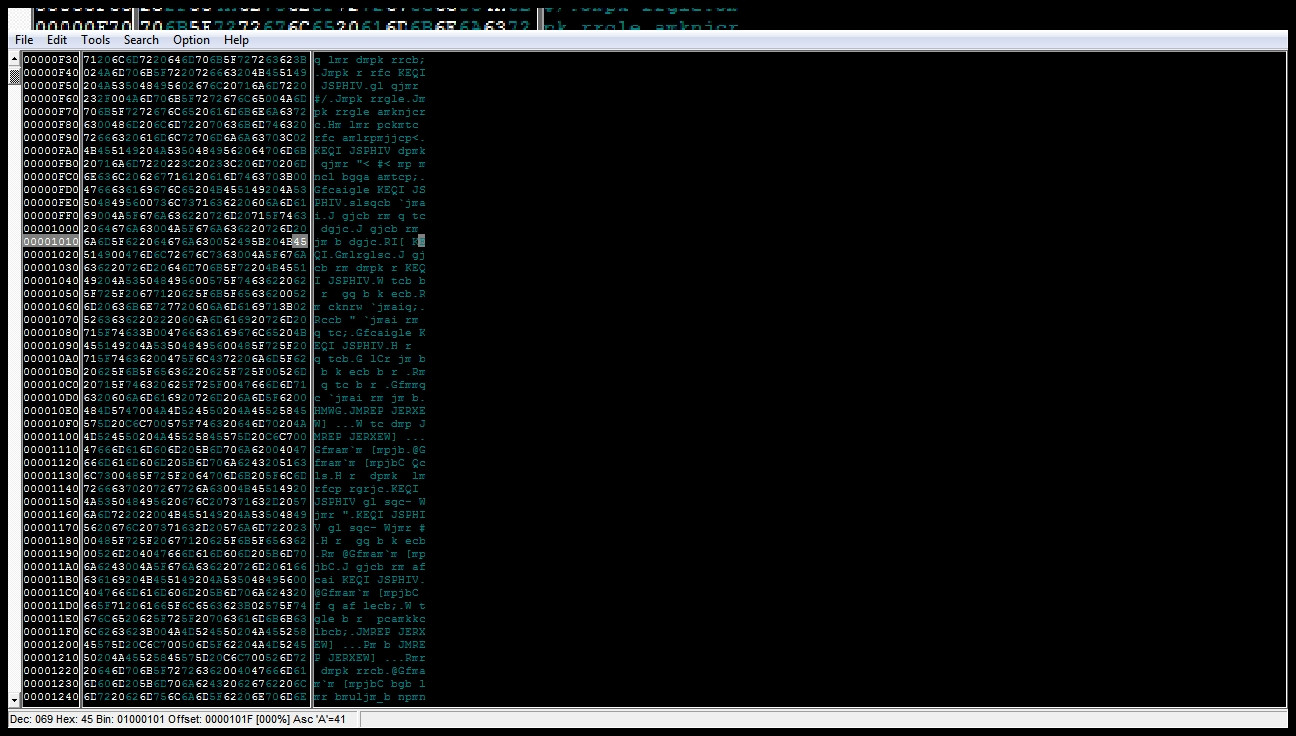
The one does affect the screen title's text is in mngrp.bin.
Exactly, it locates at $101A for "NEW GAME" and $1023 for "Continue". Screw the text with an hex editor and you'll see the change.
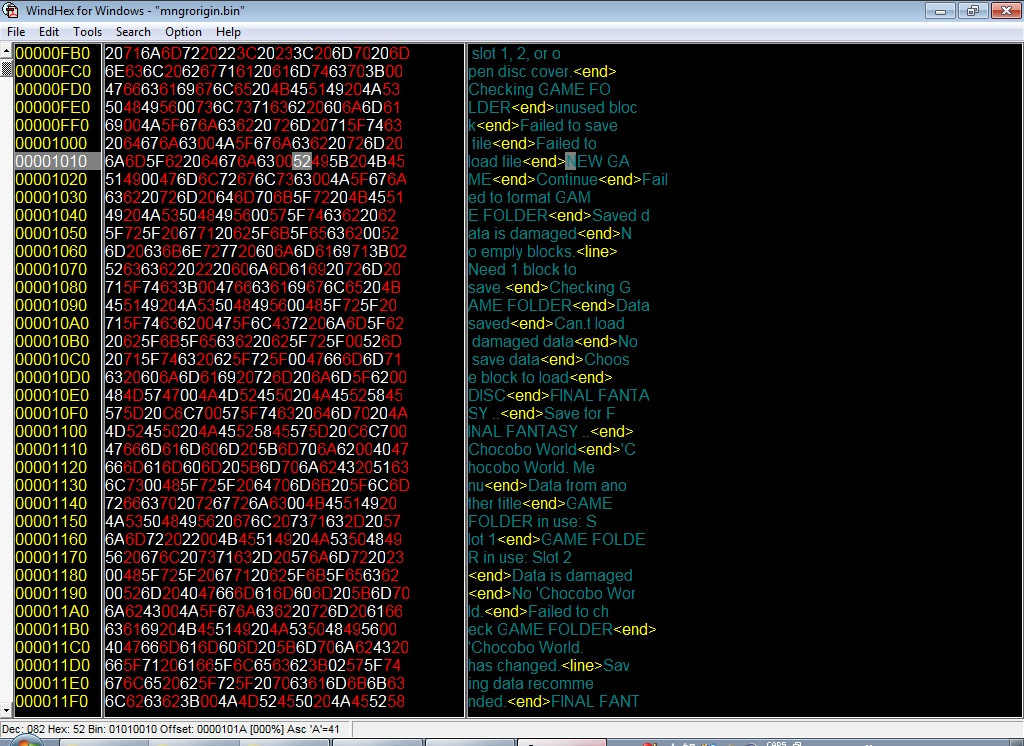
I opened mngrp.bin with XVI hex editor and went to this address $101A but couldn't find the NEW GAME text. Can someone please explain to me, in a better way, how this works, because when I'm using 4v3r's ff8msg tool, the tiny edit to mngrp.bin corrupts the file. So i tried to use the XVI editor. But can't understand how it works. I even tried to search text but came up with no results. Please do not ignore my message! I'm trying to edit the start screen text. Thanks!
 
Is your file the original one?
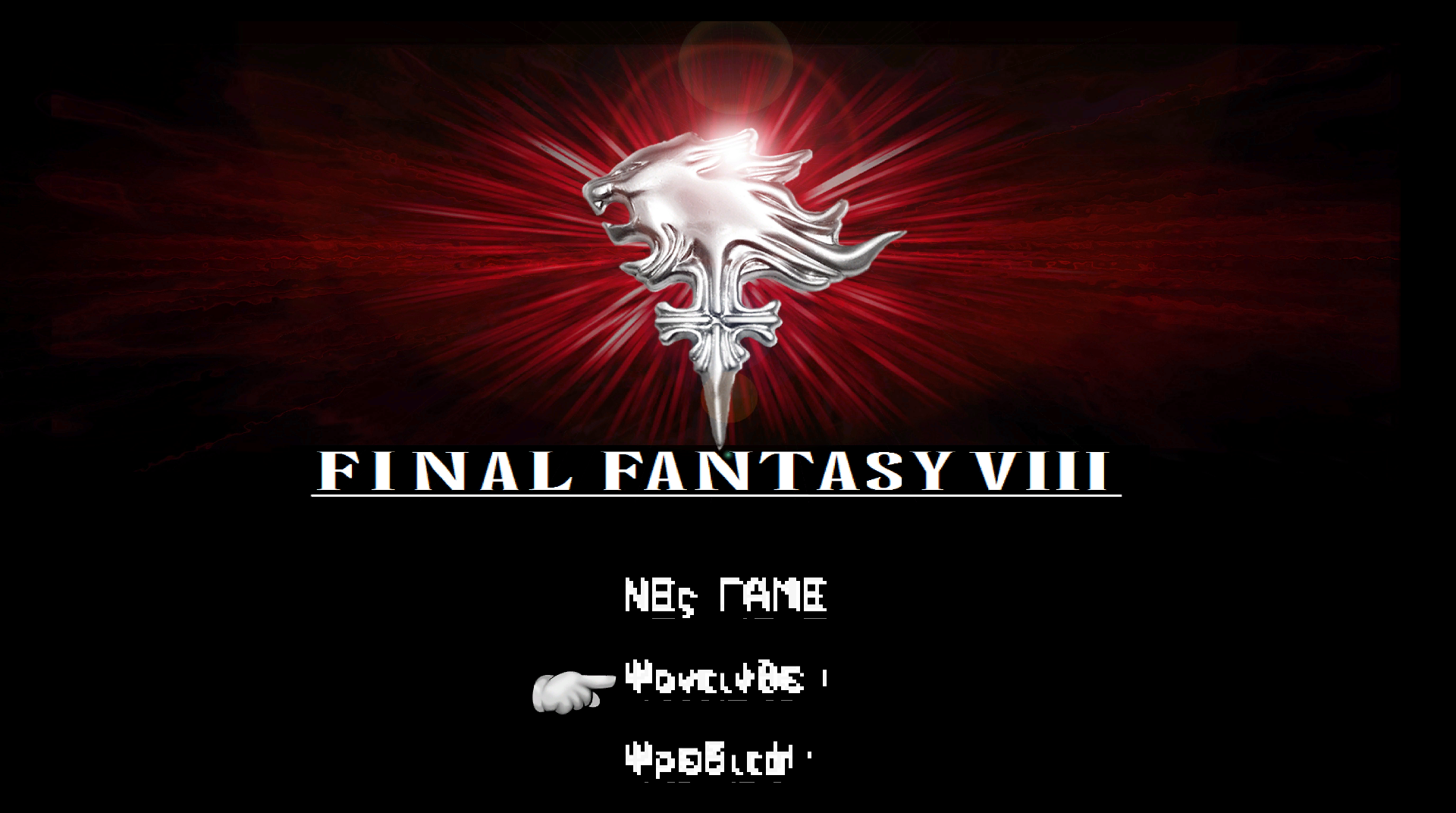
As you see below, the NEW GAME locates at the $101A, if you can't find it, properly you are using a hacked one and the text moved some where.

xmSHFfx.jpg
 
That is the same values, not the same encoding, look at values on the left.
 
I don't understand! What about encoding! I sent you my skype. please guide me through. This is a torture!!!
 
Last edited:
And yes I'm using the original mngrp.bin file of course! From the old pc release. So anyone...? What do I have to do to see the text?

So there's no solution about this...??? I'm desperate now... watching the start screen like this for eternity...
 
Last edited:
Winhex display text in the right panel based on your value in the table file.

For example, if you definite as below in the table

6A=o
6D=p
5F=e
62=n
20=s

then in the right panel, it's displayed as "open"....

The text in the right panel is not that so important, because it varies based on your table file.
 
Status
Not open for further replies.
Back
Top