[PSX/PC] Field Editor - Makou Reactor (2.1.0)

  • Thread starter Thread starter myst6re
  • Start date Start date
Status
Not open for further replies.
Hey, I'm editing the PSX version and I wanted to know if there was a fast way to Autosize all text windows (the entire field directory)? I seem to only be able to do it individually.

 
Use touphscript tool.  Use decode encode and it will do it for you.  You can also set it to strip out unused texts and scripts.
 
Use touphscript tool.  Use decode encode and it will do it for you.  You can also set it to strip out unused texts and scripts.
Doesn't touphscript only work for the PC version?
 
Well if Makou Reactor currently doesn't have this feature, may I suggest adding a feature in the "Miscellaneous operations" section for a "autosize all windows"? That would be a great edition.
 
Where is the option for it?  I do not see it in the options anywhere that I can open.  Is it coming in a new release or a small update?
 
Is it possible to move the models on the walkmesh when creating a position instead of typing in the cords (maybe as a advanced option)? Ideally it has the walkmesh placed over the BG.
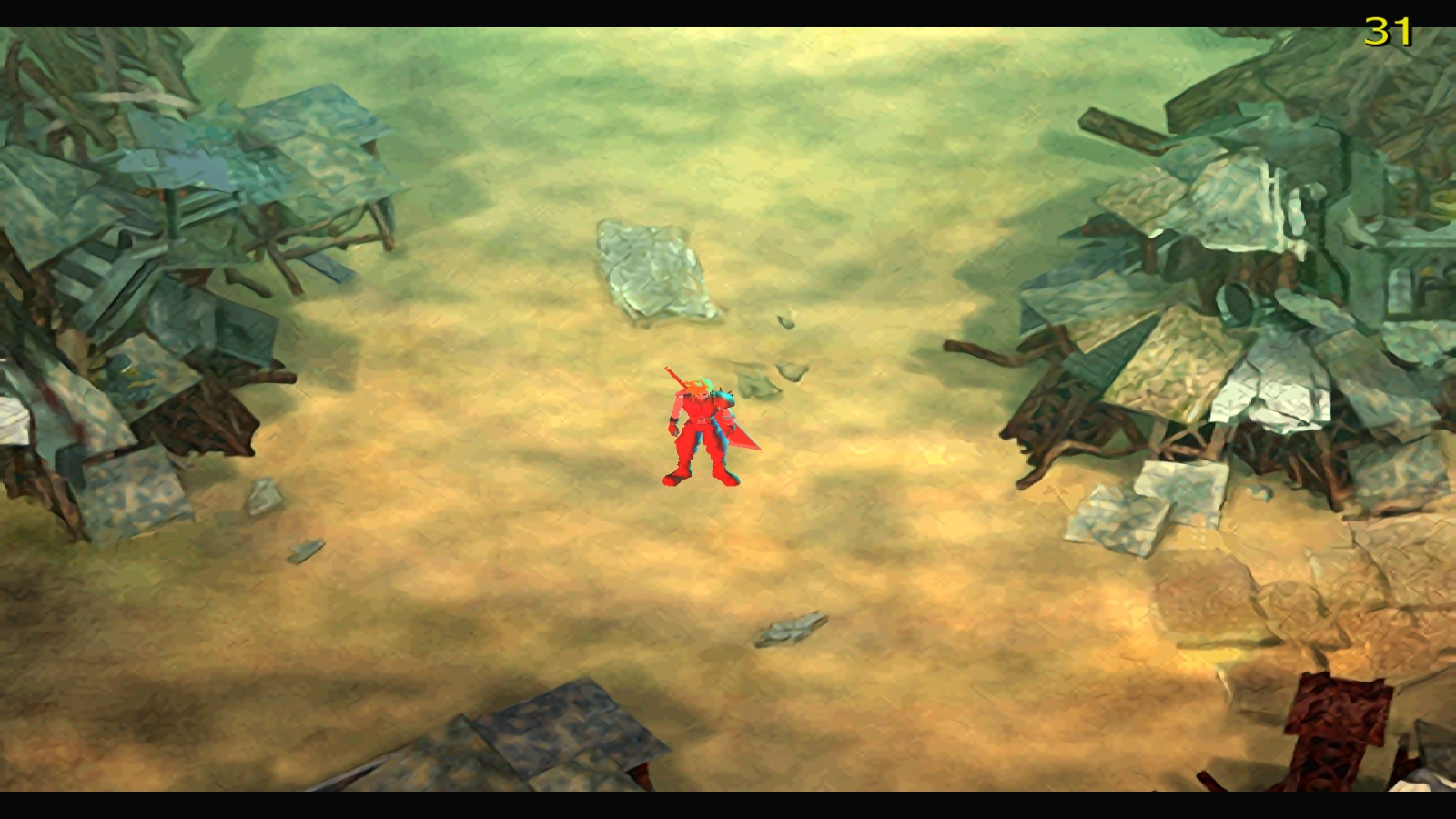
 
Is it possible to move the models on the walkmesh when creating a position instead of typing in the cords (maybe as a advanced option)? Ideally it has the walkmesh placed over the BG.
I second this. Also if the move model command could be given a target position in the same manner.
 
Is it possible to move the models on the walkmesh when creating a position instead of typing in the cords (maybe as a advanced option)? Ideally it has the walkmesh placed over the BG.
That is an awful lot of work and it wouldn't do you much good.  You are better off using Ochu where possible, which can change all field models positions and while in game. There is no way changing positions on the walkmesh can be beneficial.
 
I'm better to use only one program if possible. I have enough work with Bitrun, pCreator, Blender, 3DWings and Kimera only to edit a model. The benefit is that it is possible to make complex movement scripts in a much faster time. With Ochu I have to start the game, have to make a plan how the route does look that a certain NPC is walking, have to write down the cords and then I have to take them over to MR into the script. If everything is good I like the result, if not (which is most likely) I want to change certain positions which let me do the whole thing again (if I'm lucky I don't need to reopen FF7 because I have foreseen that this will happen). If I can edit the (movement)position visibly I spare simply time and have more time for the creative process. And because we all do moding the game in our spare time (which is currently for me near zero), a time win and less complex method will bring us more advanced mods.
 
But how are you going to know where to place the characters etc if you have no in game reference?  Doing it on a walkmesh is futile....  you dont have any visual reference? Seems like it be a lot of confusion, but you seem to have it figured.  8)
 
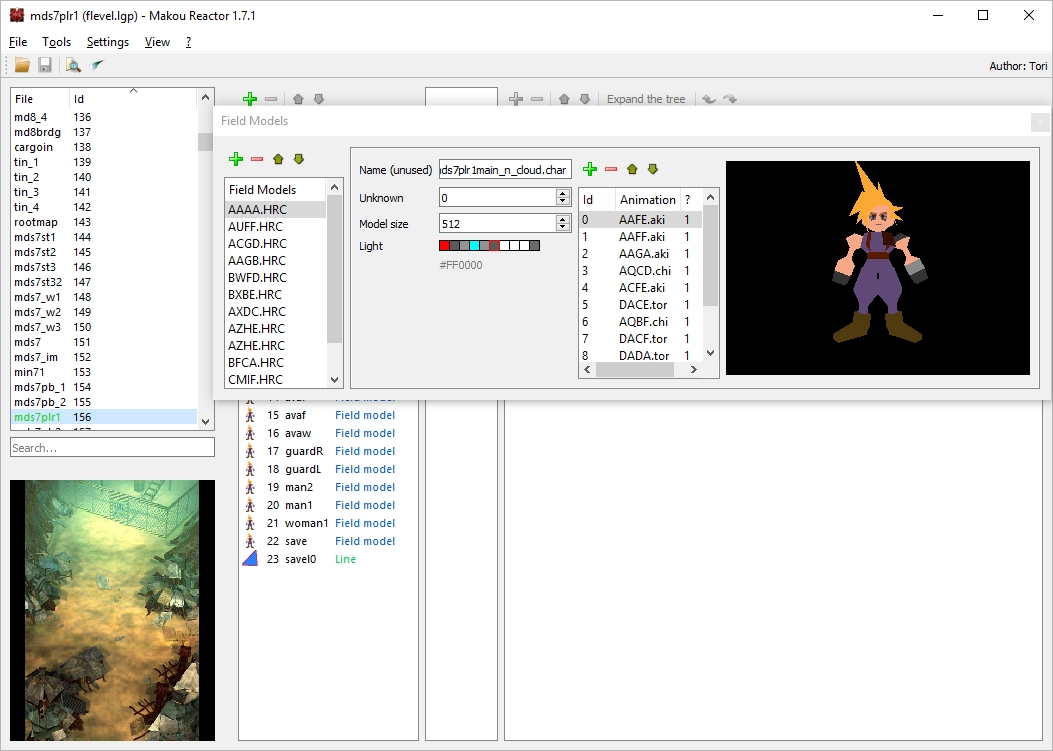
I currently investigating the light setting in the model loader. I absolutely sure that not everything is a color but coordinates from where the light comes. At the moment I only can say that the color in the right is setting the models global light color.

Edit1:
So I made the whole list white (except the last color at the right) and the model has no light shading. So I started to give the model its correct color settings back step by step. I only changed the first two and get an effect. That's what I have found:
LyE1zzd.jpg

ntIubNX.jpg

The first defines the color while the second defines its source as well as the third.
It probably has that structure
1 color - direction one - direction two (maybe decides if far or near)
2 color - direction one - direction two
3 color - direction one - direction two
4 global color of the model
 
Last edited:
And here is my request.

At first change the light section to the color groups and their directions. Second add to the model viewer the three lights to see the effect immediately (also add a way to rotated around the model.

I assume that the ambient light can change the 3 lights and the light shader the global color of the model.
 
Anyone know how opcode 7f works?  I assumed that if I set the generator to a certain number that all random numbers generated by opcode 99 would then follow a pattern.  But this doesn't seem to happen.
 
"Seeds the random number generator used by RANDOM. The lower four bits of the arguments are used as the seed value by altering the offset used to take a value from the table of pseudo-random numbers. "

try setting only the lower 4 ?  it does seam that it should allow you to get a pattern as you will ge setting the seed. unless they are also using some cycle count or time check when making the random numbers.
 
I think the latter might be how it's working.  But I use Ochu with my save states - that can reset all vars to exactly as they were... and it still changes. So maybe other things to consider other than vars / time.
 
Status
Not open for further replies.
Back
Top