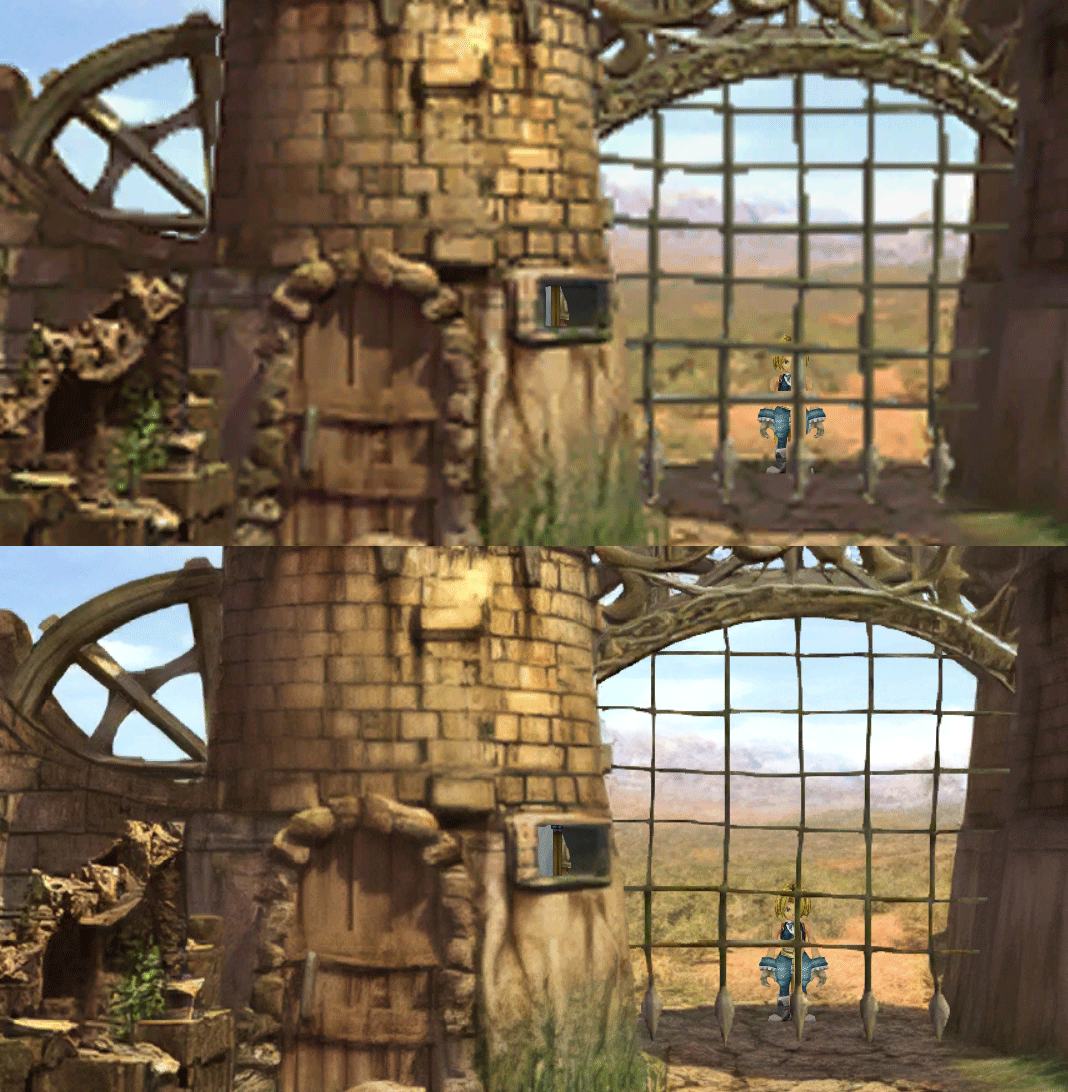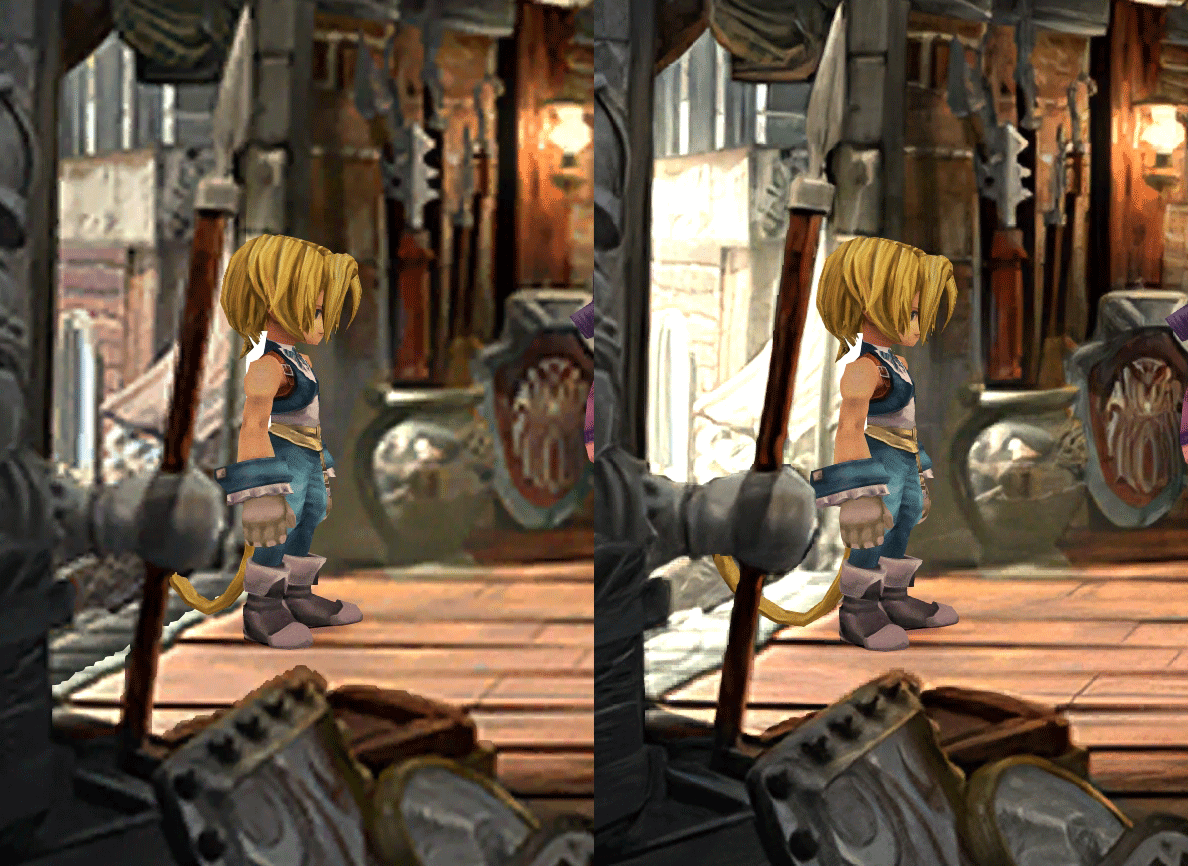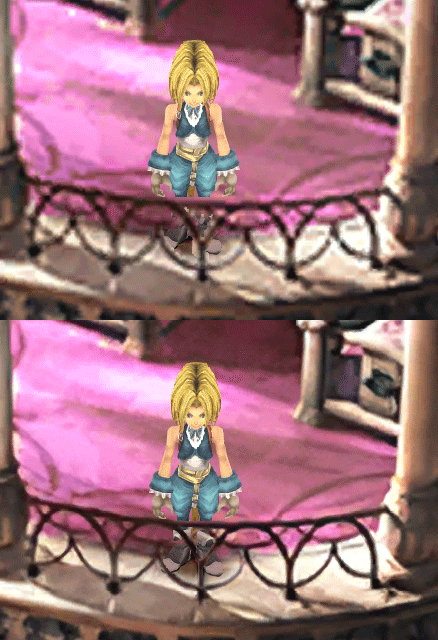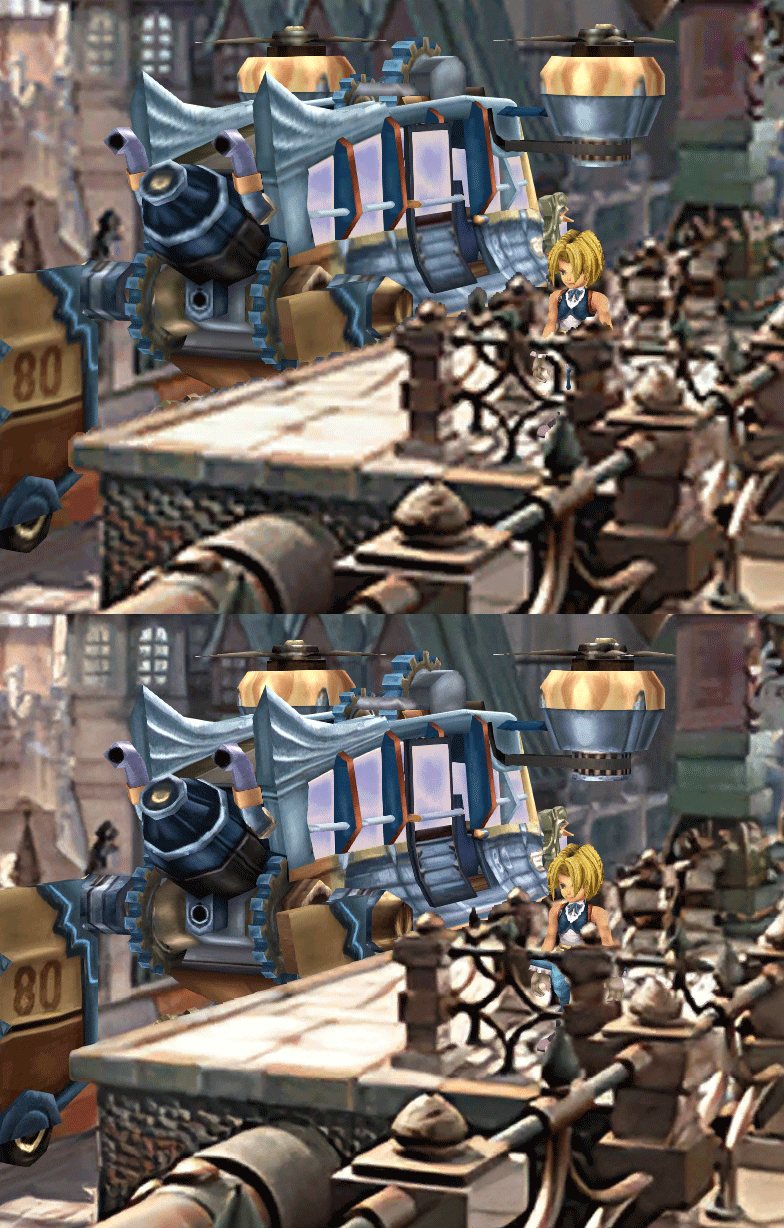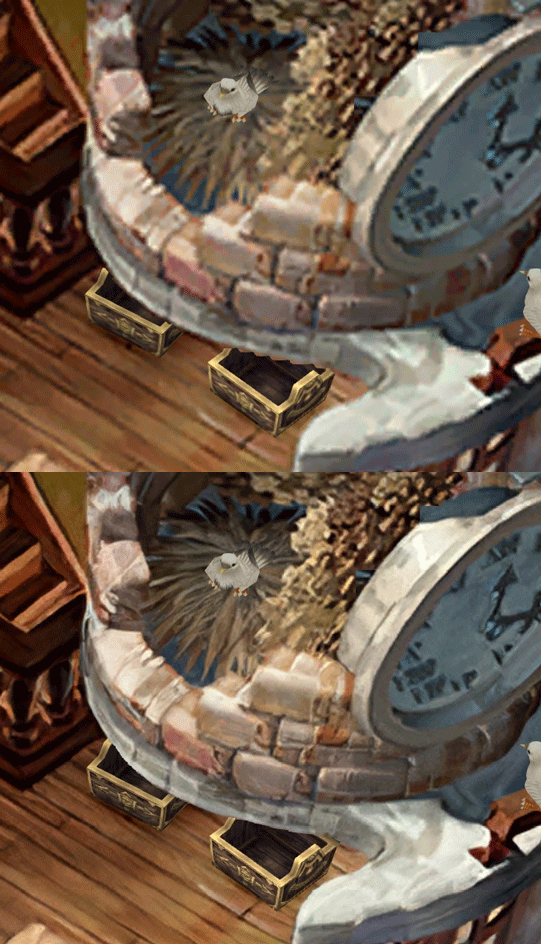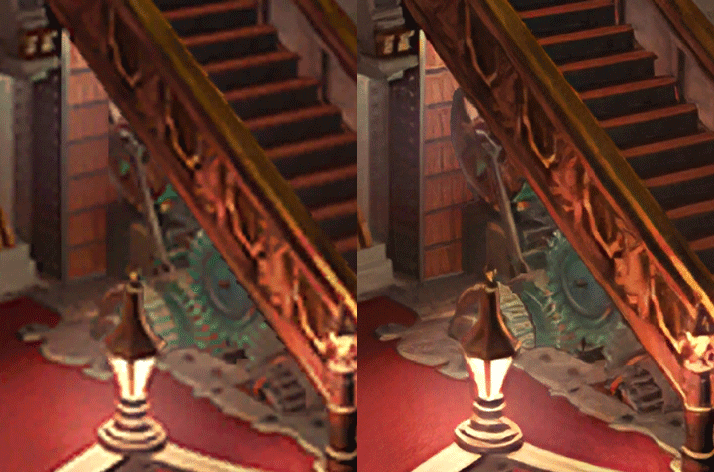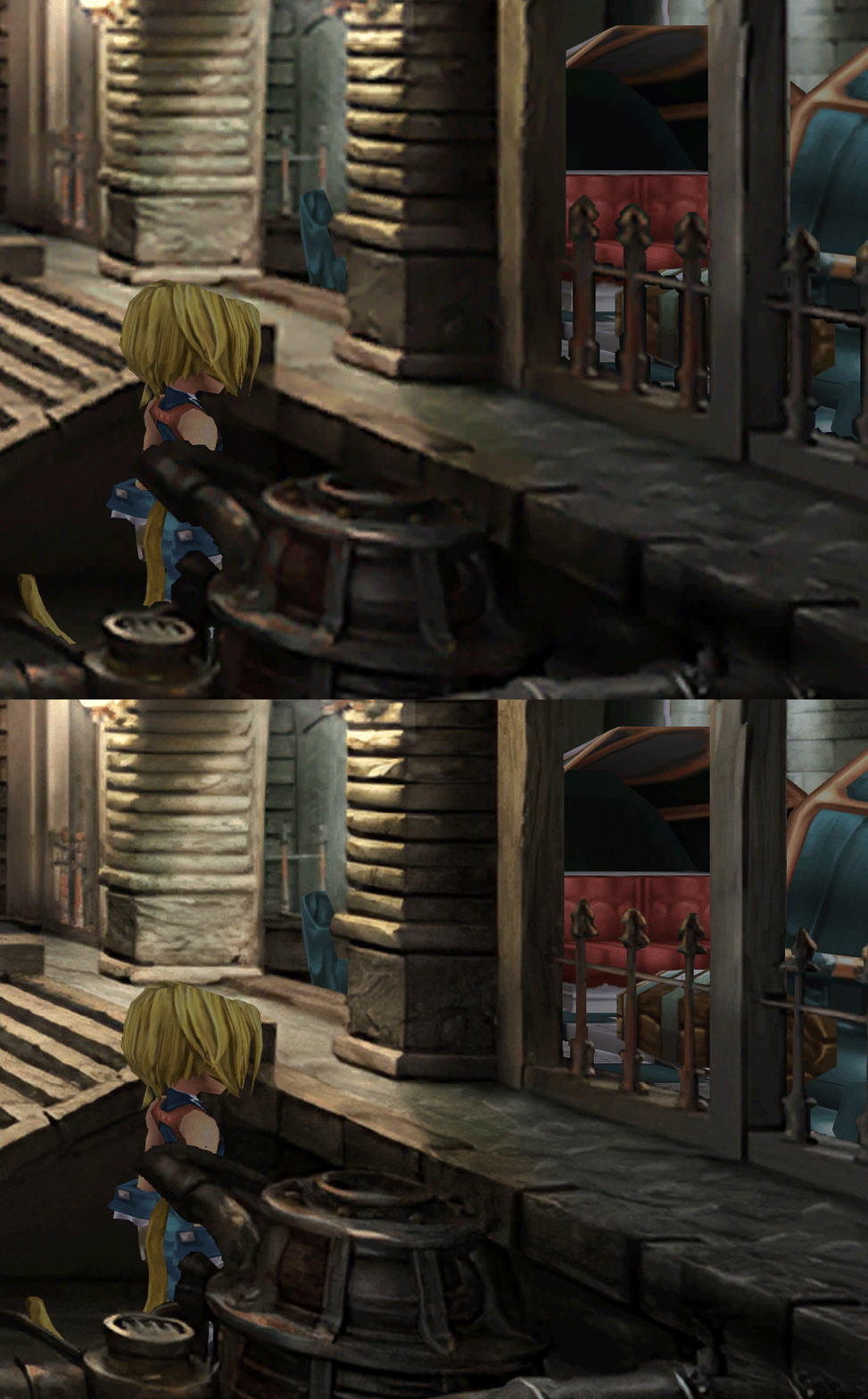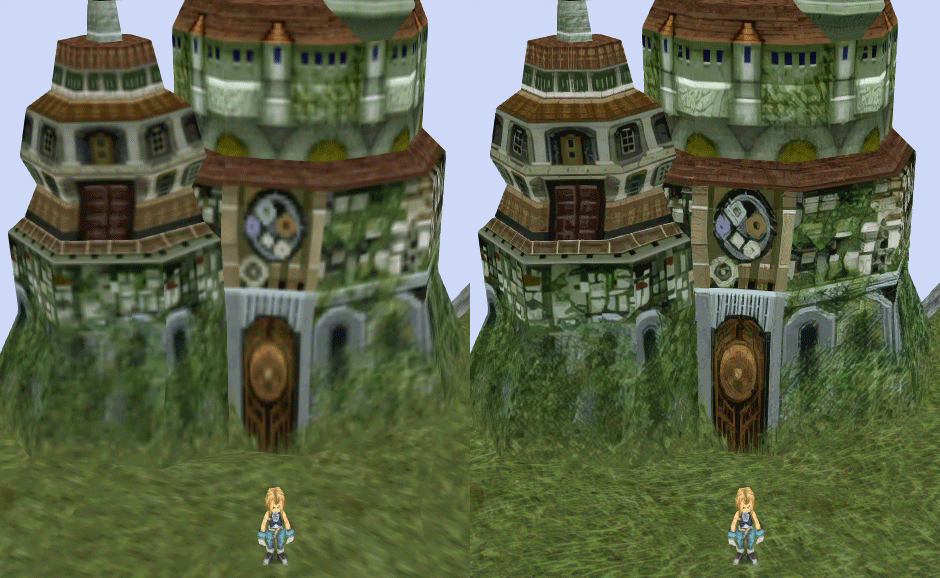
[FF9 PC] Moguri Mod update 8.2 (LIVE ON OFFICIAL SITE)

  • Thread starter Thread starter snouz
  • Start date Start date
Status
Not open for further replies.
s6YQdFA.jpg
eY0jRJ9.jpg
Kr5wC8e.jpg
lc1gfLK.jpg
JrssSrE.jpg


D O W N L O A D

THE UPDATE HAS NOW GONE LIVE OFFICIALLY


NEW 2020-05-23 - MOGURI 8 BETA V5 changelog -> Make a shortcut of the file to your drive then go into your drive, find the shortcut there and click "make a copy"
(outdated) 2020-05-11 - MOGURI 8 BETA V4 changelog
(outdated) 2020-05-04 - MOGURI 8 BETA V3 changelog
(outdated) 2020-04-28 - MOGURI 8 BETA V2 changelog
(outdated) 2020-04-23 - MOGURI 8 BETA V1


I N S T A L L _ G U I D E

[size=10pt]IF YOU DON'T HAVE MOGURI INSTALLED
1) Extract and replace the files in the .zip to SteamLibrary\steamapps\common\FINAL FANTASY IX\

IF YOU HAVE MOGURI INSTALLED (not required!)
1) If you installed it before 2020-04-2, uninstall and re-install Moguri again (SquareEnix pushed a Steam update that temporarily broke the game and Moguri)
2) Extract the content of StreamingAssets in \Program Files (x86)\Moguri Mod\StreamingAssets\
3) Extract \x64\FF9_Data\resources.assets & \x64\FF9_Data\sharedassets2.assets to SteamLibrary\steamapps\common\FINAL FANTASY IX\x64\FF9_Data\
   but DON'T replace Assembly-CSharp.dll

To check you have the right version, here's how the first frame should look
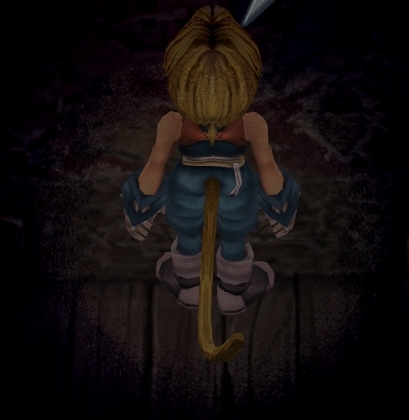
X6tHnEA.jpg


1) In steam, right click the game, go to "properties...", go to the LOCAL FILES tab, click VERIFY INTEGRITY OF GAME FILES. This will re-download the original files, but your saves are still intact.


p0data2.bin - Battle backgrounds
p0data3.bin - Worldmap textures
p0data4.bin - NPC, monsters and background items
p0data11.bin to p0data19.bin - Main backgrounds
resources.assets & sharedassets2.assets - UI stuff (maps, title screen...)
Assembly-CSharp.dll - The patched file that allows for the augmented resolution of backgrounds. (The one here and the one in moguri are different)

Note: If you have uninstalled Moguri and/or Memoria and you have names like ZidaneZidane, ViviVivi, you can salvage your save with this tool: https://www.ff7catalog.com/threads/7672/
Note: Alternate Fantasy is not currently supported.
[/size]


F E A T U R E S

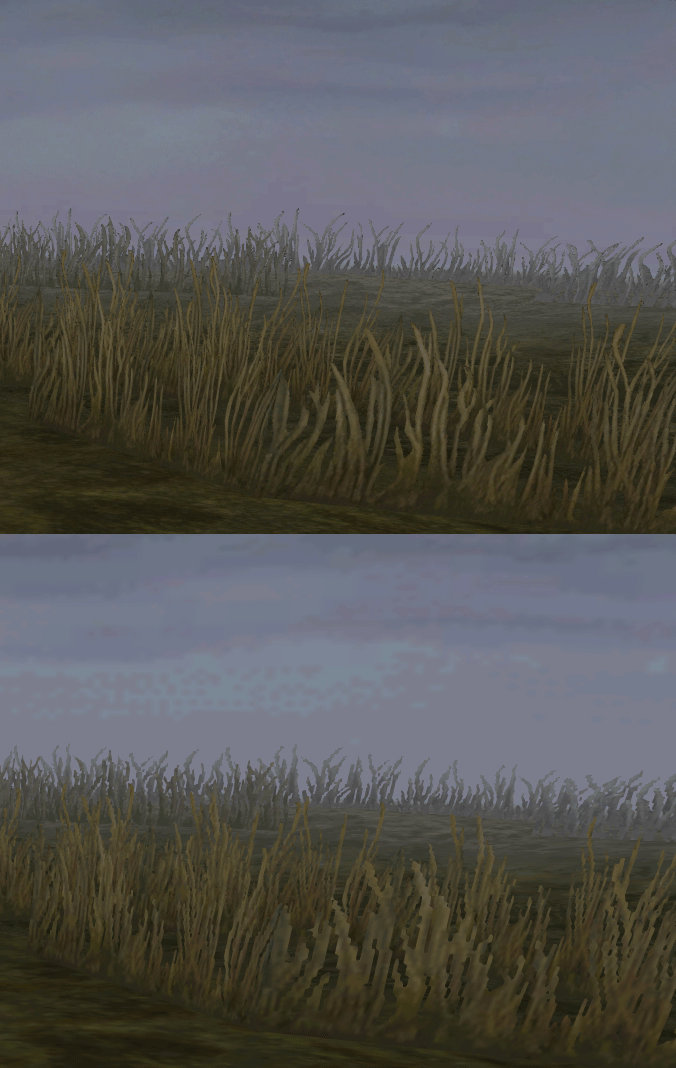
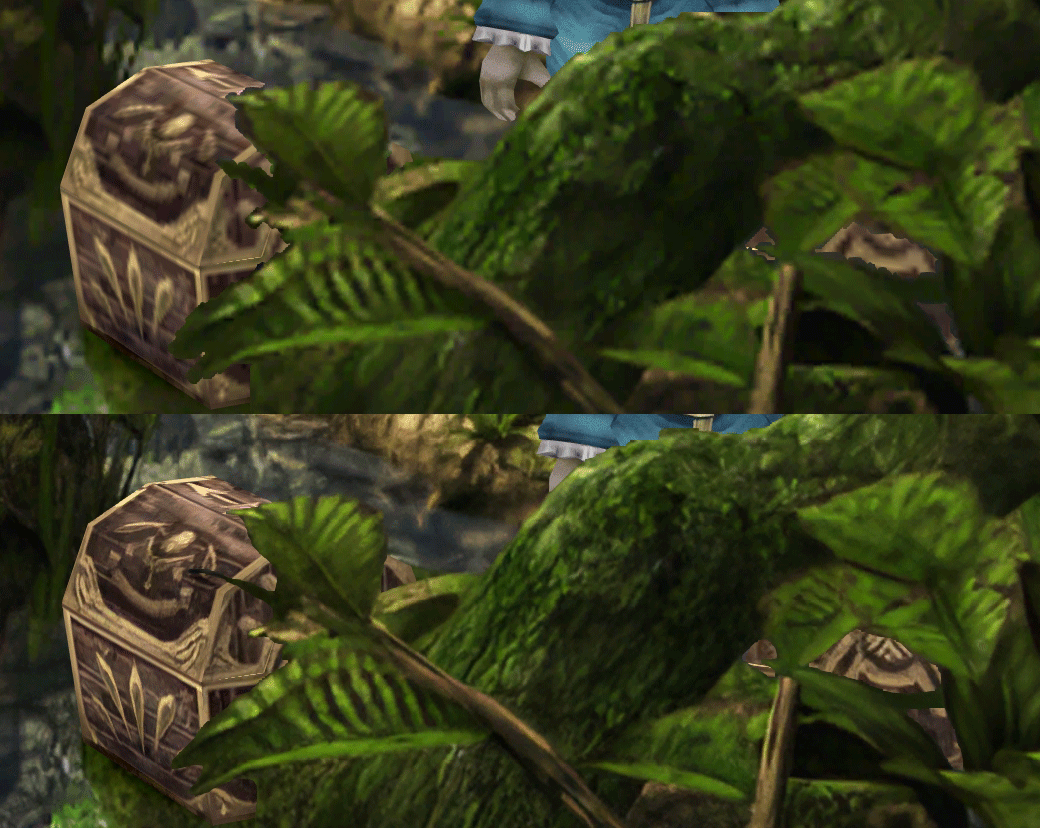
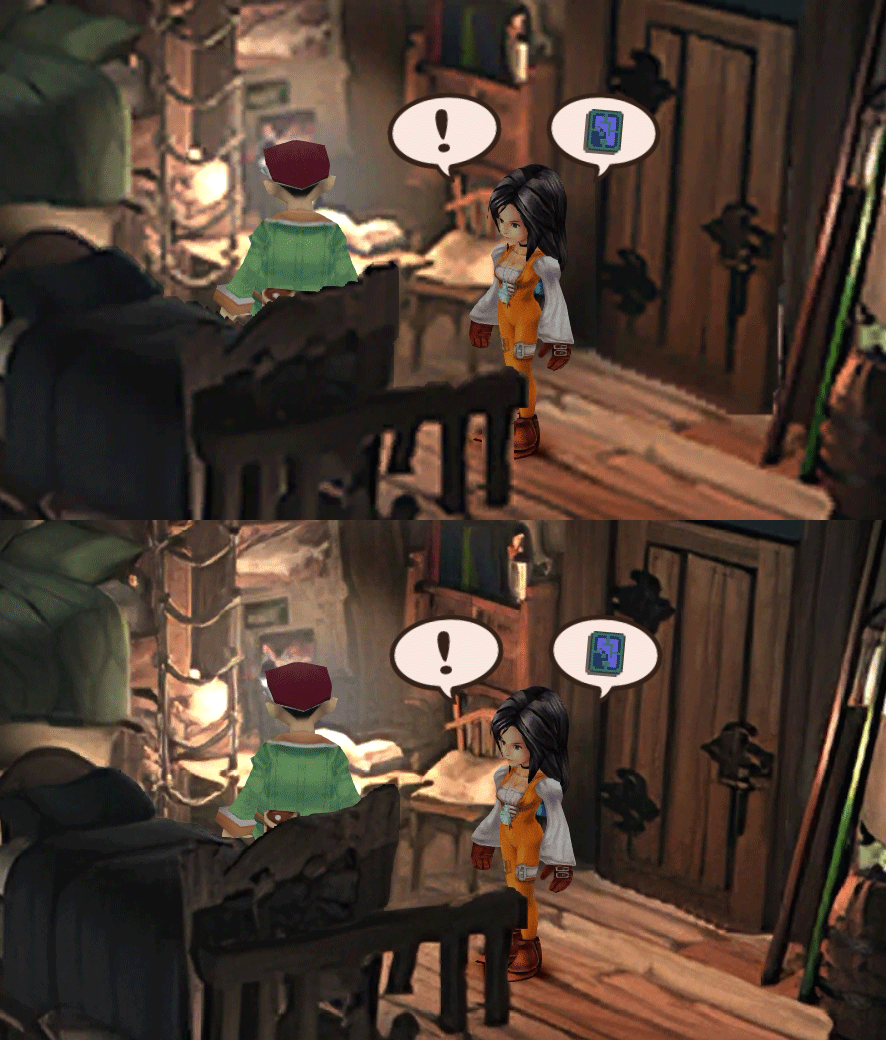
  • Backgrounds
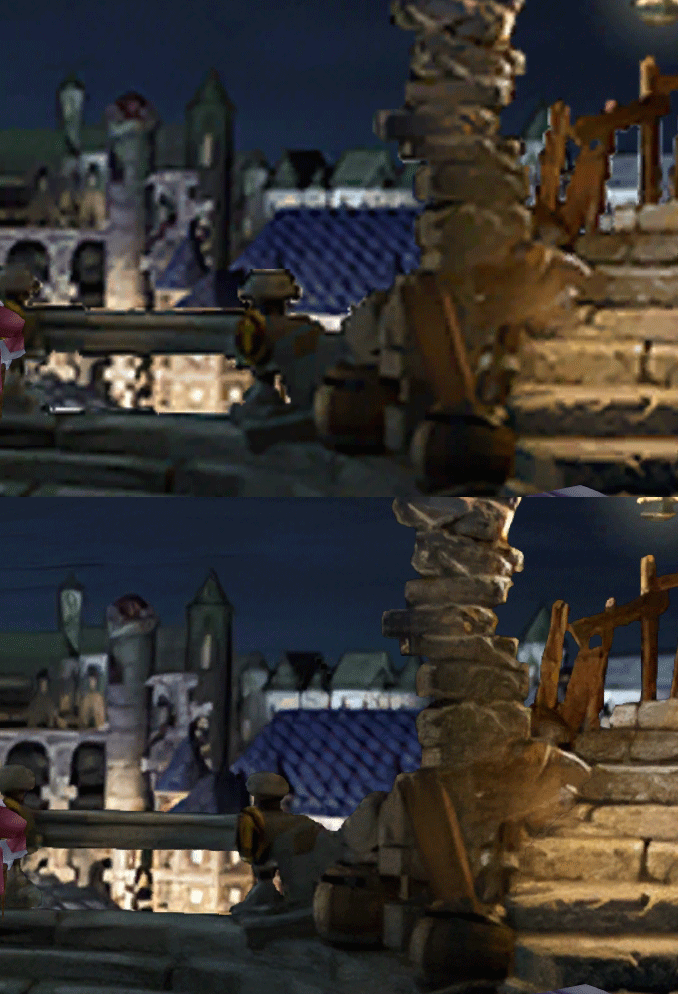
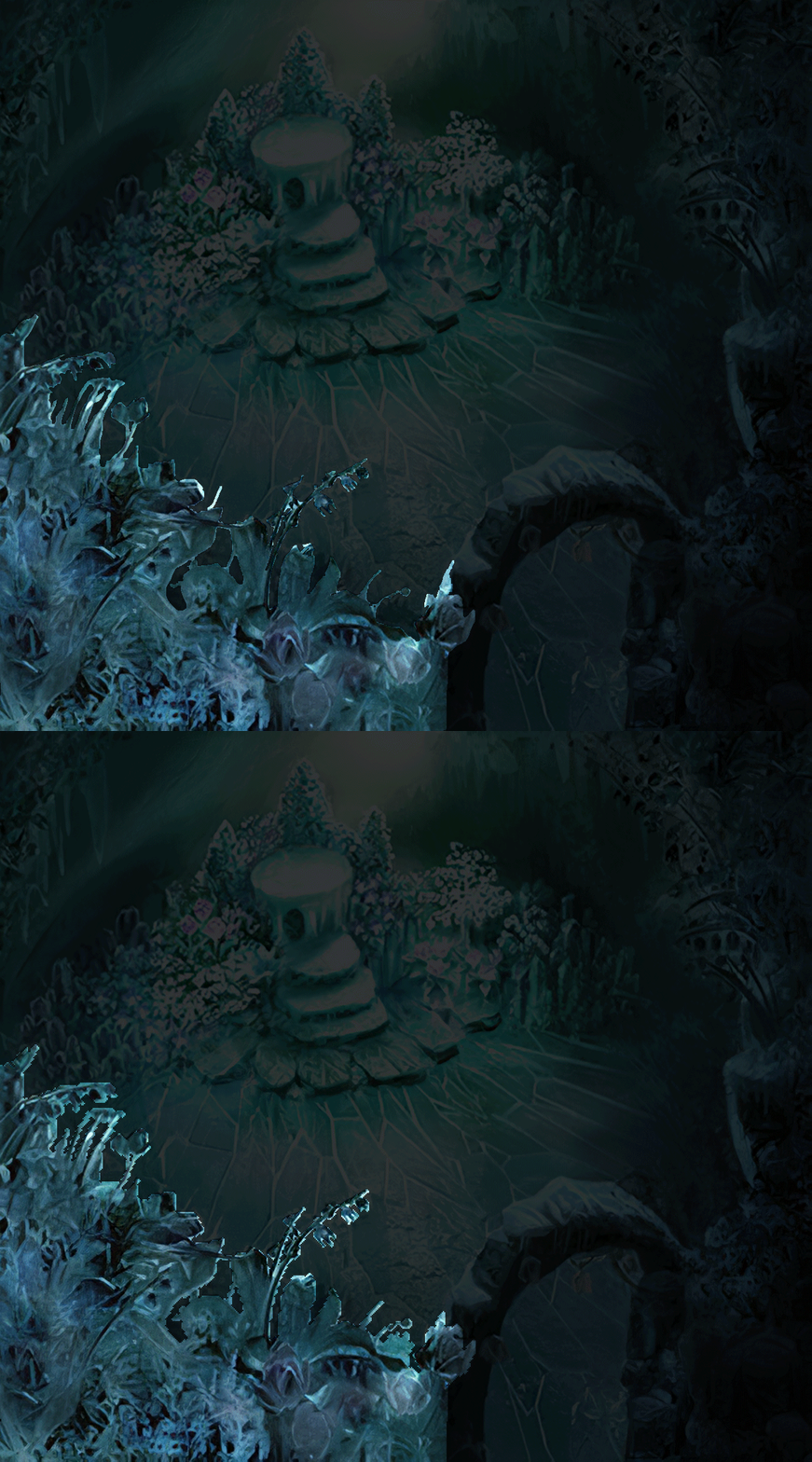
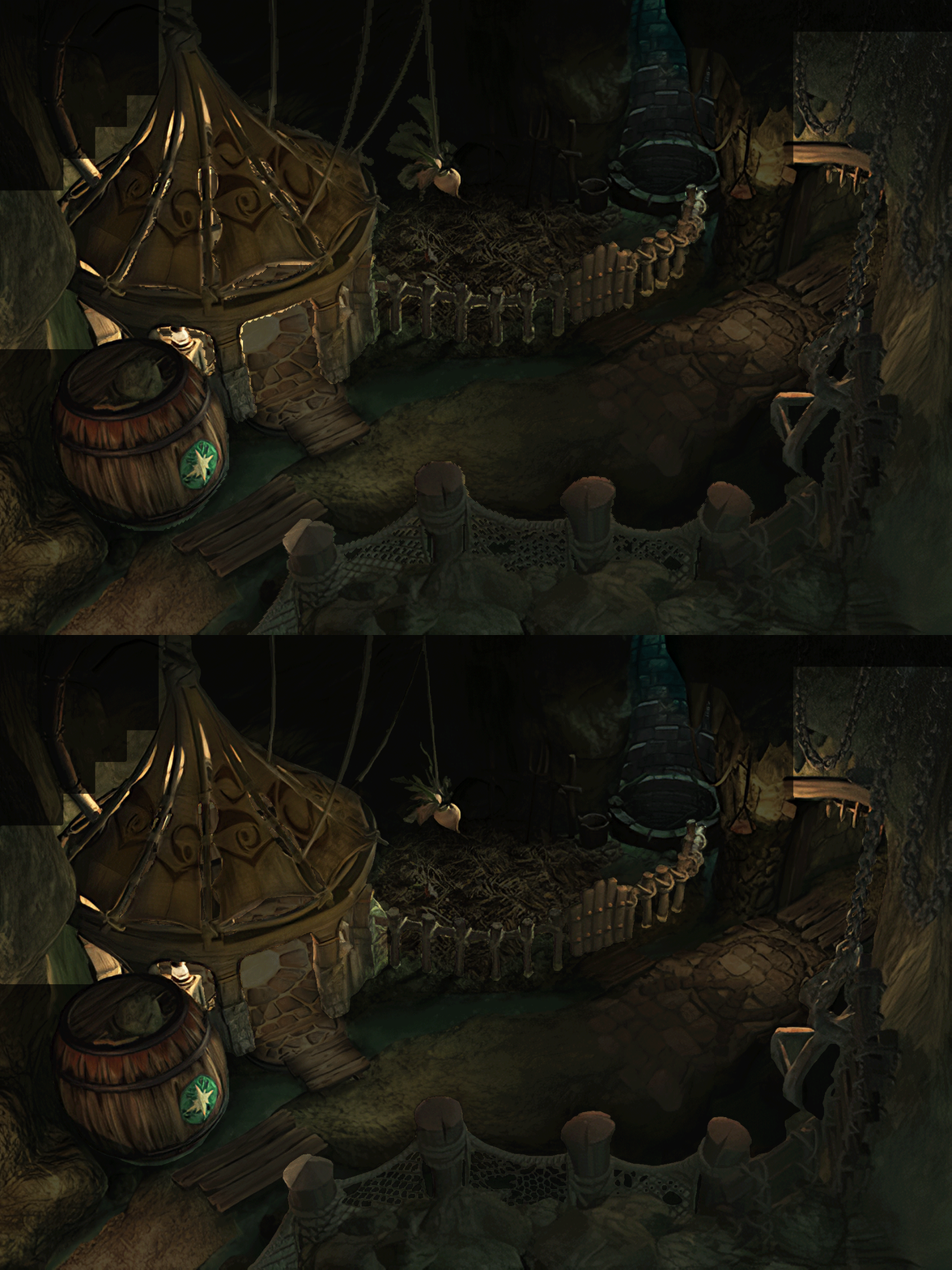
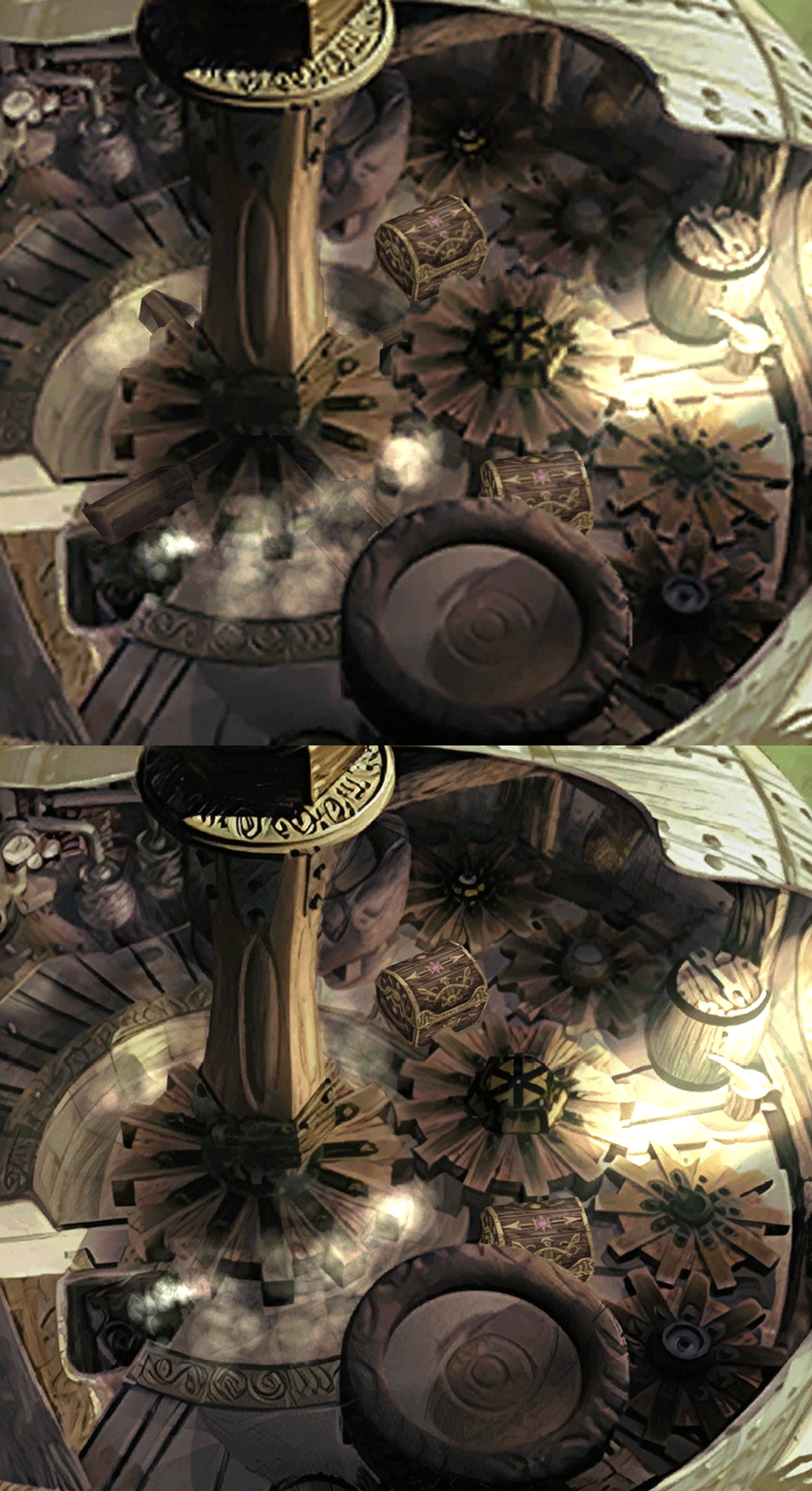
  • Fixed : almost all visual glitches
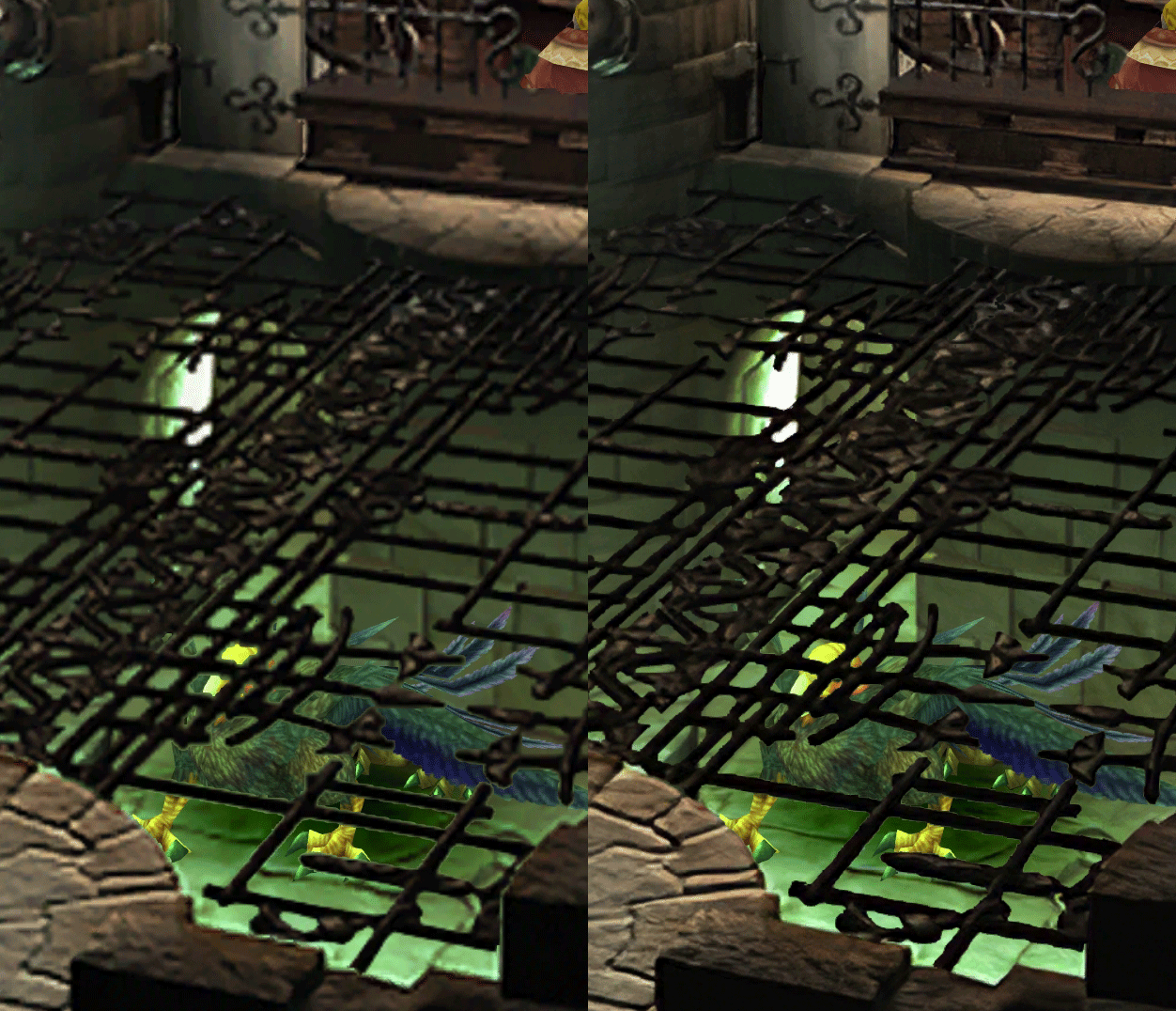
  • Redrawing of all layer edges (all 11000+)
  • Cleaner / sharper graphics (all 6000+)
  • Better & cleaner lighting (all 1400+)
  • Countless manual image doctoring
  • Manually redrawn some parts (some partially based on portfolio images by Wesley Cann & Behrooz Roozbeh)
  • Background animations better integrated
  • Several bugs from the Steam & PSX versions fixed
  • Recreated all places names with original fonts (for English and French, rest to follow)
  • Seamless scrolling skies & backgrounds, removed 'staircase' edges
  • Recreated baked in textures NPCs
  • Background objects
  • HD background 3D objects
  • HD NPC (with exceptions)
  • Worldmap
  • HD worldmap textures (upscaled and manually redone, mostly seamless and faithful)
  • Subtly moving seas
  • HD worlmap items (ships...) textures
  • Battles
  • HD monsters (with exceptions)
  • HD battlefields with redrawn edges (exceptions for animated textures)
  • Seamless skies (not 100% on point)
  • Fixed missing monster death sounds (credit: Tirlititi)
  • UI
  • Recreated faithful HD maps
  • Recreated Start menu and game over screens
  • Character portraits edges


OLD POST

2020-04-23 - Finally, here's a beta file of the backgrounds!
For those who chose to install it, please screenshot any problem or potential improvement, as major or minor it is.

If you can't post in this thread, you can contact me on reddit


Other parts of the mod available to download:
[size=14pt]NPC & Monsters HD V2 DOWNLOAD
Battle Backgrounds HD V1 DOWNLOAD
Worldmap HD V2 DOWNLOAD
UI Stuff V1 DOWNLOAD
Maybe save the original files beforehand

-------------------------------------------------------------

Hi everyone,

I'm making a thread to track my progress with my reworking of Moguri since June 2019

◈ Finishing touches, corrections & testing ◈
chat_loader.gif

◈ Backgrounds masks (redrawing by hand) ◈
⬛⬛⬛⬛⬛⬛⬛⬛⬛⬛⬛⬛⬛⬛⬛⬛⬛⬛⬛⬛ | 100% | 678/678

◈ Blended/light layers upscaling ◈
⬛⬛⬛⬛⬛⬛⬛⬛⬛⬛ | 100% | 1479/1479

◈ Re-drawing of transparency for fight scenes textures ◈
⬛⬛⬛⬛⬛⬛⬛⬛⬛⬛ | 100% | 186/186

◈ Monster texture upscaling ◈
⬛⬛⬛⬛⬛⬛⬛⬛⬛⬛ | 100% | 124/124

◈ NPC texture upscaling ◈
⬛⬛⬛⬛⬛⬛⬛⬛⬛⬛ | 100% | 150/150

◈ Item on field texure upscaling ◈
⬛⬛⬛⬛⬛⬛⬛⬛⬛⬛ | 100% | 101/101

◈ Worldmap re-texture ◈
https://www.ff7catalog.com/threads/13434/
⬛⬛⬛⬛⬛⬛⬛⬛⬛⬛ | 100%

◈ Place names upscaling (when introduced to a new place) ◈
⬛⬛⬛⬛⬛⬛⬛⬛⬛⬛ | 100% | 44/44


◈ (background) Videos improvement ◈
(⬜⬜⬜⬜⬜⬜⬜⬜⬜⬜⬜⬜⬜⬜⬜⬜⬜⬜ | 0/18) -> might try this in a next update

◈ Extra ◈
-Backgrounds were improved with various ESRGAN models
-Numerous visual corrections
-Upstairs of Dali's Windmill debugged / recreated
-Removed seams in scrolling sky/smoke/sand textures.
-re-created a lot of sky textures for fight scenes, making them seamless and beautiful: 64
-regenerated the battle textures to remove white outlines
-corrected a bug with animated textures in battle scenes
-Multiple other bugs ironed out

◈ Ideas for later ◈
-drawing shadows for some chests/items
-look if I can improve fluidity of the videos with AI video interpolation: https://github.com/sniklaus/pytorch-sepconv (can't make it work yet)
-upscale contextual FMVs?
[/size]
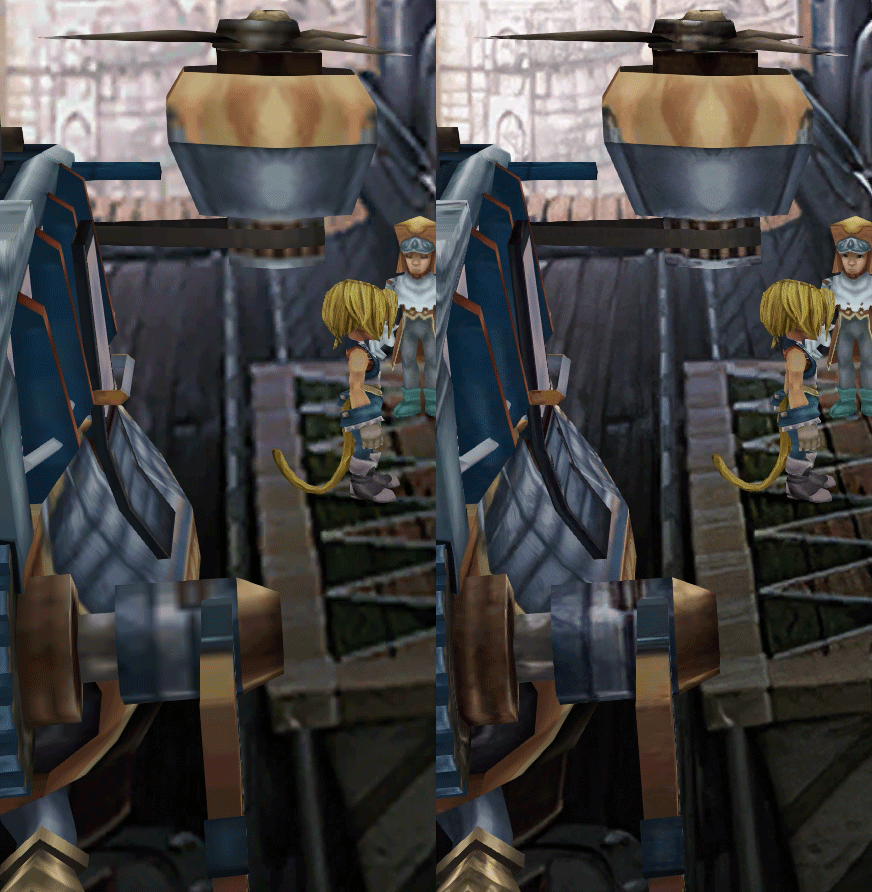
SCREENSHOTS

Click to enlarge
K78WnLu.gif

10pTbFs.gif
E8YADyT.gif
6RS2mEC.gif
OsoRNFn.gif
MVfMxaM.gif
uphBfuD.gif
YGwOCGG.gif
skQq07o.gif
xIcTyUR.gif
Z6k2Zyt.gif
XqomUcu.gif
SSBTwSa.gif
1GGTsJM.gif
eaTQUVb.gif
qKjYKR1.gif
13yOtwo.gif
 
Last edited:
M
has anyone gotten scale battle UI to work with 8.0b3 AND the sound replacement/loop fix?

might be getting greedy to ask for all 3. but the stock UI is such an eyesore. cant really believe how much different it is than the original PSX version
 
S
Fixed. :3
Marvelous!
I can confirm it works correctly now, and I could confirm the fix for the place names.

NEW 2020-05-11 - MOGURI 8 BETA V4

Changelog
Backgrounds:
-Problems fixed / improvements : https://imgur.com/a/eiORBXN
-Selection of 116 backgrounds to suffer no compression (to prevent artifacts on some shadings) -> that's why download is 3Go
-Hardcoded fix for prison doors (PSX bug)
Worldmap:
-Upscaled characters and ships (except chocobos)
-Moving water (repolished)
Sound:
-Added monster death sounds fix by Tirlititi


I've sent the files to zePilot, so this will soon be packaged with Memoria and the installer as part as the official 8.0 update.
 
Last edited:
C
Amazing work as always!

About the sound fix, does it require coding changes to resources.assets or the assembly? asking cause i haven't seen p0data61-63, which is where audio files are stored
 
S
Last edited:
S
Are the soundfix files already inside the moguri mod or are they gonna be in them in the future ?
 
S
Are the soundfix files already inside the moguri mod or are they gonna be in them in the future ?
There are a number of sound fixes included, but the replacement of sounds with those from PSX is not happening. Except if someone finds it important enough to redo it (can't ear the difference myself).
 
P
In this picture of yours, the rope is different bellow and above the well although it is supposed to be the same. The rope bellow the well looks good. The rope above the well is so-so. You could try to copy the rope from bellow to above. It would look nice.
 
S
First post here and gota say your work is absolutely amazing thanks for making one of my favorite games of all time even better!

While testing I noticed the moon has a square outline around its image during the Odin summon animation.  I have a screenshot below:

https://imgur.com/CRBsdLl

Not certain if this is only something I'm seeing on my end or if this is something everyone sees for version 4.  Good luck on your future edits, and I'll post anything else I find!
 
S
While testing I noticed the moon has a square outline around its image during the Odin summon animation.  I have a screenshot below:
Unfortunately, nobody has figured out how to edit eidolon and other battle animations. There's an interesting deep dive into the subject by tirlititi here$


So I finished replaying the game in fast forward to help inventoring all the screens that should not be widescreen for memoria, and I found a lot of bugs and parts that can be improved. So I now have a directory full of new bug screenshots. Diving into it!
 
Last edited:
L
Hi. First of all thanks for this amazing mod. It has been a pleasure to play FF9 again after years with this level of detail.

I've noticed that there is some problem with background upscaling when there are multiple frames and (maybe) no attempt at all on background video upscaling (please correct me if I'm wrong).
This is because the CNN used here tends to leave random artifacts when upscaling pictures that may not match between frames in a video (or in a sequence that should suggest motion).

However there are many implementations of video super-resolution (on papers with code for example) that should do the trick.
This is an example of EDVR on a video: https://v.youku.com/v_show/id_XMzIwMDEyODU2MA==.html?spm=a2hzp.8244740.0.0
As you can see it's still a good enhance but it's far more stable and less "random" compared to the one used by this awesome mod, making video upscaling possible.

I've also noticed that every video is in OGV format already extracted, so it shouldn't be a problem (it may be more diffucult with animated backgrounds, at least for me).

It's unrelated, but I also made a mod for character faces in the menu. In particular short hair Dagger and Amarant seem off from the original PSX game. I've attempted this edit to "fix" them and used it in my playthrough. Feel free to use it https://imgur.com/a/oVxj3oi
it's a subtle mod, but made a huge difference to me (the gallery features a second and heavier modification with open eyes, I personally used the one with the original eyes and just the "fix" on the mouth).
Edit: https://imgur.com/a/2bbMQHD?fbclid=IwAR1g_pEyjkBWyLdFaNaZuyOu-Uju_FY3EzoEQ4H144rJYwi8McGc57Y3lU4
This is a version that Caledor furthed modified from the one I posted above. He also fixed Gidan and corrected the saturation from my version.

Thanks again
 
Last edited:
I
Hello!

Great work so far.

Only today after upgrading to v4 im having some issues.

I have the double character name issue you describing in your first post.
Also in certain scenes when characters speak with eachother some letters are missing.
I think my save data got corrupted? Not sure if this is something that can be fixed which sucks because i really dont want to start over.
I just recieved Eiko as my party member. So if anybody has a save file around there that would help me.

I hope somebody can help me.
 
C
I have the double character name issue you describing in your first post.
Also in certain scenes when characters speak with eachother some letters are missing.
It's actually one issue and it's related to coming back from the moguri mod and the memoria engine to "stock" ff9, so maybe it's about the assembly c-sharp file if you copypasted v4 carelessly. try using the one from the moguri mod.

For me, editing character names throught the memoria save editor didn't work at all, but using the name changer at daguerreo fixed both issues at once.
 
D
So I finished replaying the game in fast forward to help inventoring all the screens that should not be widescreen for memoria, and I found a lot of bugs and parts that can be improved. So I now have a directory full of new bug screenshots. Diving into it!
Awesome! Are you considering changing "camera distance" ie zooming in to make scenes work in widescreen? Has anyone looked into changing the calculation for where effects are displayed in battle so they calculate correctly for different aspect ratios? (Tirlititi's post on page 5 of this thread but in the assembly csharp file in memoria)

The Gysahl Greens: https://imgur.com/8BErm6e, https://imgur.com/O8XSQEH

Edit: https://imgur.com/a/2bbMQHD?fbclid=IwAR1g_pEyjkBWyLdFaNaZuyOu-Uju_FY3EzoEQ4H144rJYwi8McGc57Y3lU4
This is a version that Caledor furthed modified from the one I posted above. He also fixed Gidan and corrected the saturation from my version.
I really like this version but on my screen the desaturation maybe goes too far and Dagger is missing all definition on her lower eyelid.
 
L
Sorry for the double post.

So, I've started to upscale videos from the Steam version using waifu2x-ncnn-vulkan for videos and srmd-ncnn-vulkan for videos (I'd like to use MMSR but I can't find a decent and stable implementation yet, however it doesn't really matter and I'll explain why).

The main problem I encountered is that videos are natively upscaled to 1080p in the steam version. For videos FMV***.bytes this is not an issue, since they seem to be upscaled decently or simply re-rendered (except FMV060.bytes for some reason). Videso labeled mbg***.bytes are a mess, since they've been upscaled using bicubic. Using a CNN on them "preserves" the bicubic upscaling, giving decent results only when seen on a 4k screen.

I have already upscaled (using super-resolution) every mbg***.bytes video to 4k, plus FMV000.bytes, FMV001.bytes and FMV060.bytes also to 4k.

Another (greater in my opinion) issue is that, regardless of my modification, mbg***.bytes videos do not match the static backgrounds they're swapped from/to (as they did in the original psx version where the transition was smooth and difficult to notice).

As far as I can tell there are 2 (obvious) ways to fix this:
1) adapt the static backgrounds to the videos (easy and probably with a more convincing result)
2) adapt the video to the static backgrounds (may leave a weird "PowerPoint" transition effect)

The effect I'm talking about is most noticeable (because of a completely different color palette, and of course the detail level) when the Alexander staircase appears in front of Dagger (right after mbg111.bytes ends).

I'd try that myself but I have no idea where to get the background images. A package with every background before/after every single mbg***.bytes video would be great.

You probably already know that, but the game accepts 4k videos. The only requirement is that they must use the Theora codec (OGV). Audio track doesn't seem to matter but I'm simply not using that, just like in the original files.
 
D
^^ On a related note, I was going to ask about this: The developer's conversion from the psx to steam gave the original steam version an odd color space where everything is de-contrasted (darkness levels 0-16 don't exist, everything is 16 - 255). And the color balance is off. To correct this in sweetFX reshade:

#define Levels_black_point 16     //[0 to 255] The black point is the new black - literally. Everything darker than this will become completely black.
#define Levels_white_point 255    //[0 to 255] The new white point. Everything brighter than this becomes completely white.
#define RGB_Lift  float3(1.000, 1.000, 0.950)  //[0.000 to 2.000] Adjust shadows for Red, Green and Blue.
#define RGB_Gamma float3(1.045, 1.020, 1.000)  //[0.000 to 2.000] Adjust midtones for Red, Green and Blue
#define RGB_Gain  float3(1.045, 1.020, 1.000)  //[0.000 to 2.000] Adjust highlights for Red, Green and Blue

Is the rework trying to correct for the color space or keep it the way it was (necessitating reshade)?
 
N
Hey guys,

Reletively new to all of this but adore FFIX so wanted to try the mod and beta!
Came across this layer issue in the gate just after the evil forest when they rescue Garnet. It also happened In the evil forest when they rescue Garnet and she's unconcious. Steiner is holding her and as Zidane approaches they appear in front like the fence even though he's in front of them. Hope that helps. This was with V3, so just got V4 and hope it won’t happen again :) sorry it’s a photo and not a screenshot!
https://imgur.com/a/eUEkozE
 
Status
Not open for further replies.
Back
Top