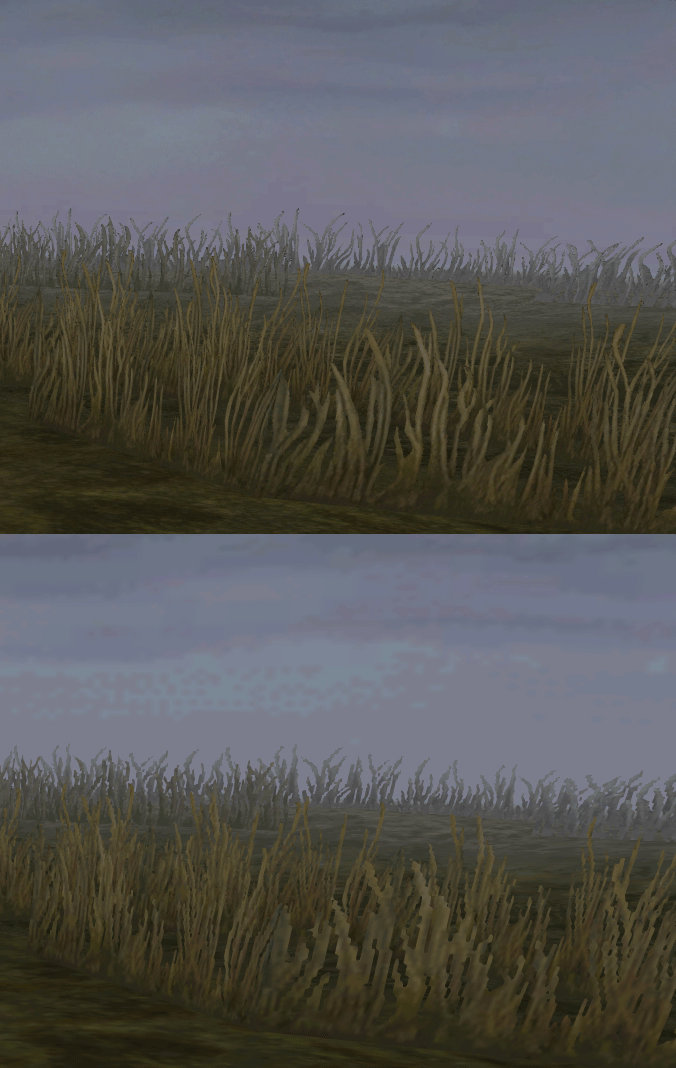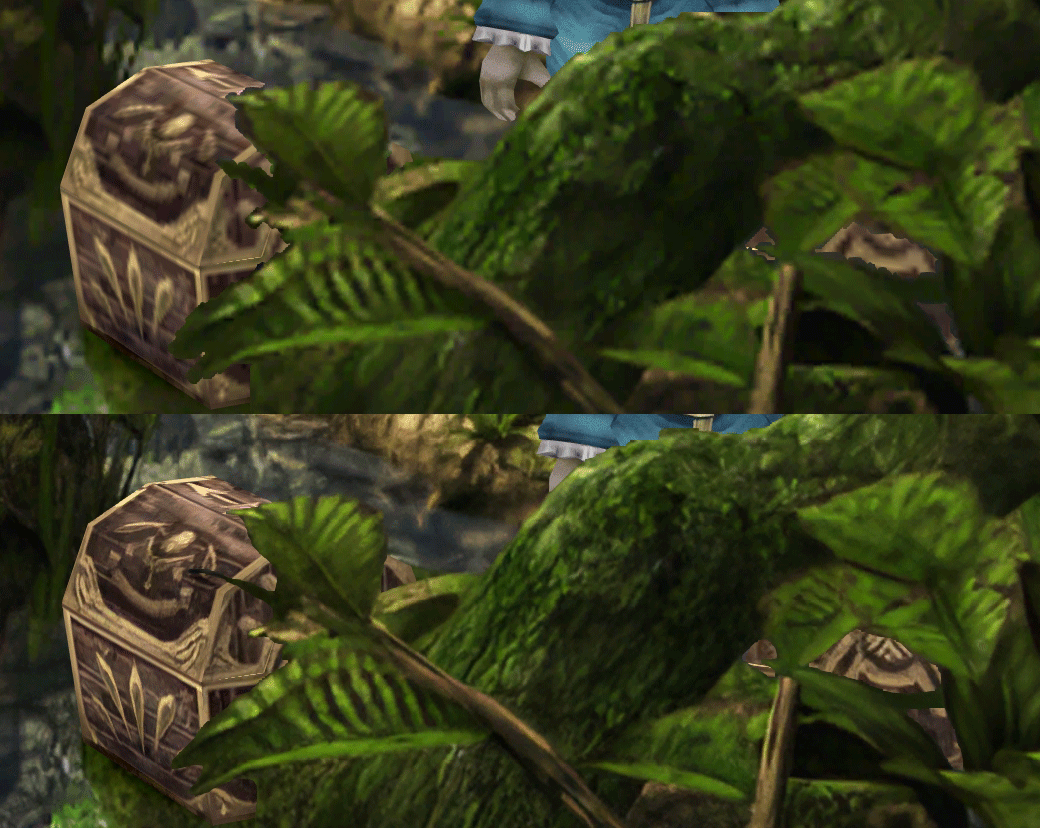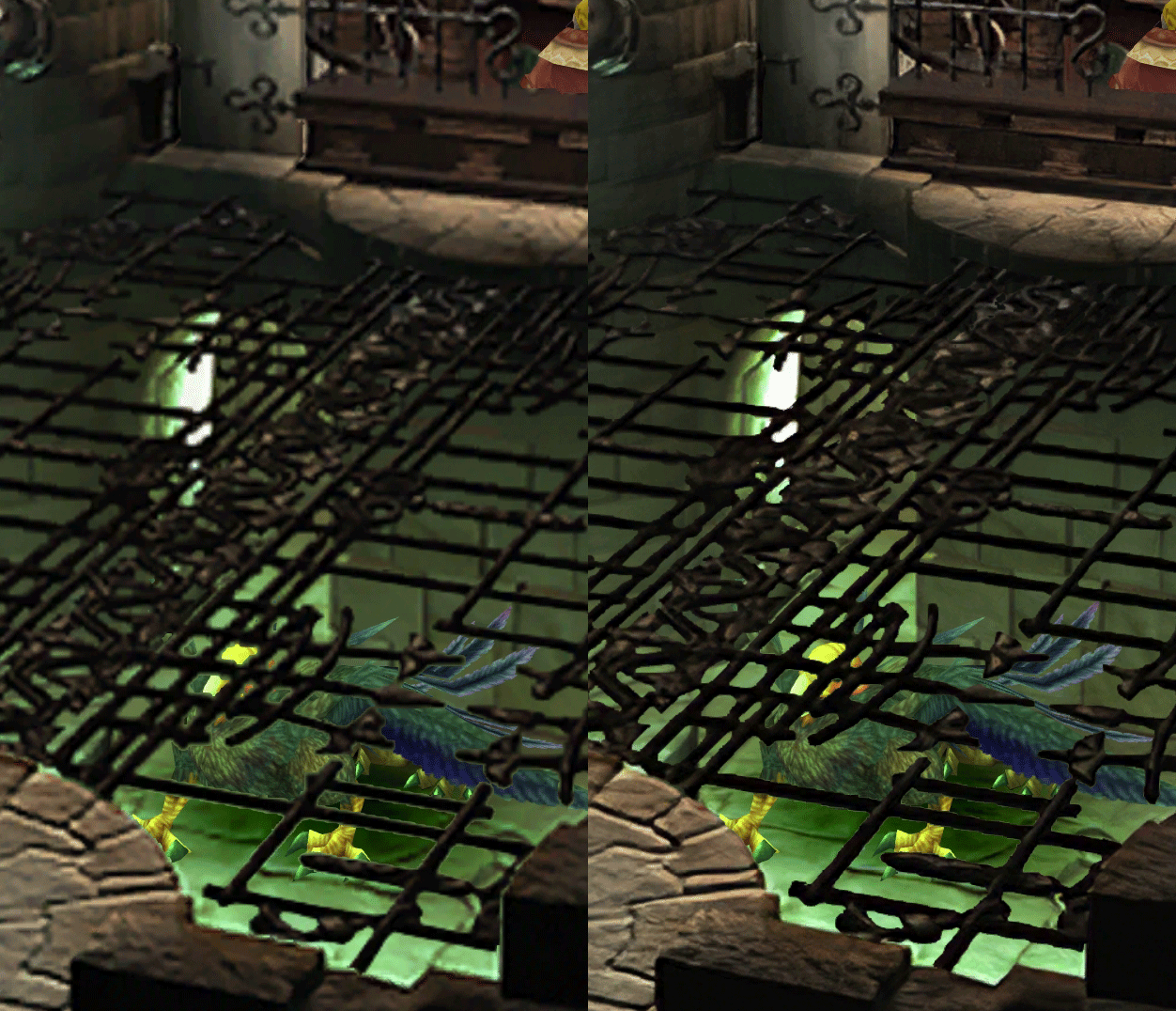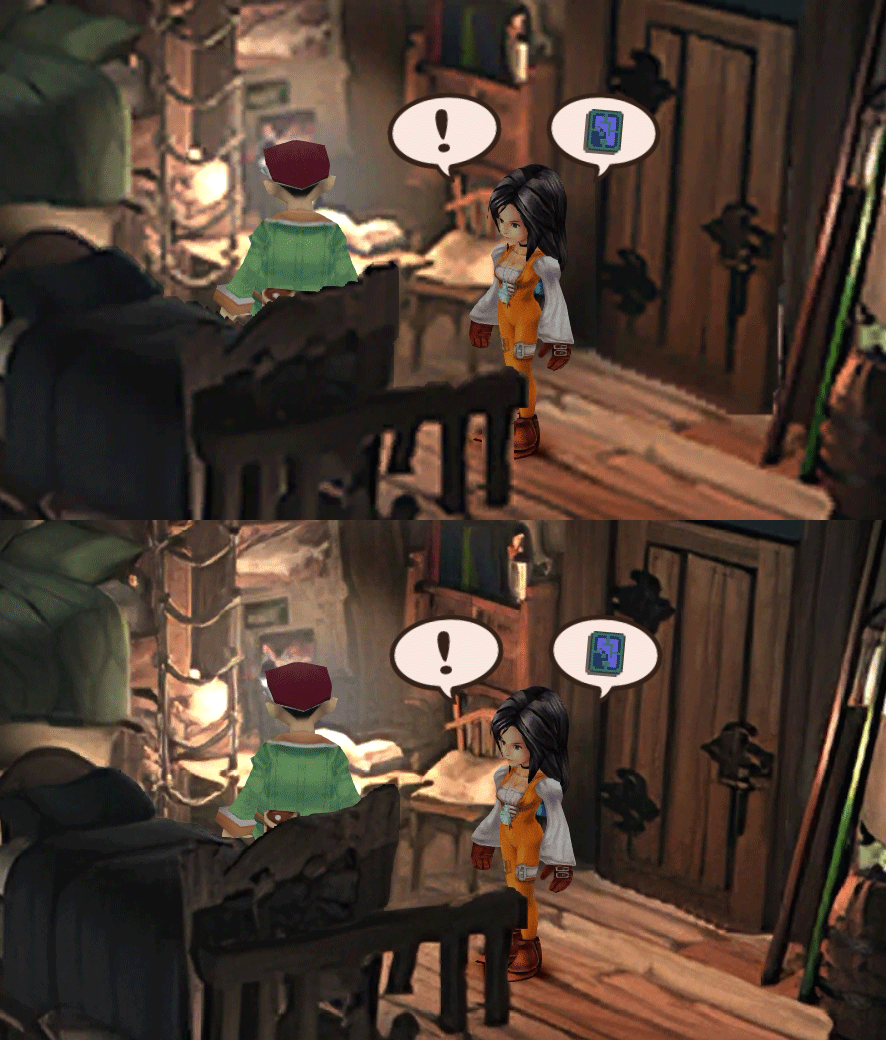
[FF9 PC] Moguri Mod update 8.2 (LIVE ON OFFICIAL SITE)

  • Thread starter Thread starter snouz
  • Start date Start date
Status
Not open for further replies.
s6YQdFA.jpg
eY0jRJ9.jpg
Kr5wC8e.jpg
lc1gfLK.jpg
JrssSrE.jpg


D O W N L O A D

THE UPDATE HAS NOW GONE LIVE OFFICIALLY


NEW 2020-05-23 - MOGURI 8 BETA V5 changelog -> Make a shortcut of the file to your drive then go into your drive, find the shortcut there and click "make a copy"
(outdated) 2020-05-11 - MOGURI 8 BETA V4 changelog
(outdated) 2020-05-04 - MOGURI 8 BETA V3 changelog
(outdated) 2020-04-28 - MOGURI 8 BETA V2 changelog
(outdated) 2020-04-23 - MOGURI 8 BETA V1


I N S T A L L _ G U I D E

[size=10pt]IF YOU DON'T HAVE MOGURI INSTALLED
1) Extract and replace the files in the .zip to SteamLibrary\steamapps\common\FINAL FANTASY IX\

IF YOU HAVE MOGURI INSTALLED (not required!)
1) If you installed it before 2020-04-2, uninstall and re-install Moguri again (SquareEnix pushed a Steam update that temporarily broke the game and Moguri)
2) Extract the content of StreamingAssets in \Program Files (x86)\Moguri Mod\StreamingAssets\
3) Extract \x64\FF9_Data\resources.assets & \x64\FF9_Data\sharedassets2.assets to SteamLibrary\steamapps\common\FINAL FANTASY IX\x64\FF9_Data\
   but DON'T replace Assembly-CSharp.dll

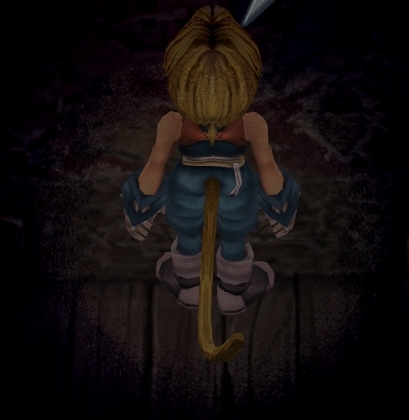
To check you have the right version, here's how the first frame should look
X6tHnEA.jpg


1) In steam, right click the game, go to "properties...", go to the LOCAL FILES tab, click VERIFY INTEGRITY OF GAME FILES. This will re-download the original files, but your saves are still intact.


p0data2.bin - Battle backgrounds
p0data3.bin - Worldmap textures
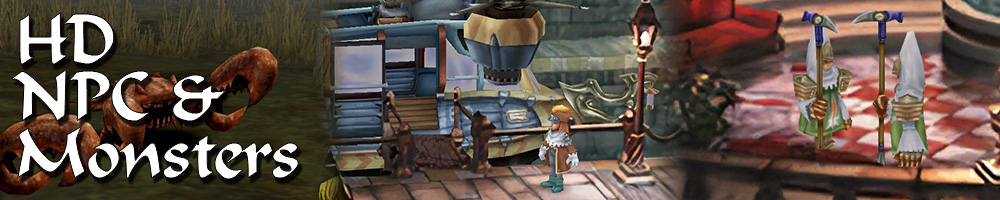
p0data4.bin - NPC, monsters and background items
p0data11.bin to p0data19.bin - Main backgrounds
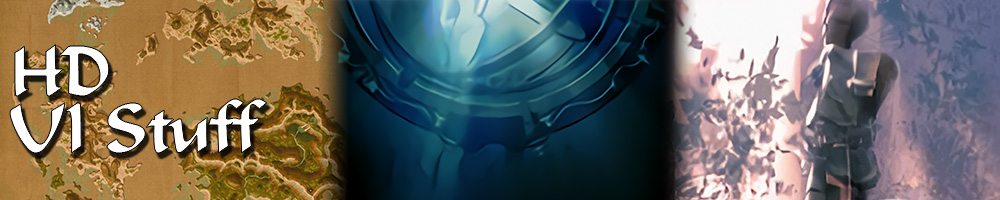
resources.assets & sharedassets2.assets - UI stuff (maps, title screen...)
Assembly-CSharp.dll - The patched file that allows for the augmented resolution of backgrounds. (The one here and the one in moguri are different)

Note: If you have uninstalled Moguri and/or Memoria and you have names like ZidaneZidane, ViviVivi, you can salvage your save with this tool: https://www.ff7catalog.com/threads/7672/
Note: Alternate Fantasy is not currently supported.
[/size]


F E A T U R E S

  • Backgrounds
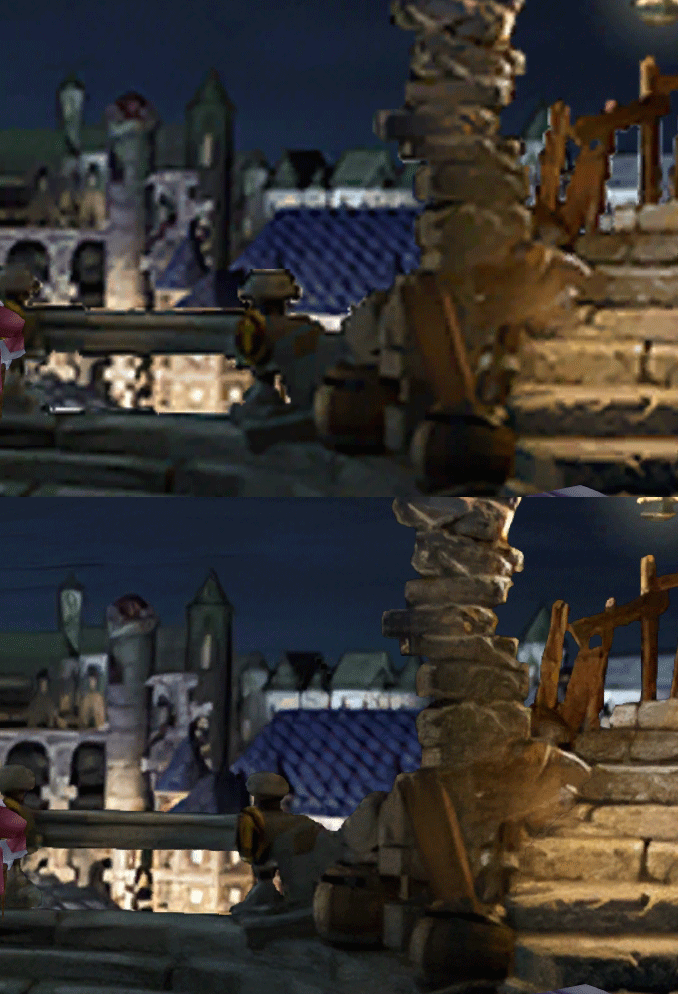
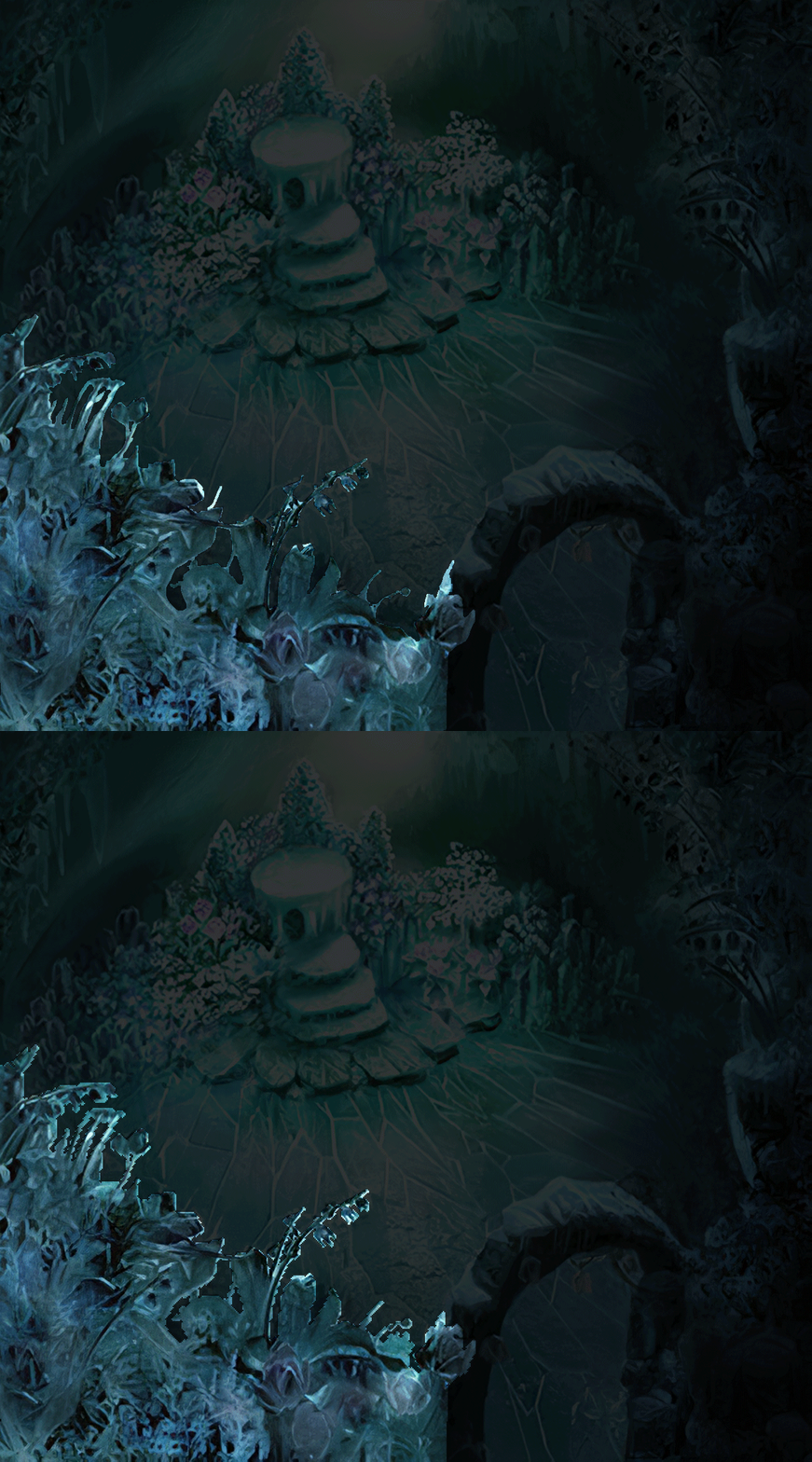
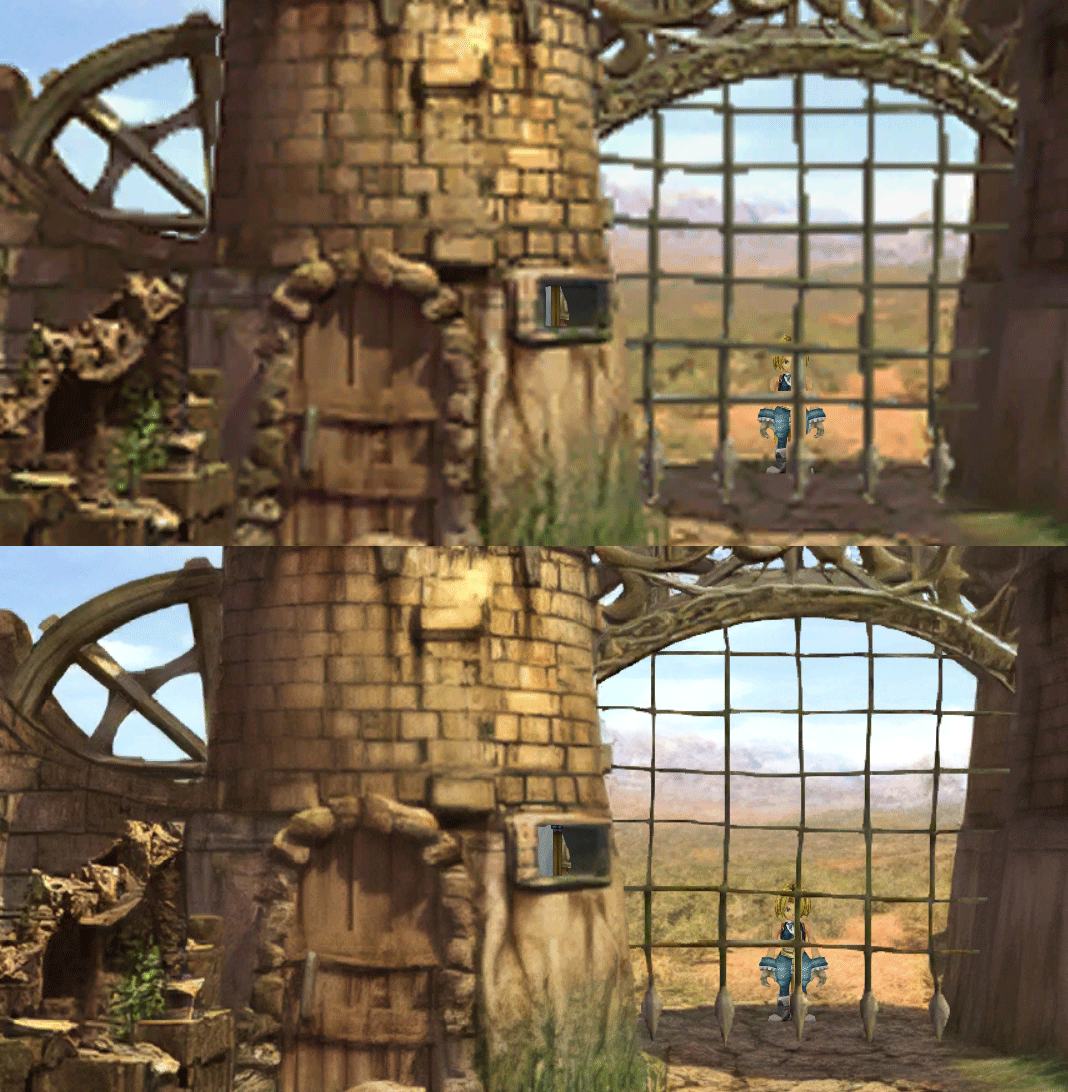
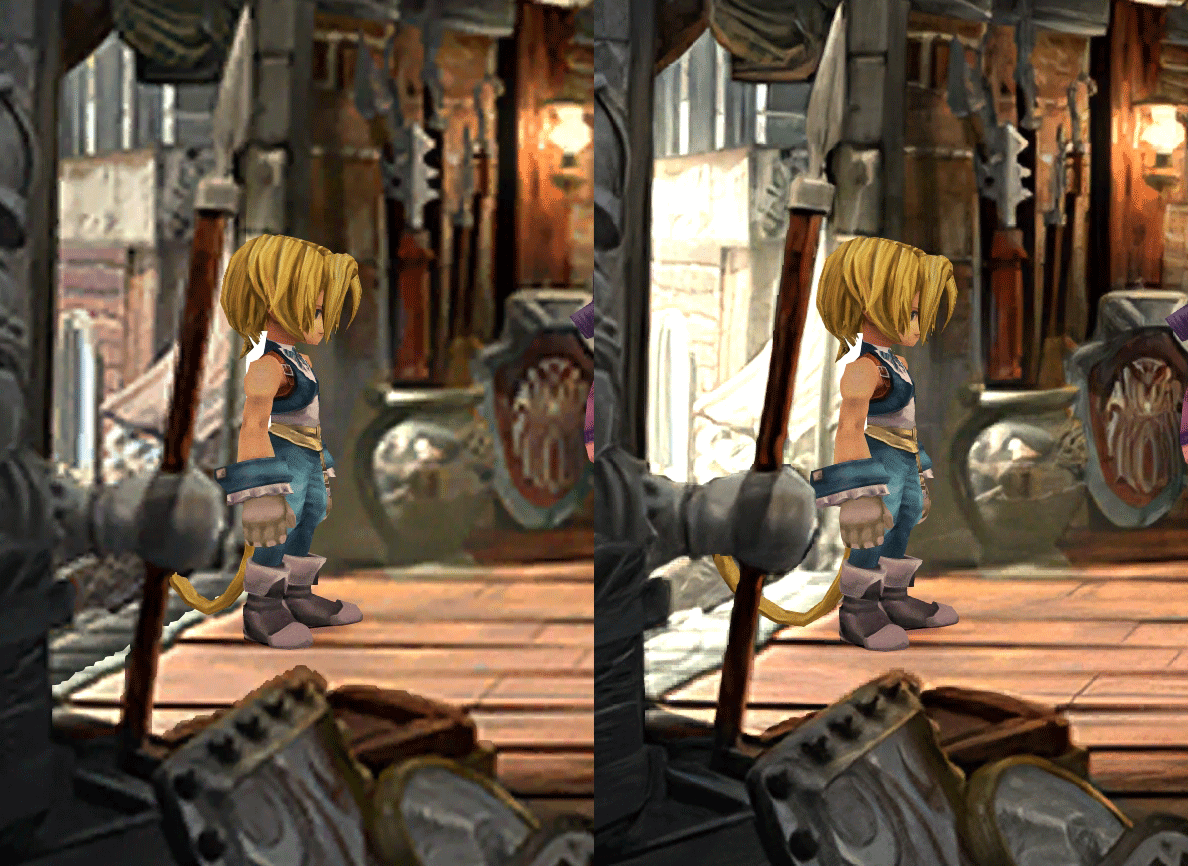
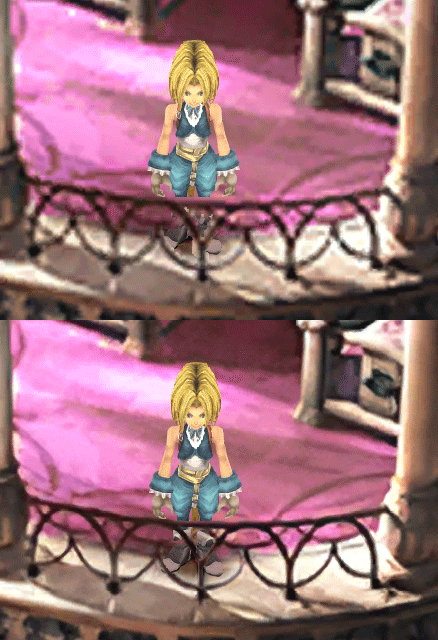
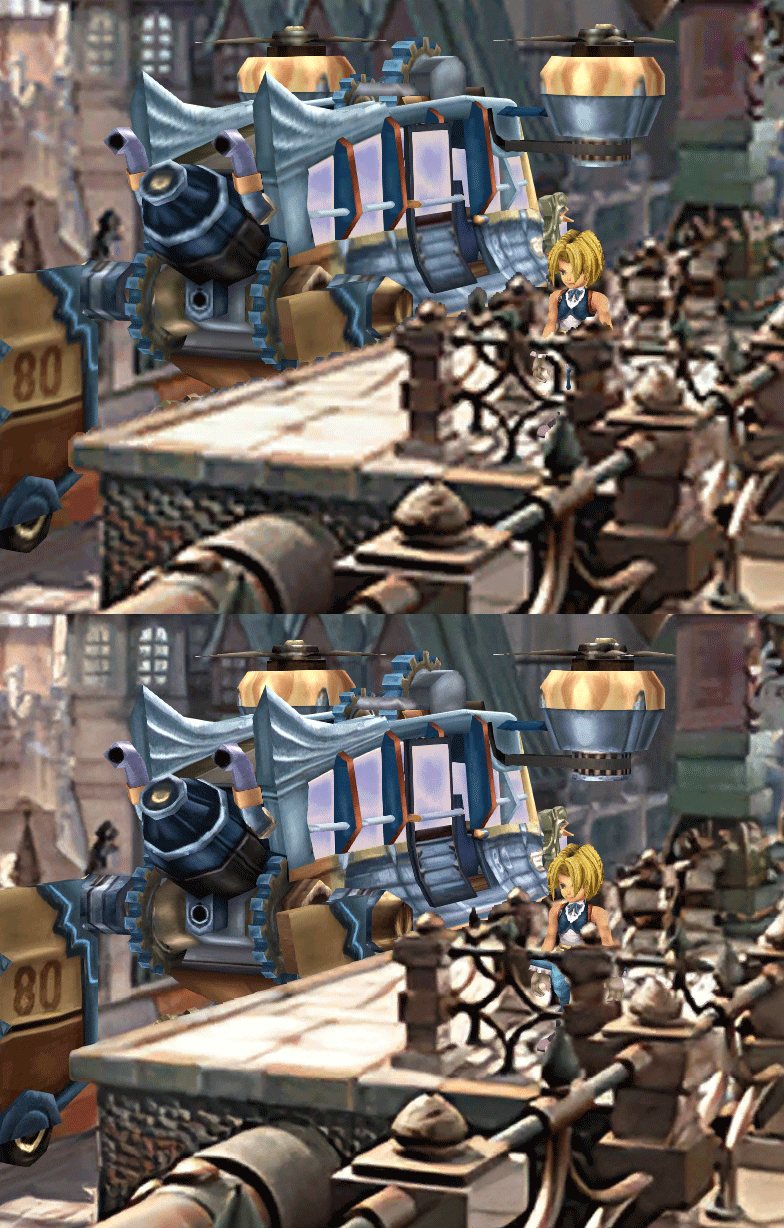
  • Fixed : almost all visual glitches
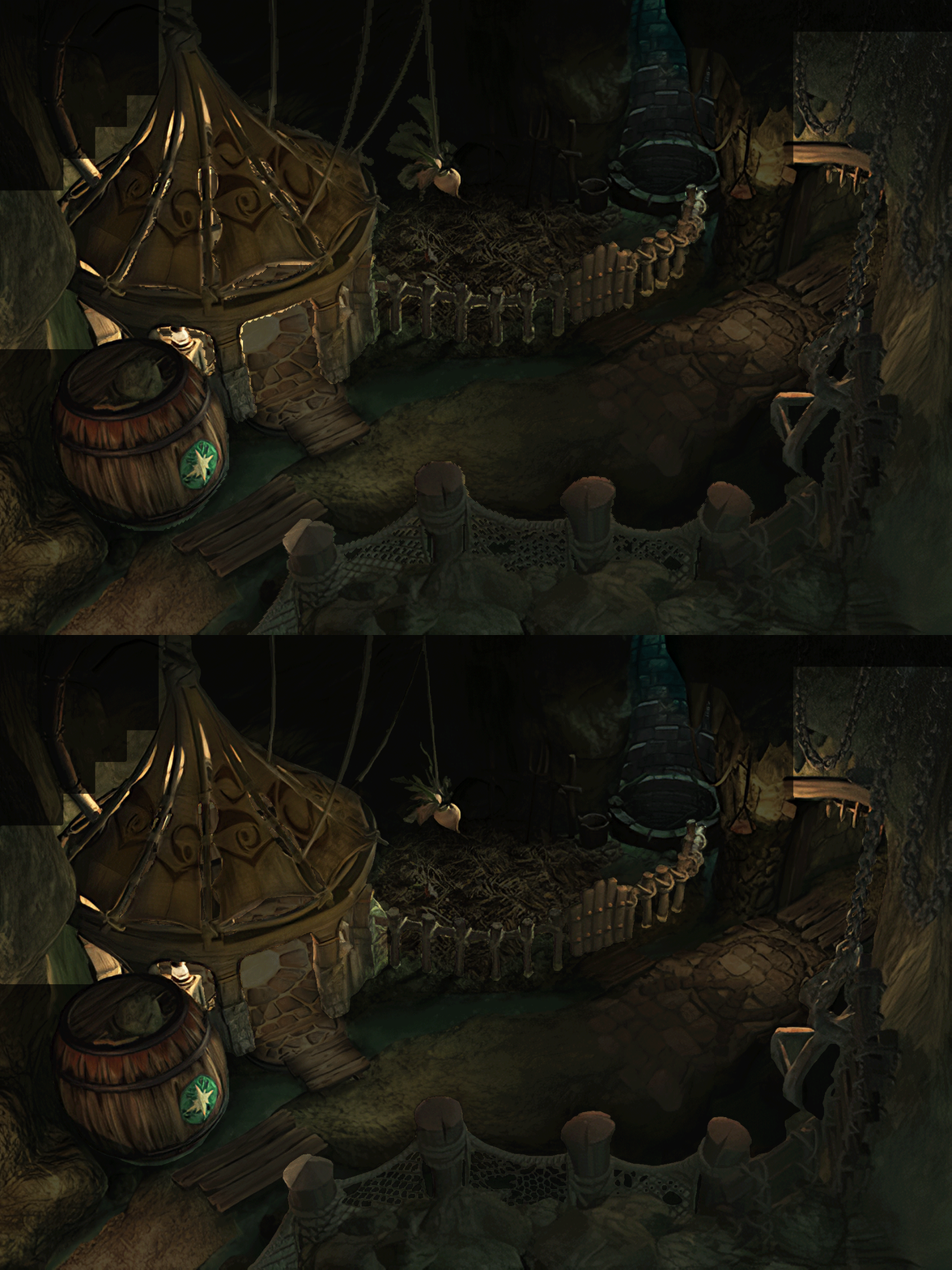
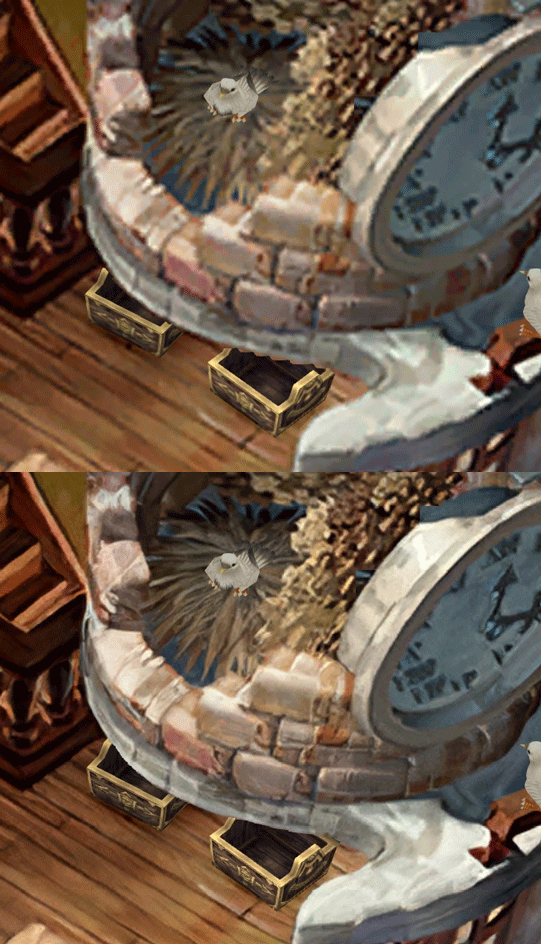
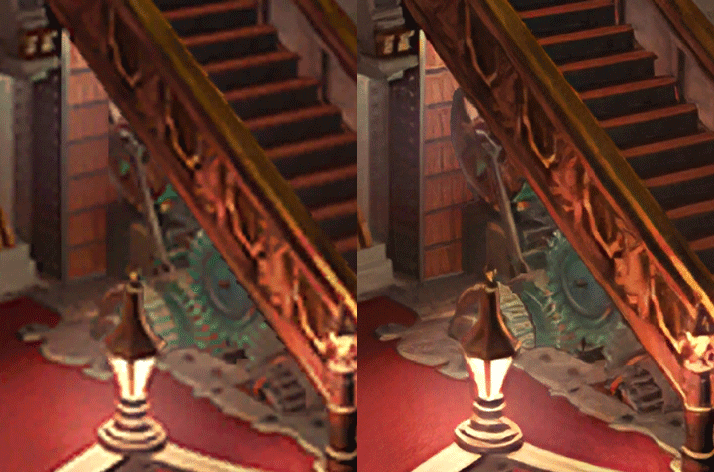
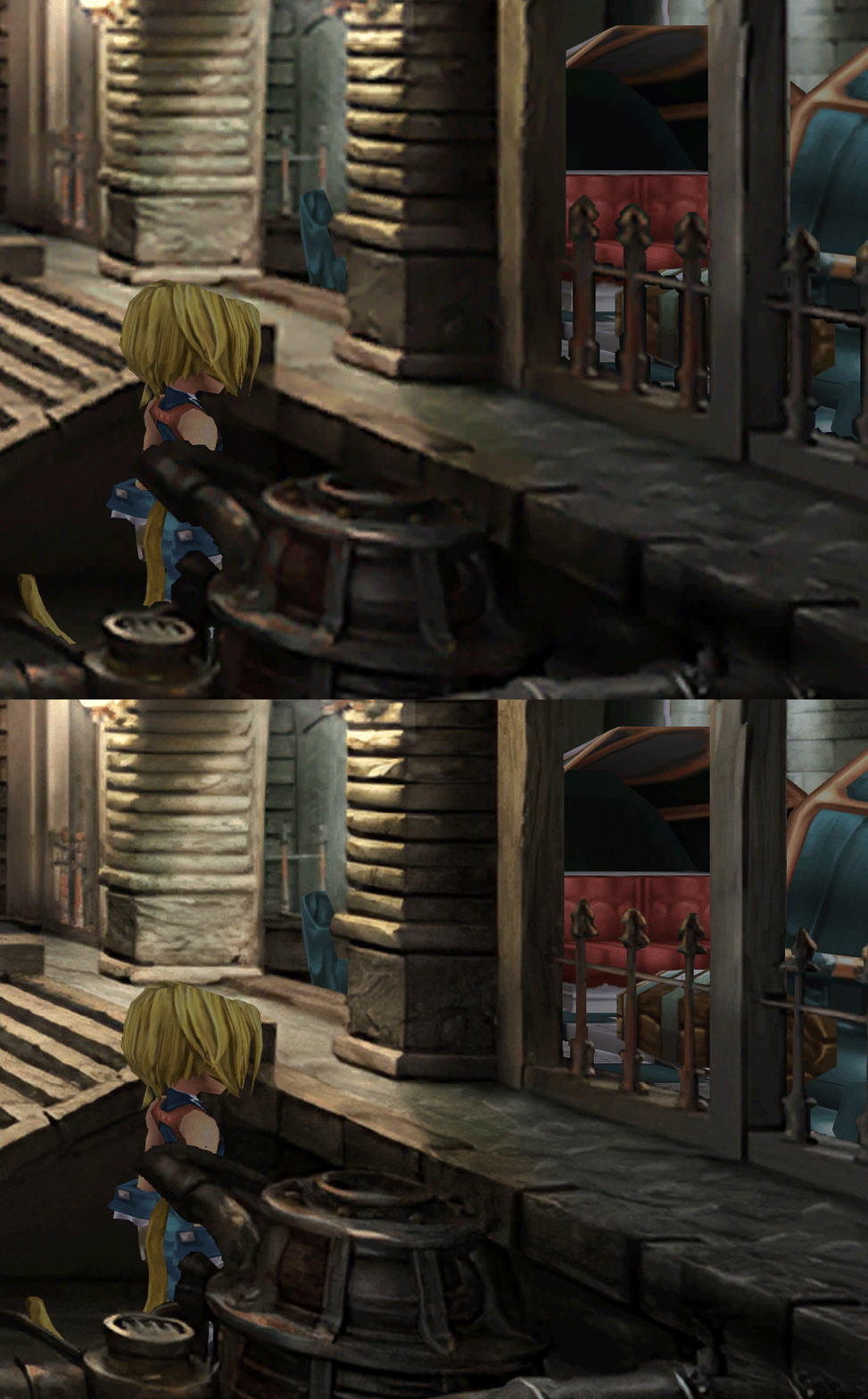
  • Redrawing of all layer edges (all 11000+)
  • Cleaner / sharper graphics (all 6000+)
  • Better & cleaner lighting (all 1400+)
  • Countless manual image doctoring
  • Manually redrawn some parts (some partially based on portfolio images by Wesley Cann & Behrooz Roozbeh)
  • Background animations better integrated
  • Several bugs from the Steam & PSX versions fixed
  • Recreated all places names with original fonts (for English and French, rest to follow)
  • Seamless scrolling skies & backgrounds, removed 'staircase' edges
  • Recreated baked in textures NPCs
  • Background objects
  • HD background 3D objects
  • HD NPC (with exceptions)
  • Worldmap
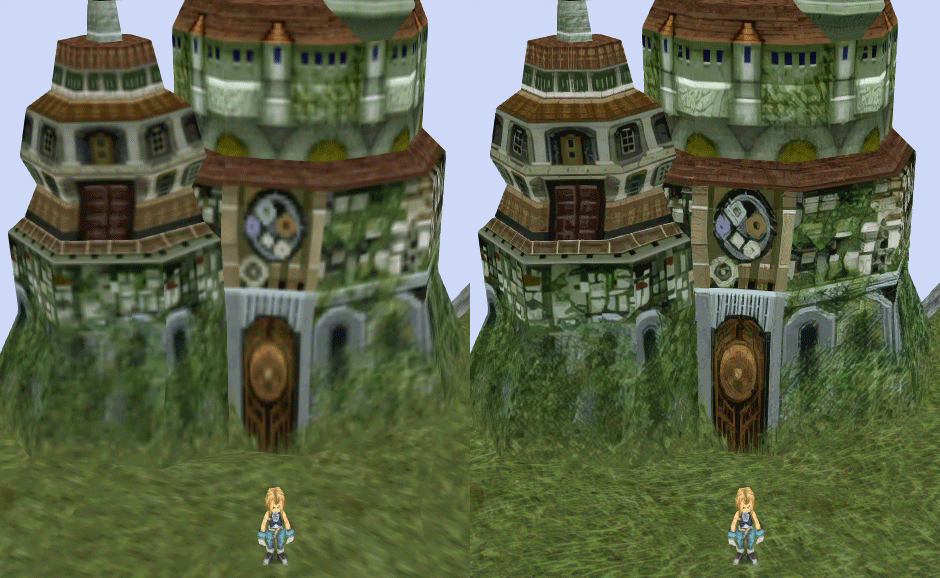
  • HD worldmap textures (upscaled and manually redone, mostly seamless and faithful)
  • Subtly moving seas
  • HD worlmap items (ships...) textures
  • Battles
  • HD monsters (with exceptions)
  • HD battlefields with redrawn edges (exceptions for animated textures)
  • Seamless skies (not 100% on point)
  • Fixed missing monster death sounds (credit: Tirlititi)
  • UI
  • Recreated faithful HD maps
  • Recreated Start menu and game over screens
  • Character portraits edges


OLD POST

2020-04-23 - Finally, here's a beta file of the backgrounds!
For those who chose to install it, please screenshot any problem or potential improvement, as major or minor it is.

If you can't post in this thread, you can contact me on reddit


Other parts of the mod available to download:
[size=14pt]NPC & Monsters HD V2 DOWNLOAD
Battle Backgrounds HD V1 DOWNLOAD
Worldmap HD V2 DOWNLOAD
UI Stuff V1 DOWNLOAD
Maybe save the original files beforehand

-------------------------------------------------------------

Hi everyone,

I'm making a thread to track my progress with my reworking of Moguri since June 2019

◈ Finishing touches, corrections & testing ◈
chat_loader.gif

◈ Backgrounds masks (redrawing by hand) ◈
⬛⬛⬛⬛⬛⬛⬛⬛⬛⬛⬛⬛⬛⬛⬛⬛⬛⬛⬛⬛ | 100% | 678/678

◈ Blended/light layers upscaling ◈
⬛⬛⬛⬛⬛⬛⬛⬛⬛⬛ | 100% | 1479/1479

◈ Re-drawing of transparency for fight scenes textures ◈
⬛⬛⬛⬛⬛⬛⬛⬛⬛⬛ | 100% | 186/186

◈ Monster texture upscaling ◈
⬛⬛⬛⬛⬛⬛⬛⬛⬛⬛ | 100% | 124/124

◈ NPC texture upscaling ◈
⬛⬛⬛⬛⬛⬛⬛⬛⬛⬛ | 100% | 150/150

◈ Item on field texure upscaling ◈
⬛⬛⬛⬛⬛⬛⬛⬛⬛⬛ | 100% | 101/101

◈ Worldmap re-texture ◈
https://www.ff7catalog.com/threads/13434/
⬛⬛⬛⬛⬛⬛⬛⬛⬛⬛ | 100%

◈ Place names upscaling (when introduced to a new place) ◈
⬛⬛⬛⬛⬛⬛⬛⬛⬛⬛ | 100% | 44/44


◈ (background) Videos improvement ◈
(⬜⬜⬜⬜⬜⬜⬜⬜⬜⬜⬜⬜⬜⬜⬜⬜⬜⬜ | 0/18) -> might try this in a next update

◈ Extra ◈
-Backgrounds were improved with various ESRGAN models
-Numerous visual corrections
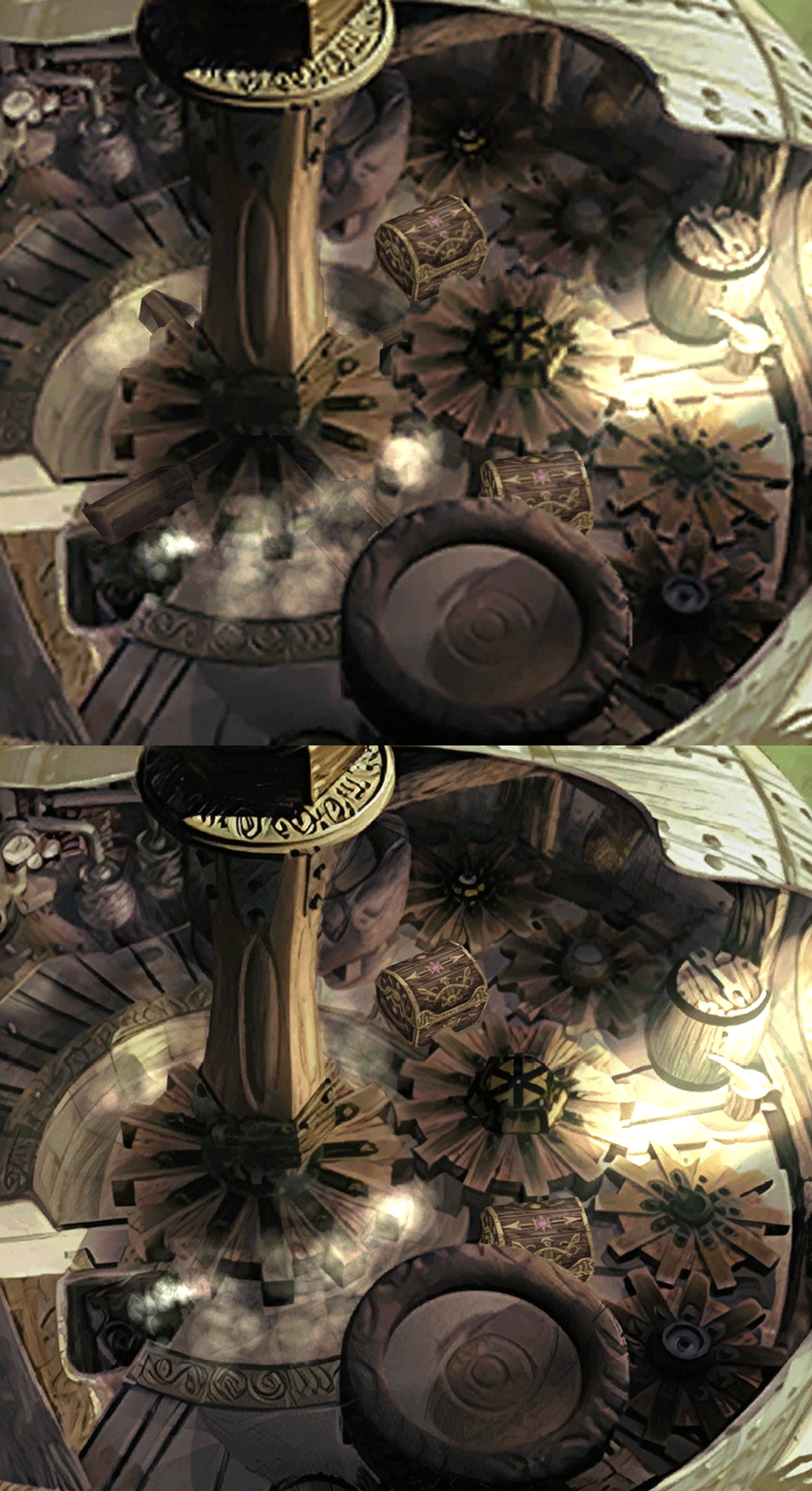
-Upstairs of Dali's Windmill debugged / recreated
-Removed seams in scrolling sky/smoke/sand textures.
-re-created a lot of sky textures for fight scenes, making them seamless and beautiful: 64
-regenerated the battle textures to remove white outlines
-corrected a bug with animated textures in battle scenes
-Multiple other bugs ironed out

◈ Ideas for later ◈
-drawing shadows for some chests/items
-look if I can improve fluidity of the videos with AI video interpolation: https://github.com/sniklaus/pytorch-sepconv (can't make it work yet)
-upscale contextual FMVs?
[/size]
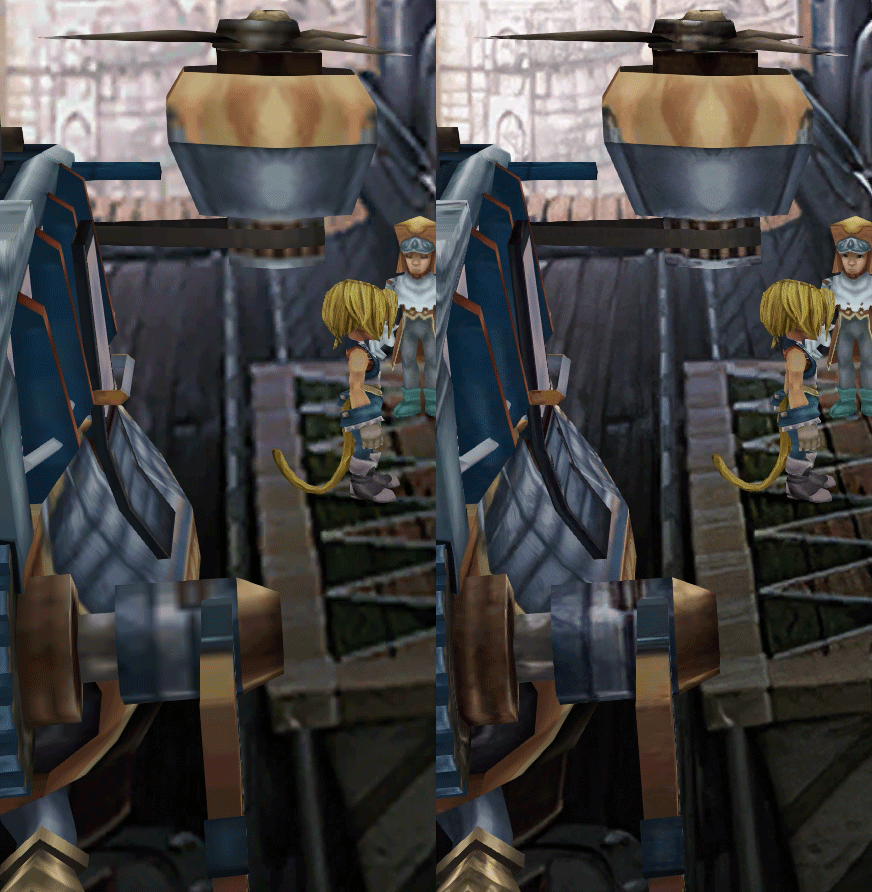
SCREENSHOTS

Click to enlarge
K78WnLu.gif

10pTbFs.gif
E8YADyT.gif
6RS2mEC.gif
OsoRNFn.gif
MVfMxaM.gif
uphBfuD.gif
YGwOCGG.gif
skQq07o.gif
xIcTyUR.gif
Z6k2Zyt.gif
XqomUcu.gif
SSBTwSa.gif
1GGTsJM.gif
eaTQUVb.gif
qKjYKR1.gif
13yOtwo.gif
 
Last edited:
N
While playing through V4 I noticed some sound issues, some of which have strayed from the original PS1 version of FFIX

1.) In battle Reflect used to have it's own distinct sound effect when a spell would "bounce" off the character back to the other side of the battlefield.  In the steam version (as well as the HD console re-release ports) the sound of the spell that was cast plays when its reflected and then a second time when it actually happens.  I.E. if Vivi has auto-reflect and casts Flare on himself.  Flare sound effect will play during the reflect animation (instead of the old reflect sound from PS1) and then the Flare sound effect will play again immediately as it hits the opponent.
What you ask is in FF9 PC Complete Sounds Fix 2.2. Here is the README:


This is the official Final Fantasy IX [PC] Complete Sounds Fix Mod

Fixes:
Every single soundeffect in Final Fantasy IX - PC [Steam].
The infamous Music (BGM) resetting bug after every battle.

Things to Note:
Compatibility
Currently, the Music BGM Reset glitch fix is only compatible with the vanilla game and Moguri's Mod.

*If using Memoria, always use sound sampling rate 44100hz.

Update History:

-Updated BGM/Music Reset Glitch Fix - 12/4/2019

Fixed Ramuh - Non-Boost Version sfx.

All enemy sfxs.

Enemies fixed:
Ogre: "Entry/Die"
Ash: "Entry/Die"
Mistodon: "Entry/Die"
Lamia: "Die"
Silver Dragon: "Die"
Plant Brain: "Die"
Abadon: "Die"
Lizardman: "Entry/Die"
Vice & Magic Vice: "Entry/Die"
Meltigemini: "Die"
Maliris: "Die"
Skeleton: "Entry"

Weapons sfx including: Zidane, Steiner, Blank, Marcus & Beatrix.

How to use:
Replace files: p0data62.bin & p0data63.bin into the StreamingAssets\ folder
Replace Sdlib.dll in the x64\FF9_Data\Plugins\ folder.
Replace resources.assets in the x64\FF9_Data\ folder.
Replace AssemblyCSharp.dll in the x64\FF9_Data\Managed\ folder.

Compatibility:
If you use the tool titled: "Memoria" by Albeoris, this is compatible.
And here is the presentation of the mod:
Among the fixes are:

Sound Effects:
-Every sound effect is physically replaced with their correct, PSX counterpart.
Audio compression
-Sets the Audio Sampling Rate to 44100hz and removes the compression on BGM.
Enemy Death SFX:
-Returns every enemy's death sfxs battle cry as it was in PSX.

Some cosmetic fixes such as:
-Reflect sfx
-Jump and Summon Sfxs.
-Swd Art Spell: Shock and Tetra Master SFX fixes.

It is compatible with any and all mods (and modding tools [Hades Workshop]) for FF9 including: Alternate Fantasy, Memoria, and FF9 Ascension.


Download link: https://drive.google.com/open?id=12Ubq7hnD8t3_FMb4nUw_AOlRAAa2eNQC
 
Last edited:
E
Does this actually work with latest Moguri && Memoria? On the reddit post they discuss there might be issues and compatibility errors.
 
S
So my question is: Do you have a rough ETA for version 8.0? Like Q/2/3/4 2020 or maybe even next year ?
It's days away!

About the sound fix, see the discussion above, if someone wants to fix these issues without copy pasting the work of dclem, that'd be great. But I'm better off not touching that persons work.

There was some great progress today!
-Memoria fixes for widescreen, which is completely stable and working (no more animation offset or scene glitches, or character in front of black)
-Memoria was modified to accept 30 fps videos
-Lykon has transformed 22 FMV (so far) to 30 FPS using mainly a deep learning algorhythm called DAIN
-I found the way to add Teaito's faithful font to the game through Memoria
-I fixed video transitions with video editing
-plenty of small fixes

zePilot is waiting a bit that Lykon and I finish everything, then update 8 it is!
 
I
It's days away!
Damn didn't think it would be so soon, that's awesome :D
Thanks for the quick reply and thank you so much for your hard work !
I am really looking forward to this, this mod is just plain awesome  :mrgreen:
 
N
It's days away!

About the sound fix, see the discussion above, if someone wants to fix these issues without copy pasting the work of dclem, that'd be great. But I'm better off not touching that persons work.
In fact, even if its work is not included in Moguri mod, it seems easy to add to one's game: "Replace files: p0data62.bin & p0data63.bin into the StreamingAssets\ folder".
 
S
In fact, even if its work is not included in Moguri mod, it seems easy to add to one's game: "Replace files: p0data62.bin & p0data63.bin into the StreamingAssets\ folder".
Unfortunately I've tried that with the files that were provided in the response sent to be but it didn't work.  Tried uninstalling and reinstalling the game, current version of moguri, and mixing and matching the provided update files with vanilla ffix, moguri, and V4 beta on here but couldn't get the final boss battle music to play properly.  Again could be something dumb I'm doing with my setup, but that's what's happening for me.  Maybe someone will find a fix later down the line after moguri 8 is fully released, and if I find something I'll def post it here if I'm not the only one encountering the problem.

On another note I can't believe version 8 is coming so soon with all the things Snouz listed I'm so excited to install it!
 
N
Unfortunately I've tried that with the files that were provided in the response sent to be but it didn't work.  Tried uninstalling and reinstalling the game, current version of moguri, and mixing and matching the provided update files with vanilla ffix, moguri, and V4 beta on here but couldn't get the final boss battle music to play properly.  Again could be something dumb I'm doing with my setup, but that's what's happening for me.  Maybe someone will find a fix later down the line after moguri 8 is fully released, and if I find something I'll def post it here if I'm not the only one encountering the problem.

On another note I can't believe version 8 is coming so soon with all the things Snouz listed I'm so excited to install it!
In fact, I only said that the sound fix mod was useful for the reflection sfx, I did not know if it could be useful for your other sound problem. If we are lucky, someone will fix it in further updates.
 
Last edited:
A
I'm sure this is not the right place to ask..but I have no where else to go..

I've been trying to get the latest Memoria mod working with this... mostly for the Wide Screen and Analog Support, but in these few things I have noticed:

1: It seems like 50% of the screens are not wide screen? I am at the start with Vivi and some of them are wide while others aren't.

2: After installing Memoria Mod, my D-Pad no longer works. I understand this is because "Analog" gets implemented, as the stick does feel better now, but then I can't use the D-Pad for menus

I had thought that by simply copying the files for the 8.0 V4 over, it was automatically fixing the Analog issue, but I guess not? that's something that Memoria fixes? though it disables my D-pad as mentioned.

3: Lastly, in the BGM looping problem already implemented with 8.0 V4? or do I need to replace those files myself? I have them, just wondering.
 
Last edited:
R
Hello, I've tried to run Moguri along with Memoria, but many areas are glitched out and the graphics are messed up.

What I did:
- installed moguri
-installed memoria

The graphics are broken though, like 'split', as if my GPU was broken. So I had to uninstall/remove memoria. Is there a way to get v4 and memoria working simultaneously? Thank you.

What it looks like:

6yEW1jN.png


EDIT: Think it works now with tile set to 64!


Did you get to fix this? i can't get the last version of both memoria and Mog to work together i rolled back to Mog 7 and everything is fine but memoria is missing a couple options because it's not the latest version and i can't get that one to work with mog 7 either
 
N
I'm sure this is not the right place to ask..but I have no where else to go..

I've been trying to get the latest Memoria mod working with this... mostly for the Wide Screen and Analog Support, but in these few things I have noticed:

1: It seems like 50% of the screens are not wide screen? I am at the start with Vivi and some of them are wide while others aren't.

2: After installing Memoria Mod, my D-Pad no longer works. I understand this is because "Analog" gets implemented, as the stick does feel better now, but then I can't use the D-Pad for menus

I had thought that by simply copying the files for the 8.0 V4 over, it was automatically fixing the Analog issue, but I guess not? that's something that Memoria fixes? though it disables my D-pad as mentioned.

3: Lastly, in the BGM looping problem already implemented with 8.0 V4? or do I need to replace those files myself? I have them, just wondering.
It seems that these issues have already been reported. There is a high chance they will be solved in the next update.
 
H
Thank you for all of your work on this project! I just wanted to echo the same question asked by someone a little bit back, is there a new ETA for this project? Snouz said it was days away so I just wanted to check to see if anything had changed. Can't stress enough how much I'm looking forward to this, thanks!
 
A
Thank you for all of your work on this project! I just wanted to echo the same question asked by someone a little bit back, is there a new ETA for this project? Snouz said it was days away so I just wanted to check to see if anything had changed. Can't stress enough how much I'm looking forward to this, thanks!
Also hoping it's soon. My wife and I are holding out on our playthrough until this releases.
 
S
NEW 2020-05-23 - MOGURI 8 BETA V5

CHANGELOG
-Included latest Memoria by ALBEORIS and a new install process
-Included 30fps FMVs by LYKON (using DAIN and other techniques)
-Included MBG (video backgrounds) color matched and fluid
-Included faithful PSX font by TEAITO
-These minor visual problems were fixed: https://imgur.com/a/MWb78Td

I've given the same link to zePilot, just waiting for him to package it in one big installer! (zePilot's pretty busy)
 
Last edited:
L
NEW 2020-05-23 - MOGURI 8 BETA V5

CHANGELOG
-Included latest Memoria by ALBEORIS and a new install process
-Included 30fps FMVs by LYKON (using DAIN and other techniques)
-Included MBG (video backgrounds) color matched and fluid
-Included faithful PSX font by TEAITO
-These minor visual problems were fixed: https://imgur.com/a/MWb78Td

I've given the same link to zePilot, just waiting for him to package it in one big installer! (zePilot's pretty busy)
Great! Time to start a new game after the installer is ready!
 
Last edited:
E
any download mirror ? i cant download it limit exceeded at mega. thank you  :D
 
Status
Not open for further replies.
Back
Top