A
AuthenticM
Guest
Of course. That was probably more a request for the ESUI people anyway. I think I'll ask them.The goal here is to remain as faithful as possible to the original game.
Thanks for the Gongaga option!

Of course. That was probably more a request for the ESUI people anyway. I think I'll ask them.The goal here is to remain as faithful as possible to the original game.
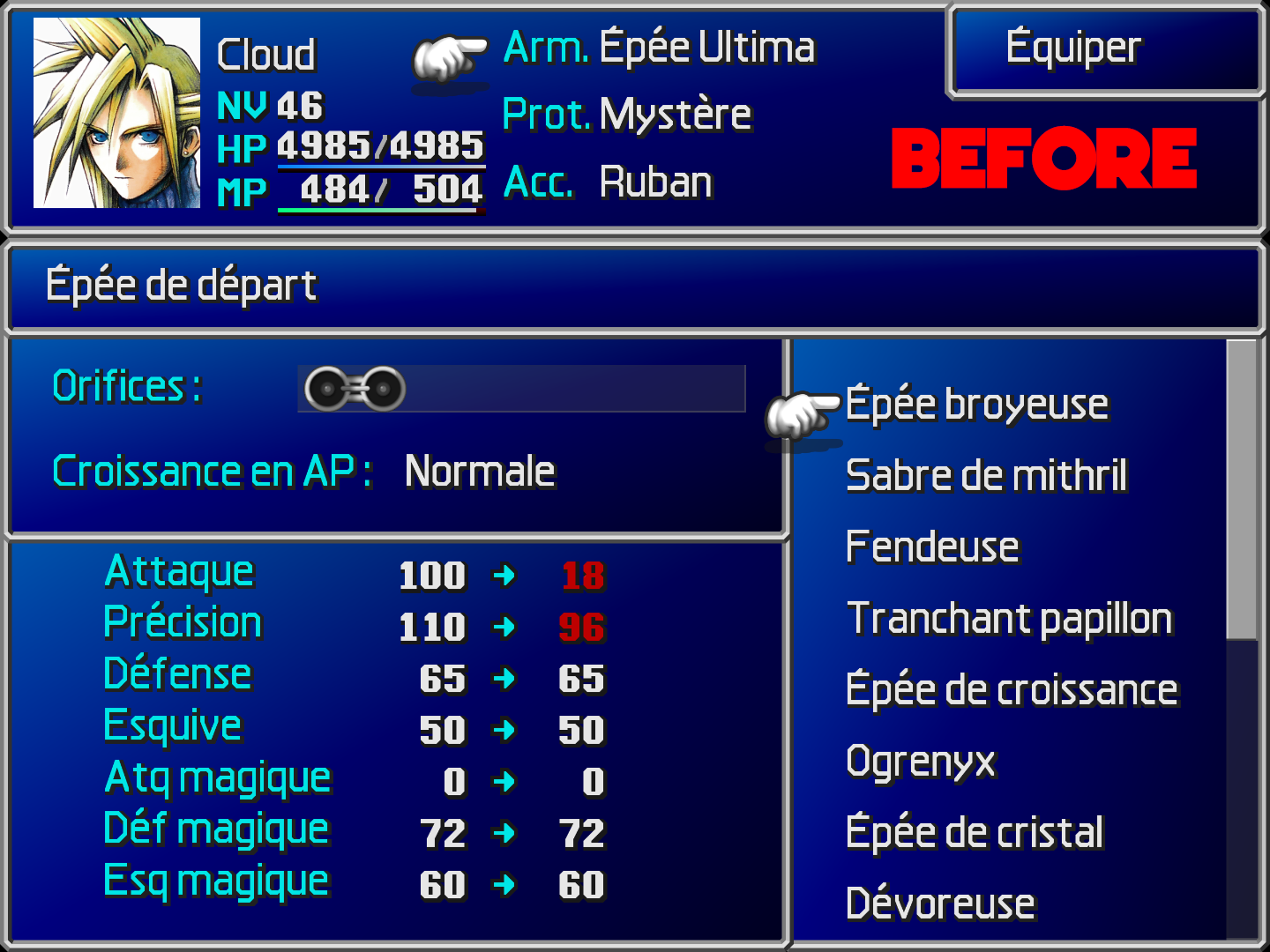
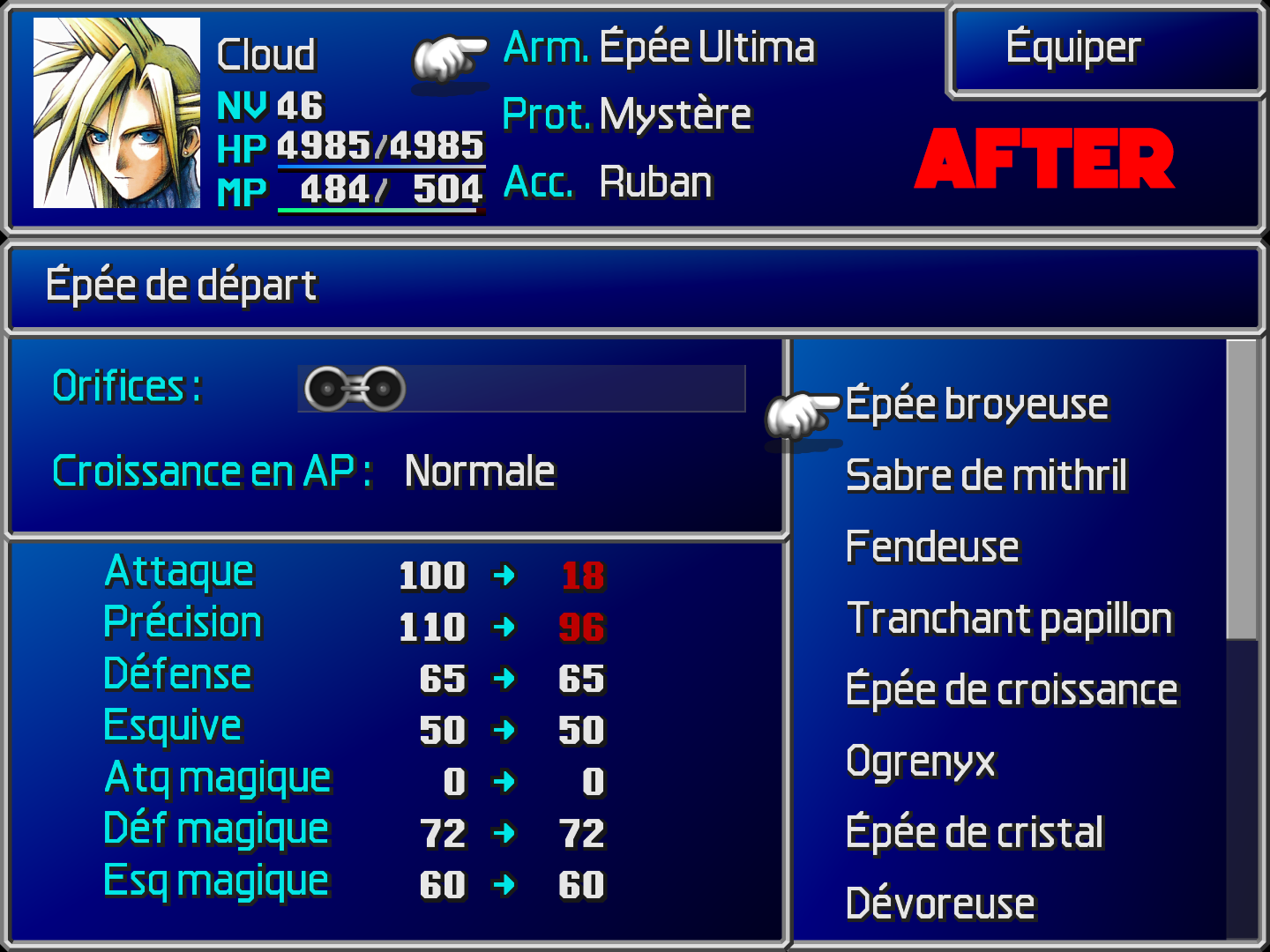
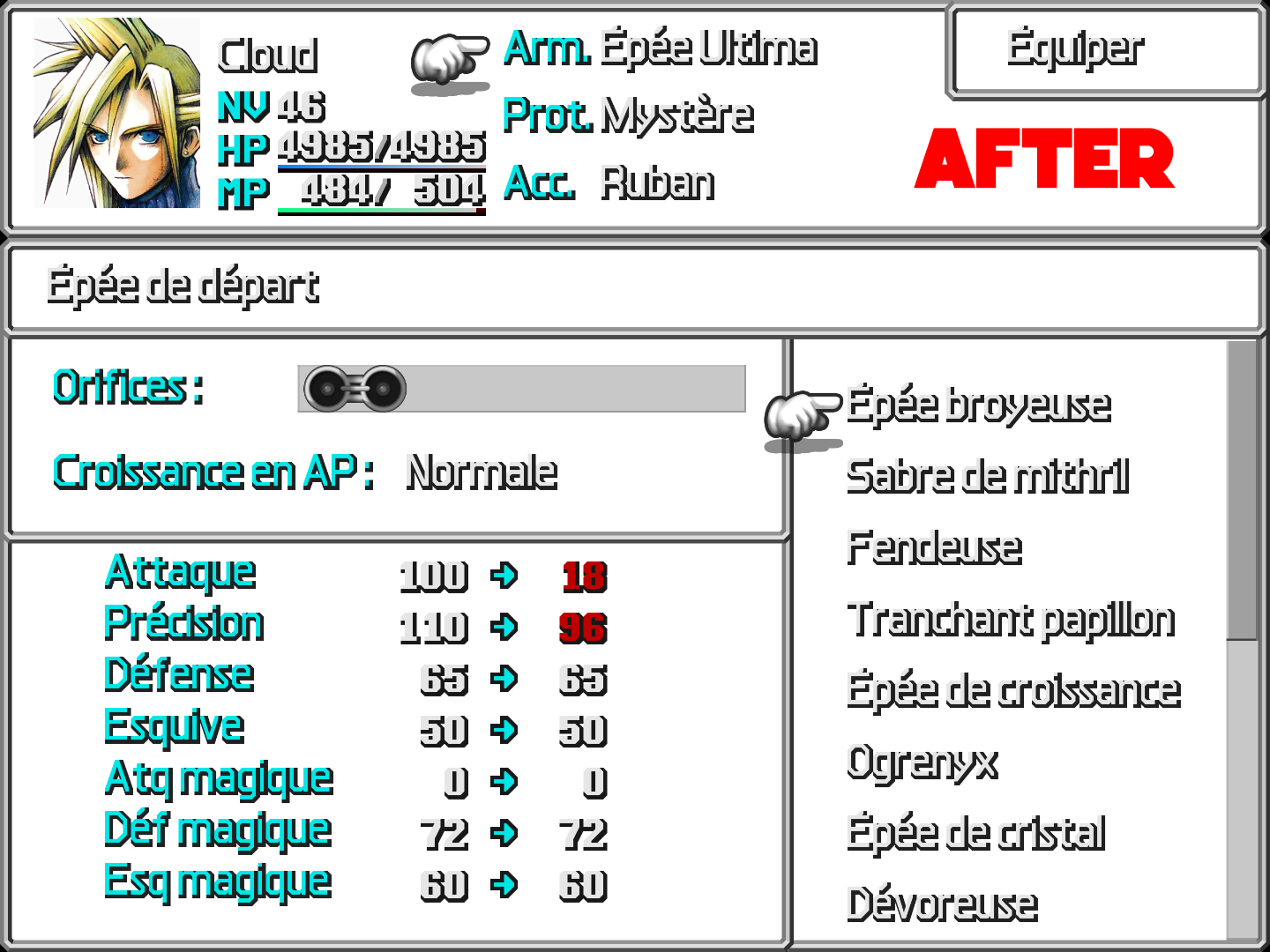
Are you talking about this one?Unfortunately the resolution is not the best and the displayed quality have been dropped to fit some PSX format or something.
Sure. This is all I got for now, but I've seen a few other issues. Like when describing button prompts, like switch or page down, or stuff like that. Usually, it'll have a color coded button next to those words, I'm guessing corresponding to the ps1 buttons, but those buttons are a garbled mess.Hey TheDrifter363,
It is indeed the font used in Satsuki's pack. Can you provide a few screenshots as I'm not sure about the visual incompatibilities you're experiencing?
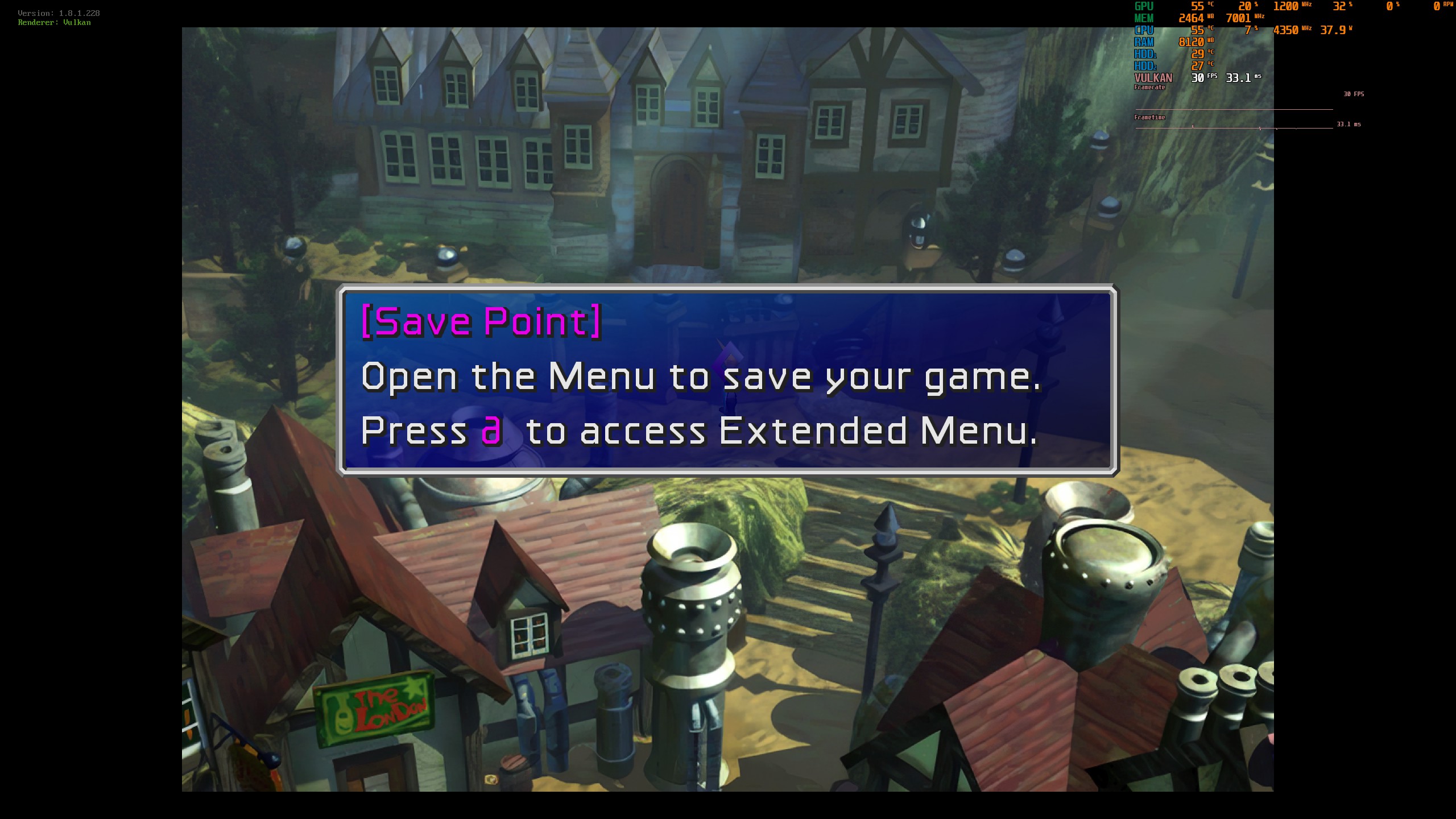
You got it.I see, drawing all PSX buttons is planned. Can you post a screenshot of the in-game default configuration buttons as a reference?
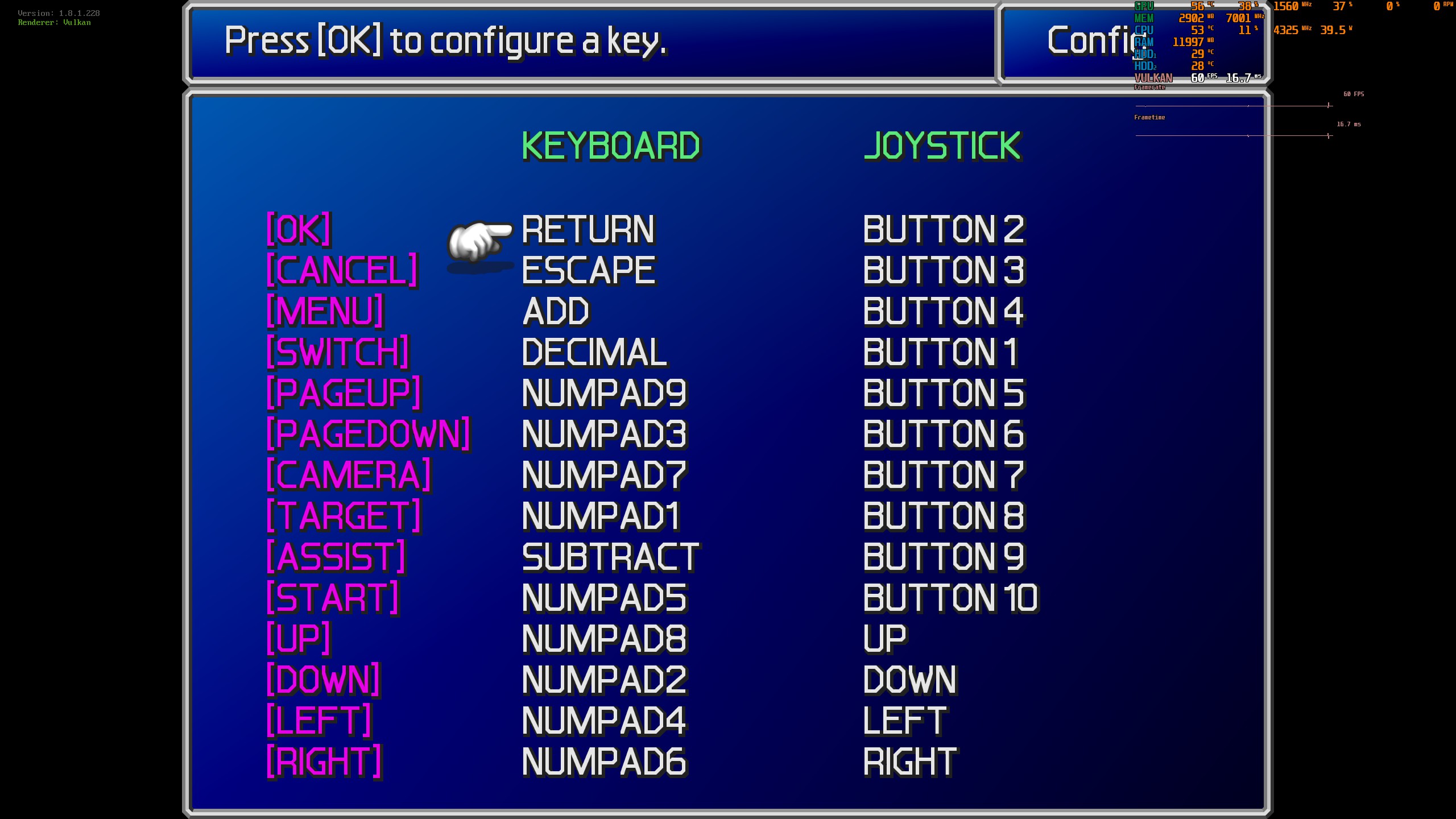
it will say the same thing until he uses the ESUI controller buttons mod, at which point it will look like the buttons screenshot i showed youMy bad, I thought that the PSX buttons would display there as well.
Instead, can you post the dialogue box from the Highwind tutorial guy?
Here you go. This was exactly the issue I was talking about. See how the buttons are color coded, but they're wonky? That's it.My bad, I thought that the PSX buttons would display there as well.
Instead, can you post the dialogue box from the Highwind tutorial guy?
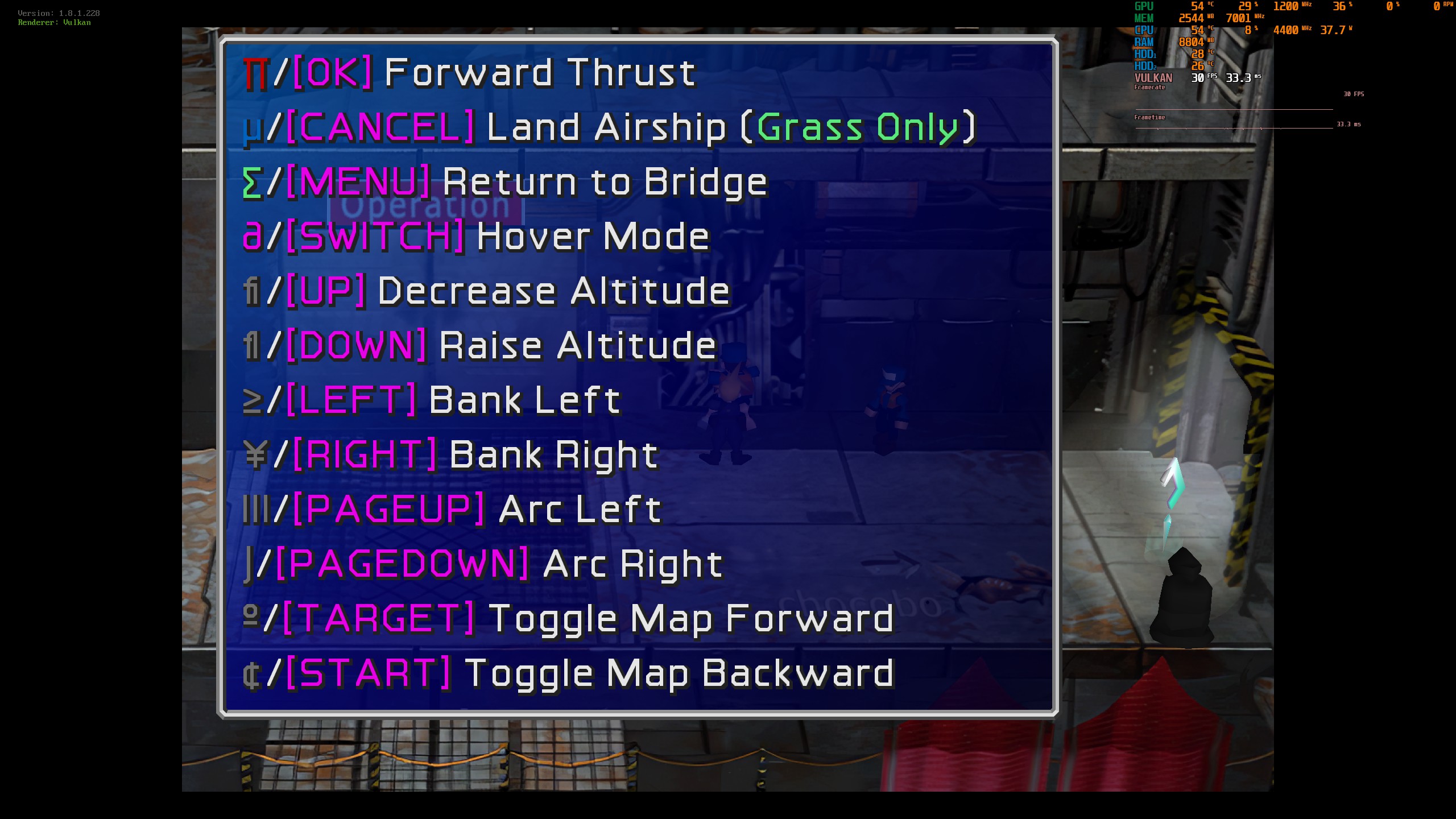
Cool thanks Satsuki. Is that something that can be fixed, or should I find a different font mod? Btw, Satsuki, what would I have to uncheck to use a different font mod?The problem is that nt mod seems to use unused font char to convert them in psx buttons.
In Aavock font the char are used as in the original pc font witch didn't provide psx buttons.
As said in the first post of my mods : "Please Use Steam AIO installer unless you want to add other mods; if you want to add more mods then use 7th Heaven 2.3 + iros (no support from me here for 7th Heaven)."Cool thanks Satsuki. Is that something that can be fixed, or should I find a different font mod? Btw, Satsuki, what would I have to uncheck to use a different font mod?
Lol I already mentioned before I won't be doing that. Can't use 7th heaven. Not a big fan. It's all good man. If I gotta figure it out on my own, I can. Thought it wouldn't hurt to ask for help.As said in the first post of my mods : "Please Use Steam AIO installer unless you want to add other mods; if you want to add more mods then use 7th Heaven 2.3 + iros (no support from me here for 7th Heaven)."
So just go to 7h if you want to change mods, it's more conveniant for this
The NT Mod should come with a texture file that alters some texture sheets so that button icons are displayed instead of the native PC icons in the screenshot. I guess they seem to have been lost somehow in that particular install (quick test of NT on Reunion and they seem to coming through). In the New_Threat_2.0/Direct/Menu folder there should be a bunch of .tex files (should probably also move discussion of this over to the NT thread).Here you go. This was exactly the issue I was talking about. See how the buttons are color coded, but they're wonky? That's it.
Wait so what exactly is the problem? Aavock, did you figure it out?
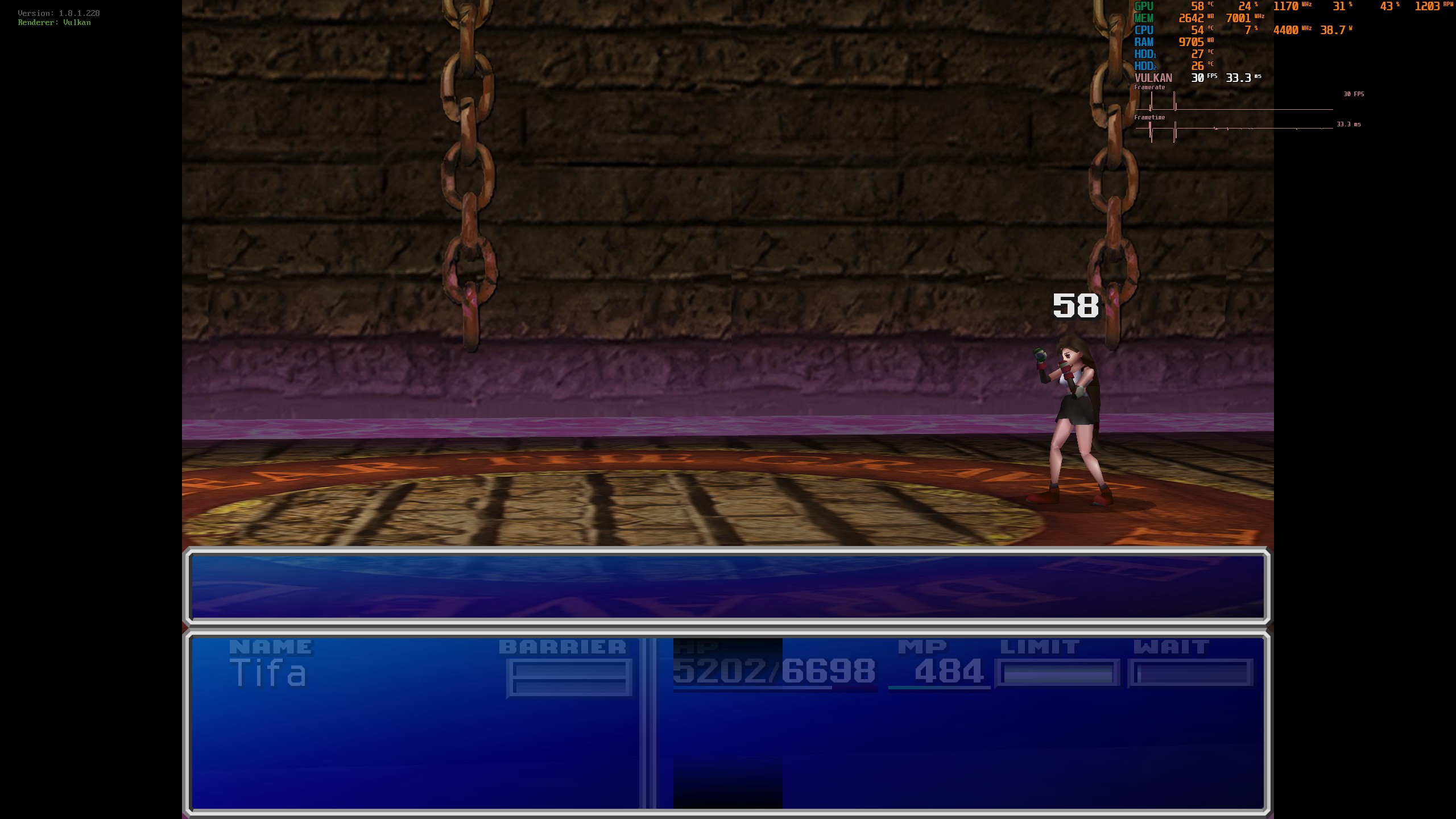
Sega Chief, I've actually gone back to the standalone New Threat along with the standalone Satsuki's install, along with the canary build of FFNx. I did not have this issue with The Reunion, but that had Satsuki's version 4 which didn't have the UI and Avatar mods. Also gonna post this image, thought it was just a difficulty challenge with New Threat, but looking at it now, it might be a glitch.The NT Mod should come with a texture file that alters some texture sheets so that button icons are displayed instead of the native PC icons in the screenshot. I guess they seem to have been lost somehow in that particular install or are perhaps missing from the current build (will need to check). In the New_Threat_2.0/Direct/Menu folder there should be a bunch of .tex files (should probably also move discussion of this over to the NT thread).