S
satsuki
Guest
if you have a crash with png, it's not png related, probably driver related.
use ffnx with dds version and should be ok
use ffnx with dds version and should be ok

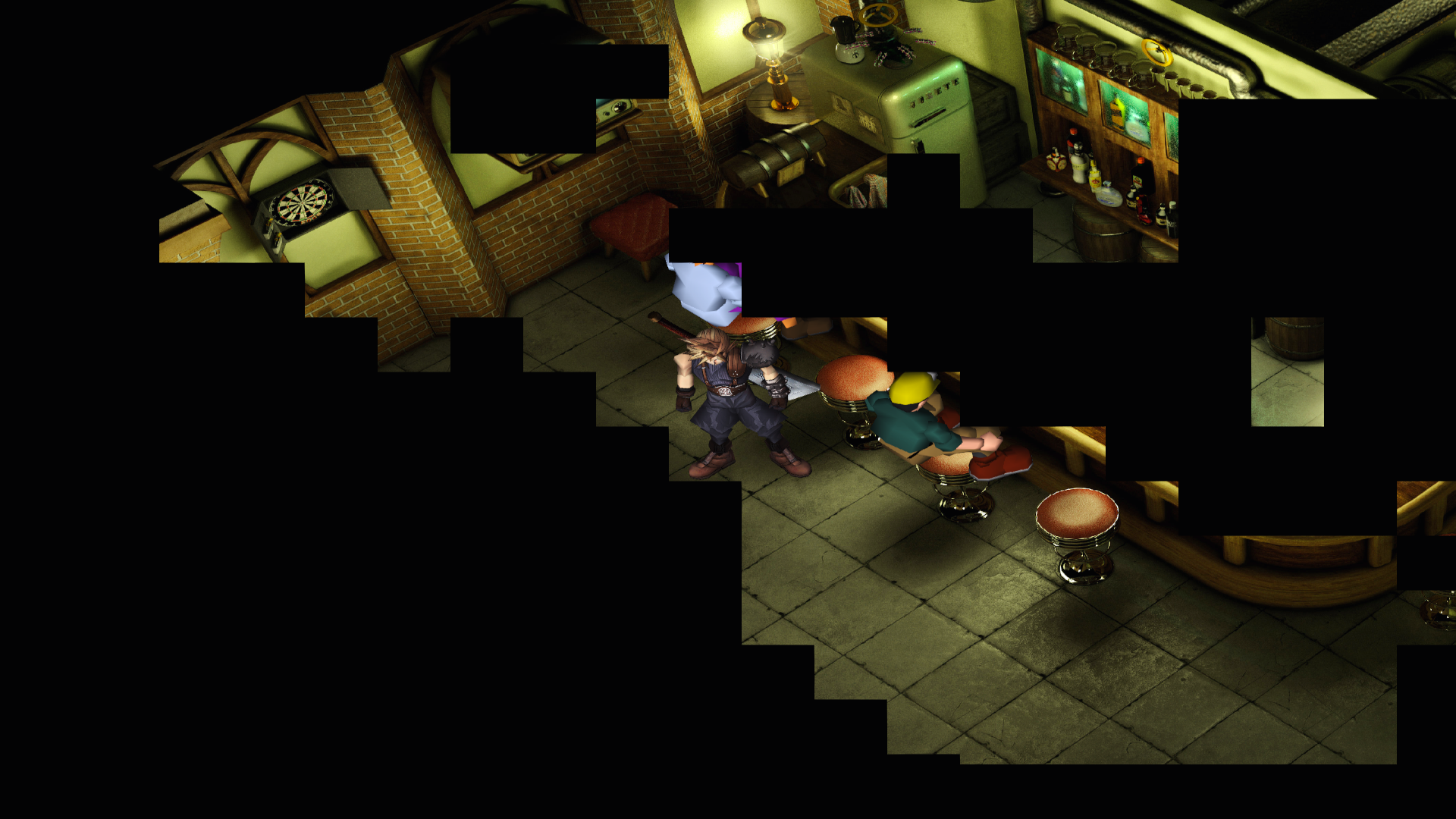
this isnt necessarily a problem with this particular pack in general, it happens because of limitations of the game engine and graphics driver. When it reaches max memory consumption and has no free space left there is no room for loading more textures, so black boxes are shown instead.I have this same problems with Jusete textures. This happen randomly. Any idea what cause this problem? I have only 1gb graphic card, and 4gb ram maybe this is problem.


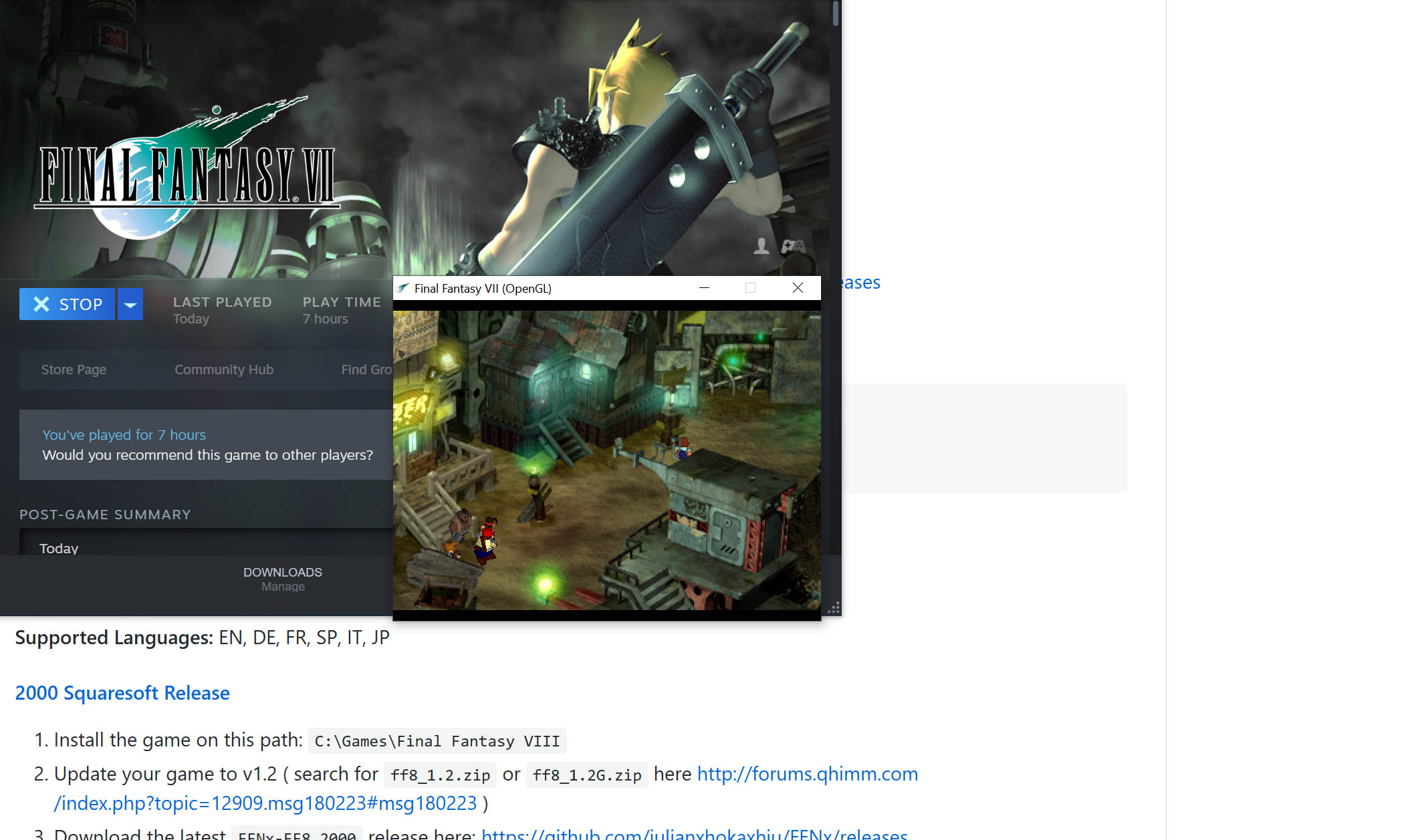
Ok, I did that. Thank you for your response. Now though whenever I launch the game, regardless of resolution or full screen settings enabled, it loads in a small window that can't be enlarged or made full screen.you need to install a custom driver to allow mods, for exemple : https://github.com/julianxhokaxhiu/FFNx
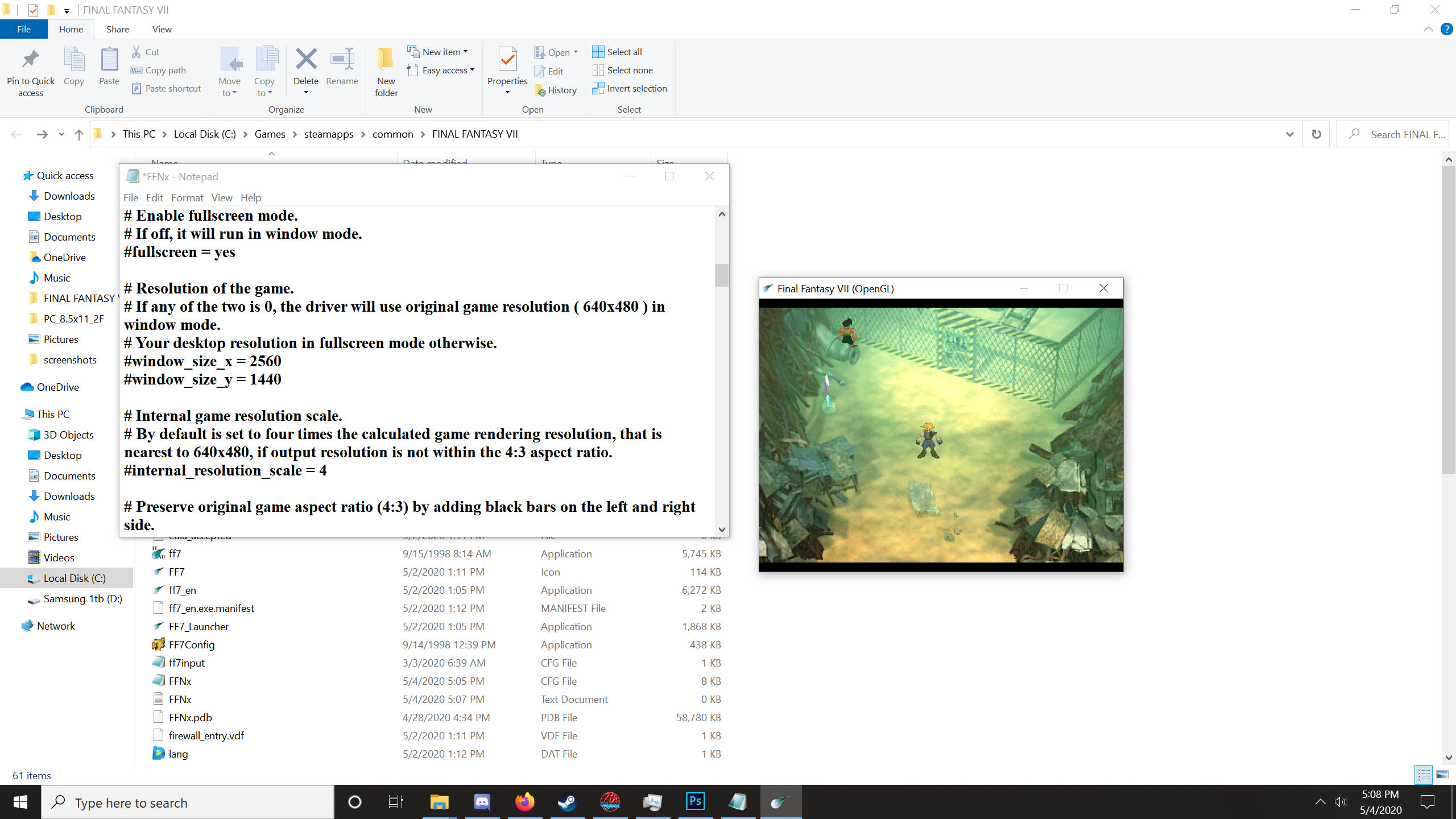
Hash tags ( # symbols ) denote a comment line in the config file, you need to remove those from example lines so the value is actually read at run timeI edited it and saved. Still no change however.


Thank you for the quick reply! Now I'm forced to expose my ignorance with a second question: how do I run SYWv4installer that contains the converter? It seems to be a '.pdb' file.Don't copie, use the provider converter, you need png to use with reunion