[FF7PC]FF7 SYW "ArkTsukiVock" (v4) upscale : Battle, world map, fields, videos

  • Thread starter Thread starter satsuki
  • Start date Start date
Status
Not open for further replies.
if you have a crash with png, it's not png related, probably driver related.
use ffnx with dds version and should be ok

 
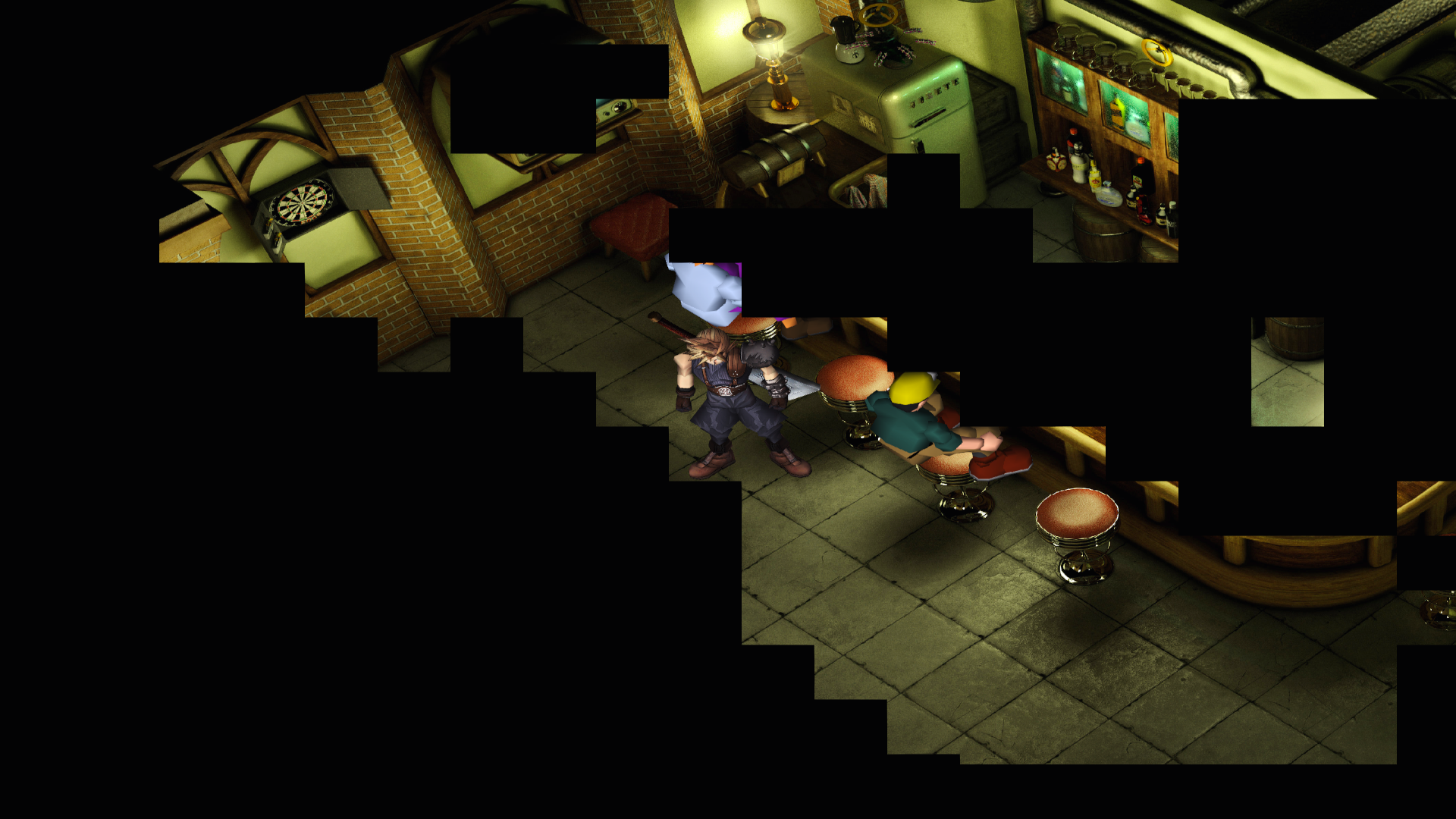
I have this same problems with Jusete textures. This happen randomly. Any idea what cause this problem? I have only 1gb graphic card, and 4gb ram maybe this is problem.
suUK4hs.png
 
I have this same problems with Jusete textures. This happen randomly. Any idea what cause this problem? I have only 1gb graphic card, and 4gb ram maybe this is problem.
suUK4hs.png
this isnt necessarily a problem with this particular pack in general, it happens because of limitations of the game engine and graphics driver. When it reaches max memory consumption and has no free space left there is no room for loading more textures, so black boxes are shown instead.

in aalis driver this is the point where the game would usually crash.

ffnx avoids the crash but produces these effects instead. try repeatedly transitioning the screen or opening the menu and closing it a few times and transition the screen to force the game to free some memory and reload everything.

Hopefully as the driver improves this will get less frequent or fixed altogether. The more hd mods you use the faster issues will occur, and some areas seem worse than others. just pay attention to the memory allocation, if you have those options enabled so you will know ahead of time before it happens (so you dont walk into a long story cutscene with everything garbled and no text to read)
 
Use ffnx with dds version and not png, png take about 50% to 70% more ram than dds
With dds you'll avoid alomost 100% of theses bugs
 
Is there any issues with using this driver with Reunion? Honestly, these crashes are getting more often than not with mods installed, but i'm not sure if it will work correctly with Reunion if i switch to dds. Meawhile i'm stuck with PNG, but yeah, wish i could do something about those crashes, at least make them appear less.
 
You need to edit FFNx.cfg to taste (7H only knows about the default driver right now)
 
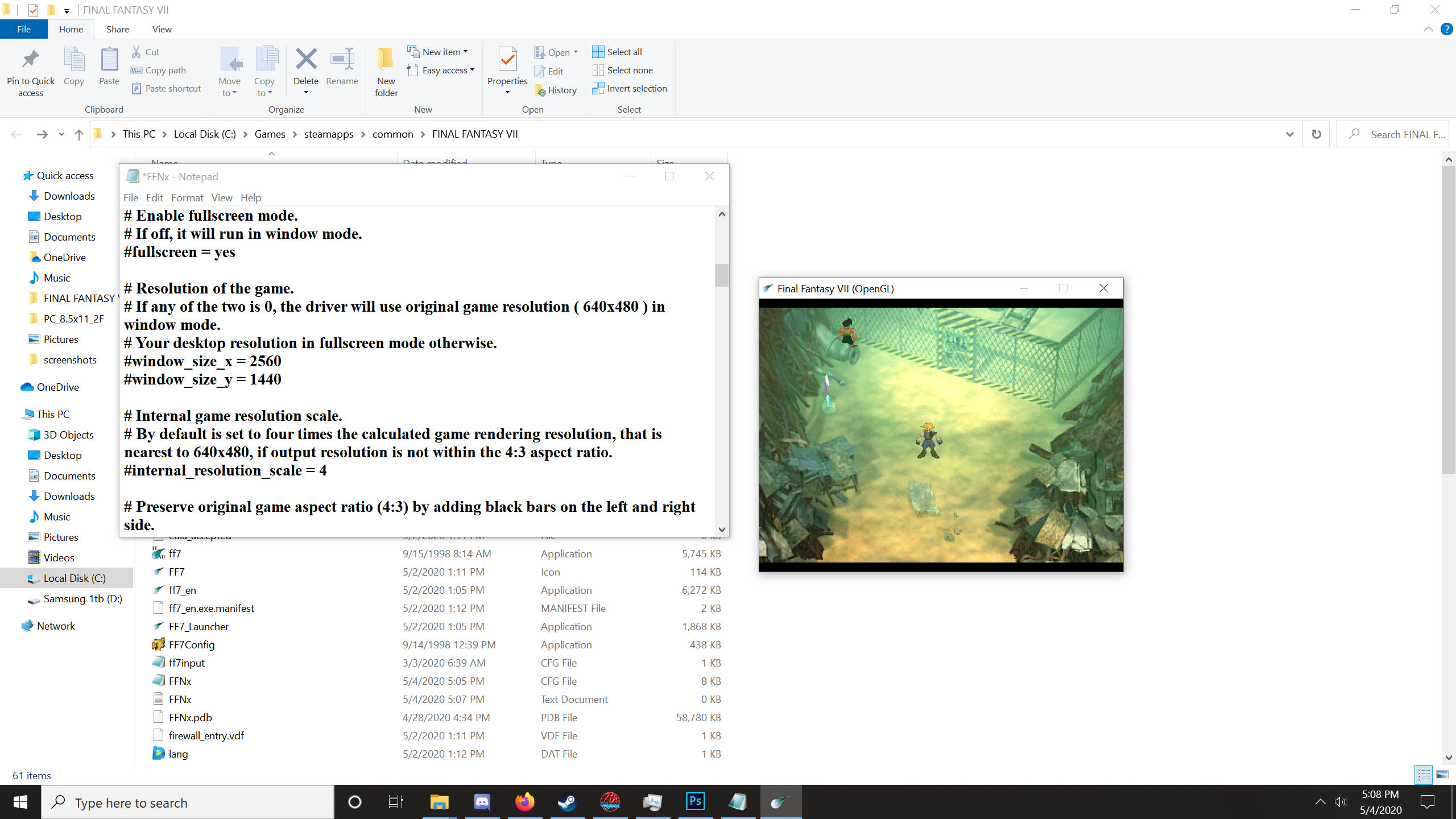
In the FFNx.cfg file:

# Enable fullscreen mode.
# If off, it will run in window mode.
fullscreen = yes

# Resolution of the game.
# If any of the two is 0, the driver will use original game resolution ( 640x480 ) in window mode.
# Your desktop resolution in fullscreen mode otherwise.
window_size_x = 1920
window_size_y = 1080

set whatever resolution you need
 
I edited it and saved. Still no change however.

qW169In.jpg
Hash tags ( # symbols ) denote a comment line in the config file, you need to remove those from example lines so the value is actually read at run time

window_size = 2560 instead of #window_size = 2560
 
because you didn't notice i have not the #before the line, like oatbran said
 
Last edited:
Hi all, hoping someone can advise on how to get this mod working (assuming this is the place to ask)!

It's my first time modding FF7 but I've read through this topic and tried to make use of other people's suggestions, here's where I'm currently at:

1. Installed Steam version of FF7.
2. Installed Reunion 6e, that works fine.
3. Installed FFNx driver using instructions for the 2013 Steam release.
4. Downloaded SYW megapack file and full movies pack, then manually copied folders with .dds files into the Reunion CUSTOM folder.
5. Noted the 'satsuki' folder in Reunion options.ini.
6. Run the game from Steam.

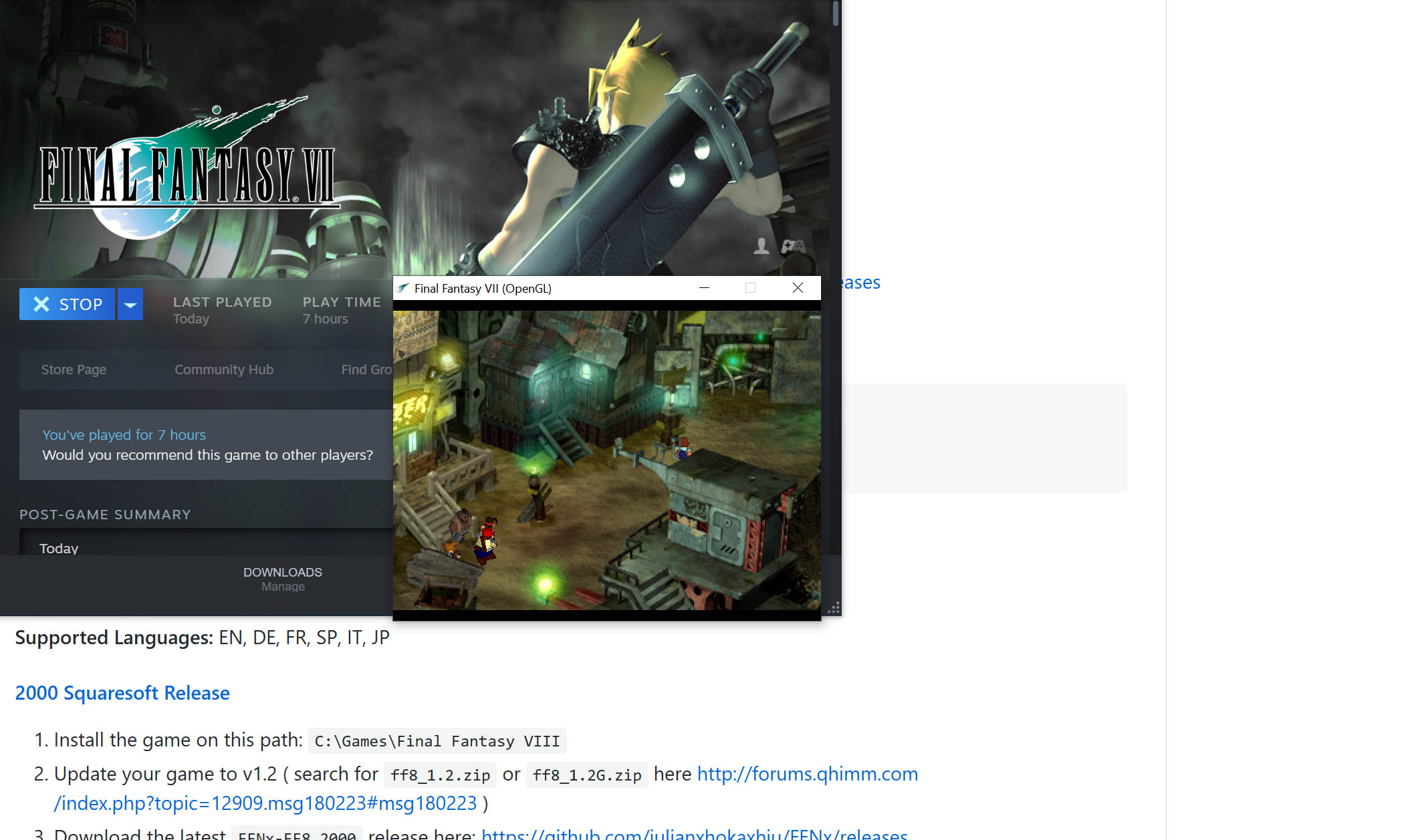
The mod doesn't seem to load (I'm looking at the field background to check), but the full movies pack in the 'direct' folder loads the custom intro when I boot the game. Posting images in case someone can spot an error:

3uZDjrb

g3fs353

KCZlIkh


Any advice would be greatly appreciated.
 
Don't copie, use the provider converter, you need png to use with reunion
 
Is the menu mod option not compatible with Reunion r06? After I install SYW (including menu mod) over my r06 install, it causes the button prompts to be empty.
 
Ah, in fact I didn't!

Though, in my defense, there is a quite a large amount of information being displayed in this window and I wasn't the only person to miss this. A disclaimer next to the option itself would have definitely caught my attention.

Thanks, and sorry for the dumb question.
 
Don't copie, use the provider converter, you need png to use with reunion
Thank you for the quick reply! Now I'm forced to expose my ignorance with a second question: how do I run SYWv4installer that contains the converter? It seems to be a '.pdb' file.
That's why I tried using the .dds files originally, heh.
 
Status
Not open for further replies.
Back
Top