A
Asker ツ
Guest
i already had that, but after i installed it, it said "MSCV... .dll" is missing. That's the problem. I think it can be find at google.
Last edited:

You might try reinstalling your game. I also know of one person who said he fixed the same issue you had by copying the .dll that's missing from another Steam game he had. Though, I haven't tried this myself.i already had that, but after i installed it, it said "MSCV... .dll" is missing. That's the problem. I think it can be find at google.
I can't see your pictures to see the problem you speak of. Click "Insert Image" then paste the url inside. I usually use imgur for uploading photos.I found it and fix the problem temporarily. But why the result of picture isn't focus ? This incident is same like before.
How can i repair that ?
I cann't insert the image, how to do ?
I can't see your pictures to see the problem you speak of. Click "Insert Image" then paste the url inside. I usually use imgur for uploading photos.
Hm... Did you remove the character replacement before using RF? You'll need to do that so nothing conflicts. All RF is is Shunsq's and Mortael's work but more updated so to speak. And when you updated Tonberry, did you replace/update all the files? That could also be the cause.Hi ppl!
FatedCourage, I really like your work. Before this mod, I was playing with de Shunsq's character replacement mod and it works fine. Now I updated to your mod, and it's like it were off.
I dn't know what I'm doing wrong: Update to Tomberry v2.04, paste the 'ch' folder in textures folder, the RebirthFlame_hm at hashmap.
I have SeeDReborn (spanish version) and Xbox360 Controller Mod working fine.
I'm really desperate and breaking my head for what's going wrong.
Just use http://imgur.com/, upload your photo, click on the picture after you upload it, then copy and paste that url into the spot.
I don't understand to upload my images from my file.
I just write "[ img]C:\Users\User\Desktop[/img ]", without spacing.
Can you show me example to upload the image like what ?
Hm... Did you remove the character replacement before using RF? You'll need to do that so nothing conflicts. All RF is is Shunsq's and Mortael's work but more updated so to speak. And when you updated Tonberry, did you replace/update all the files? That could also be the cause.
Just use http://imgur.com/, upload your photo, click on the picture after you upload it, then copy and paste that url into the spot.

You can't upload images to this site. You have to upload them to another site like imgur first.
I don't understand to upload my images from my file.
I just write "[ img]C:\Users\User\Desktop[/img ]", without spacing.
Can you show me example to upload the image like what ?




I've tryed again, deleting all the oldfiles and putting the updated ones (before i've updated again tomberry), and nothing, Xbox360 CB and SeeDReborn still working fine.Hm... Did you remove the character replacement before using RF? You'll need to do that so nothing conflicts. All RF is is Shunsq's and Mortael's work but more updated so to speak. And when you updated Tonberry, did you replace/update all the files? That could also be the cause.
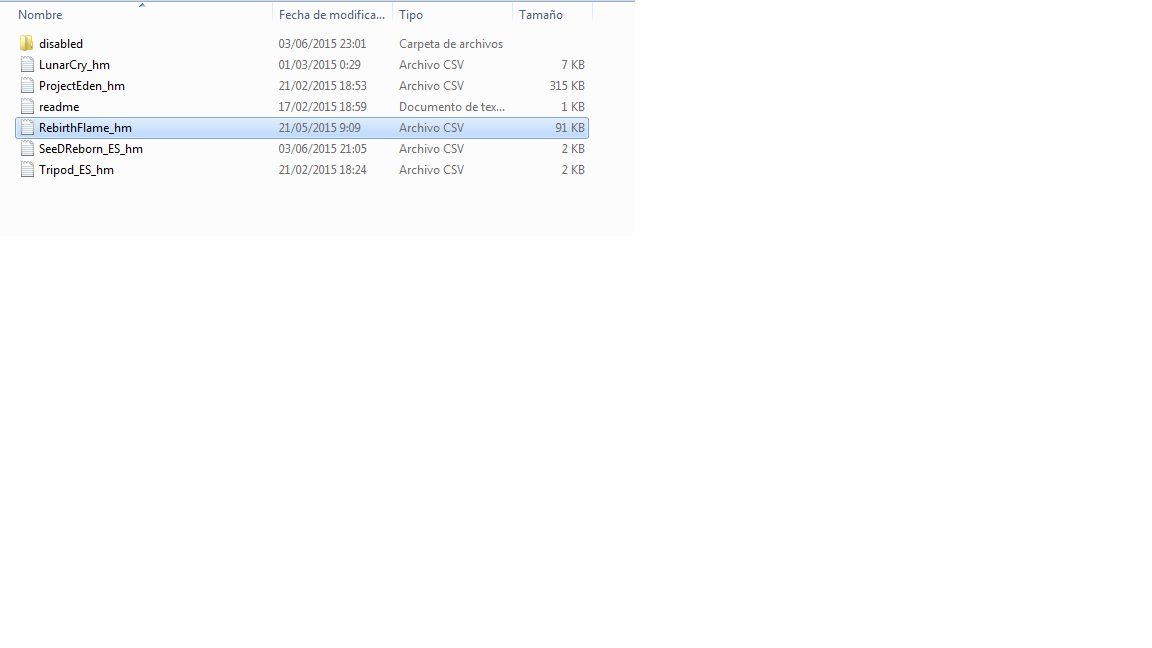
Sorry, I meant the components/files that came with Tonberry v2.04. Or rather, put everything that came with v2.04 into your directory. Which will replace all the old files. If you've completely updated all of Tonberry, then I can't think of much else. I'm really not that tech savvy sadly.I've tryed again, deleting all the oldfiles and putting the updated ones (before i've updated again tomberry), and nothing, Xbox360 CB and SeeDReborn still working fine.

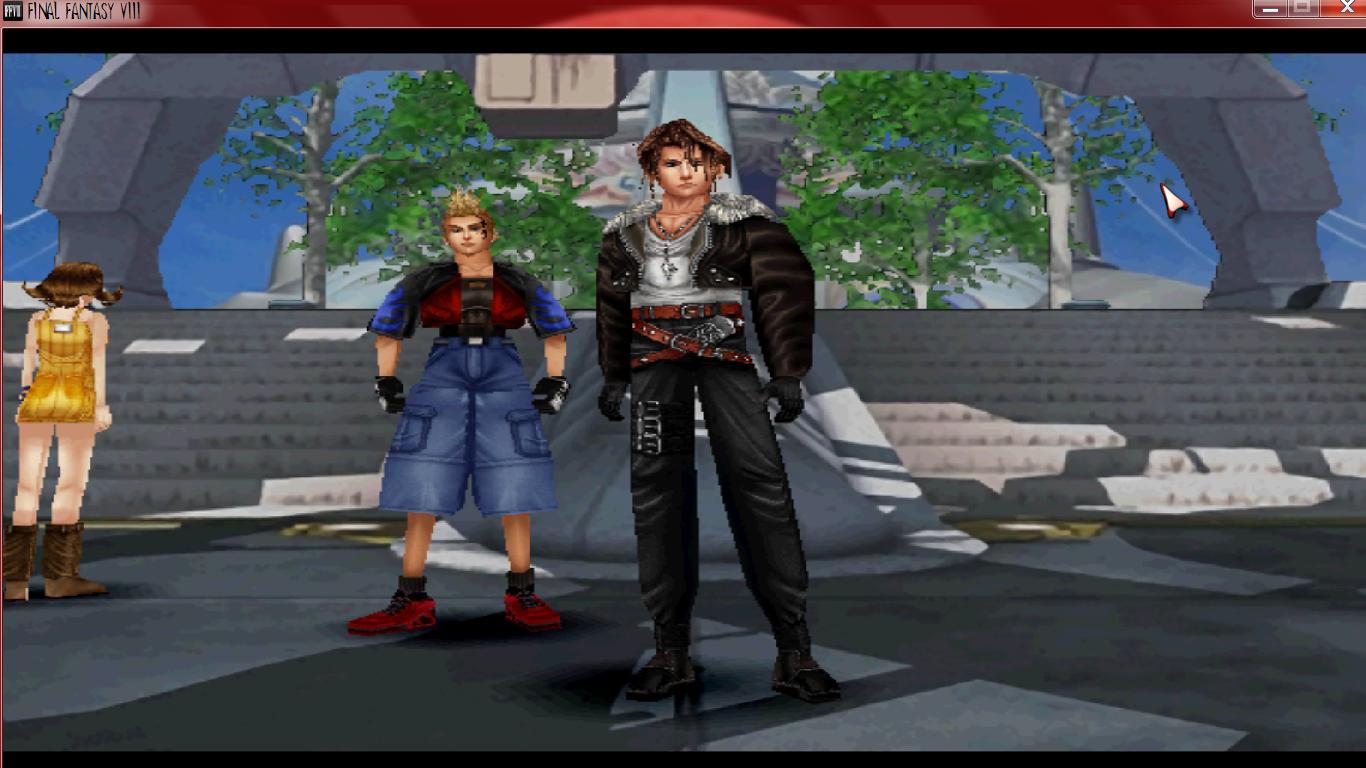
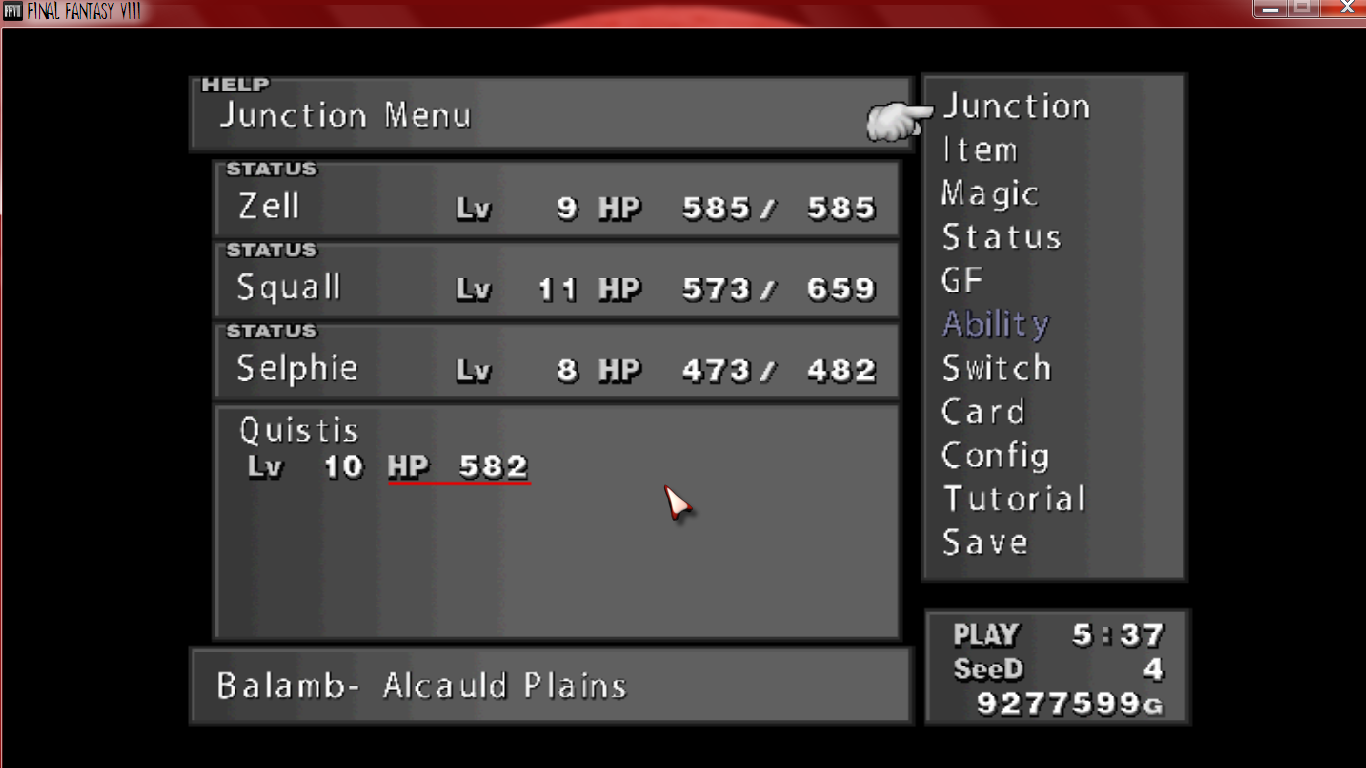
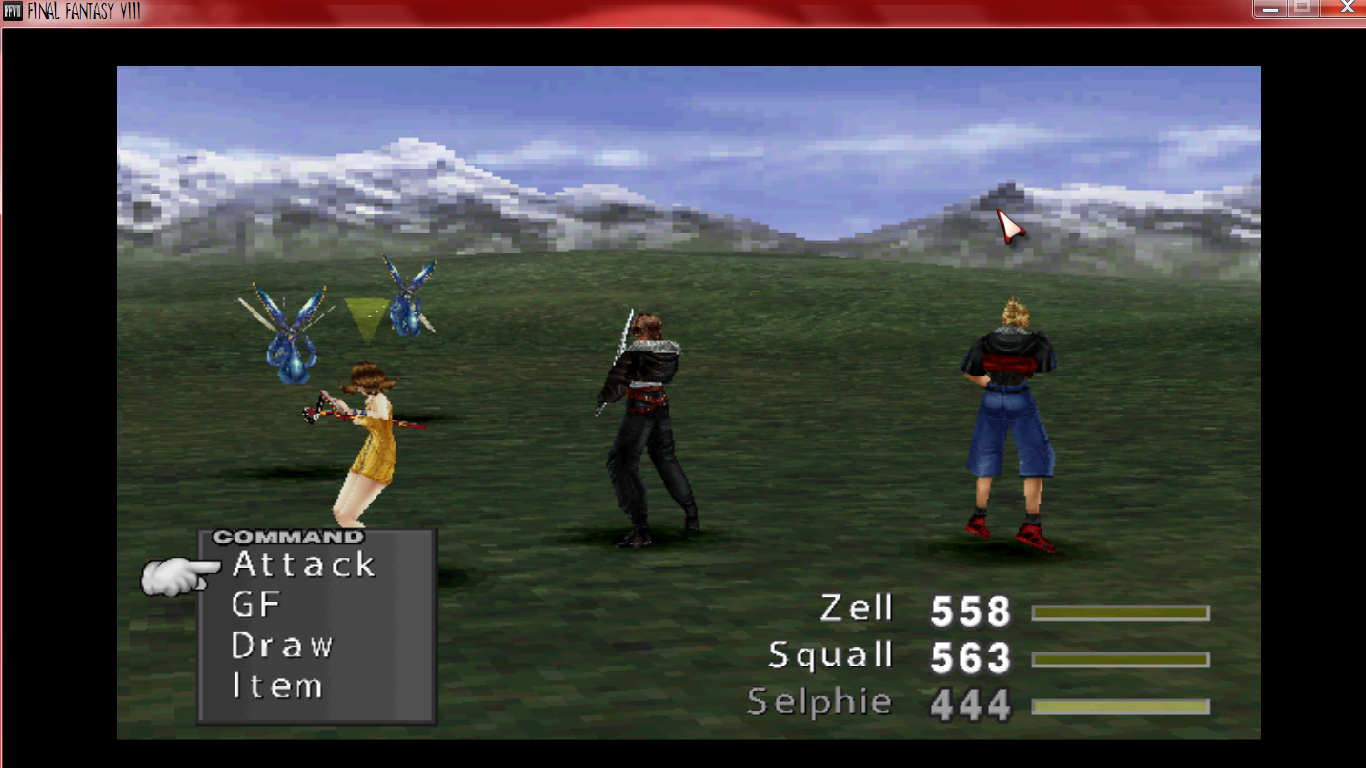
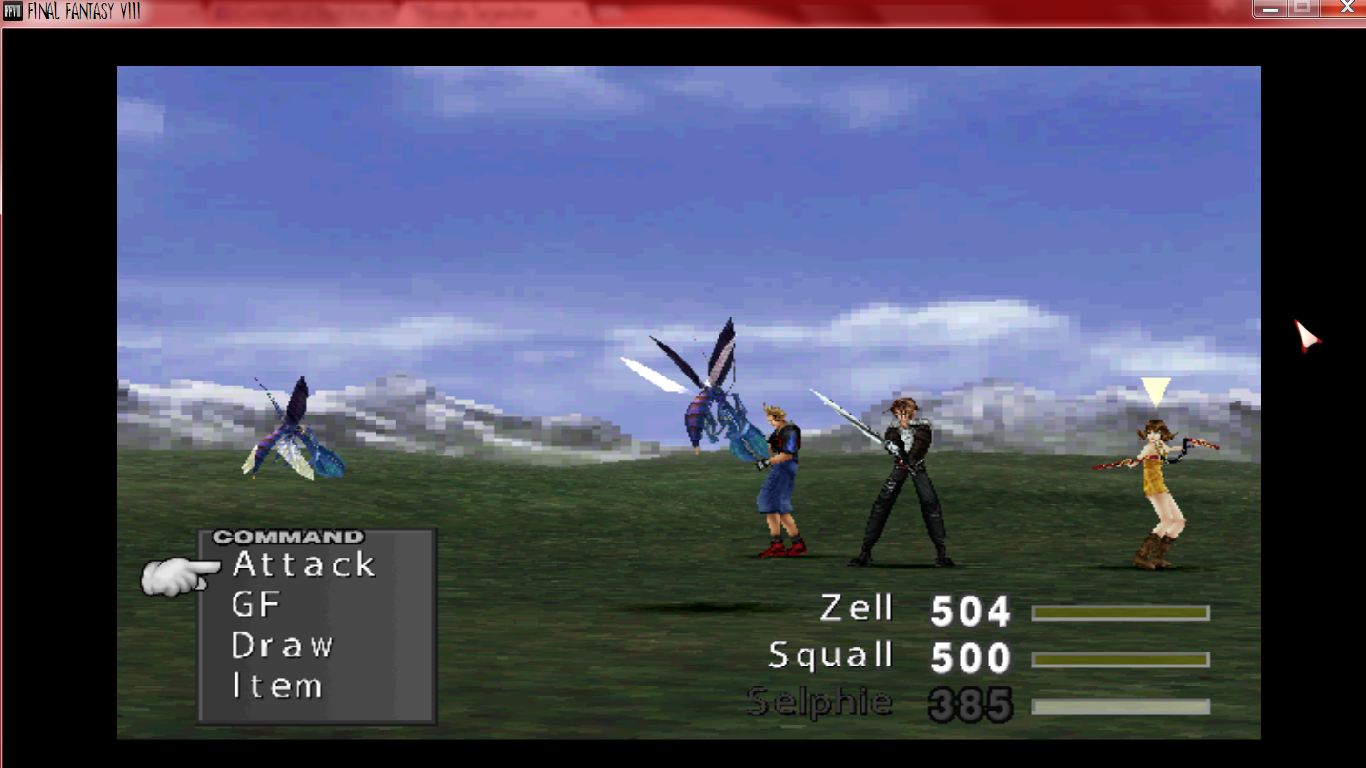
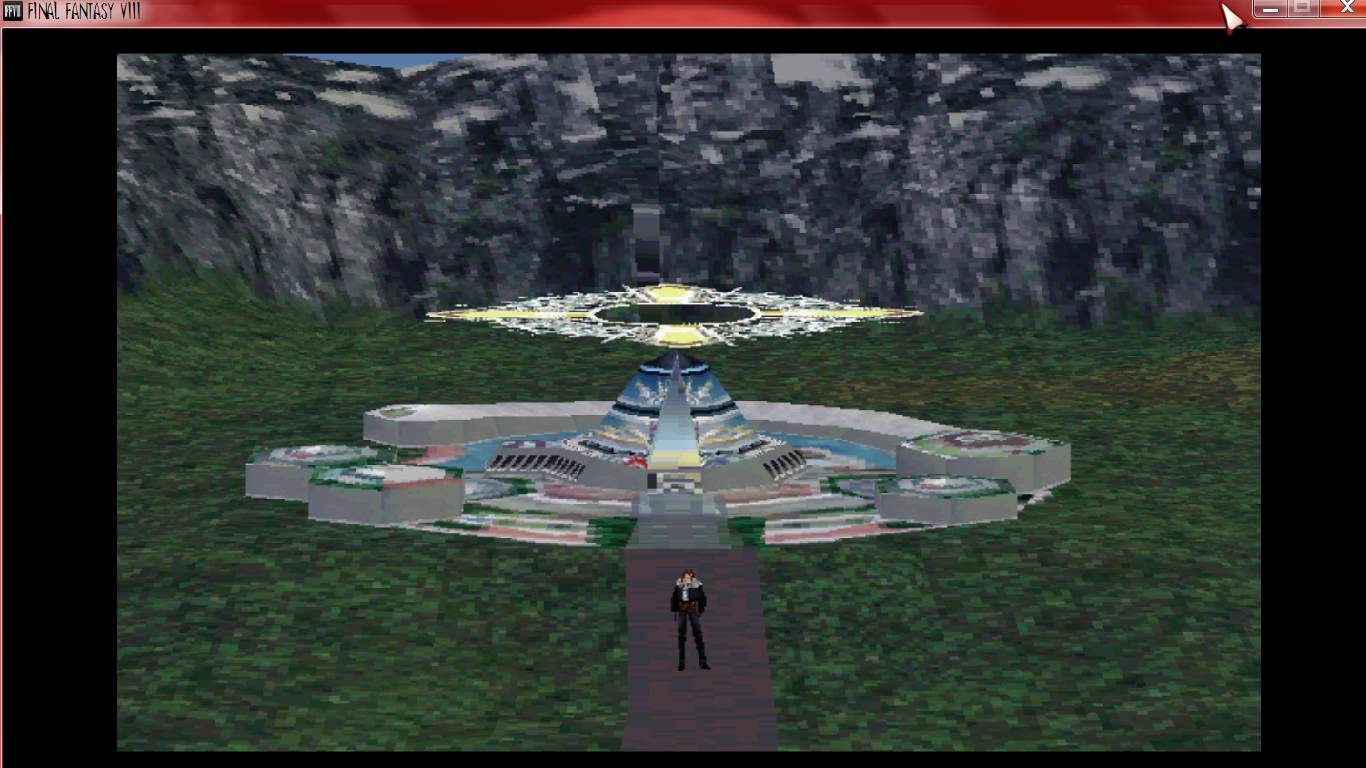
Ah, okay! Much better! Do you have "Original Graphic Mode" checked in your settings? If you do, uncheck it.I got it now.
When I try first time, that imgur.com is blank. It's not show anything.
But now it's work
This is the images that I mean.
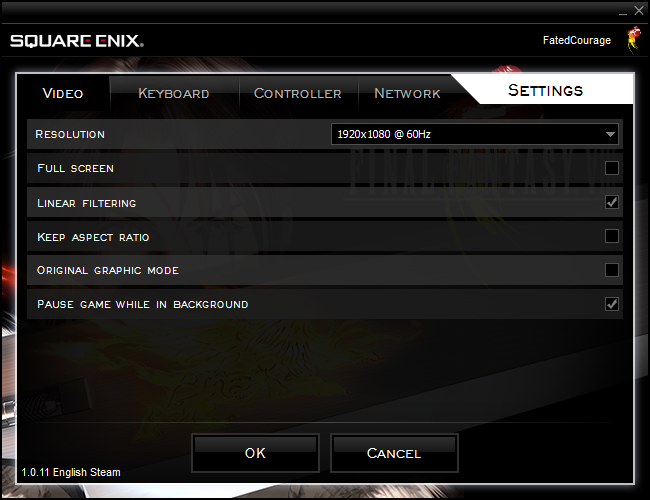
Ohh ya, I know. I marked it all, that cause the problem, so stupid wkwk ;D
Yeah. Second to last in your settings. You could mess with your resolution to see if that helps. But if "Original Graphic Mode" is checked then it's always going to be pixelated. Hope this helps.
I updated from Tomberry v1.6 to 2.04, copy and paste the files and folders. I missed something updating Tomberry? Something new between 1.6 and 2.04, like a new objmap etc?Sorry, I meant the components/files that came with Tonberry v2.04. Or rather, put everything that came with v2.04 into your directory. Which will replace all the old files. If you've completely updated all of Tonberry, then I can't think of much else. I'm really not that tech savvy sadly.


