B
blippyp
Guest
I closed the window with all the layers I had (since it was a failure), give me a second and I'll see if I can re-produce the mess I came up with yesterday.

Mega LinkCan you post a psd file of that so I can have a look on it or was it multilayered tiff?
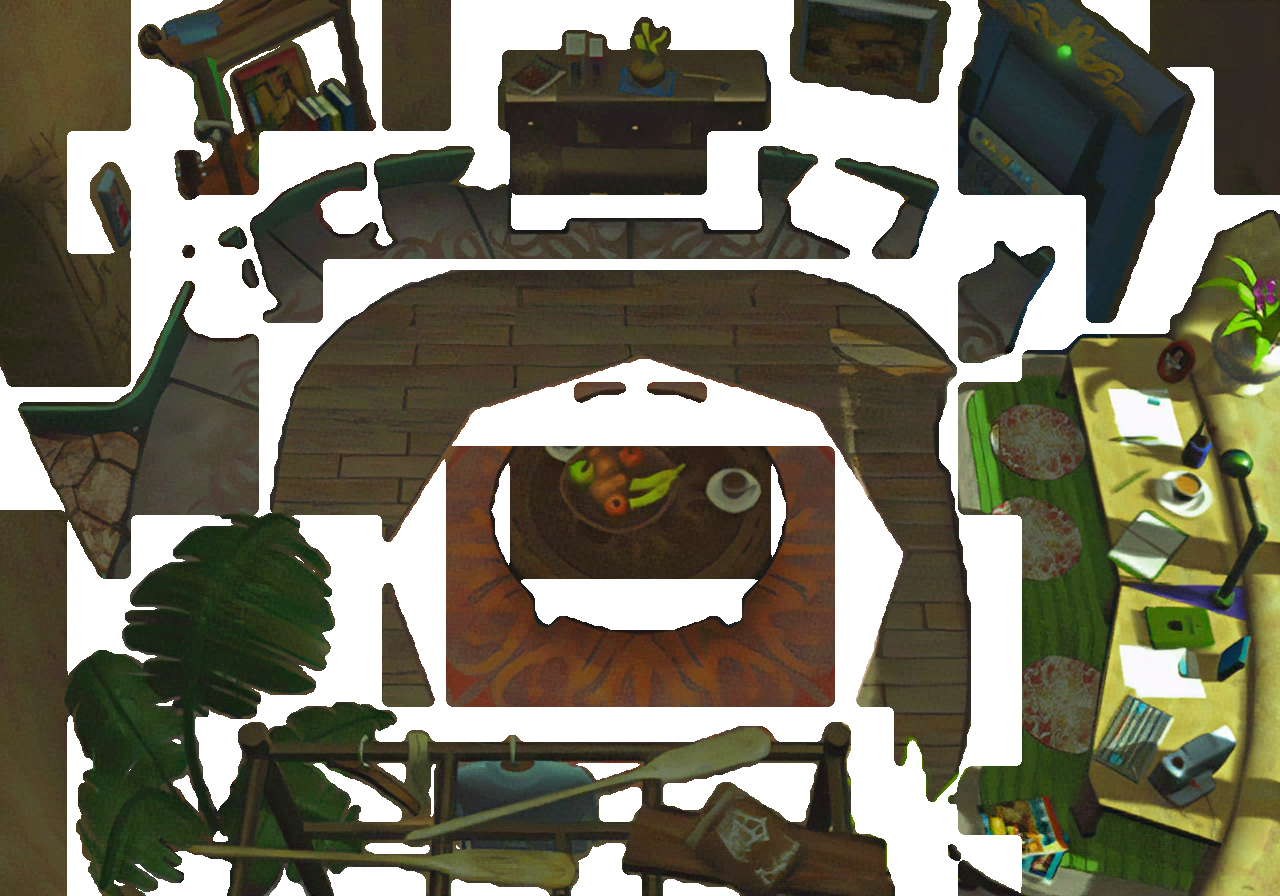
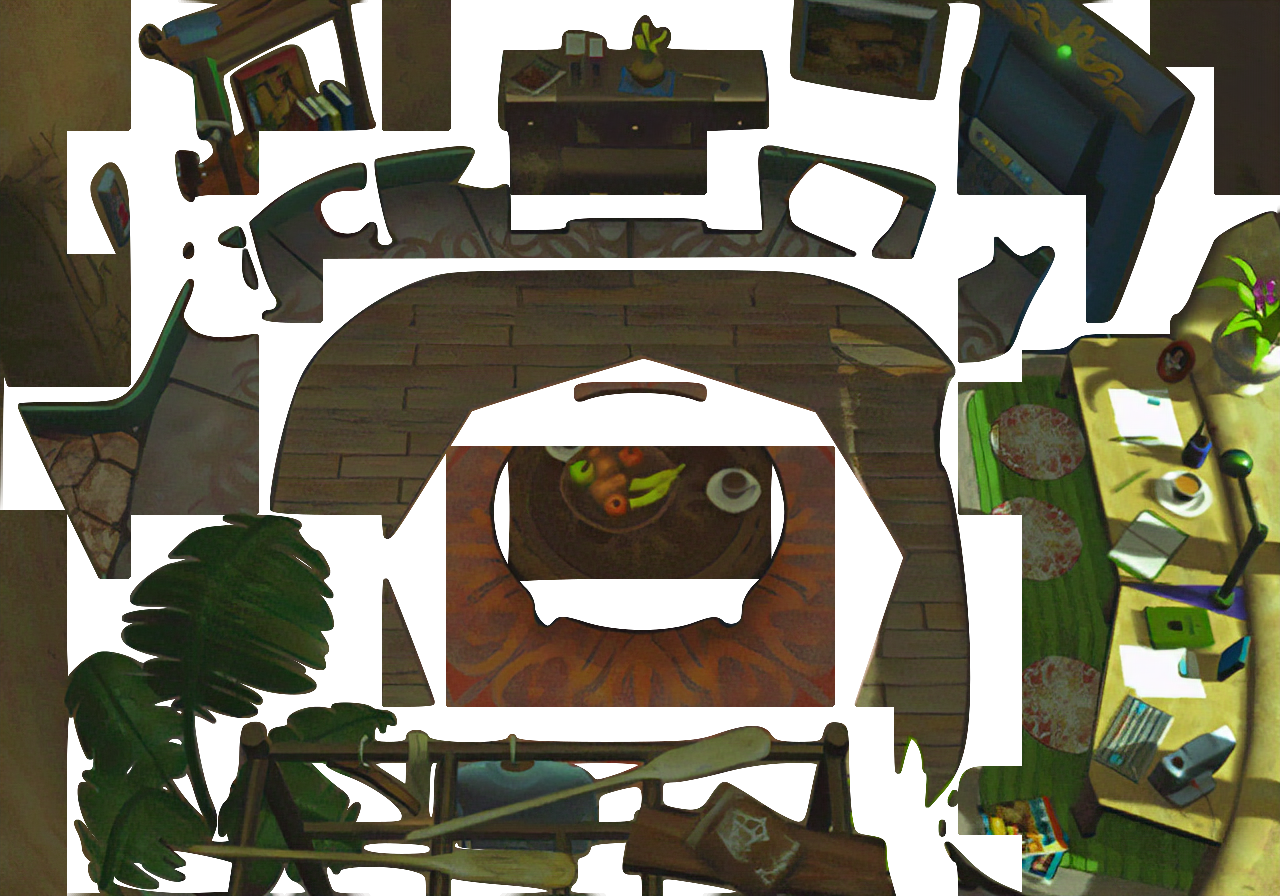
Unfortunately there are a couple issues that appear as you can see. One of those issues can likely be fixed if I can figure out why it's happening, but despite that, the overall effect is much worse. The masking doesn't match closely enough in game and looks 'lame' for lack of a better word. As you can see in the image below. For whatever reason, there's an odd overlapping of the masks, which I can't figure out why, not that I made any real attempt to figure it out yet though because the overall 'poor' masking ruins it for me in the end. Compare with the same image below it where I used my modified script from Satsuki. It's blockier, but the masking matches and is still cleaner than my original masking attempts, so I'm just going to go with his script.What's the problem ingame? The mask looks really clean. :/
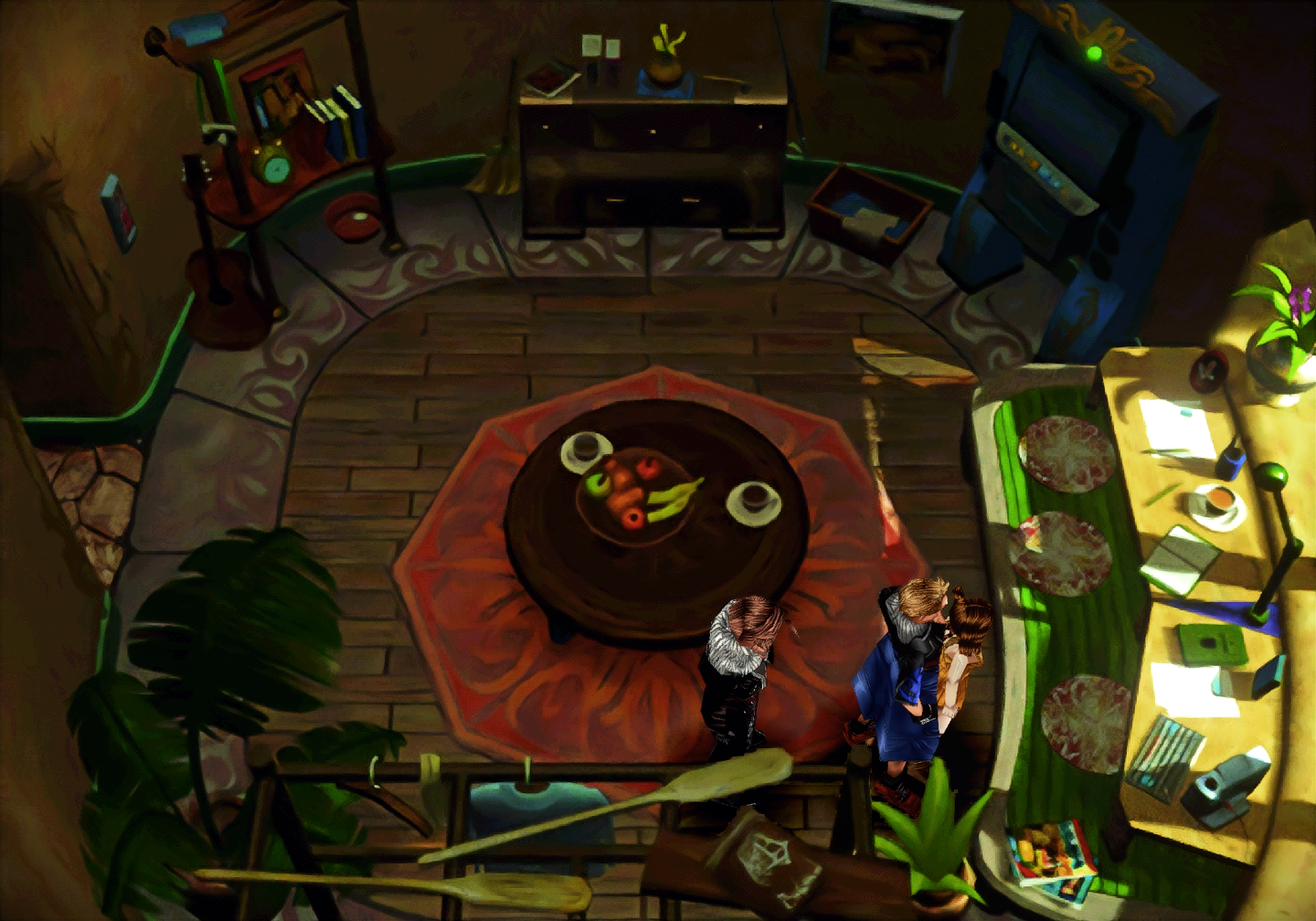
Woah woah woah! Hold on a second - Are you telling me that you aren't providing a guarantee with this!?!?? haha ;-PYes it seems ff8 use the same "strick layer system" than ff7 is, what's why you need potrace + non interpolated resize mixed to avoid missing pixels and layer collisions.
It's not perfect on some screens and you'll have to do smalls correction but that's the only way i found to have a correct render in ff7.
Great it have helped you, hopped you found a better way for ff8

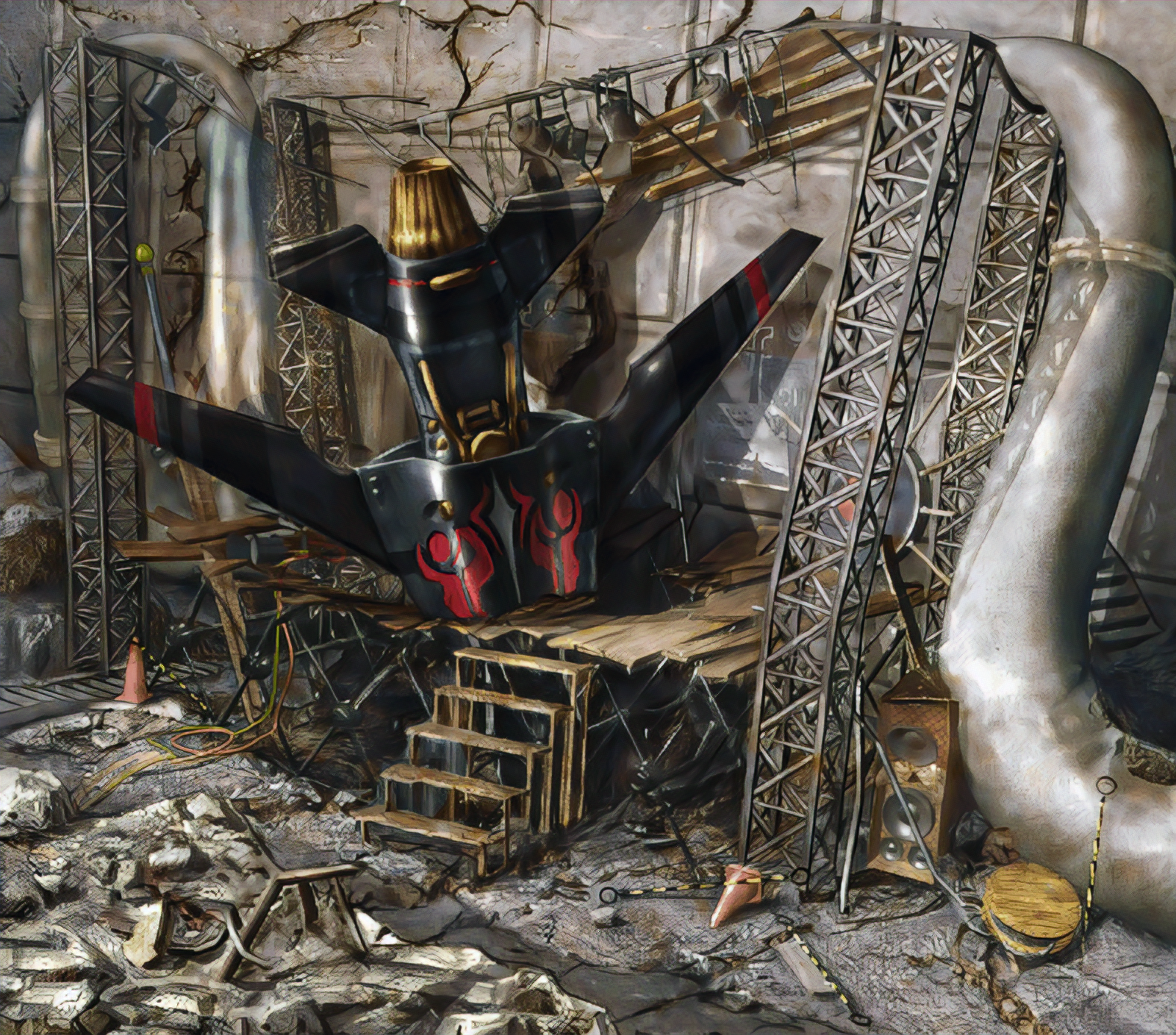
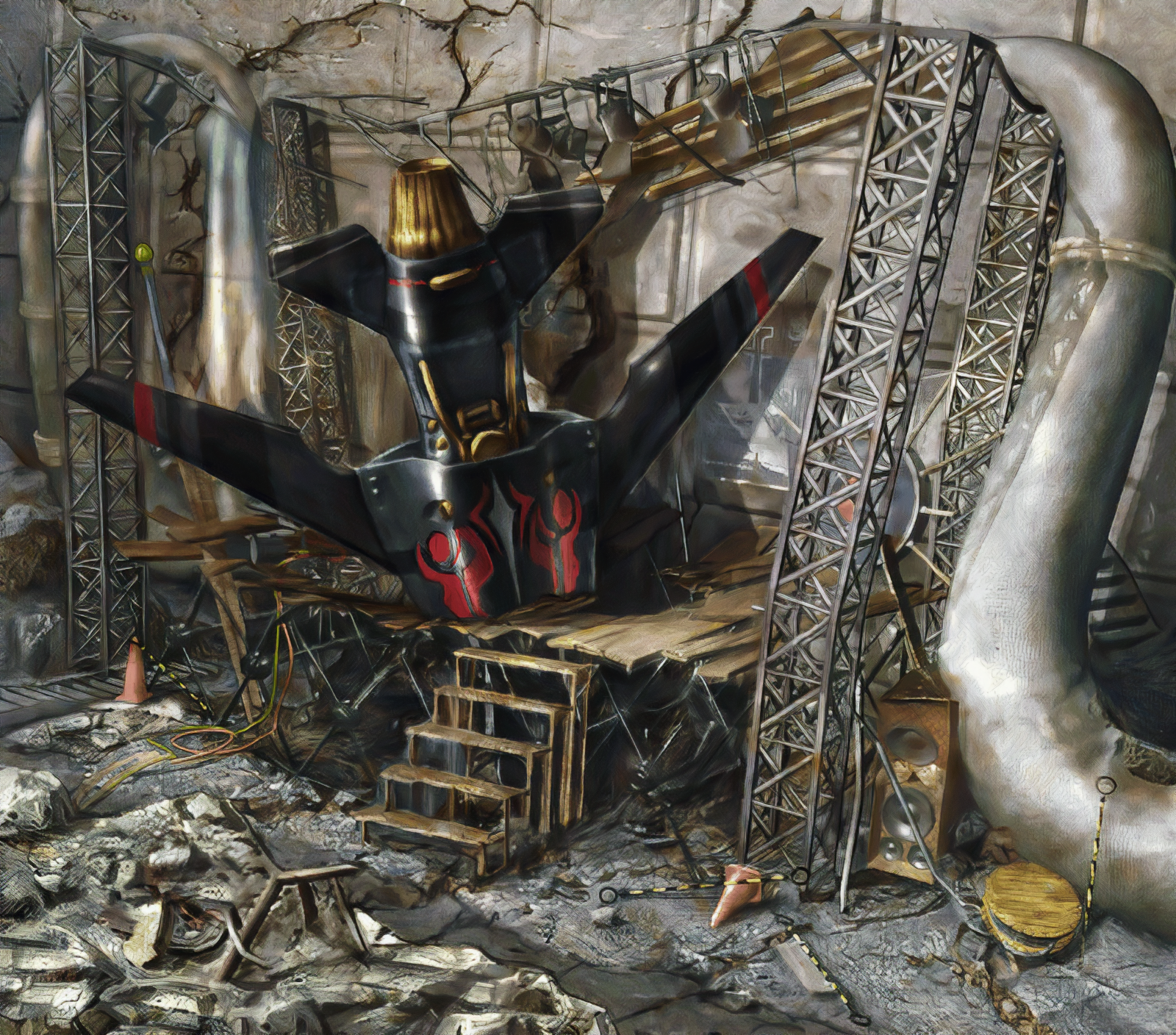
Still has a long way to go unfortunately, but if I had to use this, I would, it's a huge time saver. I'm training it using my own images actually. So it's literally learning to convert the original files to the style I was previously commited to (which would of taken months to complete all the images), which is a mix of three separate GAN's combined with the filtering I put it thru in GIMP. So in essence, it's the only step needed, it's learning to skip all of that and instead resize them like I wanted all in one much faster process, assuming all works out, and if not, it at least gives me a really close base to what I've been aiming for even if I do have to run a couple filters thru it in the end. It's definitely missing some of the finer details my previous process was doing, but it's still learning so I'll save judgement for when I've stopped that process and commit to whatever training I end up with, and considering the time saved, I'm willing to go with a slightly different result. All my previous attempts at a 'faster' process was simply lacking too much. This is close, but still a little blurry for my liking, I'm hoping some further training will fix that, but if not, I'm willing to deal with it.Looks damn good! It might be a bit too aggressive on the bottom though, but the overall details are beautiful. The missile looks great, as well as the speakers and the wood. What kind of images are you training it with? The FF9 model was trained with a variety of concept art which has a similar art direction. But not too sure if it would fit FF8 though.

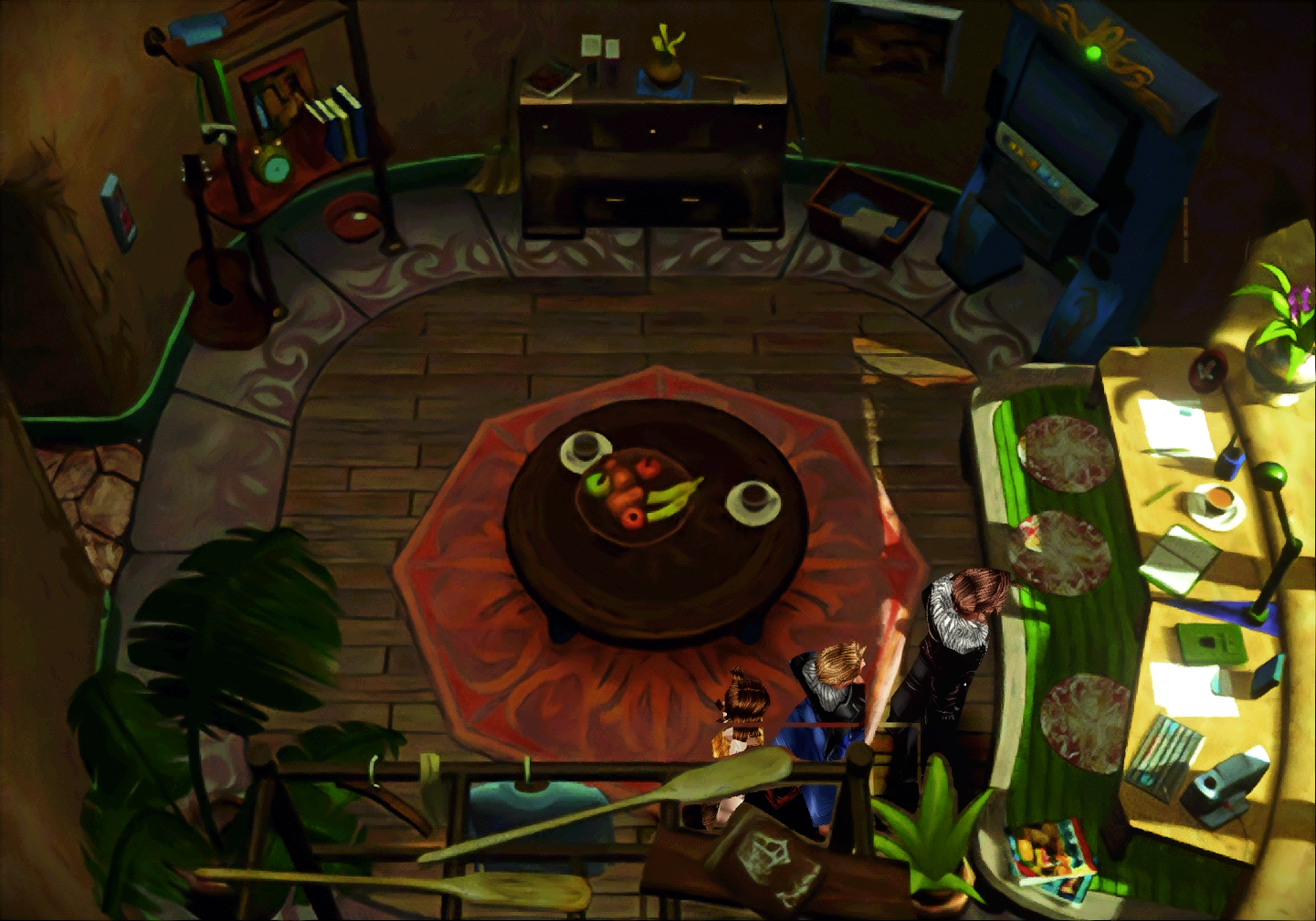
That turned out quite nice. But I'm happy with what I'm using actually (in comparison, my GAN is learning from images like the one posted in this message).Here's my result of a quick test of this picture with my auto tool (use waifu as prefilter then esrgan), if you want i can clean the tool and give it to you for your tests ^^