[PC] External Texture Support - Tonberry: Enhanced (2.04)

  • Thread starter Thread starter JeMaCheHi
  • Start date Start date
Status
Not open for further replies.
Hey all,  I'm trying out this tool with a fresh new install of FF8 on my Mac. I'm running the game through Wine and it works just fine... for a while. After some time, usually traversing a few screens, definitely a few screens after playing Triple Triad, the next screen loads up with odd green textures. I'm able to replicate this fairly consistently from the first save in the game, at the Balamb Garden directory, then going to the Cafeteria, playing the lovestruck Trepie, then leaving the cafeteria back into the central ring. Upon entering all the water surfaces are overlaid with green textures.

Sometimes this effect can be negated by minimizing & maximizing the game. Half the time it freezes & crashes after a few seconds.

I'm attaching a report: http://www.chopapp.com/#sspmwbid. I noticed it mention d3d9callback.dll, which was supplied by your tool. Any idea what could be going wrong?

In case you're unfamiliar with Wine, it has the ability to use its own inbuilt DLLs but also to commission native, external DLLs, provided that it's set up right. Am I maybe missing a crucial DLL, or is one of the DLLs maybe the wrong version?

Thanks for any help!

Edit: I forgot to mention the issue goes away after removing d3d9.dll. But then textures revert back to original.
The green textures sound like a classic hash collision--Tonberry thinks the water textures should be replaced with those green textures. Freezing and crashing I'm not sure about, and the report you attached only confirms that it's Tonberry that's causing the problem. Does this only happen when you use Wine to load d3d9Callback.dll? I don't recall Wine causing issues but it's possible.

Has anyone else experienced this issue using Windows or is it isolated to OSX? Unfortunately, I don't have the time or the Macbook to properly support OSX. I can send you a debug build that will write some additional logs and may shed some light on the issue, but I cannot promise anything.
 
It specifically happens when I force Wine to use the d3d9.dll provided with Tonberry. Using the in-built DLL fixes the crashes but also disables Tonberry. I haven't tried running Tonberry without d3d9Callback.dll.

To make the symptoms more precise, in approximately half the cases upon entering a new screen the water turns green, some other textures are also messed up and upon exiting the screen the application crashes. If I minimize the application and then maximize again the problem goes away. Sometimes a similar thing happens while playing Triple Triad, some of the cards are overlaid with weird green/turquoise textures but minimizing/maximizing fixes it. In the other 50% cases the new screen goes mostly black with dark green patterns and what's presumably graphical artifacts from either the previous or the intended current screen. The game then immediately crashes.

I can work with a debug version, sure. Thanks for your help!
 
Upon the advice from the pinned post to the steam community page for FF8, I just installed Tonberry 2.04 and added:
SeeD Reborn v3.2
Project Eden v1.0
Tripod v1.1
Rebirth Flame v1.1
HorizonPack v2.1
Lunar Cry v1.2

Although I followed the directions (as well as Mcindus's install video), I must have messed up somewhere. Since installing the mods, steam won't launch the game. Whenever I click "play", steam says the game is "running", followed by "syncing", and goes back to normal all within the span of <5 seconds. At no point does the launcher window open or even make an attempt to open, it just never shows any sign of anything going on other than the running/syncing message.

Has anyone else had this issue or has some suggestions on how to fix it? Thank you!

*UPDATE* I managed to figure it out. Somehow the MSVCP120.dll and MSVCR120.dll were deleted from the FF8 file.
 
Last edited:
The reason the new hashing algorithm was never released was because I didn't want people to start using it before the pixel set was solid. Each time the hash algo changes in any way, all of the hashmap CSV's for every mod have to be changed. This means a lot of work for modders who have to keep up with each iteration and a lot of confusion for players who wonder why the hashmap for one mod works great while another causes problems. Maybe this decision was a mistake. Maybe, as I mentioned in my last comment, it would be possible to define the pixels used in the hash externally, such that modders and players could have more control over the set.
Also - you had mentioned in the past that we may be able to enable multiple resolutions via Tonberry...  For example - the enemy textures and worldmap textures don't need more than a 4x bump, but the character textures, battle backgrounds, and others would greatly benefit from being 8x!  Any way for that feature to work?  That way we don't have to have ALL 4x or ALL 8x...
 
Also - you had mentioned in the past that we may be able to enable multiple resolutions via Tonberry...  For example - the enemy textures and worldmap textures don't need more than a 4x bump, but the character textures, battle backgrounds, and others would greatly benefit from being 8x!  Any way for that feature to work?  That way we don't have to have ALL 4x or ALL 8x...
I think so. The difficulty is that each D3D texture can hold two FF8 textures at once, so you run into problems with textures of different size. For example, let's say a D3D surface has an enemy texture that Tonberry finds and replaces with a 1024x1024 texture, but then also holds a character texture that has a 2048x2048 replacement. Do we go back and scale the enemy texture? This takes precious time and will be going on constantly.

What we may be able to do is give a max texture size in the settings, then always scale every texture to that size when replacing. As long as we know ahead of time that a 1024x1024 needs to fill a 2048x2048 space, we should be fine.
 
If it does become possible, perhaps certain bosses can benefit from this too? At least the bigger ones. Even Ulti has parts on her I'm sure it could improve.

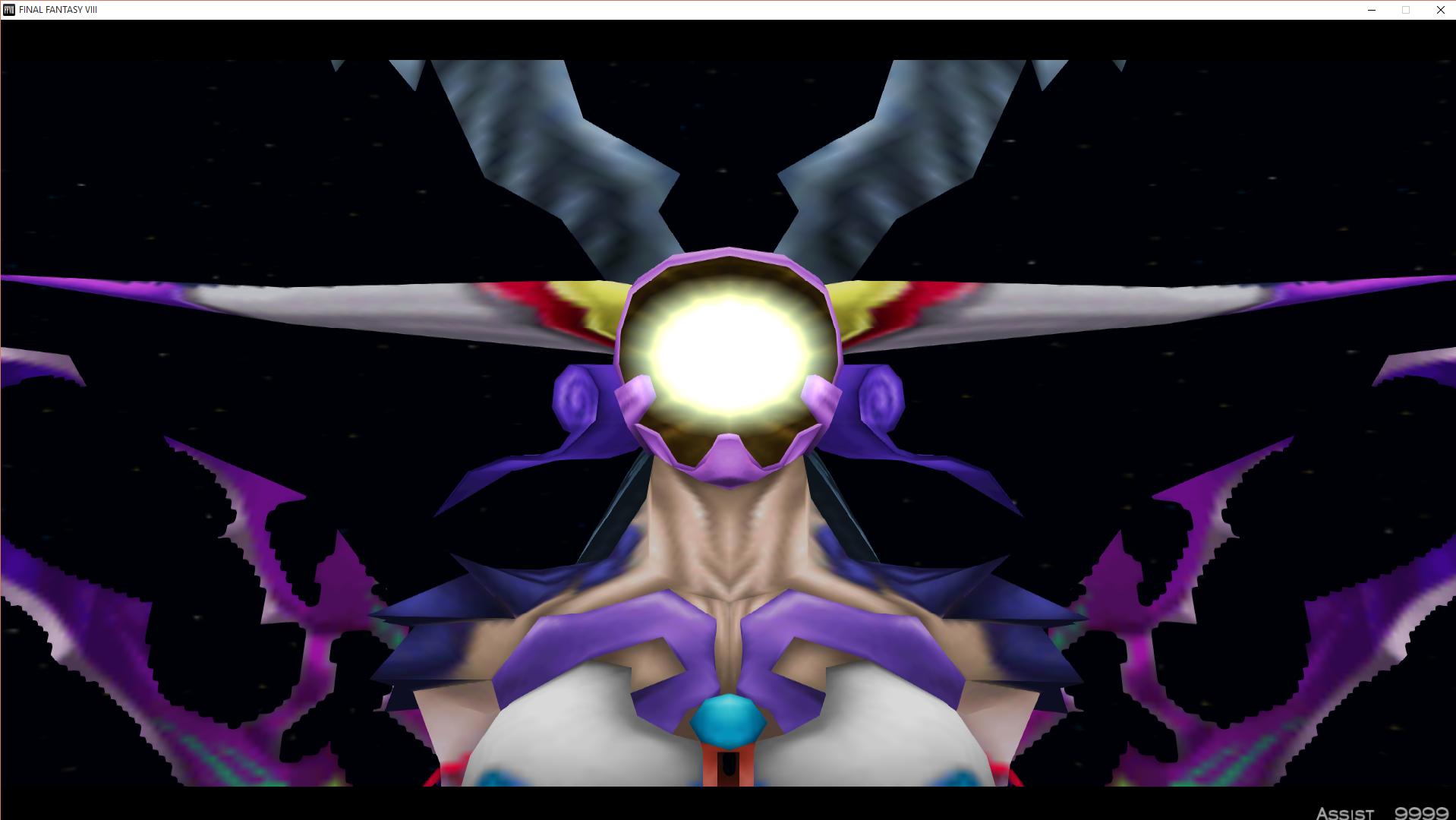
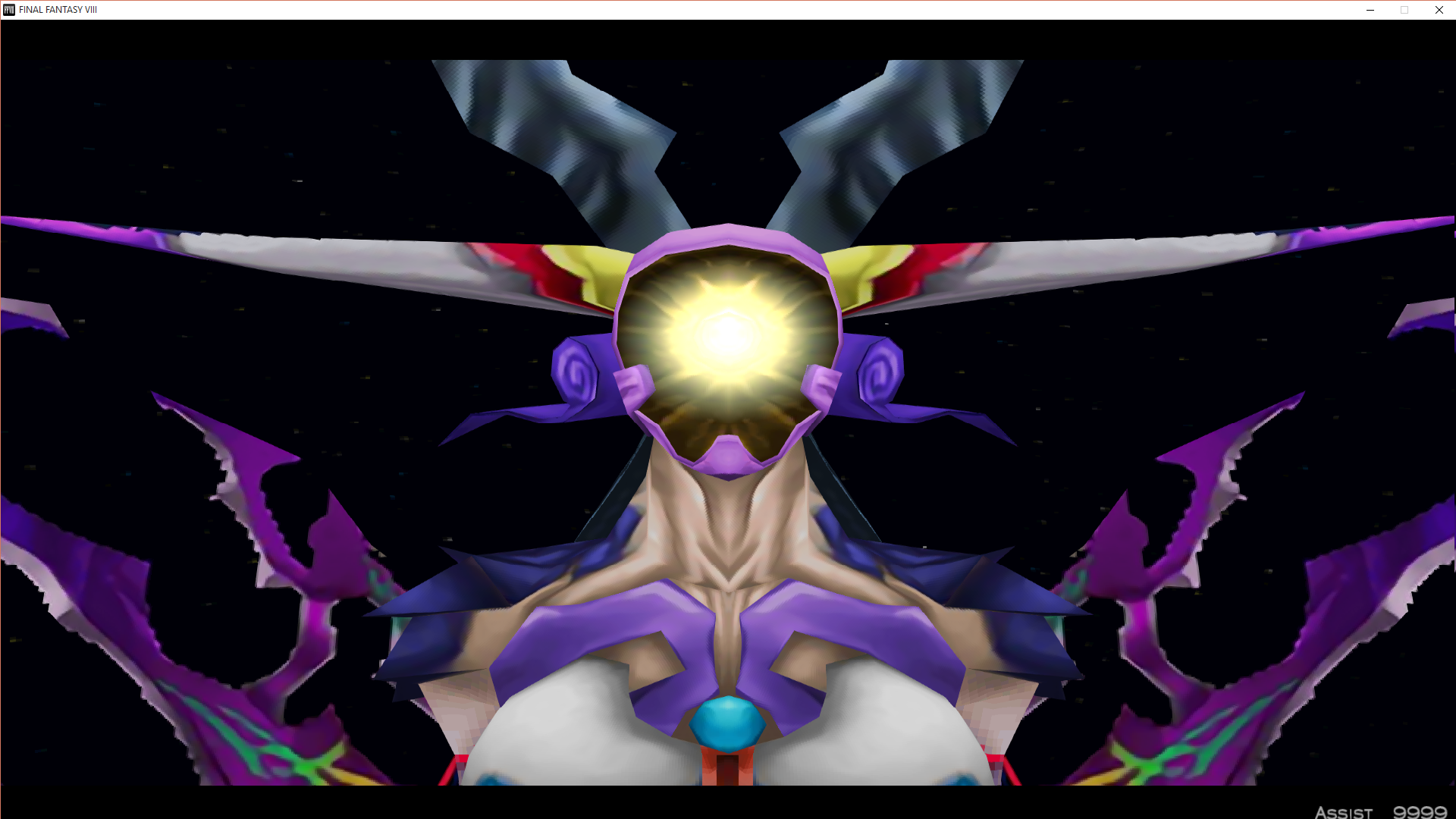
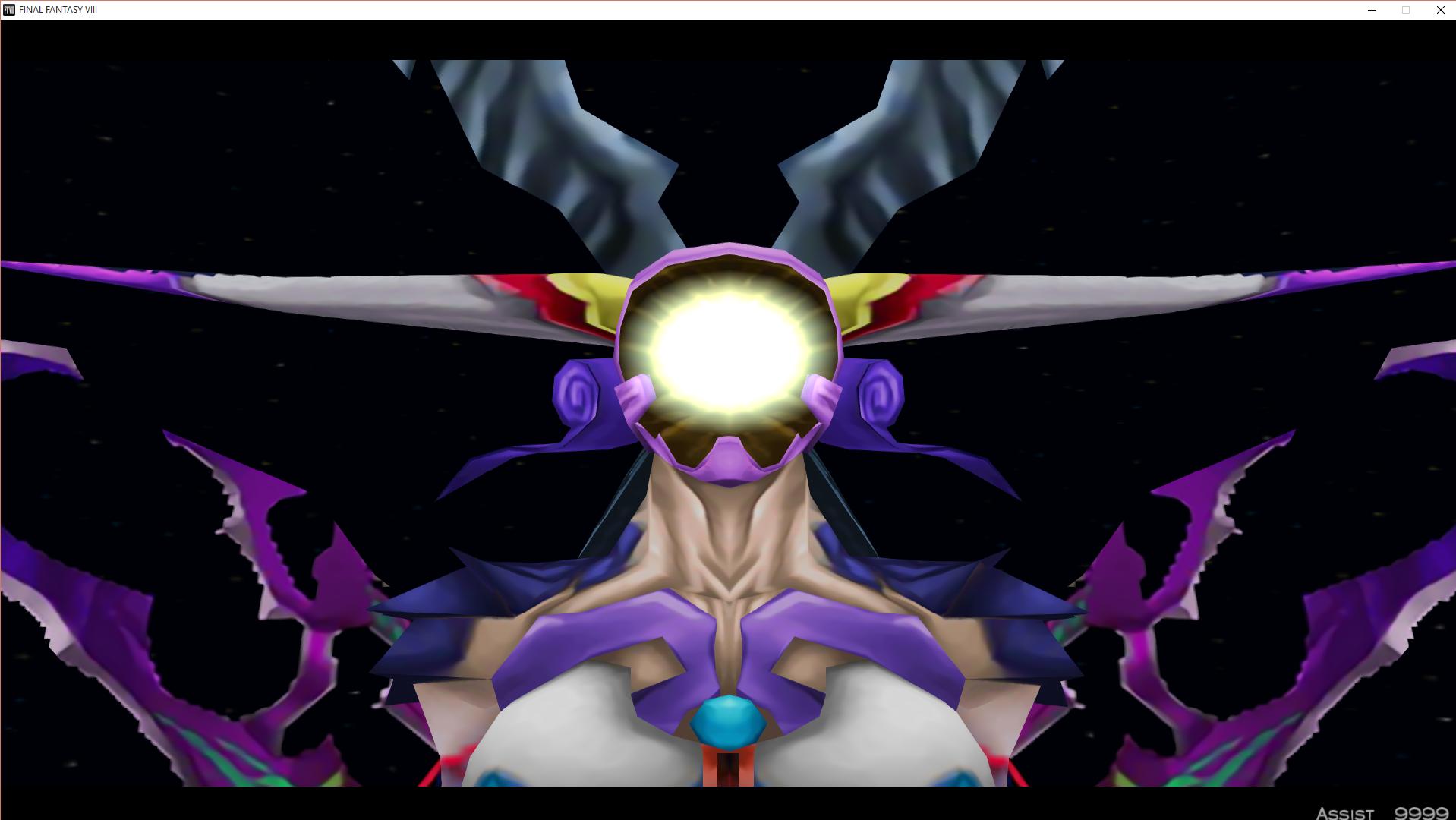
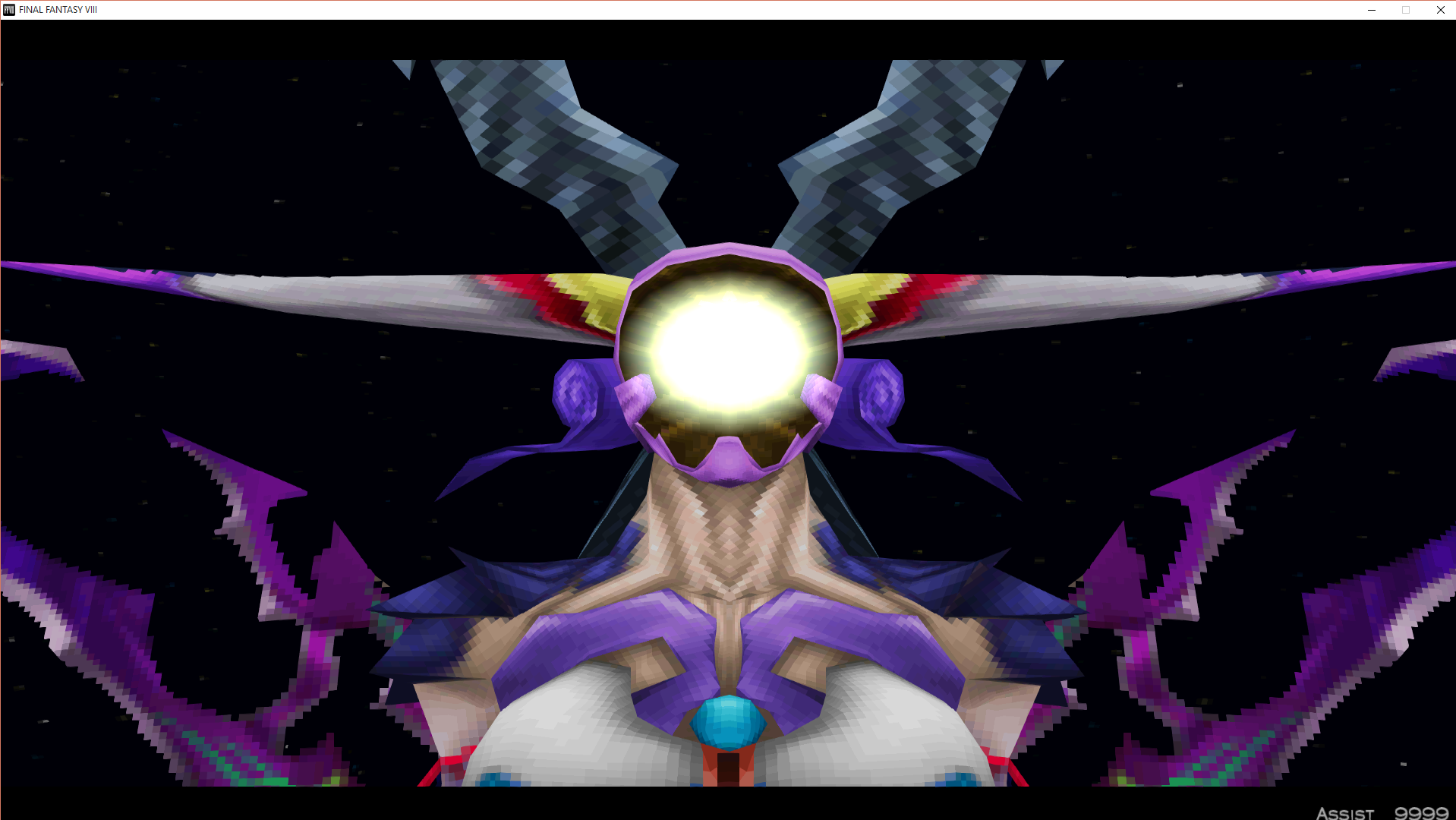
Original:
vVI1nml.png


Original w/Linear Filtering:
grhvTvV.jpg


Waifu Upscale x4:
oDybjdW.png


Waifu Upscale x4 w/Linear Filtering:
nOFdUyy.jpg


While the upscale does a pretty good job, some parts still could use improvement. Unless there are better ways to cover it up? While Linear Filtering does a decent job of covering it up, I assume we're moving away from that. So that's why I'm curious.
 
Dumb Question: Is there an easy way to tell if tonberry is working? The game is running for me but as I have never played FF8 before I don't have anything to compare it to.
 
Dumb Question: Is there an easy way to tell if tonberry is working? The game is running for me but as I have never played FF8 before I don't have anything to compare it to.
You can always use SeeD Reborn to see. That way you'll know if it's working just by looking at the start screen.
 
Does this need to be installed over the old Tonberry 1.5, or in a totally clean installation? And we need old hasmap 1.3?

Because with this new Tonberry version, the xbox button mod, seems to not works.
 
Does this need to be installed over the old Tonberry 1.5, or in a totally clean installation? And we need old hasmap 1.3?

Because with this new Tonberry version, the xbox button mod, seems to not works.
I've always just been updating by dragging all the files of the newest version into my directory and choosing to let it replace the old ones. The files you need to keep are hash2map and collisions. You don't need hash1map at this point because you can download all the separate hashmaps you want to use on the first page of this thread.

If you already have SeeD Reborn installed, you should only have to drag the folder with the textures into the "texture" folder and it should replace the necessary files. But without SeeD Reborn(or at least it's hashmap), this mod won't work.
 
Not sure if this is the right spot for this one...

I'm running into an unknown exception error in the same spot, when Squall Selphie and Zell are boarding the ship to leave the Dollet mission.  I have RaW, Tonberry 2.04, Apocalypse, Horizon, LunarCry, Project Eden, SeeDReborn and Tripod installed.  From the Biggs/Wedge fight up to here I didn't run into any other errors.  Has anyone ran into this before?
 
I recommend trying the "Verify Integrity Of Game Cache" option that Steam has. It has helped fix problems that other people have had that are also similar to yours. Sometimes games don't always download properly, so think of this as a way of repairing any files that might not be working correctly. Hopefully it'll work for you as well.
 
Thanks Fated, I will give that a try.  With all the extra files from the mods in the game directory does Steam delete them all or anything when verifying the integrity?
 
Well I'll be, looks like verifying took care of it.  I was banging my head against a wall all day yesterday trying to figure out what was going on.  Thanks!
 
Well I'll be, looks like verifying took care of it.  I was banging my head against a wall all day yesterday trying to figure out what was going on.  Thanks!
Glad that fixed it for you and apologies for not getting back to you sooner. You're welcome. :)
 
Thanks Mcindus! If you tell how to do that, it won't be a problem for me. But if we still talking about the "in-menu" cards, it happens with the English version (I think also with any other, haven't tried). I mean they don't have the nice frames around the images. Seems to be the vanilla ones only. But playing a card game is okay, so all frames are new/nice etc. =)

For anyone who has problems, this should be the *.csv files package you need for tonberry 1.6 (if I'm not wrong): http://www34.zippyshare.com/v/YjKm3zpD/file.html
But replace them as soon as Mcindus or FatedCourage update anything.

tonberry folder

  • collisions.csv (Hashmap 1.3 from Tonberry 1.5)
  • hash1map.csv (from FatedCourage's package: https://www.ff7catalog.com/posts/207862/)
  • hash2map.csv (Hashmap 1.3 from Tonberry 1.5)
  • objmap.csv (FatedCourage's "objmap (in combination with hash1map).csv")
hashmap folder (some few a bit renamed)

  • Char_Fujin_hm.csv (from FatedCourage)
  • Char_Irvine_hm.csv (from FatedCourage)
  • Char_Laguna_hm.csv (from FatedCourage)
  • Char_Quistis_hm.csv (from FatedCourage)
  • Char_Rinoa_hm.csv (from FatedCourage)
  • Char_Seifer_hm.csv (from FatedCourage)
  • Char_Selphie_hm.csv (from FatedCourage)
  • Char_Squall_hm.csv (from FatedCourage)
  • Char_Ultimecia_hm.csv (from FatedCourage)
  • Char_Zell_hm.csv (from FatedCourage)
  • HorizonPack_hm.csv (from Mcindus, https://www.ff7catalog.com/posts/210266/)
  • ProjectEden_hm.csv (from Mcindus)
  • ProjectHellfire_hm.csv (from Mcindus, for GF's from rufoos: https://www.ff7catalog.com/posts/207843/)
  • SeeDReborn_DE_hm.csv (from Mcindus)
  • SeeDReborn_EN_hm.csv (from Mcindus)
  • SeeDReborn_ES_hm.csv (from Mcindus)
  • SeeDReborn_FR_hm.csv (from Mcindus)
  • Tripod_DE_hm.csv (from Mcindus)
  • Tripod_EN_hm.csv (from Mcindus)
  • Tripod_ES_hm.csv (from Mcindus)
the link is broken, can you upload again? :)
 
hello there i am a bit stuck with tonberry as soon as i copy it to the game directory, the game wont run does anyone have an idea why that might be, i did have tonberry working at one time but now i no longer can, any help would be appreciated, greatly.....
 
Have you disabled the Steam overlay? (Assuming it's the Steam version, of course)
 
Yes it is thank you for your reply and the linear filtering is unticked , what i'm getting is, an unknown exception has occurred and i have had this working before i just don't know why it isn't now, i've been working really hard on this i've been doing my best to prevent asking for help but i'm really unsure what else to do.
 
Try validating your games' files, and if you used the Texture Patcher restore your backups (if you made any).
 
Status
Not open for further replies.
Back
Top