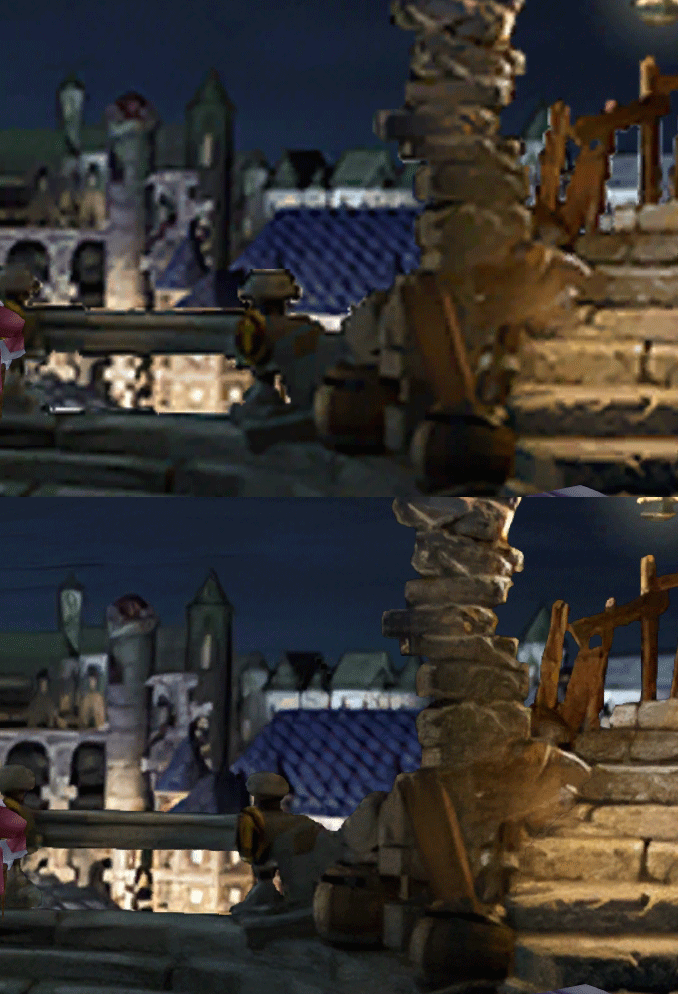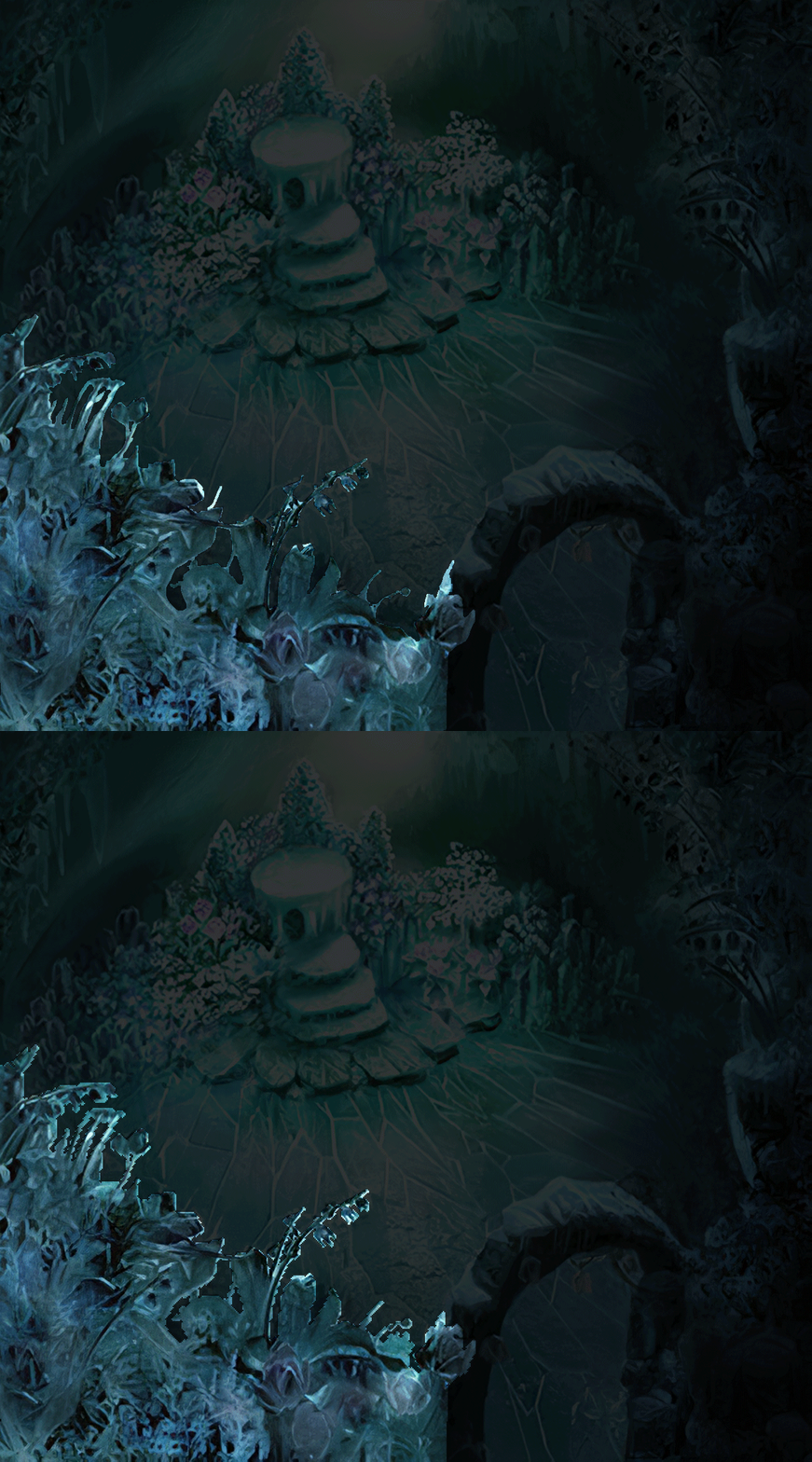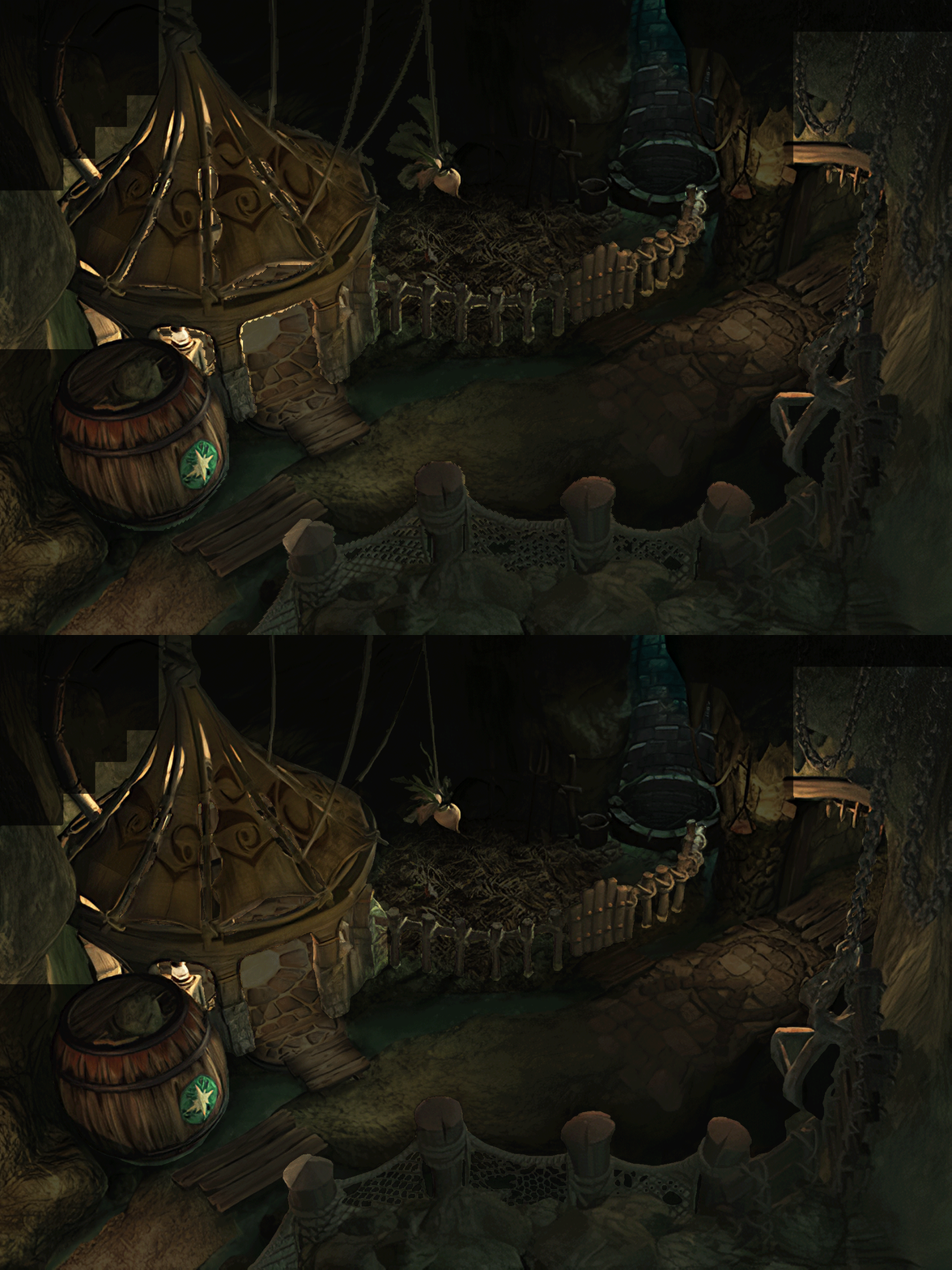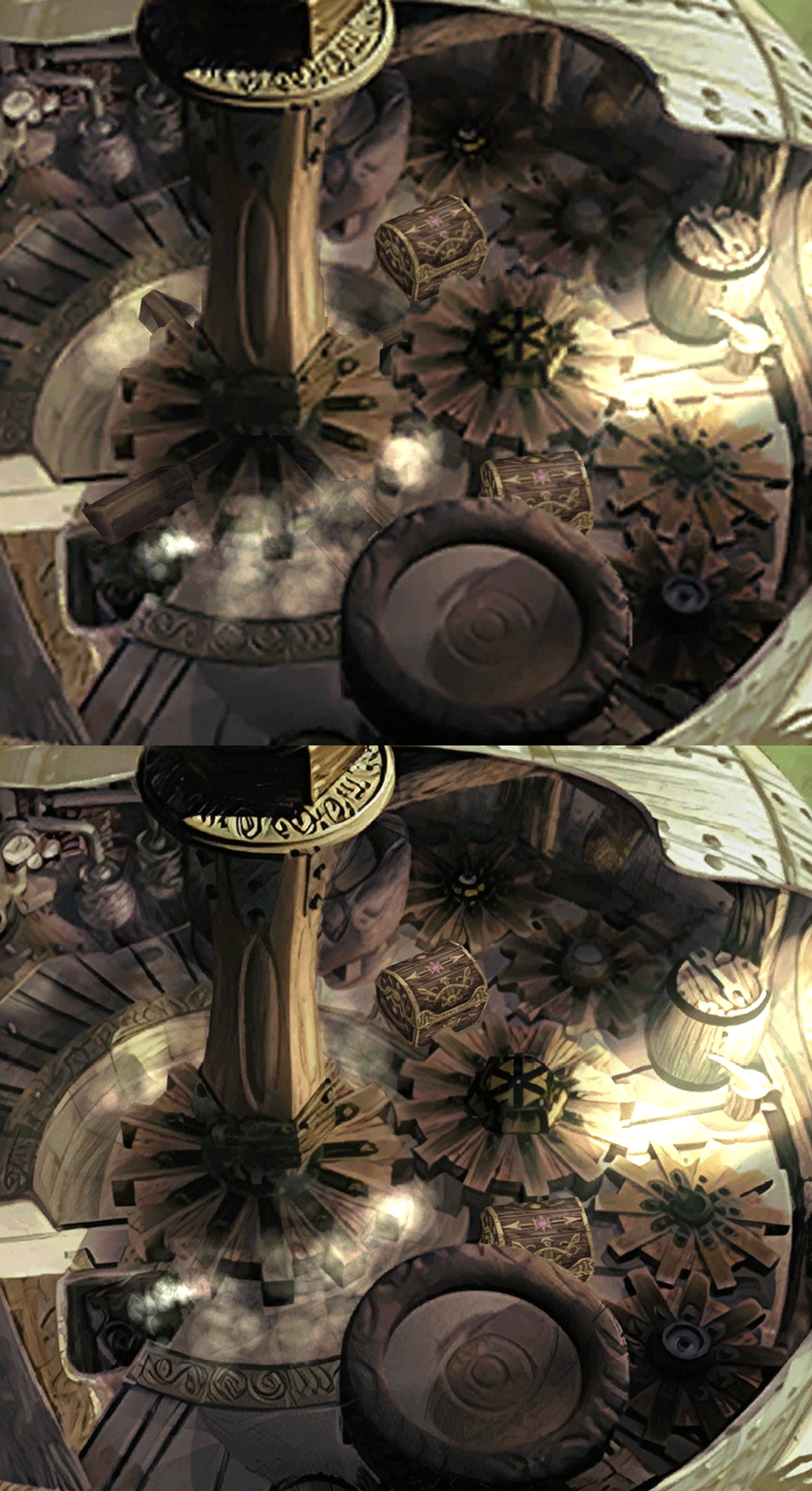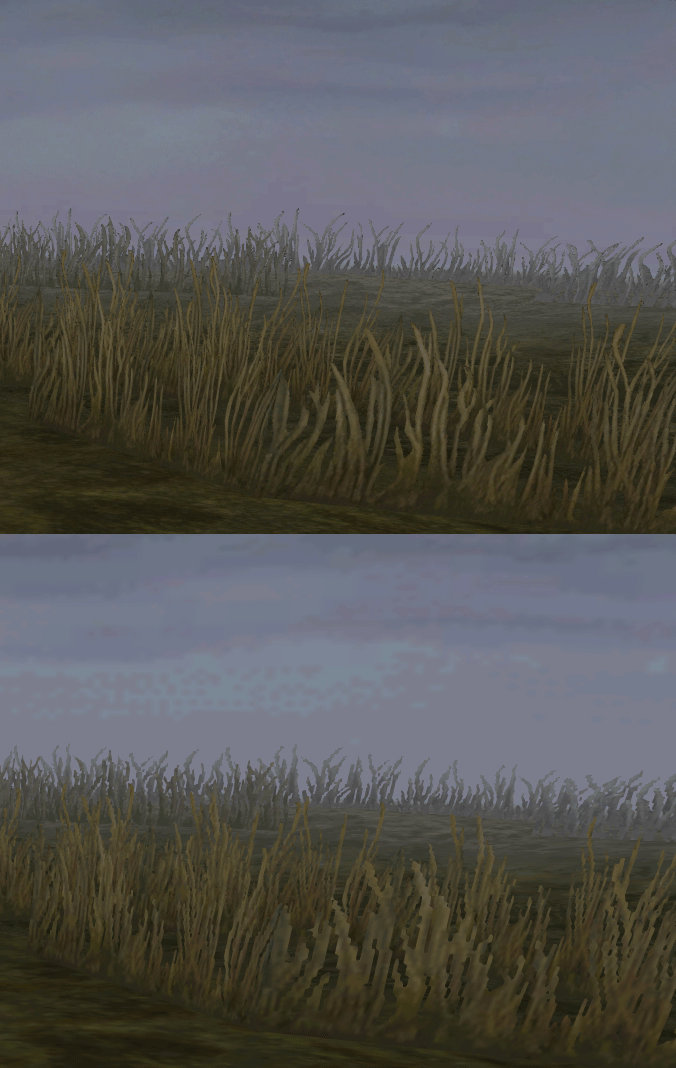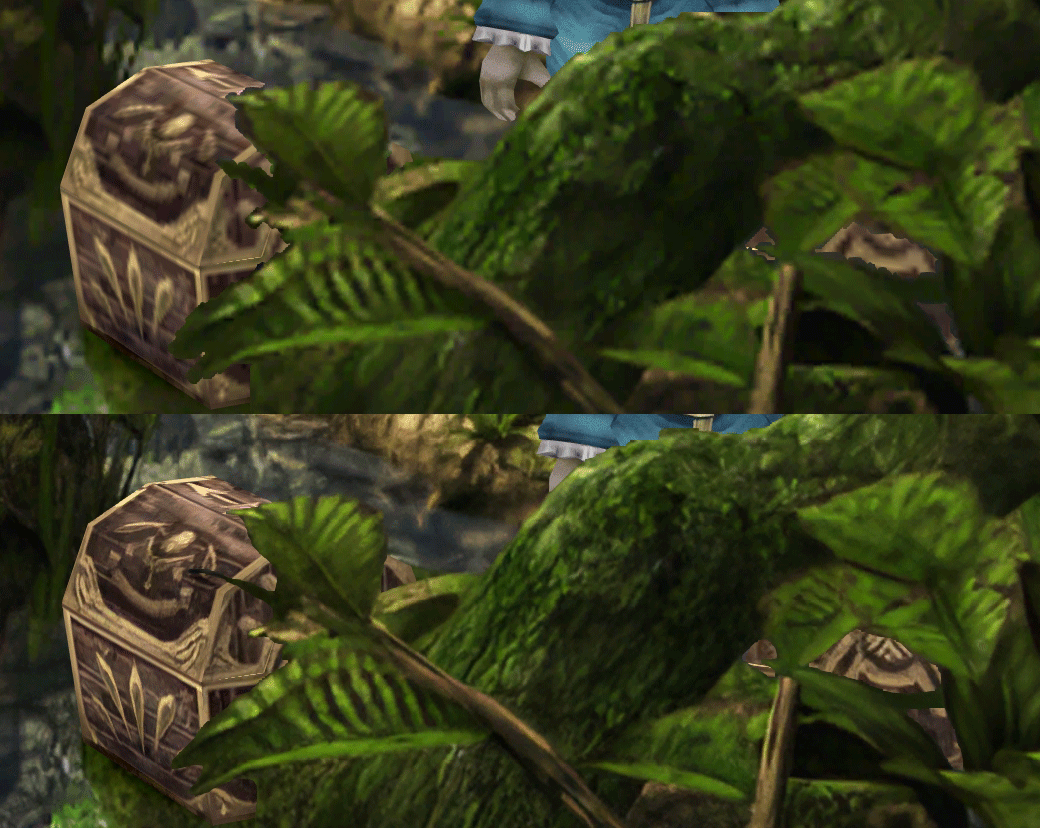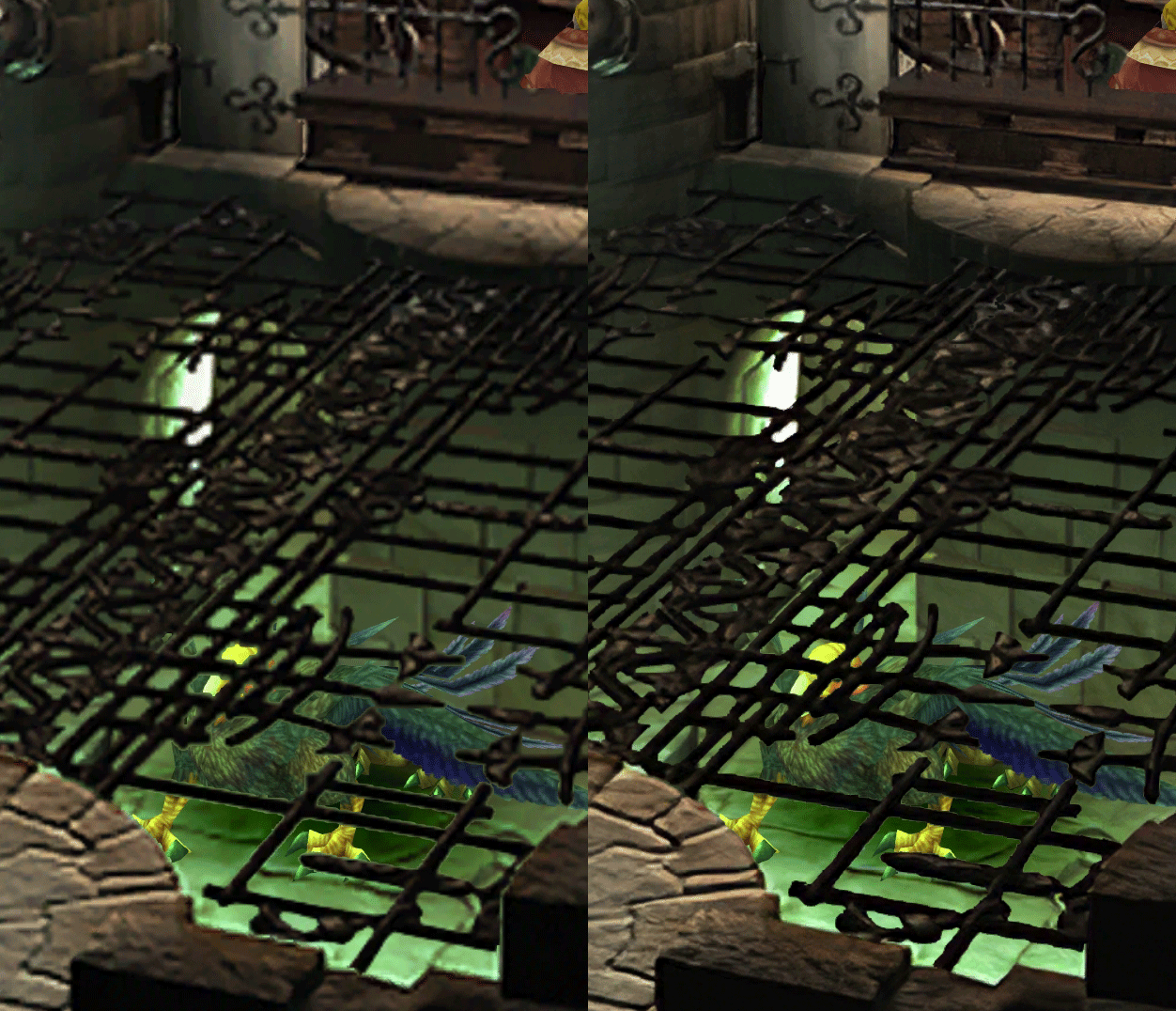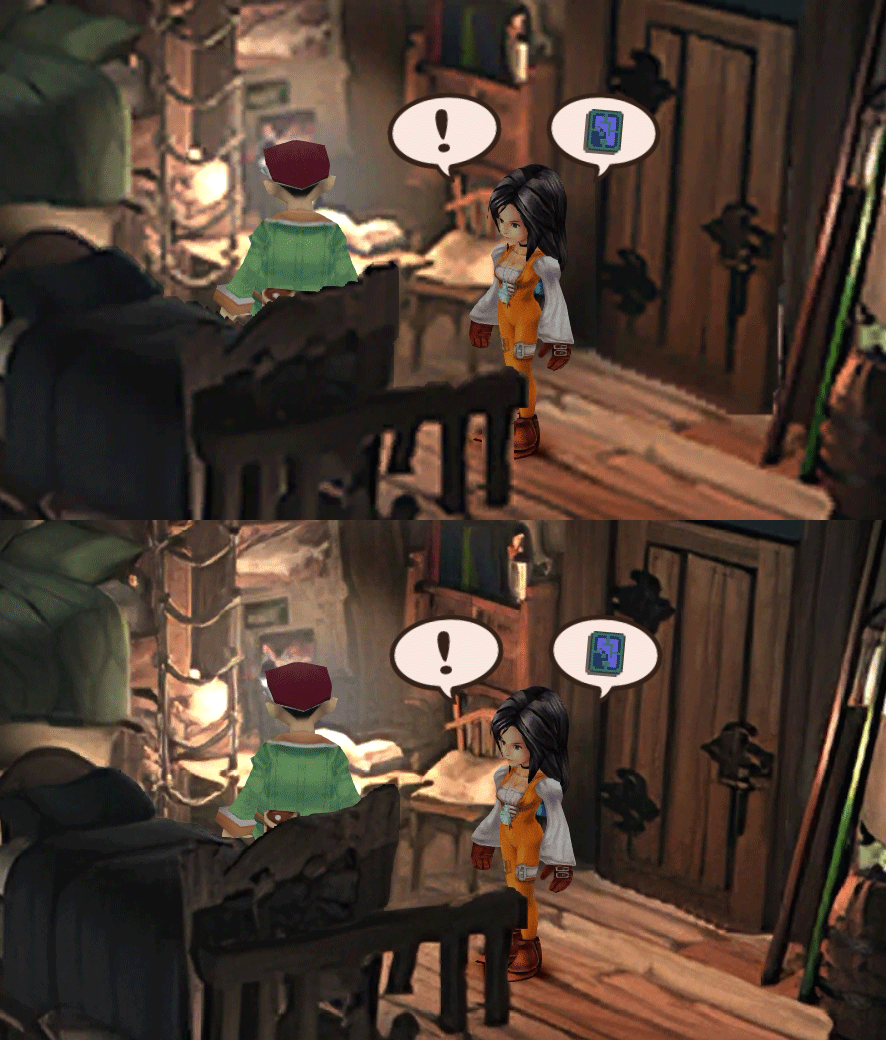
[FF9 PC] Moguri Mod update 8.2 (LIVE ON OFFICIAL SITE)

  • Thread starter Thread starter snouz
  • Start date Start date
Status
Not open for further replies.
s6YQdFA.jpg
eY0jRJ9.jpg
Kr5wC8e.jpg
lc1gfLK.jpg
JrssSrE.jpg


D O W N L O A D

THE UPDATE HAS NOW GONE LIVE OFFICIALLY


NEW 2020-05-23 - MOGURI 8 BETA V5 changelog -> Make a shortcut of the file to your drive then go into your drive, find the shortcut there and click "make a copy"
(outdated) 2020-05-11 - MOGURI 8 BETA V4 changelog
(outdated) 2020-05-04 - MOGURI 8 BETA V3 changelog
(outdated) 2020-04-28 - MOGURI 8 BETA V2 changelog
(outdated) 2020-04-23 - MOGURI 8 BETA V1


I N S T A L L _ G U I D E

[size=10pt]IF YOU DON'T HAVE MOGURI INSTALLED
1) Extract and replace the files in the .zip to SteamLibrary\steamapps\common\FINAL FANTASY IX\

IF YOU HAVE MOGURI INSTALLED (not required!)
1) If you installed it before 2020-04-2, uninstall and re-install Moguri again (SquareEnix pushed a Steam update that temporarily broke the game and Moguri)
2) Extract the content of StreamingAssets in \Program Files (x86)\Moguri Mod\StreamingAssets\
3) Extract \x64\FF9_Data\resources.assets & \x64\FF9_Data\sharedassets2.assets to SteamLibrary\steamapps\common\FINAL FANTASY IX\x64\FF9_Data\
   but DON'T replace Assembly-CSharp.dll

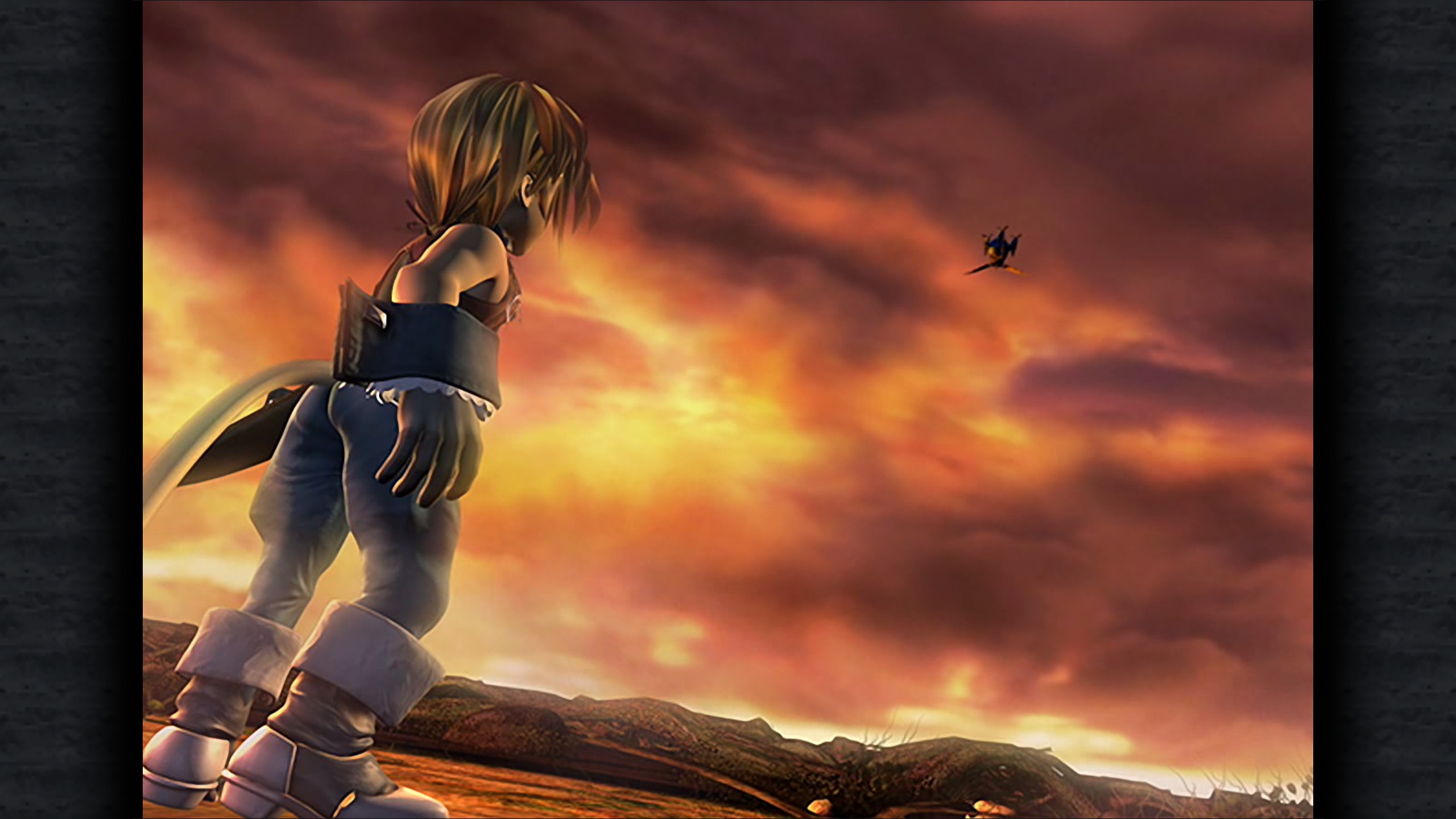
To check you have the right version, here's how the first frame should look
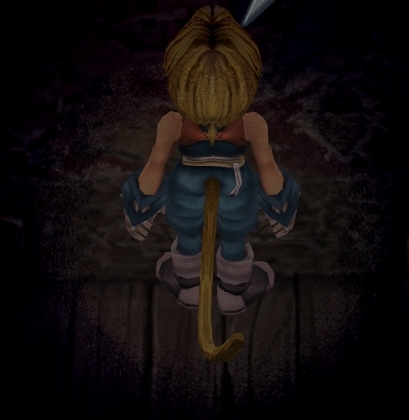
X6tHnEA.jpg


1) In steam, right click the game, go to "properties...", go to the LOCAL FILES tab, click VERIFY INTEGRITY OF GAME FILES. This will re-download the original files, but your saves are still intact.


p0data2.bin - Battle backgrounds
p0data3.bin - Worldmap textures
p0data4.bin - NPC, monsters and background items
p0data11.bin to p0data19.bin - Main backgrounds
resources.assets & sharedassets2.assets - UI stuff (maps, title screen...)
Assembly-CSharp.dll - The patched file that allows for the augmented resolution of backgrounds. (The one here and the one in moguri are different)

Note: If you have uninstalled Moguri and/or Memoria and you have names like ZidaneZidane, ViviVivi, you can salvage your save with this tool: https://www.ff7catalog.com/threads/7672/
Note: Alternate Fantasy is not currently supported.
[/size]


F E A T U R E S

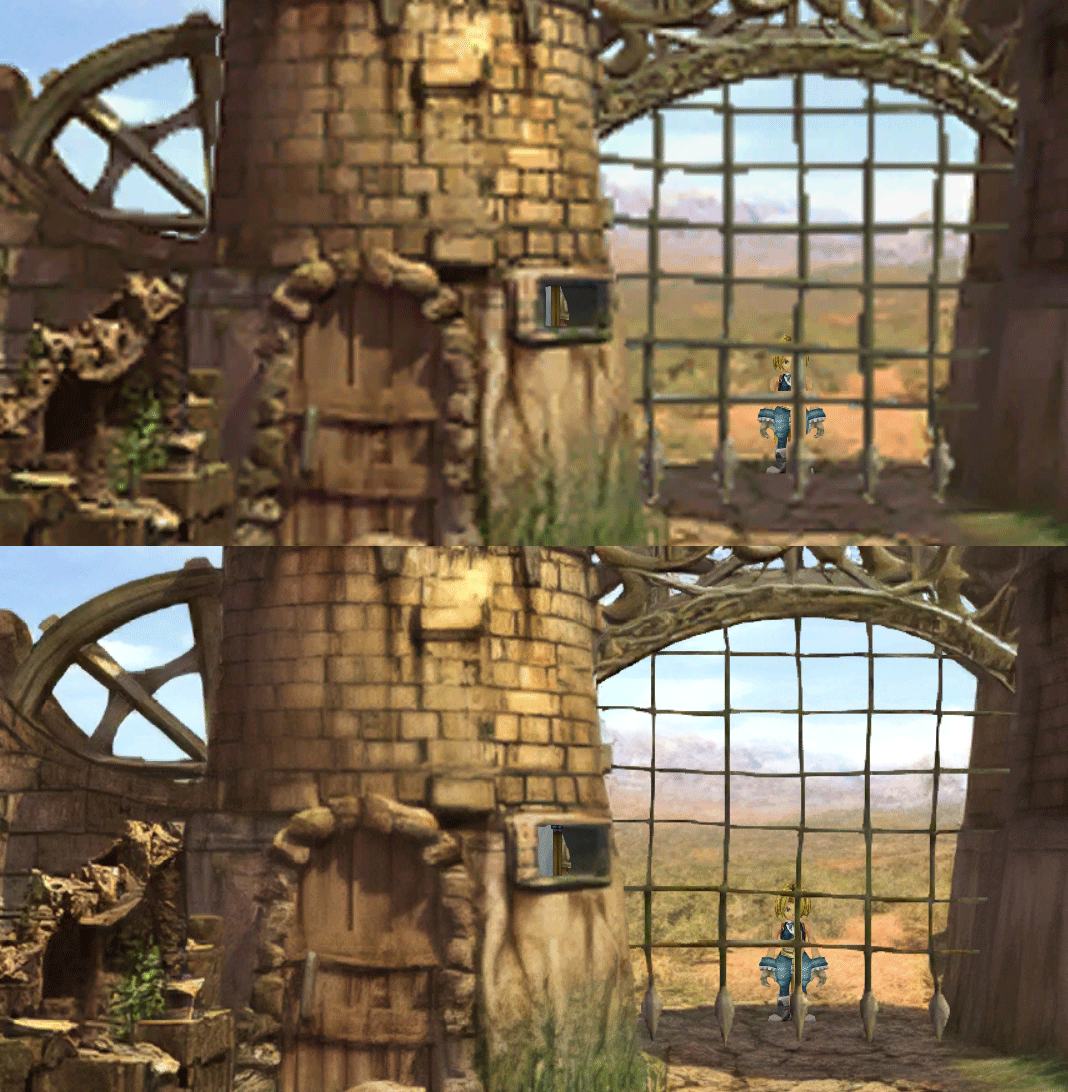
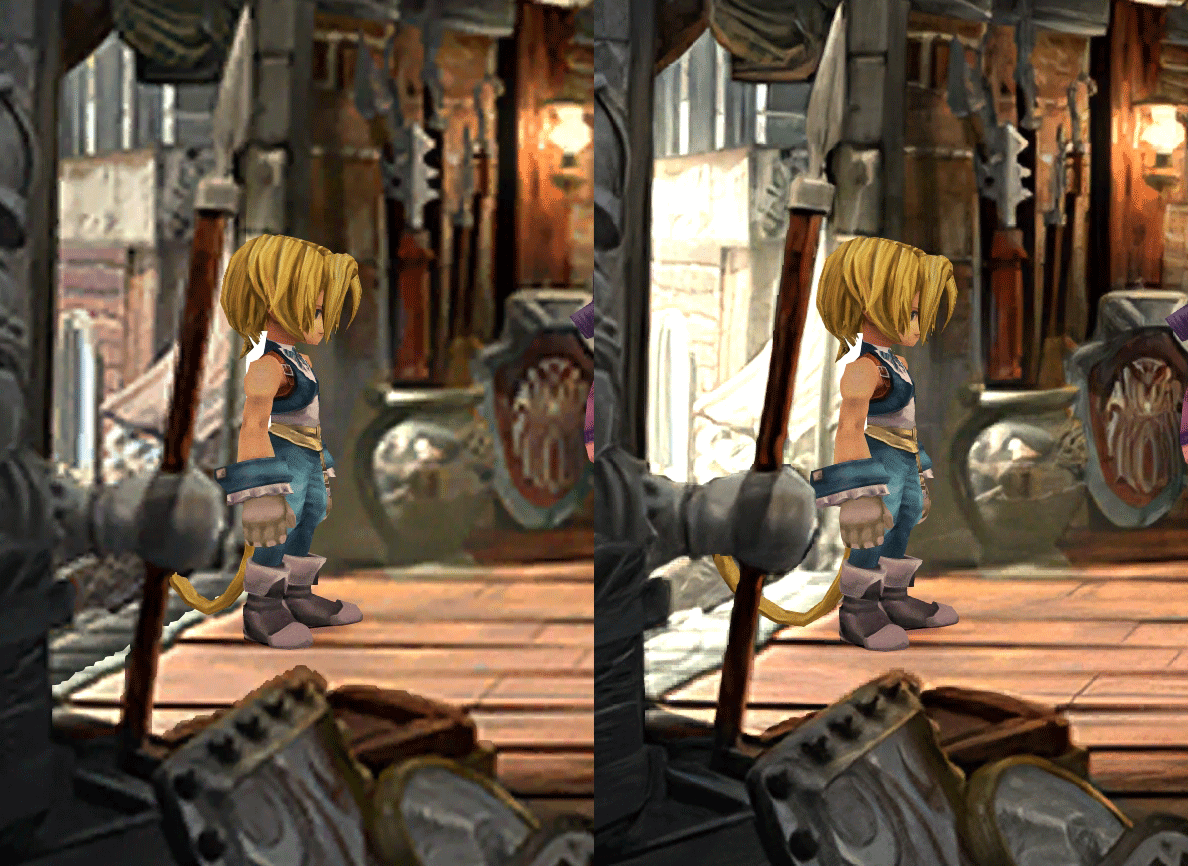
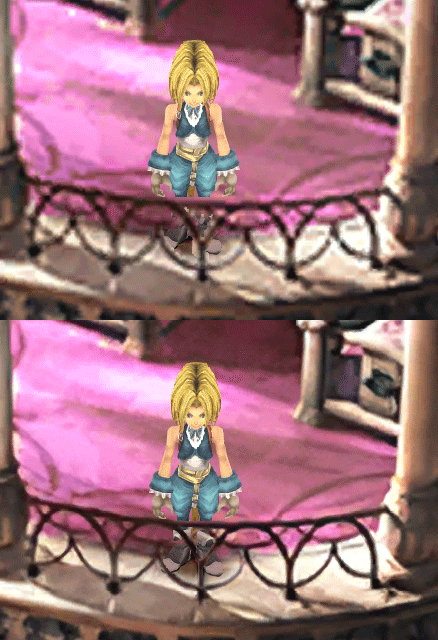
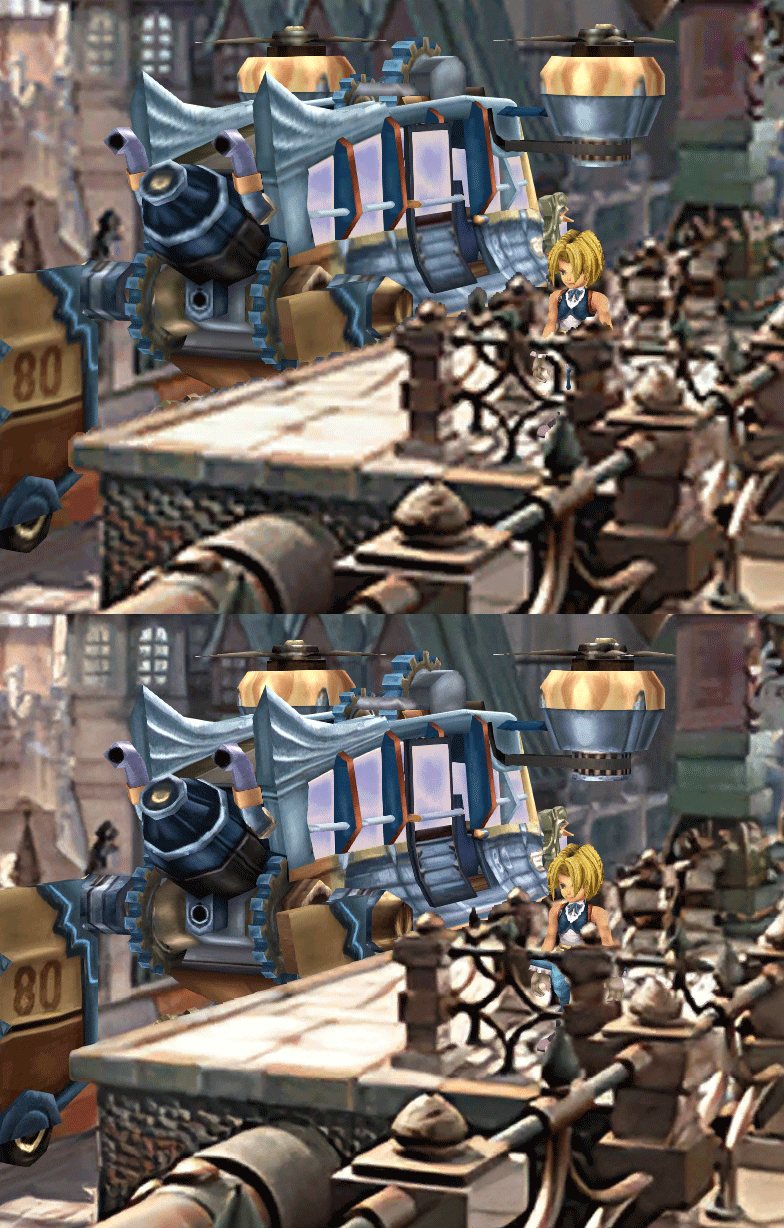
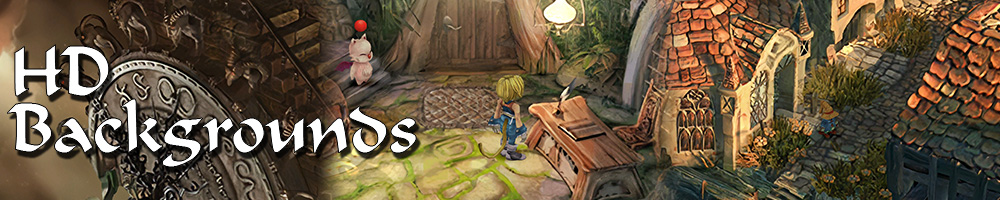
  • Backgrounds
  • Fixed : almost all visual glitches
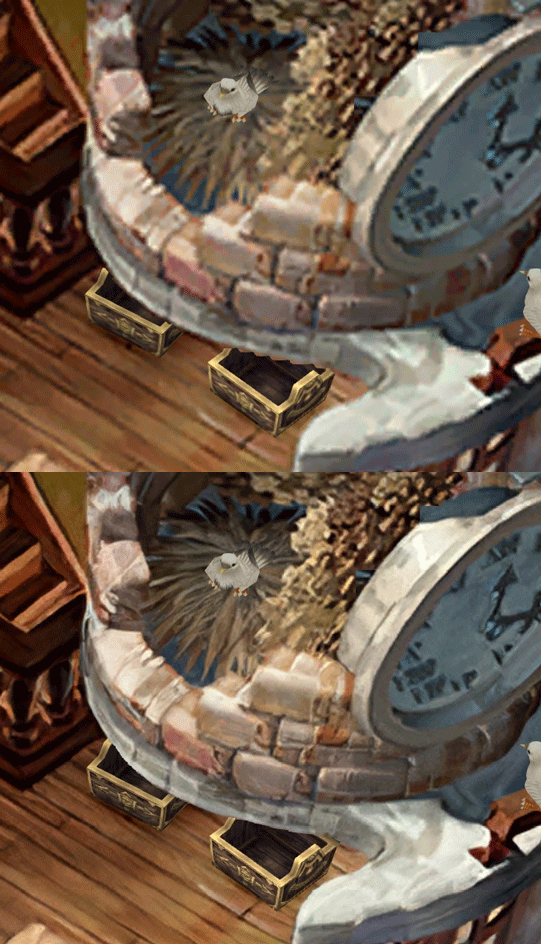
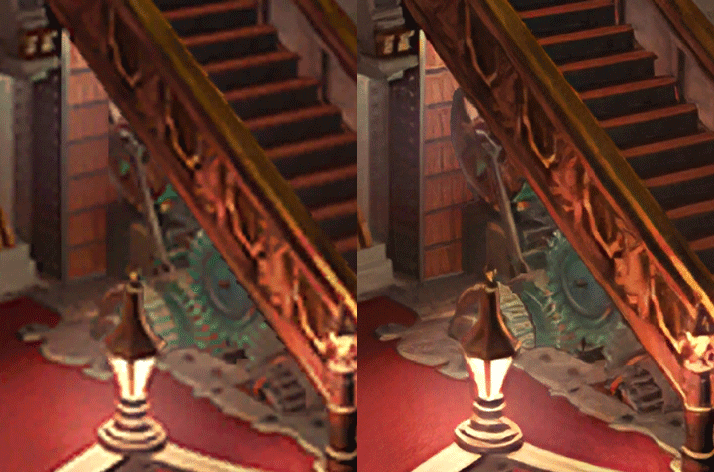
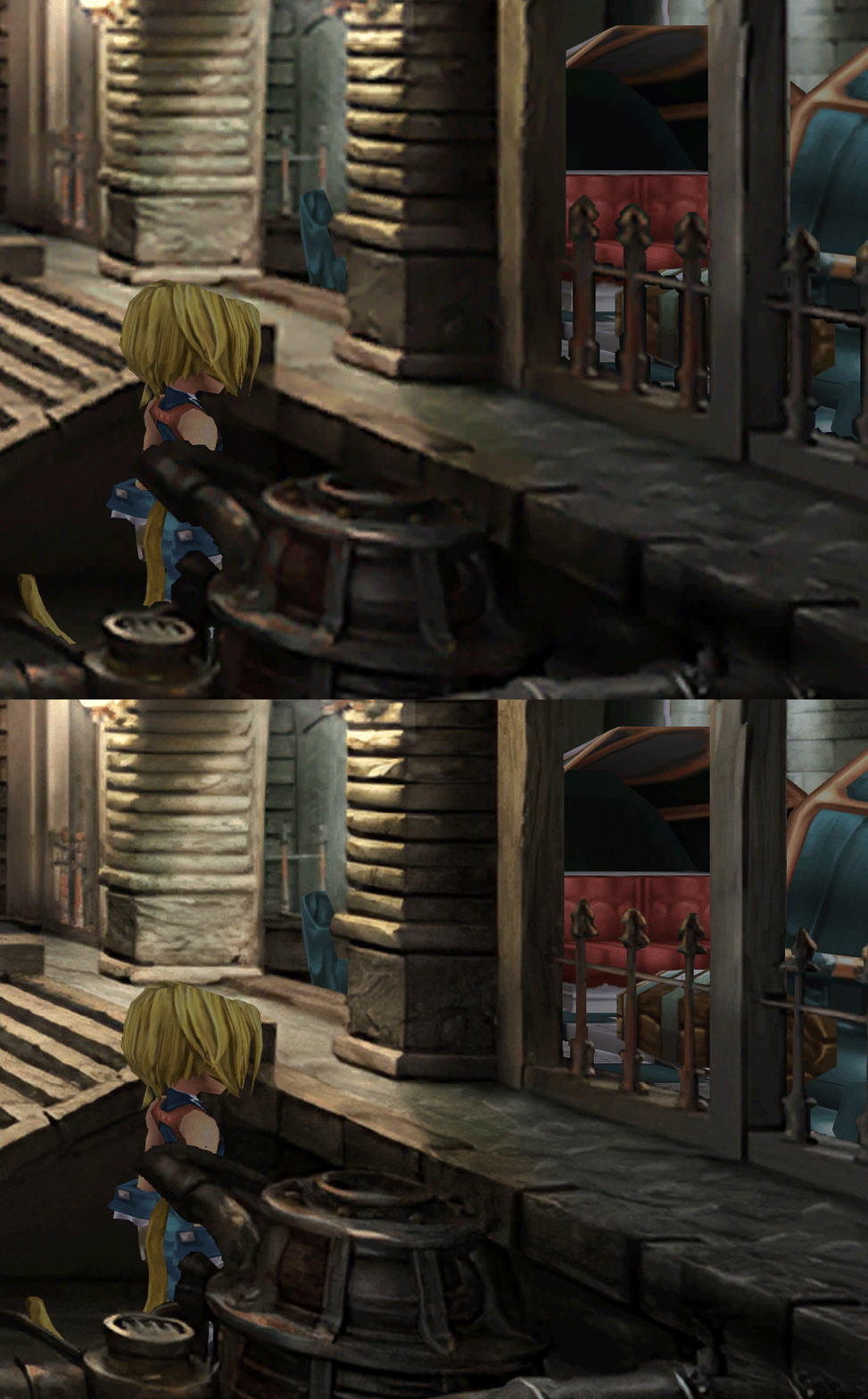
  • Redrawing of all layer edges (all 11000+)
  • Cleaner / sharper graphics (all 6000+)
  • Better & cleaner lighting (all 1400+)
  • Countless manual image doctoring
  • Manually redrawn some parts (some partially based on portfolio images by Wesley Cann & Behrooz Roozbeh)
  • Background animations better integrated
  • Several bugs from the Steam & PSX versions fixed
  • Recreated all places names with original fonts (for English and French, rest to follow)
  • Seamless scrolling skies & backgrounds, removed 'staircase' edges
  • Recreated baked in textures NPCs
  • Background objects
  • HD background 3D objects
  • HD NPC (with exceptions)
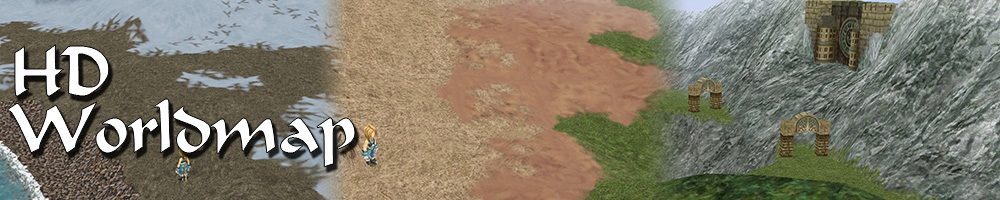
  • Worldmap
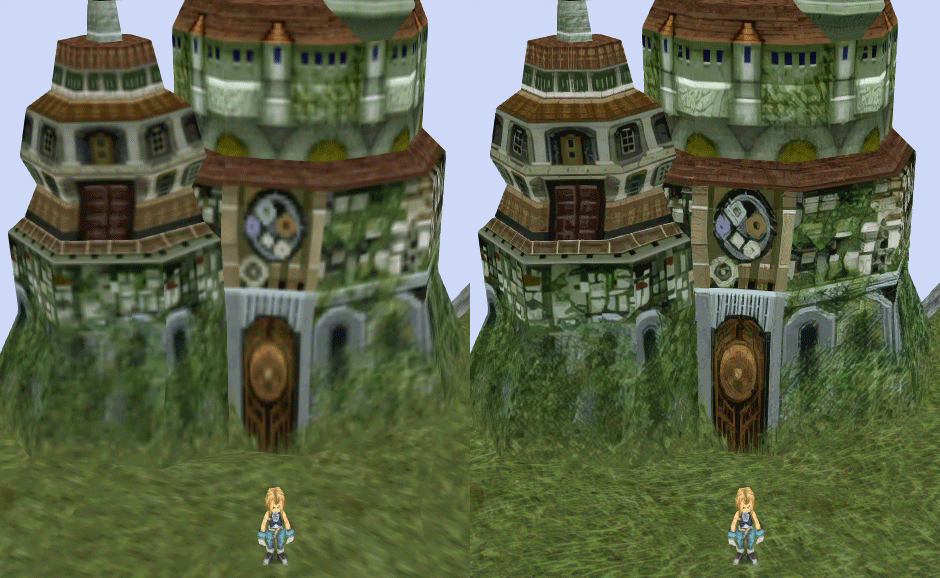
  • HD worldmap textures (upscaled and manually redone, mostly seamless and faithful)
  • Subtly moving seas
  • HD worlmap items (ships...) textures
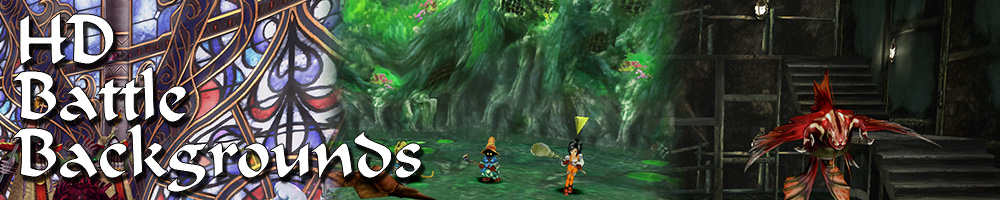
  • Battles
  • HD monsters (with exceptions)
  • HD battlefields with redrawn edges (exceptions for animated textures)
  • Seamless skies (not 100% on point)
  • Fixed missing monster death sounds (credit: Tirlititi)
  • UI
  • Recreated faithful HD maps
  • Recreated Start menu and game over screens
  • Character portraits edges


OLD POST

2020-04-23 - Finally, here's a beta file of the backgrounds!
For those who chose to install it, please screenshot any problem or potential improvement, as major or minor it is.

If you can't post in this thread, you can contact me on reddit


Other parts of the mod available to download:
[size=14pt]NPC & Monsters HD V2 DOWNLOAD
Battle Backgrounds HD V1 DOWNLOAD
Worldmap HD V2 DOWNLOAD
UI Stuff V1 DOWNLOAD
Maybe save the original files beforehand

-------------------------------------------------------------

Hi everyone,

I'm making a thread to track my progress with my reworking of Moguri since June 2019

◈ Finishing touches, corrections & testing ◈
chat_loader.gif

◈ Backgrounds masks (redrawing by hand) ◈
⬛⬛⬛⬛⬛⬛⬛⬛⬛⬛⬛⬛⬛⬛⬛⬛⬛⬛⬛⬛ | 100% | 678/678

◈ Blended/light layers upscaling ◈
⬛⬛⬛⬛⬛⬛⬛⬛⬛⬛ | 100% | 1479/1479

◈ Re-drawing of transparency for fight scenes textures ◈
⬛⬛⬛⬛⬛⬛⬛⬛⬛⬛ | 100% | 186/186

◈ Monster texture upscaling ◈
⬛⬛⬛⬛⬛⬛⬛⬛⬛⬛ | 100% | 124/124

◈ NPC texture upscaling ◈
⬛⬛⬛⬛⬛⬛⬛⬛⬛⬛ | 100% | 150/150

◈ Item on field texure upscaling ◈
⬛⬛⬛⬛⬛⬛⬛⬛⬛⬛ | 100% | 101/101

◈ Worldmap re-texture ◈
https://www.ff7catalog.com/threads/13434/
⬛⬛⬛⬛⬛⬛⬛⬛⬛⬛ | 100%

◈ Place names upscaling (when introduced to a new place) ◈
⬛⬛⬛⬛⬛⬛⬛⬛⬛⬛ | 100% | 44/44


◈ (background) Videos improvement ◈
(⬜⬜⬜⬜⬜⬜⬜⬜⬜⬜⬜⬜⬜⬜⬜⬜⬜⬜ | 0/18) -> might try this in a next update

◈ Extra ◈
-Backgrounds were improved with various ESRGAN models
-Numerous visual corrections
-Upstairs of Dali's Windmill debugged / recreated
-Removed seams in scrolling sky/smoke/sand textures.
-re-created a lot of sky textures for fight scenes, making them seamless and beautiful: 64
-regenerated the battle textures to remove white outlines
-corrected a bug with animated textures in battle scenes
-Multiple other bugs ironed out

◈ Ideas for later ◈
-drawing shadows for some chests/items
-look if I can improve fluidity of the videos with AI video interpolation: https://github.com/sniklaus/pytorch-sepconv (can't make it work yet)
-upscale contextual FMVs?
[/size]
SCREENSHOTS

Click to enlarge
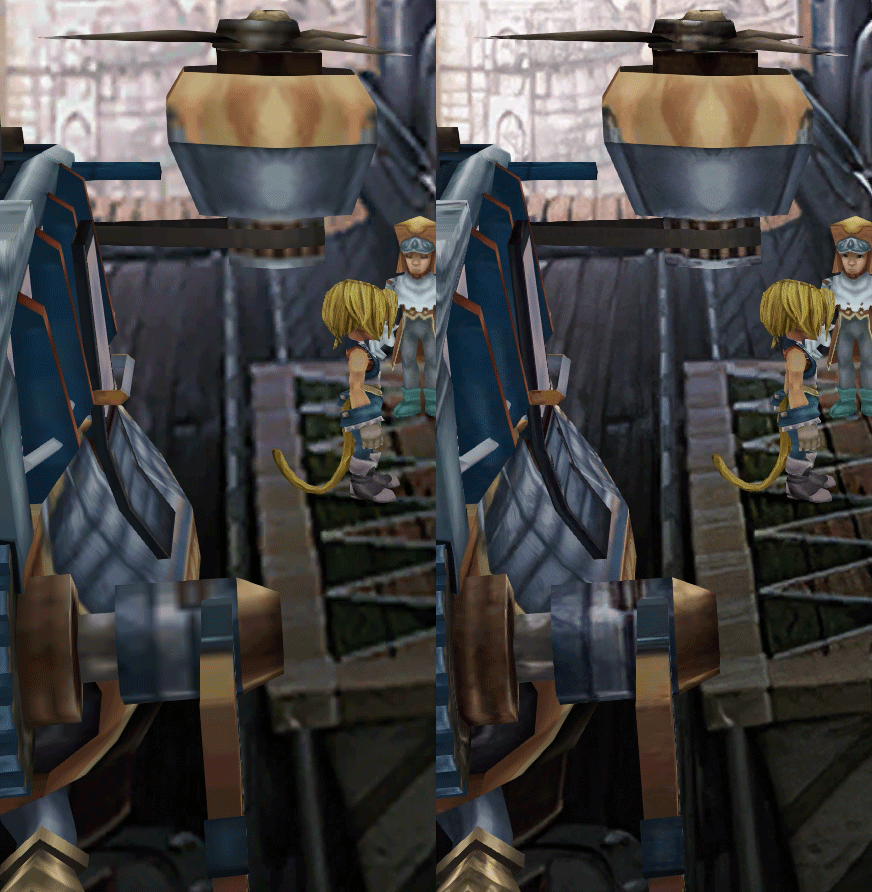
K78WnLu.gif

10pTbFs.gif
E8YADyT.gif
6RS2mEC.gif
OsoRNFn.gif
MVfMxaM.gif
uphBfuD.gif
YGwOCGG.gif
skQq07o.gif
xIcTyUR.gif
Z6k2Zyt.gif
XqomUcu.gif
SSBTwSa.gif
1GGTsJM.gif
eaTQUVb.gif
qKjYKR1.gif
13yOtwo.gif
 
Last edited:
E
Is there a discord of any other place where we can follow progress? :)
 
S
There is an amateur Korean patch.

However, it is not compatible with this mode.

Can you help me? Korean patches modify sharedassets1~3,resource.

Personally, I tried to use it with this mode but failed. I'll send it to you if you need it.
 
E
Hi there. I've recently been using an earlier version of Moguri and everything worked just fine, but once I updated to the latest version, suddenly, no characters can inflict damage or take damage and when you target a character or enemy, the name boxes just seem to appear in random places on the screen. Any idea what could be causing this?
 
R
Hi all, new to FF9 modding and moguri, the amazing detail and work drew me to replaying my favorite ff again.

When I downloaded and installed 8.2.1.2, I am getting a lot of errors in the memoria.log file. I am not seeing widescreen backgrounds despite the widescreen checkbox being checked, and my resolution set to 1920x1080

I've attached a pastebin of my memoria.log file - https://pastebin.com/VGWNjfcG
Also, here is my memoria.ini and setttings.ini in case that is helpful - https://pastebin.com/CHNtGbi5 https://pastebin.com/Zk6eZbf3
If anyone could reach out and help with troubleshooting, Id really appreciate it!

--randfal
 
M
Hello all,
This mod is amazing, i was waiting for this to play ff9 again, one of my favorite game ever.

I follow the mod since the beginning trying it sporadically. When i tried moguri 8.2 with my ff9 version (not updated to latest patch), this was obviously incompatible, no more screen dialogue and one annoying icon on the middle of the screen. Once update to the latest patch with clean install the mod works fine now.

However i still have annoying tearing in fullscreen. I don't know if this question has been answer here, it looks to be something more related to memoria engine, but honestly i haven't the patience to read the 28 pages. Not much info over internet also. Anyway, i tried everything related to vsync without success. I red somewhere is related to the way the game handle graphical settings, in fullscreen the game ignore settings from the graphics card driver, and there is no proper vsync option. In window mode the graphic option from amd driver (same for nvidia apparently) works fine, no more tearing. So i try program to remove border in window mode, like "Windowed Borderless Gaming" but the tearing appear again once the borders are removed.

Maybe someone here have a tip to make it works.

Thank you
 
G
I've been using Moguri Mod for about 2 months without issue.  I haven't played for about 2 weeks.  Today I tried to play and the menu for the FFIX Steam Launcher comes up at pre-boot instead of the Moguri Mod menu.  I checked in game and the mod isn't working anymore for some strange reason.  So I uninstalled Moguri Mod and reinstalled, but the issue remains unchanged.  Any help to get me back up and running again would be greatly appreciated.  Thanks.
 
G
I've been using Moguri Mod for about 2 months without issue.  I haven't played for about 2 weeks.  Today I tried to play and the menu for the FFIX Steam Launcher comes up at pre-boot instead of the Moguri Mod menu.  I checked in game and the mod isn't working anymore for some strange reason.  So I uninstalled Moguri Mod and reinstalled, but the issue remains unchanged.  Any help to get me back up and running again would be greatly appreciated.  Thanks.
After reinstalling both the game and Moguri Mod and manually copying the files into the game directory the mod works again.  However, there are black bars on the right and left sides of the screen.  Were those always there?  I know they are supposed to be there for the 4:3 screens, but I also have them on the widescreen rooms as well.  On the widescreen rooms there are black bars but they are narrower than the 4:3 rooms.  Are the black bars normal?  I really can't remember.  Is anyone still reading this forum?
 
W
I have a problem when using a Cheat Engine table with this mod.
And I really would like to play FFIX again wie EXP, Gil & ABP mutiplier and when playing the unmodded game i didn't have any problems using it.

But when playing it with the Moguri Mod (which is great btw  :) ) and I activate the script in the table it says "GetEventStatAOB not found".
Back in game when I try to go into the character menu it suddenly crashes. This only happens when having the Cheat Engine table active - so I guess it's something that happens between the game and the table.

Is this something that can be fixed?
Or will it be impossible because it's a problem with the CE table?
 
X
Whenever I install Moguri Mod, there's a dark blue bit of dialogue box in the centre of the screen.

In battle, the damage just 'cascades' up and down without disappearing and the ATB disappears.

When I use the Memoria Patcher, the graphics are scrambled.

Basically, it doesn't work. Any advice?
 
P
Would it be possible to screenshot the area cue where are the chocographs and use that in the preview picture of a chocograph treasure instead of the blurry/AI rendered picture that we got ingame in the Chocograph treasures menu?
 
T
Technically possible but it would be hard to screenshot the exact same view as the normal chocographs.
 
X
Probably it will be possible if somewhere you can find a mod for a free camera.
 
N
Whenever I install Moguri Mod, there's a dark blue bit of dialogue box in the centre of the screen.

In battle, the damage just 'cascades' up and down without disappearing and the ATB disappears.

When I use the Memoria Patcher, the graphics are scrambled.

Basically, it doesn't work. Any advice?
They say that the "dark blue bit of dialogue box in the centre of the screen" and "some strange UI behavior" appear when resolution is too high. They advise everyone to use 1440p or less:
https://sites.google.com/view/moguri-mod/support#h.p_CsXJ5opSSC8e
 
Last edited:
F
They say that the "dark blue bit of dialogue box in the centre of the screen" and "some strange UI behavior" appear when resolution is too high. They advise everyone to use 1440p or less:
https://sites.google.com/view/moguri-mod/support#h.p_CsXJ5opSSC8e
I am using 1920x1080 and having the same issues this person has. Using the sharedassets2.assets replacement trick outlined above fixes the issue with the blue check mark but battles are still unplayable. Any fixes?
 
B
Hi everyone,

I'm having issues using my PS4 controller. Only able to play with keyboard and mouse. No problem on others Steam games.
I've seen that this is a known issue, is there any workaround ?

Thanks for your help.
 
G
Kudos to the amazing work on this project and all those involved. The game looks wonderful! 

Just wanted to check in and say that, IMHO, all your work was definitely worth it. It is giving a lot of joy and nostalgia to people like me and countless others who you will never even hear from.  I'd say you've made the world a little bit better place and have built up a lot of credit for the Karma Gods!
 
S
I also encountered this bug. With installed Moguri Mod in any case the game crashes just after Zidane's farewell to the team, when we beat the final boss of the game. Worth uninstalling Moguri Mod and no problems. Not very critical, but unpleasant. Fix it is unclear how, and whether it is possible? Will this be fixed in the main version?

In general, a big bow to the authors Moguri Mod. Great job! I, as an old PSOne player was a pleasure to dive into this wonderful game. :wink:

This is my first playthrough so I'm not sure if this is the last FMV, but I know I'm pretty sure I'm getting close to the end and the game is suddenly crashing at the end of this FMV

fcLcAOW.jpg


Haven't had any issues up until now. I've done a full clean re install of the game and mod.

Here is the log file

29.08.2020 04:15:08 |M| [SteamSdkWrapper] Initialized: True
29.08.2020 04:15:08 |M| Loading configuration Memoria.ini
29.08.2020 04:15:08 |M| [FontInterceptor] Dynamic font initialization.
29.08.2020 04:15:08 |M| [FontInterceptor] Pass through {Configuration.Font.Enabled = 0}.
29.08.2020 04:15:09 |M| [FontInterceptor] Loading font [Original: TBUDGoStd-Bold (UnityEngine.Font)]
29.08.2020 04:15:09 |M| [GameLoopManager] RaiseStartEvent
29.08.2020 04:15:09 |M| InitializeItemText
29.08.2020 04:15:09 |M| InitializeImportantItemText
29.08.2020 04:15:09 |M| InitializeAbilityText
29.08.2020 04:15:09 |M| InitializeCommandText
29.08.2020 04:15:09 |M| InitializeBattleText
29.08.2020 04:15:09 |M| InitializeLocationText
29.08.2020 04:15:09 |M| InitializeEtcText
29.08.2020 04:15:09 |M| [ResourceExporter] Pass through {Configuration.Export.Enabled = 0}.
29.08.2020 04:15:09 |M| [ResourceImporter] Pass through {Configuration.Import.Enabled = 0}.
29.08.2020 04:15:09 |M| InitializeItemText
29.08.2020 04:15:09 |M| InitializeImportantItemText
29.08.2020 04:15:09 |M| InitializeAbilityText
29.08.2020 04:15:09 |M| InitializeCommandText
29.08.2020 04:15:09 |M| InitializeBattleText
29.08.2020 04:15:09 |M| InitializeLocationText
29.08.2020 04:15:09 |M| InitializeEtcText
29.08.2020 04:15:09 |M| [AudioResourceExporter] Pass through {Configuration.Export.Audio = 0}.
29.08.2020 04:15:10 |M| [SteamSdkWrapper] Request stats: True
29.08.2020 04:15:19 |M| [AssetManager] Asset not found: FieldMaps/FBG_N45_CYSW_MAPX29_CW_MBG_1/spt.tcb

I'm gonnna give the p0data2 file snouz posted for testing a try just for the heck of it and see if that fixes it.

Edit: That didn't change anything, but following this step from the known issues list did fix it.

"Still some rare crashes at the end. You can delete this file without consequence and it should work fine: \SteamLibrary\steamapps\common\FINAL FANTASY IX\MoguriFiles\StreamingAssets\ma\mbg116.bytes"

After deleting that file the game got past that FMV just fine.
 
K
Anyone using this mod on a laptop with an iGPU? I'm curious if this would run on my iris 540. I eventually want to get a laptop with a dedicated GPU but I wonder if what I have now might work until then? Also, has there been any discussion with TehMighty and intergrading his UI mod with Moguri? I know he hasn't updated his in awhile but it's the only mod missing from a complete FFIX PC experience in my opinion.
 
Status
Not open for further replies.
Back
Top