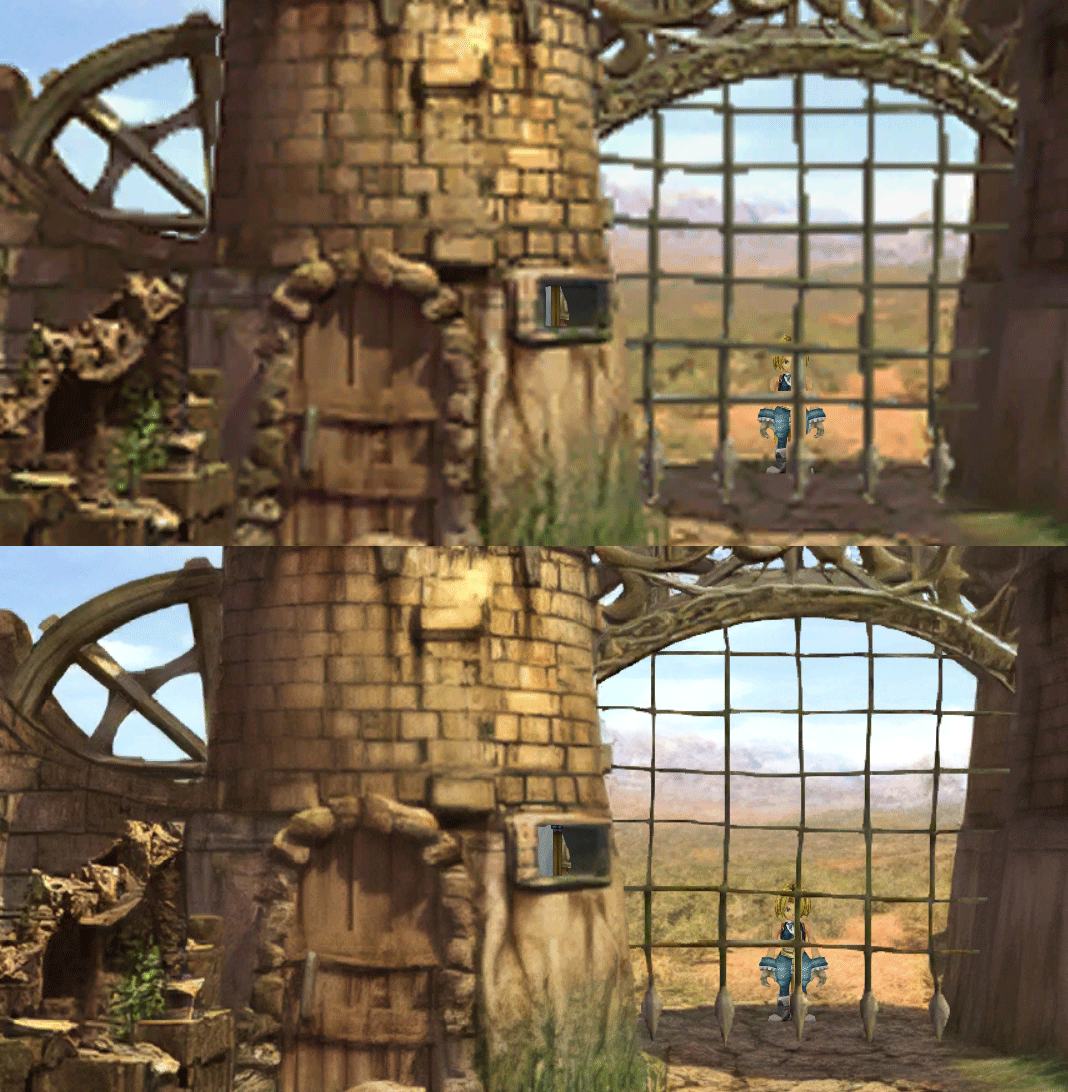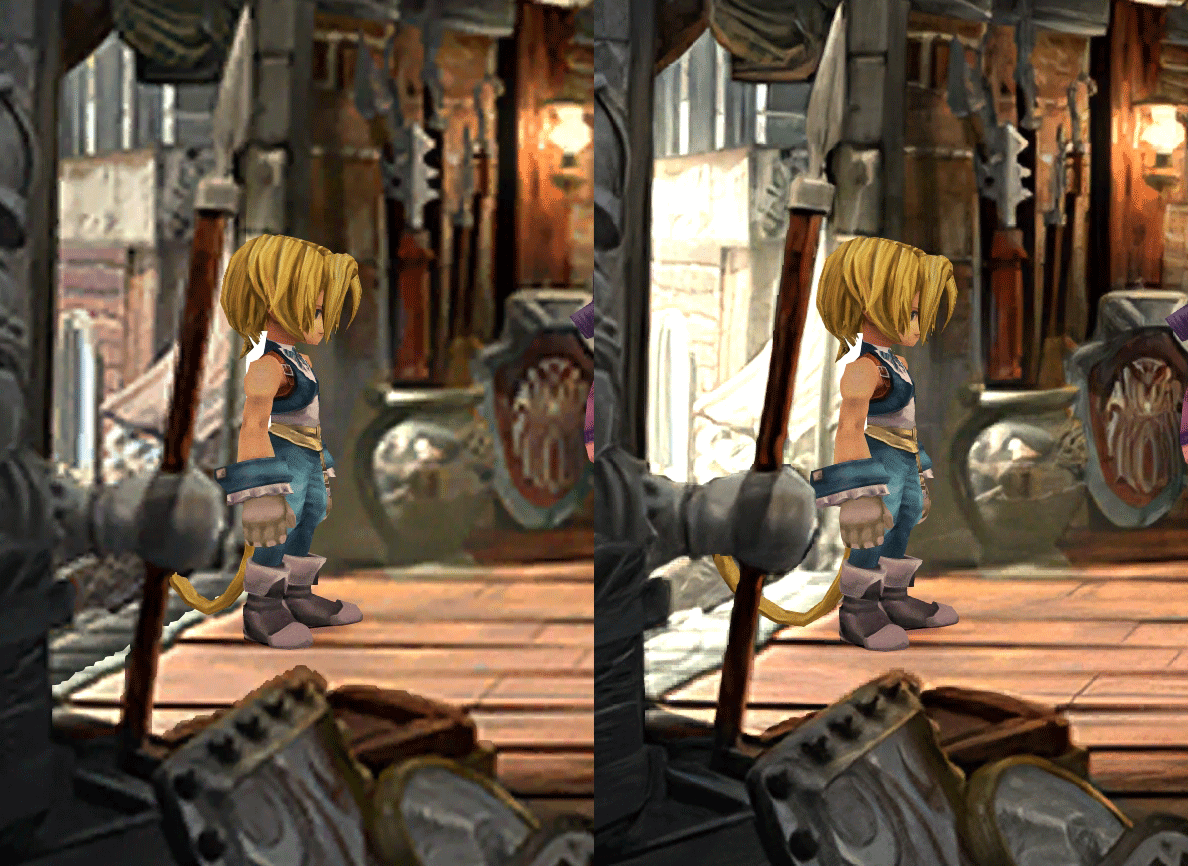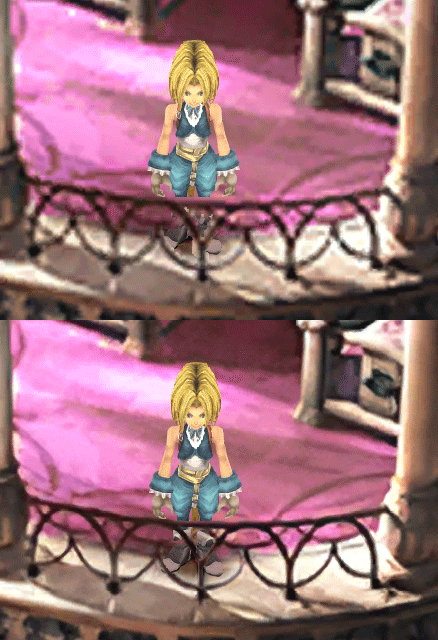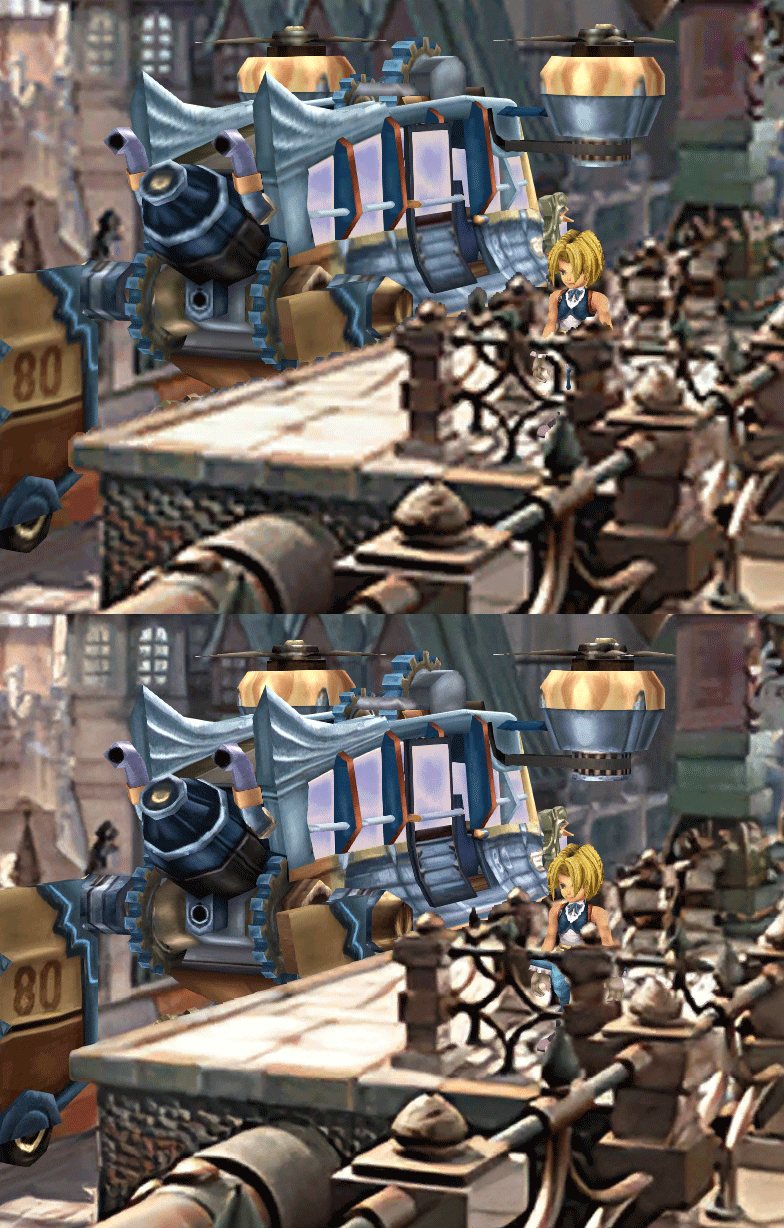
[FF9 PC] Moguri Mod update 8.2 (LIVE ON OFFICIAL SITE)

  • Thread starter Thread starter snouz
  • Start date Start date
Status
Not open for further replies.
s6YQdFA.jpg
eY0jRJ9.jpg
Kr5wC8e.jpg
lc1gfLK.jpg
JrssSrE.jpg


D O W N L O A D

THE UPDATE HAS NOW GONE LIVE OFFICIALLY


NEW 2020-05-23 - MOGURI 8 BETA V5 changelog -> Make a shortcut of the file to your drive then go into your drive, find the shortcut there and click "make a copy"
(outdated) 2020-05-11 - MOGURI 8 BETA V4 changelog
(outdated) 2020-05-04 - MOGURI 8 BETA V3 changelog
(outdated) 2020-04-28 - MOGURI 8 BETA V2 changelog
(outdated) 2020-04-23 - MOGURI 8 BETA V1


I N S T A L L _ G U I D E

[size=10pt]IF YOU DON'T HAVE MOGURI INSTALLED
1) Extract and replace the files in the .zip to SteamLibrary\steamapps\common\FINAL FANTASY IX\

IF YOU HAVE MOGURI INSTALLED (not required!)
1) If you installed it before 2020-04-2, uninstall and re-install Moguri again (SquareEnix pushed a Steam update that temporarily broke the game and Moguri)
2) Extract the content of StreamingAssets in \Program Files (x86)\Moguri Mod\StreamingAssets\
3) Extract \x64\FF9_Data\resources.assets & \x64\FF9_Data\sharedassets2.assets to SteamLibrary\steamapps\common\FINAL FANTASY IX\x64\FF9_Data\
   but DON'T replace Assembly-CSharp.dll

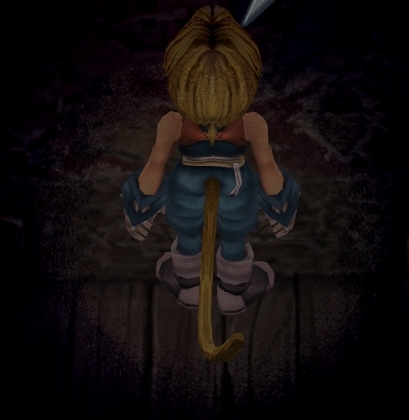
To check you have the right version, here's how the first frame should look
X6tHnEA.jpg


1) In steam, right click the game, go to "properties...", go to the LOCAL FILES tab, click VERIFY INTEGRITY OF GAME FILES. This will re-download the original files, but your saves are still intact.


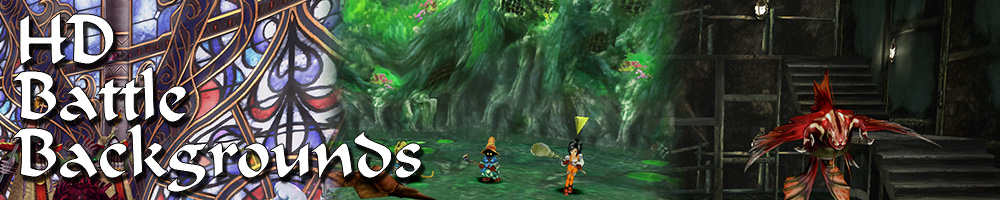
p0data2.bin - Battle backgrounds
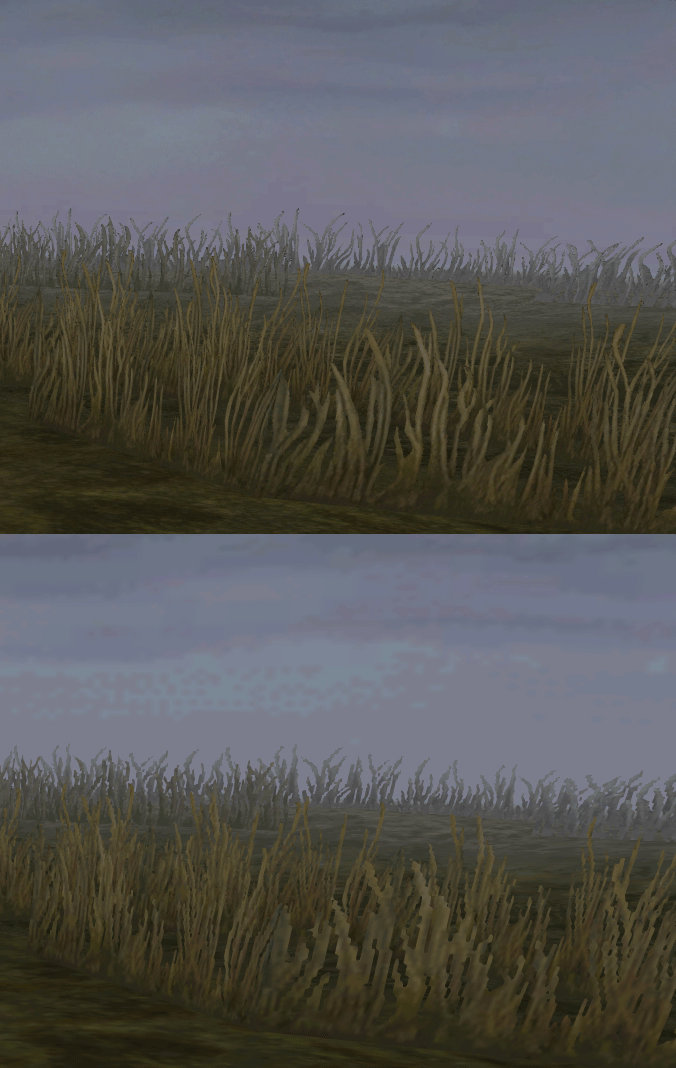
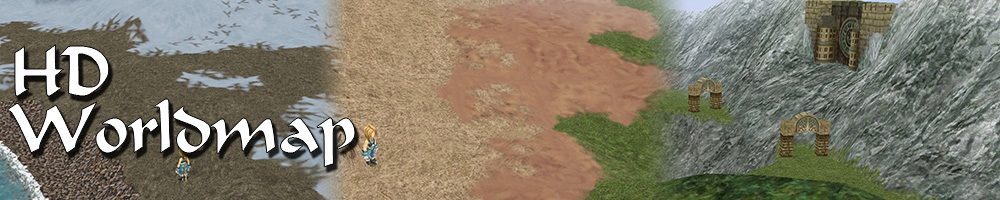
p0data3.bin - Worldmap textures
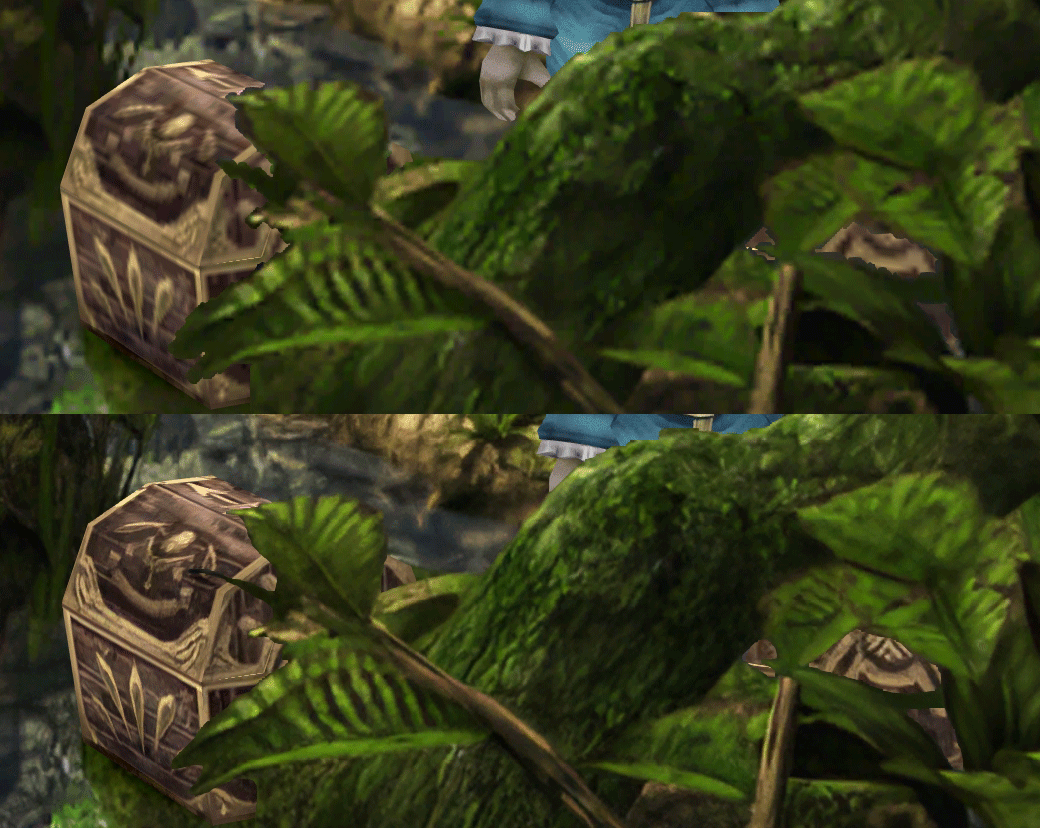
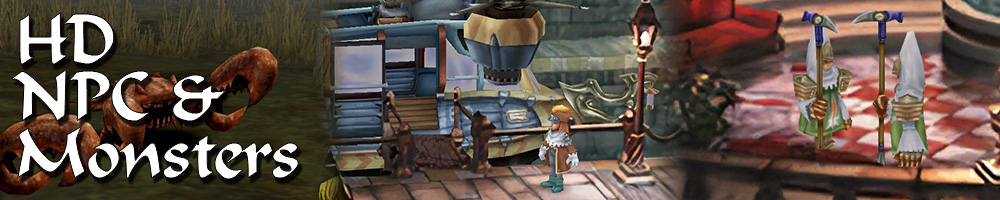
p0data4.bin - NPC, monsters and background items
p0data11.bin to p0data19.bin - Main backgrounds
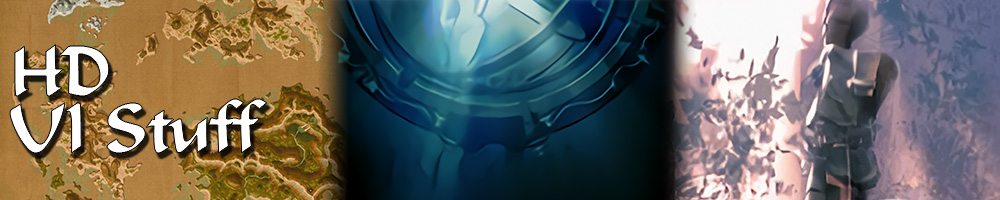
resources.assets & sharedassets2.assets - UI stuff (maps, title screen...)
Assembly-CSharp.dll - The patched file that allows for the augmented resolution of backgrounds. (The one here and the one in moguri are different)

Note: If you have uninstalled Moguri and/or Memoria and you have names like ZidaneZidane, ViviVivi, you can salvage your save with this tool: https://www.ff7catalog.com/threads/7672/
Note: Alternate Fantasy is not currently supported.
[/size]


F E A T U R E S

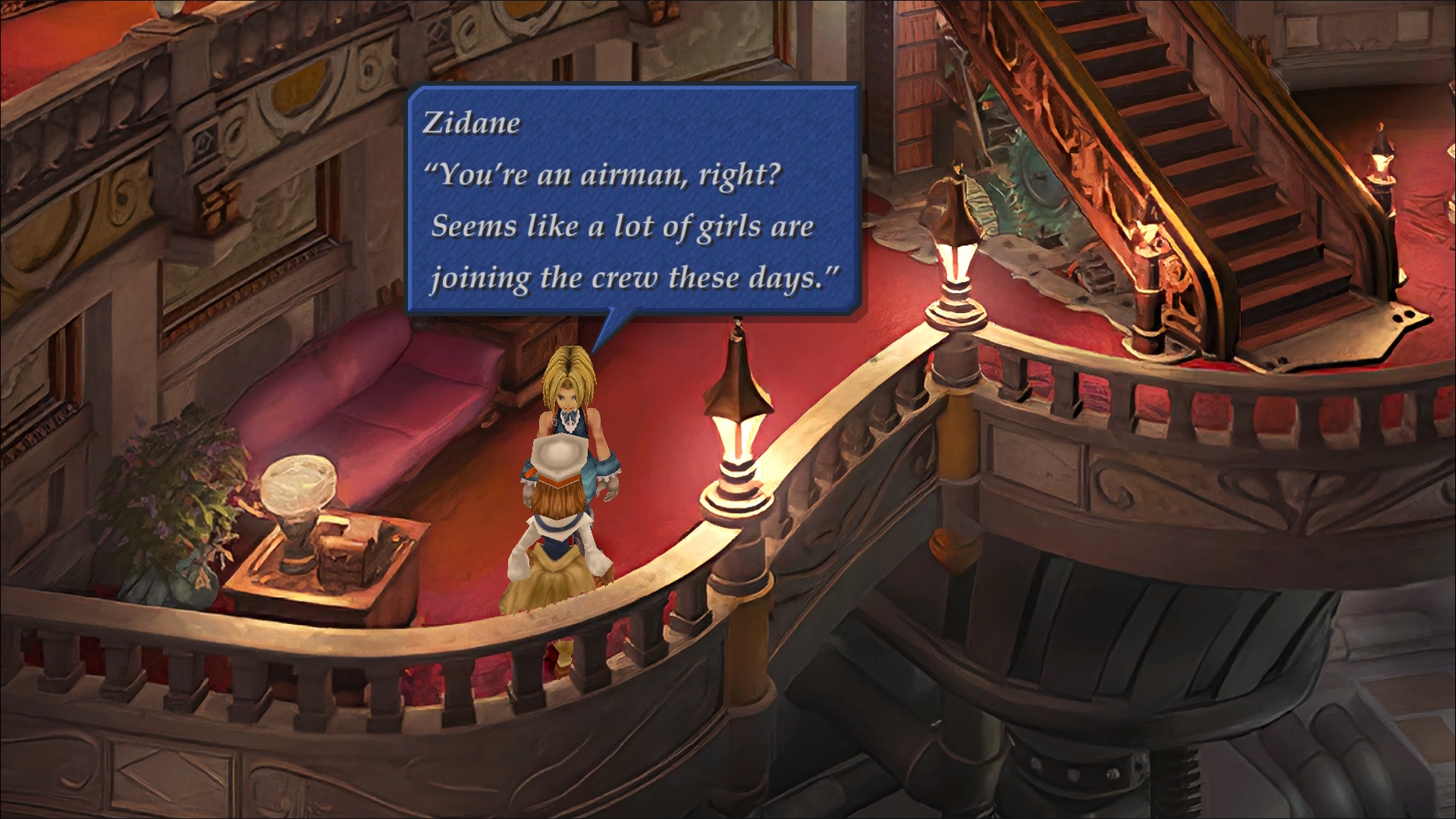
  • Backgrounds
  • Fixed : almost all visual glitches
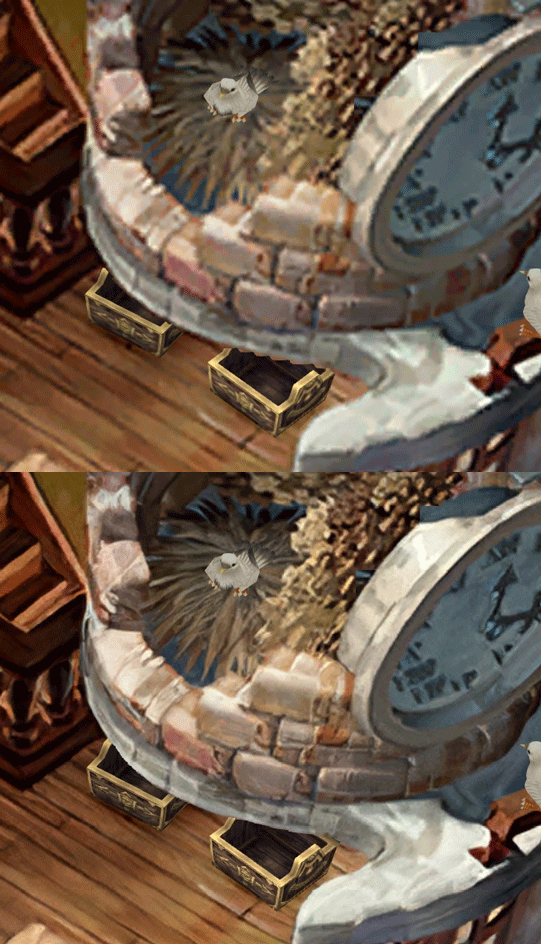
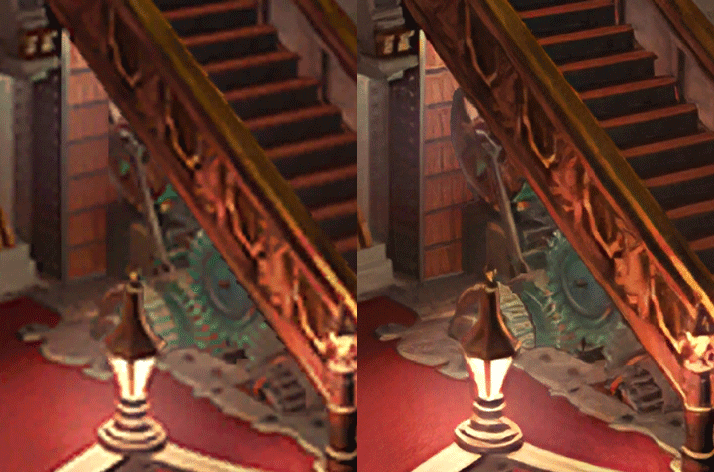
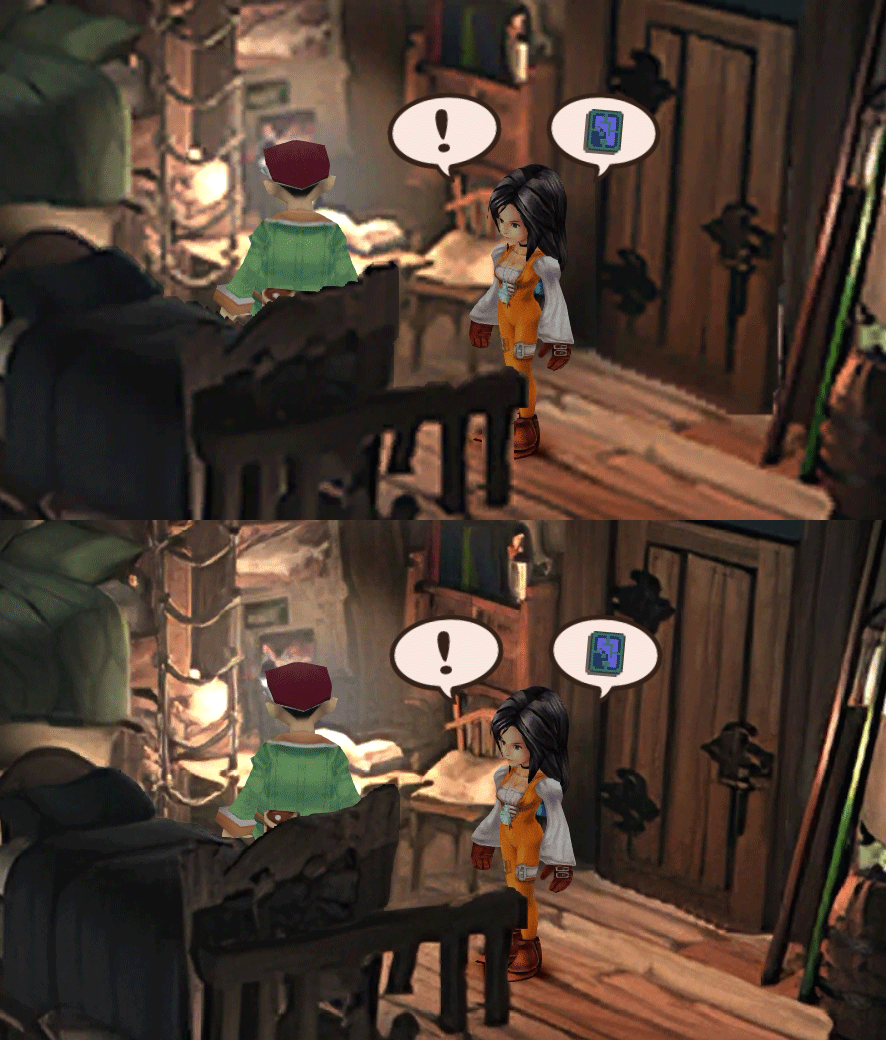
  • Redrawing of all layer edges (all 11000+)
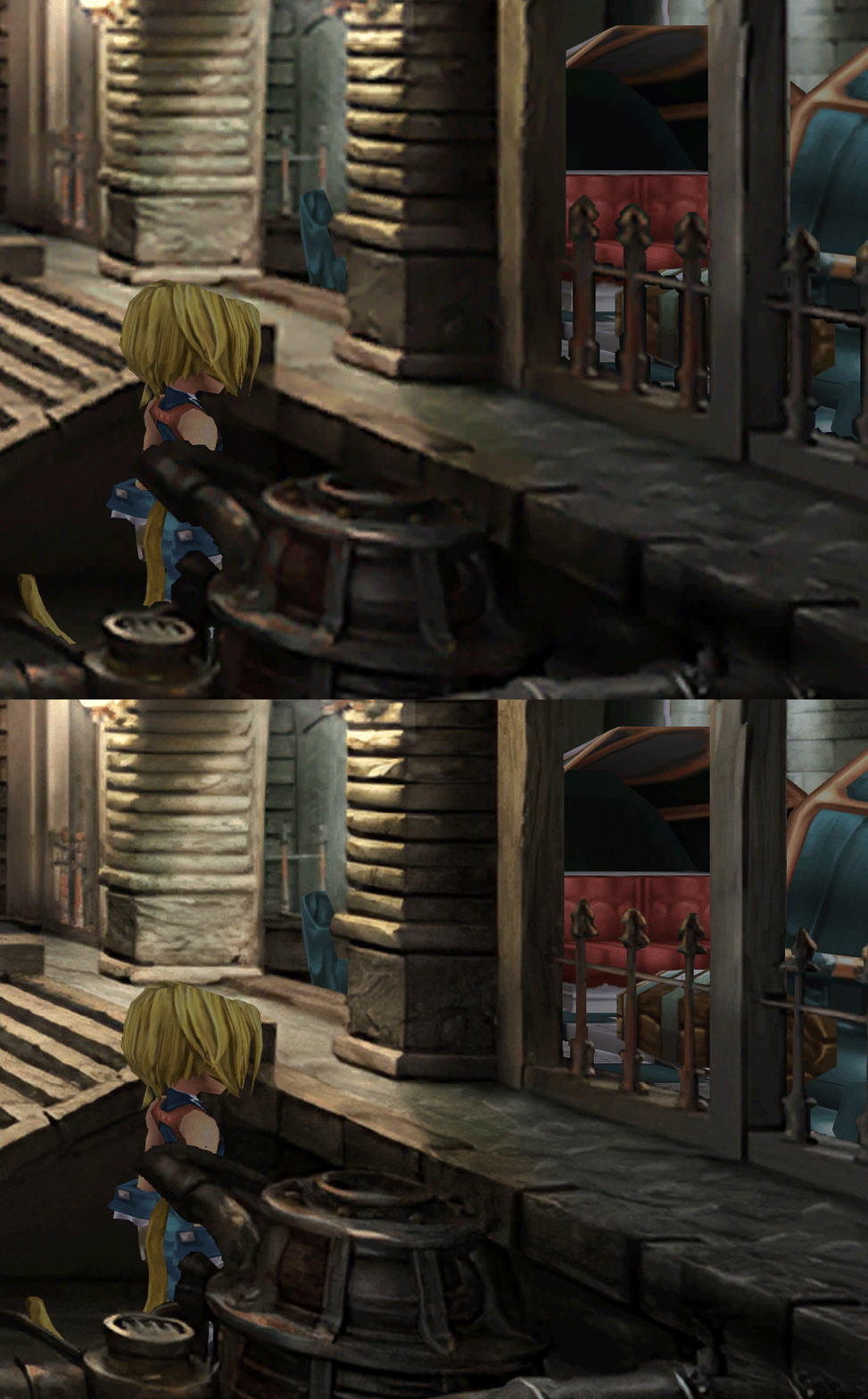
  • Cleaner / sharper graphics (all 6000+)
  • Better & cleaner lighting (all 1400+)
  • Countless manual image doctoring
  • Manually redrawn some parts (some partially based on portfolio images by Wesley Cann & Behrooz Roozbeh)
  • Background animations better integrated
  • Several bugs from the Steam & PSX versions fixed
  • Recreated all places names with original fonts (for English and French, rest to follow)
  • Seamless scrolling skies & backgrounds, removed 'staircase' edges
  • Recreated baked in textures NPCs
  • Background objects
  • HD background 3D objects
  • HD NPC (with exceptions)
  • Worldmap
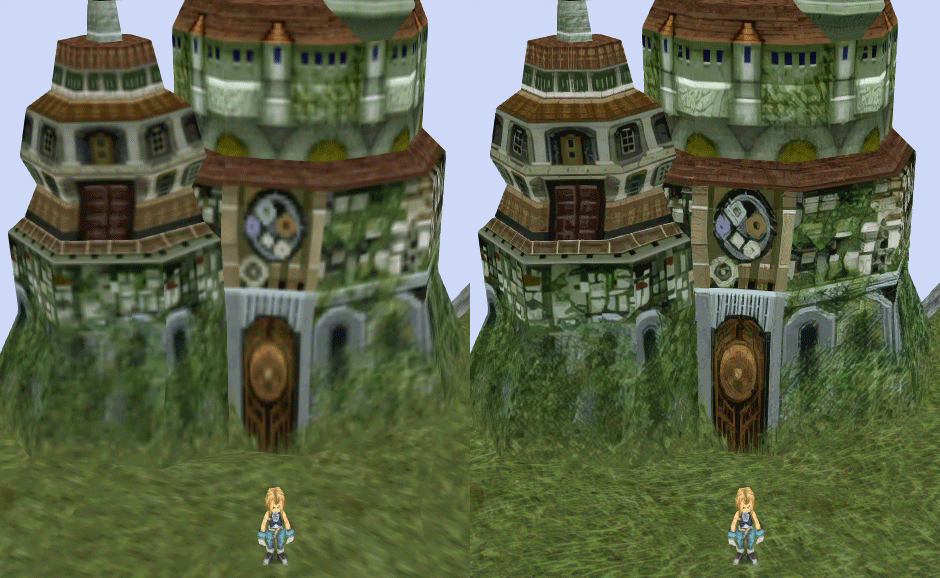
  • HD worldmap textures (upscaled and manually redone, mostly seamless and faithful)
  • Subtly moving seas
  • HD worlmap items (ships...) textures
  • Battles
  • HD monsters (with exceptions)
  • HD battlefields with redrawn edges (exceptions for animated textures)
  • Seamless skies (not 100% on point)
  • Fixed missing monster death sounds (credit: Tirlititi)
  • UI
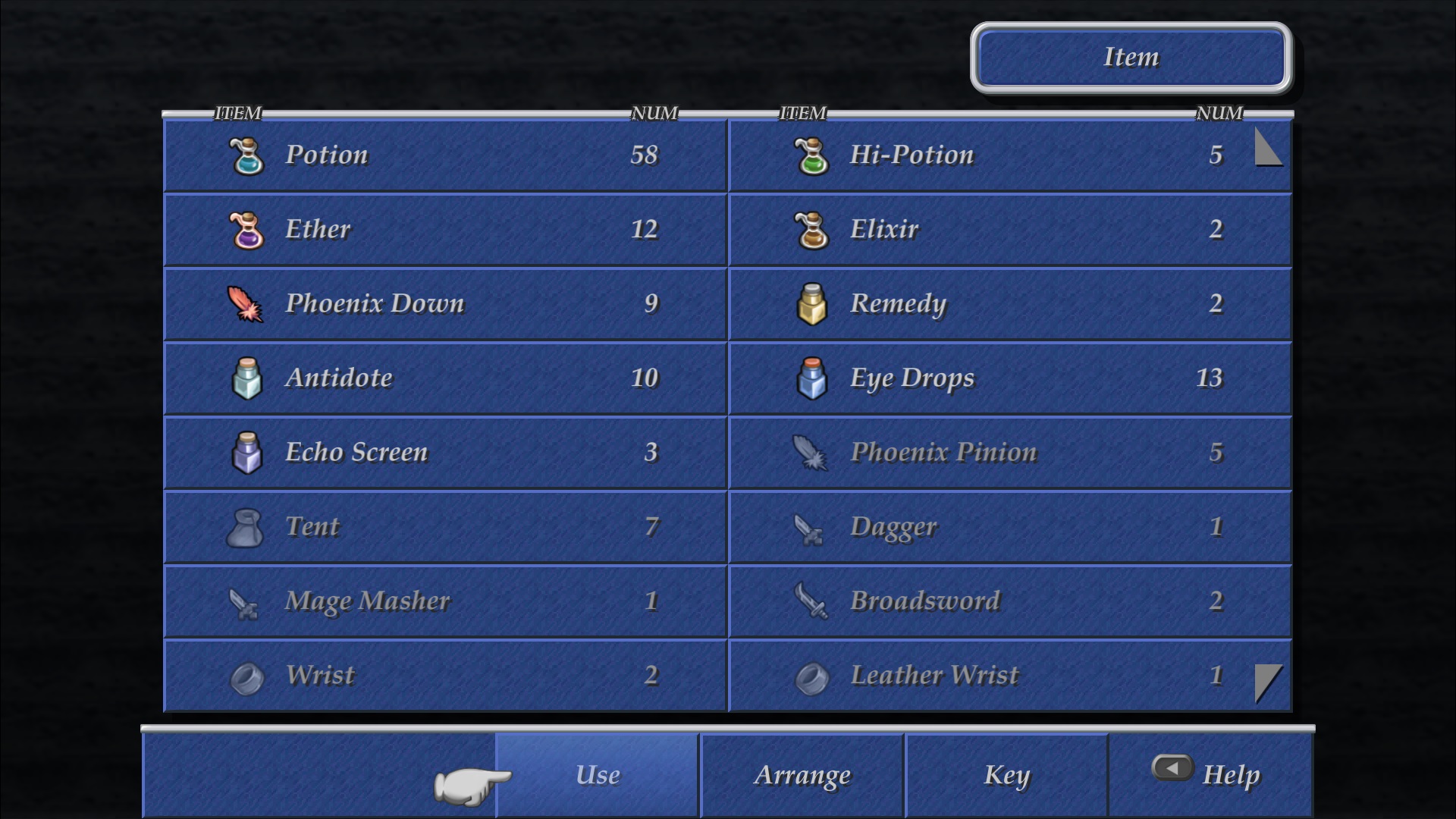
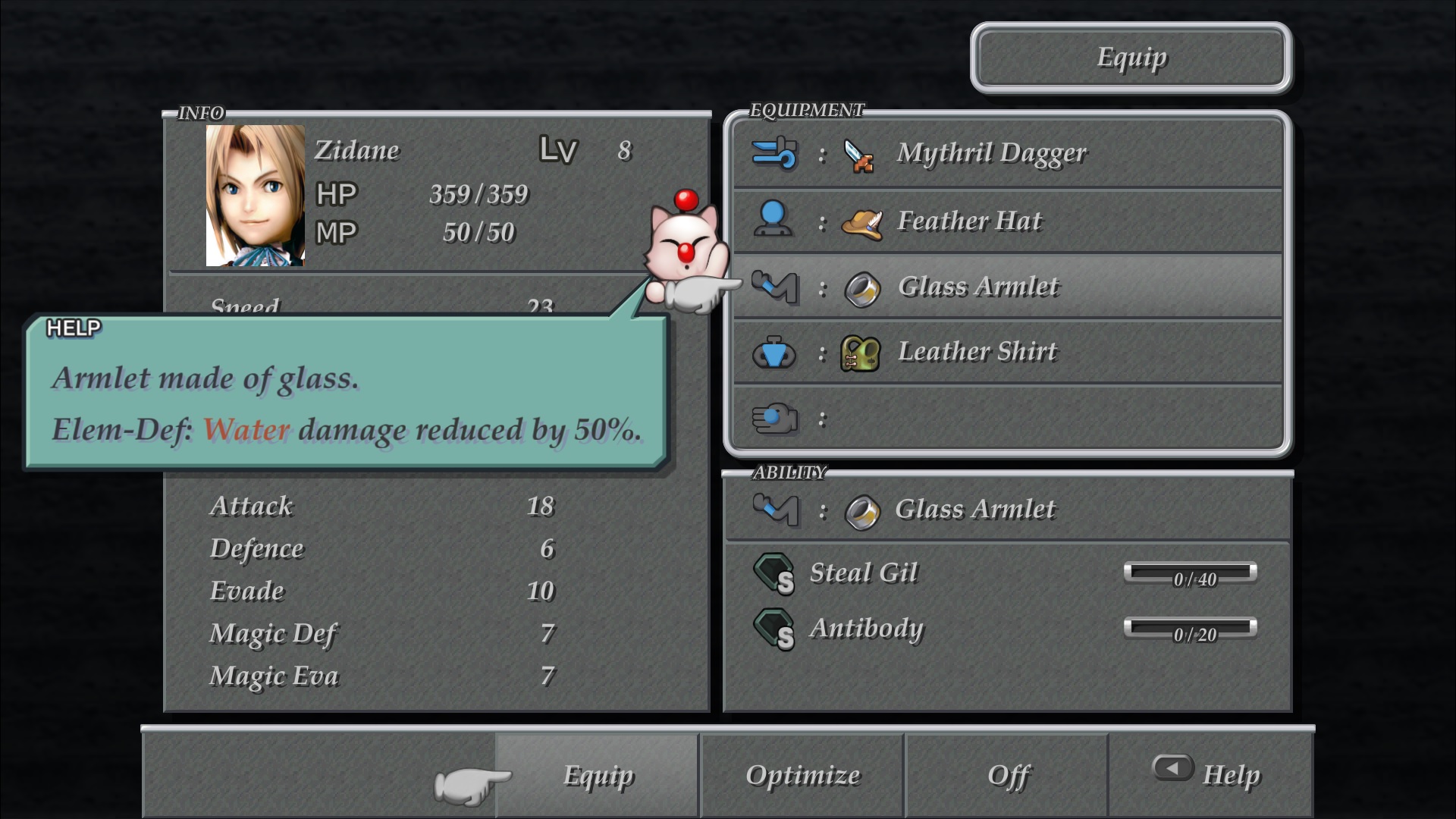
  • Recreated faithful HD maps
  • Recreated Start menu and game over screens
  • Character portraits edges


OLD POST

2020-04-23 - Finally, here's a beta file of the backgrounds!
For those who chose to install it, please screenshot any problem or potential improvement, as major or minor it is.

If you can't post in this thread, you can contact me on reddit


Other parts of the mod available to download:
[size=14pt]NPC & Monsters HD V2 DOWNLOAD
Battle Backgrounds HD V1 DOWNLOAD
Worldmap HD V2 DOWNLOAD
UI Stuff V1 DOWNLOAD
Maybe save the original files beforehand

-------------------------------------------------------------

Hi everyone,

I'm making a thread to track my progress with my reworking of Moguri since June 2019

◈ Finishing touches, corrections & testing ◈
chat_loader.gif

◈ Backgrounds masks (redrawing by hand) ◈
⬛⬛⬛⬛⬛⬛⬛⬛⬛⬛⬛⬛⬛⬛⬛⬛⬛⬛⬛⬛ | 100% | 678/678

◈ Blended/light layers upscaling ◈
⬛⬛⬛⬛⬛⬛⬛⬛⬛⬛ | 100% | 1479/1479

◈ Re-drawing of transparency for fight scenes textures ◈
⬛⬛⬛⬛⬛⬛⬛⬛⬛⬛ | 100% | 186/186

◈ Monster texture upscaling ◈
⬛⬛⬛⬛⬛⬛⬛⬛⬛⬛ | 100% | 124/124

◈ NPC texture upscaling ◈
⬛⬛⬛⬛⬛⬛⬛⬛⬛⬛ | 100% | 150/150

◈ Item on field texure upscaling ◈
⬛⬛⬛⬛⬛⬛⬛⬛⬛⬛ | 100% | 101/101

◈ Worldmap re-texture ◈
https://www.ff7catalog.com/threads/13434/
⬛⬛⬛⬛⬛⬛⬛⬛⬛⬛ | 100%

◈ Place names upscaling (when introduced to a new place) ◈
⬛⬛⬛⬛⬛⬛⬛⬛⬛⬛ | 100% | 44/44


◈ (background) Videos improvement ◈
(⬜⬜⬜⬜⬜⬜⬜⬜⬜⬜⬜⬜⬜⬜⬜⬜⬜⬜ | 0/18) -> might try this in a next update

◈ Extra ◈
-Backgrounds were improved with various ESRGAN models
-Numerous visual corrections
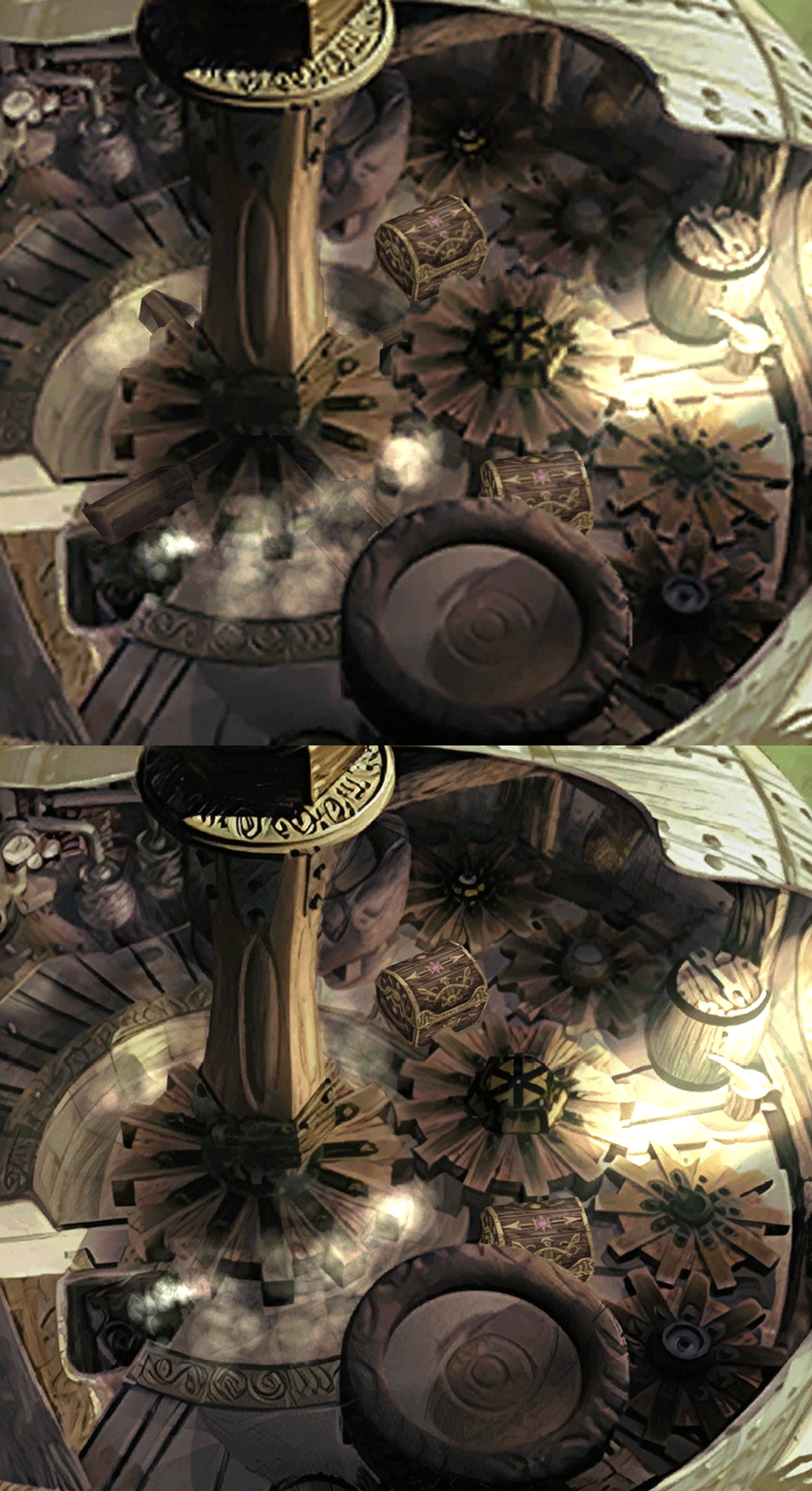
-Upstairs of Dali's Windmill debugged / recreated
-Removed seams in scrolling sky/smoke/sand textures.
-re-created a lot of sky textures for fight scenes, making them seamless and beautiful: 64
-regenerated the battle textures to remove white outlines
-corrected a bug with animated textures in battle scenes
-Multiple other bugs ironed out

◈ Ideas for later ◈
-drawing shadows for some chests/items
-look if I can improve fluidity of the videos with AI video interpolation: https://github.com/sniklaus/pytorch-sepconv (can't make it work yet)
-upscale contextual FMVs?
[/size]
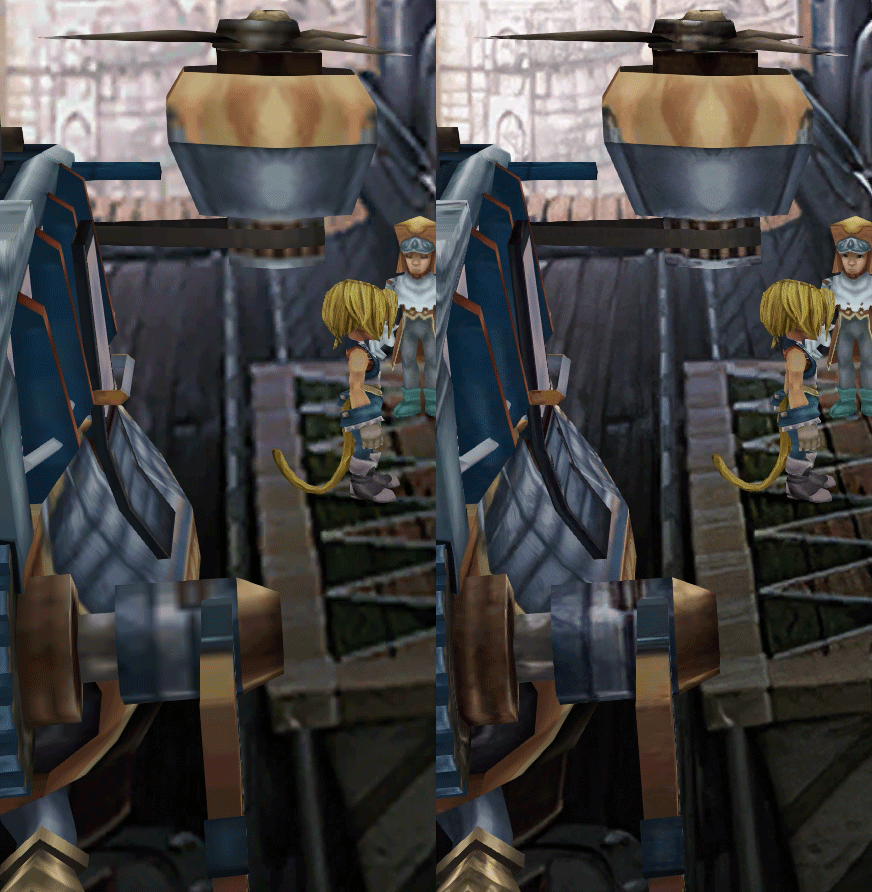
SCREENSHOTS

Click to enlarge
K78WnLu.gif

10pTbFs.gif
E8YADyT.gif
6RS2mEC.gif
OsoRNFn.gif
MVfMxaM.gif
uphBfuD.gif
YGwOCGG.gif
skQq07o.gif
xIcTyUR.gif
Z6k2Zyt.gif
XqomUcu.gif
SSBTwSa.gif
1GGTsJM.gif
eaTQUVb.gif
qKjYKR1.gif
13yOtwo.gif
 
Last edited:
G
Wow, you've been insanely productive lately! Must be stuck at home due to the virus.  ;)

Thanks for all your work polishing up this awesome classic.
 
P
You're playing with moguri, but without the beta.
Please replace files in /program files/Moguri Mod/ and not the final fantasy IX install folder. I've put an install guide.
I am, and I have put the beta files in there like you stated in the install file.
 
T
I am, and I have put the beta files in there like you stated in the install file.
If you have Moguri mod installed and have accidentally replaced the DLL in your FF9 directory with snouz's included DLL file, then the game will not read the files from your Moguri mod folder.

Another possibility worth checking is to see whether you don't perhaps have Moguri installed on two or more different drives and may be replacing files in a Moguri directory that the game is not reading from.

If you still have no success, my suggestion would be to uninstall Moguri and FFIX, delete whichever remaining files are on your drive for both, then do a fresh reinstall of FFIX and snouz's files. Ought to definitely work then.
 
S
Thanks everyone for the support !

I've now included a small screenshot in the OP to recognize if you have correctly installed my version.

ZePilot has given me access to the official website, and I have updated it a bit.

I've included a changelog for the update (both here and on the website)

And I'm currently preparing comparison screenshots.

Also preparing V3!

Keep reporting errors, I'm correcting them as I go

Also, yes, I've had a bit more time recently, as my day job involves working with cinemas in Europe...
 
A
Thanks everyone for the support !

I've now included a small screenshot in the OP to recognize if you have correctly installed my version.

ZePilot has given me access to the official website, and I have updated it a bit.

I've included a changelog for the update (both here and on the website)

And I'm currently preparing comparison screenshots.

Also preparing V3!

Keep reporting errors, I'm correcting them as I go

Also, yes, I've had a bit more time recently, as my day job involves working with cinemas in Europe...
Pls add Scale UI Battle :D
 
S
Pls add Scale UI Battle :D
As stated earlier in this thread, the mod for that is not bug free and we probably won't add it to this version.
 
J
Absolutely incredible work!! Thank you so much for revitalizing my favorite game of all time. I have been holding out my next playthrough (it's been over 5 years) in anticipation of this mod :).

My one question is, will 8.0 be compatibile with Alternate Fantasy? I know that is NOT your mod and the beta lists that it is not supported, but I figured I would ask.
 
S
Absolutely incredible work!! Thank you so much for revitalizing my favorite game of all time. I have been holding out my next playthrough (it's been over 5 years) in anticipation of this mod :).

My one question is, will 8.0 be compatibile with Alternate Fantasy? I know that is NOT your mod and the beta lists that it is not supported, but I figured I would ask.
Tirlititi has retired from modding FFIX, but when this update officially hits, I'll talk to him and I'm sure we can arrange a compatible version! It's just a question of combining assets.
 
S
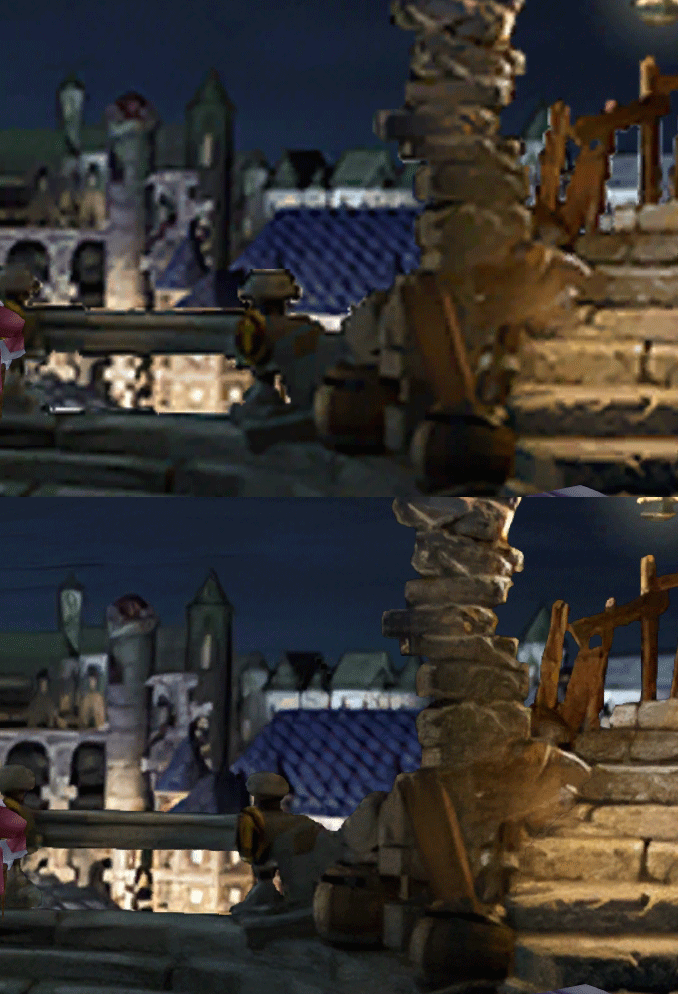
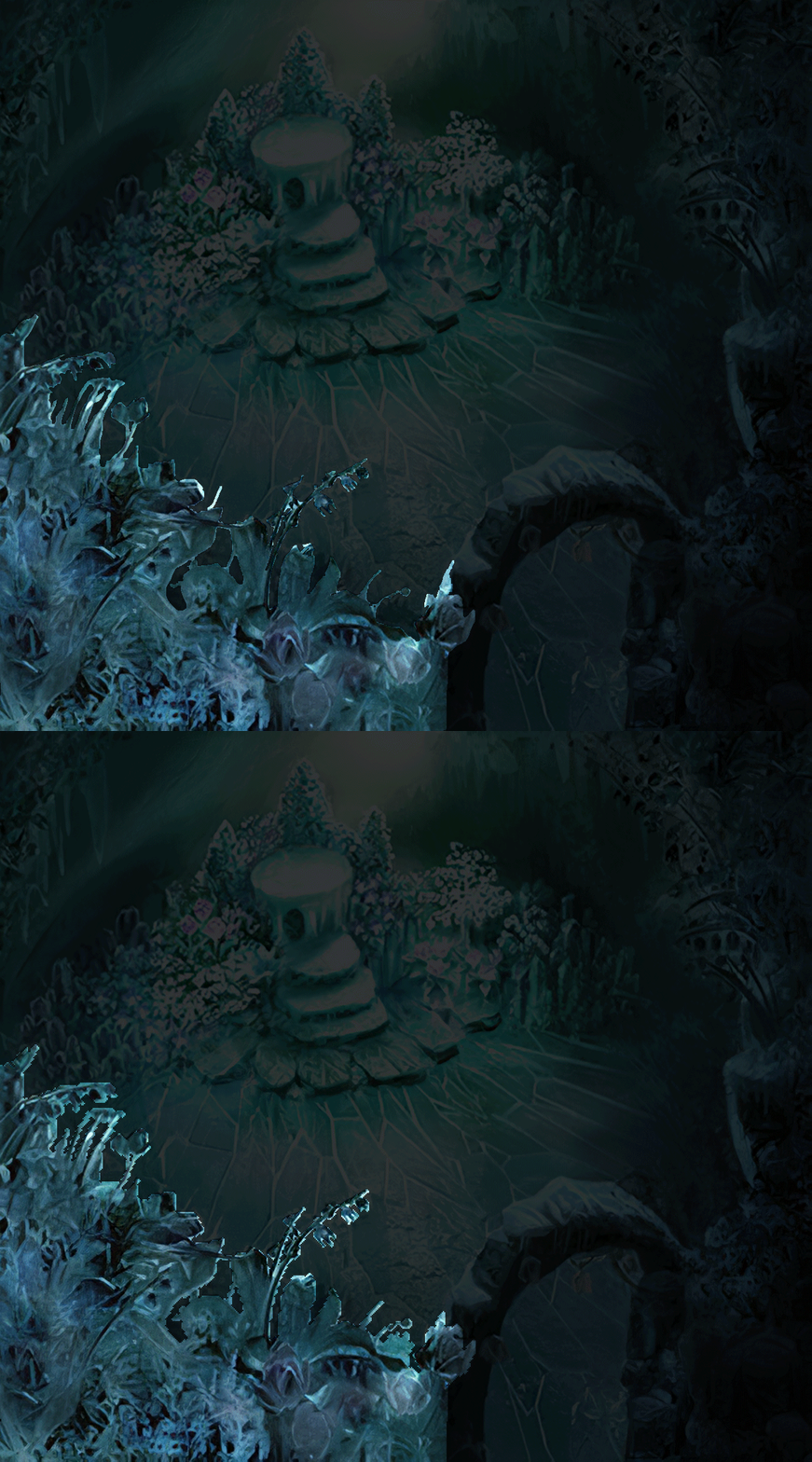
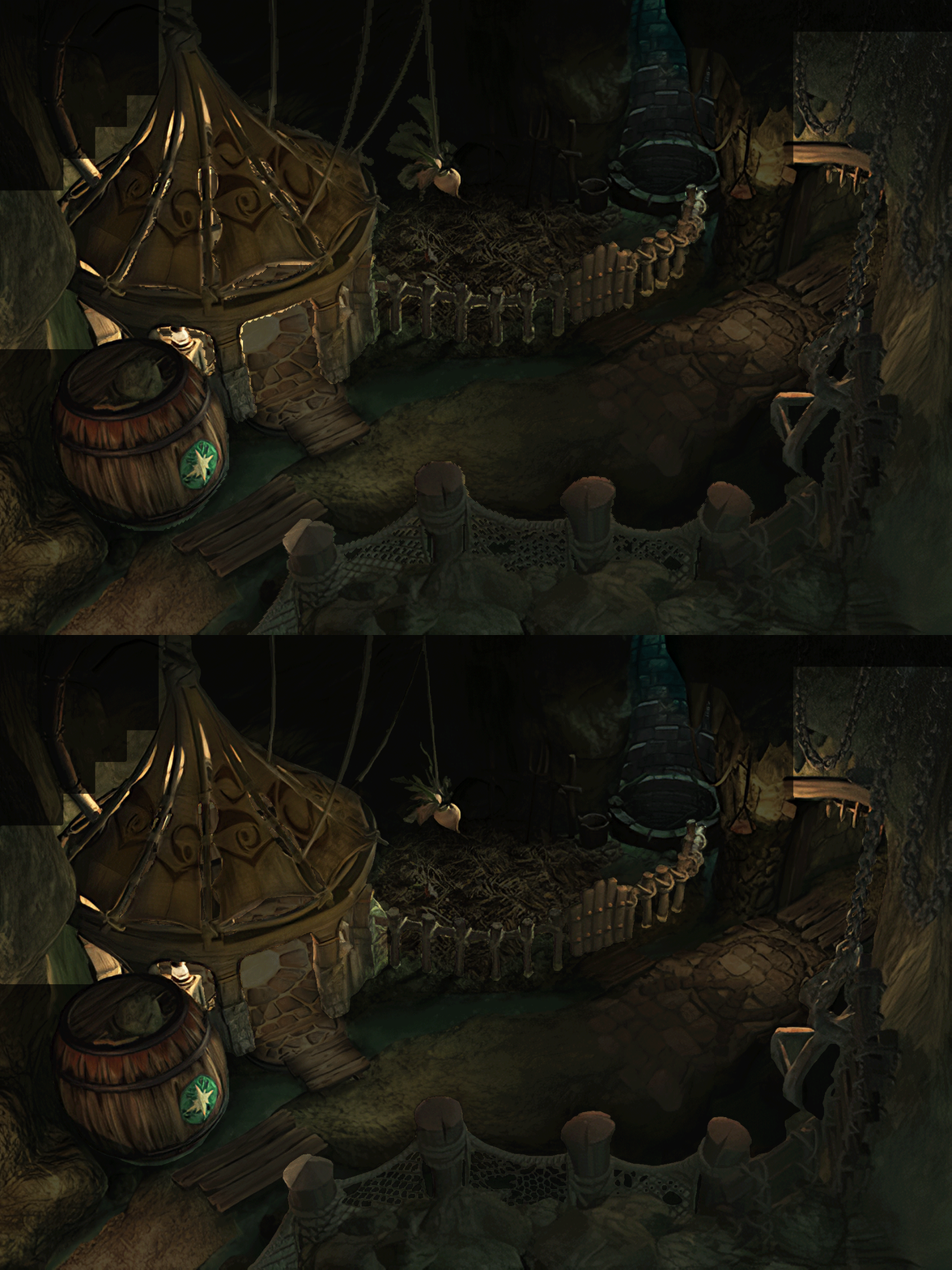
Comparison sliders between original and BETA are here!

Ice Cavern
https://imgsli.com/MTU0Mjc
https://imgsli.com/MTU0Mjk
https://imgsli.com/MTU0Mjg
https://imgsli.com/MTU0MzA
https://imgsli.com/MTU0MzE
https://imgsli.com/MTU0MzI

Treno
https://imgsli.com/MTU0MzQ
https://imgsli.com/MTU0MzM
https://imgsli.com/MTU0NTA
https://imgsli.com/MTU0NTE
https://imgsli.com/MTU0NDg
https://imgsli.com/MTU0NTI
https://imgsli.com/MTU0NDc
https://imgsli.com/MTU0NDk
https://imgsli.com/MTU0NDQ
https://imgsli.com/MTU0NDM
https://imgsli.com/MTU0NDU
https://imgsli.com/MTU0NDY
https://imgsli.com/MTU0NDA
https://imgsli.com/MTU0NDI
https://imgsli.com/MTU0NDE
https://imgsli.com/MTU0Mzk
https://imgsli.com/MTU0Mzg
https://imgsli.com/MTU0Mzc
https://imgsli.com/MTU0MzY
https://imgsli.com/MTU0MzU

Clayra
https://imgsli.com/MTU0MTU
https://imgsli.com/MTU0MTY
https://imgsli.com/MTU0MTg
https://imgsli.com/MTU0MjA
https://imgsli.com/MTU0MTk
https://imgsli.com/MTU0MTc
https://imgsli.com/MTU0MjI
https://imgsli.com/MTU0MjE
https://imgsli.com/MTU0MjM
https://imgsli.com/MTU0MjY
https://imgsli.com/MTU0MjU
https://imgsli.com/MTU0MjQ

Lindblum
https://imgsli.com/MTU0NTM
https://imgsli.com/MTU0NTQ
https://imgsli.com/MTU0NTU
https://imgsli.com/MTU0NTY
https://imgsli.com/MTU0NTc
https://imgsli.com/MTU0NTk
https://imgsli.com/MTU0NTg
https://imgsli.com/MTU0NjE
https://imgsli.com/MTU0NjA
https://imgsli.com/MTU0NjM
https://imgsli.com/MTU0NjY
https://imgsli.com/MTU0NjI
https://imgsli.com/MTU0ODY
https://imgsli.com/MTU0NjU

Lindblum Castle
https://imgsli.com/MTU0ODg
https://imgsli.com/MTU0ODc
https://imgsli.com/MTU0Njk
https://imgsli.com/MTU0NjQ
https://imgsli.com/MTU0ODk
https://imgsli.com/MTU0OTA
https://imgsli.com/MTU0OTE
https://imgsli.com/MTU0OTI
https://imgsli.com/MTU0OTM
https://imgsli.com/MTU0OTQ
https://imgsli.com/MTU0NzA
https://imgsli.com/MTU0OTU
https://imgsli.com/MTU0Njc
https://imgsli.com/MTU0OTY
https://imgsli.com/MTU0OTc
https://imgsli.com/MTU0Njg
https://imgsli.com/MTU0OTg
https://imgsli.com/MTU0OTk
https://imgsli.com/MTU0NzY

Memoria
https://imgsli.com/MTU1MTQ
https://imgsli.com/MTU1MTI
https://imgsli.com/MTU1MTE
https://imgsli.com/MTU1MTA
https://imgsli.com/MTU1MDk
https://imgsli.com/MTU1MDg
https://imgsli.com/MTU1MDc
https://imgsli.com/MTU1MDY
https://imgsli.com/MTU1MDU
https://imgsli.com/MTU1MDQ
https://imgsli.com/MTU1MDM
https://imgsli.com/MTU1MDI
https://imgsli.com/MTU1MDE
https://imgsli.com/MTU1MDA


Invicible
https://imgsli.com/MTU1MTM
https://imgsli.com/MTU1MTY
 
M
Hello!
I just installed FF9 and the 8.0 mod for the first time.

I notice two things :
- The game is not in 16/9.
- The font is Steam's version and not the PSX-like font.

Being very bad at file "hacking", I don't know how to change that, or even if it's possible.
If someone can give me some information, I'd be happy to.

Thank you all, and congratulations for your work !
 
M
Those are some impressive comparisons.

That said, I noticed:

. https://imgsli.com/MTU1MDk
At the castles at the back on the bottom of the screen, the cutout transparency is a bit off and there are some "ghosts" left. Adding to that, as a suggestion, it looks like those castles are supposed to be blurred, like a camera effect;

. https://imgsli.com/MTU1MTA
Just a suggestion again, those castles on the left side could use some touch by hand to blend more with the background. Maybe a little color change/or remove the whiteness/or a bit of blur;

. https://imgsli.com/MTU0MzM
The lamp post on the left became too thin, and that lamp has the bottom part removed; The background city could use some camera blur (looks like they were aiming for that look); The original font looks like has some transparency;

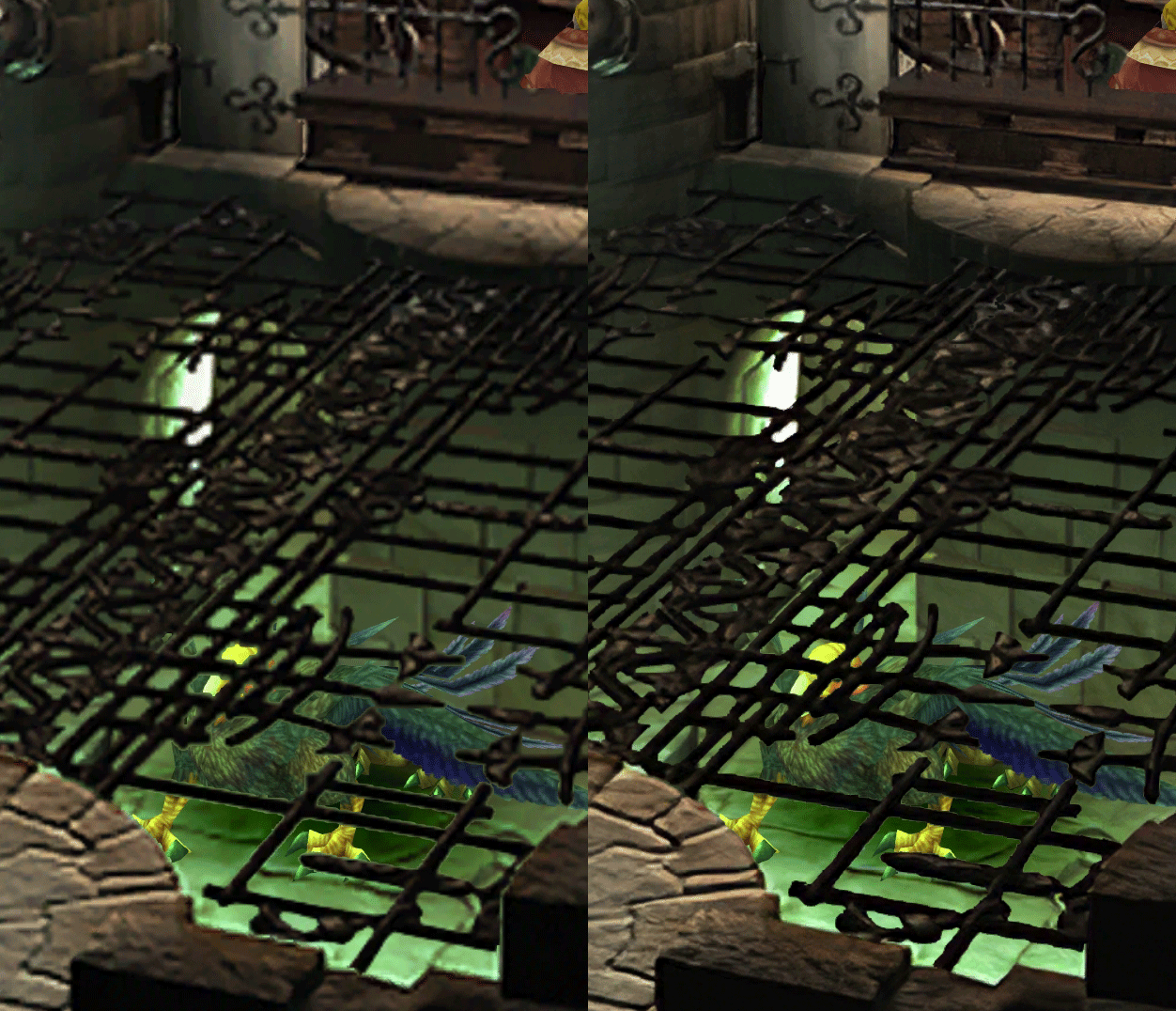
. https://imgsli.com/MTU0NDI
The color on the railing/gate is much darker than the original, but maybe is for the better. Still, it could be a bit brightened;

. Some or most of the screens are a bit misplaced if comparing to the original. Like they are slightly moved, so some npcs are not where they should be, some sitting in chairs that are a bit off/etc - but it might only be noticeable if comparing side by side.

. As was already mentioned, sometimes the clouds are better using waifu, but sometimes are better with AI (maybe use a mix?).

No need to follow everything I said, it's just me nitpicking it's already awesome as it is.
 
Last edited:
T
By the way, the font available there by Teaito is way more faithful to the PSX font than what is (or at least was until recently) proposed by the Moguri mod.
 
F
Absolutely phenomenal job snouz! Been following this project for a while now and what you have accomplished here is just incredible.

Thank you so much for putting so many hours of work into this, it really shows!
 
S
Ty for all updates snouz , amazing work

I don't like those pixelated fonts much i'm using something like this :

FF 9 + Moguri Mod + HD Packs by snouz + Palatino Linotype Bold Italic font

bThSPZ2.jpg
NzZ1fuM.jpg
KDuiP5k.jpg


mod versions are from 3 weeks ago
 
E
what will i miss if i dont install moguri v7.0.1 thru installer ? i mean what is the difference ?
 
M
By the way, the font available there by Teaito is way more faithful to the PSX font than what is (or at least was until recently) proposed by the Moguri mod.
Thank you for your response.
One question though: Where is the file memoria.ini ?

To install the font it is specified that: Replace "Arial" with "Alexandria" in the memoria.ini file.

But I can't find this file :(
 
T
what will i miss if i dont install moguri v7.0.1 thru installer ? i mean what is the difference ?
Apart from the re-orchestrated soundtrack (which I'm personally not a fan of), nothing. Snouz's mod as it currently exists replaces everything that Moguri does (HD backgrounds, but even better) and more (UI stuff, world map textures, HD NPCs and monsters, etc).

Per the first page:

    Fixed : almost all visual glitches
    Redrawing of all layer edges (all 11000+)
    Cleaner / sharper graphics
    Better & cleaner lighting (all 1400+)
    Background animations better integrated
    Recreated all places names with original fonts
    Manually redrawn some parts (some partially based on portfolio images by Wesley Cann & Behrooz Roozbeh)
    Seamless scrolling skies & backgrounds, removed 'staircase' edges
    HD worldmap (manually redone, seamless and faithful)
    HD NPC / monsters / background objects
    HD battlefields with redrawn edges and seamless skies
    Recreated maps, start menu, game over, portrait edges
 
Last edited:
M
Apart from the re-orchestrated soundtrack (which I'm personally not a fan of), nothing. Snouz's mod as it currently exists replaces everything that Moguri does (HD backgrounds, but even better) and more (UI stuff, world map textures, HD NPCs and monsters, etc).

Per the first page:
I think if we don't install 7.0.1 we don't have access to 16:9 or the right font. On my side, I didn't install 7.0.1 and I don't have the memoria.ini file that allows me to make these modifications.
 
S
You can install this and Memoria separately, you'll have the same features, minus the orchestral music (which I think is not necessary at all)
https://steamcommunity.com/groups/ff-modding/discussions/13/357284131804133221/

@Tirlititi, Great! I'll let a word to zePilot when we repackage everything.

@magitek, advices taken, I've some some tweaks to the ones you mentioned. The offset (2px top left offset to be precise) is present in the first third of the game, because the original moguri did that. But I've corrected the ones I had left about when I arrived at Clayra. I came back and corrected a few, but it'd be a pain to correct everything after I had already painted the borders, and it's really not noticeable most of the time.
 
Last edited:
G
I'll look into reshade or other ways to activate AA. I personally activate it in Nvidia settings, but it'd be cool if it's included!
Did you happen to look at the ReShade preset I mentioned in a PM? It's not overly complicated and does include SMAA/FXAA settings. Maybe it could serve as a basis or reference point for a preset bundled with the mod?

Also, if you'd like access to the footage of my current playthrough via YT, just tell me and I'll be happy to make that available. :)
 
Status
Not open for further replies.
Back
Top