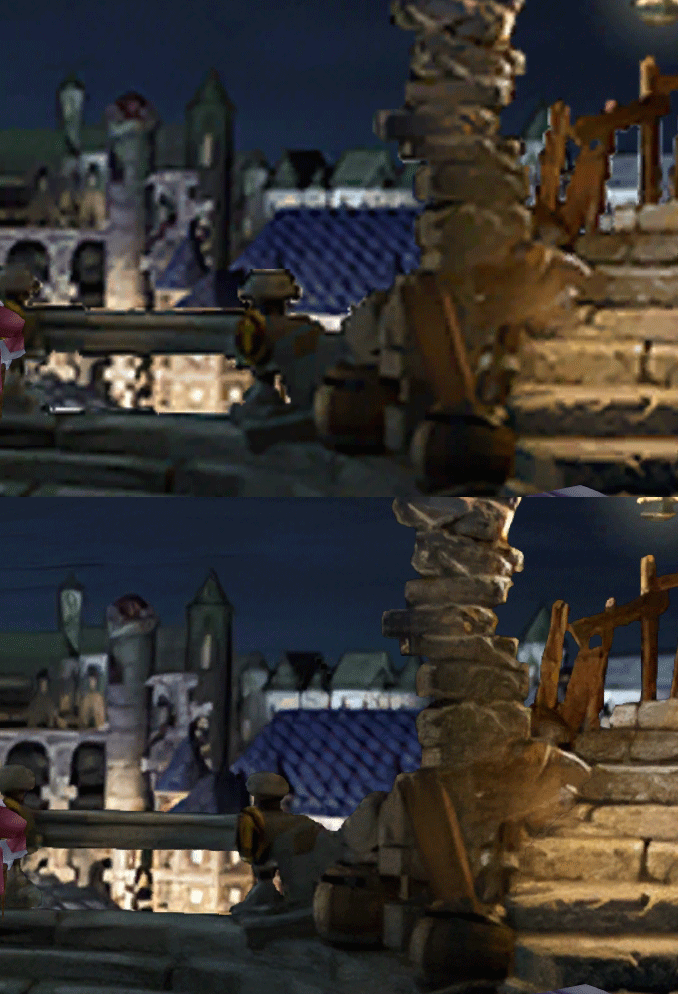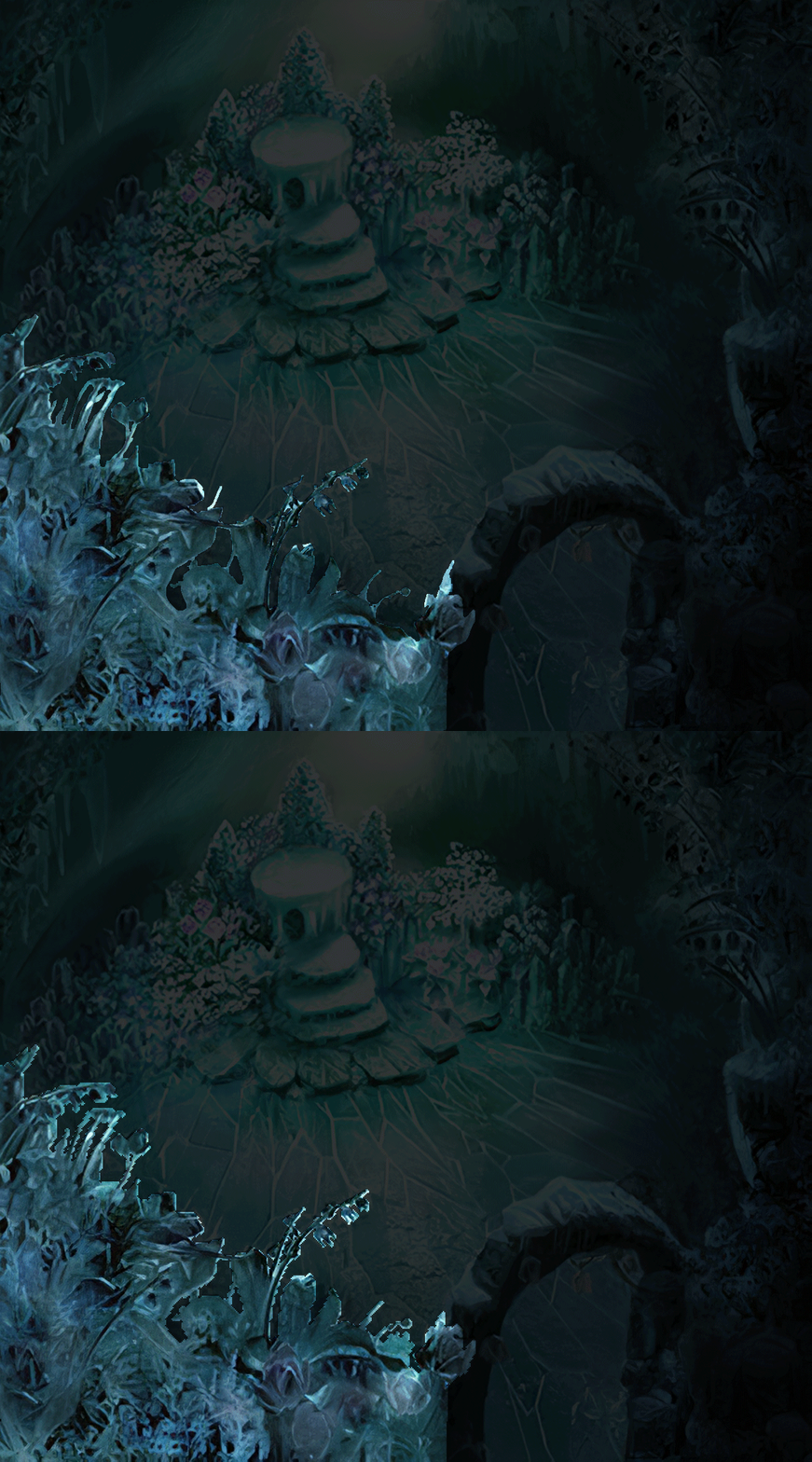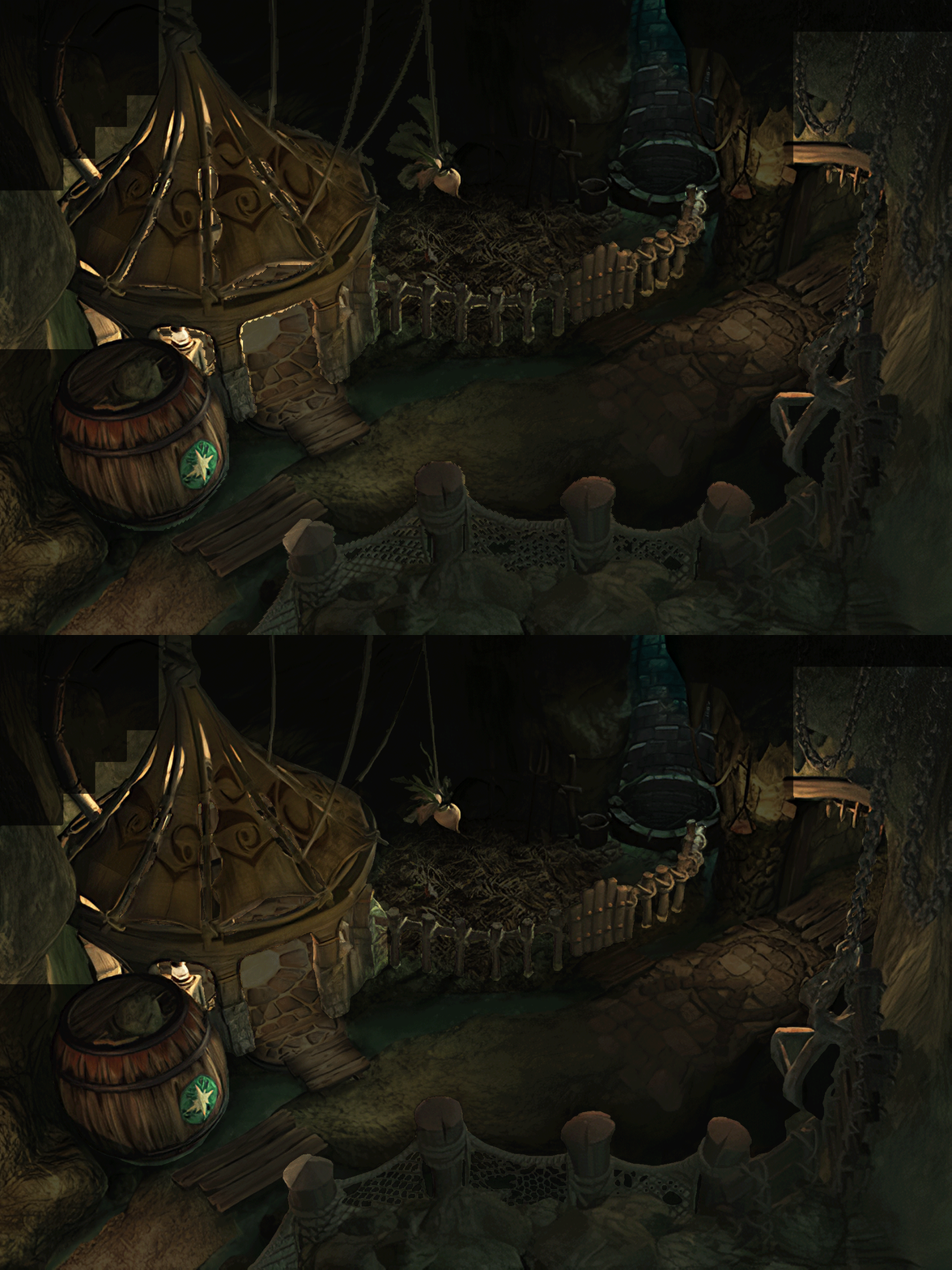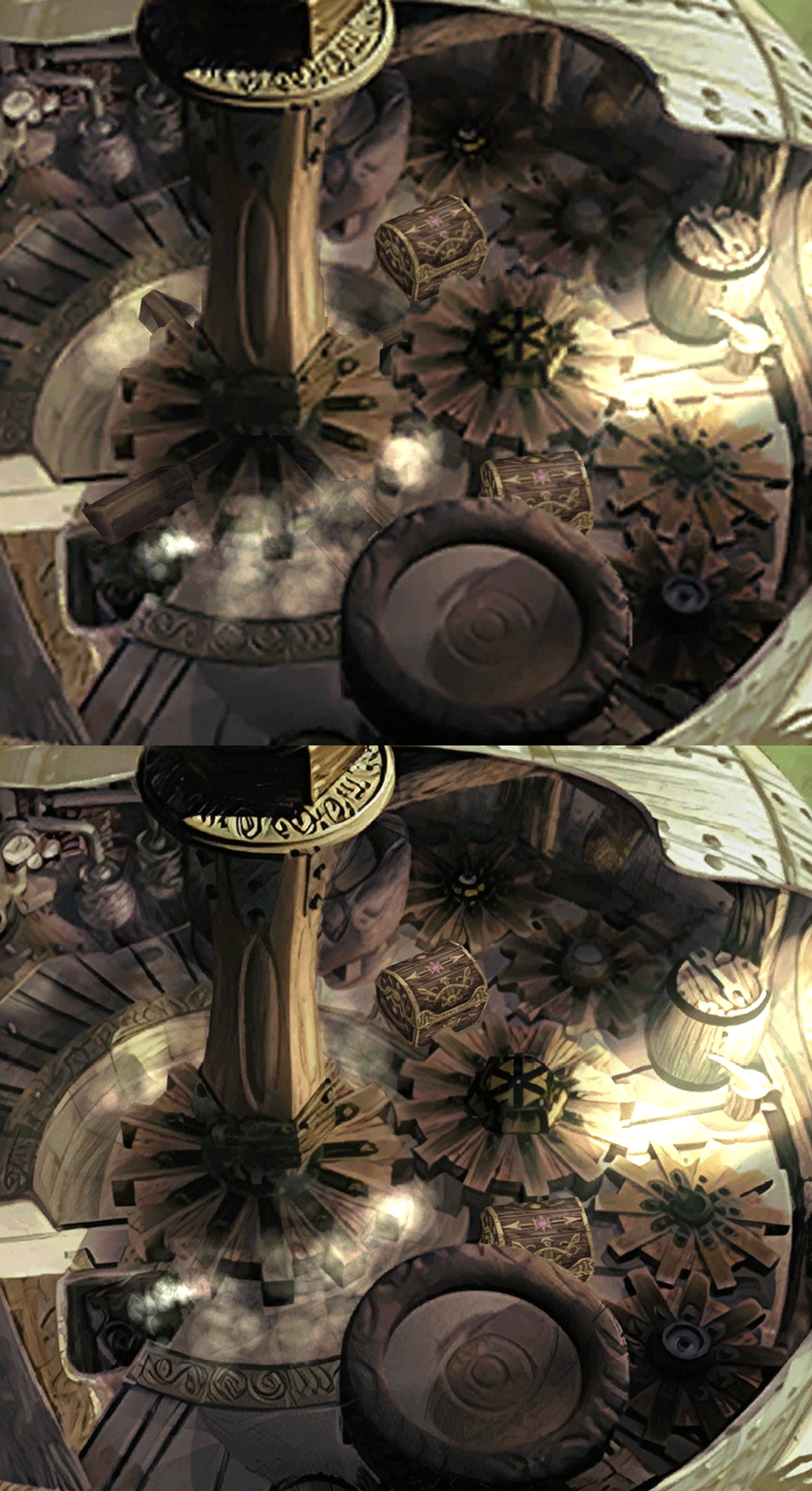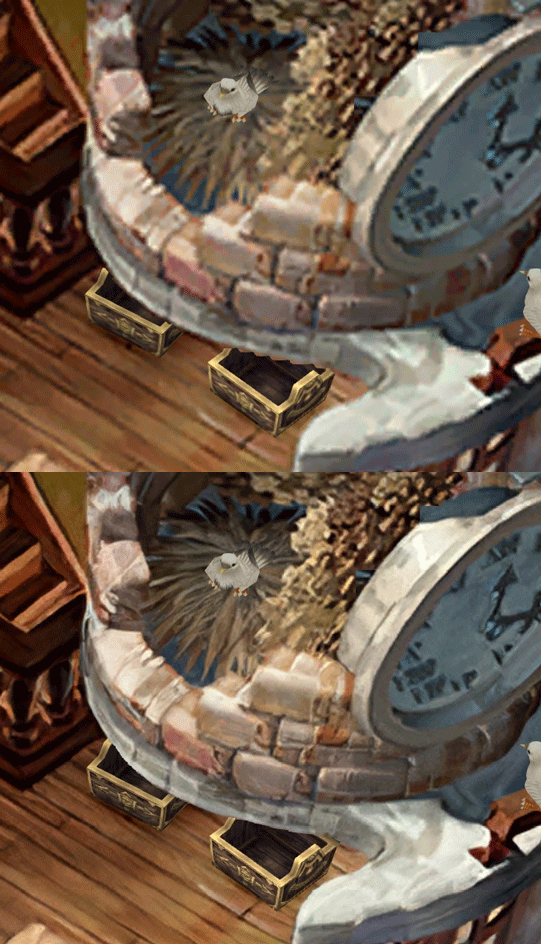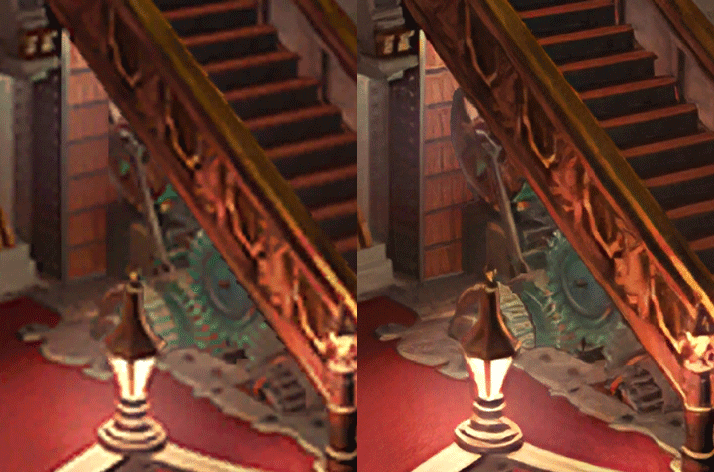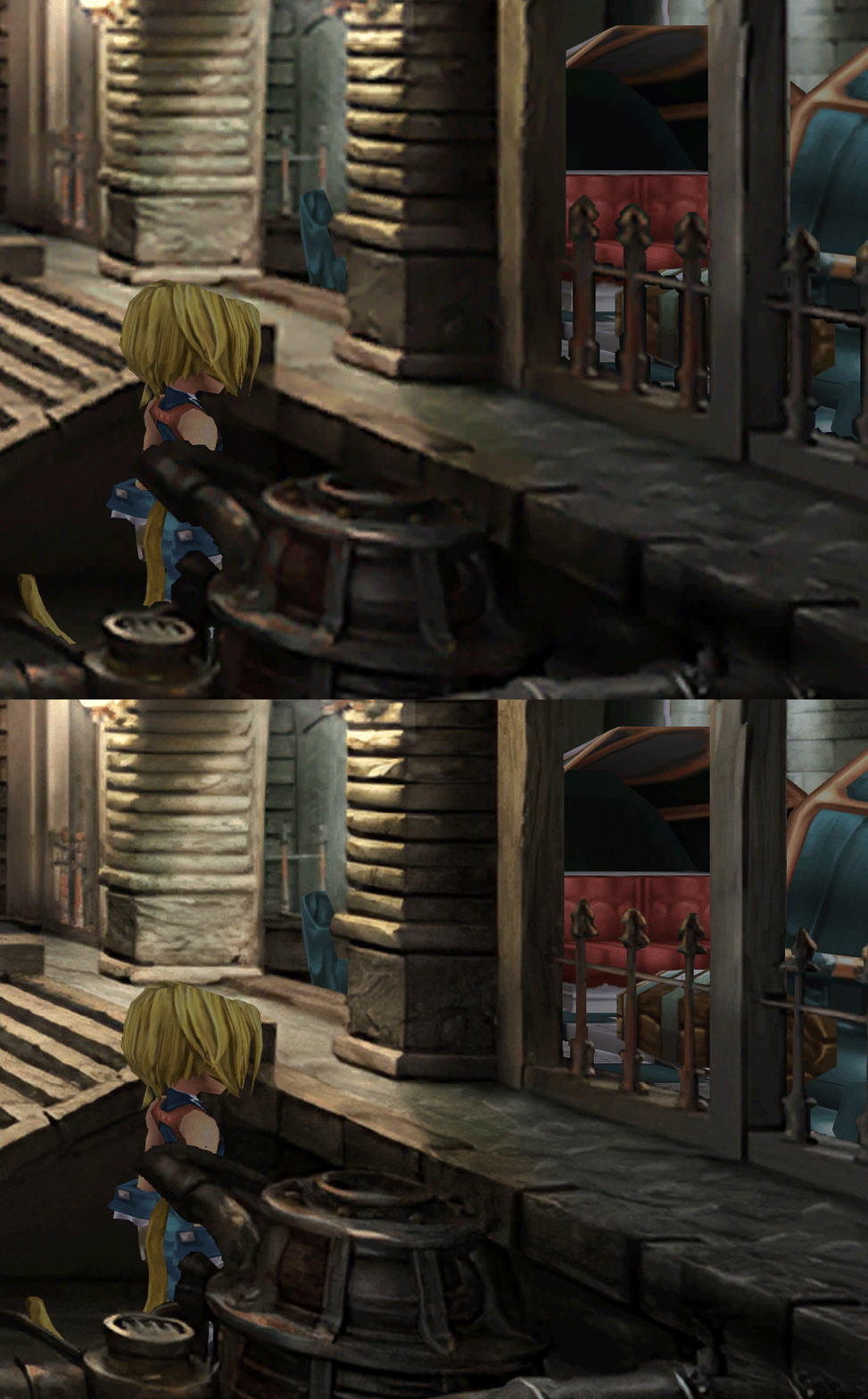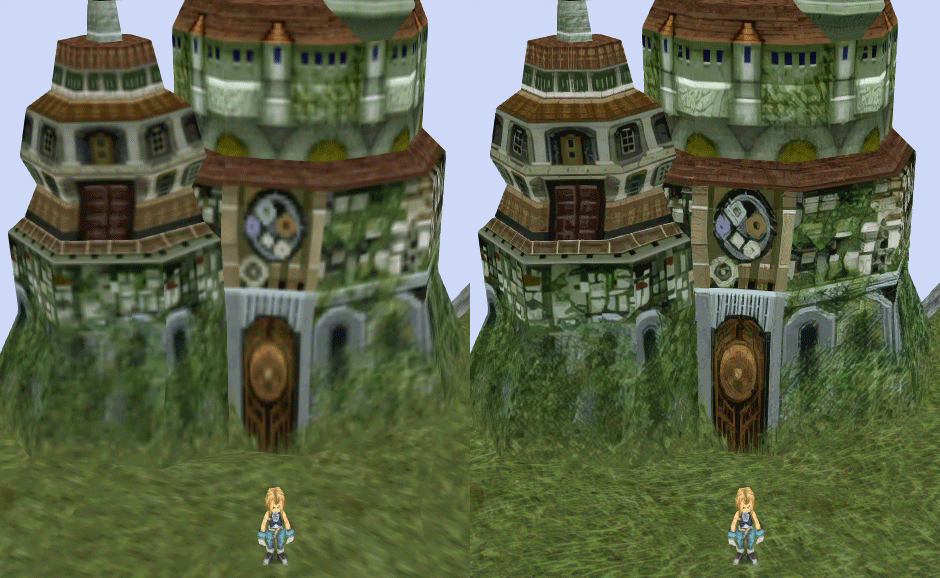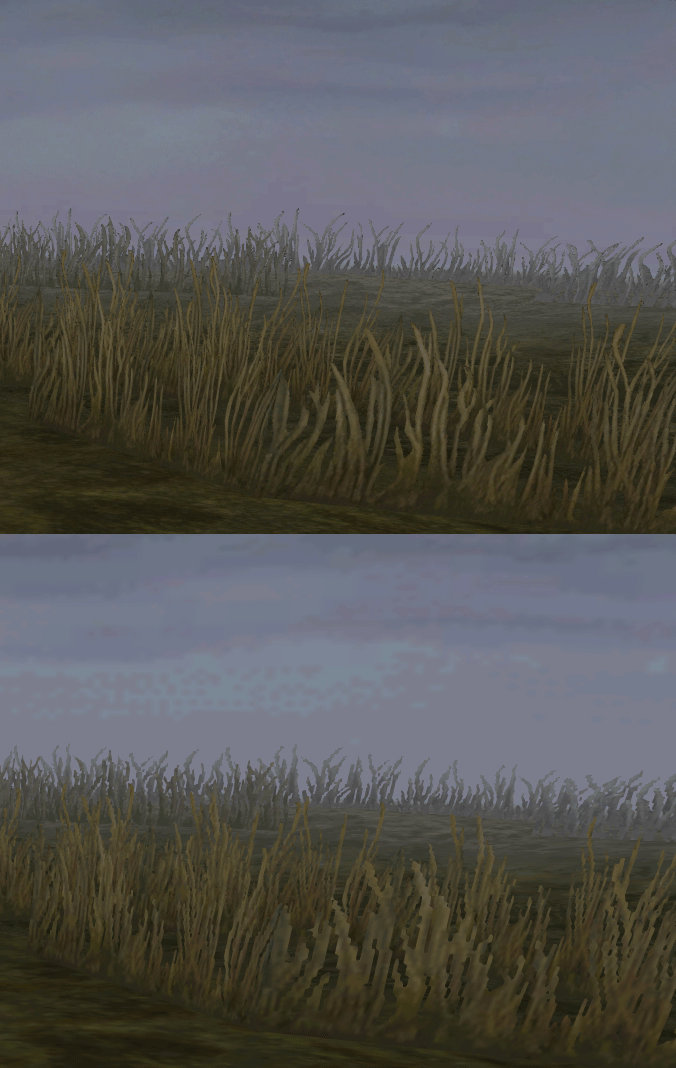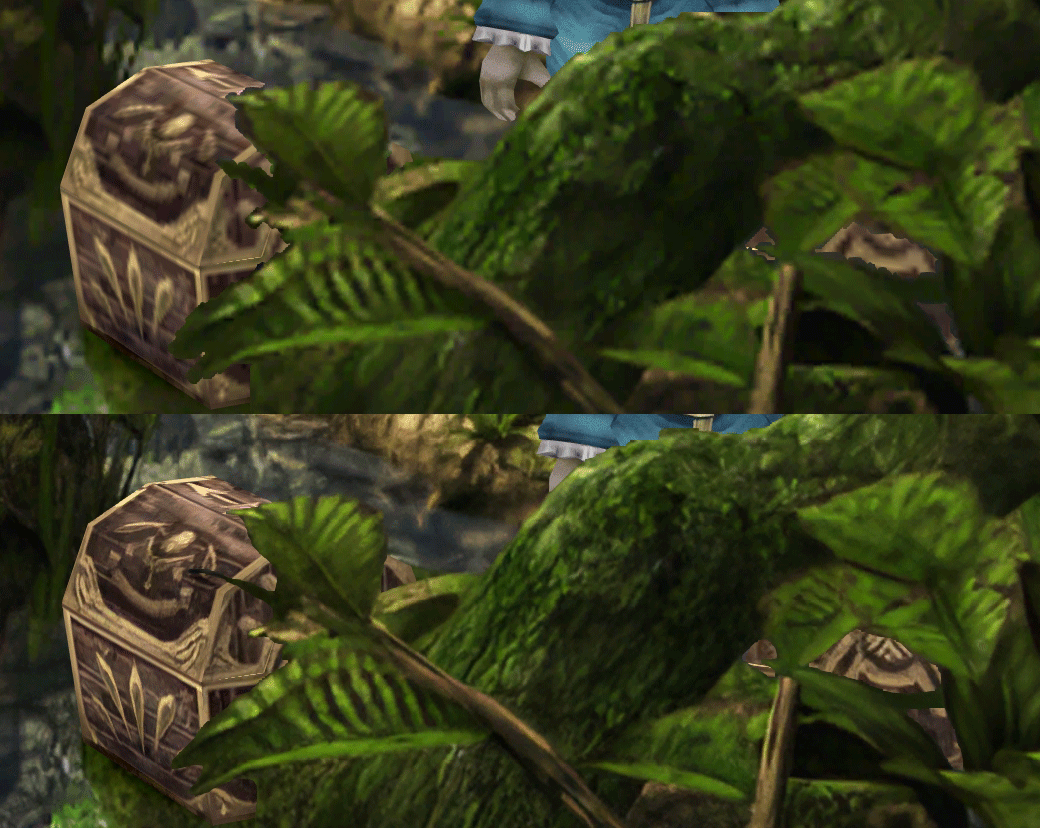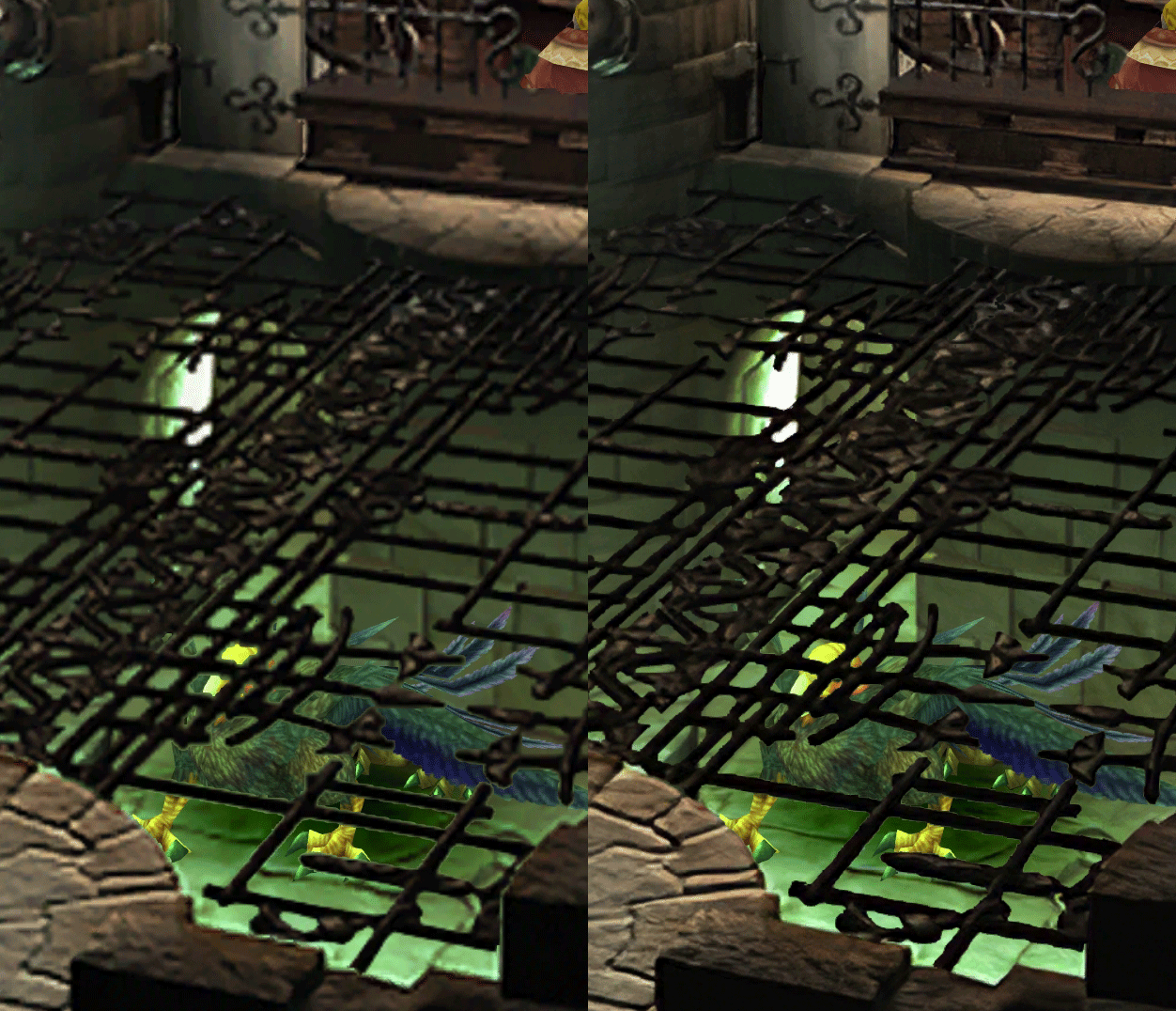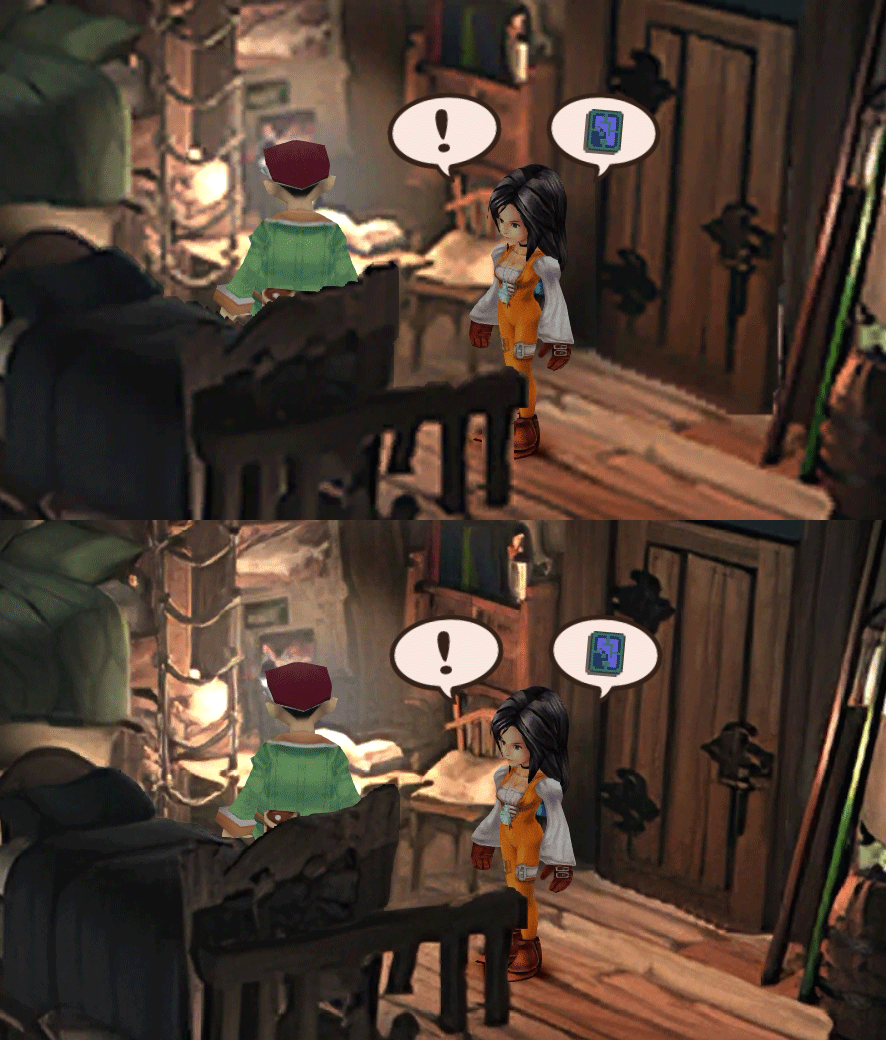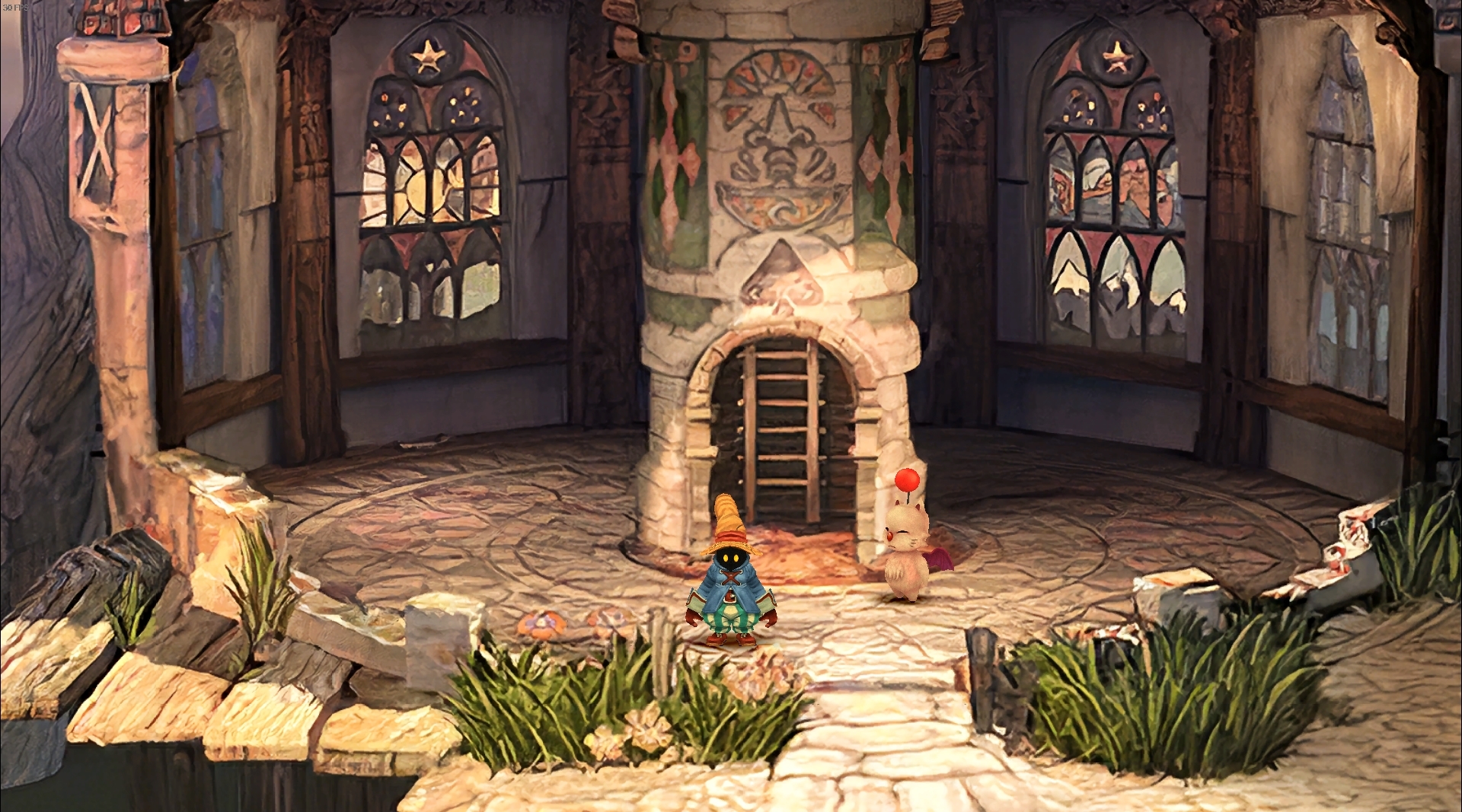
[FF9 PC] Moguri Mod update 8.2 (LIVE ON OFFICIAL SITE)

  • Thread starter Thread starter snouz
  • Start date Start date
Status
Not open for further replies.
s6YQdFA.jpg
eY0jRJ9.jpg
Kr5wC8e.jpg
lc1gfLK.jpg
JrssSrE.jpg


D O W N L O A D

THE UPDATE HAS NOW GONE LIVE OFFICIALLY


NEW 2020-05-23 - MOGURI 8 BETA V5 changelog -> Make a shortcut of the file to your drive then go into your drive, find the shortcut there and click "make a copy"
(outdated) 2020-05-11 - MOGURI 8 BETA V4 changelog
(outdated) 2020-05-04 - MOGURI 8 BETA V3 changelog
(outdated) 2020-04-28 - MOGURI 8 BETA V2 changelog
(outdated) 2020-04-23 - MOGURI 8 BETA V1


I N S T A L L _ G U I D E

[size=10pt]IF YOU DON'T HAVE MOGURI INSTALLED
1) Extract and replace the files in the .zip to SteamLibrary\steamapps\common\FINAL FANTASY IX\

IF YOU HAVE MOGURI INSTALLED (not required!)
1) If you installed it before 2020-04-2, uninstall and re-install Moguri again (SquareEnix pushed a Steam update that temporarily broke the game and Moguri)
2) Extract the content of StreamingAssets in \Program Files (x86)\Moguri Mod\StreamingAssets\
3) Extract \x64\FF9_Data\resources.assets & \x64\FF9_Data\sharedassets2.assets to SteamLibrary\steamapps\common\FINAL FANTASY IX\x64\FF9_Data\
   but DON'T replace Assembly-CSharp.dll

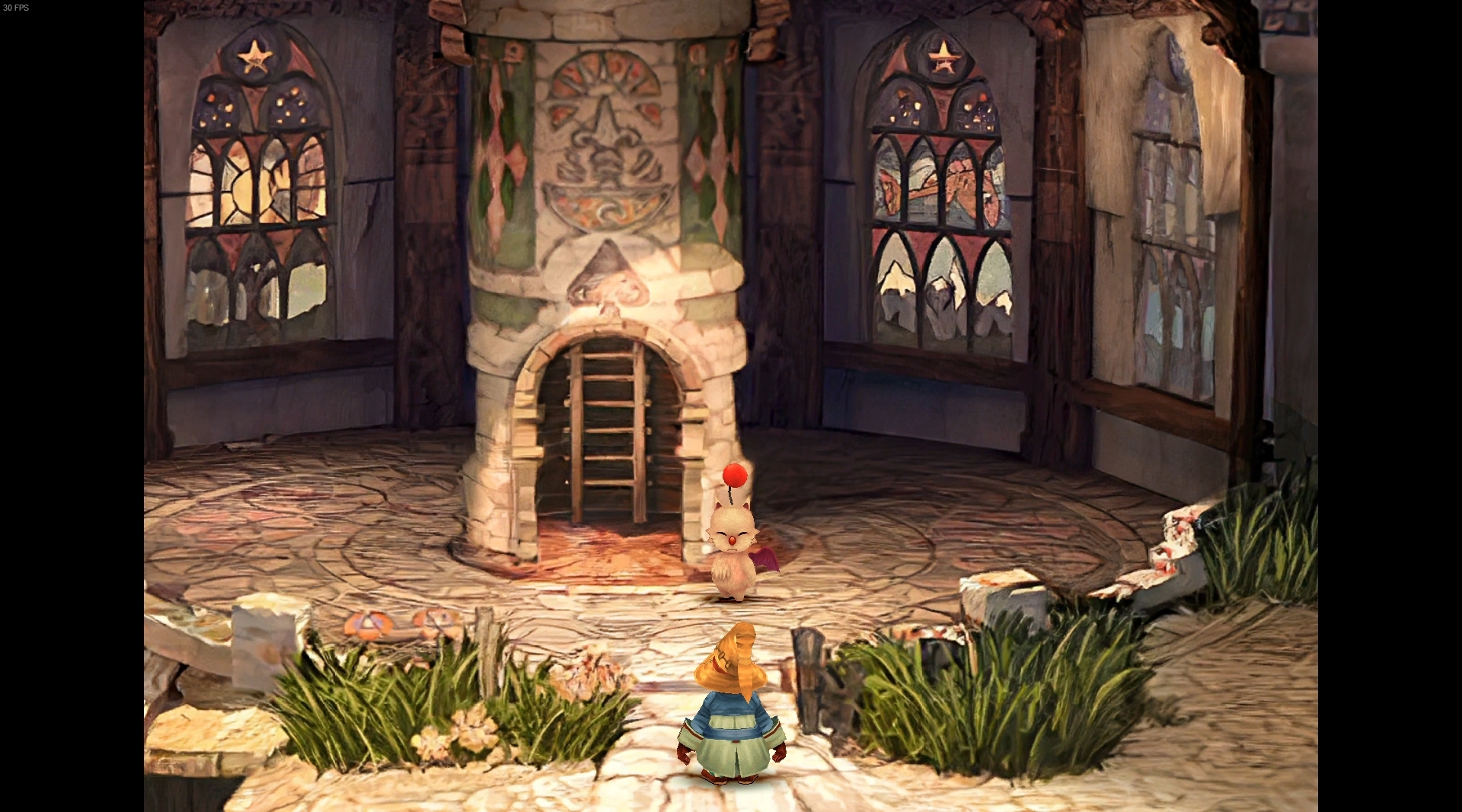
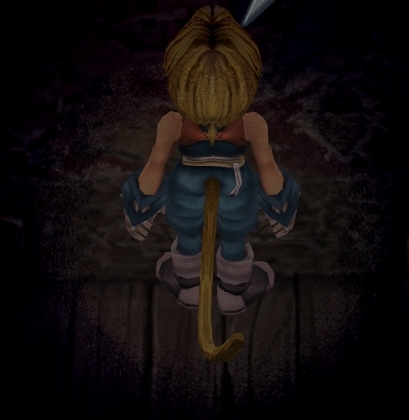
To check you have the right version, here's how the first frame should look
X6tHnEA.jpg


1) In steam, right click the game, go to "properties...", go to the LOCAL FILES tab, click VERIFY INTEGRITY OF GAME FILES. This will re-download the original files, but your saves are still intact.


p0data2.bin - Battle backgrounds
p0data3.bin - Worldmap textures
p0data4.bin - NPC, monsters and background items
p0data11.bin to p0data19.bin - Main backgrounds
resources.assets & sharedassets2.assets - UI stuff (maps, title screen...)
Assembly-CSharp.dll - The patched file that allows for the augmented resolution of backgrounds. (The one here and the one in moguri are different)

Note: If you have uninstalled Moguri and/or Memoria and you have names like ZidaneZidane, ViviVivi, you can salvage your save with this tool: https://www.ff7catalog.com/threads/7672/
Note: Alternate Fantasy is not currently supported.
[/size]


F E A T U R E S

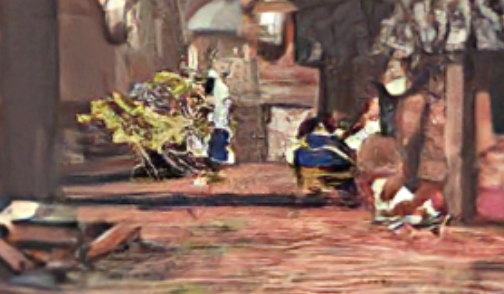
  • Backgrounds
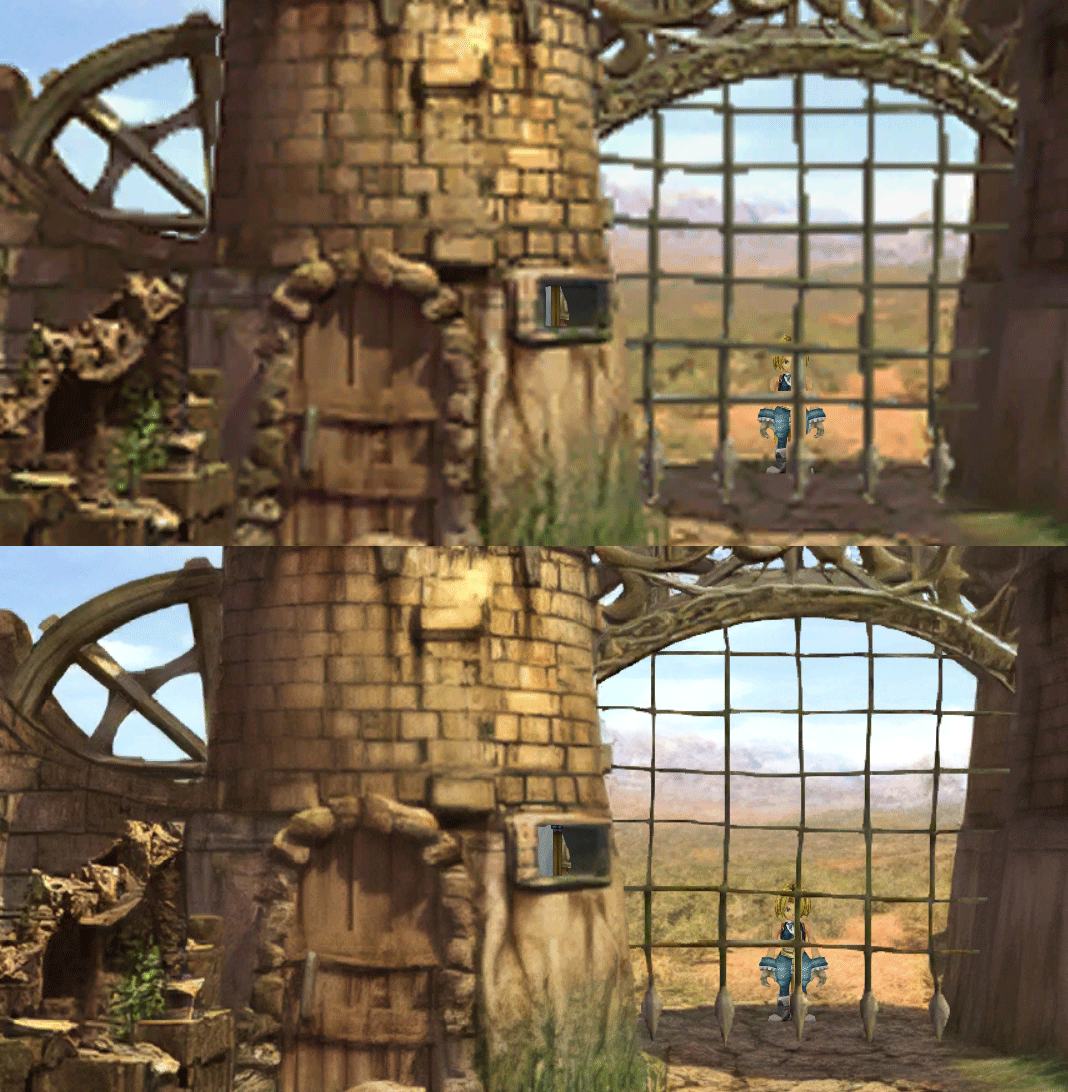
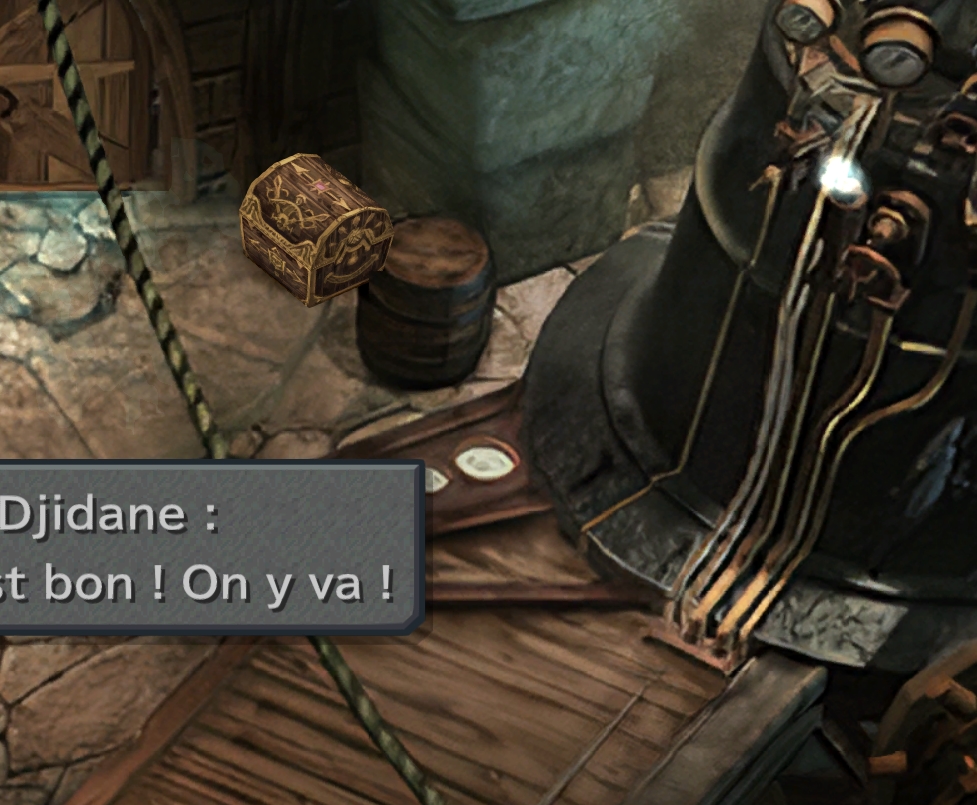
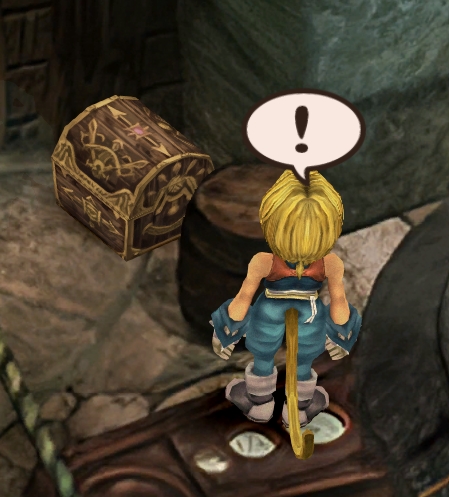
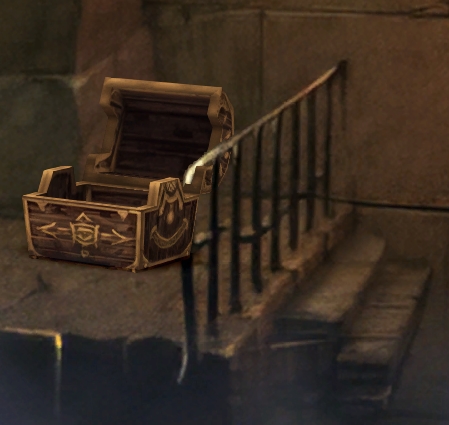
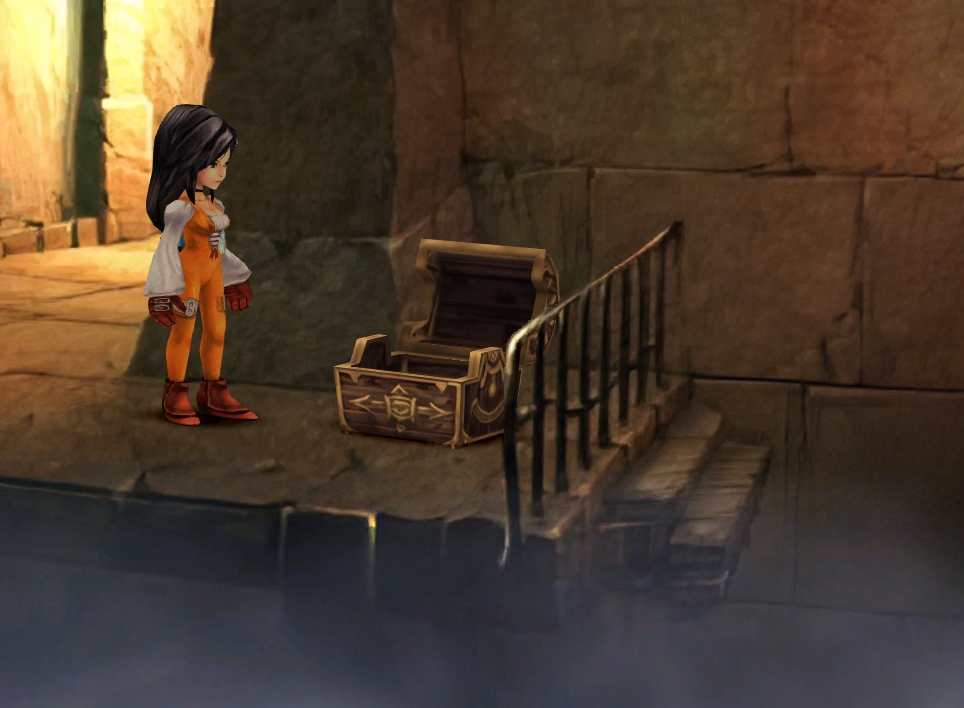
  • Fixed : almost all visual glitches
  • Redrawing of all layer edges (all 11000+)
  • Cleaner / sharper graphics (all 6000+)
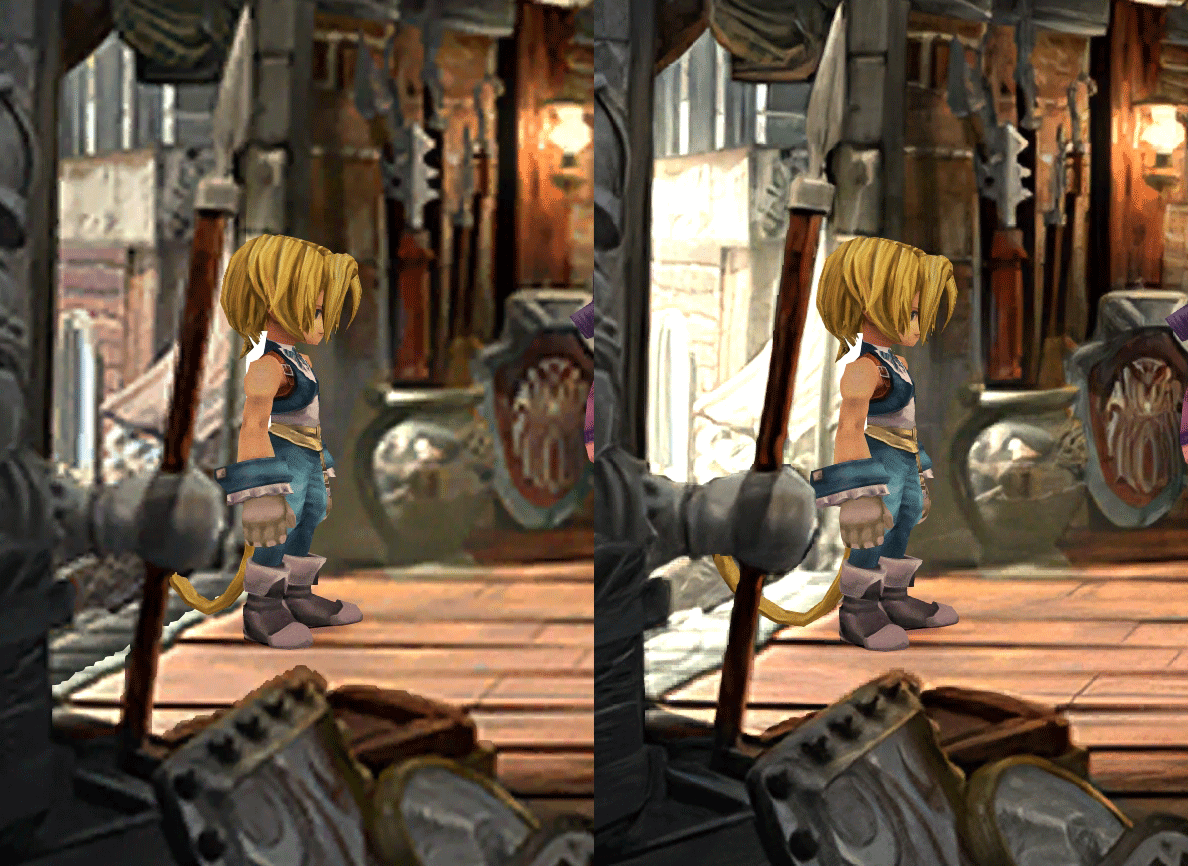
  • Better & cleaner lighting (all 1400+)
  • Countless manual image doctoring
  • Manually redrawn some parts (some partially based on portfolio images by Wesley Cann & Behrooz Roozbeh)
  • Background animations better integrated
  • Several bugs from the Steam & PSX versions fixed
  • Recreated all places names with original fonts (for English and French, rest to follow)
  • Seamless scrolling skies & backgrounds, removed 'staircase' edges
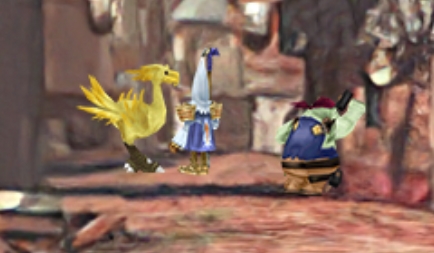
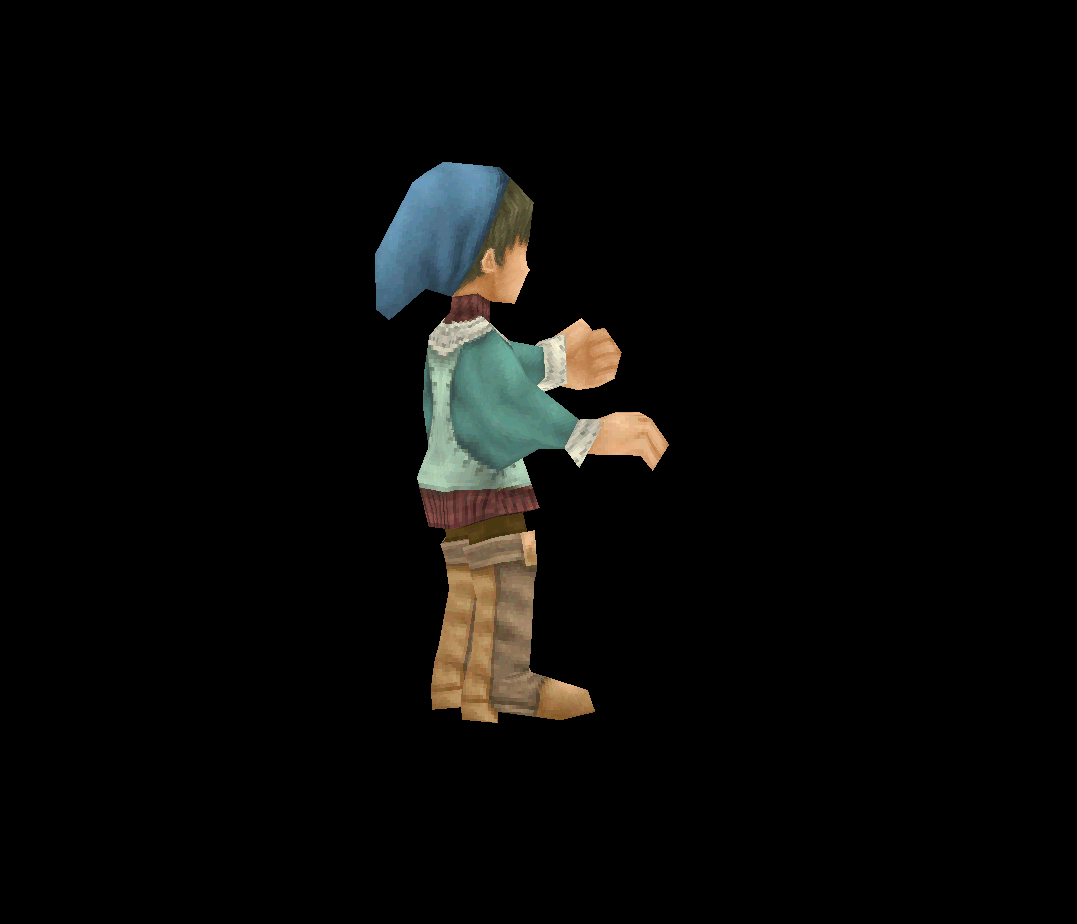
  • Recreated baked in textures NPCs
  • Background objects
  • HD background 3D objects
  • HD NPC (with exceptions)
  • Worldmap
  • HD worldmap textures (upscaled and manually redone, mostly seamless and faithful)
  • Subtly moving seas
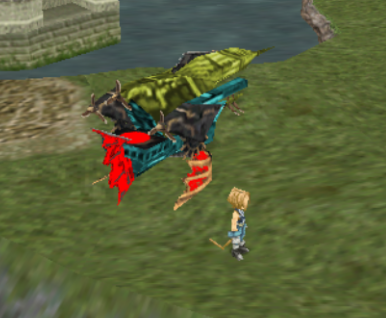
  • HD worlmap items (ships...) textures
  • Battles
  • HD monsters (with exceptions)
  • HD battlefields with redrawn edges (exceptions for animated textures)
  • Seamless skies (not 100% on point)
  • Fixed missing monster death sounds (credit: Tirlititi)
  • UI
  • Recreated faithful HD maps
  • Recreated Start menu and game over screens
  • Character portraits edges


OLD POST

2020-04-23 - Finally, here's a beta file of the backgrounds!
For those who chose to install it, please screenshot any problem or potential improvement, as major or minor it is.

If you can't post in this thread, you can contact me on reddit


Other parts of the mod available to download:
[size=14pt]NPC & Monsters HD V2 DOWNLOAD
Battle Backgrounds HD V1 DOWNLOAD
Worldmap HD V2 DOWNLOAD
UI Stuff V1 DOWNLOAD
Maybe save the original files beforehand

-------------------------------------------------------------

Hi everyone,

I'm making a thread to track my progress with my reworking of Moguri since June 2019

◈ Finishing touches, corrections & testing ◈
chat_loader.gif

◈ Backgrounds masks (redrawing by hand) ◈
⬛⬛⬛⬛⬛⬛⬛⬛⬛⬛⬛⬛⬛⬛⬛⬛⬛⬛⬛⬛ | 100% | 678/678

◈ Blended/light layers upscaling ◈
⬛⬛⬛⬛⬛⬛⬛⬛⬛⬛ | 100% | 1479/1479

◈ Re-drawing of transparency for fight scenes textures ◈
⬛⬛⬛⬛⬛⬛⬛⬛⬛⬛ | 100% | 186/186

◈ Monster texture upscaling ◈
⬛⬛⬛⬛⬛⬛⬛⬛⬛⬛ | 100% | 124/124

◈ NPC texture upscaling ◈
⬛⬛⬛⬛⬛⬛⬛⬛⬛⬛ | 100% | 150/150

◈ Item on field texure upscaling ◈
⬛⬛⬛⬛⬛⬛⬛⬛⬛⬛ | 100% | 101/101

◈ Worldmap re-texture ◈
https://www.ff7catalog.com/threads/13434/
⬛⬛⬛⬛⬛⬛⬛⬛⬛⬛ | 100%

◈ Place names upscaling (when introduced to a new place) ◈
⬛⬛⬛⬛⬛⬛⬛⬛⬛⬛ | 100% | 44/44


◈ (background) Videos improvement ◈
(⬜⬜⬜⬜⬜⬜⬜⬜⬜⬜⬜⬜⬜⬜⬜⬜⬜⬜ | 0/18) -> might try this in a next update

◈ Extra ◈
-Backgrounds were improved with various ESRGAN models
-Numerous visual corrections
-Upstairs of Dali's Windmill debugged / recreated
-Removed seams in scrolling sky/smoke/sand textures.
-re-created a lot of sky textures for fight scenes, making them seamless and beautiful: 64
-regenerated the battle textures to remove white outlines
-corrected a bug with animated textures in battle scenes
-Multiple other bugs ironed out

◈ Ideas for later ◈
-drawing shadows for some chests/items
-look if I can improve fluidity of the videos with AI video interpolation: https://github.com/sniklaus/pytorch-sepconv (can't make it work yet)
-upscale contextual FMVs?
[/size]
SCREENSHOTS

Click to enlarge
K78WnLu.gif

10pTbFs.gif
E8YADyT.gif
6RS2mEC.gif
OsoRNFn.gif
MVfMxaM.gif
uphBfuD.gif
YGwOCGG.gif
skQq07o.gif
xIcTyUR.gif
Z6k2Zyt.gif
XqomUcu.gif
SSBTwSa.gif
1GGTsJM.gif
eaTQUVb.gif
qKjYKR1.gif
13yOtwo.gif
 
Last edited:
S
Snouz, i was wondering... for fixes to original game issues like those to backgrounds could you post the code or release a separate hws patch?
I for one would be VERY interested in adding those fixes to my own mod without overwriting files. well at least unless those fixes end up in p0data11-19, since we're overwriting them anyway.
The fix to the crystal world 1 field and Golug well will be in p0data7. I'm planning to fix a few others like some chests going in front of foreground objects etc.
Here are the 2 "code" fixes I have right now:

Gulug/Well 1
In Main_Init and Main_Reinit, at the start of the function:
    SetTilePositionEx( 23, 0, 0, 4000 )

Crystal World 1
In Main_Init and Main_Reinit, at the start of the function:
    SetTilePositionEx( 8, 0, 0, 3000 )
    SetTilePositionEx( 10, 0, 0, -600 )
    SetTilePositionEx( 11, 0, 0, -600 )
    SetTilePositionEx( 12, 0, 0, 2000 )

This is simply changing the distance from camera of some layers, at the start of the field and after a fight.

The one in crystal world will require a little bit of texture change to not look weird though.
 
W
I forgot to say @snouz - SERIOUSLY FUCKING AWSOME!!! You're the best!
 
C
The one in crystal world will require a little bit of texture change to not look weird though.
Isn't the texture change included in your mod? within p0data11-19?
 
S
Found the correct parameters to fix this little bug that was bothering me.

5Lz2Bv0.jpg
A3nKNAC.jpg


EDIT and now this one
IW2xwwm.jpg
TgWltgc.jpg
 
Last edited:
C
It will be when I post the version with all theses fixes.
Yeah, i'm mostly interested in changes outside those files (11-19) cause i'll totally be copypasting yours when they come out, but p0data7 contains other changes from my own mod so i need to manually add your changes ;)

Anyway, outstanding work as always.
 
S
Yeah, i'm mostly interested in changes outside those files (11-19) cause i'll totally be copypasting yours when they come out, but p0data7 contains other changes from my own mod so i need to manually add your changes ;)

Anyway, outstanding work as always.
Figured it out :)

So both fixes from above:
In Gargan Roo/Passage 1
Main_Init
Main_Reinit
Change:
    SetTilePositionEx( 2, 0, 0, 150 )
To:
    SetTilePositionEx( 2, 0, 0, 70 )

In Dali/Production Area 2
Main_Init
Main_Reinit
Add at the beginning of the function:
    SetTilePositionEx( 27, 0, 0, -100 )

On another subject:
06jlvZN.jpg
82j61qX.jpg
 
Last edited:
X
Figured it out :)

So both fixes from above:
In Gargan Roo/Passage 1
Main_Init
Main_Reinit
Change:
    SetTilePositionEx( 2, 0, 0, 150 )
To:
    SetTilePositionEx( 2, 0, 0, 70 )

In Dali/Production Area 2
Main_Init
Main_Reinit
Add at the beginning of the function:
    SetTilePositionEx( 27, 0, 0, -100 )

On another subject:
06jlvZN.jpg
82j61qX.jpg
;D when I passed, I wondered for a long time what was painted there xD
 
D
Awesome work snouz!

Here's just some nitpicky things that I notice:

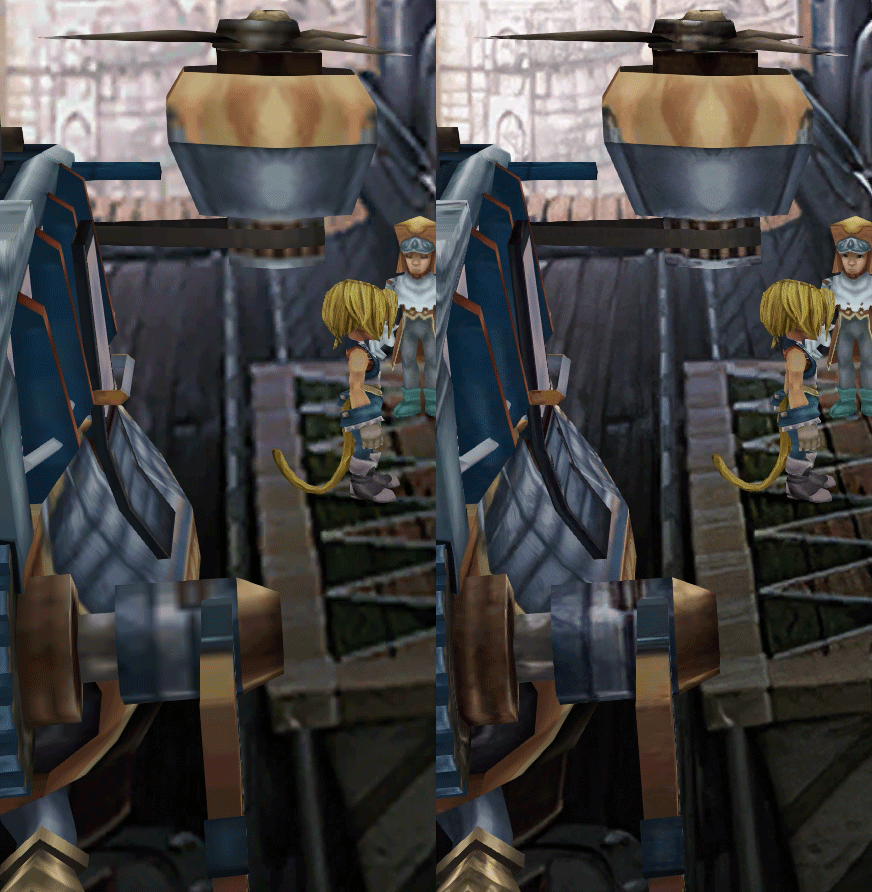
moogle's wing goes through the chair? maybe went too thin on parts of the chair? https://imgsli.com/MTU0NTY

maybe touch the suit of armor's hand and part of the door frame: https://imgsli.com/MTU0NjA

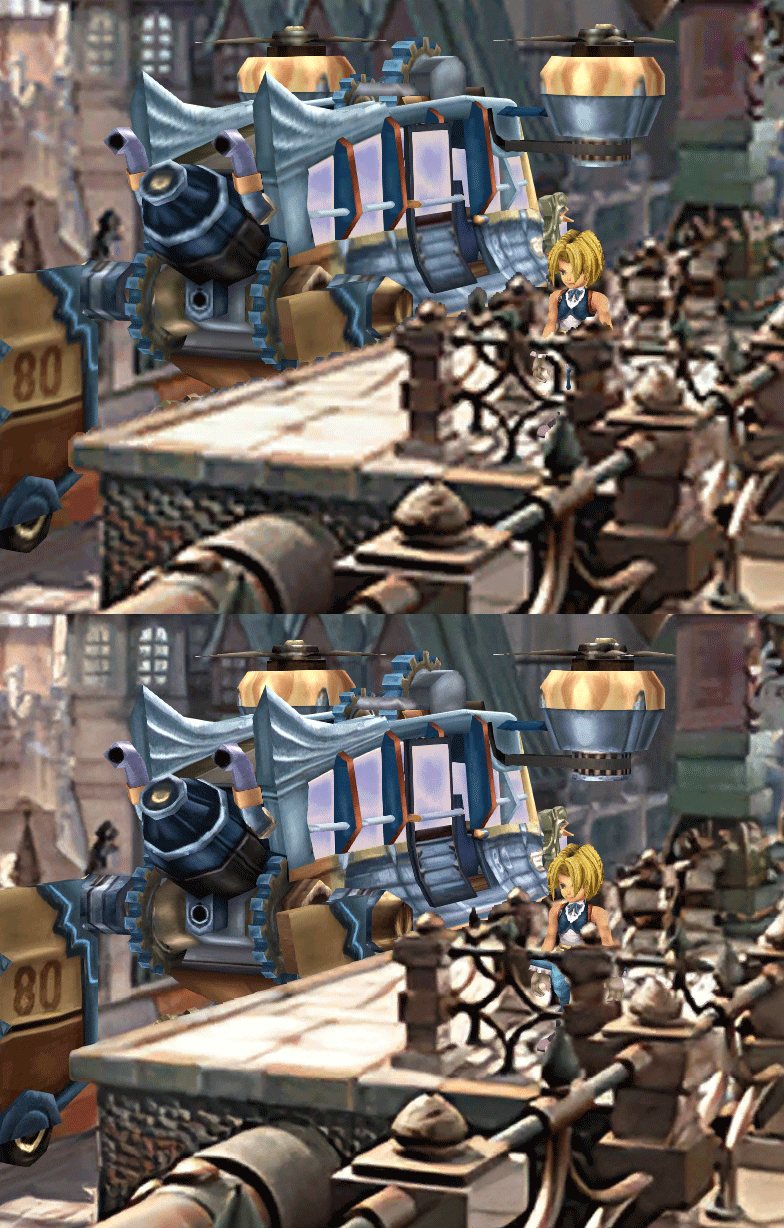
the airship model should be behind the weapon rack and the ladder? also it rotated? I couldn't find a picture of what this looked like on the psx. https://imgsli.com/MTU0NjU

maybe some weirdness with the gem-shaped cutouts on the left and right sides? pretty sure the top, right one shouldn't be there. and some weirdness with the layering. it's hard to see because it's brown on brown, but some squares of brown cover over some details. also could hit the transparency again on the vertical gateway / entrance to the platform: https://imgsli.com/MTU0OTM

could blur some of the dithering happening in the distant parts of the tunnels: https://imgsli.com/MTU0Njg

some ghosting due to transparency around the spires in the bottom middle part of the image: https://imgsli.com/MTU1MDk

it looks like the layer with the beams of light from the windows is missing: https://i.imgur.com/NZZbn8V.png

could hit the transparency again with 8-bit:  https://imgsli.com/MTU0NTA https://imgsli.com/MTU0NDg https://imgsli.com/MTU0NDA, https://imgsli.com/MTU0MjI https://imgsli.com/MTU0NjM https://imgsli.com/MTU1MTA
 
Last edited:
S
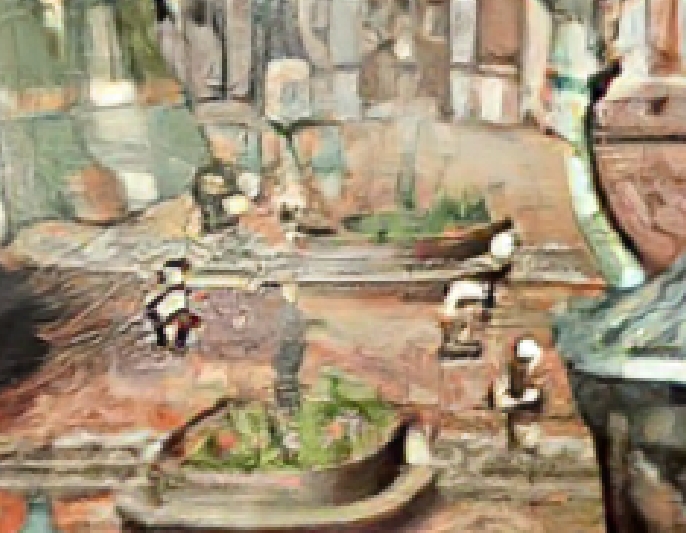
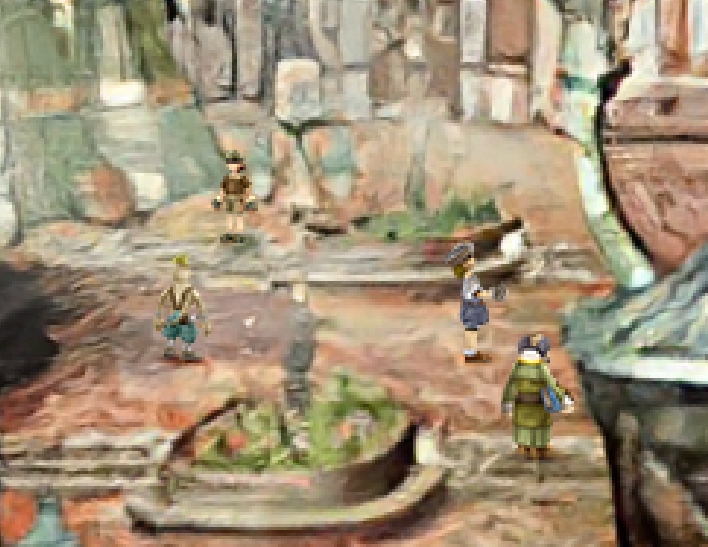
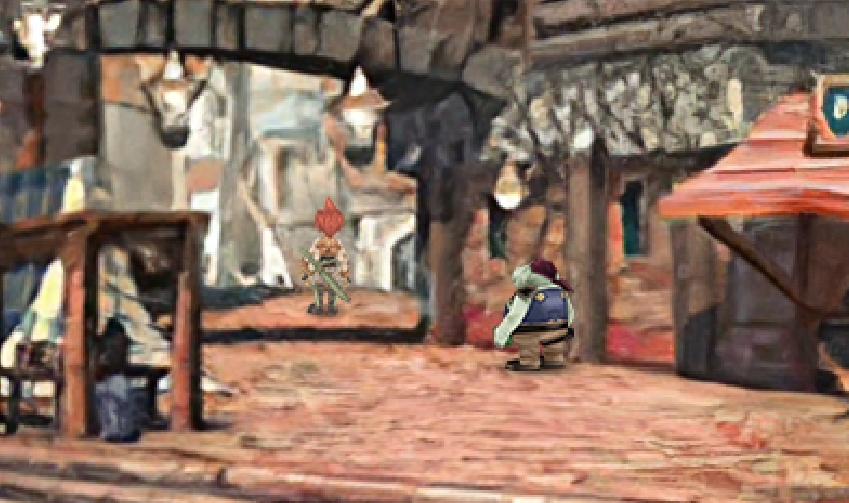
Wanted to share Dagga prisoner in the forest. From this pic, I got this:

d3q1W8g.jpg


Also, some others

FDa4QRv.jpg
oV294An.jpg

qTF16VU.jpg
P01rJ1N.jpg

eQdkAmN.jpg
C8did1g.jpg


Thanks for the observations! Nitpicking is what is needed right now.

> moogle's wing goes through the chair? maybe went too thin on parts of the chair? https://imgsli.com/MTU0NTY
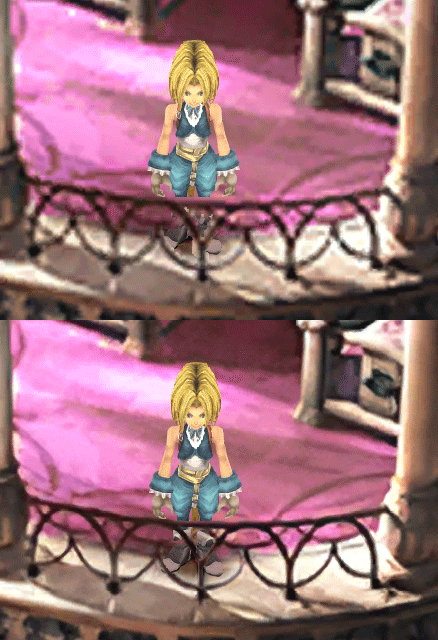
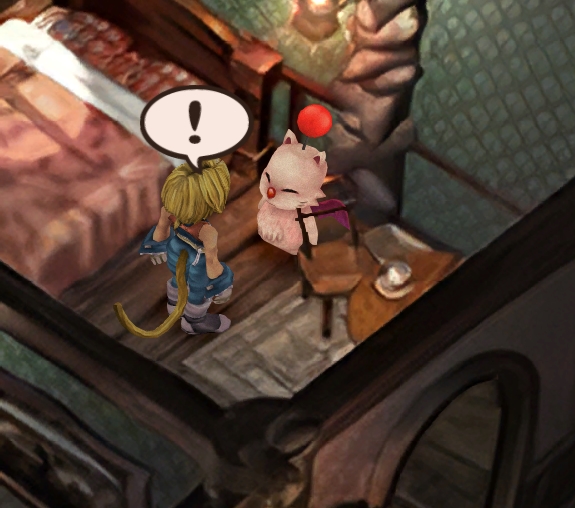
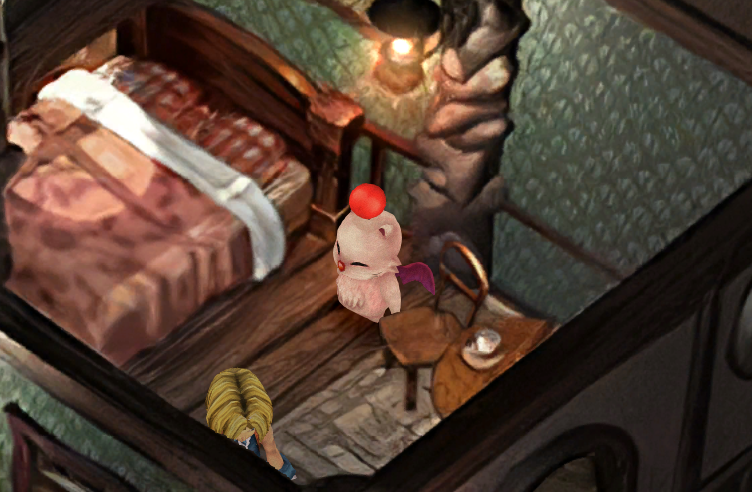
I tried to fix that today, it was impossible! I can change the width of it, but the moogle is partly in front of it. The problem is that the chair and the bed are the same layer, and if I try to get the layer closer, Zidane begins appearing behind the bed. I might do an image doctoring at one point to just turn the chair...

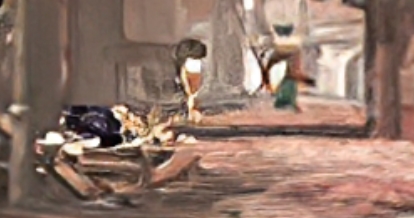
> the airship model should be behind the weapon rack and the ladder? also it rotated? https://imgsli.com/MTU0NjU
This is normal, it turns on itself. It's a reward for the coffee quest. It can't be behind the weapon rack, because the weapon rack doesn't have its own layer.

> it looks like the layer with the beams of light from the windows is missing: https://i.imgur.com/NZZbn8V.png
I just checked in game and a lets play, it's not missing, no worry.

The rest is noted or done already : )
 
Last edited:
D
>> the airship model should be behind the weapon rack and the ladder? also it rotated? https://imgsli.com/MTU0NjU
>This is normal, it turns on itself. It's a reward for the coffee quest. It can't be behind the weapon rack, because the weapon rack doesn't have its own layer.
I guess it's just floating there? It's confusing where it is within the space of the scene.

The left-most character here https://i.imgur.com/FDa4QRv.jpg looks thicker, more like another bandana wearing guy like the one here https://i.imgur.com/P01rJ1N.jpg
 
E
@Enridonn Screenshots fixed!
For the language thing, it's a Memoria bug. Without Moguri/memoria and only the beta, you'll have your own language. I've only properly upscaled English and French until the problem is fixed in Memoria.

@ericdepositar I don't know, probably. Does it happen with the whole game?

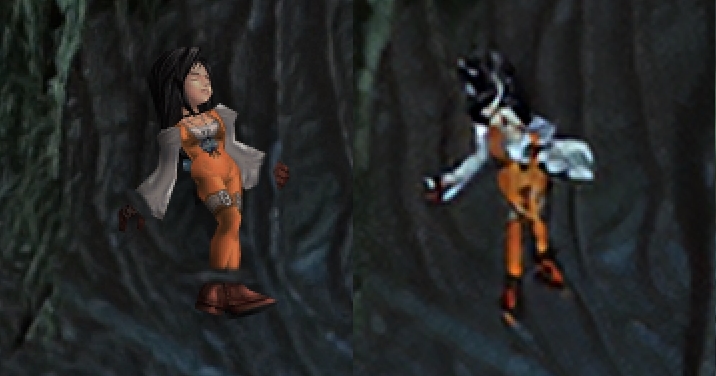
Right now, I'm working on baked people. I found a tool to view models in the PSX game:

D34HmOq.png


its fixed now. its because i changed the font that it happened

hQocwwQ.png
Cts0UkI.png
ZKj5NiX.png
 
H
I registered to say thank to you snouz, your work is incredible, thanks for making this for all of us. I have never played FFIX before and i will be able to do it with your awesome mod for the first time.
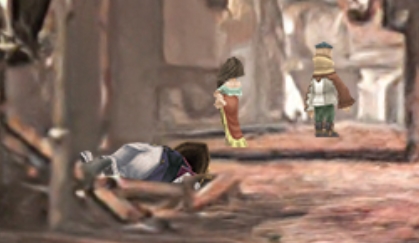
I have something to report, I don't know if it is a bug but i lost the 16:9 aspect ratio after i replaced the files of the game with the "moguri v7" installed with your "moguri 8 v2 beta" files.
Also i apreciated in the images that the floor lost texture quality and the tower have a bit blur effect. Could your mod have conflicts with the moguri v7?

Before
TCC6ZaZ.jpg


After
VzX8MU6.jpg
 
Last edited:
S
@hawok, thanks! The install is correct, but I'll see what I can do to improve the render of this one.

@EVERYONE I have to announce great news!
Tirlititi has managed to find the problem with importing moving objects on the worldmap!
I was just discussing that with him on steam, and he figured out the way to change them without making them buggy! So that's a whole chapter that opens up !
Let's appreciate the new design of the Hilda 3
CG798ww.png


Also, I'll share my advancement as BETA v3 today, as I've made substantial advancements and corrections.
 
J
Salut Snouz ! Comment vas-tu ?

J'ai une petite question, pour le retraitement des décors de jeux, qu'est ce que tu as utilisé ? et ça t'a pris combien de temps ? Tu penses qu'il serait possible de trouver une façon/un outil normalisée pour retravailler les décors, je pense à Final Fantasy 7 et Jusete, JMP qui se sont lancés dans un parcours du combattant pour recréer tous les décors de FF7.

Autre question, si je devais me relancer une partie de FF9, tu me conseillerais d'installer là V.1 ou la beta V.2 ou d'attendre la V.3 ?

En te remerciant !
 
S
Salut Snouz ! Comment vas-tu ?
J'ai une petite question, pour le retraitement des décors de jeux, qu'est ce que tu as utilisé ? et ça t'a pris combien de temps ? Tu penses qu'il serait possible de trouver une façon/un outil normalisée pour retravailler les décors, je pense à Final Fantasy 7 et Jusete, JMP qui se sont lancés dans un parcours du combattant pour recréer tous les décors de FF7.
Autre question, si je devais me relancer une partie de FF9, tu me conseillerais d'installer là V.1 ou la beta V.2 ou d'attendre la V.3 ?
En te remerciant !
Ca va merci : )
Je bosse dessus depuis Juin, j'ai utilisé Hades Workshop et le script de zePilot (modifié à plein d'endroits pour la facilité), ainsi que ESRGAN. Photoshop évidemment. Gimp pour certains types de fichiers. Pour mettre toute la base en place, je me suis cassé la tête pendant environ 2 semaines. Une fois que j'aurai tout fini, je ferai probablement un petit tuto.
Je sors la V3 dans vraiment pas longtemps (1h? 2h?), j'attendrais jusque là.
 
S
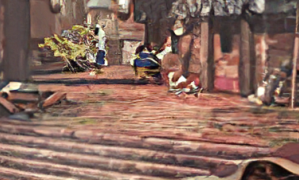
I found a clean way to fix this one...

XWuJgf1.jpg
a6LUHeN.png


I was thinking way too much about it.
 
Last edited:
C
Ok Snouz i imported both the field script changes you posted in p0data2.bin (thanks again) and your UI upgrades to resources and sharedassets2.

I'm assuming there won't be more changes to those three files (if not please tell me), so i wanted to ask:
do you mind if I release my modded resources and sharedassets2 with your files already in, to ease mod installation? I'd obviously be crediting you every file and i'll recommend this mod anyway with a link, so people can grab the upscaled background and world map textures, since those files don't conflict with my own.
 
Last edited:
Status
Not open for further replies.
Back
Top