[FF9 PC] Moguri Mod update 8.2 (LIVE ON OFFICIAL SITE)

  • Thread starter Thread starter snouz
  • Start date Start date
Status
Not open for further replies.
s6YQdFA.jpg
eY0jRJ9.jpg
Kr5wC8e.jpg
lc1gfLK.jpg
JrssSrE.jpg


D O W N L O A D

THE UPDATE HAS NOW GONE LIVE OFFICIALLY


NEW 2020-05-23 - MOGURI 8 BETA V5 changelog -> Make a shortcut of the file to your drive then go into your drive, find the shortcut there and click "make a copy"
(outdated) 2020-05-11 - MOGURI 8 BETA V4 changelog
(outdated) 2020-05-04 - MOGURI 8 BETA V3 changelog
(outdated) 2020-04-28 - MOGURI 8 BETA V2 changelog
(outdated) 2020-04-23 - MOGURI 8 BETA V1


I N S T A L L _ G U I D E

[size=10pt]IF YOU DON'T HAVE MOGURI INSTALLED
1) Extract and replace the files in the .zip to SteamLibrary\steamapps\common\FINAL FANTASY IX\

IF YOU HAVE MOGURI INSTALLED (not required!)
1) If you installed it before 2020-04-2, uninstall and re-install Moguri again (SquareEnix pushed a Steam update that temporarily broke the game and Moguri)
2) Extract the content of StreamingAssets in \Program Files (x86)\Moguri Mod\StreamingAssets\
3) Extract \x64\FF9_Data\resources.assets & \x64\FF9_Data\sharedassets2.assets to SteamLibrary\steamapps\common\FINAL FANTASY IX\x64\FF9_Data\
   but DON'T replace Assembly-CSharp.dll

To check you have the right version, here's how the first frame should look
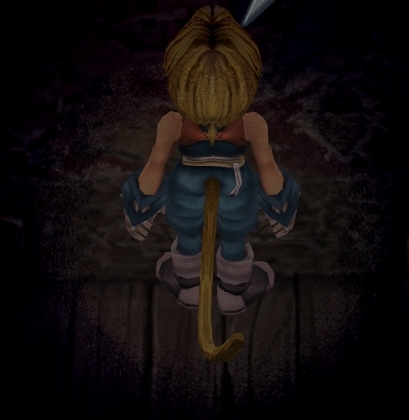
X6tHnEA.jpg


1) In steam, right click the game, go to "properties...", go to the LOCAL FILES tab, click VERIFY INTEGRITY OF GAME FILES. This will re-download the original files, but your saves are still intact.


p0data2.bin - Battle backgrounds
p0data3.bin - Worldmap textures
p0data4.bin - NPC, monsters and background items
p0data11.bin to p0data19.bin - Main backgrounds
resources.assets & sharedassets2.assets - UI stuff (maps, title screen...)
Assembly-CSharp.dll - The patched file that allows for the augmented resolution of backgrounds. (The one here and the one in moguri are different)

Note: If you have uninstalled Moguri and/or Memoria and you have names like ZidaneZidane, ViviVivi, you can salvage your save with this tool: https://www.ff7catalog.com/threads/7672/
Note: Alternate Fantasy is not currently supported.
[/size]


F E A T U R E S

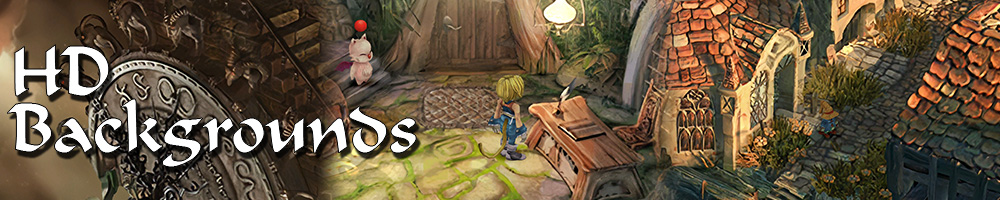
  • Backgrounds
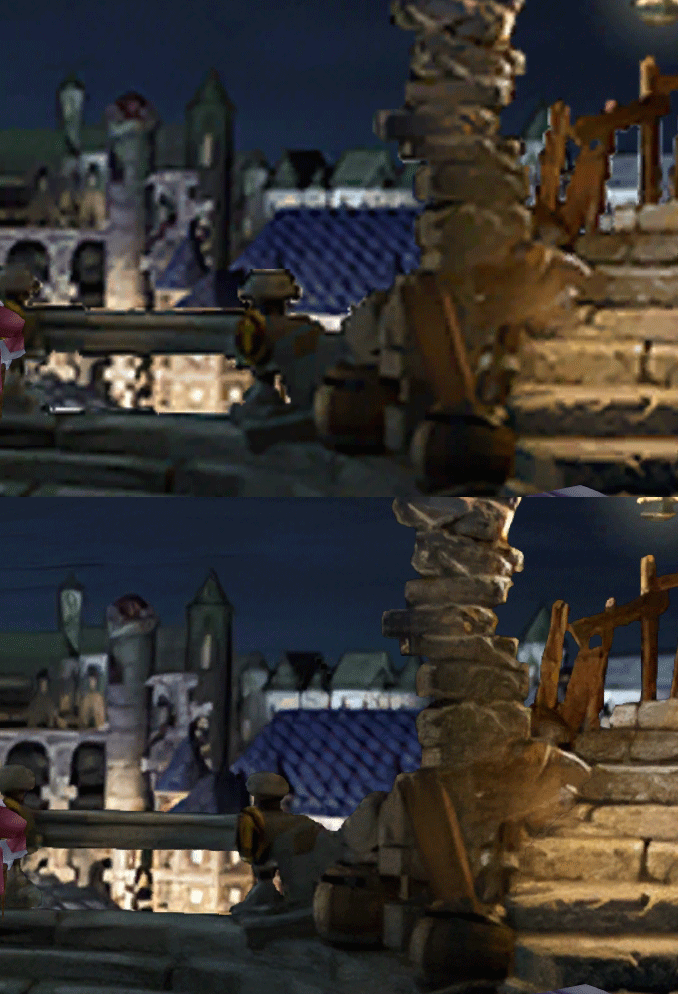
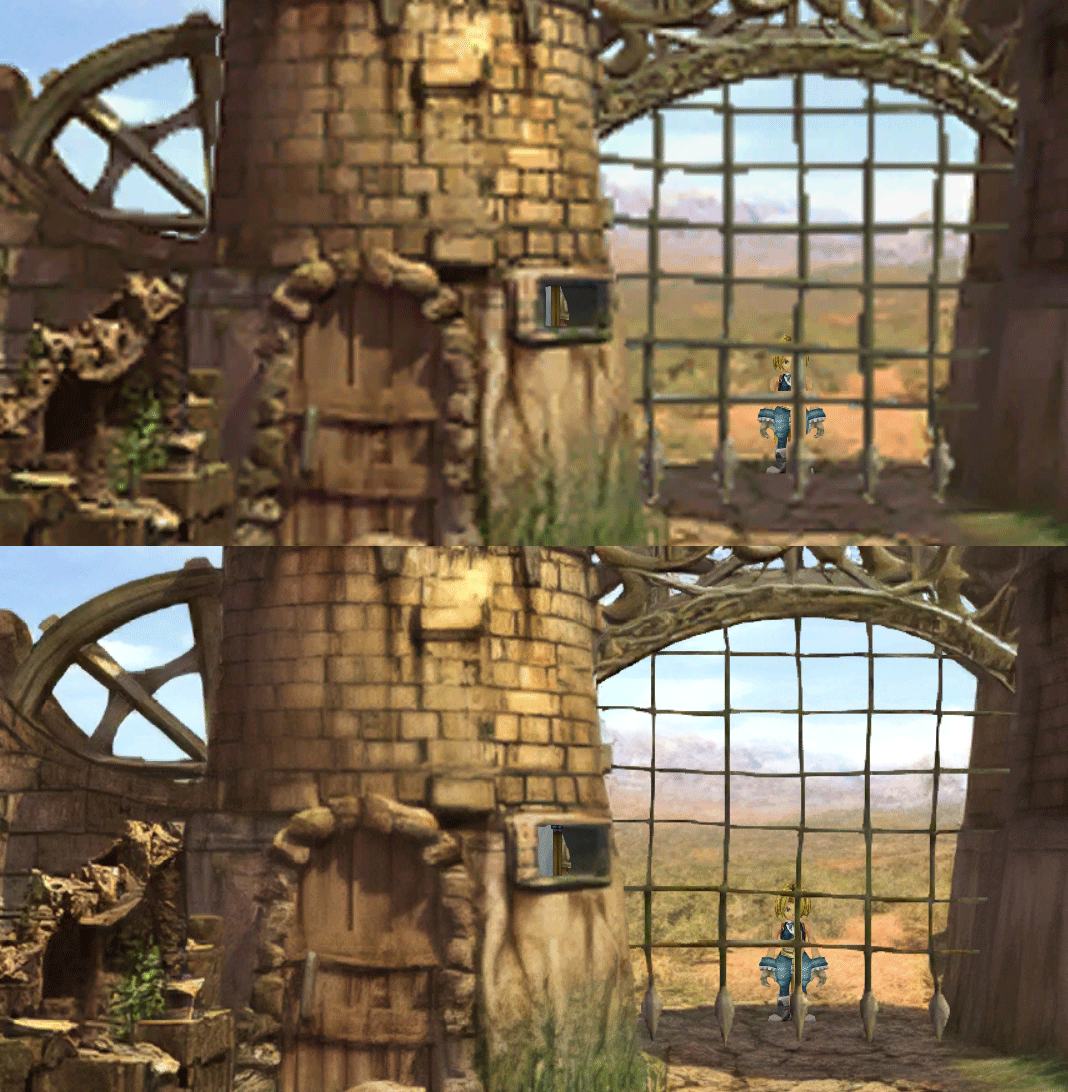
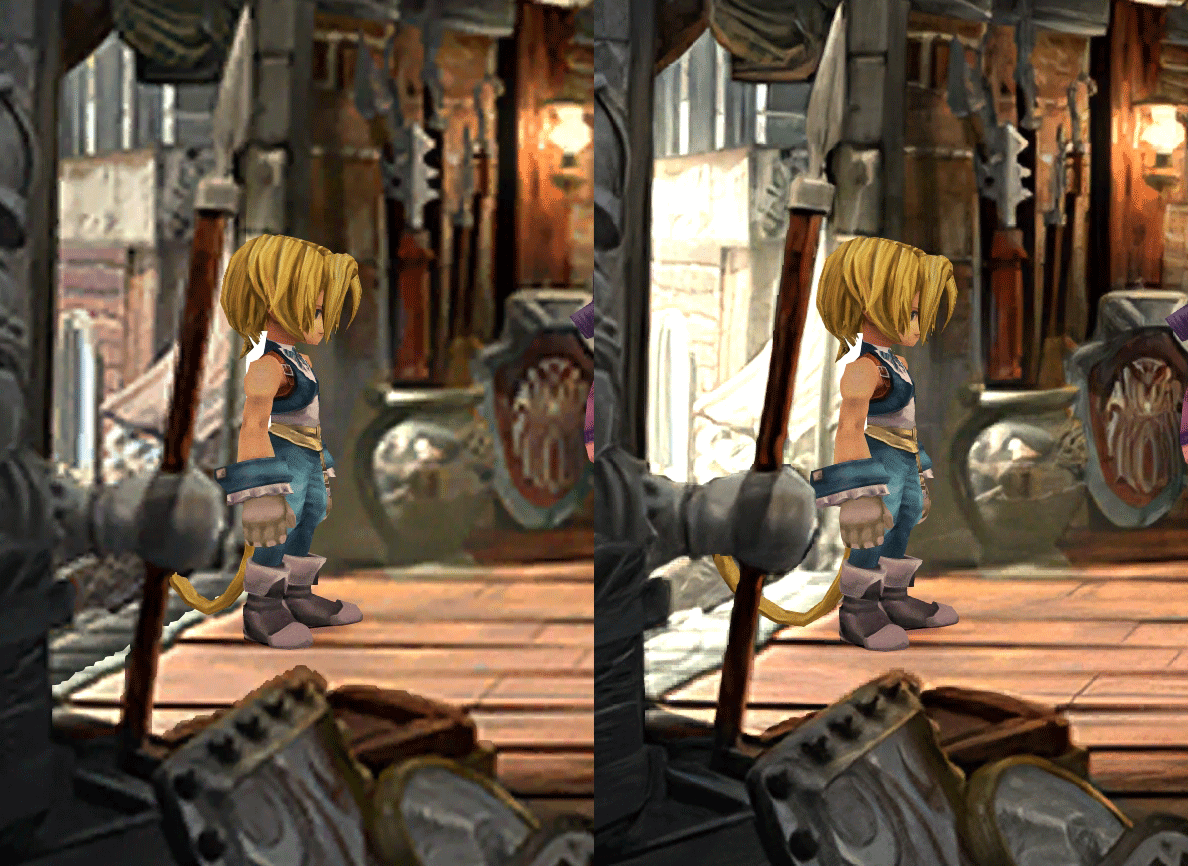
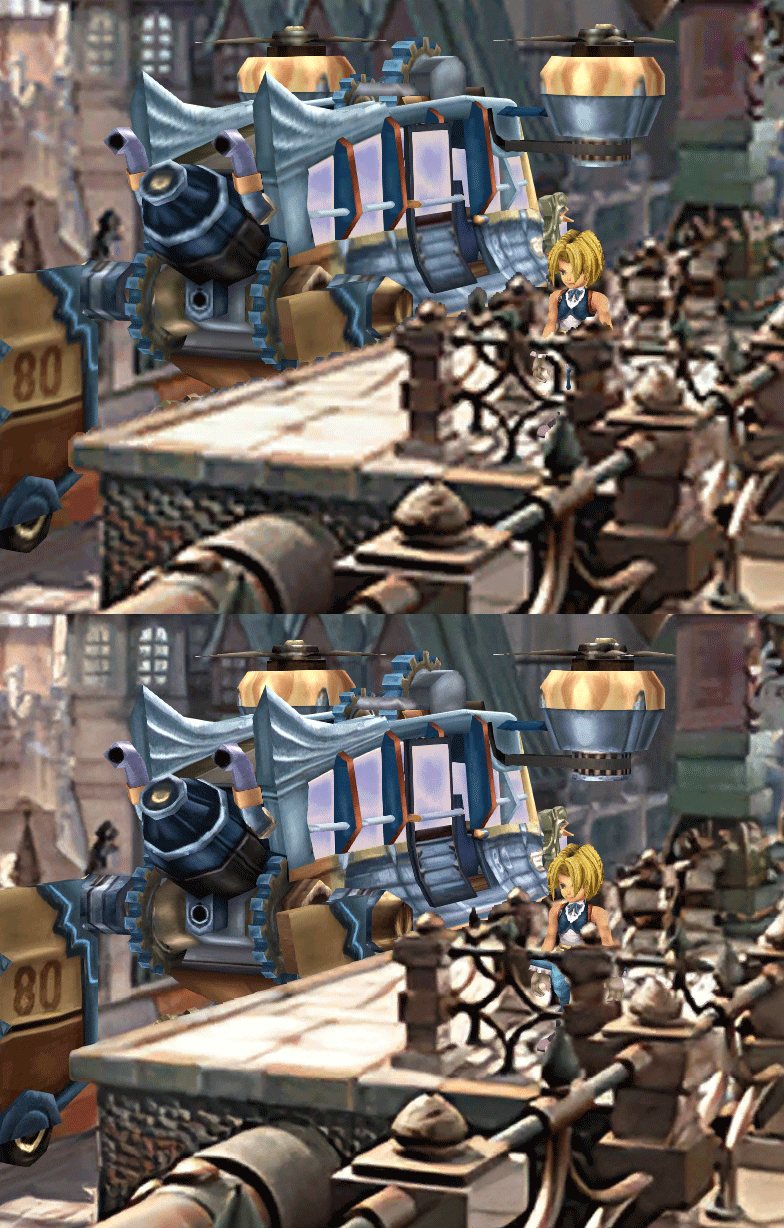
  • Fixed : almost all visual glitches
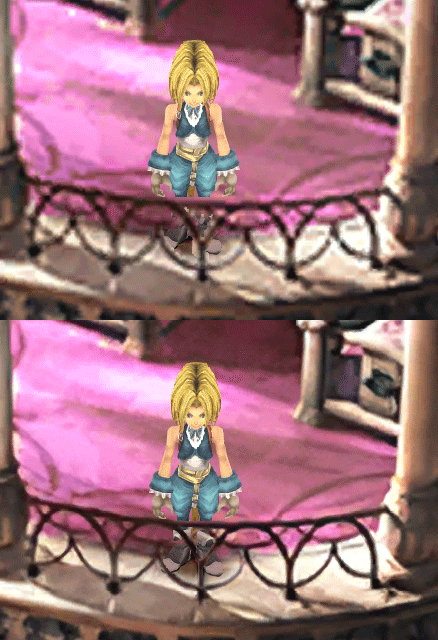
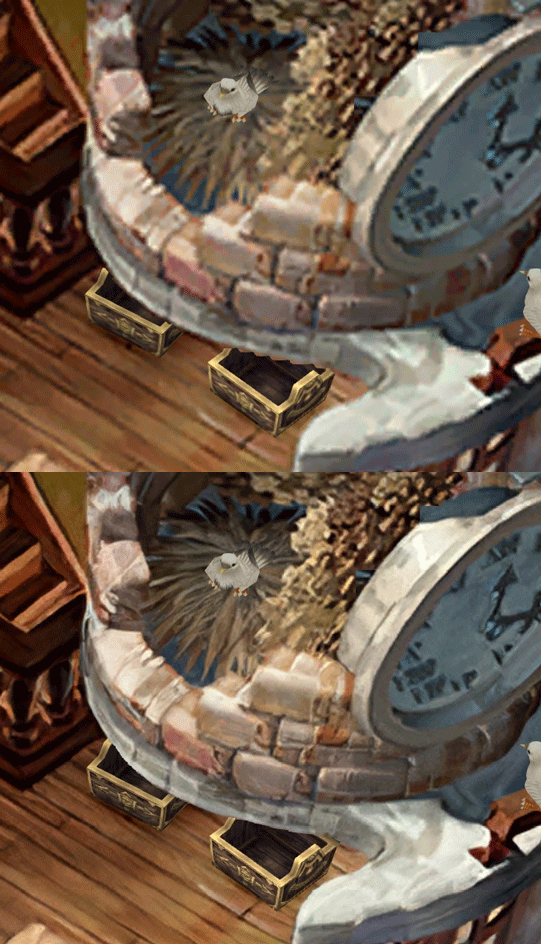
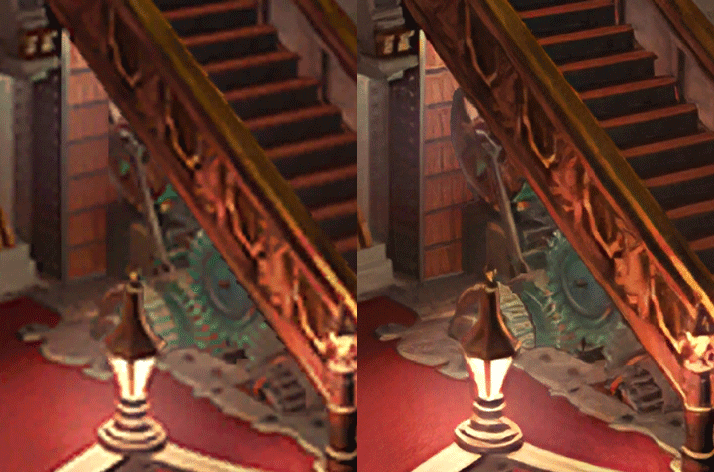
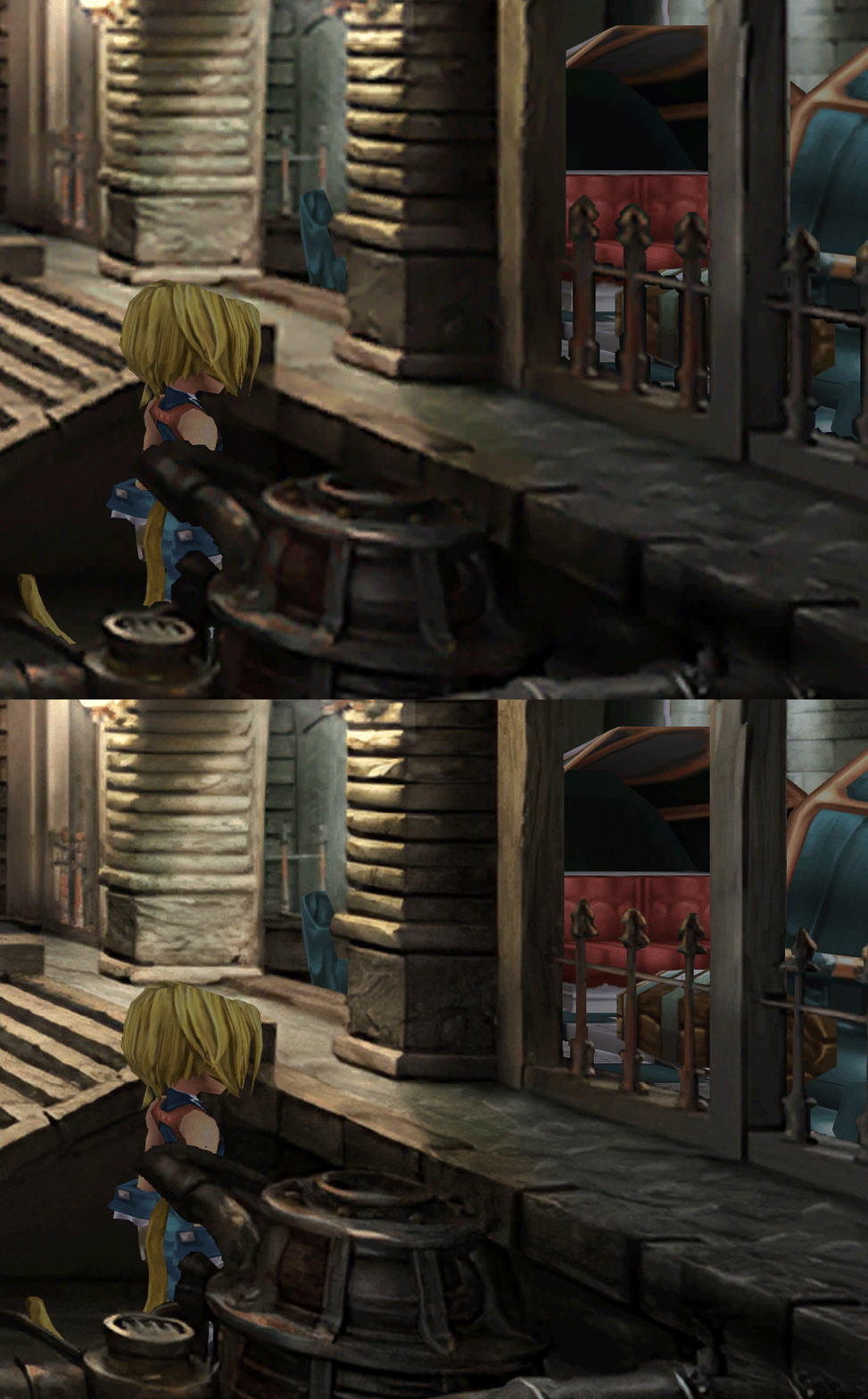
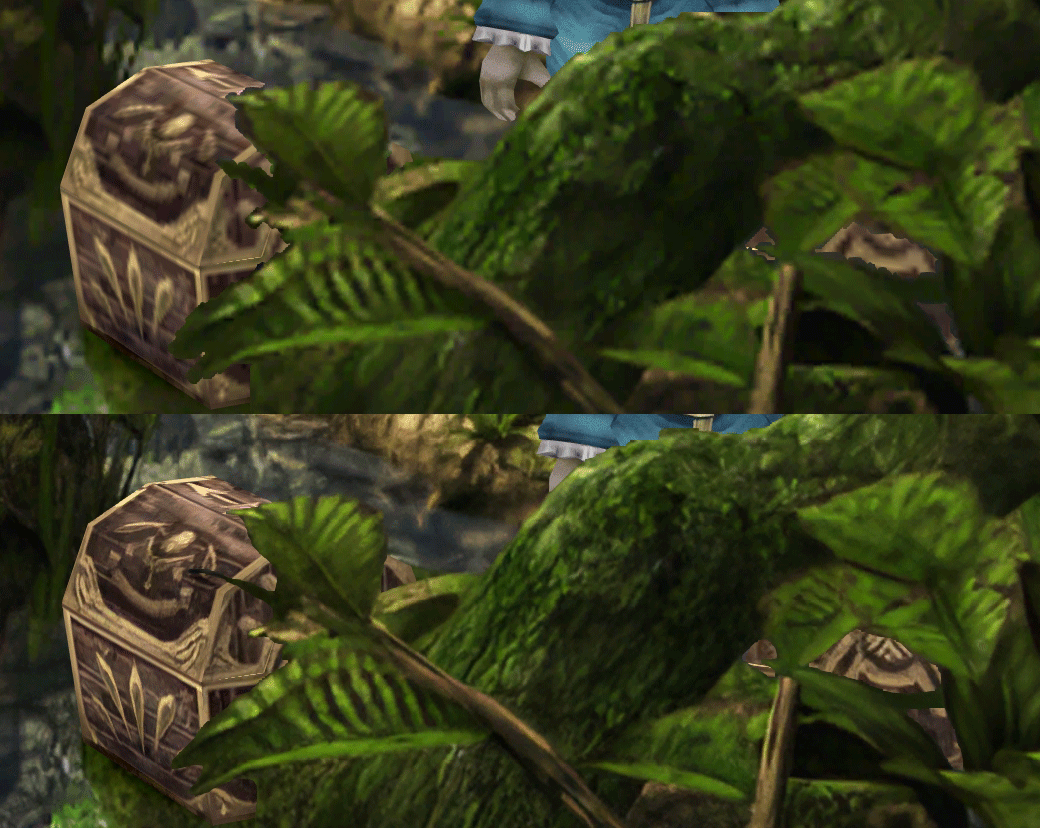
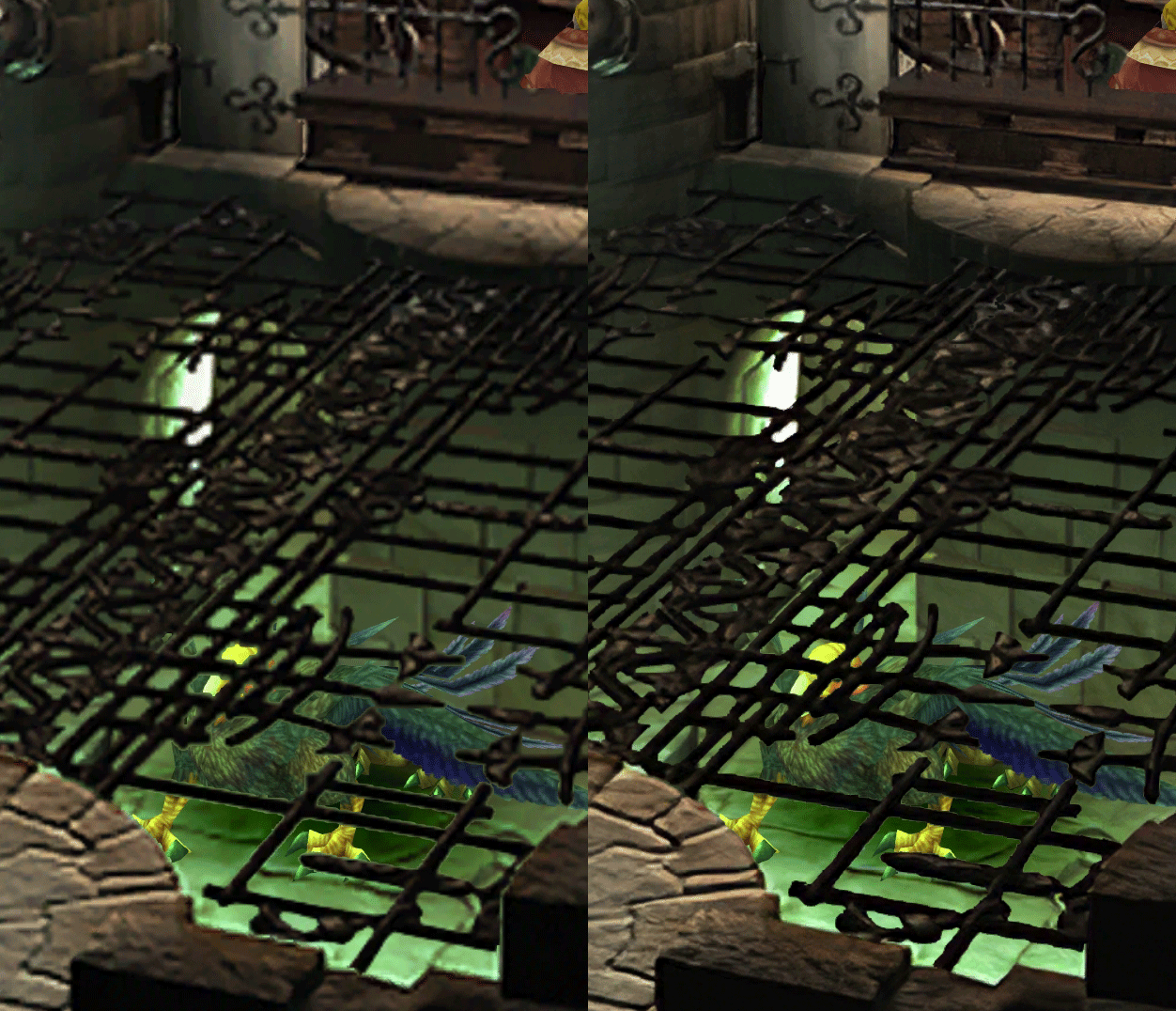
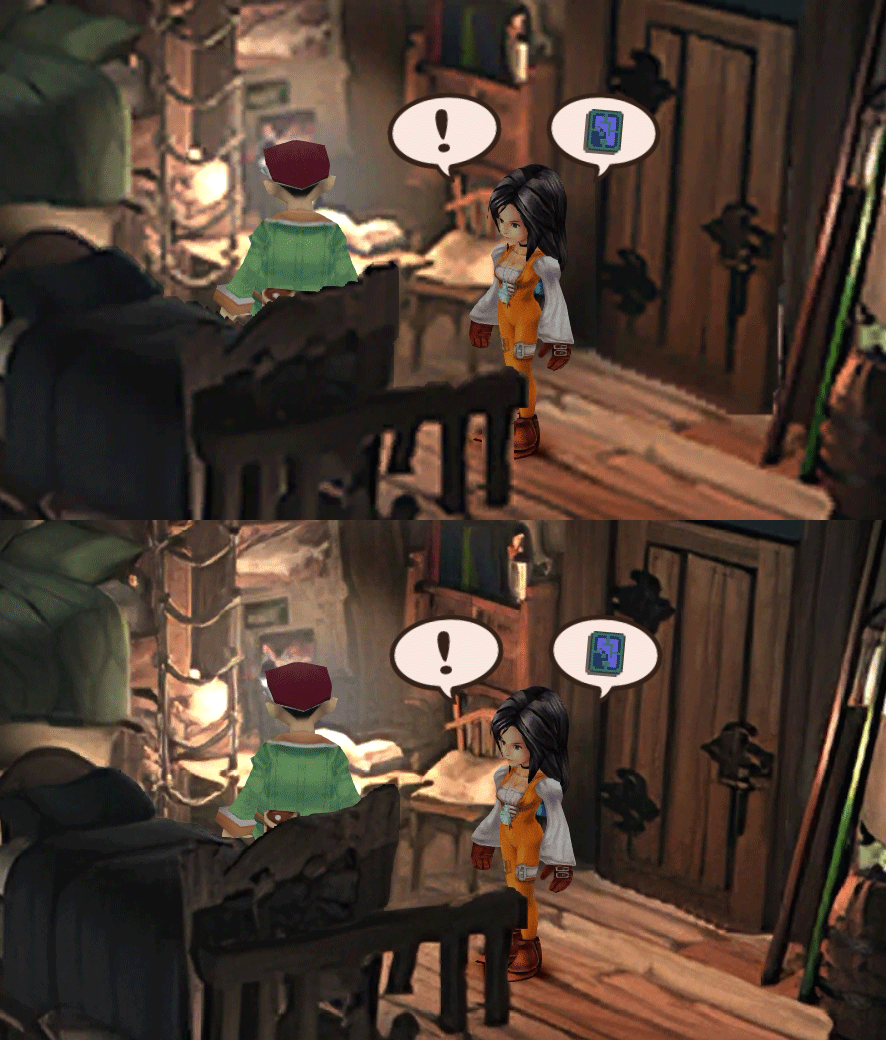
  • Redrawing of all layer edges (all 11000+)
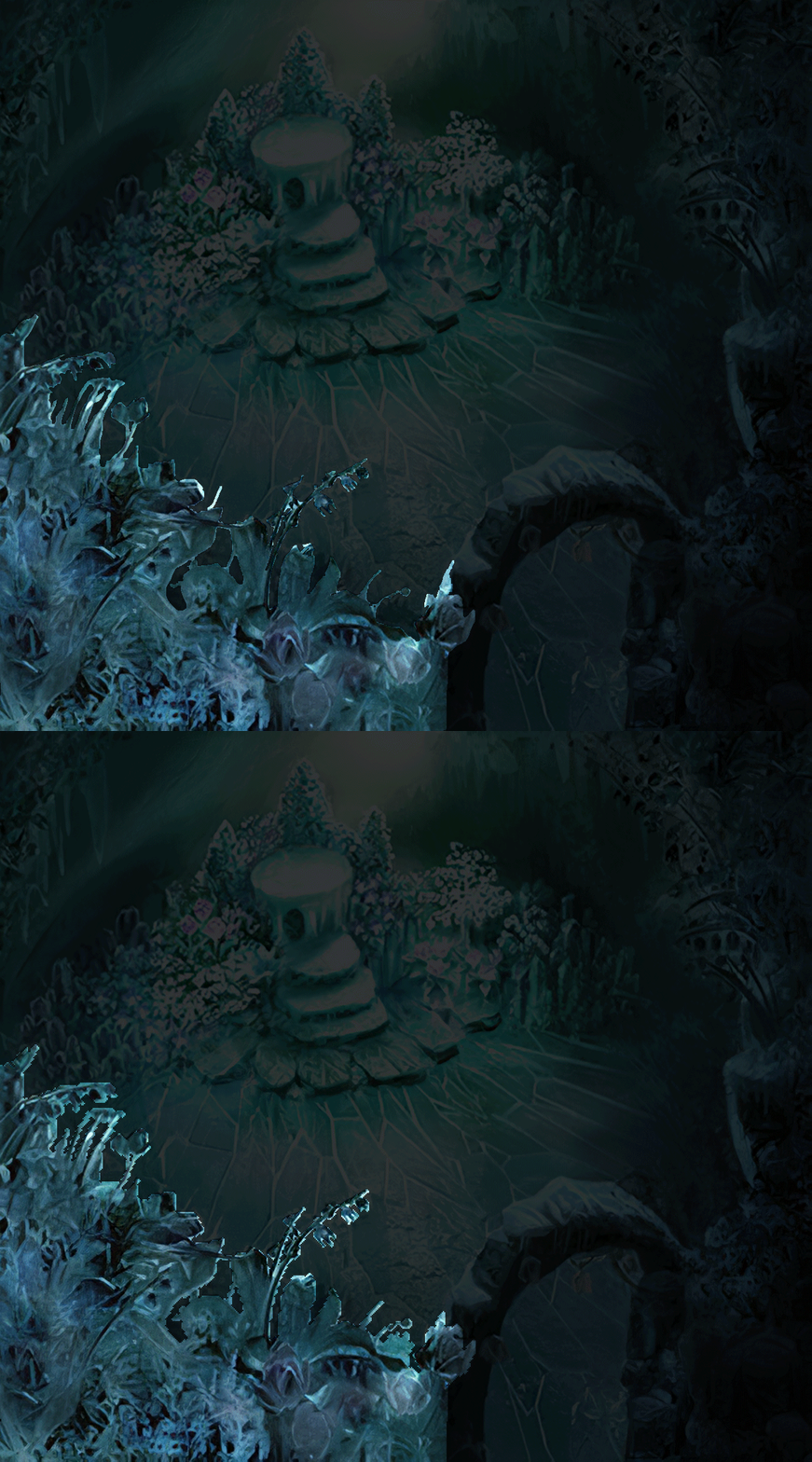
  • Cleaner / sharper graphics (all 6000+)
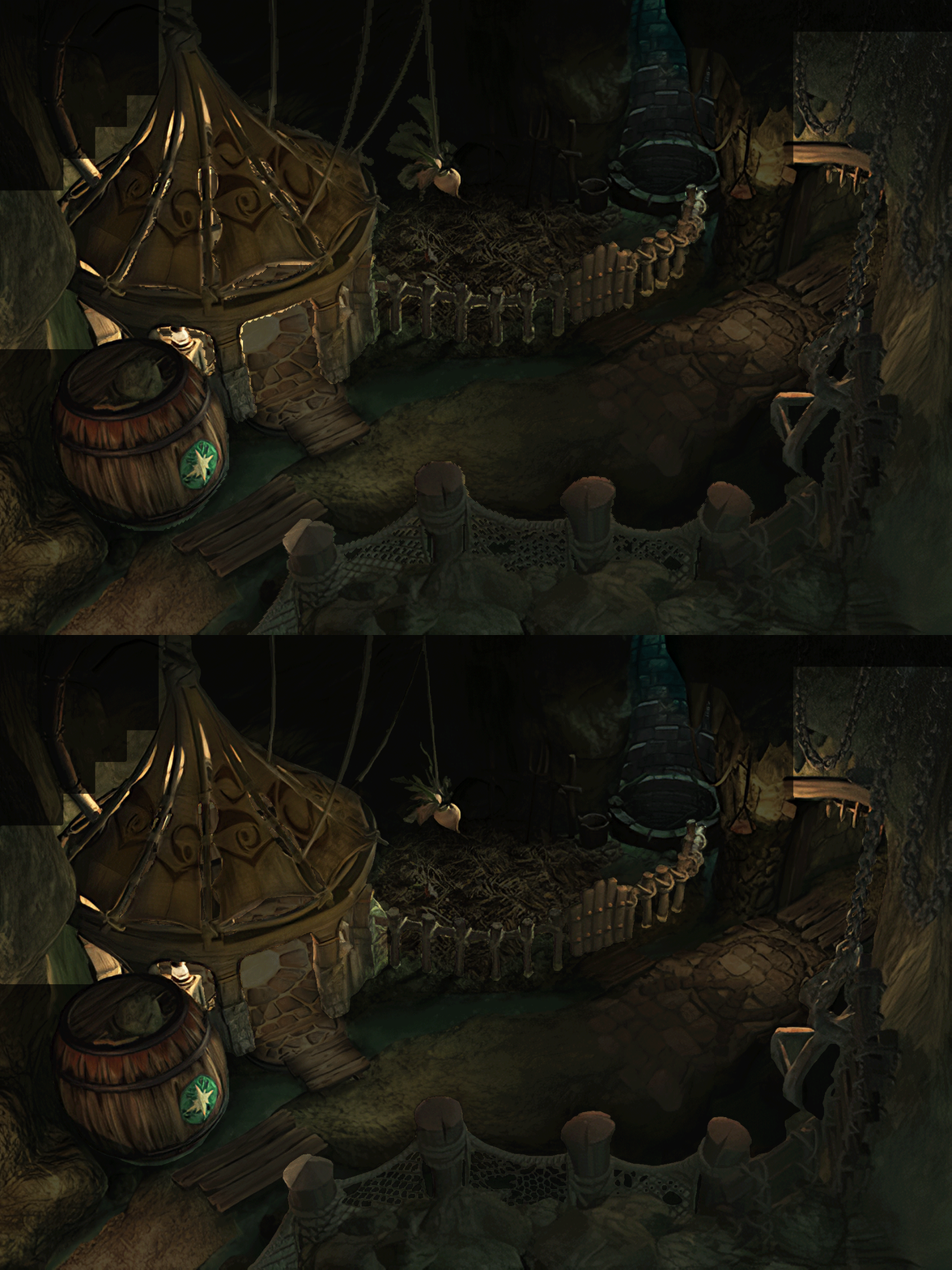
  • Better & cleaner lighting (all 1400+)
  • Countless manual image doctoring
  • Manually redrawn some parts (some partially based on portfolio images by Wesley Cann & Behrooz Roozbeh)
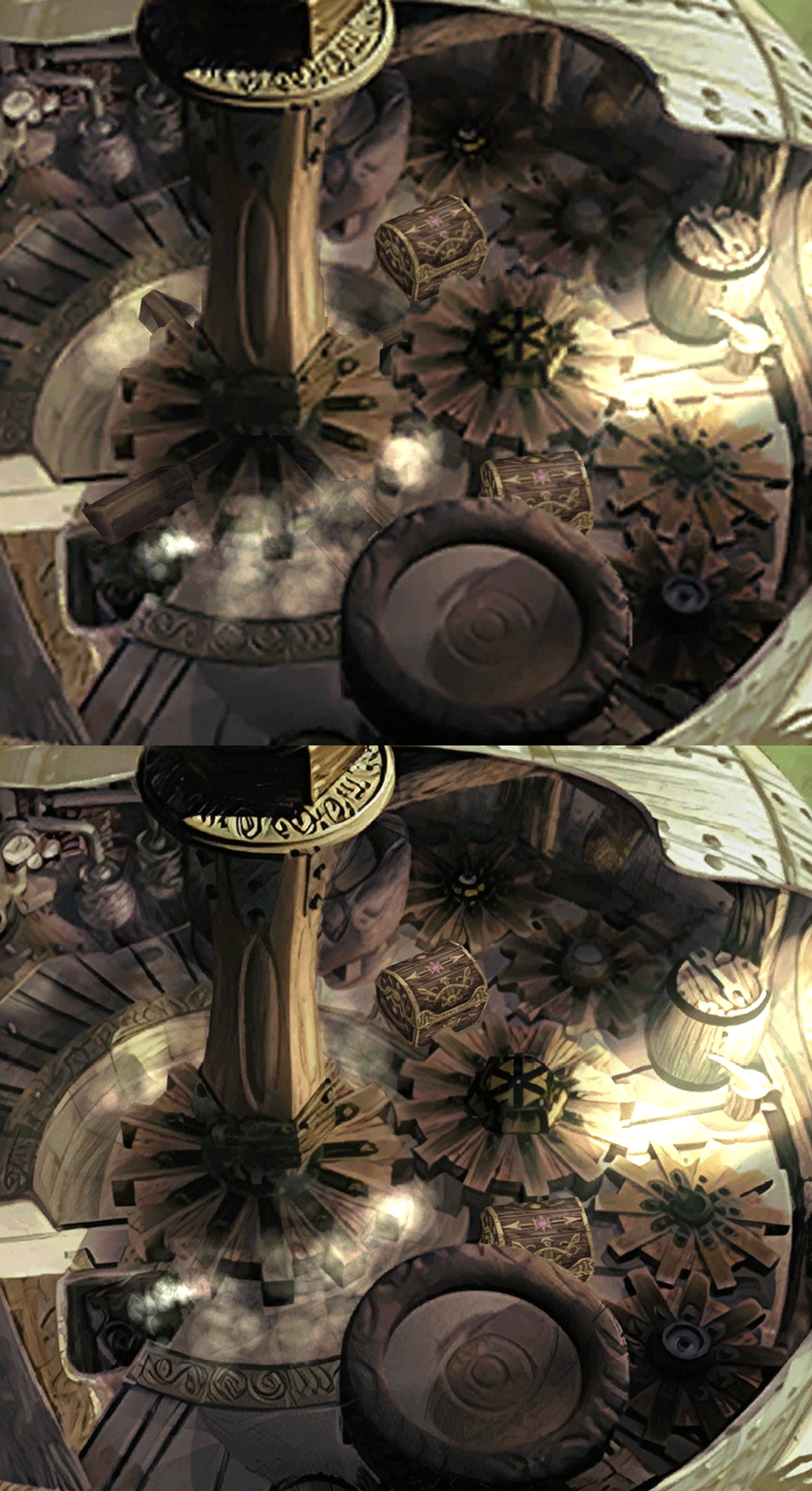
  • Background animations better integrated
  • Several bugs from the Steam & PSX versions fixed
  • Recreated all places names with original fonts (for English and French, rest to follow)
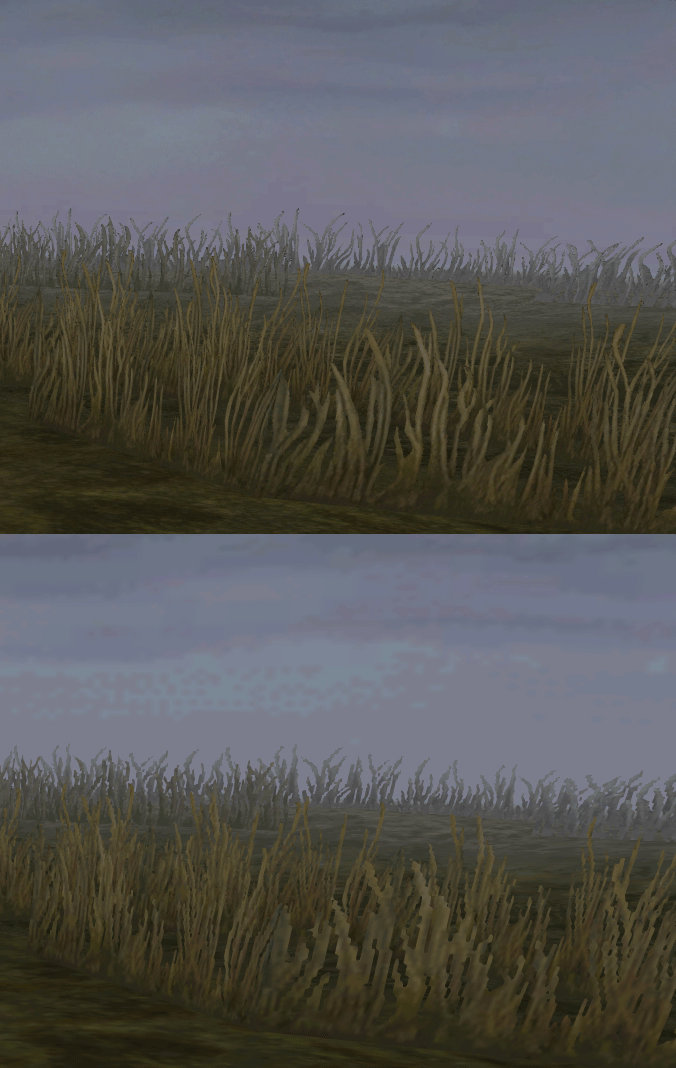
  • Seamless scrolling skies & backgrounds, removed 'staircase' edges
  • Recreated baked in textures NPCs
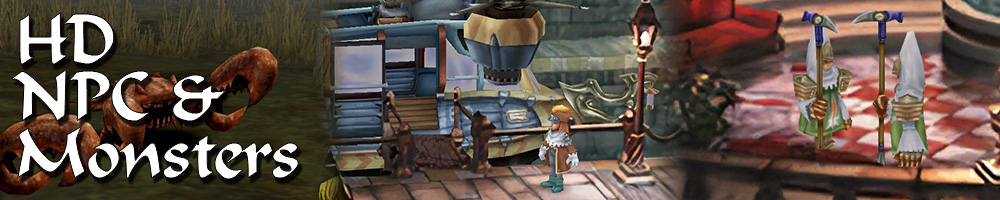
  • Background objects
  • HD background 3D objects
  • HD NPC (with exceptions)
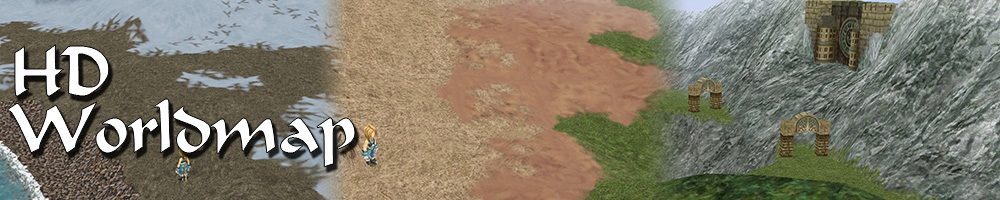
  • Worldmap
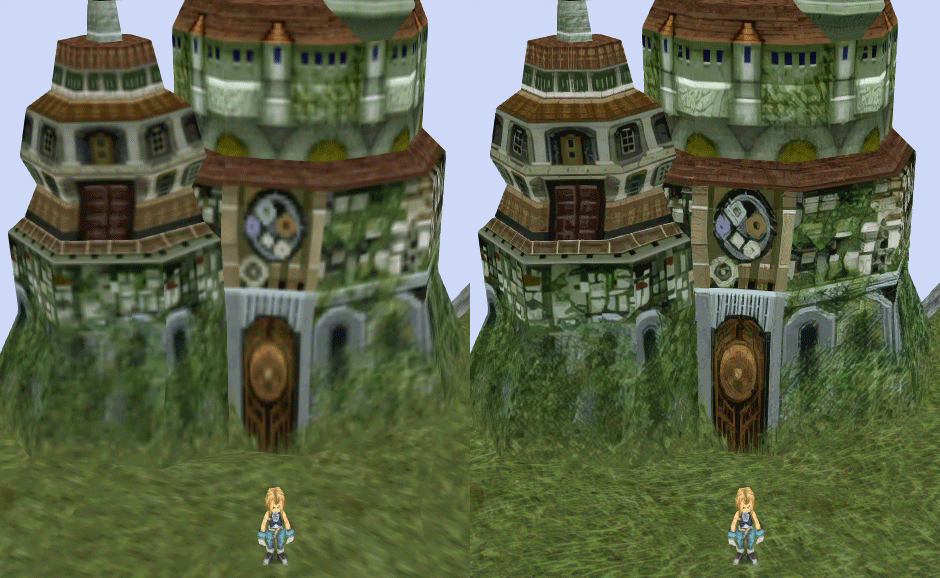
  • HD worldmap textures (upscaled and manually redone, mostly seamless and faithful)
  • Subtly moving seas
  • HD worlmap items (ships...) textures
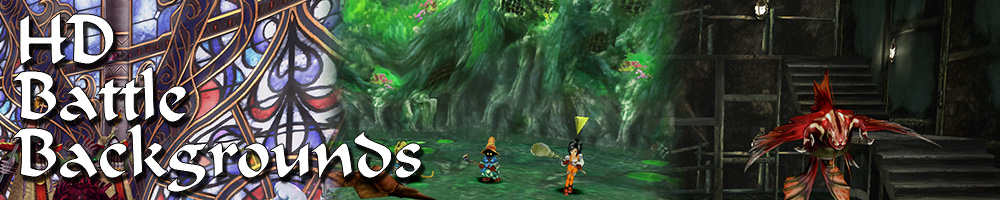
  • Battles
  • HD monsters (with exceptions)
  • HD battlefields with redrawn edges (exceptions for animated textures)
  • Seamless skies (not 100% on point)
  • Fixed missing monster death sounds (credit: Tirlititi)
  • UI
  • Recreated faithful HD maps
  • Recreated Start menu and game over screens
  • Character portraits edges


OLD POST

2020-04-23 - Finally, here's a beta file of the backgrounds!
For those who chose to install it, please screenshot any problem or potential improvement, as major or minor it is.

If you can't post in this thread, you can contact me on reddit


Other parts of the mod available to download:
[size=14pt]NPC & Monsters HD V2 DOWNLOAD
Battle Backgrounds HD V1 DOWNLOAD
Worldmap HD V2 DOWNLOAD
UI Stuff V1 DOWNLOAD
Maybe save the original files beforehand

-------------------------------------------------------------

Hi everyone,

I'm making a thread to track my progress with my reworking of Moguri since June 2019

◈ Finishing touches, corrections & testing ◈
chat_loader.gif

◈ Backgrounds masks (redrawing by hand) ◈
⬛⬛⬛⬛⬛⬛⬛⬛⬛⬛⬛⬛⬛⬛⬛⬛⬛⬛⬛⬛ | 100% | 678/678

◈ Blended/light layers upscaling ◈
⬛⬛⬛⬛⬛⬛⬛⬛⬛⬛ | 100% | 1479/1479

◈ Re-drawing of transparency for fight scenes textures ◈
⬛⬛⬛⬛⬛⬛⬛⬛⬛⬛ | 100% | 186/186

◈ Monster texture upscaling ◈
⬛⬛⬛⬛⬛⬛⬛⬛⬛⬛ | 100% | 124/124

◈ NPC texture upscaling ◈
⬛⬛⬛⬛⬛⬛⬛⬛⬛⬛ | 100% | 150/150

◈ Item on field texure upscaling ◈
⬛⬛⬛⬛⬛⬛⬛⬛⬛⬛ | 100% | 101/101

◈ Worldmap re-texture ◈
https://www.ff7catalog.com/threads/13434/
⬛⬛⬛⬛⬛⬛⬛⬛⬛⬛ | 100%

◈ Place names upscaling (when introduced to a new place) ◈
⬛⬛⬛⬛⬛⬛⬛⬛⬛⬛ | 100% | 44/44


◈ (background) Videos improvement ◈
(⬜⬜⬜⬜⬜⬜⬜⬜⬜⬜⬜⬜⬜⬜⬜⬜⬜⬜ | 0/18) -> might try this in a next update

◈ Extra ◈
-Backgrounds were improved with various ESRGAN models
-Numerous visual corrections
-Upstairs of Dali's Windmill debugged / recreated
-Removed seams in scrolling sky/smoke/sand textures.
-re-created a lot of sky textures for fight scenes, making them seamless and beautiful: 64
-regenerated the battle textures to remove white outlines
-corrected a bug with animated textures in battle scenes
-Multiple other bugs ironed out

◈ Ideas for later ◈
-drawing shadows for some chests/items
-look if I can improve fluidity of the videos with AI video interpolation: https://github.com/sniklaus/pytorch-sepconv (can't make it work yet)
-upscale contextual FMVs?
[/size]
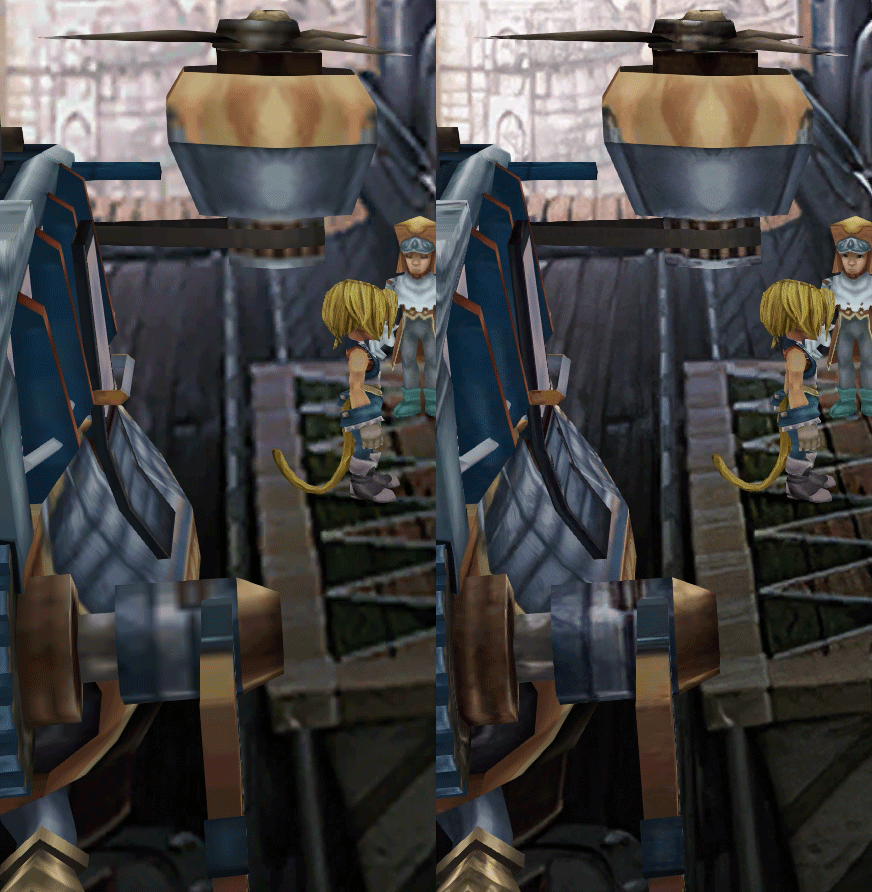
SCREENSHOTS

Click to enlarge
K78WnLu.gif

10pTbFs.gif
E8YADyT.gif
6RS2mEC.gif
OsoRNFn.gif
MVfMxaM.gif
uphBfuD.gif
YGwOCGG.gif
skQq07o.gif
xIcTyUR.gif
Z6k2Zyt.gif
XqomUcu.gif
SSBTwSa.gif
1GGTsJM.gif
eaTQUVb.gif
qKjYKR1.gif
13yOtwo.gif
 
Last edited:
A
Hello,

it is possible to make D-PAD work by deactivating the option:

"xbox configuration assistance"

in steam big picture:
parameter-> joystick parameters.

I posted the comment on nexus mod:

https://www.nexusmods.com/finalfantasy9/mods/11?tab=posts

For me it worked.
sorry for my english.
Hey I saw your post. Appreciate the help. I've yet to try the Dpad fix, but I will do so.

Have you managed to be able to play with the scaled UI with the current Moguri? I'm not sure how you would send me that file you mentioned, but yeah, I just get crashes while I try to use it, even with Vanilla ff9.
 
D
This is looking fantastic so far, my only question at this point is there any news for compatibility with alternate fantasy?
 
S
Ah sorry I was unaware of the limit (upload is not limited), I'll do some cleanup on google drive and replace the link.
EDIT: 45 min left for the upload
 
Last edited:
O
downloading now, maybe you should torrent this bad boi

i can definitely see google not liking you

cant wait to see the new world map! was a while ago when i played with moguri
 
M
Great Work! I really appreciate it!

I have a request to you Snouz:
Can you make a sharedassets2.assets file with Playstation Button layout? You only should change icon_atlas and screen_button_attlas inside the sharedassets2.assets file.
I would be very grateful if you could do that because I don't want to mess around with your awesome work and as far as I can tell you have already improved these Textures inside the sharedassets2.

Thanks a lot!
 
K
Hello folks, been following Moguri mod for years and it's now looking like the right time to finally try it out. I see now that we are at Version 8.0 Beta 5, with the full release coming very soon, but does anyone know what I can expect from the full release that won't be in this latest Beta build?

Just wondering if I should still hold out for 8.0 before my first PC play through or go ahead and download this latest update. Any help is appreciated.
 
B
Great Work! I really appreciate it!

I have a request to you Snouz:
Can you make a sharedassets2.assets file with Playstation Button layout? You only should change icon_atlas and screen_button_attlas inside the sharedassets2.assets file.
I would be very grateful if you could do that because I don't want to mess around with your awesome work and as far as I can tell you have already improved these Textures inside the sharedassets2.

Thanks a lot!
You can easily do it yourself.

https://steamcommunity.com/groups/ff-modding/discussions/13/350533172685612333/

The last comment gives a small tutorial and all the necessary links. I did this like 5 times now within the last few days after reinstalling FF9 - it mearly takes 2 minutes
 
C
@m_artn

Since you already got that far, there's only one step left if you wanna do it yourself. AssetBundleExtractor can dump and import textures in PNG format. All you need is a very basic image editor, paste the PS Buttons on Snouz's edited icon_atlas and screen_button_atlas and import those images back.

Usage of AssetBundleExtractor is described in more detail in the Tweaked menu portraits thread, here.
 
D
Awesome work!

What's a good way to play the new video files? I tried vlc player but the playback is not smooth.

Also:
https://imgur.com/4uPbhYZ
I know it's supposed to make the fire look grainy, but it's really just pixelated and with a distinct circular shape: https://imgur.com/EKUVgRW
https://imgur.com/fUHzVU6
https://imgur.com/twb7QSx

The game definitely has some issues with controllers. I've played with two different controllers. One of them has no cooldown on button presses, so not only does the pause menu exit immediately, it's very hard to make selections in any menus e.g. when selecting attack, the first enemy is selected from the same button press. The other controller has weird mapping. The left joystick cannot be used for movement. Movement uses the d-pad. Start button is mapped to one of the rb's... 

I agree with switch a/b by default.
 
Last edited:
D
@m_artn

Since you already got that far, there's only one step left if you wanna do it yourself. AssetBundleExtractor can dump and import textures in PNG format. All you need is a very basic image editor, paste the PS Buttons on Snouz's edited icon_atlas and screen_button_atlas and import those images back.

Usage of AssetBundleExtractor is described in more detail in the Tweaked menu portraits thread, here.
Hello, thanks for the help man, works like a charm :)

I am so grateful to see people put so much effort into perfecting this game, it's amazing !!
I thought I would contribute as well. Using paint.net and the resources provided, I have applied PS buttons to both icon atlas and screen atlas.
Sadly I can't do much more than cutting and pasting so I didn't replace the trigger buttons as those were not replaced in the resources.
Here is the result :
https://i.imgur.com/tp5yTCK.jpg

Icon atlas used :
https://i.imgur.com/RSEspWh.png
Screen atlas used :
https://i.imgur.com/wh8oEkj.png

I am using scaled battle UI on top of the BETA and I don't know if it tempers with that assets file. If it does, it might not work for you.
https://drive.google.com/file/d/1QVOfmNKwOTOT8v6IHVt7FZ7VdqGNJmJi

I also need a bit of assistance if you guys don't mind :)
Using the scaled battle UI configurator just breaks the controls for me. Any idea what I can to solve this ?
Thanks a lot.

And Snouz, your work is incredible THANK YOU !!
 
M
@m_artn

Since you already got that far, there's only one step left if you wanna do it yourself. AssetBundleExtractor can dump and import textures in PNG format. All you need is a very basic image editor, paste the PS Buttons on Snouz's edited icon_atlas and screen_button_atlas and import those images back.

Usage of AssetBundleExtractor is described in more detail in the Tweaked menu portraits thread, here.
I could definitely do it myself, at least for the cross, circle, square & triangle Button. But I think many many other people want that too, so I hope this could be implemented als an option with the installer when the update 8.0 is ready.
Not everybody might want to do it by themeselfe or is at least able to do it (even it is just copy paste with some png editing).
Furthermore with some more skill I hope Snouz could make some good L1, L2, R1 & R2 button layouts to make this a more seamless experience  ;D
 
E
Awesome update to say the least!

I can't seem to disable analog control though.
I've turned it off in memoria.ini

Code: [Select]
Code:
[AnalogControl]Enabled = 0StickThreshold = 10 ; 0...100MinimumSpeed = 5
And my dpad isn't working?
 
S
D-pad problem on github:
https://github.com/Albeoris/Memoria/issues/110
If you have more info to contribute, go ahead. I could not reproduce the problem on both xbox controllers. The nexus ticket talks about a PS4 controller, is this your case?

@Doom Oyster about the pause cooldown, did you install JUST the beta? with the included latest memoria? The double pause issue is something I experienced a lot with the base game and should be fixed by the latest memoria version.

BTW about controller layout, does it display playstation icons when playing with a ps controller? What does it show?
Also, when talking about controller, please tell your model : )

Other issues noted
 
Last edited:
E
D-pad problem on github:
https://github.com/Albeoris/Memoria/issues/110
If you have more info to contribute, go ahead. I could not reproduce the problem on both xbox controllers. The nexus ticket talks about a PS4 controller, is this your case?

@Doom Oyster about the pause cooldown, did you install JUST the beta? with the included latest memoria? The double pause issue is something I experienced a lot with the base game and should be fixed by the latest memoria version.

BTW about controller layout, does it display playstation icons when playing with a ps controller? What does it show?
Also, when talking about controller, please tell your model : )

Other issues noted
I have a 8bitdo SN30 Pro +, it's listed as a Xinput device, so it's basically an Xbox Controller.
It's working everywhere else.

Anything I can try?

Edit: As stated by another user,  by going in to Steam Big Picture mode > Controller and disabling Xbox Configuration Support the dpad starts working. However it's not a very good workaround since I use that setting in other steam games.
I updated my post on the github issue as well.
 
Last edited:
D
@Doom Oyster: Just check "check for updates" on the Memoria launcher. The version included is apparently out of date.

I was having the same issue and this fixed it for me.
 
S
I'm unable to download it because too many people have downloaded it? apparently?

I don't know how google drives work, but yeah, seems it's reached it's limit.
AAAH come on : (
I'll do a separate archive and put it on mega.
 
C
Actually, anyone with a google account can clone the file to their own Google Drive and download that clone, bypassing that restriction

First make a shortcut of snouz's file to your drive then go into your drive, find the shortcut there and click "make a copy".
 
Last edited:
Status
Not open for further replies.
Back
Top