[FF9 PC] Moguri Mod update 8.2 (LIVE ON OFFICIAL SITE)

  • Thread starter Thread starter snouz
  • Start date Start date
Status
Not open for further replies.
s6YQdFA.jpg
eY0jRJ9.jpg
Kr5wC8e.jpg
lc1gfLK.jpg
JrssSrE.jpg


D O W N L O A D

THE UPDATE HAS NOW GONE LIVE OFFICIALLY


NEW 2020-05-23 - MOGURI 8 BETA V5 changelog -> Make a shortcut of the file to your drive then go into your drive, find the shortcut there and click "make a copy"
(outdated) 2020-05-11 - MOGURI 8 BETA V4 changelog
(outdated) 2020-05-04 - MOGURI 8 BETA V3 changelog
(outdated) 2020-04-28 - MOGURI 8 BETA V2 changelog
(outdated) 2020-04-23 - MOGURI 8 BETA V1


I N S T A L L _ G U I D E

[size=10pt]IF YOU DON'T HAVE MOGURI INSTALLED
1) Extract and replace the files in the .zip to SteamLibrary\steamapps\common\FINAL FANTASY IX\

IF YOU HAVE MOGURI INSTALLED (not required!)
1) If you installed it before 2020-04-2, uninstall and re-install Moguri again (SquareEnix pushed a Steam update that temporarily broke the game and Moguri)
2) Extract the content of StreamingAssets in \Program Files (x86)\Moguri Mod\StreamingAssets\
3) Extract \x64\FF9_Data\resources.assets & \x64\FF9_Data\sharedassets2.assets to SteamLibrary\steamapps\common\FINAL FANTASY IX\x64\FF9_Data\
   but DON'T replace Assembly-CSharp.dll

To check you have the right version, here's how the first frame should look
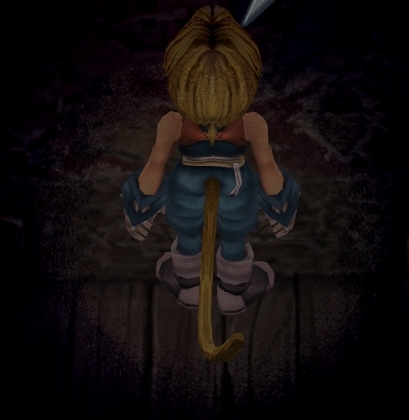
X6tHnEA.jpg


1) In steam, right click the game, go to "properties...", go to the LOCAL FILES tab, click VERIFY INTEGRITY OF GAME FILES. This will re-download the original files, but your saves are still intact.


p0data2.bin - Battle backgrounds
p0data3.bin - Worldmap textures
p0data4.bin - NPC, monsters and background items
p0data11.bin to p0data19.bin - Main backgrounds
resources.assets & sharedassets2.assets - UI stuff (maps, title screen...)
Assembly-CSharp.dll - The patched file that allows for the augmented resolution of backgrounds. (The one here and the one in moguri are different)

Note: If you have uninstalled Moguri and/or Memoria and you have names like ZidaneZidane, ViviVivi, you can salvage your save with this tool: https://www.ff7catalog.com/threads/7672/
Note: Alternate Fantasy is not currently supported.
[/size]


F E A T U R E S

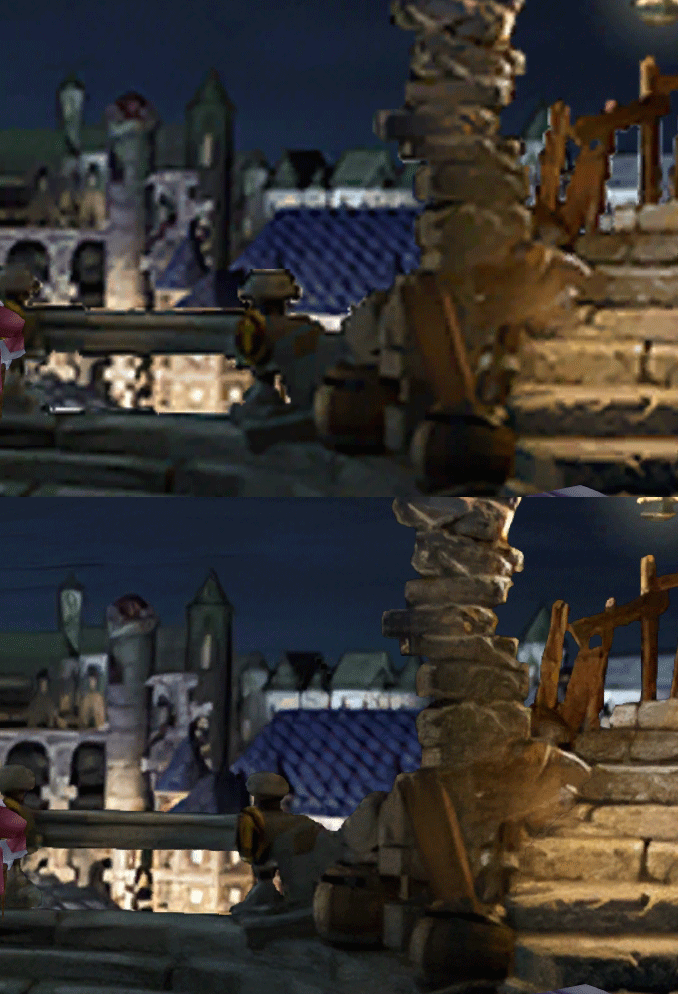
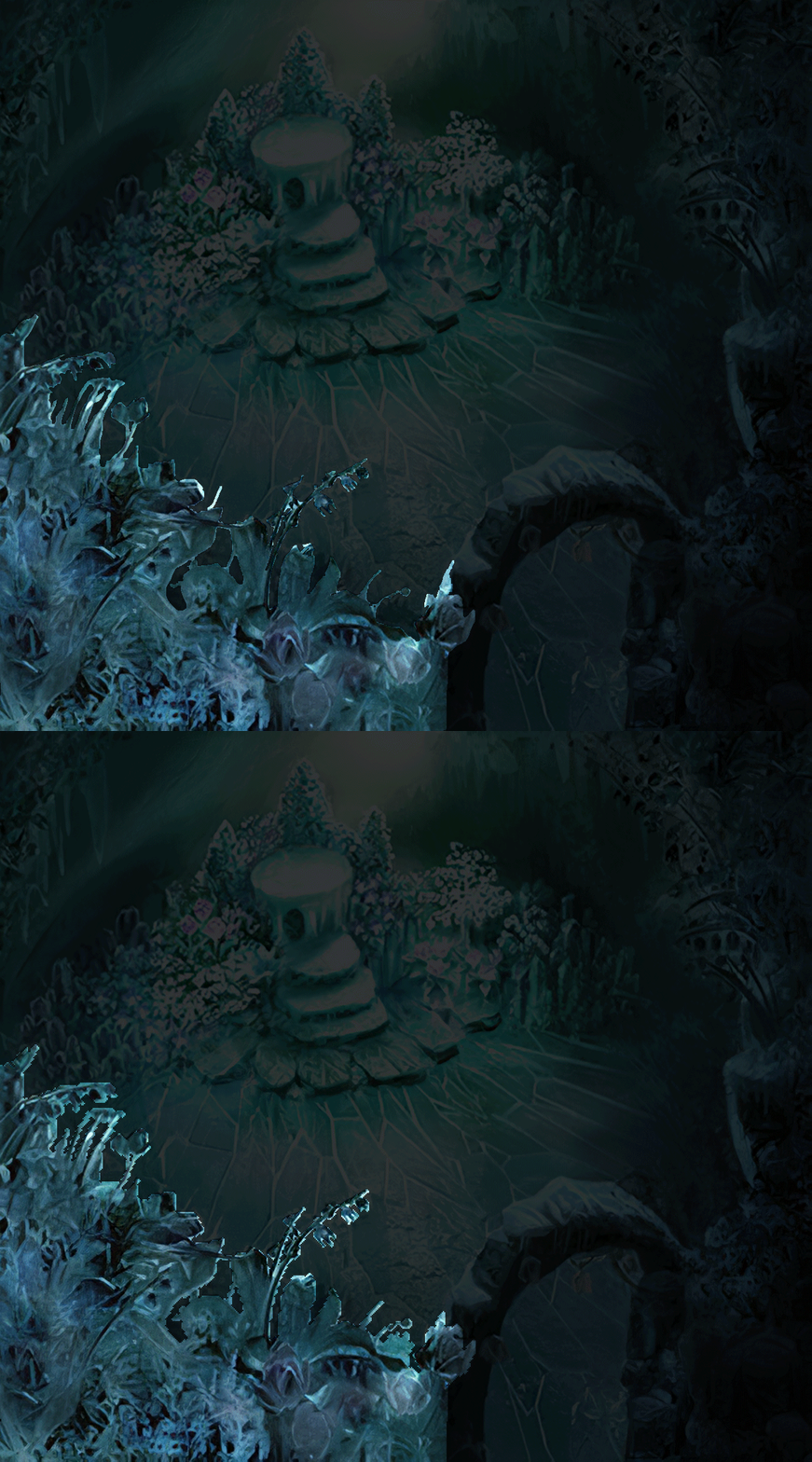
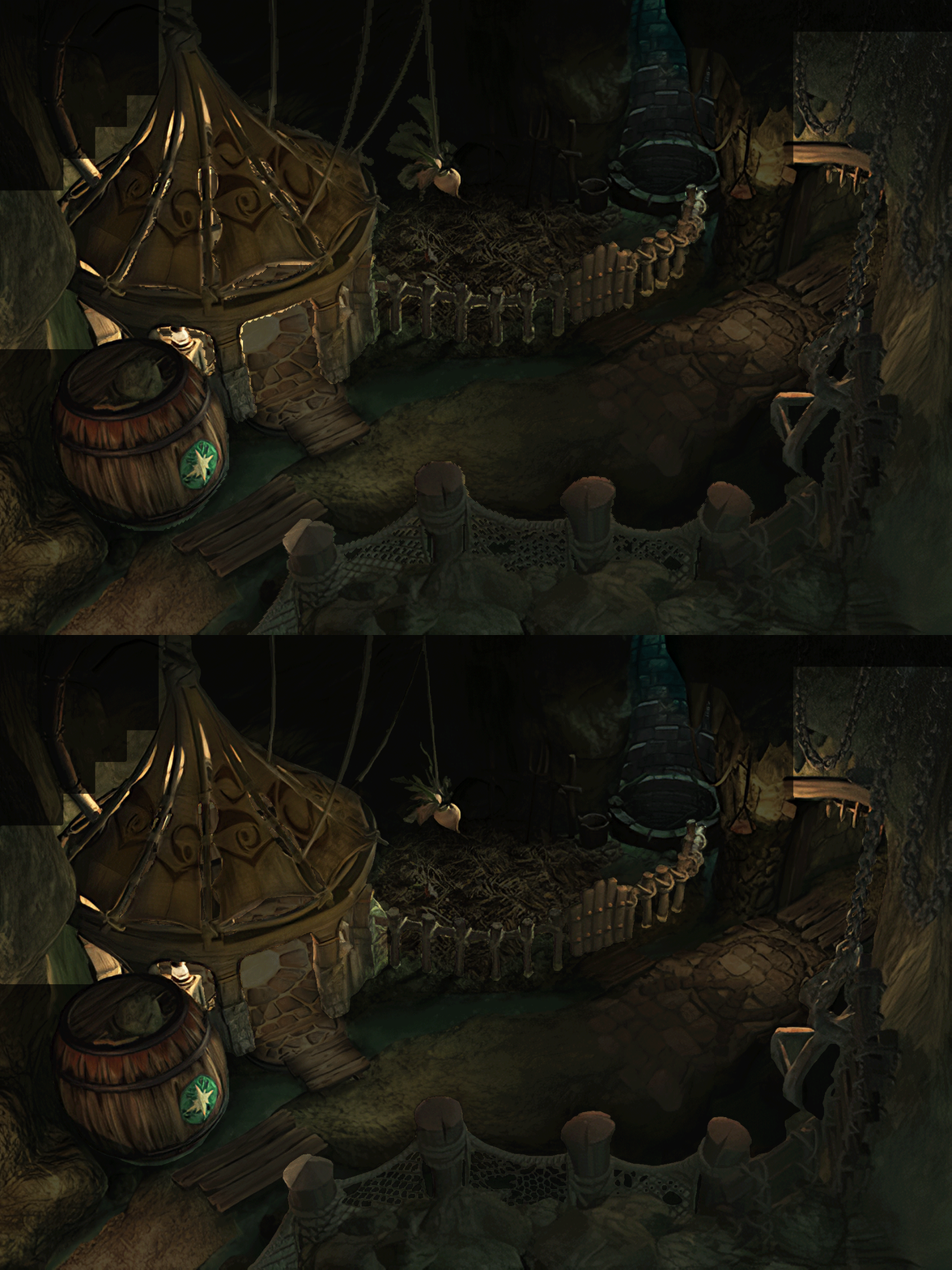
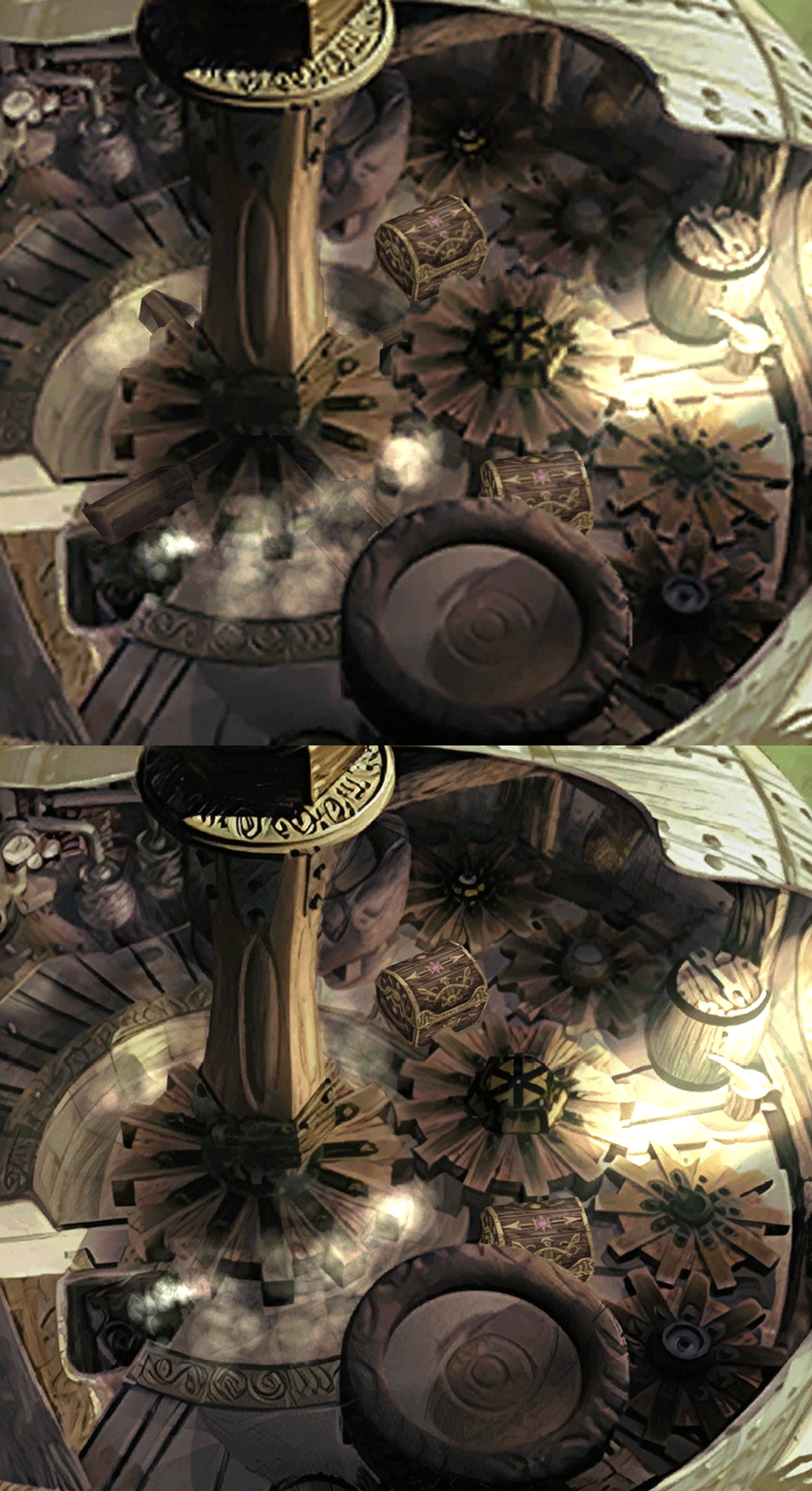
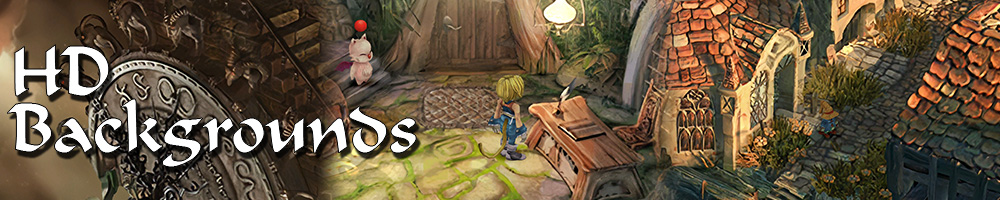
  • Backgrounds
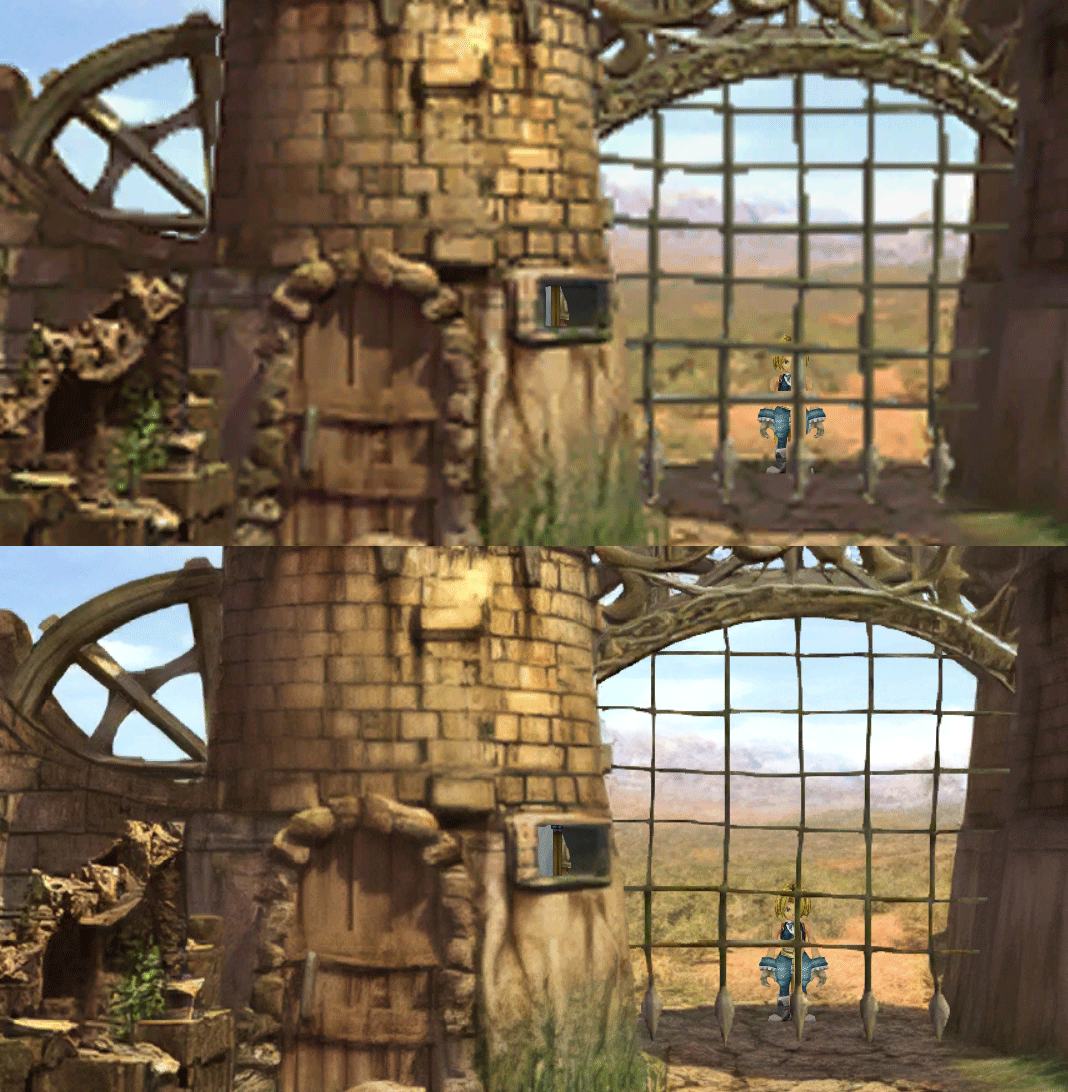
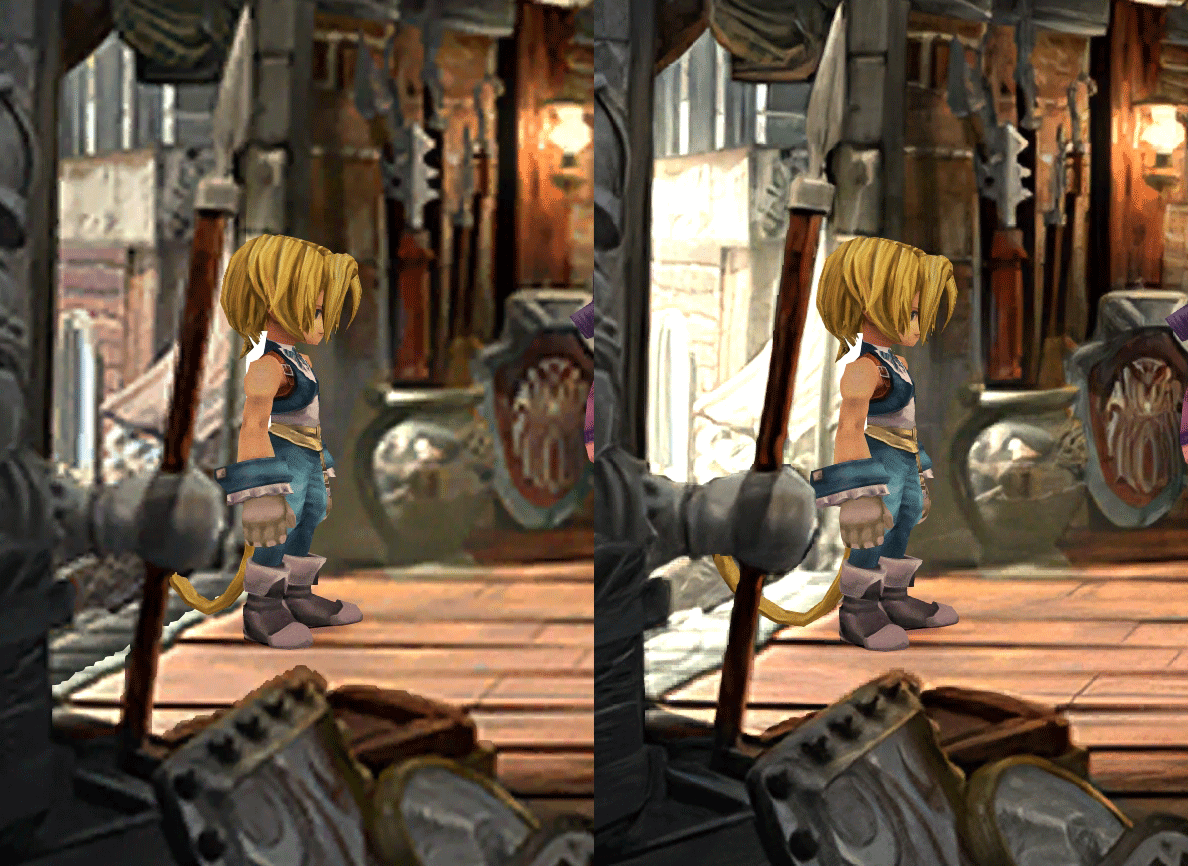
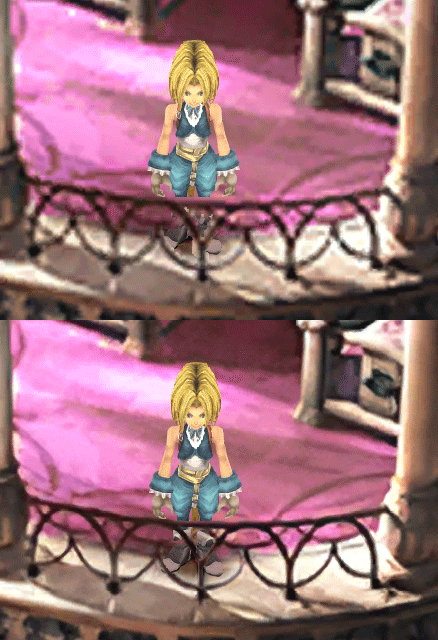
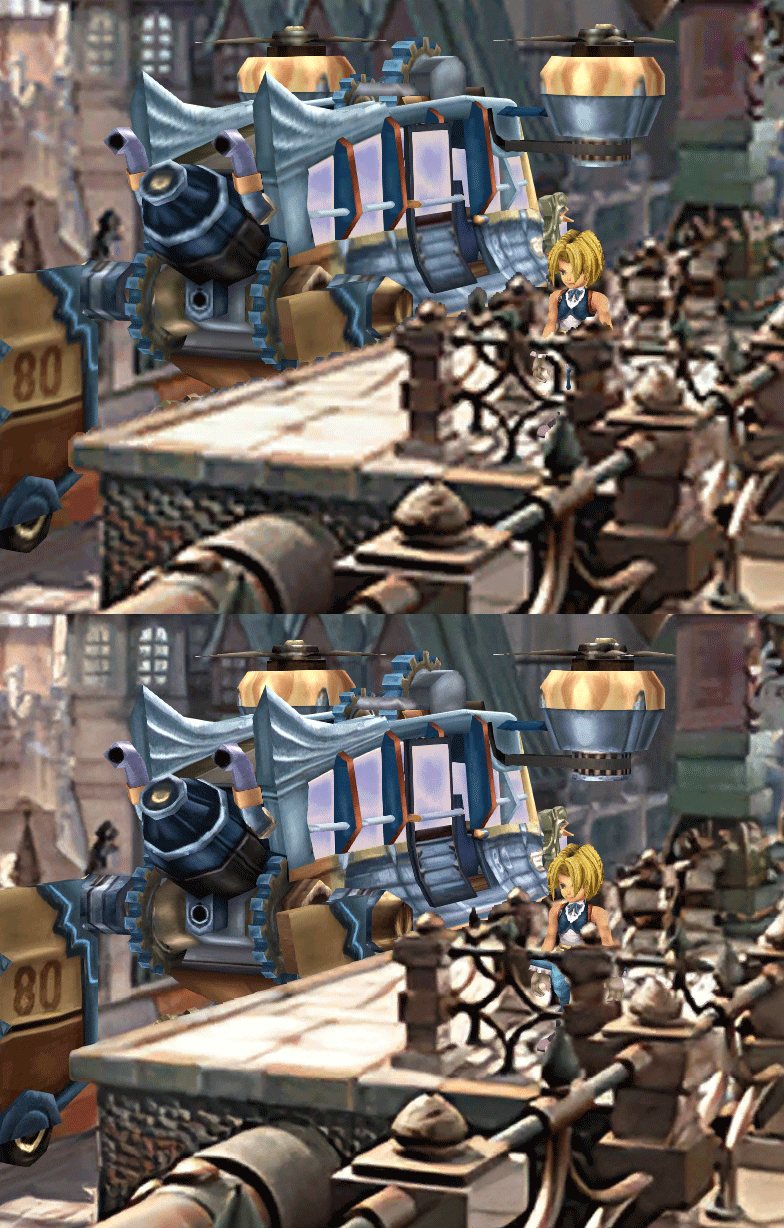
  • Fixed : almost all visual glitches
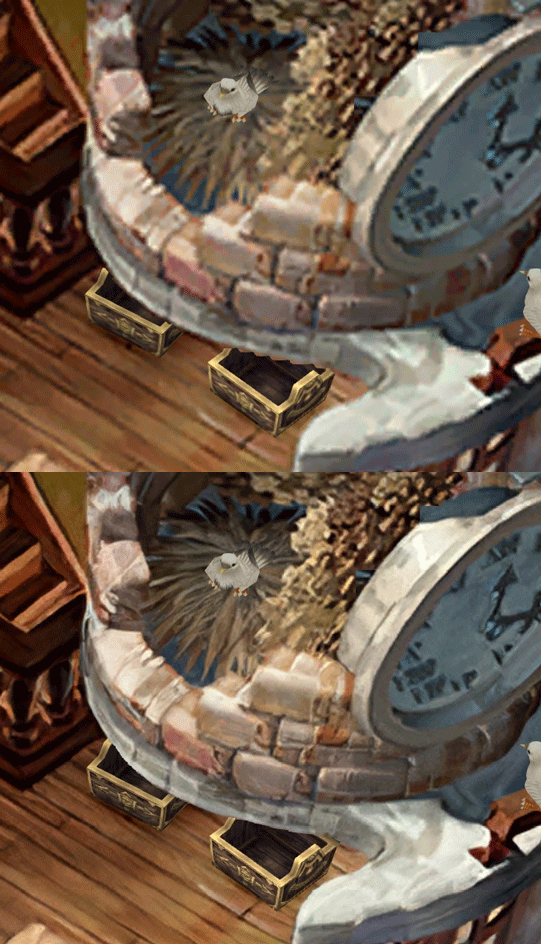
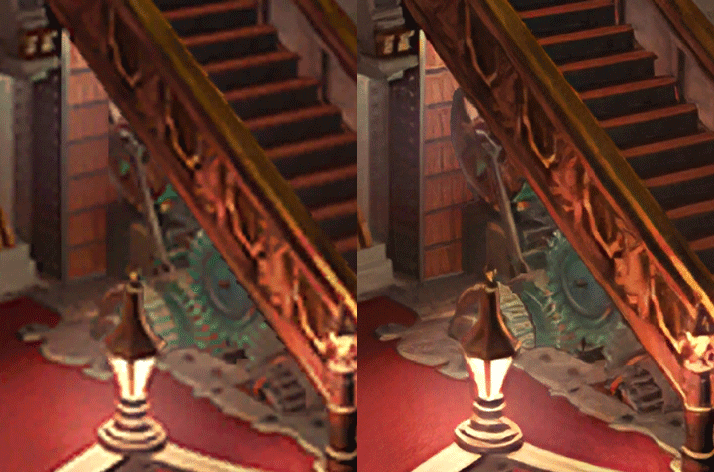
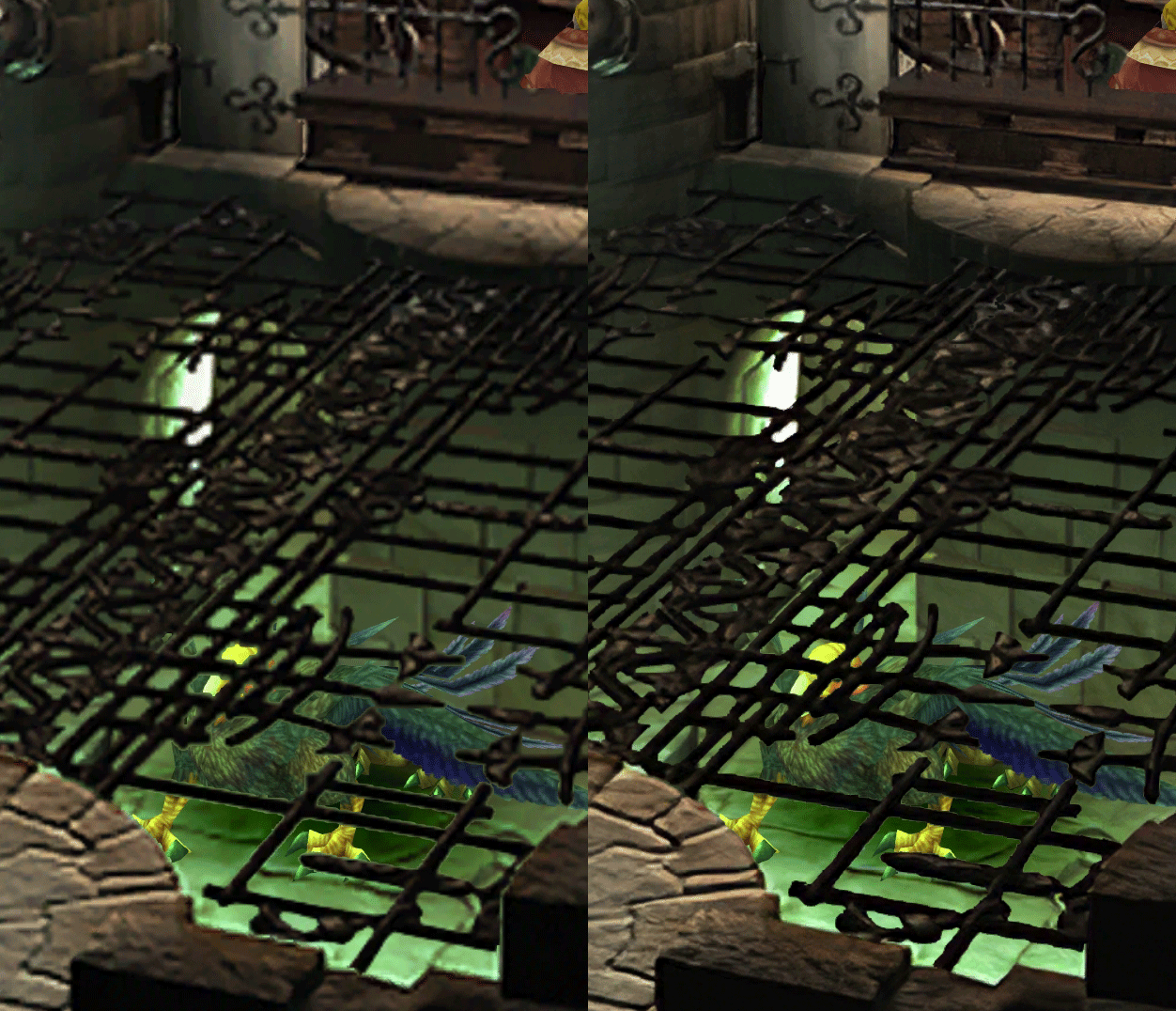
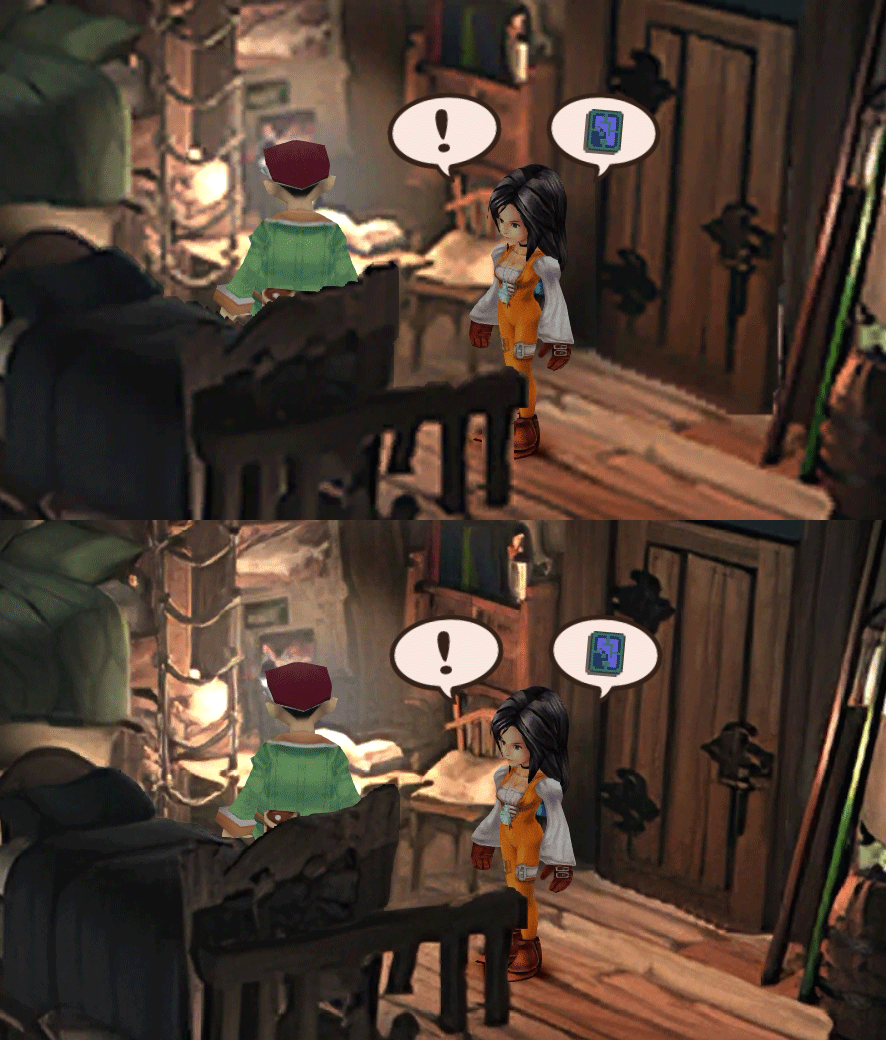
  • Redrawing of all layer edges (all 11000+)
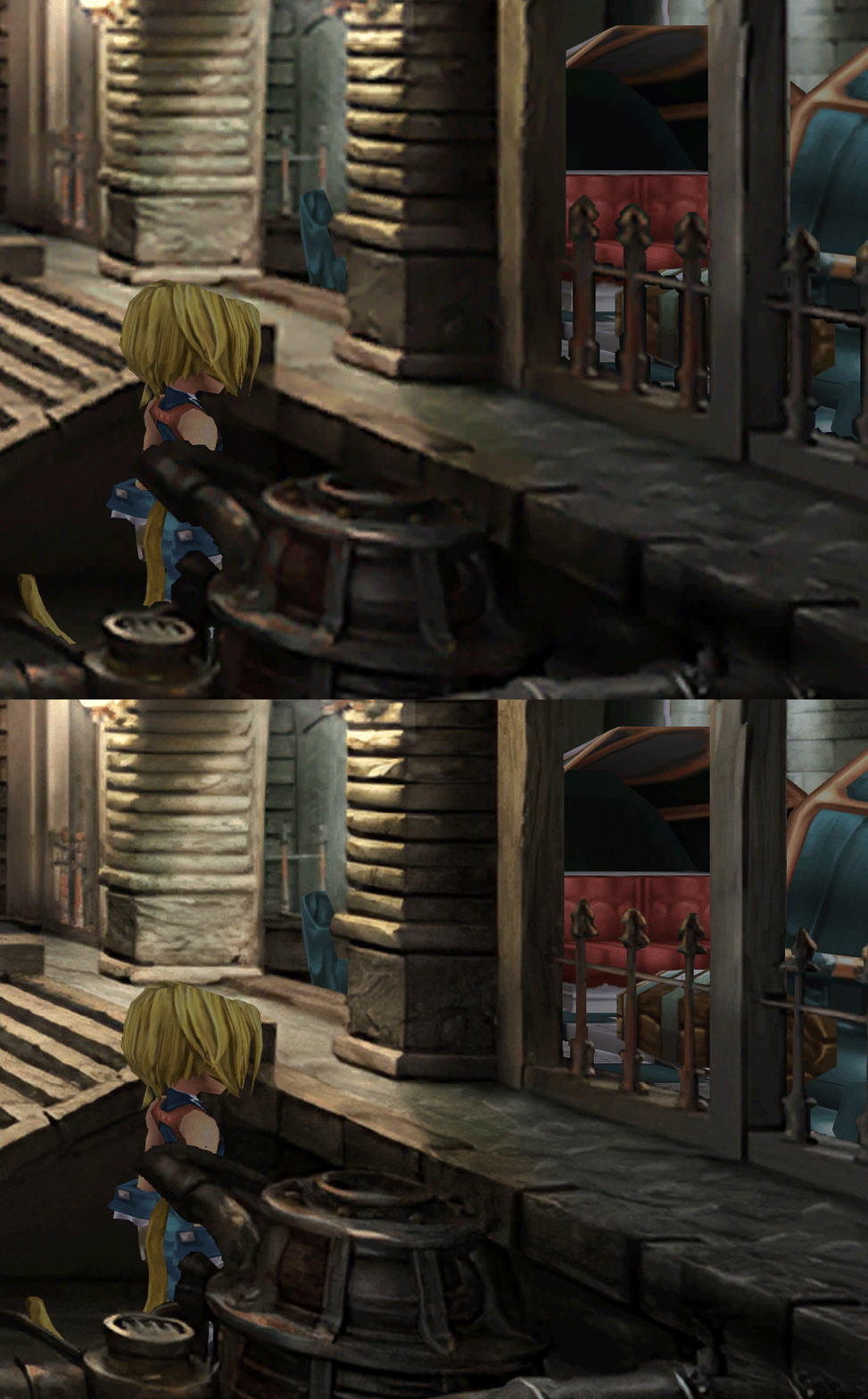
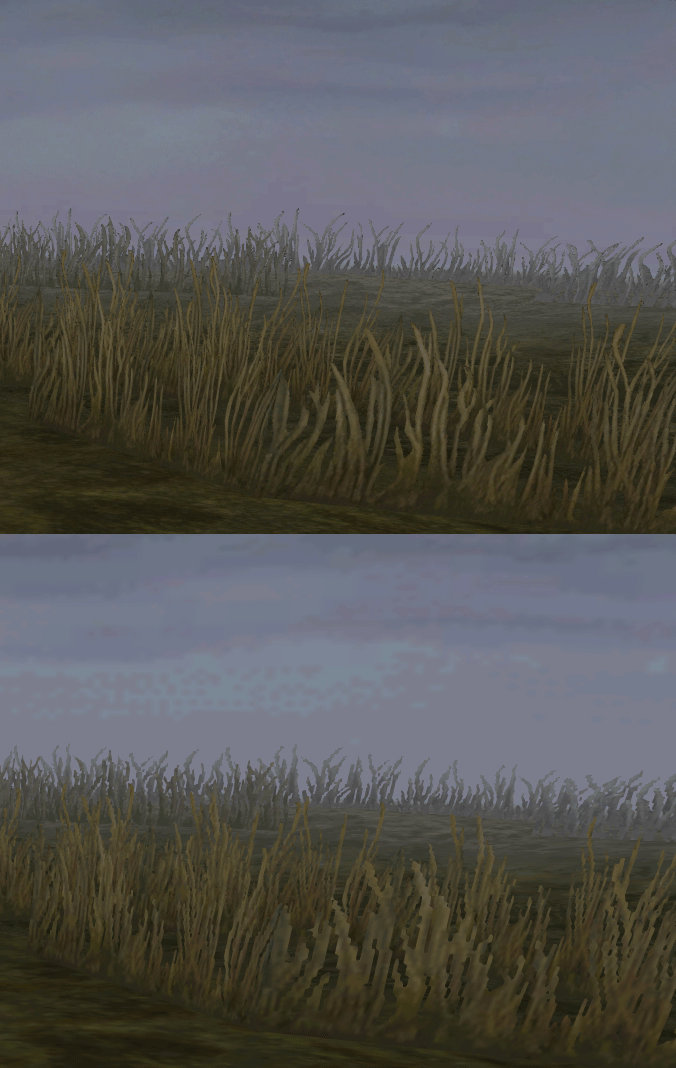
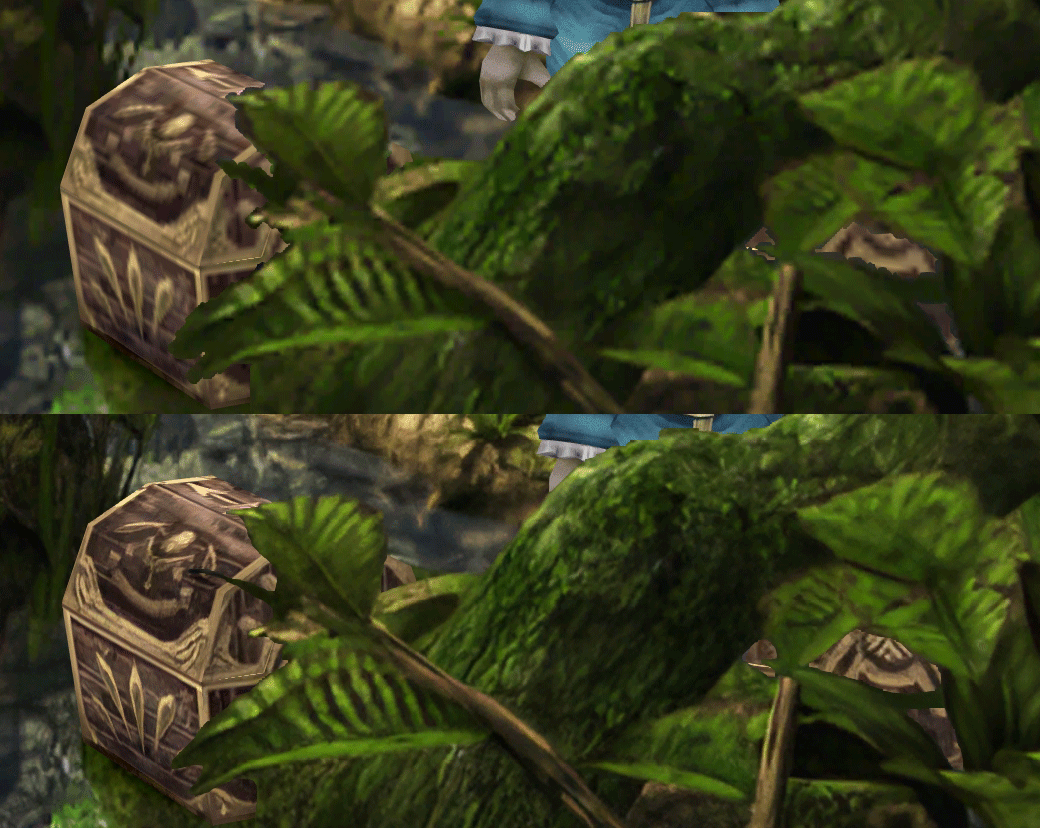
  • Cleaner / sharper graphics (all 6000+)
  • Better & cleaner lighting (all 1400+)
  • Countless manual image doctoring
  • Manually redrawn some parts (some partially based on portfolio images by Wesley Cann & Behrooz Roozbeh)
  • Background animations better integrated
  • Several bugs from the Steam & PSX versions fixed
  • Recreated all places names with original fonts (for English and French, rest to follow)
  • Seamless scrolling skies & backgrounds, removed 'staircase' edges
  • Recreated baked in textures NPCs
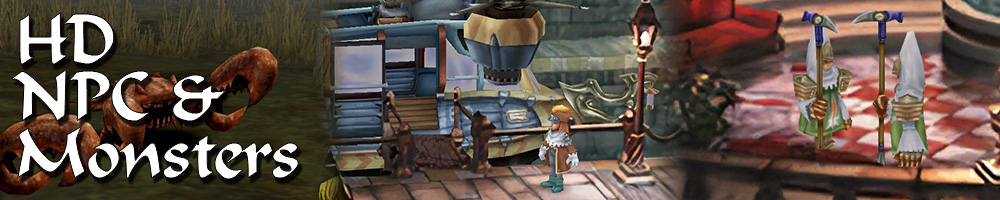
  • Background objects
  • HD background 3D objects
  • HD NPC (with exceptions)
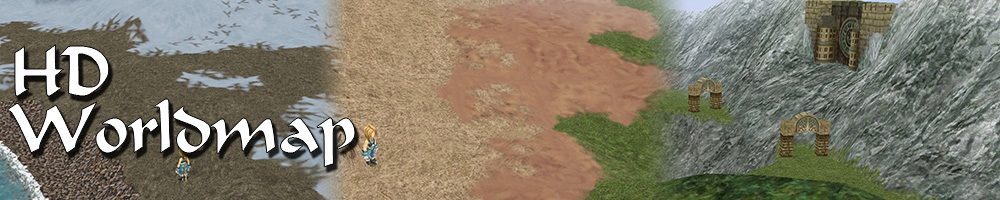
  • Worldmap
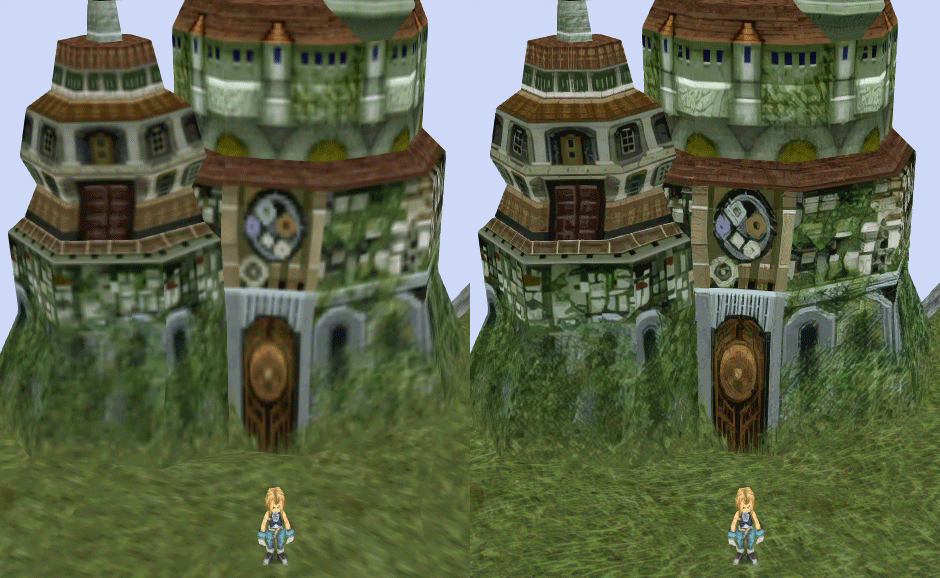
  • HD worldmap textures (upscaled and manually redone, mostly seamless and faithful)
  • Subtly moving seas
  • HD worlmap items (ships...) textures
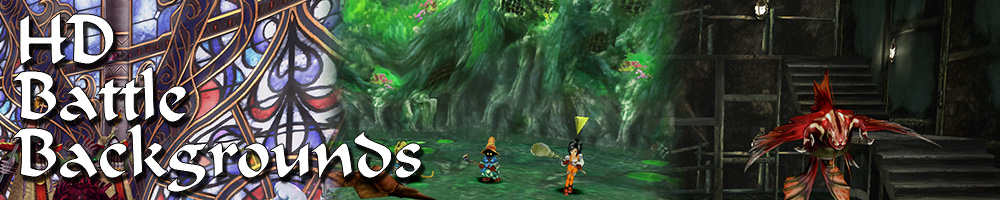
  • Battles
  • HD monsters (with exceptions)
  • HD battlefields with redrawn edges (exceptions for animated textures)
  • Seamless skies (not 100% on point)
  • Fixed missing monster death sounds (credit: Tirlititi)
  • UI
  • Recreated faithful HD maps
  • Recreated Start menu and game over screens
  • Character portraits edges


OLD POST

2020-04-23 - Finally, here's a beta file of the backgrounds!
For those who chose to install it, please screenshot any problem or potential improvement, as major or minor it is.

If you can't post in this thread, you can contact me on reddit


Other parts of the mod available to download:
[size=14pt]NPC & Monsters HD V2 DOWNLOAD
Battle Backgrounds HD V1 DOWNLOAD
Worldmap HD V2 DOWNLOAD
UI Stuff V1 DOWNLOAD
Maybe save the original files beforehand

-------------------------------------------------------------

Hi everyone,

I'm making a thread to track my progress with my reworking of Moguri since June 2019

◈ Finishing touches, corrections & testing ◈
chat_loader.gif

◈ Backgrounds masks (redrawing by hand) ◈
⬛⬛⬛⬛⬛⬛⬛⬛⬛⬛⬛⬛⬛⬛⬛⬛⬛⬛⬛⬛ | 100% | 678/678

◈ Blended/light layers upscaling ◈
⬛⬛⬛⬛⬛⬛⬛⬛⬛⬛ | 100% | 1479/1479

◈ Re-drawing of transparency for fight scenes textures ◈
⬛⬛⬛⬛⬛⬛⬛⬛⬛⬛ | 100% | 186/186

◈ Monster texture upscaling ◈
⬛⬛⬛⬛⬛⬛⬛⬛⬛⬛ | 100% | 124/124

◈ NPC texture upscaling ◈
⬛⬛⬛⬛⬛⬛⬛⬛⬛⬛ | 100% | 150/150

◈ Item on field texure upscaling ◈
⬛⬛⬛⬛⬛⬛⬛⬛⬛⬛ | 100% | 101/101

◈ Worldmap re-texture ◈
https://www.ff7catalog.com/threads/13434/
⬛⬛⬛⬛⬛⬛⬛⬛⬛⬛ | 100%

◈ Place names upscaling (when introduced to a new place) ◈
⬛⬛⬛⬛⬛⬛⬛⬛⬛⬛ | 100% | 44/44


◈ (background) Videos improvement ◈
(⬜⬜⬜⬜⬜⬜⬜⬜⬜⬜⬜⬜⬜⬜⬜⬜⬜⬜ | 0/18) -> might try this in a next update

◈ Extra ◈
-Backgrounds were improved with various ESRGAN models
-Numerous visual corrections
-Upstairs of Dali's Windmill debugged / recreated
-Removed seams in scrolling sky/smoke/sand textures.
-re-created a lot of sky textures for fight scenes, making them seamless and beautiful: 64
-regenerated the battle textures to remove white outlines
-corrected a bug with animated textures in battle scenes
-Multiple other bugs ironed out

◈ Ideas for later ◈
-drawing shadows for some chests/items
-look if I can improve fluidity of the videos with AI video interpolation: https://github.com/sniklaus/pytorch-sepconv (can't make it work yet)
-upscale contextual FMVs?
[/size]
SCREENSHOTS

Click to enlarge
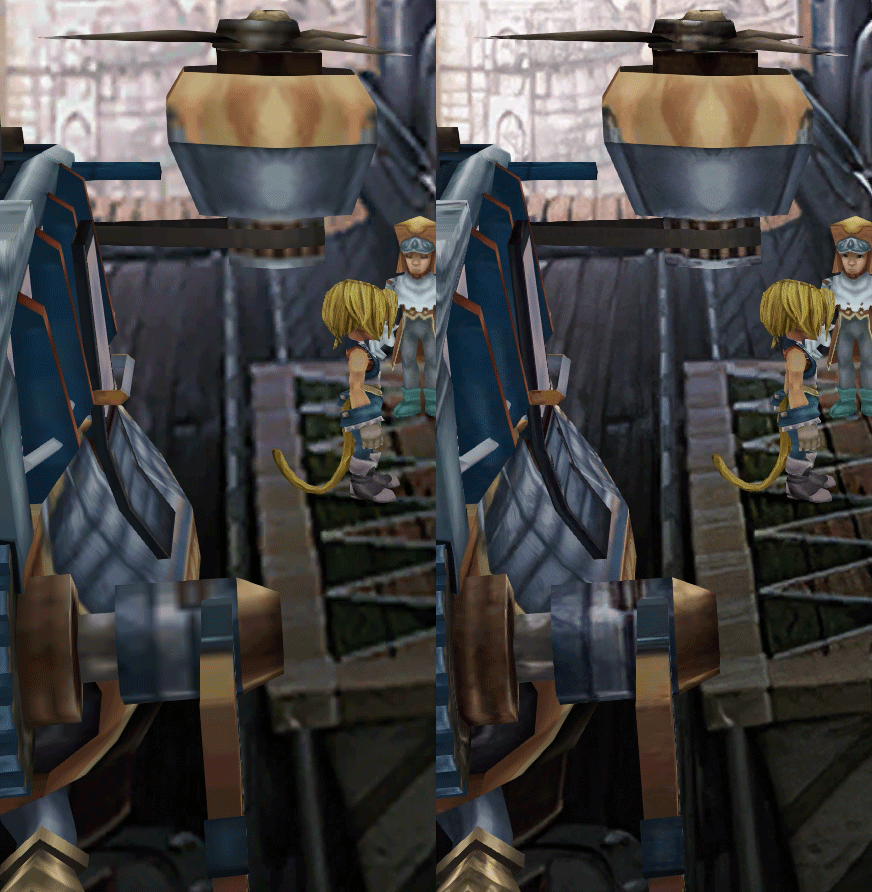
K78WnLu.gif

10pTbFs.gif
E8YADyT.gif
6RS2mEC.gif
OsoRNFn.gif
MVfMxaM.gif
uphBfuD.gif
YGwOCGG.gif
skQq07o.gif
xIcTyUR.gif
Z6k2Zyt.gif
XqomUcu.gif
SSBTwSa.gif
1GGTsJM.gif
eaTQUVb.gif
qKjYKR1.gif
13yOtwo.gif
 
Last edited:
A
AAAH come on : (
I'll do a separate archive and put it on mega.
Never ending problems I guess :P

While I have your attention, I noticed that with both the Vanilla game and with 8.0 V4 at least, some text auto scrolls. Like when I am in the "I want to be your canary" play, the text auto scrolls and very fast too, can't even read it in time.
When I replace the Assembly-CSharp.dll (which I was lead to believe was supposed to fix the BGM loop) it actually stops the auto scroll of text (but i'm not sure what replacing this file messes with)
YET when I try the official BGM loops fix, which also includes a Assembly-CSharp.dll file.... the text goes back to auto scrolling.

Are you, or anyone else able to shed any light on this? I'm still rather new to all this and really have no idea what i'm doing lol.
What im hoping for out of an experience for my wife and I playing through are:

1: The crisp backgrounds
2: Widescreen support without the weird analog problem i've had recently
3: BGM loop fix
4: (optional) UI that doesn't take up 40% of the screen..though i've almost given up on this...

To me that's a perfect experience :P
 
Last edited:
A
Actually, anyone with a google account can clone the file to their own Google Drive and download that clone, bypassing that restriction

First make a shortcut of snouz's file to your drive then go into your drive, find the shortcut there and click "make a copy".
I did try to do that using Zip extractor (I think?) but it says "Unable to open Zip File, There was a problem with the server request; please try again (downloadQuotaExceeded)"

Don't see any other options on the screen to make a copy

Edit: So I googled how to "Make a copy" and did it...but that didn't seem to work either... :P Yeeesh. I guess too many people got hyped to download and try this haha. Just getting the same problem "Download limit exceeded for this file"
Edit 2: After clicking "Make a copy" then you double click on it and hit download. Seemed to start this time :P all these edits for anyone else that runs into this issue today. Now I can start playing around with this version :D
 
Last edited:
S
Wow the new FMVs and background scene transitions look stellar with this update.

I found an issue with the new FMVs when using the title menu movie replay menu.  When playing through the game normally the FMVs play perfectly (despite stopping a few frames early) but when replaying FMVs through the title menu option the scenes seem to play at less than half the speed while desyncing with audio.  Sometimes they work great, but randomly and very consistently it does this, with each replay (or even the initial selection of the scene) playing slower and slower. 

I have a lazily recorded and uploaded a link here to show what I mean (forgive me for the quality):


First it plays perfectly and at 0:53 when I replay it just watch and see.  Just something I thought might want to be known prior to releasing Moguri 8.

Again I haven't encountered this during normal game play yet just while using the replay function in the title menu, but I'm only on disc 1 currently.  If I find any other issues I'll be certain to let you know!  Can't wait to see some of these scenes again with the new and improved quality, looks great so far!
 
A
Finally got everything working :D If I find anything i'll be sure to post it.

as an aside, I noticed in the installation read me that it says Alternate Fantasy will be compatible "Soon". If it's not too pushy to ask..how soon is soon?

A week? A month? 3 months? just so I know if I should hold out on a complete play through or not :P
 
S
Finally got everything working :D If I find anything i'll be sure to post it.

as an aside, I noticed in the installation read me that it says Alternate Fantasy will be compatible "Soon". If it's not too pushy to ask..how soon is soon?

A week? A month? 3 months? just so I know if I should hold out on a complete play through or not :P
Depends on Tirlititi. I'll assist him if needed, but as I understand it, he's in the middle a busy life right now.
 
A
Depends on Tirlititi. I'll assist him if needed, but as I understand it, he's in the middle a busy life right now.
Ah no worries. Do you know if you need to start a new file for Alternate Fantasy? for example, if I just play normally, then mod in AF later, will that be fine?
 
Q
The bug with FMVs also appearing in title screen video - each subsequent time it is more and more slower. And it seems to me that FMVs a little bit faster then before, but maybe I am wrong with that.

Also there is no oglop in Blank's hands at the start of the game:

e708387398e7.jpg
 
E
Are the black bars supposed to be there? Im in the beginning in alexandria. The black bars makes it 4:3 but when I press pause the black bars are removed and I see there is an actual 16:9 background there? It only happens on certain screens. Is this a bug?
Also, couldn't find info anywhere. Are the Steam achievements still working with this mod?
tyty
 
Last edited:
G
The d-pad issue (which I've seen people comment may also affect shoulder buttons?) went away for me, when I configured the game's properties in Steam, disabling the Steam Overlay and forcing Per-Game Input Settings on. I also configured the input to rotate the overworld camera with the right stick, but that's just a personal preference.
 
Last edited:
S
It's normal that a lot of backgrounds are forced narrow screen, because they would appear glitchy on 16/9 with characters apprearing on bars etc. I personally created the list of excluded fields.

If someone with coding knowledge wants to have a go at making more scenes compatible with widescreen, here's the ticket:
https://github.com/Albeoris/Memoria/issues/115

Memoria is an open project!
 
X
Please look, can something else be fixed from this?
Something already fixed:
Position No. 8 3:22
Position No. 12 5:43
Position No. 9 3:51

 
E
The d-pad issue (which I've seen people comment may also affect shoulder buttons?) went away for me, when I configured the game's properties in Steam, disabling the Steam Overlay and forcing Per-Game Input Settings on. I also configured the input to rotate the overworld camera with the right stick, but that's just a personal preference.
That did it, thanks a lot!

snouz: Marker when saving is overlapping the text, bug or intended? :)

https://imgur.com/a/3dYcRyn
 
D
After loading a save Textboxes are starting to be blank or broken up with missing Letters, tried disabling the font and/or changing game Language - any idea for a fix ?

https://gyazo.com/8b5bb5e044d27e045c88799650077317

Edit: Starting a new game seems to have fixed it, heres hoping then it doesnt happen again ^^
 
Last edited:
P
I’m wondering if anybody had the same problem as me: I am using a Nintendo Switch Pro controller which is normally supported by steam and works perfectly fine with the vanilla game and with the old Memoria that came with Moguri mod v7.
The latest version of Memoria however seems to completely break the controller. When I launch the game with the controller already plugged in the A button is spammed automatically and if I plug it only after loading into the game only the A button and the left analog stick seem to work.
I tried disabling the “analog” part of Memoria.ini but it didn’t do anything.
Is this a known issue? Can anyone suggest a fix?
If nothing solves it I’ll go back to the older Memoria and try to use only the new assets like we did until v5. Thanks a lot to whoever offers advice!
 
F
Thanks for your fantastic work !

My side, since I installed the BETA V5 over the regular Moguri download, the battle seems to be at speed 2 or 3 and I can't figure how to restore normal speed for battle even after wandering in Memoria.ini.... any advices ?

EDIT : Ok my problem seems to be solved ! In Memoria.ini I changed Battle FPS from 24 to 12 and it looks like original speed

The font Alexandria works great but again, after installing the BETA V5 the soundtracks from the regular Moguri doesn't work anymore, any idea about how to get them back ?

Thank you so much !

F
 
Last edited:
C
The bug with FMVs also appearing in title screen video - each subsequent time it is more and more slower. And it seems to me that FMVs a little bit faster then before, but maybe I am wrong with that.

Also there is no oglop in Blank's hands at the start of the game:
Video issue has already been fixed in latest memoria. The oglop has never been there since PSX so must be added and coded from scratch, which might be tricky
 
Last edited:
S
The bug with FMVs also appearing in title screen video - each subsequent time it is more and more slower. And it seems to me that FMVs a little bit faster then before, but maybe I am wrong with that.
You're absolutely right each time the title video plays it gets slower each time.  This would explain why the post I made about playing the videos from the title menu won't play right, it's because the title video already engaged some sort of function that effects the frame rate on the FMV.  Whatever this function does to the original value it isn't always being reset after the previous video finishes playing.  I'm curious if you skipped an FMV during normal gameplay if the next FMV to play in the story would be effected if you didn't restart your game, load a new file, or go back to the title menu.

Either way this actually does seem to effect normal gameplay during the end of the game. After the FMV where the Hilda Guarde leaves Zidane at the Iifa tree.  This problem slows down the already odd video where Zidane runs on the vines.  You can see what I encountered here:


Again excuse my lazy uploading with 0 editing off of my phone, but the timing is off which causes his character model to not know what to do/where to be.

After this happens the final FMV where Garnet and Zidane embrace plays at normal speed, but whatever value, that I'm referring to earlier in this post, never gets reset and this effects the final credits in the same way as the vine video and it's slowed down as well.  This can be seen here:


Now I may be making assumptions as I've never seen the code for this, but that seems to be the case from what I can see.  I'll try to see if I can induce this fault during normal gameplay in different ways.  Sorry for the lengthy post!
 
D
SummitBreaker, have you tried the latest version (check the box in the launcher for check for updates)?
 
Q
Video issue fixed in latest memoria. The oglop has never been there since PSX so must be added and coded from scratch, which might be tricky
Great to see such fast fixes, thanks for your work!

But I'm pretty sure that oglop is there in Steam version (or at least in previous Moguri builds), because I never played in PSX, but do remember oglop in Blank's hands.
 
Status
Not open for further replies.
Back
Top