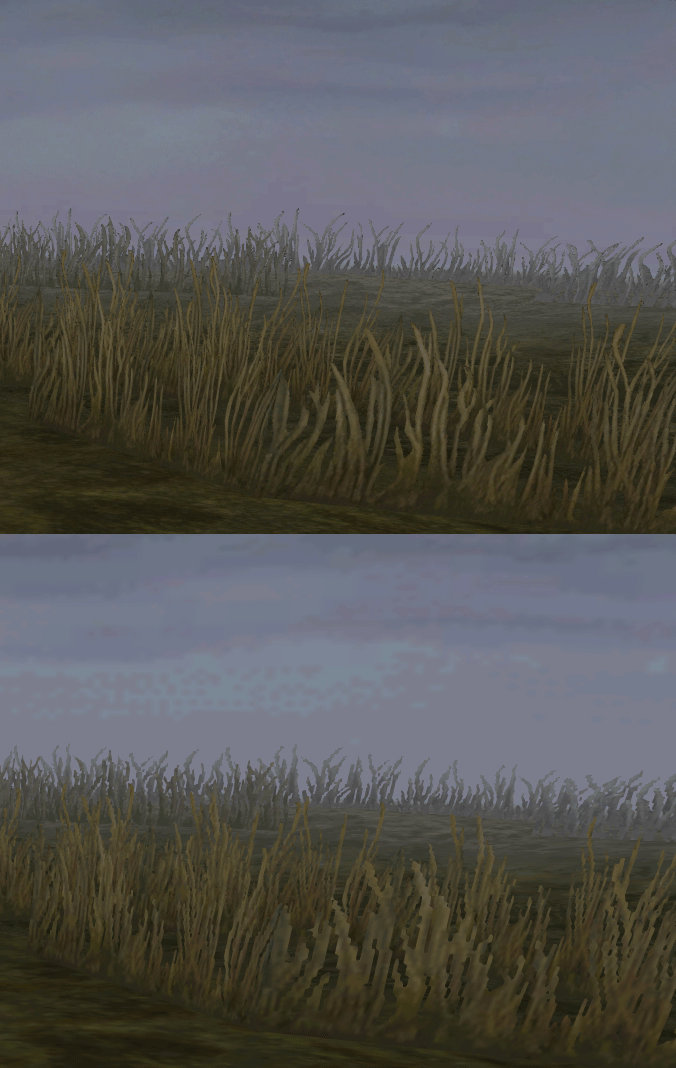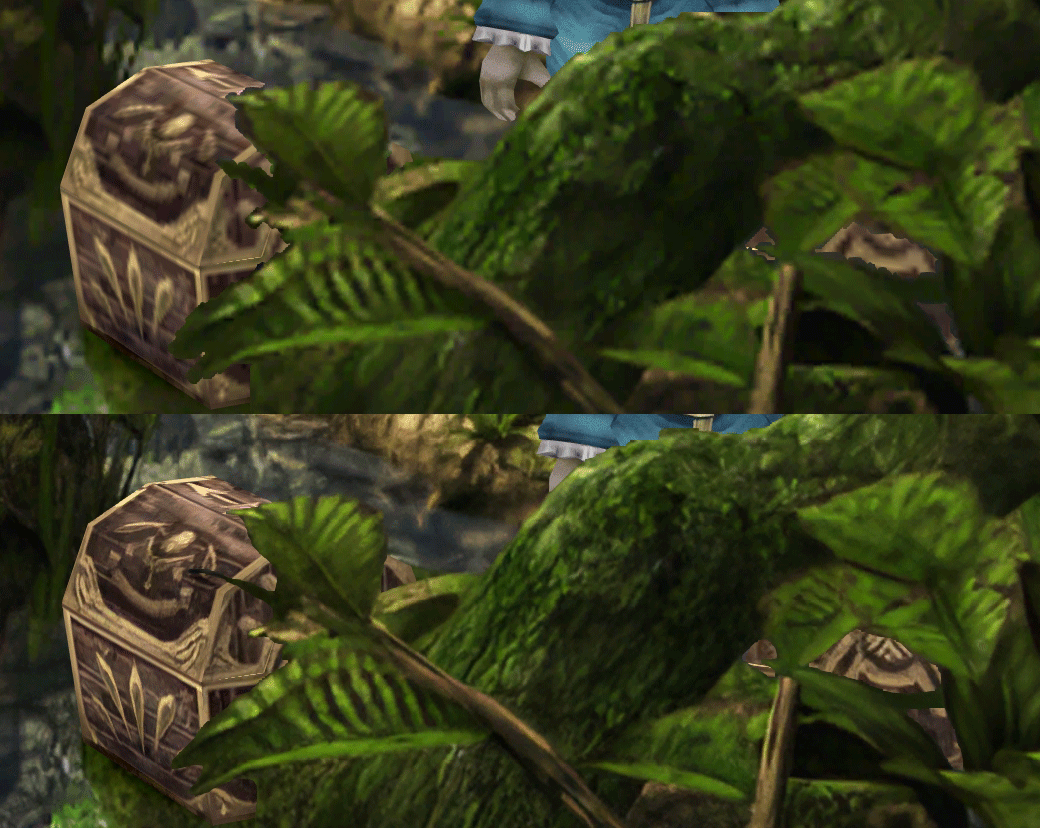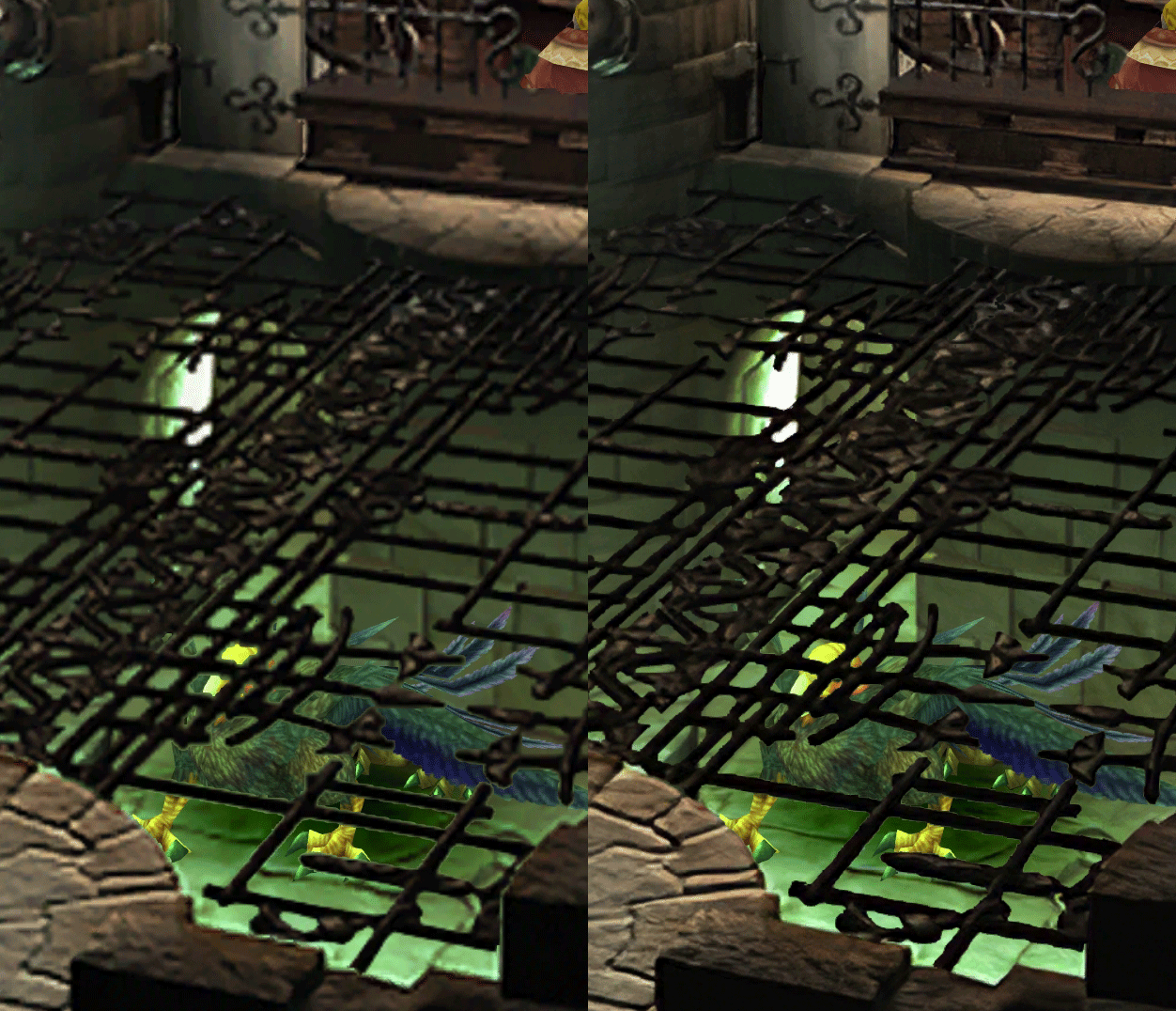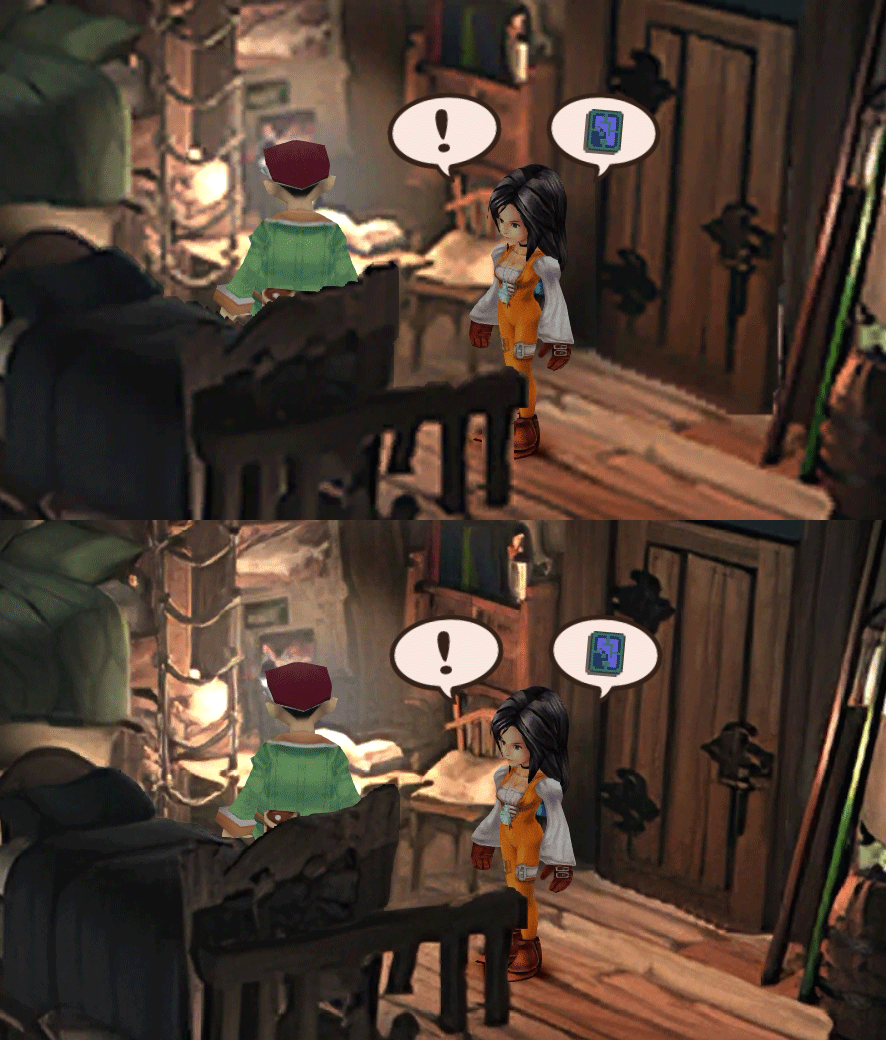
[FF9 PC] Moguri Mod update 8.2 (LIVE ON OFFICIAL SITE)

  • Thread starter Thread starter snouz
  • Start date Start date
Status
Not open for further replies.
s6YQdFA.jpg
eY0jRJ9.jpg
Kr5wC8e.jpg
lc1gfLK.jpg
JrssSrE.jpg


D O W N L O A D

THE UPDATE HAS NOW GONE LIVE OFFICIALLY


NEW 2020-05-23 - MOGURI 8 BETA V5 changelog -> Make a shortcut of the file to your drive then go into your drive, find the shortcut there and click "make a copy"
(outdated) 2020-05-11 - MOGURI 8 BETA V4 changelog
(outdated) 2020-05-04 - MOGURI 8 BETA V3 changelog
(outdated) 2020-04-28 - MOGURI 8 BETA V2 changelog
(outdated) 2020-04-23 - MOGURI 8 BETA V1


I N S T A L L _ G U I D E

[size=10pt]IF YOU DON'T HAVE MOGURI INSTALLED
1) Extract and replace the files in the .zip to SteamLibrary\steamapps\common\FINAL FANTASY IX\

IF YOU HAVE MOGURI INSTALLED (not required!)
1) If you installed it before 2020-04-2, uninstall and re-install Moguri again (SquareEnix pushed a Steam update that temporarily broke the game and Moguri)
2) Extract the content of StreamingAssets in \Program Files (x86)\Moguri Mod\StreamingAssets\
3) Extract \x64\FF9_Data\resources.assets & \x64\FF9_Data\sharedassets2.assets to SteamLibrary\steamapps\common\FINAL FANTASY IX\x64\FF9_Data\
   but DON'T replace Assembly-CSharp.dll

To check you have the right version, here's how the first frame should look
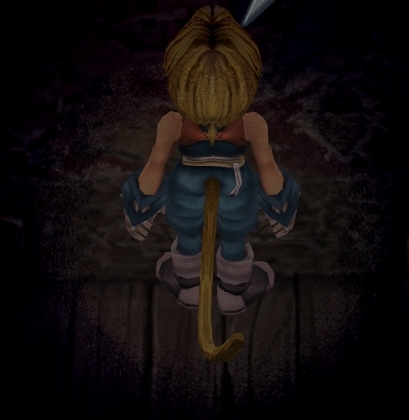
X6tHnEA.jpg


1) In steam, right click the game, go to "properties...", go to the LOCAL FILES tab, click VERIFY INTEGRITY OF GAME FILES. This will re-download the original files, but your saves are still intact.


p0data2.bin - Battle backgrounds
p0data3.bin - Worldmap textures
p0data4.bin - NPC, monsters and background items
p0data11.bin to p0data19.bin - Main backgrounds
resources.assets & sharedassets2.assets - UI stuff (maps, title screen...)
Assembly-CSharp.dll - The patched file that allows for the augmented resolution of backgrounds. (The one here and the one in moguri are different)

Note: If you have uninstalled Moguri and/or Memoria and you have names like ZidaneZidane, ViviVivi, you can salvage your save with this tool: https://www.ff7catalog.com/threads/7672/
Note: Alternate Fantasy is not currently supported.
[/size]


F E A T U R E S

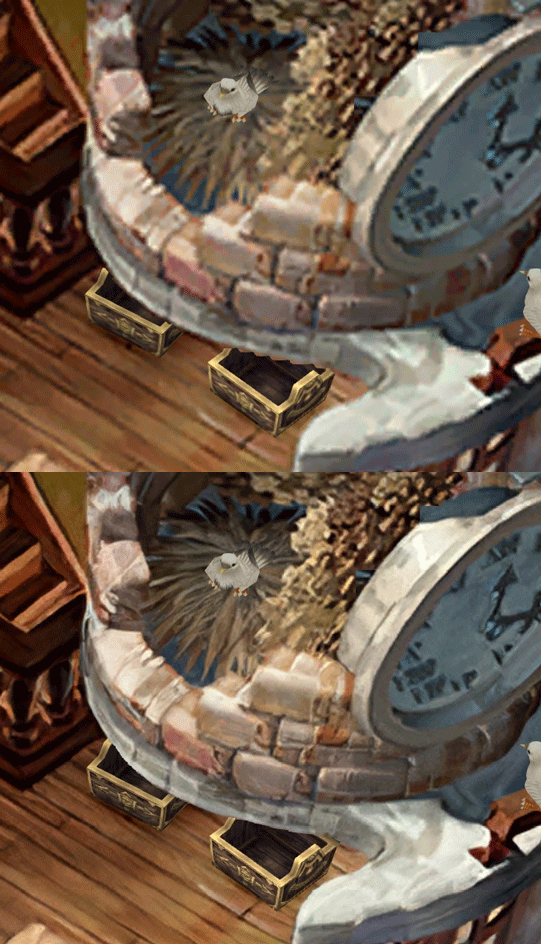
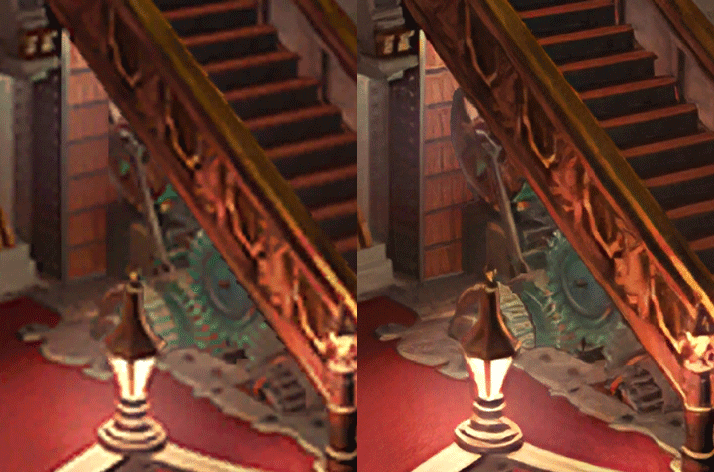
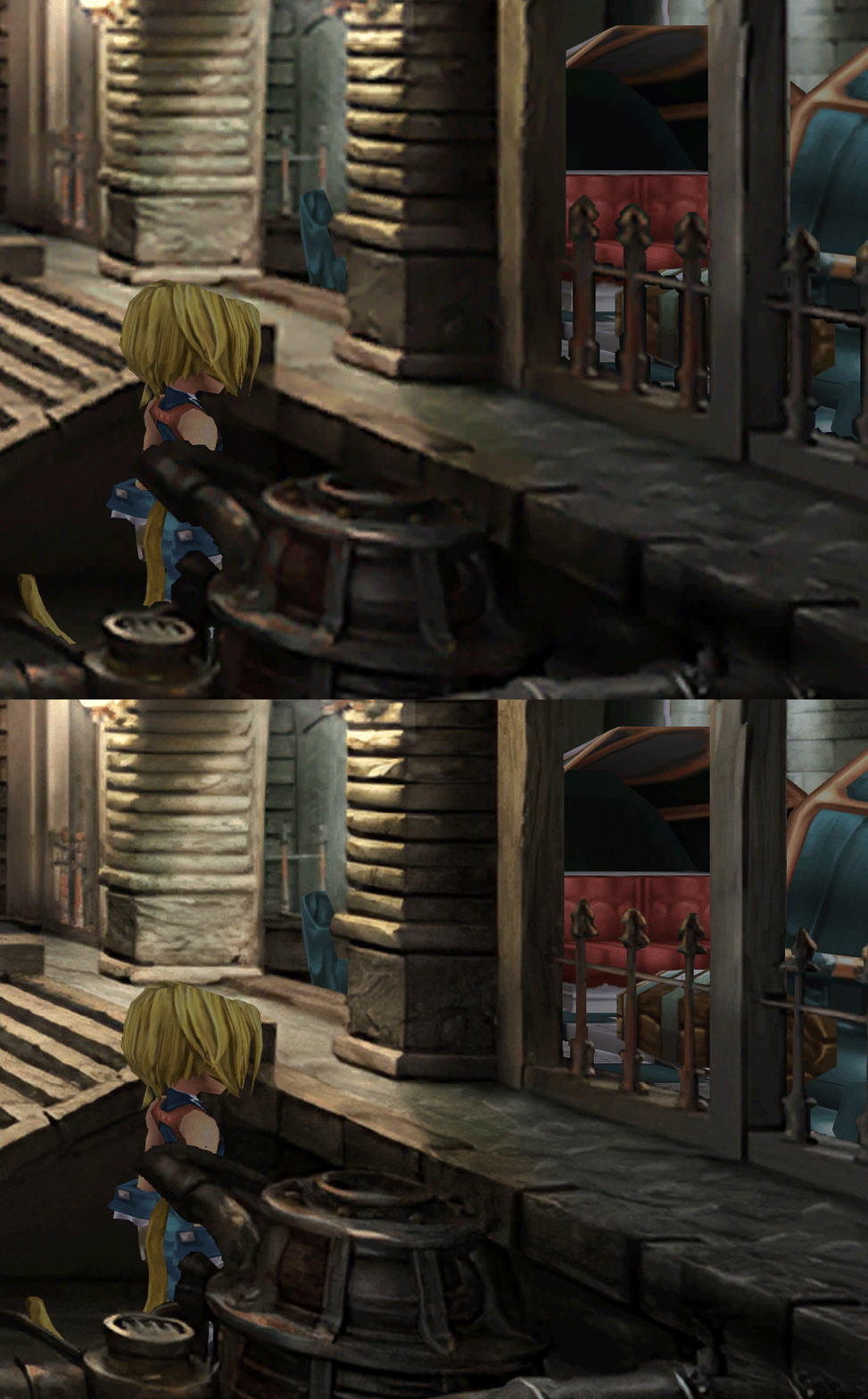
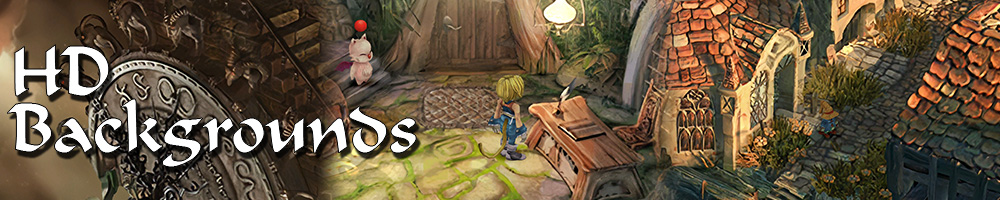
  • Backgrounds
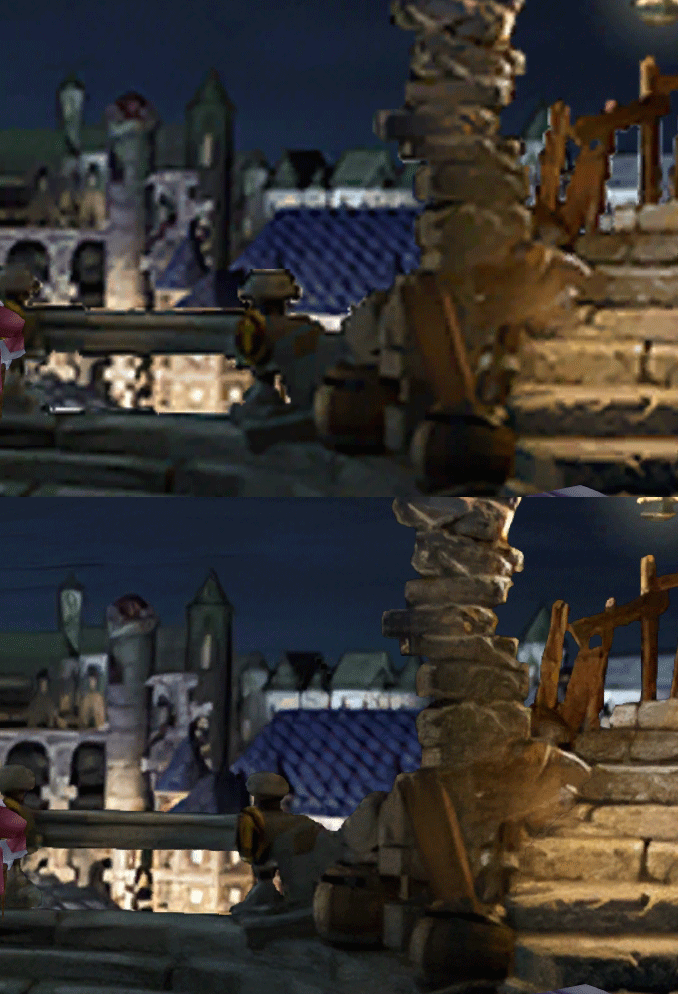
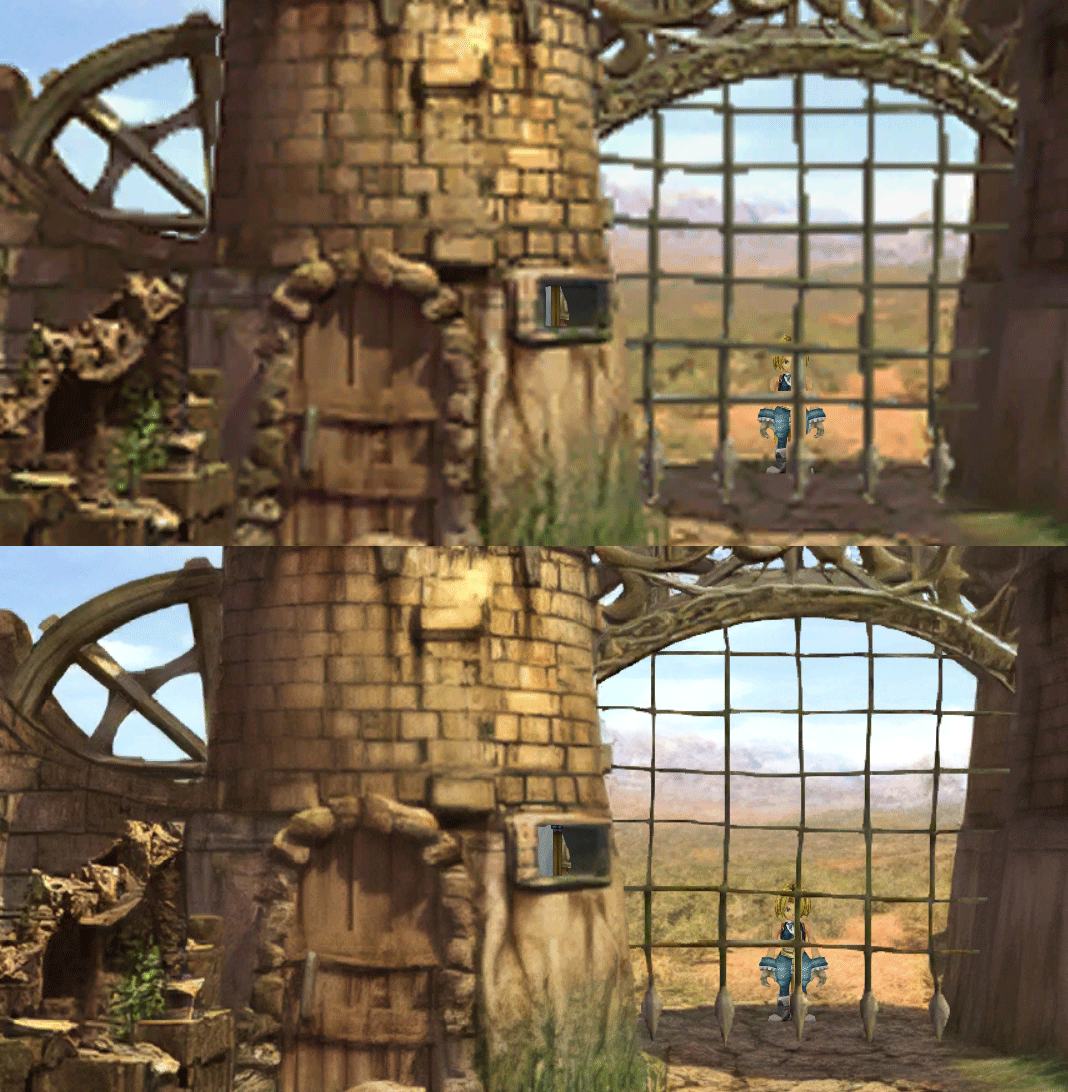
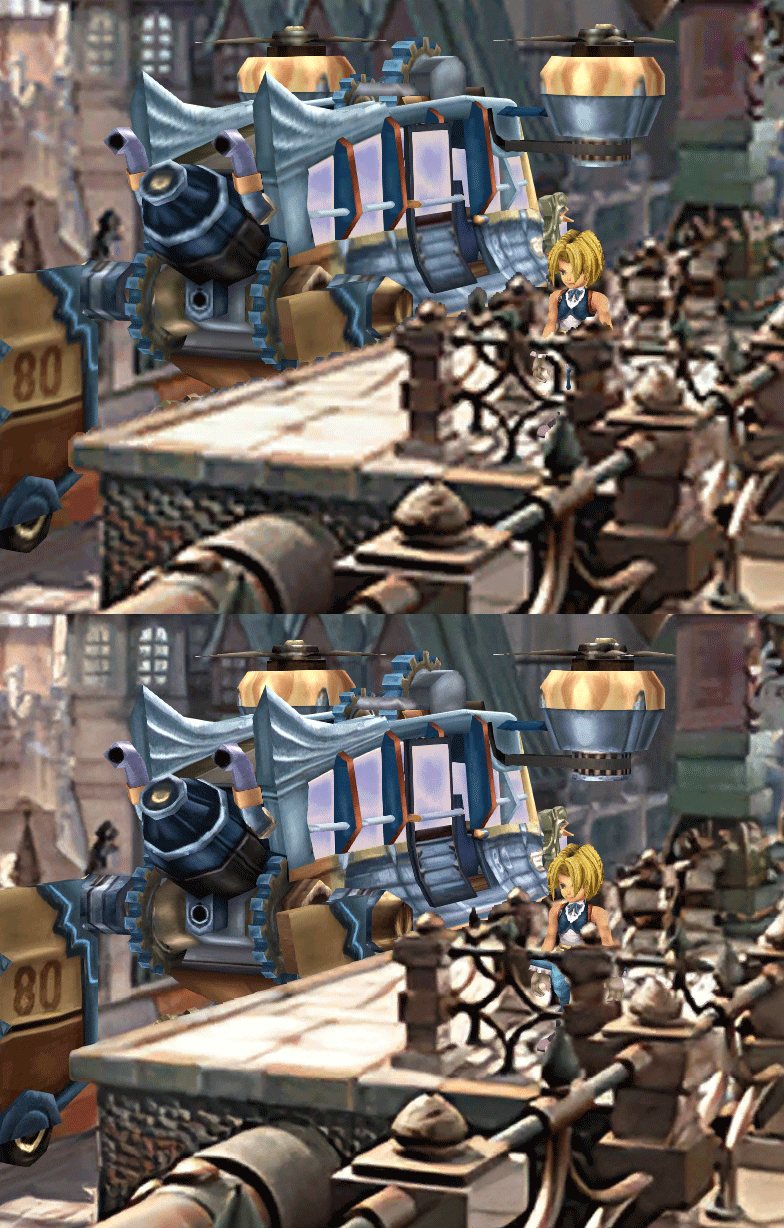
  • Fixed : almost all visual glitches
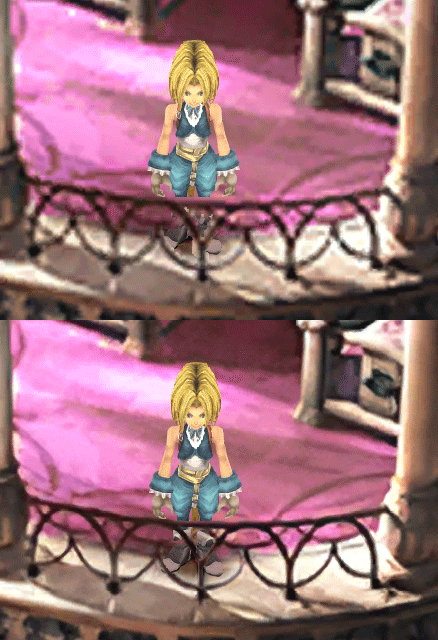
  • Redrawing of all layer edges (all 11000+)
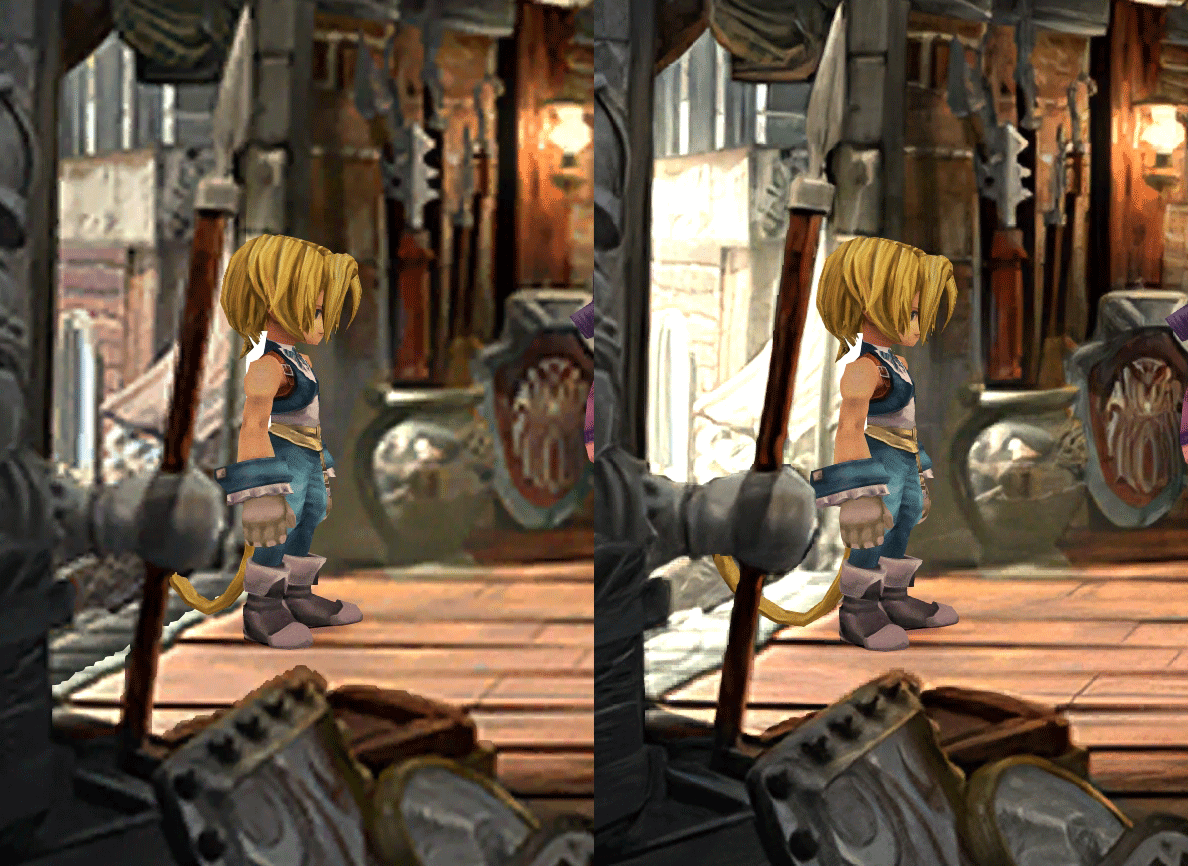
  • Cleaner / sharper graphics (all 6000+)
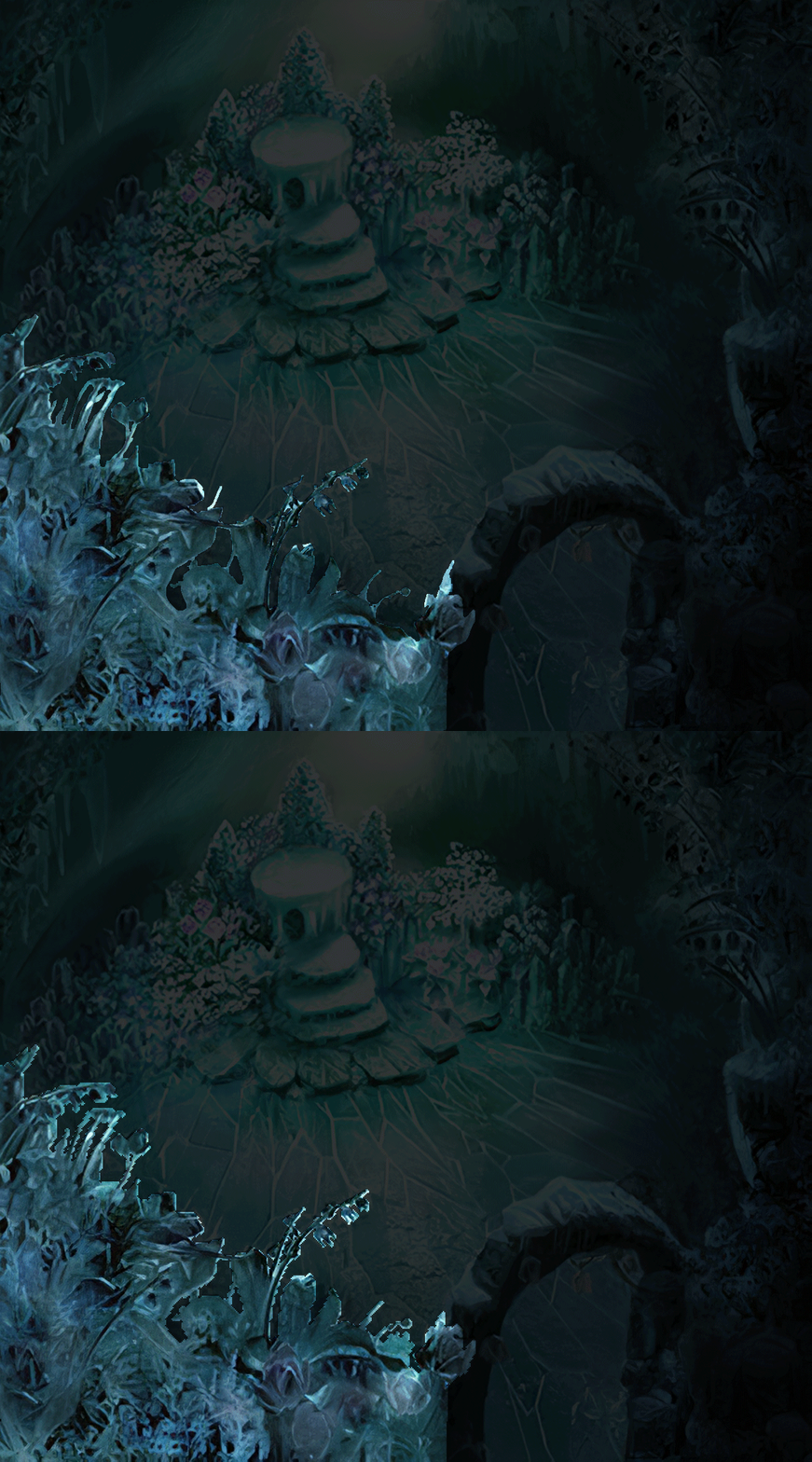
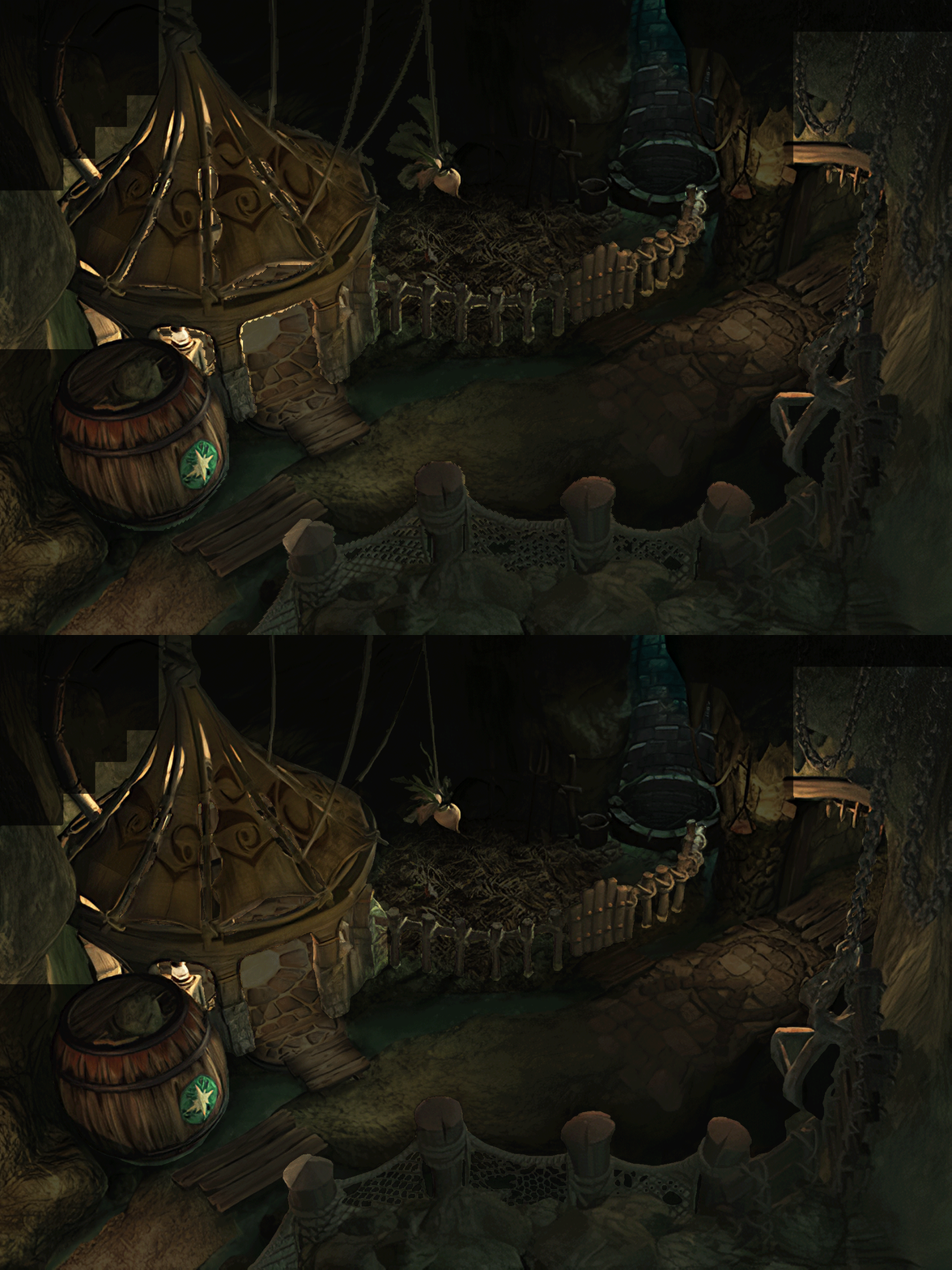
  • Better & cleaner lighting (all 1400+)
  • Countless manual image doctoring
  • Manually redrawn some parts (some partially based on portfolio images by Wesley Cann & Behrooz Roozbeh)
  • Background animations better integrated
  • Several bugs from the Steam & PSX versions fixed
  • Recreated all places names with original fonts (for English and French, rest to follow)
  • Seamless scrolling skies & backgrounds, removed 'staircase' edges
  • Recreated baked in textures NPCs
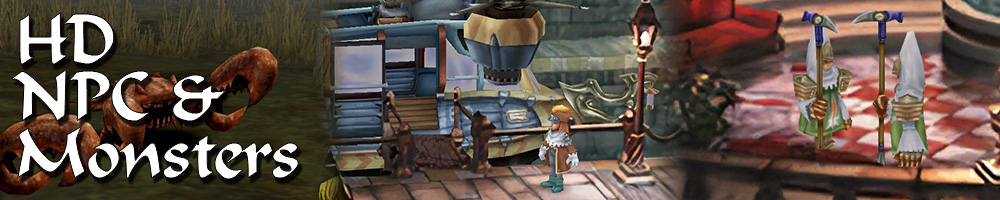
  • Background objects
  • HD background 3D objects
  • HD NPC (with exceptions)
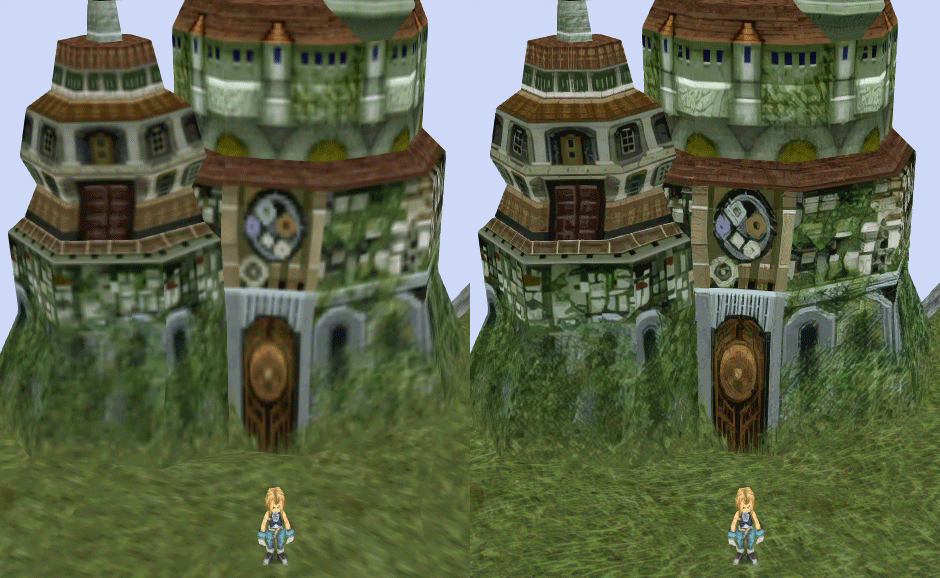
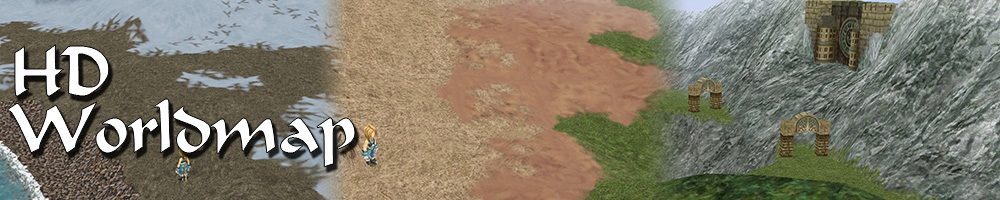
  • Worldmap
  • HD worldmap textures (upscaled and manually redone, mostly seamless and faithful)
  • Subtly moving seas
  • HD worlmap items (ships...) textures
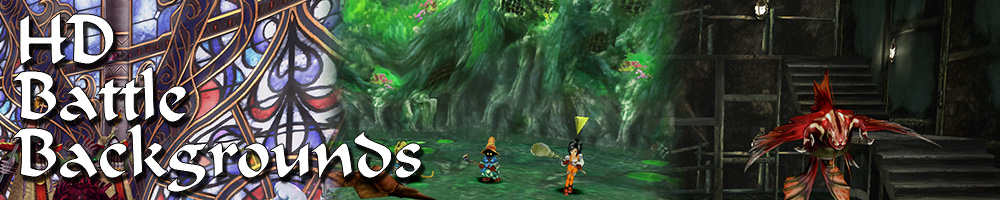
  • Battles
  • HD monsters (with exceptions)
  • HD battlefields with redrawn edges (exceptions for animated textures)
  • Seamless skies (not 100% on point)
  • Fixed missing monster death sounds (credit: Tirlititi)
  • UI
  • Recreated faithful HD maps
  • Recreated Start menu and game over screens
  • Character portraits edges


OLD POST

2020-04-23 - Finally, here's a beta file of the backgrounds!
For those who chose to install it, please screenshot any problem or potential improvement, as major or minor it is.

If you can't post in this thread, you can contact me on reddit


Other parts of the mod available to download:
[size=14pt]NPC & Monsters HD V2 DOWNLOAD
Battle Backgrounds HD V1 DOWNLOAD
Worldmap HD V2 DOWNLOAD
UI Stuff V1 DOWNLOAD
Maybe save the original files beforehand

-------------------------------------------------------------

Hi everyone,

I'm making a thread to track my progress with my reworking of Moguri since June 2019

◈ Finishing touches, corrections & testing ◈
chat_loader.gif

◈ Backgrounds masks (redrawing by hand) ◈
⬛⬛⬛⬛⬛⬛⬛⬛⬛⬛⬛⬛⬛⬛⬛⬛⬛⬛⬛⬛ | 100% | 678/678

◈ Blended/light layers upscaling ◈
⬛⬛⬛⬛⬛⬛⬛⬛⬛⬛ | 100% | 1479/1479

◈ Re-drawing of transparency for fight scenes textures ◈
⬛⬛⬛⬛⬛⬛⬛⬛⬛⬛ | 100% | 186/186

◈ Monster texture upscaling ◈
⬛⬛⬛⬛⬛⬛⬛⬛⬛⬛ | 100% | 124/124

◈ NPC texture upscaling ◈
⬛⬛⬛⬛⬛⬛⬛⬛⬛⬛ | 100% | 150/150

◈ Item on field texure upscaling ◈
⬛⬛⬛⬛⬛⬛⬛⬛⬛⬛ | 100% | 101/101

◈ Worldmap re-texture ◈
https://www.ff7catalog.com/threads/13434/
⬛⬛⬛⬛⬛⬛⬛⬛⬛⬛ | 100%

◈ Place names upscaling (when introduced to a new place) ◈
⬛⬛⬛⬛⬛⬛⬛⬛⬛⬛ | 100% | 44/44


◈ (background) Videos improvement ◈
(⬜⬜⬜⬜⬜⬜⬜⬜⬜⬜⬜⬜⬜⬜⬜⬜⬜⬜ | 0/18) -> might try this in a next update

◈ Extra ◈
-Backgrounds were improved with various ESRGAN models
-Numerous visual corrections
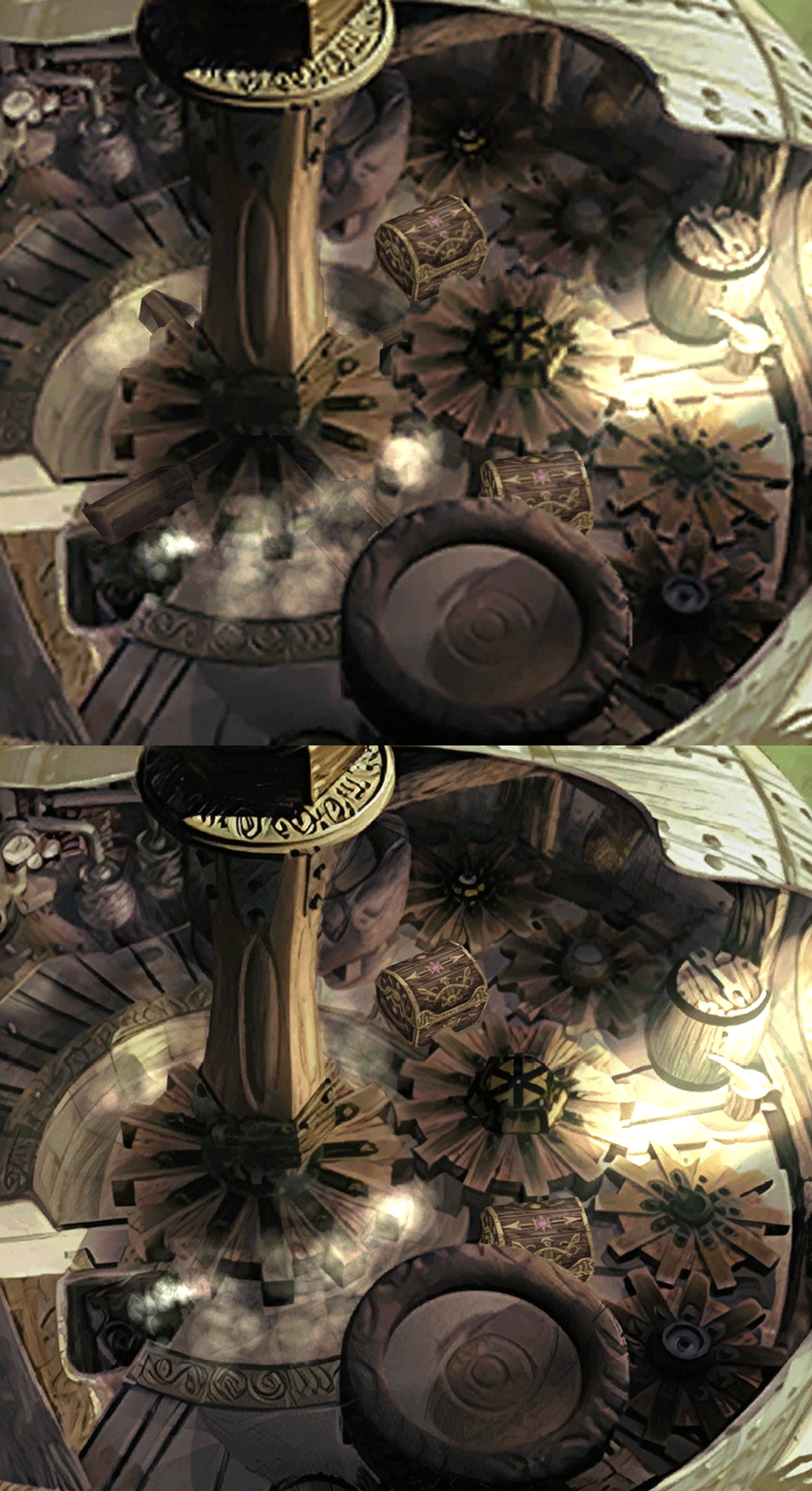
-Upstairs of Dali's Windmill debugged / recreated
-Removed seams in scrolling sky/smoke/sand textures.
-re-created a lot of sky textures for fight scenes, making them seamless and beautiful: 64
-regenerated the battle textures to remove white outlines
-corrected a bug with animated textures in battle scenes
-Multiple other bugs ironed out

◈ Ideas for later ◈
-drawing shadows for some chests/items
-look if I can improve fluidity of the videos with AI video interpolation: https://github.com/sniklaus/pytorch-sepconv (can't make it work yet)
-upscale contextual FMVs?
[/size]
SCREENSHOTS

Click to enlarge
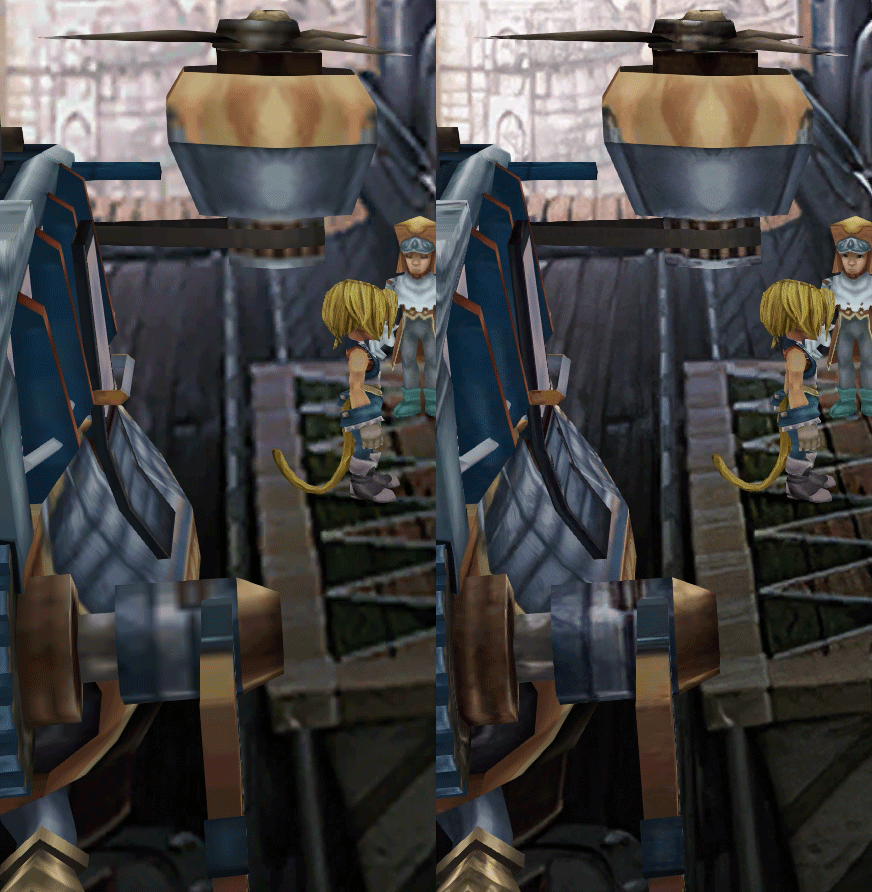
K78WnLu.gif

10pTbFs.gif
E8YADyT.gif
6RS2mEC.gif
OsoRNFn.gif
MVfMxaM.gif
uphBfuD.gif
YGwOCGG.gif
skQq07o.gif
xIcTyUR.gif
Z6k2Zyt.gif
XqomUcu.gif
SSBTwSa.gif
1GGTsJM.gif
eaTQUVb.gif
qKjYKR1.gif
13yOtwo.gif
 
Last edited:
O
i finally got around to installing moguri 8.0.0.0.1 that i downloaded (on top of a very old version of moguri), the install was successful and it applied the music and a few other things, but graphically the game was still vanilla, kinda strange

beta 5 worked like a charm

i see there is a newer version now, maybe i'll try that
 
Last edited:
R
So i just installed Mog mod 8.0.1, before that i had only the Memoria Mod and i modified the stealScript so I can steal with 100% accuracy all the time, but after installing the moguri mod i'm back to normal when i Steal, I guess mog only get some features from Memoria and doesn't look at the scripts? because i can only make the script work without the mog mod, i've tried to install everything like 5 times in diferent order but the result is still the same If i use Memoria Patch, Mog graphics won't work but the script does and if i install mog, the script stop working. I don't know if it's normal or not but tbh i hate the Stealing system in this game but if i can only make one work i'll go with mog and ignore stealing i guess

(i only put like 6 lines in the script if this helps)
 
M
So i just installed Mog mod 8.0.1, before that i had only the Memoria Mod and i modified the stealScript so I can steal with 100% accuracy all the time, but after installing the moguri mod i'm back to normal when i Steal, I guess mog only get some features from Memoria and doesn't look at the scripts? because i can only make the script work without the mog mod, i've tried to install everything like 5 times in diferent order but the result is still the same If i use Memoria Patch, Mog graphics won't work but the script does and if i install mog, the script stop working. I don't know if it's normal or not but tbh i hate the Stealing system in this game but if i can only make one work i'll go with mog and ignore stealing i guess

(i only put like 6 lines in the script if this helps)
Add the steal script to .../StreamingAssets/Scripts/Sources/Battle/ and than run the Memoria.Compiler.exe under .../Scripts/Compiler/
This worked fine for me.

I've no problems at all. The game runs almost perfect for me with the Moguri Mod! Thanks a lot to all involved individuals  8-)
Here is what I did:
1. made a clean install of FF IX from steam (I play the German Version)
2. Run the Game once
3. Install Moguri 8.0.1 (2020-05-26) from the mogul mod website into the FF IX Game Folder
   I've unchecked the Orchestral music because it don't loop correctly and the Garnet Font (I prefere the new one)
4. Run the Game once
5. Build my own custom sharedassets2.assets to have PSX Controller Button layout
6. check the Memoria.ini and do settings as I prefere
7. Add the 0058_StealScript.cs in the folder (.../StreamingAssets/Scripts/Sources/Battle/) and run the Memoria.Compiler.exe
8. All worked for me as intended and it is awesome (except for the known issues)

KNOWN ISSUES:
- Orchestral music: additional tracks don't loop correctly and endgame music is bugged
- Battles are too fast by default: you can change that in Memoria.ini: BattleFPS = 15
- Some 30fps FMVs play too fast and sound sometimes desyncs. End title comes too fast.
- D-pad not recognized on some controllers (workaround: disable steam overlay and force Per-Game Input Settings on)


The only thing I wish is a cheat or mod to always win this **** Tetra Master Card Game... I down get it at all and I've tried a lot. This Card Game broke the game for me when I was young on the original PSX and I'm really struggling with this today. Thats no fun and the Memoria settings for Tetra Master don't help.

Here is what my 0058_StealScript.cs looks like:

Code: [Select]
Code:
using System;using Assets.Sources.Scripts.UI.Common;using Memoria.Data;namespace Memoria.Scripts.Battle{    /// <summary>    /// Steal, Mug    /// </summary>    [BattleScript(Id)]    public sealed class StealScript : IBattleScript    {        public const Int32 Id = 0058;        private readonly BattleCalculator _v;        public StealScript(BattleCalculator v)        {            _v = v;        }        public void Perform()        {            BattleEnemy enemy = BattleEnemy.Find(_v.Target);            if (!HasStealableItems(enemy))            {                UiState.SetBattleFollowFormatMessage(BattleMesages.DoesNotHaveAnything);                return;            }            if (!_v.Caster.HasSupportAbility(SupportAbility2.Bandit))            {                _v.Context.HitRate = (Int16)(_v.Caster.Level + _v.Caster.Will);                _v.Context.Evade = _v.Target.Level;                if (GameRandom.Next16() % _v.Context.HitRate < GameRandom.Next16() % _v.Context.Evade)                {                    UiState.SetBattleFollowFormatMessage(BattleMesages.CouldNotStealAnything);                    return;                }            }            if (enemy.StealableItems[3] != Byte.MaxValue)                    StealItem(enemy, 3);                else if (enemy.StealableItems[2] != Byte.MaxValue)                    StealItem(enemy, 2);                else if (enemy.StealableItems[1] != Byte.MaxValue)                    StealItem(enemy, 1);                else                    StealItem(enemy, 0);        }        private static Boolean HasStealableItems(BattleEnemy enemy)        {            Boolean hasStealableItems = false;            for (Int16 index = 0; index < 4; ++index)            {                if (enemy.StealableItems[index] != Byte.MaxValue)                    hasStealableItems = true;            }            return hasStealableItems;        }        private void StealItem(BattleEnemy enemy, Int32 itemIndex)        {            Byte itemId = enemy.StealableItems[itemIndex];            if (itemId == Byte.MaxValue)            {                UiState.SetBattleFollowFormatMessage(BattleMesages.CouldNotStealAnything);                return;            }            enemy.StealableItems[itemIndex] = Byte.MaxValue;            GameState.Thefts++;            BattleItem.AddToInventory(itemId);            UiState.SetBattleFollowFormatMessage(BattleMesages.Stole, FF9TextTool.ItemName(itemId));            if (_v.Caster.HasSupportAbility(SupportAbility2.Mug))            {                _v.Target.Flags |= CalcFlag.HpAlteration;                _v.Target.HpDamage = (Int16)(GameRandom.Next16() % (_v.Caster.Level * _v.Target.Level >> 1));            }            if (_v.Caster.HasSupportAbility(SupportAbility1.StealGil))            {                GameState.Gil += (UInt32)(GameRandom.Next16() % (1 + _v.Caster.Level * _v.Target.Level / 4));            }        }    }}
 
Last edited:
O
if anyone is playing this with a DS4 controller and has everything BUT the d-pad working
(this will likely work with other controllers as well, as long as the program detects your dpad properly)

here is a fix:   https://drive.google.com/file/d/1sp4ASX5DqCAn8uSZKSy6aaNChiNbZ8nD/view?usp=sharing

its simply the newest version of joytokey with 1 config file packaged with it to make the d-pad convert to wsad
and also a settings file that makes it as fool-proof as possible

just extract the JoyToKey_en folder to your Documents folder, then with your controller plugged in, right click on JoyToKey.exe and click 'Run as administrator'
windows smartshield will come up (because its a program that can take control of your cursor and keyboard) so click 'more info' and then 'run anyway'

my avast antivirus doesnt flag it, but its best to either disable your antivirus temporarily or add JoyToKey.exe as an exception as well

but anyway, once you get the window to come up you're good to go  :wink:

you can also create a shortcut to JoyToKey.exe and place it in your startup folder to have it run when windows starts, it takes very little resources
 
M
I‘m playing with the DS4 and have no problems at all.
The D-Pad works fine out of the box.
 
O
I‘m playing with the DS4 and have no problems at all.
The D-Pad works fine out of the box.
it certainly does not work out of the box, you must have done some work beforehand/installed something that made it immediately work
 
A
I've the same problem :( I don't want to play this game until there is a solution...I want the complete FFIX experience lol
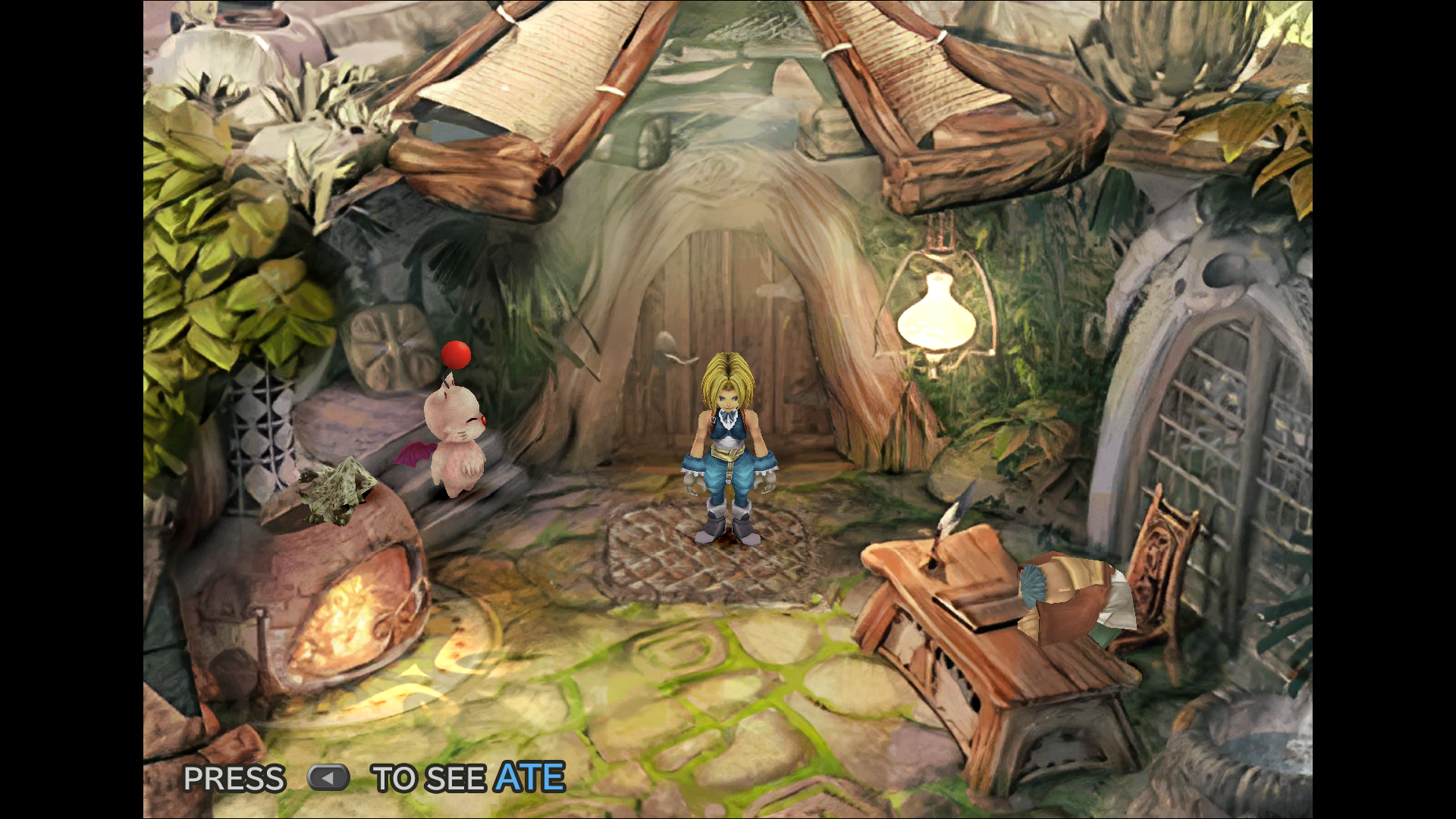
Please, any help?
At least I'm not alone  ;D
 
T
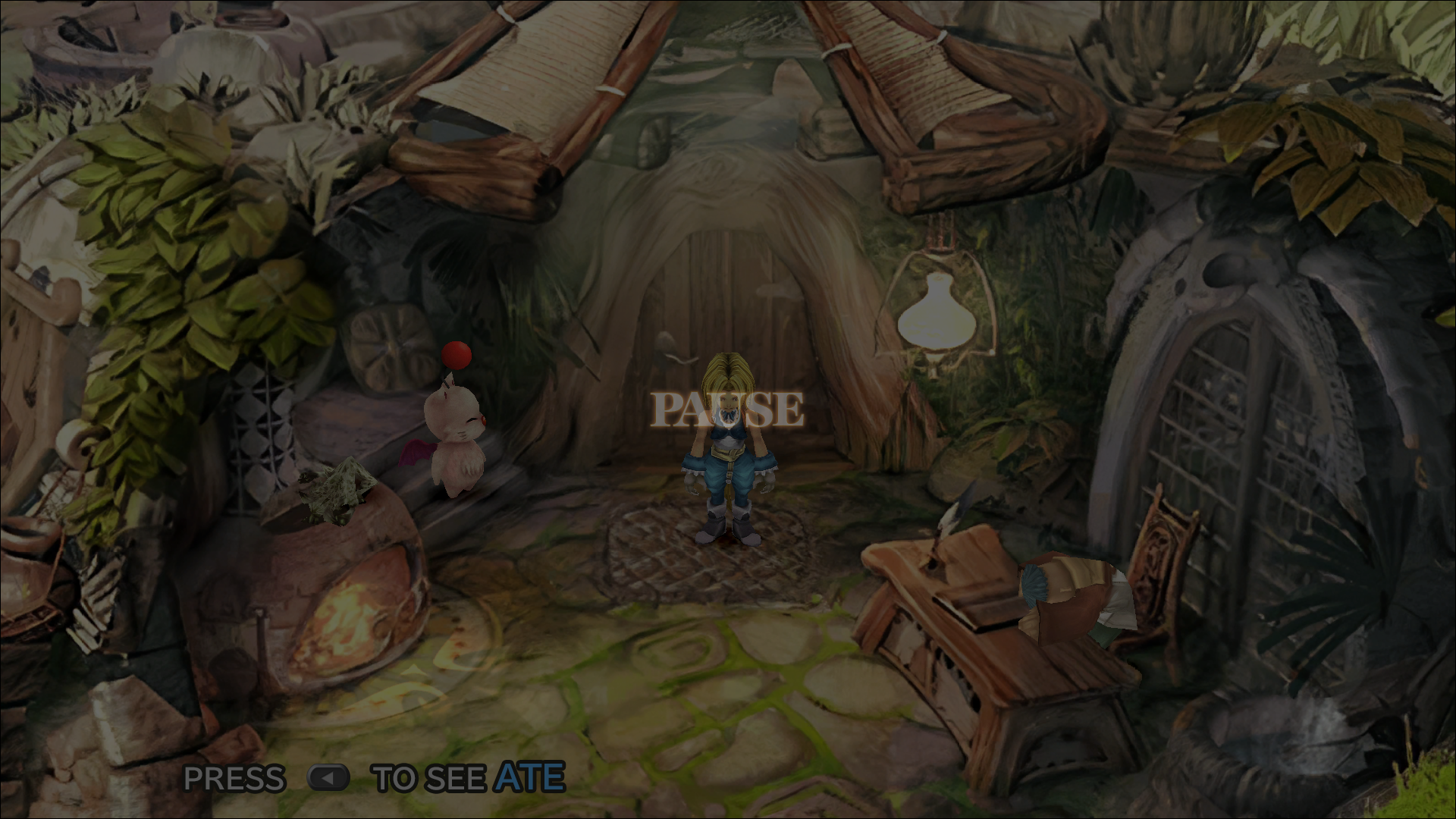
I'm having an issue where some screens will only display in widescreen when the game is paused (see below). Any idea the cause/fix here? Thanks!

jnHh5Sn.png


Vo5bLBa.png
 
F
I just want to say thank you . i was not able to use this mod before because believe it or not i just like to play this as pass time on my 32bit system laptop. the installer before was only compatible to 64bit. and now it is manual install... thank you very much. this mod makes the game really beautiful.
 
B
after installing the mod the writing blocks that appear when the characters speak are of very poor quality and its necessarily comes from the mod because I had launched the game just before without the mod to make the difference before and after. can we solve this problem or should I uninstall the mod?
 
O
after installing the mod the writing blocks that appear when the characters speak are of very poor quality and its necessarily comes from the mod because I had launched the game just before without the mod to make the difference before and after. can we solve this problem or should I uninstall the mod?
there is an option to use another font, you are probably using the blocky alexandria font
 
F
@benitobennet, replace the alexandria font in the memoria ini. the best type of font to use for me at least are system Bold / Medium Sans-Serif fonts. it makes the text legible enough to read and good for menus
 
L
I was wondering if there is going to be a new update with fixes for all the main bug reports like the 15 fps bug etc. and some mistakes with the installer? Thanks and keep it up  :mrgreen:
 
T
Supposedly, scaled UI mod is working now
I have the previous version of Moguri installed (V7) along with Snouz's Beta V5 files. Did a quick test of the lastest Scaled Battle UI mod build and I can confirm that it works far better than it did previously.

The only two minor issues that I now have with it are the following:

- When booting up the game with Scaled Battle UI mod for the first time, most of the Battle UI is offscreen. One needs to press the 'U' key on the keyboard to first adjust the battle selection menu on the left side of the screen, then it needs to be pressed again a second time to adjust the ATB UI on the right side of the screen. This is fine, but when pressing 'U' a small text appears at the top of the screen and can't be disabled no matter  how many time I press 'U' again. The only way to get rid of it is to exit and reboot the game.

- The second issue, and this is a minor one, is that it completely resets all of my settings in Memoria and sets Battle FPS to 24fps by default, meaning the user has to manually adjust each setting individually again the Memoria .ini file.

Other than the above two small issues. It appears to work perfectly so I'm sticking with it. If any issues come up during my playthrough, I'll post back here and in the Scaled Battle UI Steam thread.

As an aside, I really wish TehMighty would allow Snouz and ZePilOt to merge this mod into future releases of Moguri. It would be so much easier to iron out any bugs that way
 
F
This is for 32bit users out there.
I dont know what value this information has But for those who are interested hope it helps.
the moguri mod installer only works for the 64bit architecture. i used the beta on a 32 bit installation of the game and yes people like me exist.

i replayed the game from start to finish
so far the only bugs that i encounter is that you cant play the FMVs in the title screen but while playing the game all FMVs are functional aside from the occasional squished text if you want to skip it. 
all mods related to p0data* files are working as intended which includes the upscaled brackground, chacracter models ets. as for the sharedassets2.assets and resources.assets you just to extract and  move from the 64bit files using AssetsBundleExtractor  world_map_full , world_map_mist(forgot the full name) and face atlas.
 
R
Hi!

I finally finished the game! In fact, I almost finished ... the game closes right at the beginning of the last cinematic. How do I fix this?

I take this opportunity to say that I played from beginning to end with MoguriMod and it was just incredible! Congratulations!!
 
Status
Not open for further replies.
Back
Top