D O W N L O A D
THE UPDATE HAS NOW GONE LIVE OFFICIALLY
NEW 2020-05-23 - MOGURI 8 BETA V5 changelog -> Make a shortcut of the file to your drive then go into your drive, find the shortcut there and click "make a copy"
(outdated) 2020-05-11 - MOGURI 8 BETA V4 changelog
(outdated) 2020-05-04 - MOGURI 8 BETA V3 changelog
(outdated) 2020-04-28 - MOGURI 8 BETA V2 changelog
(outdated) 2020-04-23 - MOGURI 8 BETA V1
(outdated) 2020-05-11 - MOGURI 8 BETA V4 changelog
(outdated) 2020-05-04 - MOGURI 8 BETA V3 changelog
(outdated) 2020-04-28 - MOGURI 8 BETA V2 changelog
(outdated) 2020-04-23 - MOGURI 8 BETA V1
I N S T A L L _ G U I D E
[size=10pt]IF YOU DON'T HAVE MOGURI INSTALLED
1) Extract and replace the files in the .zip to SteamLibrary\steamapps\common\FINAL FANTASY IX\
IF YOU HAVE MOGURI INSTALLED (not required!)
1) If you installed it before 2020-04-2, uninstall and re-install Moguri again (SquareEnix pushed a Steam update that temporarily broke the game and Moguri)
2) Extract the content of StreamingAssets in \Program Files (x86)\Moguri Mod\StreamingAssets\
3) Extract \x64\FF9_Data\resources.assets & \x64\FF9_Data\sharedassets2.assets to SteamLibrary\steamapps\common\FINAL FANTASY IX\x64\FF9_Data\
but DON'T replace Assembly-CSharp.dll
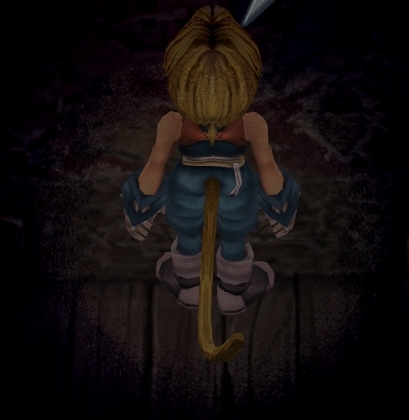
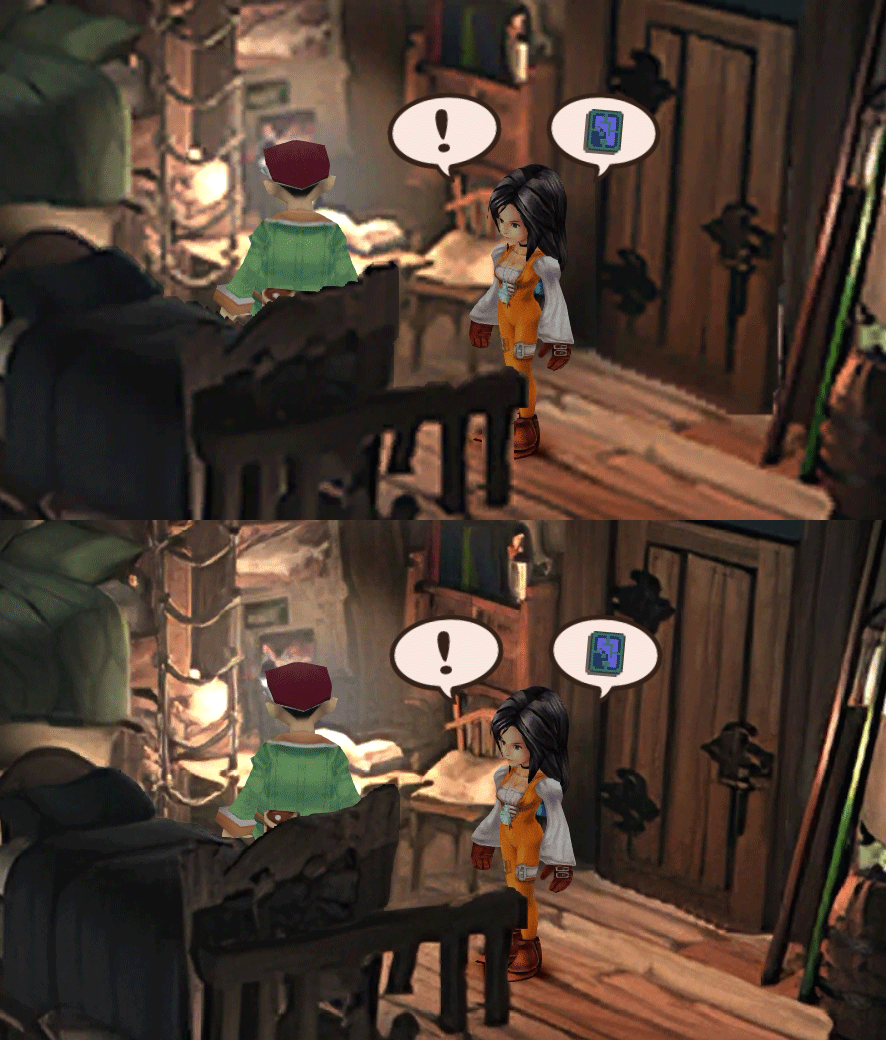
To check you have the right version, here's how the first frame should look
1) In steam, right click the game, go to "properties...", go to the LOCAL FILES tab, click VERIFY INTEGRITY OF GAME FILES. This will re-download the original files, but your saves are still intact.
p0data2.bin - Battle backgrounds
p0data3.bin - Worldmap textures
p0data4.bin - NPC, monsters and background items
p0data11.bin to p0data19.bin - Main backgrounds
resources.assets & sharedassets2.assets - UI stuff (maps, title screen...)
Assembly-CSharp.dll - The patched file that allows for the augmented resolution of backgrounds. (The one here and the one in moguri are different)
p0data3.bin - Worldmap textures
p0data4.bin - NPC, monsters and background items
p0data11.bin to p0data19.bin - Main backgrounds
resources.assets & sharedassets2.assets - UI stuff (maps, title screen...)
Assembly-CSharp.dll - The patched file that allows for the augmented resolution of backgrounds. (The one here and the one in moguri are different)
Note: If you have uninstalled Moguri and/or Memoria and you have names like ZidaneZidane, ViviVivi, you can salvage your save with this tool: https://www.ff7catalog.com/threads/7672/
Note: Alternate Fantasy is not currently supported.
[/size]
F E A T U R E S
- Backgrounds
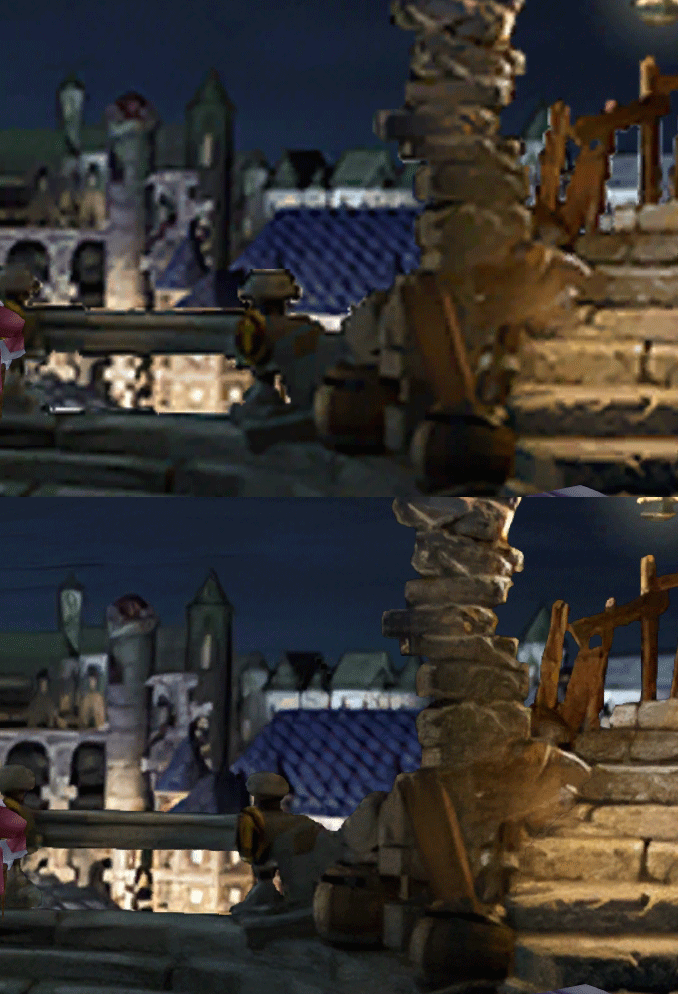
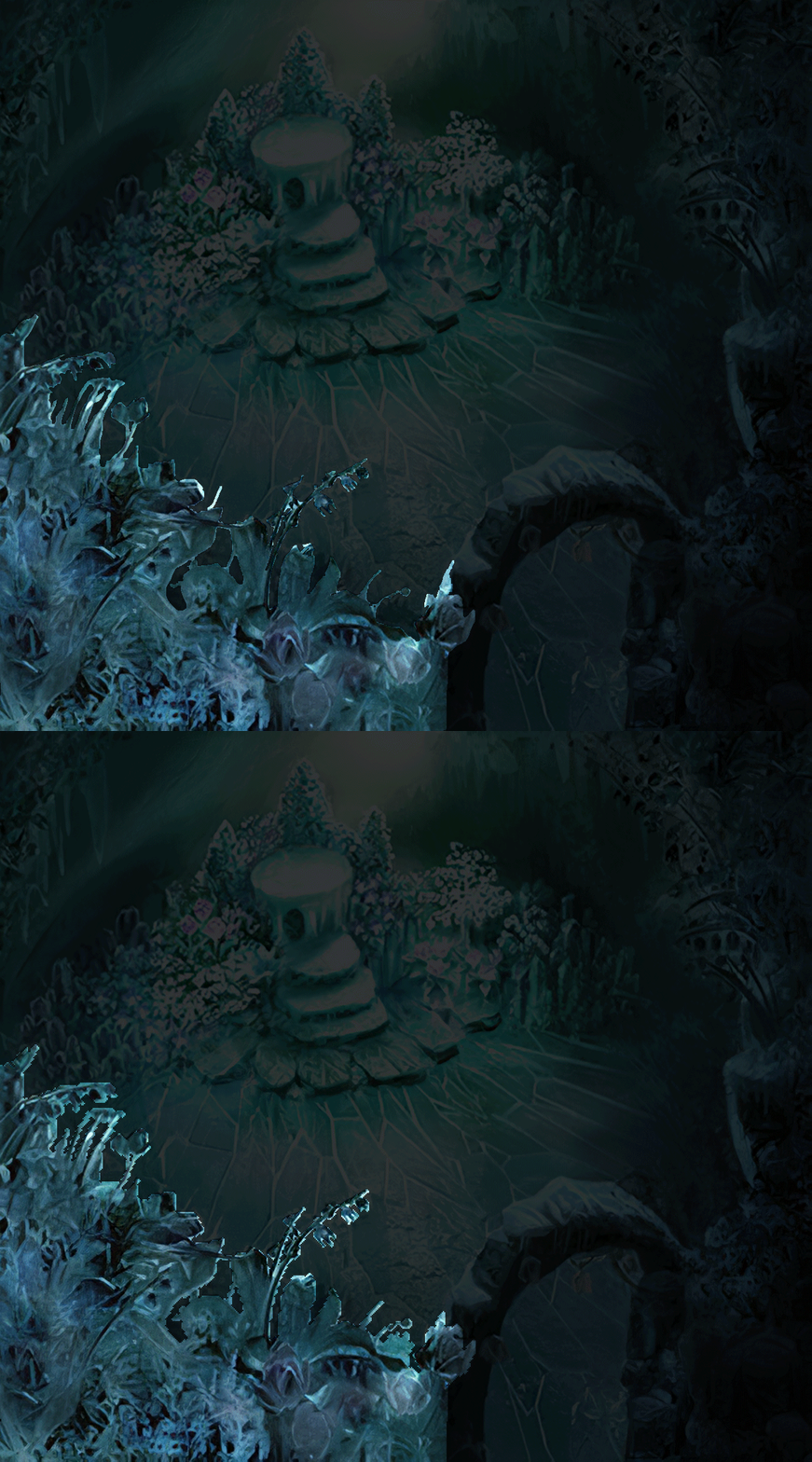
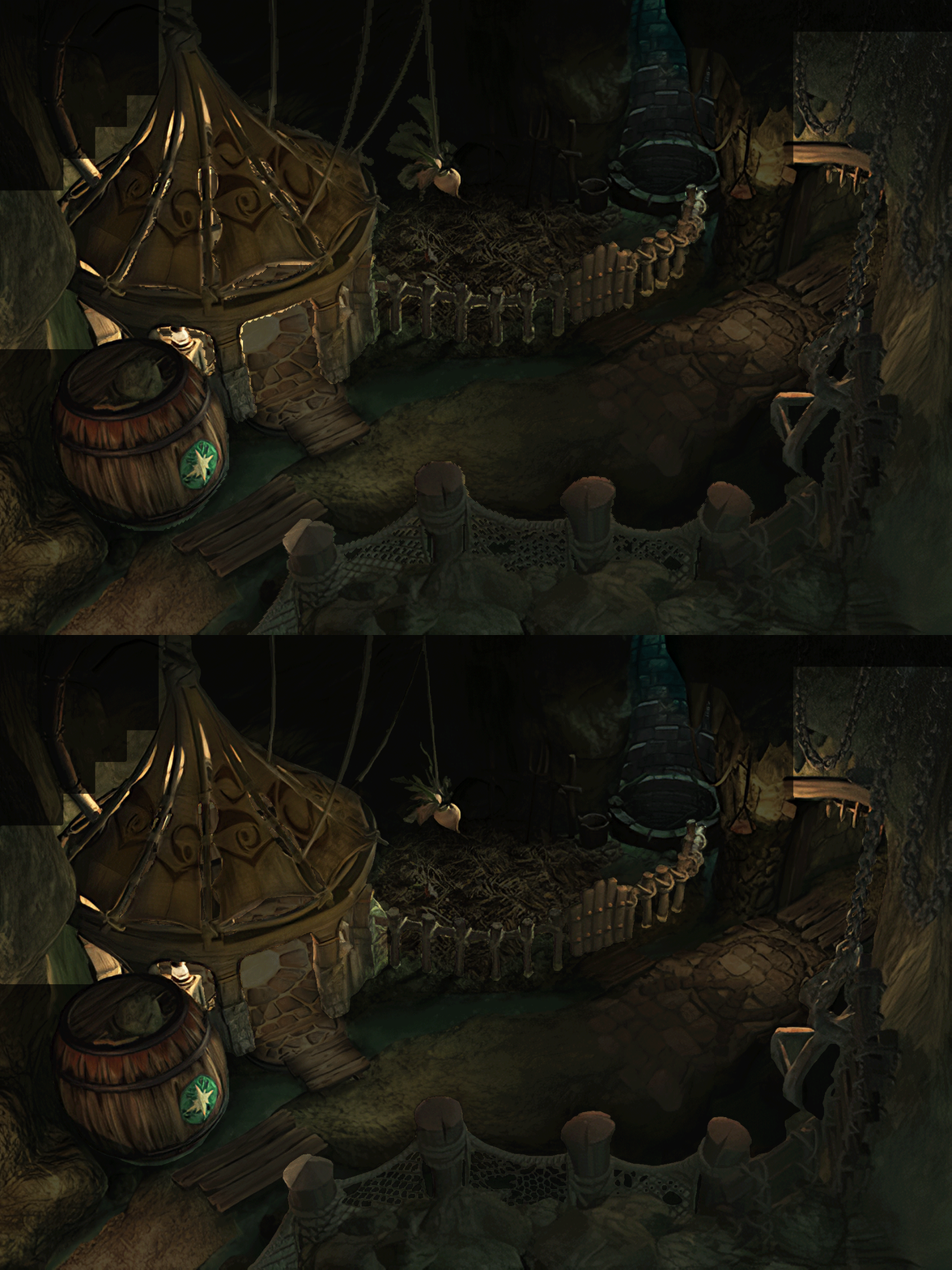
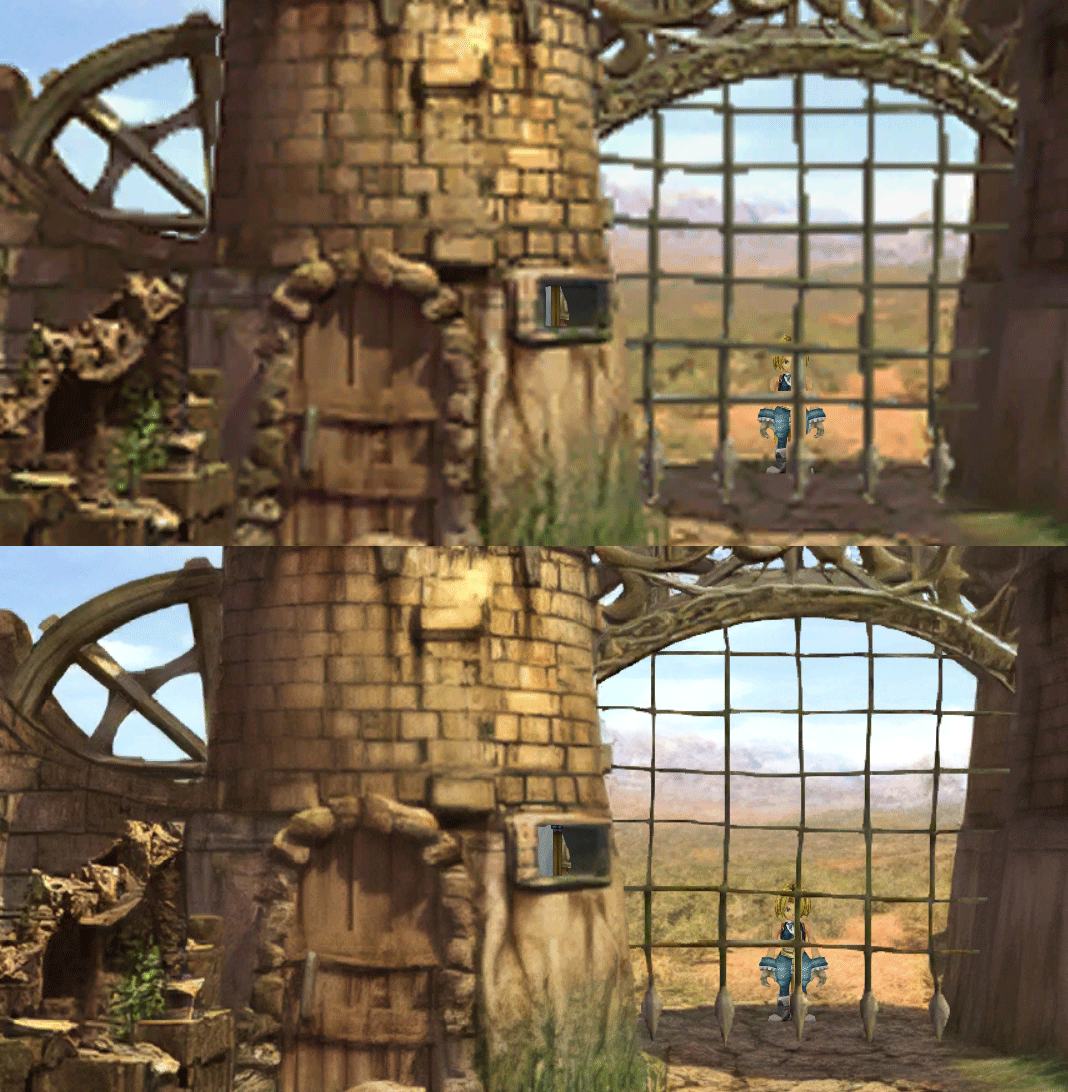
- Fixed : almost all visual glitches
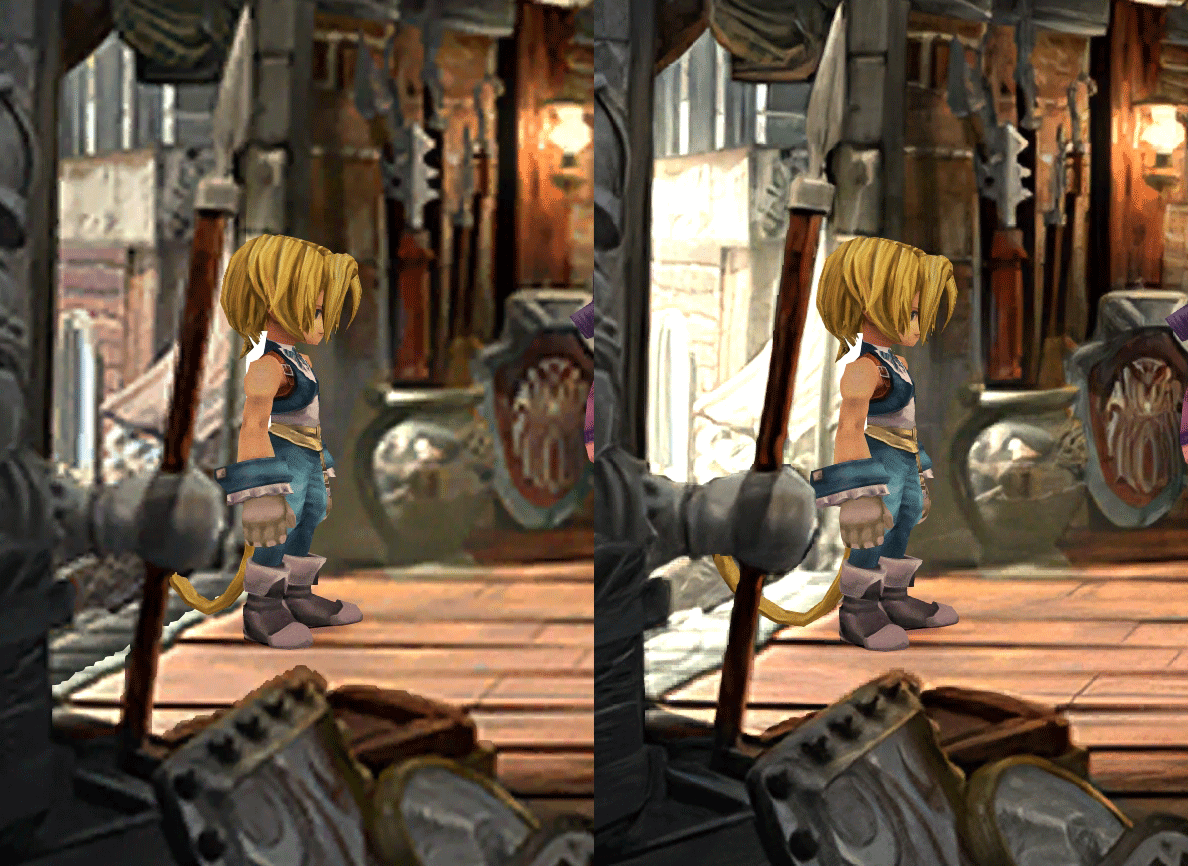
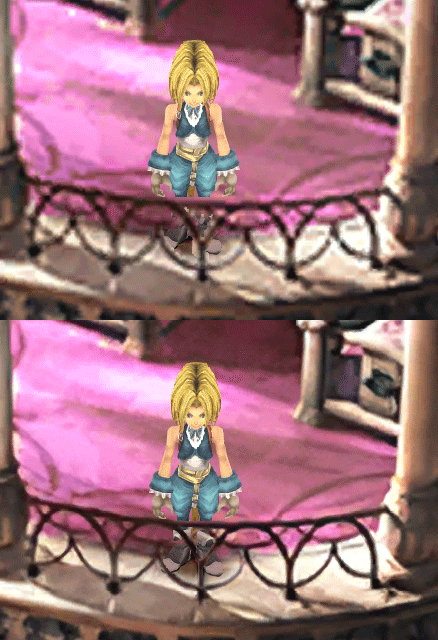
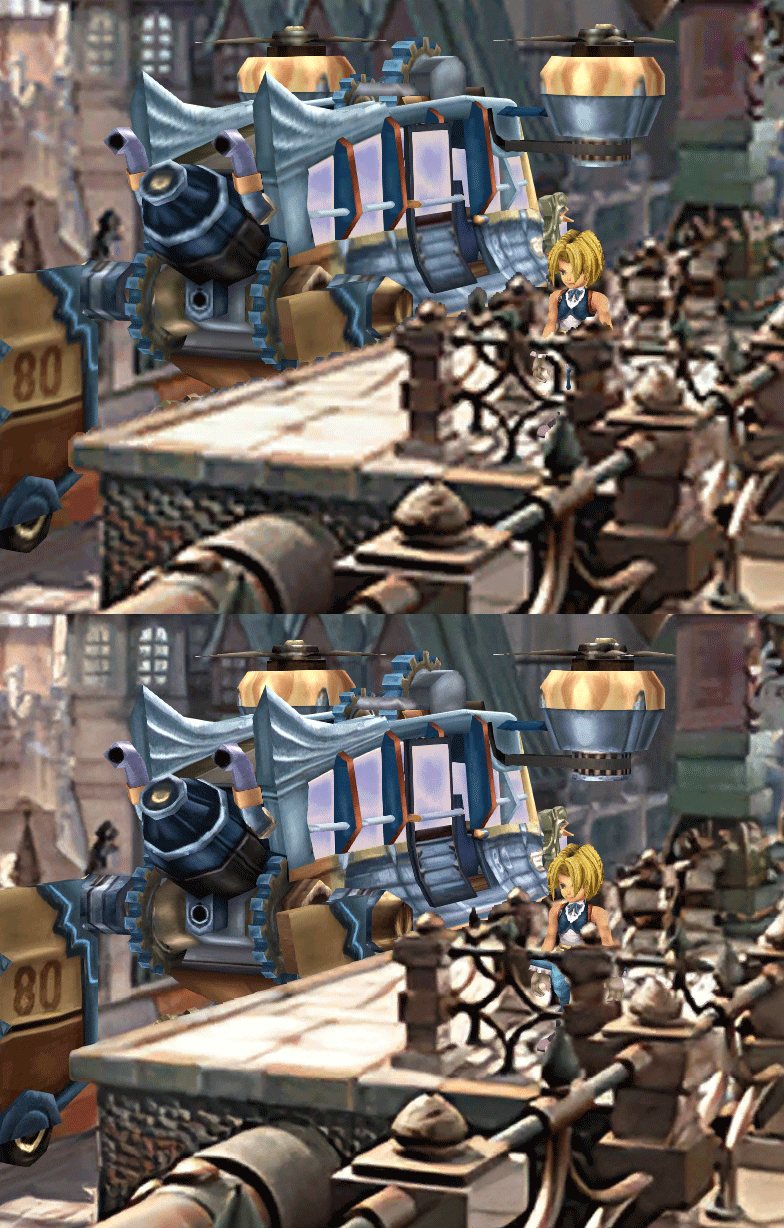
- Redrawing of all layer edges (all 11000+)
- Cleaner / sharper graphics (all 6000+)
- Better & cleaner lighting (all 1400+)
- Countless manual image doctoring
- Manually redrawn some parts (some partially based on portfolio images by Wesley Cann & Behrooz Roozbeh)
- Background animations better integrated
- Several bugs from the Steam & PSX versions fixed
- Recreated all places names with original fonts (for English and French, rest to follow)
- Seamless scrolling skies & backgrounds, removed 'staircase' edges
- Recreated baked in textures NPCs
- Background objects
- HD background 3D objects
- HD NPC (with exceptions)
- Worldmap
- HD worldmap textures (upscaled and manually redone, mostly seamless and faithful)
- Subtly moving seas
- HD worlmap items (ships...) textures
- Battles
- HD monsters (with exceptions)
- HD battlefields with redrawn edges (exceptions for animated textures)
- Seamless skies (not 100% on point)
- Fixed missing monster death sounds (credit: Tirlititi)
- UI
- Recreated faithful HD maps
- Recreated Start menu and game over screens
- Character portraits edges
OLD POST
2020-04-23 - Finally, here's a beta file of the backgrounds!
For those who chose to install it, please screenshot any problem or potential improvement, as major or minor it is.
If you can't post in this thread, you can contact me on reddit
Other parts of the mod available to download:
[size=14pt]NPC & Monsters HD V2 DOWNLOAD
Battle Backgrounds HD V1 DOWNLOAD
Worldmap HD V2 DOWNLOAD
UI Stuff V1 DOWNLOAD
For those who chose to install it, please screenshot any problem or potential improvement, as major or minor it is.
If you can't post in this thread, you can contact me on reddit
Other parts of the mod available to download:
[size=14pt]NPC & Monsters HD V2 DOWNLOAD
Battle Backgrounds HD V1 DOWNLOAD
Worldmap HD V2 DOWNLOAD
UI Stuff V1 DOWNLOAD
Maybe save the original files beforehand
-------------------------------------------------------------
Hi everyone,
I'm making a thread to track my progress with my reworking of Moguri since June 2019
◈ Finishing touches, corrections & testing ◈

◈ Backgrounds masks (redrawing by hand) ◈
 | 100% | 678/678
◈ Blended/light layers upscaling ◈
| 100% | 1479/1479
◈ Re-drawing of transparency for fight scenes textures ◈
| 100% | 186/186
◈ Monster texture upscaling ◈
| 100% | 124/124
◈ NPC texture upscaling ◈
| 100% | 150/150
◈ Item on field texure upscaling ◈
| 100% | 101/101
◈ Worldmap re-texture ◈
https://www.ff7catalog.com/threads/13434/
| 100%
◈ Place names upscaling (when introduced to a new place) ◈
| 100% | 44/44
◈ (background) Videos improvement ◈
( | 0/18) -> might try this in a next update
◈ Extra ◈
-Backgrounds were improved with various ESRGAN models
-Numerous visual corrections
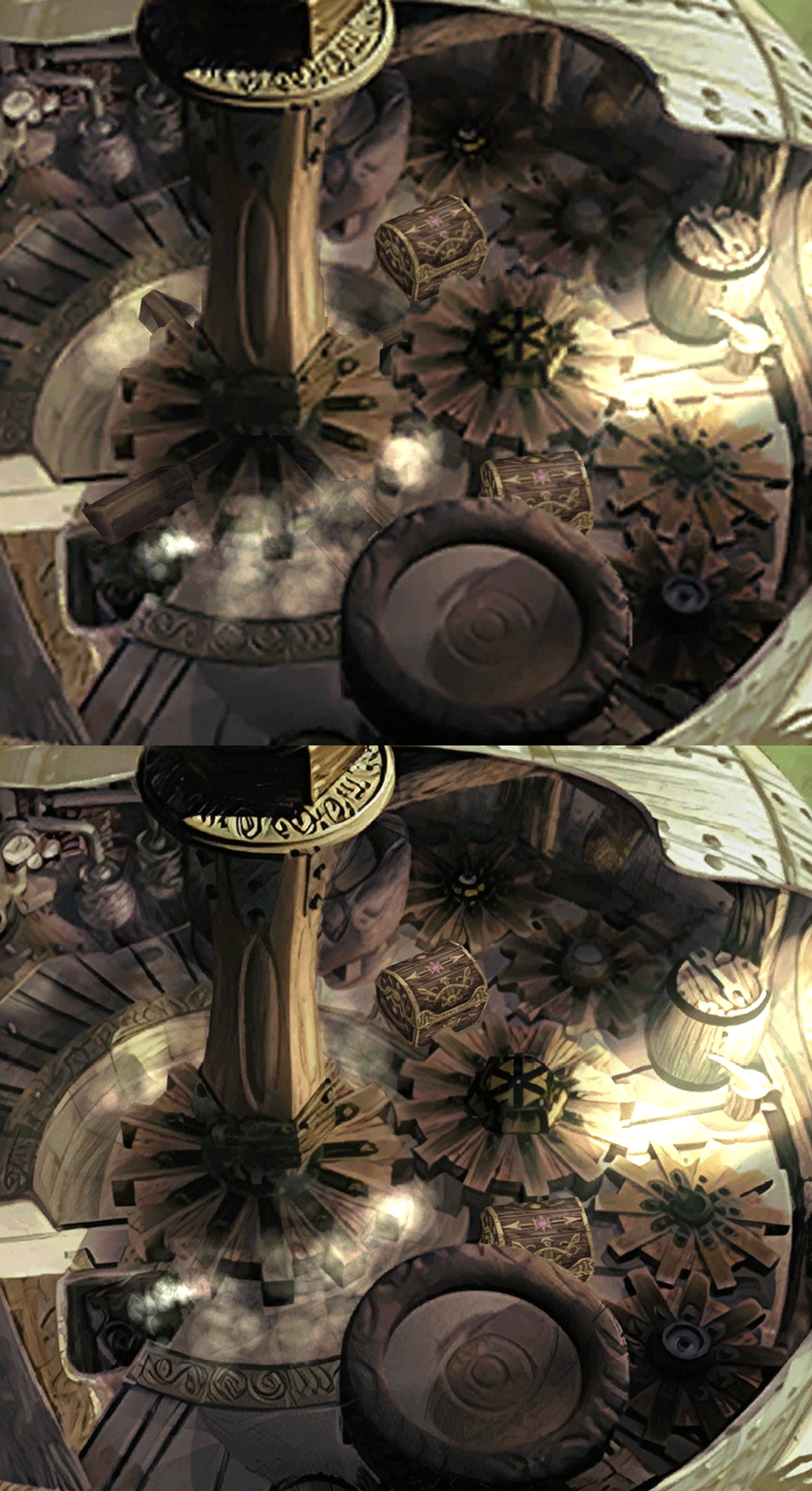
-Upstairs of Dali's Windmill debugged / recreated
-Removed seams in scrolling sky/smoke/sand textures.
-re-created a lot of sky textures for fight scenes, making them seamless and beautiful: 64
-regenerated the battle textures to remove white outlines
-corrected a bug with animated textures in battle scenes
-Multiple other bugs ironed out
◈ Ideas for later ◈
-drawing shadows for some chests/items
-look if I can improve fluidity of the videos with AI video interpolation: https://github.com/sniklaus/pytorch-sepconv (can't make it work yet)
-upscale contextual FMVs?
-------------------------------------------------------------
Hi everyone,
I'm making a thread to track my progress with my reworking of Moguri since June 2019
◈ Finishing touches, corrections & testing ◈
◈ Backgrounds masks (redrawing by hand) ◈
| 100% | 678/678◈ Blended/light layers upscaling ◈
| 100% | 1479/1479◈ Re-drawing of transparency for fight scenes textures ◈
| 100% | 186/186◈ Monster texture upscaling ◈
| 100% | 124/124◈ NPC texture upscaling ◈
| 100% | 150/150◈ Item on field texure upscaling ◈
| 100% | 101/101◈ Worldmap re-texture ◈
https://www.ff7catalog.com/threads/13434/
| 100%◈ Place names upscaling (when introduced to a new place) ◈
| 100% | 44/44◈ (background) Videos improvement ◈
(
| 0/18) -> might try this in a next update◈ Extra ◈
-Backgrounds were improved with various ESRGAN models
-Numerous visual corrections
-Upstairs of Dali's Windmill debugged / recreated
-Removed seams in scrolling sky/smoke/sand textures.
-re-created a lot of sky textures for fight scenes, making them seamless and beautiful: 64
-regenerated the battle textures to remove white outlines
-corrected a bug with animated textures in battle scenes
-Multiple other bugs ironed out
◈ Ideas for later ◈
-drawing shadows for some chests/items
-look if I can improve fluidity of the videos with AI video interpolation: https://github.com/sniklaus/pytorch-sepconv (can't make it work yet)
-upscale contextual FMVs?
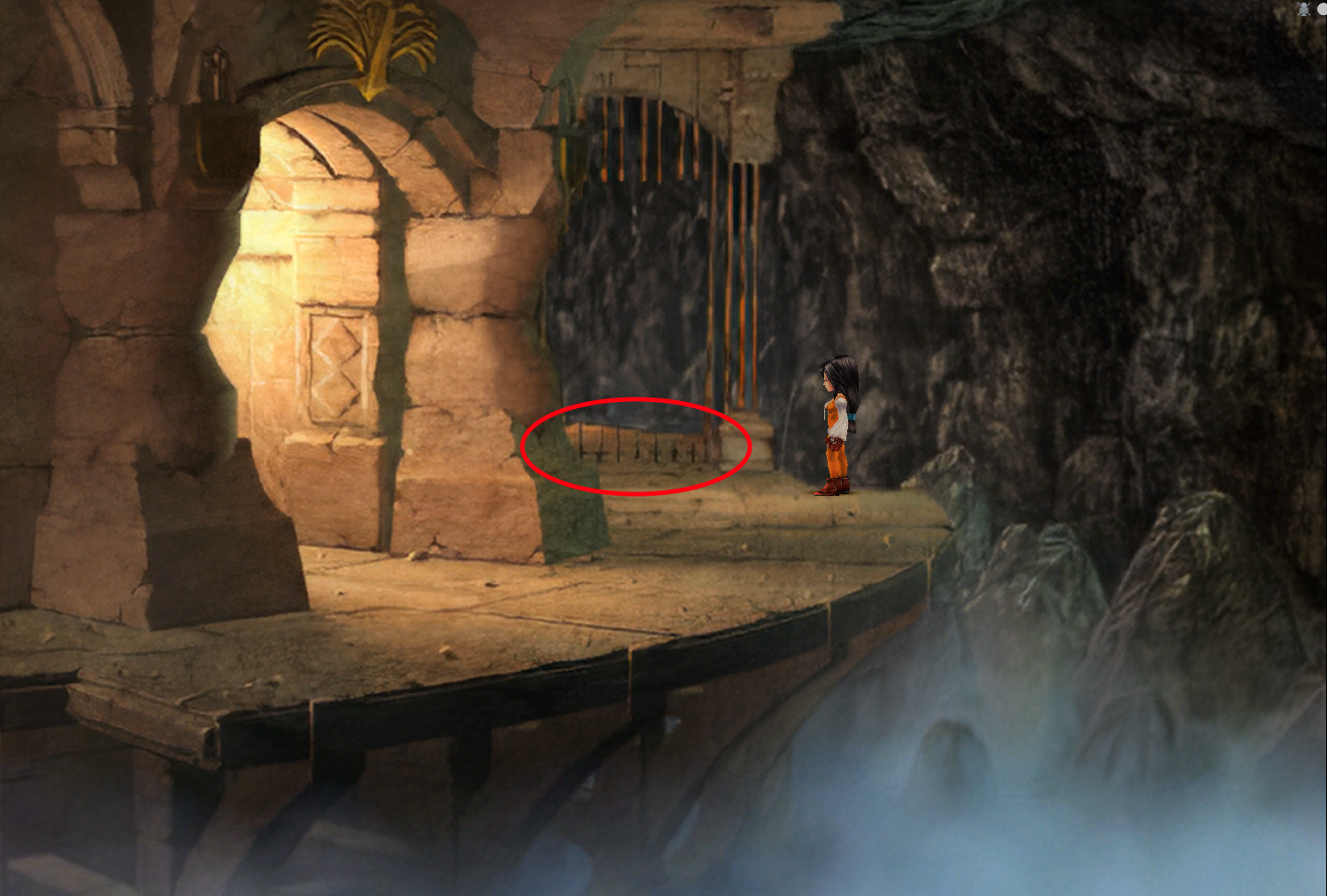
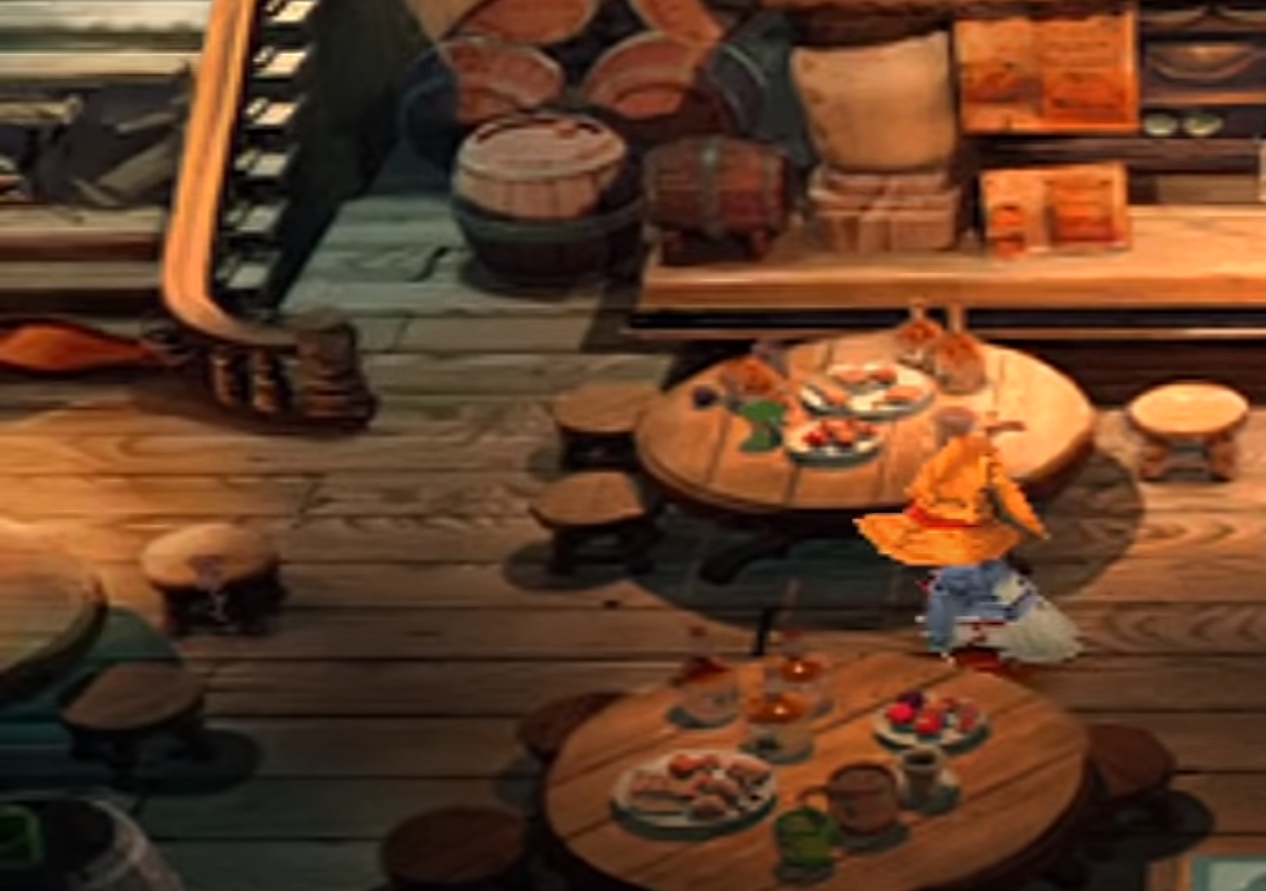
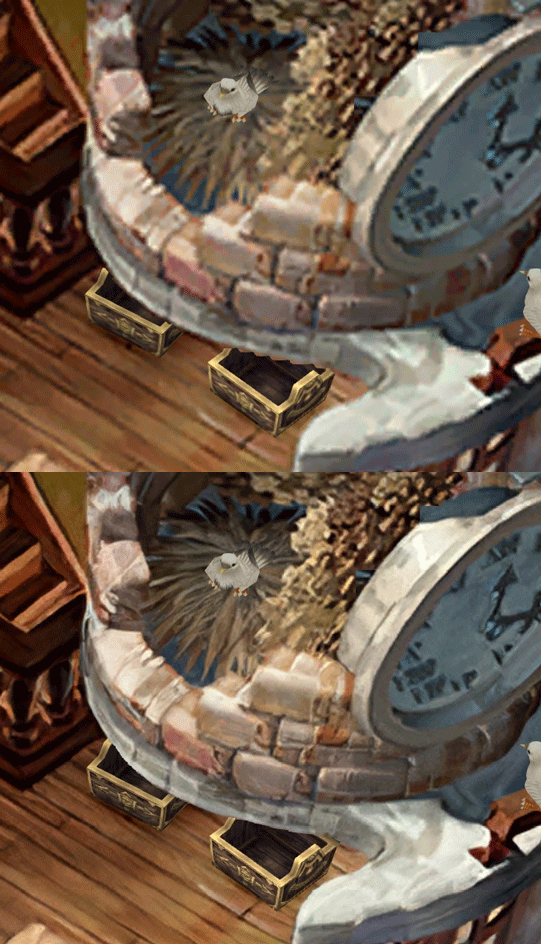
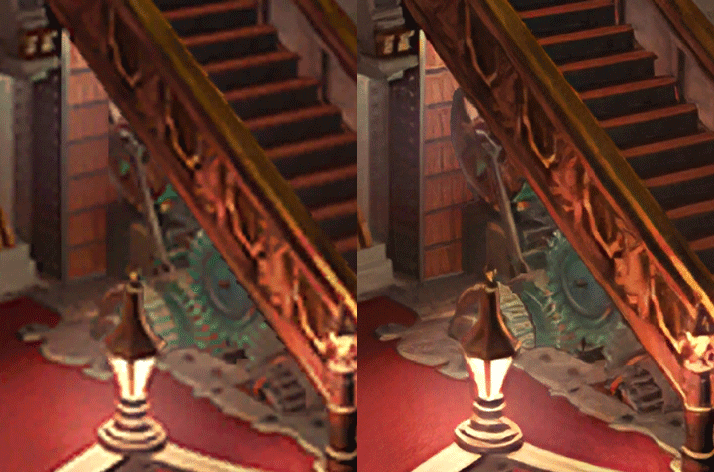
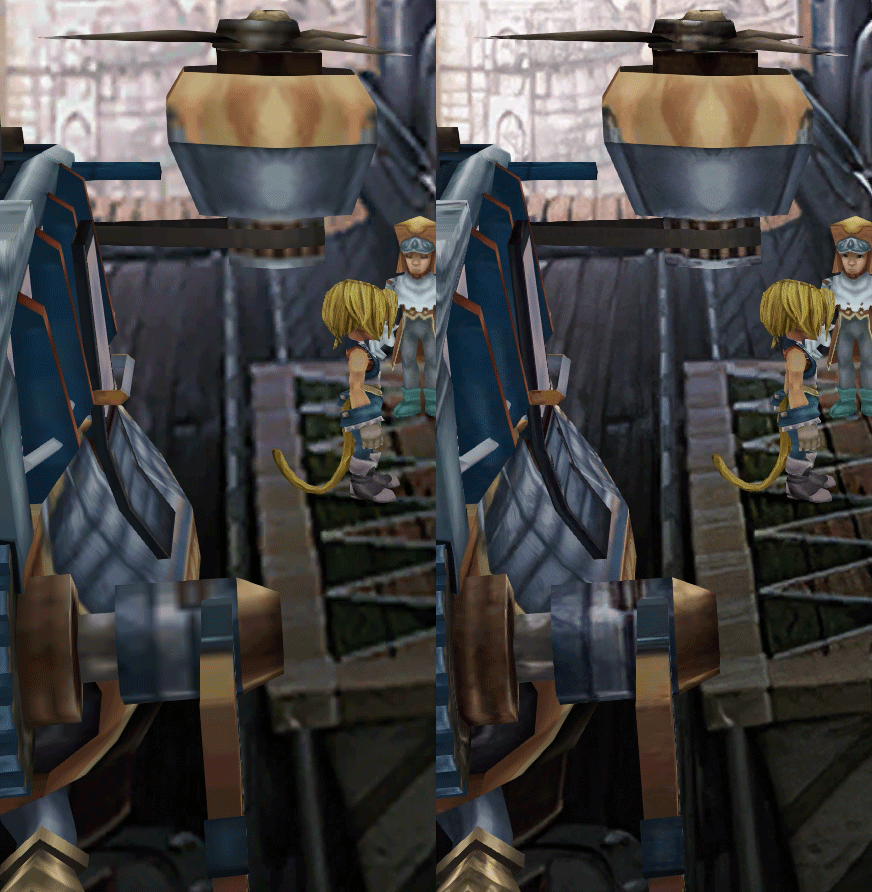
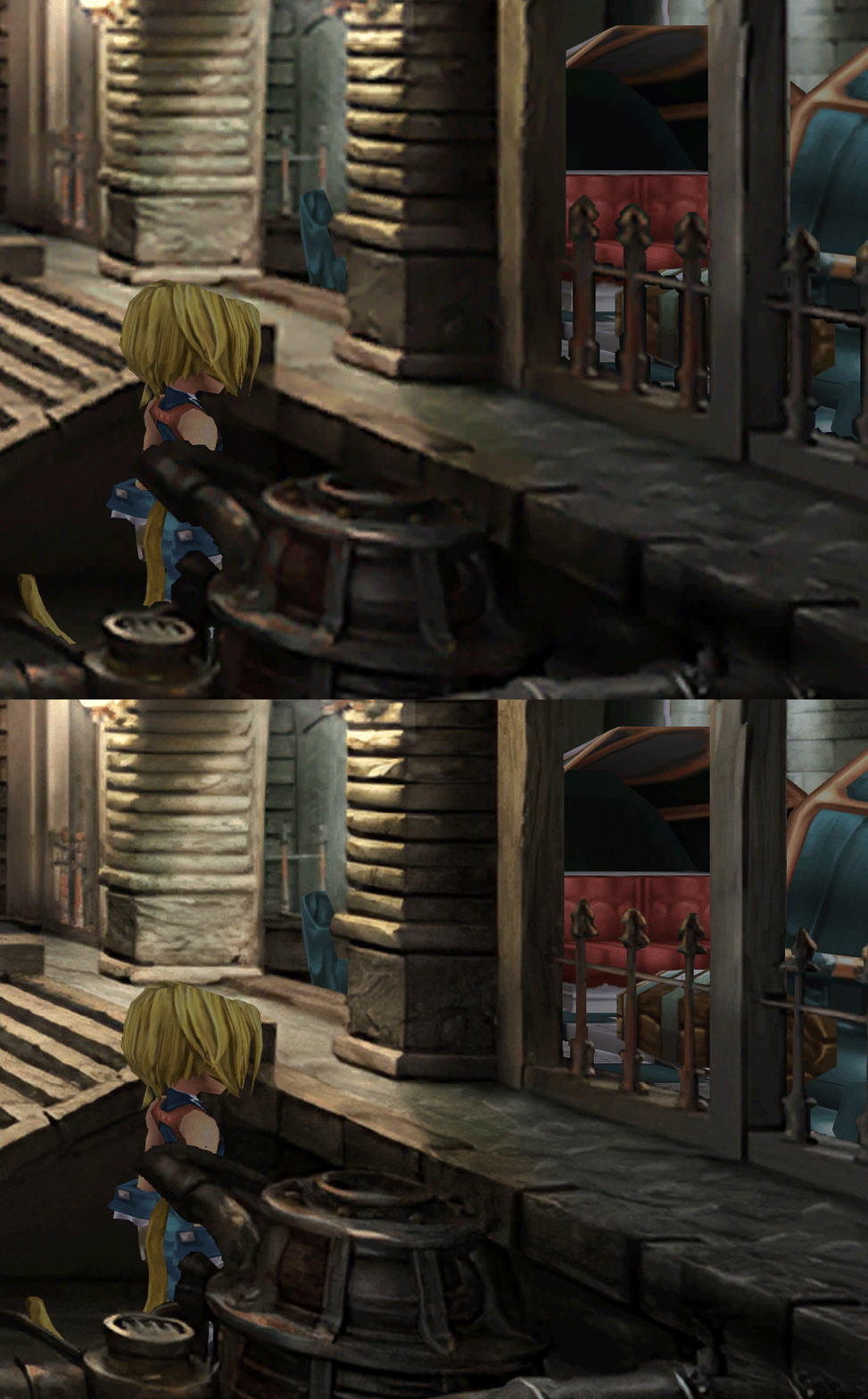
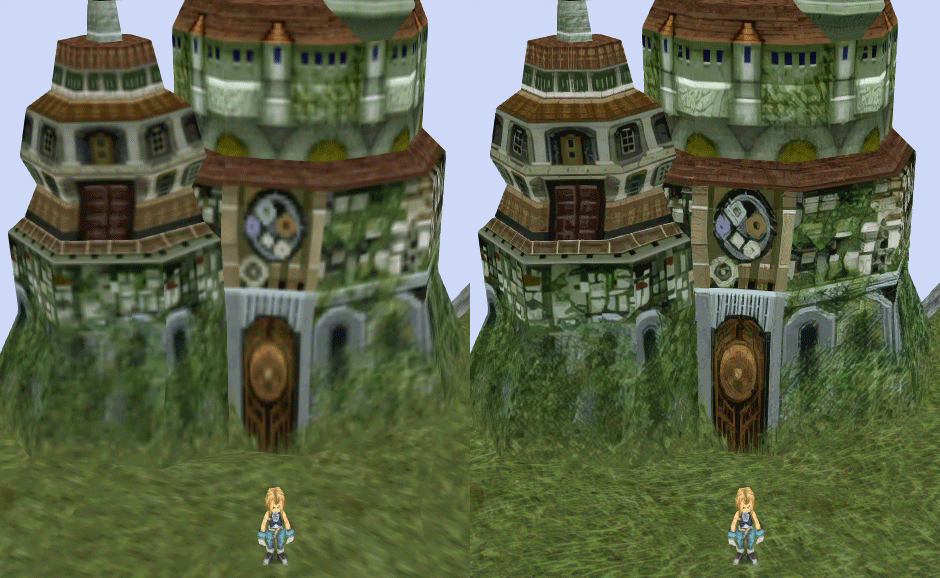
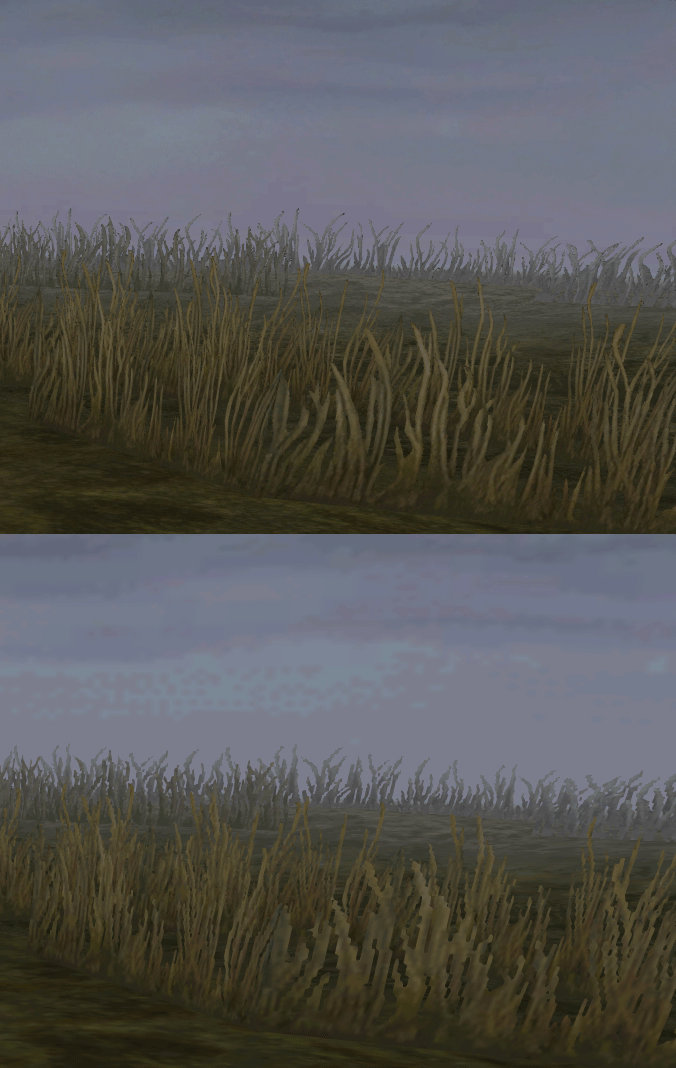
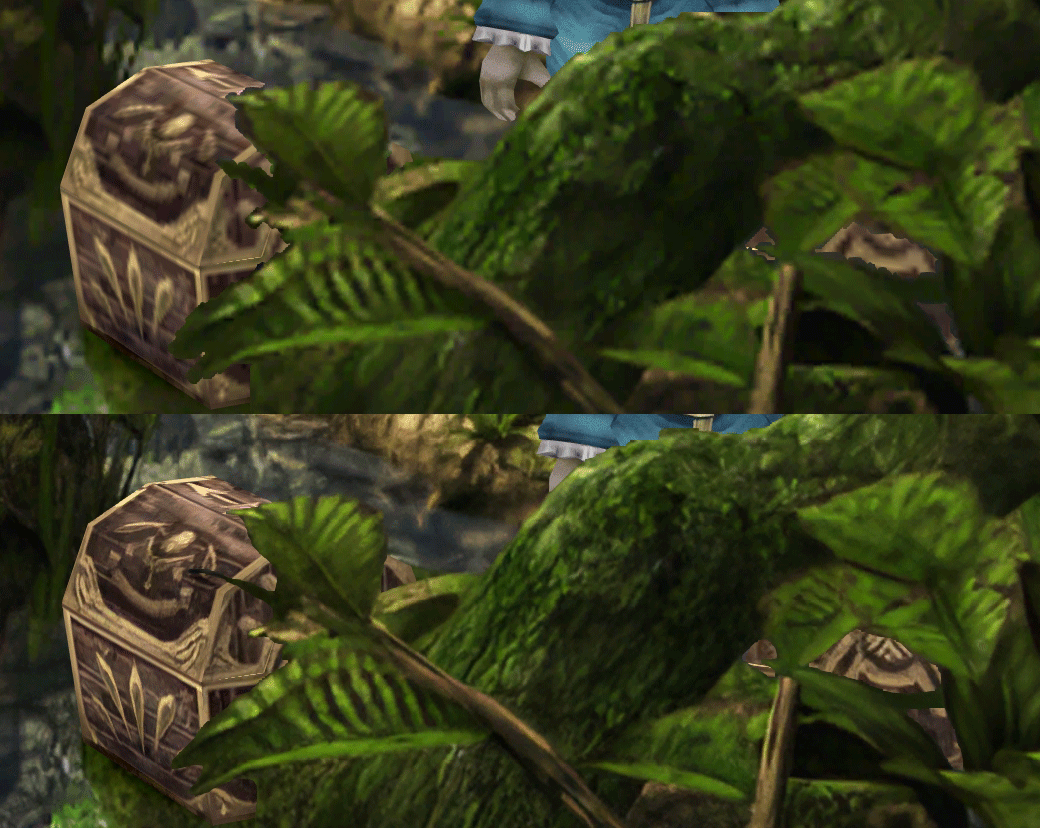
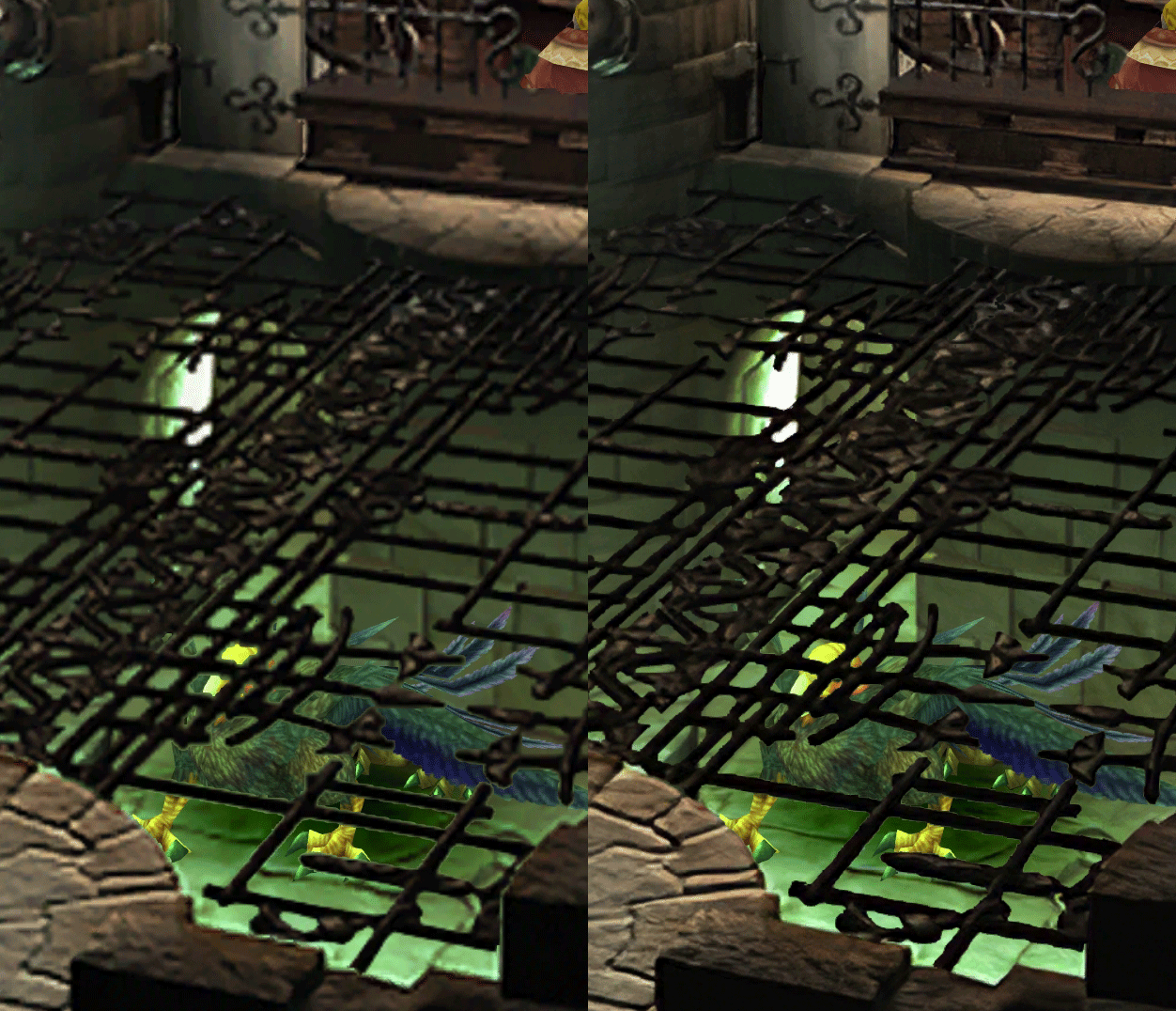
SCREENSHOTS
Click to enlarge
Last edited: