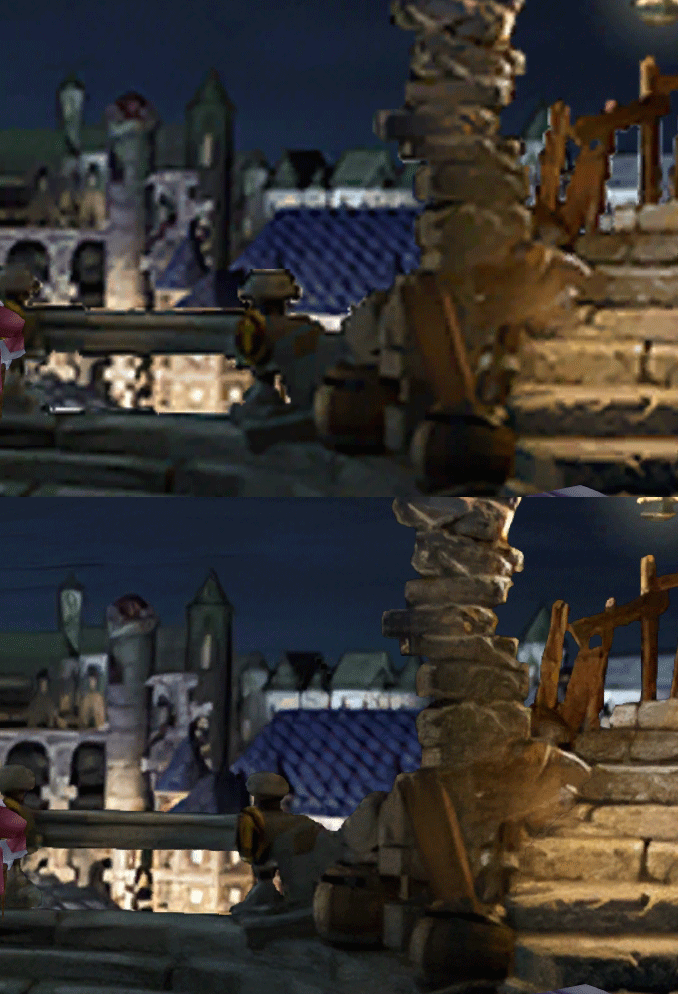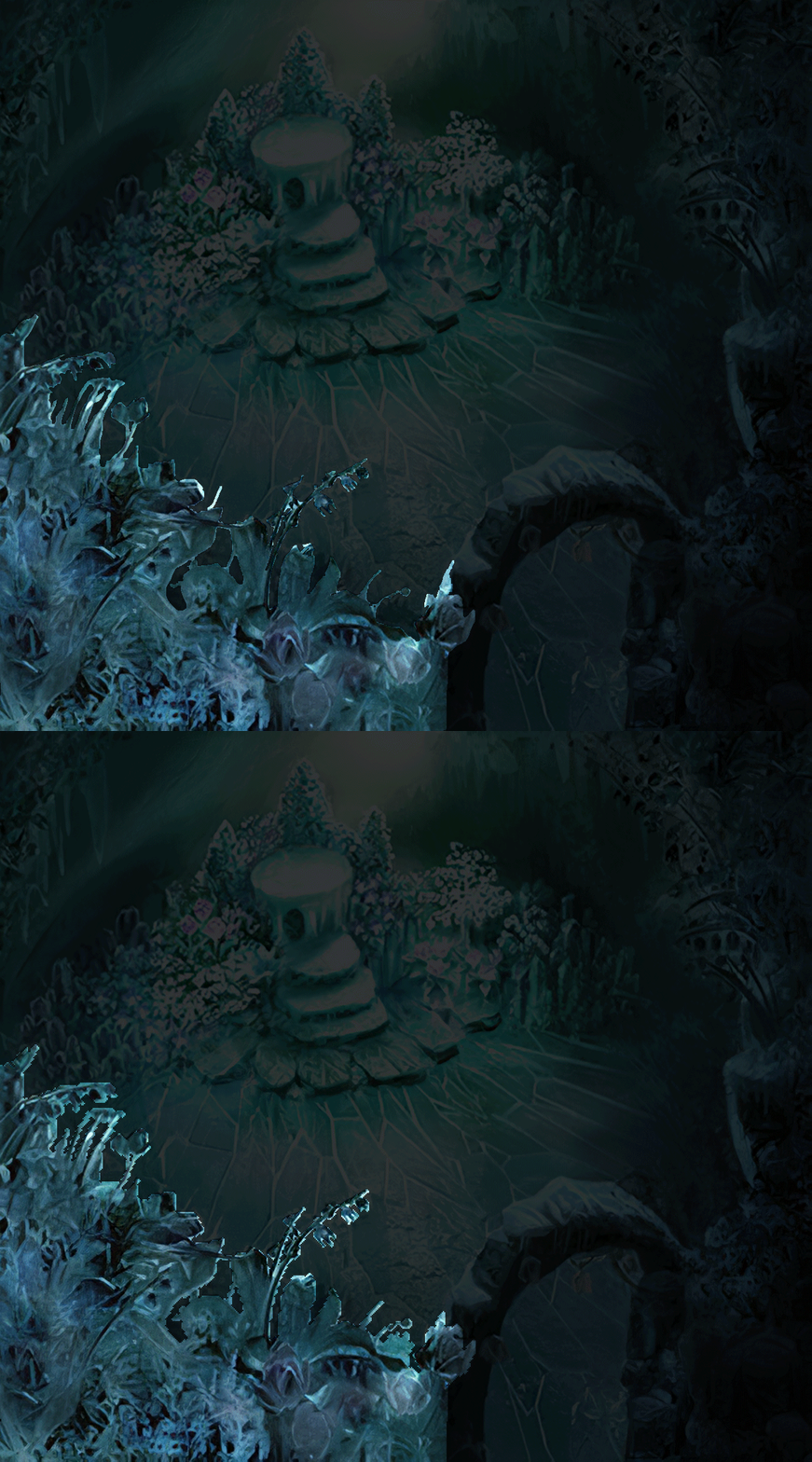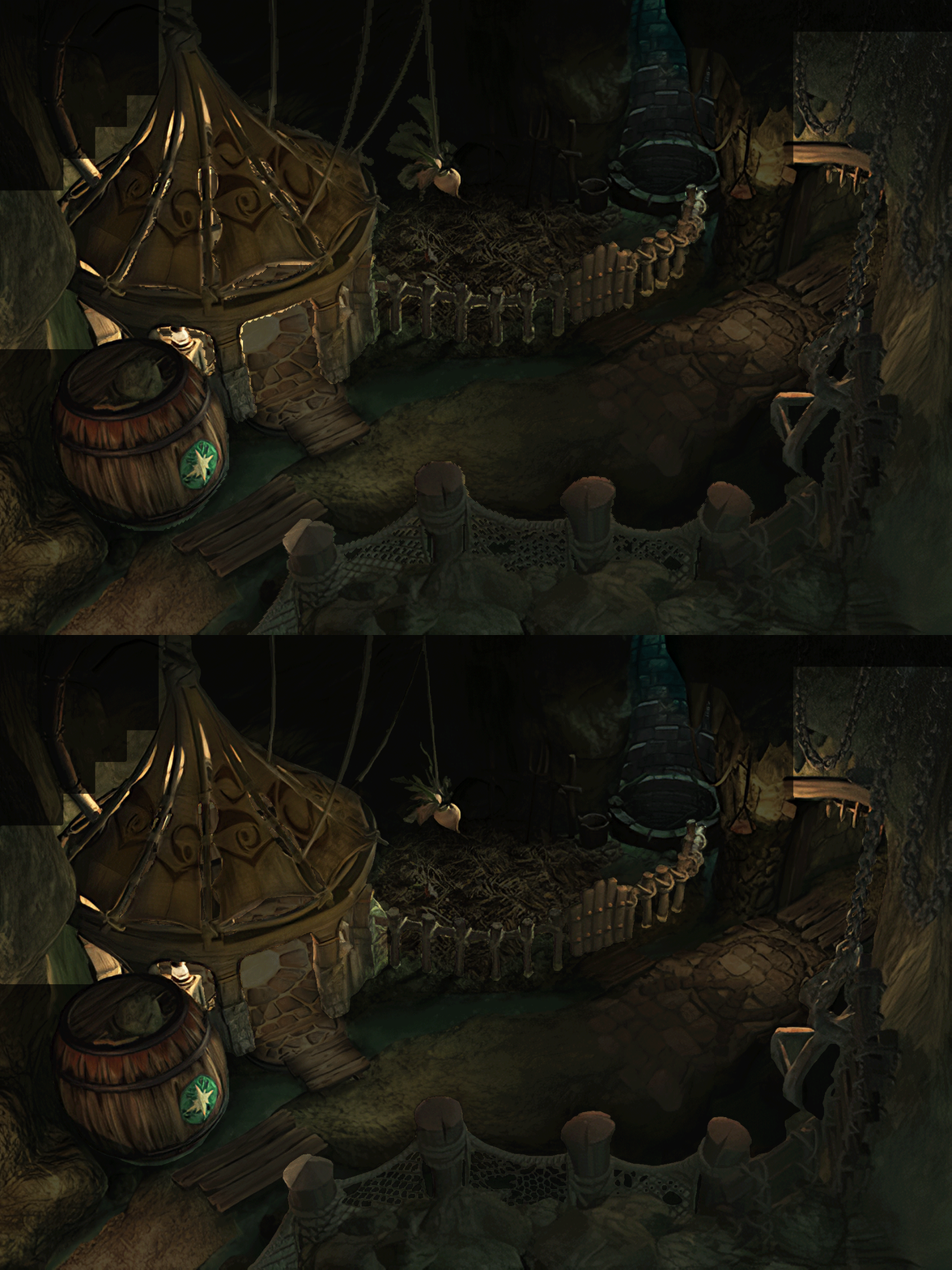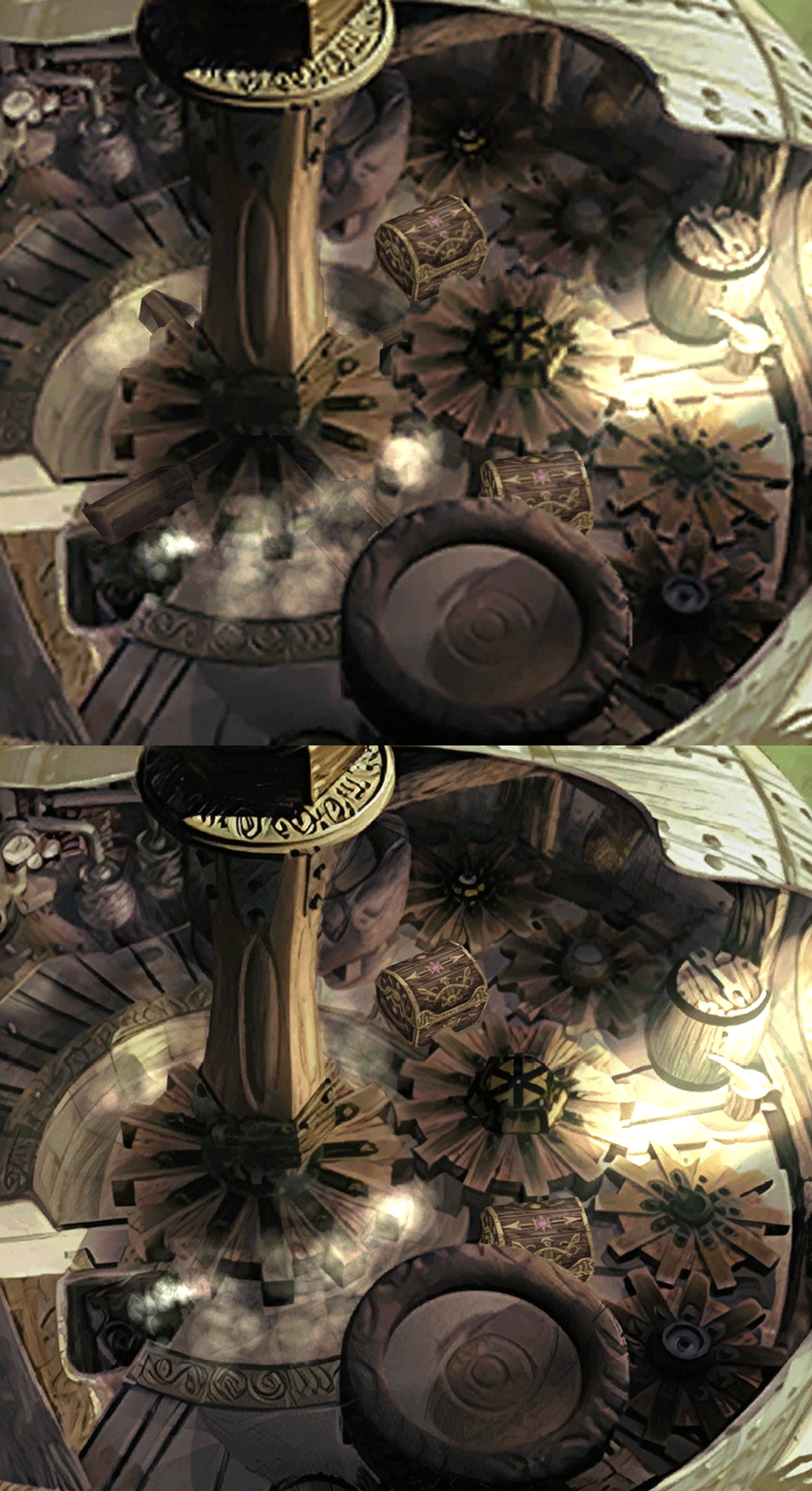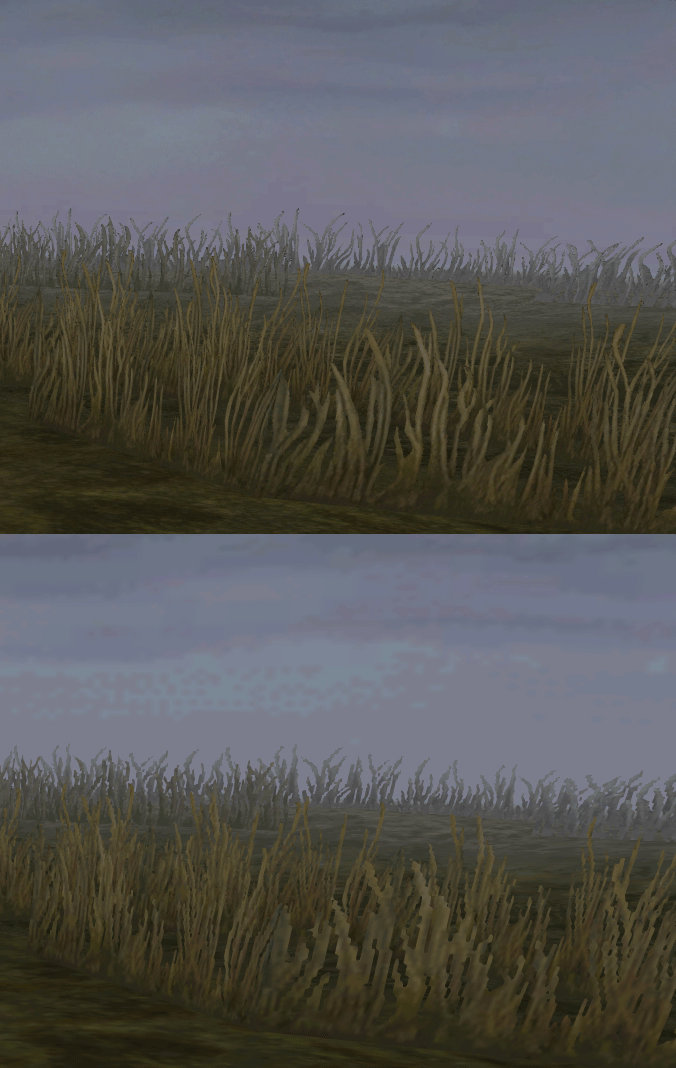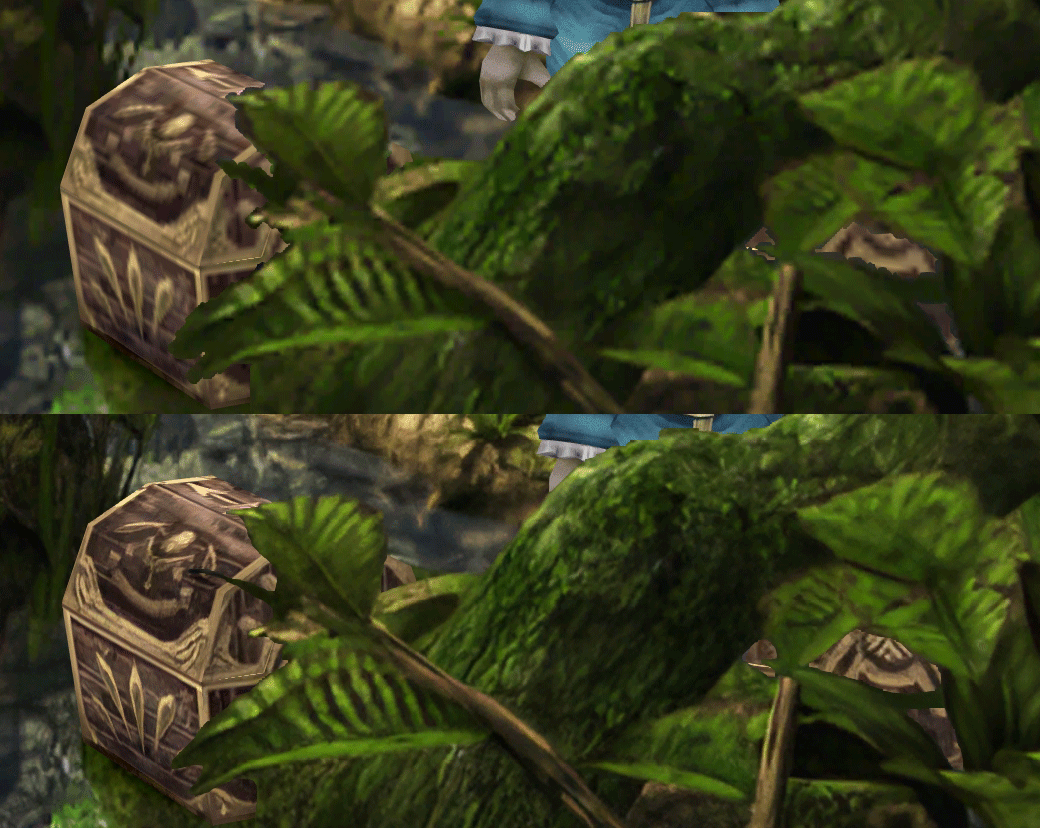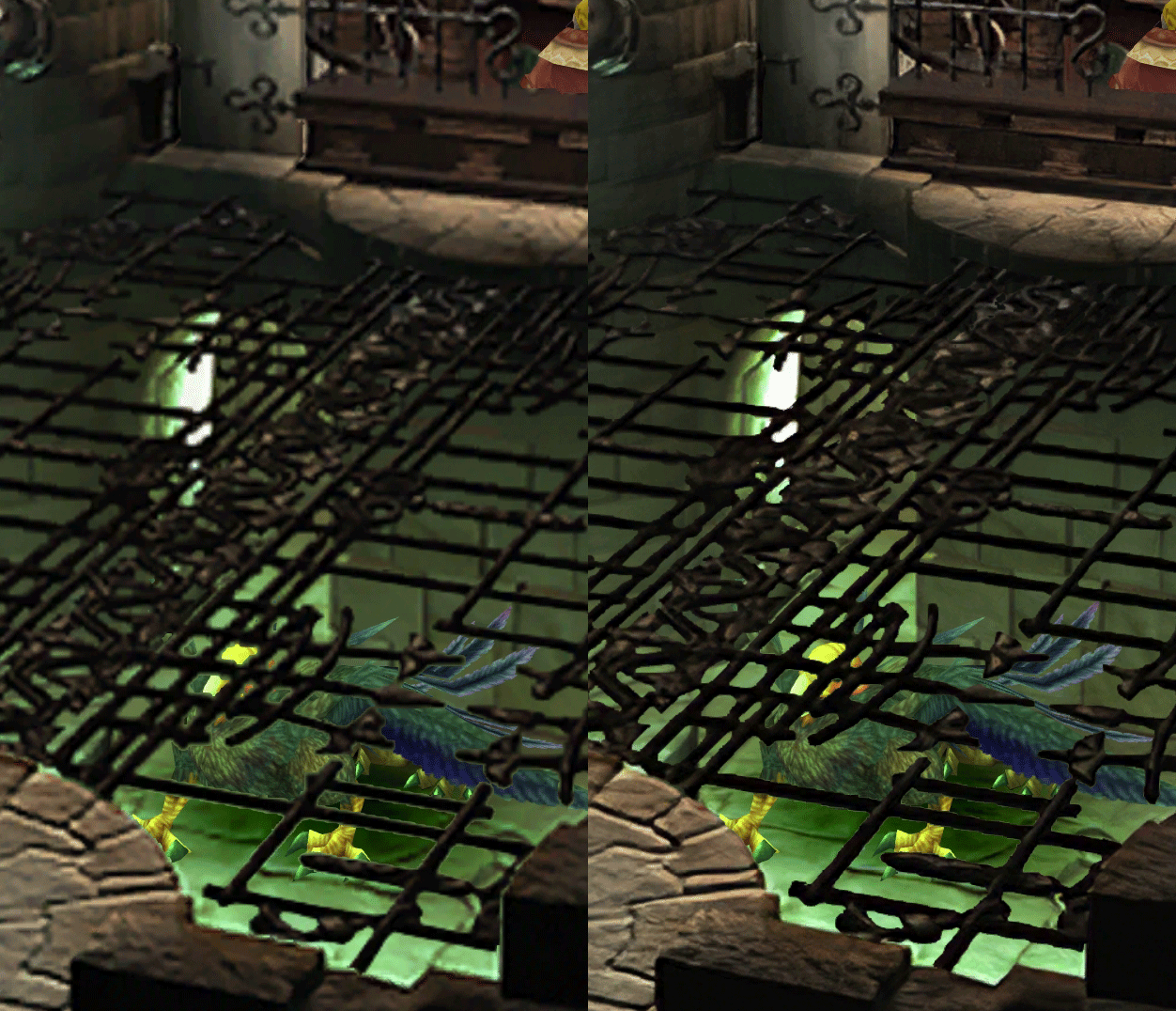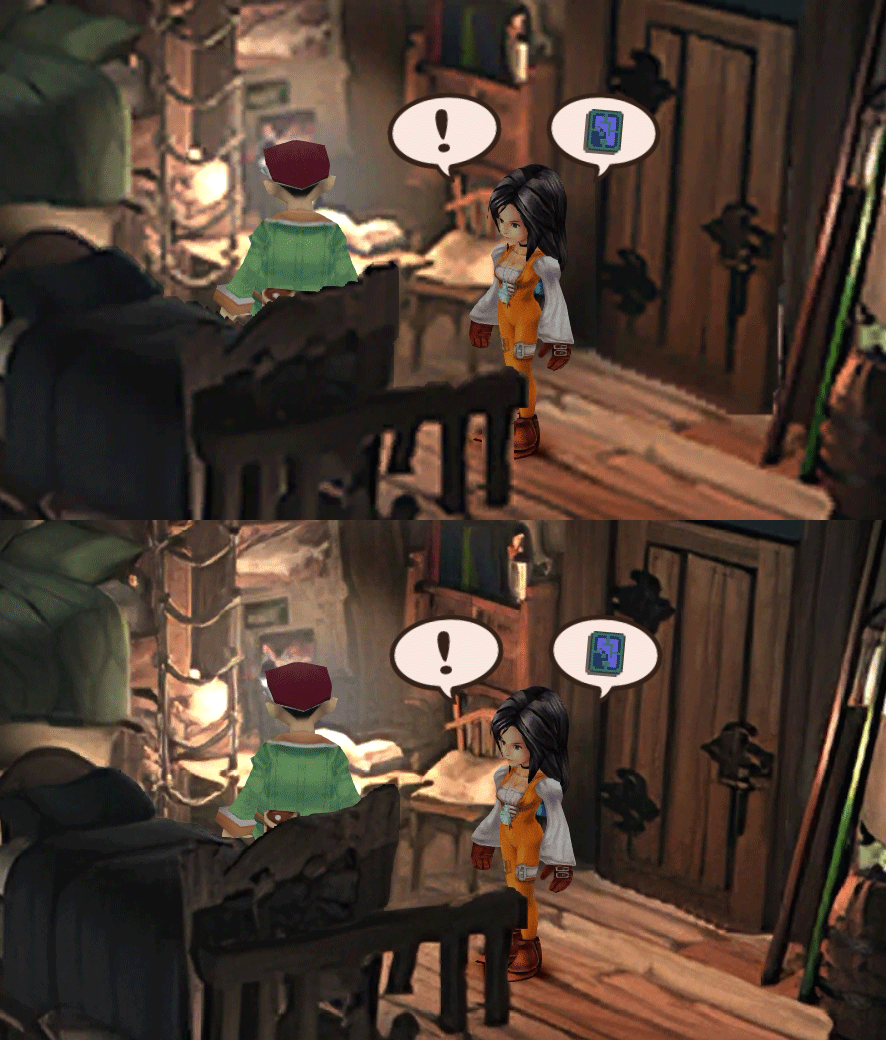
[FF9 PC] Moguri Mod update 8.2 (LIVE ON OFFICIAL SITE)

  • Thread starter Thread starter snouz
  • Start date Start date
Status
Not open for further replies.
s6YQdFA.jpg
eY0jRJ9.jpg
Kr5wC8e.jpg
lc1gfLK.jpg
JrssSrE.jpg


D O W N L O A D

THE UPDATE HAS NOW GONE LIVE OFFICIALLY


NEW 2020-05-23 - MOGURI 8 BETA V5 changelog -> Make a shortcut of the file to your drive then go into your drive, find the shortcut there and click "make a copy"
(outdated) 2020-05-11 - MOGURI 8 BETA V4 changelog
(outdated) 2020-05-04 - MOGURI 8 BETA V3 changelog
(outdated) 2020-04-28 - MOGURI 8 BETA V2 changelog
(outdated) 2020-04-23 - MOGURI 8 BETA V1


I N S T A L L _ G U I D E

[size=10pt]IF YOU DON'T HAVE MOGURI INSTALLED
1) Extract and replace the files in the .zip to SteamLibrary\steamapps\common\FINAL FANTASY IX\

IF YOU HAVE MOGURI INSTALLED (not required!)
1) If you installed it before 2020-04-2, uninstall and re-install Moguri again (SquareEnix pushed a Steam update that temporarily broke the game and Moguri)
2) Extract the content of StreamingAssets in \Program Files (x86)\Moguri Mod\StreamingAssets\
3) Extract \x64\FF9_Data\resources.assets & \x64\FF9_Data\sharedassets2.assets to SteamLibrary\steamapps\common\FINAL FANTASY IX\x64\FF9_Data\
   but DON'T replace Assembly-CSharp.dll

To check you have the right version, here's how the first frame should look
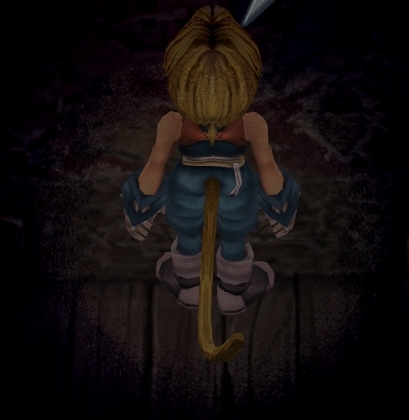
X6tHnEA.jpg


1) In steam, right click the game, go to "properties...", go to the LOCAL FILES tab, click VERIFY INTEGRITY OF GAME FILES. This will re-download the original files, but your saves are still intact.


p0data2.bin - Battle backgrounds
p0data3.bin - Worldmap textures
p0data4.bin - NPC, monsters and background items
p0data11.bin to p0data19.bin - Main backgrounds
resources.assets & sharedassets2.assets - UI stuff (maps, title screen...)
Assembly-CSharp.dll - The patched file that allows for the augmented resolution of backgrounds. (The one here and the one in moguri are different)

Note: If you have uninstalled Moguri and/or Memoria and you have names like ZidaneZidane, ViviVivi, you can salvage your save with this tool: https://www.ff7catalog.com/threads/7672/
Note: Alternate Fantasy is not currently supported.
[/size]


F E A T U R E S

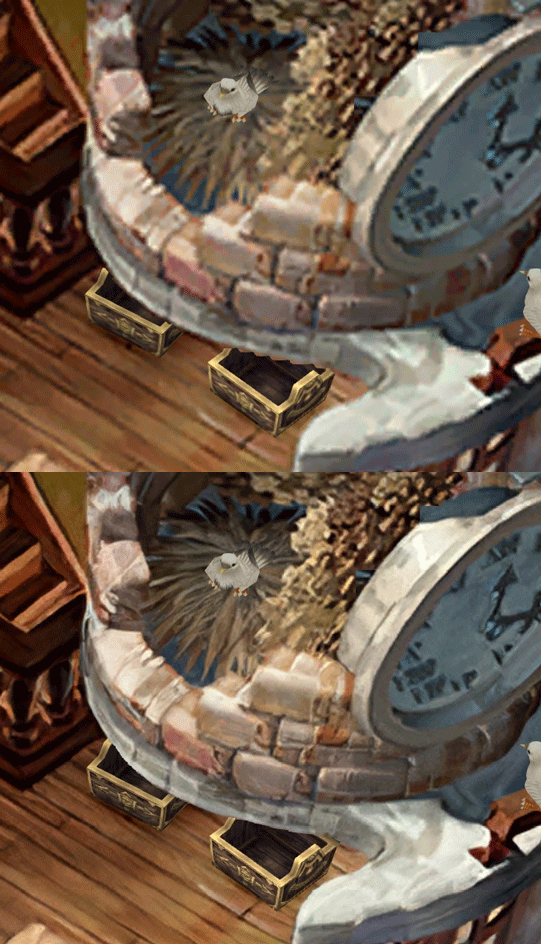
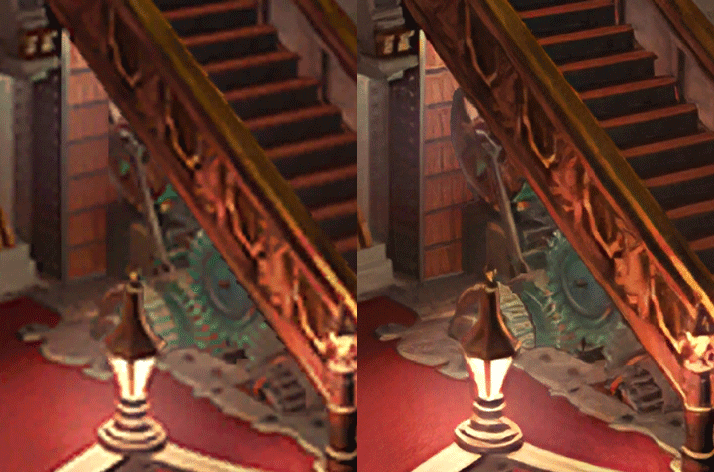
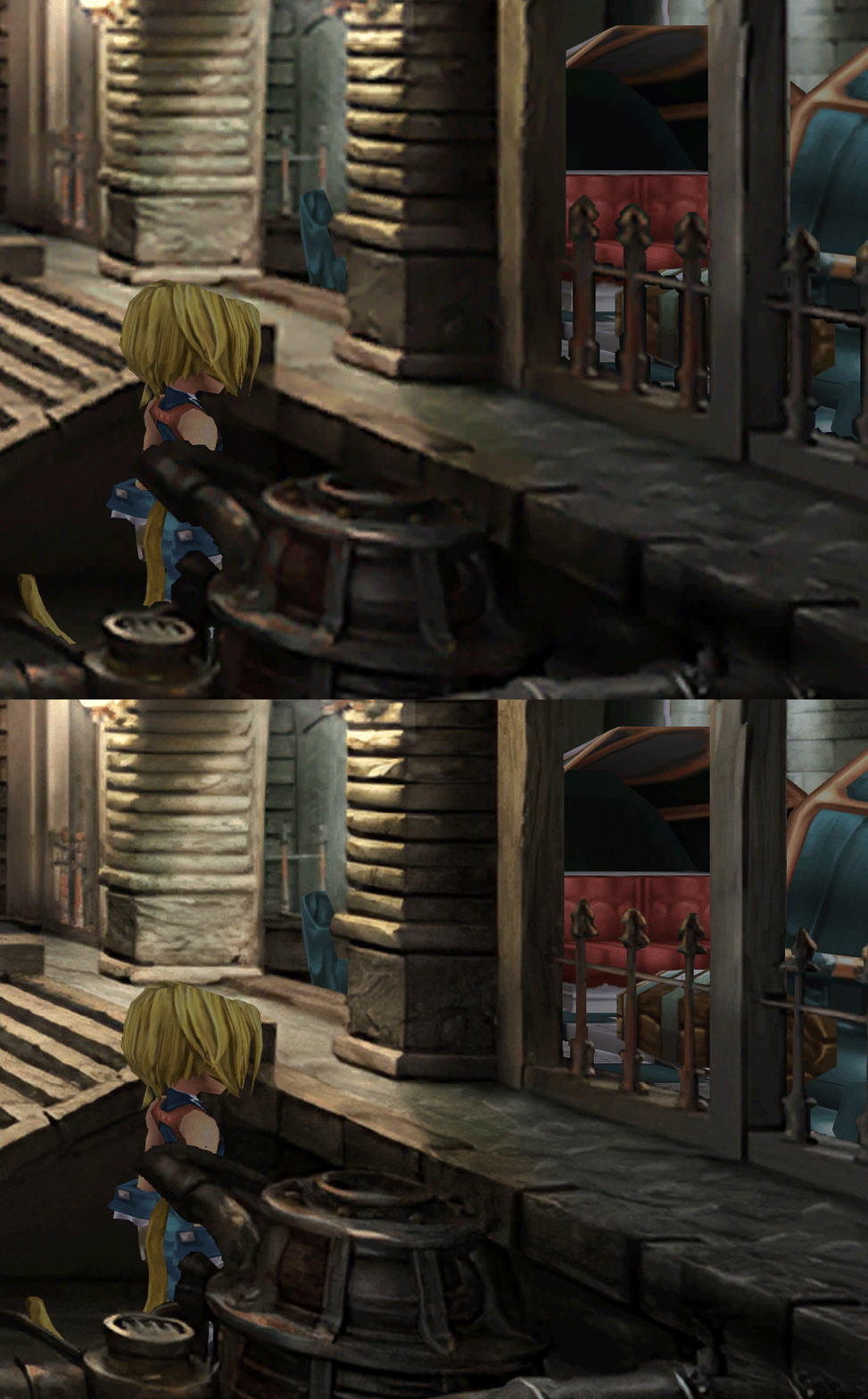
  • Backgrounds
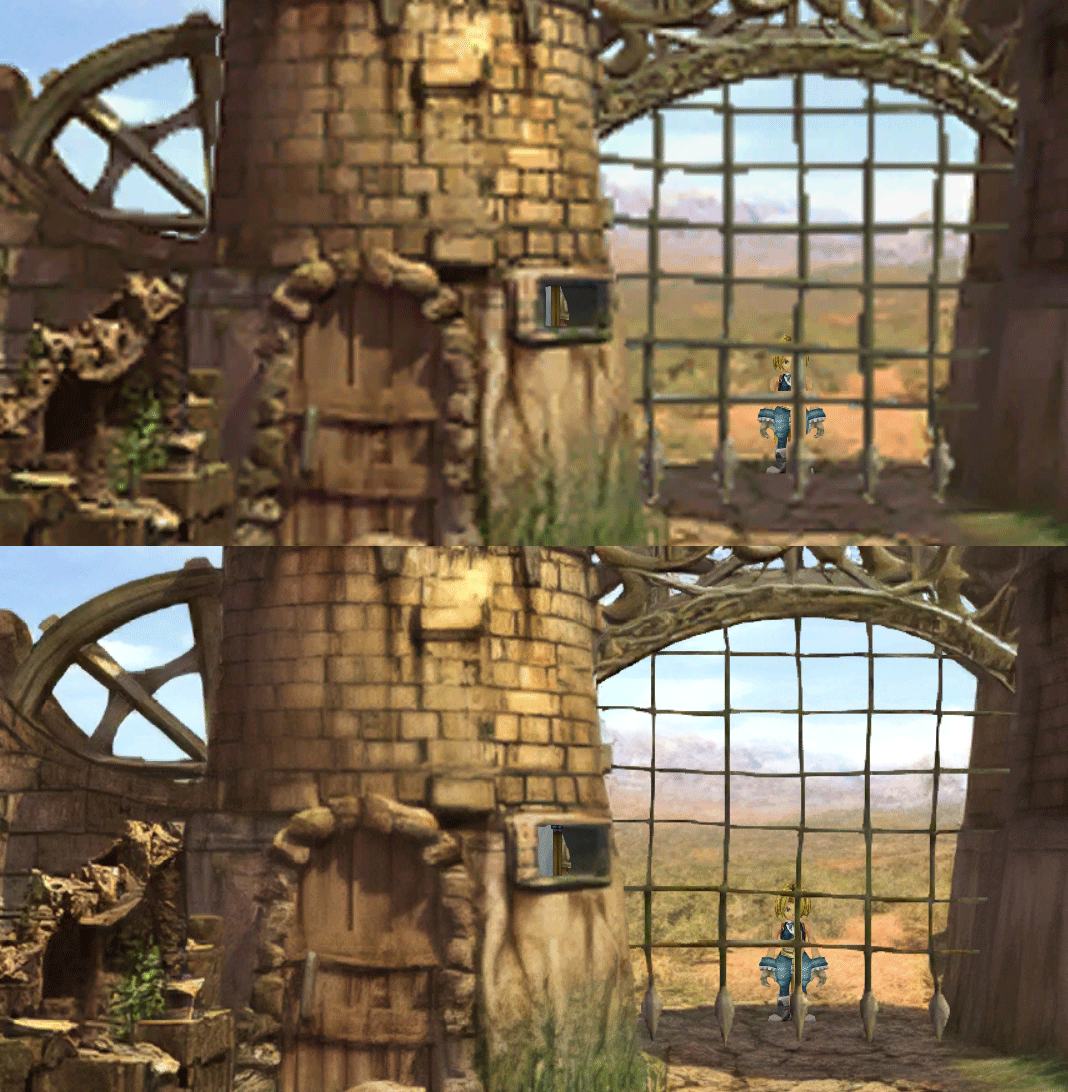
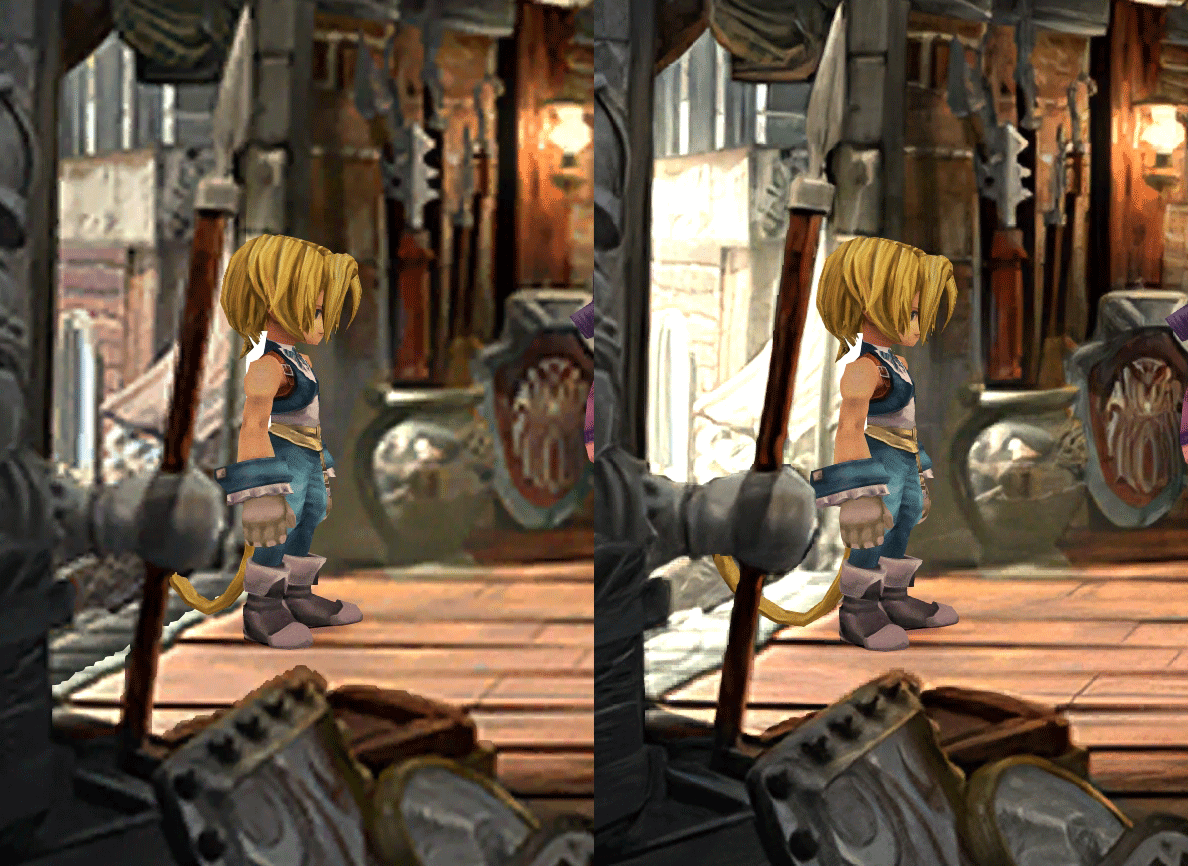
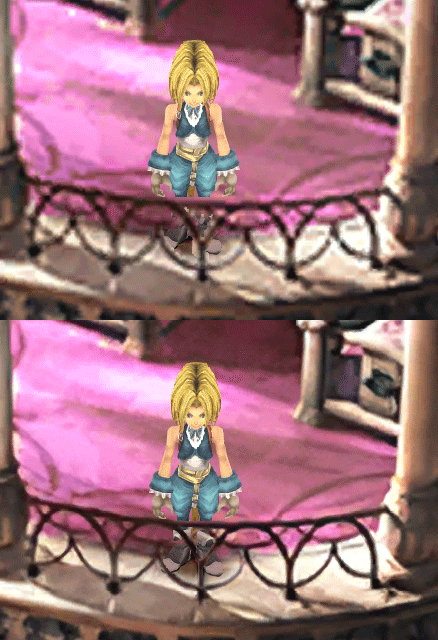
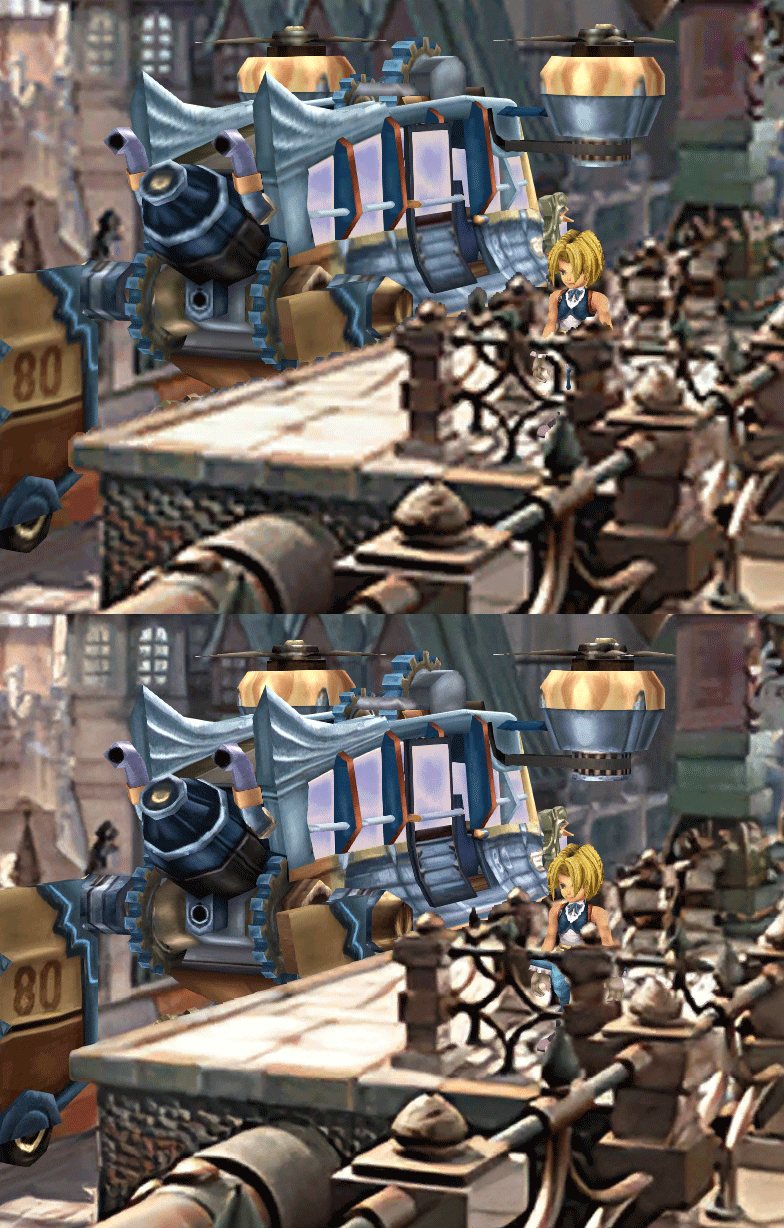
  • Fixed : almost all visual glitches
  • Redrawing of all layer edges (all 11000+)
  • Cleaner / sharper graphics (all 6000+)
  • Better & cleaner lighting (all 1400+)
  • Countless manual image doctoring
  • Manually redrawn some parts (some partially based on portfolio images by Wesley Cann & Behrooz Roozbeh)
  • Background animations better integrated
  • Several bugs from the Steam & PSX versions fixed
  • Recreated all places names with original fonts (for English and French, rest to follow)
  • Seamless scrolling skies & backgrounds, removed 'staircase' edges
  • Recreated baked in textures NPCs
  • Background objects
  • HD background 3D objects
  • HD NPC (with exceptions)
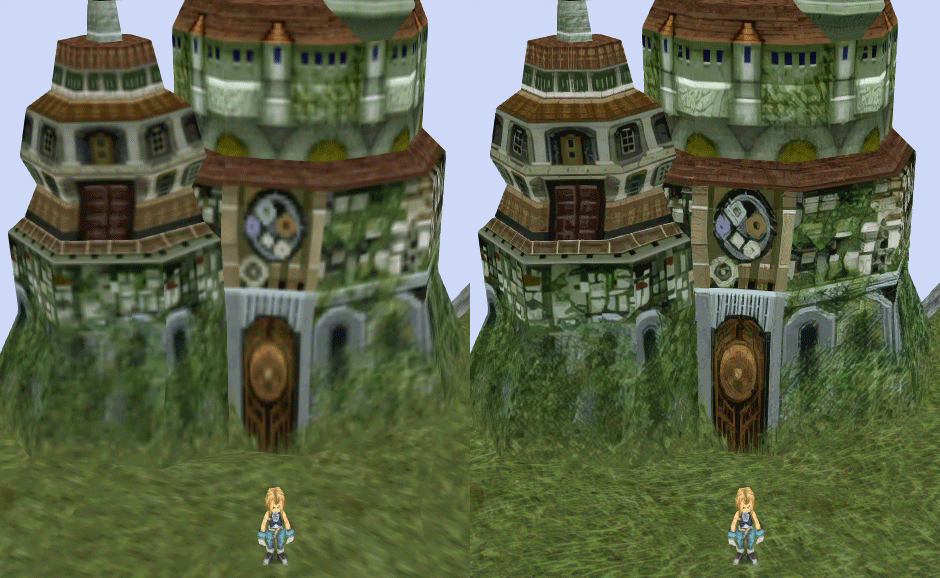
  • Worldmap
  • HD worldmap textures (upscaled and manually redone, mostly seamless and faithful)
  • Subtly moving seas
  • HD worlmap items (ships...) textures
  • Battles
  • HD monsters (with exceptions)
  • HD battlefields with redrawn edges (exceptions for animated textures)
  • Seamless skies (not 100% on point)
  • Fixed missing monster death sounds (credit: Tirlititi)
  • UI
  • Recreated faithful HD maps
  • Recreated Start menu and game over screens
  • Character portraits edges


OLD POST

2020-04-23 - Finally, here's a beta file of the backgrounds!
For those who chose to install it, please screenshot any problem or potential improvement, as major or minor it is.

If you can't post in this thread, you can contact me on reddit


Other parts of the mod available to download:
[size=14pt]NPC & Monsters HD V2 DOWNLOAD
Battle Backgrounds HD V1 DOWNLOAD
Worldmap HD V2 DOWNLOAD
UI Stuff V1 DOWNLOAD
Maybe save the original files beforehand

-------------------------------------------------------------

Hi everyone,

I'm making a thread to track my progress with my reworking of Moguri since June 2019

◈ Finishing touches, corrections & testing ◈
chat_loader.gif

◈ Backgrounds masks (redrawing by hand) ◈
⬛⬛⬛⬛⬛⬛⬛⬛⬛⬛⬛⬛⬛⬛⬛⬛⬛⬛⬛⬛ | 100% | 678/678

◈ Blended/light layers upscaling ◈
⬛⬛⬛⬛⬛⬛⬛⬛⬛⬛ | 100% | 1479/1479

◈ Re-drawing of transparency for fight scenes textures ◈
⬛⬛⬛⬛⬛⬛⬛⬛⬛⬛ | 100% | 186/186

◈ Monster texture upscaling ◈
⬛⬛⬛⬛⬛⬛⬛⬛⬛⬛ | 100% | 124/124

◈ NPC texture upscaling ◈
⬛⬛⬛⬛⬛⬛⬛⬛⬛⬛ | 100% | 150/150

◈ Item on field texure upscaling ◈
⬛⬛⬛⬛⬛⬛⬛⬛⬛⬛ | 100% | 101/101

◈ Worldmap re-texture ◈
https://www.ff7catalog.com/threads/13434/
⬛⬛⬛⬛⬛⬛⬛⬛⬛⬛ | 100%

◈ Place names upscaling (when introduced to a new place) ◈
⬛⬛⬛⬛⬛⬛⬛⬛⬛⬛ | 100% | 44/44


◈ (background) Videos improvement ◈
(⬜⬜⬜⬜⬜⬜⬜⬜⬜⬜⬜⬜⬜⬜⬜⬜⬜⬜ | 0/18) -> might try this in a next update

◈ Extra ◈
-Backgrounds were improved with various ESRGAN models
-Numerous visual corrections
-Upstairs of Dali's Windmill debugged / recreated
-Removed seams in scrolling sky/smoke/sand textures.
-re-created a lot of sky textures for fight scenes, making them seamless and beautiful: 64
-regenerated the battle textures to remove white outlines
-corrected a bug with animated textures in battle scenes
-Multiple other bugs ironed out

◈ Ideas for later ◈
-drawing shadows for some chests/items
-look if I can improve fluidity of the videos with AI video interpolation: https://github.com/sniklaus/pytorch-sepconv (can't make it work yet)
-upscale contextual FMVs?
[/size]
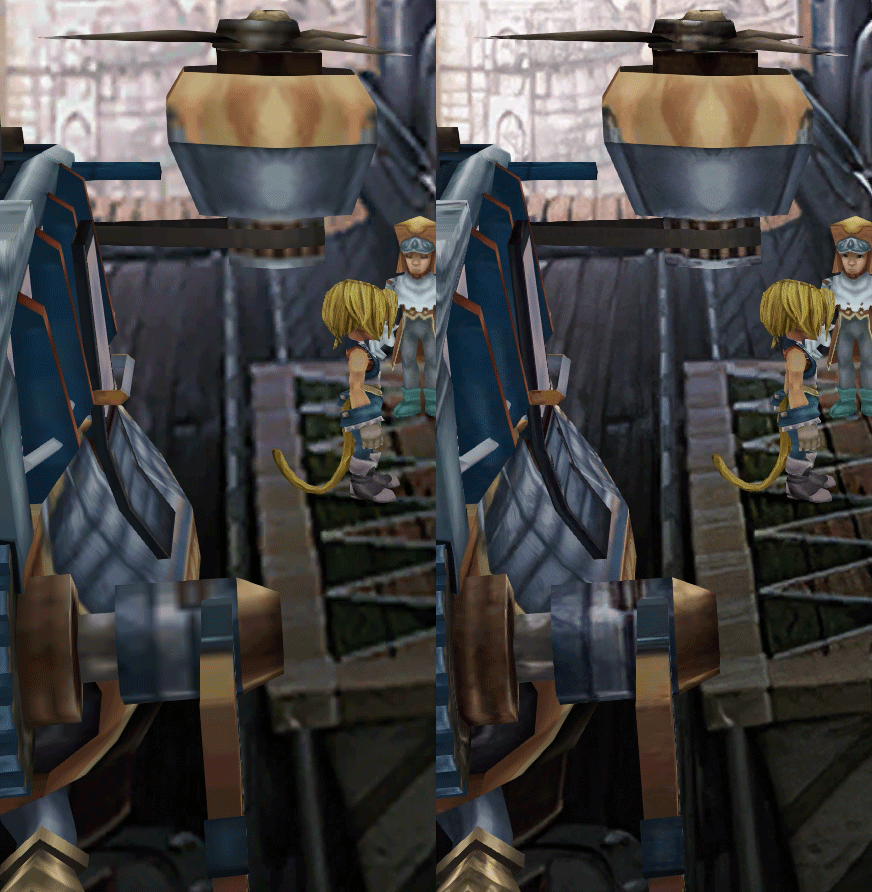
SCREENSHOTS

Click to enlarge
K78WnLu.gif

10pTbFs.gif
E8YADyT.gif
6RS2mEC.gif
OsoRNFn.gif
MVfMxaM.gif
uphBfuD.gif
YGwOCGG.gif
skQq07o.gif
xIcTyUR.gif
Z6k2Zyt.gif
XqomUcu.gif
SSBTwSa.gif
1GGTsJM.gif
eaTQUVb.gif
qKjYKR1.gif
13yOtwo.gif
 
Last edited:
Z
Does anyone know any workaround for the d-pad/shoulders not working on a DS4?

So far, from scattered internet references I've tried:

1. Disabling every potential overlay (Steam, GeForce, Discord, etc) -- Result: No effect
2. Disabling Analog Support in the .ini file -- Result: Depends (see below), but typically no effect
3. Unplugging controller and plugging it in after the game has started -- Result: Game never detects controller unless it was plugged in before launch (so the controller doesn't work at all)
4. Enable DS4 support in Steam/use "forced on" in the per-game settings -- Result: If (and only if) I disable analog support in the .ini, this enables d-pad provided I rebind the d-pad to stick directions via steam controller configuration BUT the game double reads inputs from other buttons. If analog support is enabled this has no effect except the face buttons are scrambled to incorrect locations (e.g. X becomes Square, Circle becomes X etc). Technically the face button scramble happens if analog support is disabled too, but the double button read means it will read one version of the button immediately followed by the incorrect version.

Interestingly, even if I disable analog support in the .ini, the analog stick still works fine and absolutely nothing changes about the controller behavior.

E: It seems like the buttons are still slightly scrambled with steam controller stuff off. It swaps Square and Circle (X and B), enabling Steam support on will scramble them further. Interestingly, enabling vibration in the in-game config will also scramble the buttons to the steam support variant as opposed to the regular scramble for... some reason?

E: Further testing -- without Moguri installed I get the "walk left" issue, and the buttons are scrambled as if I had steam controller support on. Weirdly, the shoulder buttons don't work with vanilla, but the D-pad partially works. Left/Right are registered as up/down, and up/down seem functionless.
 
Last edited:
O
Does anyone know any workaround for the d-pad/shoulders not working on a DS4?

So far, from scattered internet references I've tried:

1. Disabling every potential overlay (Steam, GeForce, Discord, etc) -- Result: No effect
2. Disabling Analog Support in the .ini file -- Result: Depends (see below), but typically no effect
3. Unplugging controller and plugging it in after the game has started -- Result: Game never detects controller unless it was plugged in before launch (so the controller doesn't work at all)
4. Enable DS4 support in Steam/use "forced on" in the per-game settings -- Result: If (and only if) I disable analog support in the .ini, this enables d-pad provided I rebind the d-pad to stick directions via steam controller configuration BUT the game double reads inputs from other buttons. If analog support is enabled this has no effect except the face buttons are scrambled to incorrect locations (e.g. X becomes Square, Circle becomes X etc). Technically the face button scramble happens if analog support is disabled too, but the double button read means it will read one version of the button immediately followed by the incorrect version.

Interestingly, even if I disable analog support in the .ini, the analog stick still works fine and absolutely nothing changes about the controller behavior.

E: It seems like the buttons are still slightly scrambled with steam controller stuff off. It swaps Square and Circle (X and B), enabling Steam support on will scramble them further. Interestingly, enabling vibration in the in-game config will also scramble the buttons to the steam support variant as opposed to the regular scramble for... some reason?

E: Further testing -- without Moguri installed I get the "walk left" issue, and the buttons are scrambled as if I had steam controller support on. Weirdly, the shoulder buttons don't work with vanilla, but the D-pad partially works. Left/Right are registered as up/down, and up/down seem functionless.
https://www.ff7catalog.com/posts/237778/


give that a try for the dpad, if it works (and it should) you can set the shoulder buttons to the keyboard equivalent yourself pretty easily
 
R
Can anyone tell me the default battle swirl fps from the original game? Is it what the default is set to in the Moguri Mod launcher?
 
X
Can anyone tell me the default battle swirl fps from the original game? Is it what the default is set to in the Moguri Mod launcher?
[Graphics]
Enabled = 1
BattleFPS =15
MovieFPS = 15
BattleSwirlFrames =115
WidescreenSupport =1
SkipIntros =3
GarnetHair =0 ; 0 - Default, 1 - Long, 2 - Short
TileSize=64
UseGarnetFont= 0
 
V
23.08.2020 01:29:02 |M| [SteamSdkWrapper] Initialized: True
23.08.2020 01:29:03 |M| Loading configuration Memoria.ini
23.08.2020 01:29:03 |M| [FontInterceptor] Dynamic font initialization.
23.08.2020 01:29:03 |M| [FontInterceptor] Pass through {Configuration.Font.Enabled = 0}.
23.08.2020 01:29:03 |M| [FontInterceptor] Loading font [Original: TBUDGoStd-Bold (UnityEngine.Font)]
23.08.2020 01:29:04 |M| [UIRoot] Changing a clip region of the UI root.
23.08.2020 01:29:04 |M| [GameLoopManager] RaiseStartEvent
23.08.2020 01:29:04 |M| InitializeItemText
23.08.2020 01:29:04 |M| [ResourceExporter] Pass through {Configuration.Export.Enabled = 0}.
23.08.2020 01:29:04 |M| [ResourceImporter] Pass through {Configuration.Import.Enabled = 0}.

i deleted all ff9 files, verify the integrity for re-download all ffix files, installed the moguri mod. when the game starts, only final fantasi ix black screen and never progress, why?
 
R
[Graphics]
Enabled = 1
BattleFPS =15
MovieFPS = 15
BattleSwirlFrames =115
WidescreenSupport =1
SkipIntros =3
GarnetHair =0 ; 0 - Default, 1 - Long, 2 - Short
TileSize=64
UseGarnetFont= 0
Thank you!
 
F
I have setteled with x360ce with the 3x version of it and not the version4.
the only downside is i need to unplug and replug my controller after the game loads.... but that is small price to pay.
Does anyone know any workaround for the d-pad/shoulders not working on a DS4?

So far, from scattered internet references I've tried:

1. Disabling every potential overlay (Steam, GeForce, Discord, etc) -- Result: No effect
2. Disabling Analog Support in the .ini file -- Result: Depends (see below), but typically no effect
3. Unplugging controller and plugging it in after the game has started -- Result: Game never detects controller unless it was plugged in before launch (so the controller doesn't work at all)
4. Enable DS4 support in Steam/use "forced on" in the per-game settings -- Result: If (and only if) I disable analog support in the .ini, this enables d-pad provided I rebind the d-pad to stick directions via steam controller configuration BUT the game double reads inputs from other buttons. If analog support is enabled this has no effect except the face buttons are scrambled to incorrect locations (e.g. X becomes Square, Circle becomes X etc). Technically the face button scramble happens if analog support is disabled too, but the double button read means it will read one version of the button immediately followed by the incorrect version.

Interestingly, even if I disable analog support in the .ini, the analog stick still works fine and absolutely nothing changes about the controller behavior.

E: It seems like the buttons are still slightly scrambled with steam controller stuff off. It swaps Square and Circle (X and B), enabling Steam support on will scramble them further. Interestingly, enabling vibration in the in-game config will also scramble the buttons to the steam support variant as opposed to the regular scramble for... some reason?

E: Further testing -- without Moguri installed I get the "walk left" issue, and the buttons are scrambled as if I had steam controller support on. Weirdly, the shoulder buttons don't work with vanilla, but the D-pad partially works. Left/Right are registered as up/down, and up/down seem functionless.
 
B
I use DS4 to play this game but after dowloading the mod it does't work wireless. Any ideas? Thanks
 
Z
Amazing mod that just keeps getting better! I am constantly floored by the quality work that gets put into this project.

That said, I do have one question: after the latest hotfix update, I'm unable to access the Garnet font anymore. I tried messing around with the Memoria.ini and tweaking various settings to see if I could get it back but no luck so far. Any ideas?
 
F
i think it is not supposed to be the garnet font rather the alexandria font now.
Amazing mod that just keeps getting better! I am constantly floored by the quality work that gets put into this project.

That said, I do have one question: after the latest hotfix update, I'm unable to access the Garnet font anymore. I tried messing around with the Memoria.ini and tweaking various settings to see if I could get it back but no luck so far. Any ideas?
 
Z
i think it is not supposed to be the garnet font rather the alexandria font now.
Yeah, I figured, I was just wondering if it was still possible to use it in any way at all. I'm thinking of looking it up myself but I'm not sure where to find it...it might be the Chrono Trigger font?
 
R
At the beginning of the last cinematic, the game automatically closes. The memoria file has the following message:
Obs.: I use Win10 64bits.

27.08.2020 07:27:53 |M| [SteamSdkWrapper] Initialized: True
27.08.2020 07:27:54 |M| Loading configuration Memoria.ini
27.08.2020 07:27:54 |M| [FontInterceptor] Dynamic font initialization.
27.08.2020 07:27:54 |M| [FontInterceptor] Pass through {Configuration.Font.Enabled = 0}.
27.08.2020 07:27:54 |M| [FontInterceptor] Loading font [Original: TBUDGoStd-Bold (UnityEngine.Font)]
27.08.2020 07:27:56 |M| [GameLoopManager] RaiseStartEvent
27.08.2020 07:27:56 |M| InitializeItemText
27.08.2020 07:27:56 |M| InitializeImportantItemText
27.08.2020 07:27:56 |M| InitializeAbilityText
27.08.2020 07:27:56 |M| InitializeCommandText
27.08.2020 07:27:56 |M| InitializeBattleText
27.08.2020 07:27:56 |M| InitializeLocationText
27.08.2020 07:27:56 |M| InitializeEtcText
27.08.2020 07:27:56 |M| [ResourceExporter] Pass through {Configuration.Export.Enabled = 0}.
27.08.2020 07:27:56 |M| [ResourceImporter] Pass through {Configuration.Import.Enabled = 0}.
27.08.2020 07:27:56 |M| InitializeItemText
27.08.2020 07:27:56 |M| InitializeImportantItemText
27.08.2020 07:27:56 |M| InitializeAbilityText
27.08.2020 07:27:56 |M| InitializeCommandText
27.08.2020 07:27:56 |M| InitializeBattleText
27.08.2020 07:27:56 |M| InitializeLocationText
27.08.2020 07:27:56 |M| InitializeEtcText
27.08.2020 07:27:56 |M| [AudioResourceExporter] Pass through {Configuration.Export.Audio = 0}.
27.08.2020 07:28:12 |M| [SteamSdkWrapper] Request stats: True
27.08.2020 07:28:13 |M| [AssetManager] Asset not found: FieldMaps/FBG_N45_CYSW_MAPX29_CW_MBG_1/spt.tcb
How fix it?
 
S
Hi people!

I need some testers!

for the last few days, I've been working on p0data2, the archive that contains battle textures. I need some people to test it to see if they see some bugs in there. Here's the file:

https://drive.google.com/file/d/1tUeokDxaGaE5ZusANjFWuq2cr5uxDRMr/view?usp=sharing

You can first download latest moguri 8.2.1.2 and put this file in /MoguriFiles/StreamingAssets instead of the existing p0data2

What I improved since 8.0 and why the file is smaller than previous versions: (/!\ the following is technical and only for documentation purpose)

ULEfjAu.png


First line is the old texture structure, second is the final. I relalized the textures take way too much space, they are repeated and only a fraction is used on each. So I redirected some material files. An example: in this image, I took the door part, which is the only part relevant in image5, and put it in image0. Then I changed the .mat file so that it looks for image0 instead of 5. Then I can transform image5 to a 1x1 image to save space.
Took me several days, but it's done.
Animation textures need to stay the same size, that can be jarring, but I can't do anything.
This process allows me to see easily what texture is actually used or not, and make them more seemless.
Importing from different folders in different formats allowed me to remove the black artifacts around transparency (textures with transparency -> tiff DXT5 after passing through a photoshop script that diffused the border color and transforms to tiff). So 300 textures are compressed with DXT5, which is 2x heavier than DXT1.
I transformed 40 skies to be half the size, but uncompressed by DXT1 (so I have a smaller resolution, but no compression. Size of the image is divided by 4 but no compression makes it 8 times heavier, so in the end, I hit a good compromise). I realized that some textures have a border of unused texture (4 or 8 pixels usually), so I did a script to account for that on these skies.
Now also made a screenshot of all the fight scenes in the game to check if I had some mistakes, and I improved some textures to be more seamless using some photoshop tools.

In summary, I:
-removed the black artifacts around transparencies
-optimized the size of the archive
-made it easier for future modders
-made some textures seamless (most skies...)
-improved some black gradients
-corrected some animated textures
-removed compression on some textures

Now I need your help to point out where things could be improved, or if there are bugs I didn't catch!
 
D
Hi everyone, and thanks for giving us these wonderful upscaled backgrounds and patch fixes, snouz.

Sorry if this has already been answered. I wanted to ask if there's gonna be multilanguage versions of the backgrounds where the text has been translated (I don't remember if FFIX has any, FFVIII sure does), specifically the text that appears on the screen when you enter a new area (i.e. "Evil Forest" in italian is "Foresta del Male"). Or if it's at least possible to retain the vanilla text just for the area's names while everything else is upscaled.
 
S
Hi everyone, and thanks for giving us these wonderful upscaled backgrounds and patch fixes, snouz.

Sorry if this has already been answered. I wanted to ask if there's gonna be multilanguage versions of the backgrounds where the text has been translated (I don't remember if FFIX has any, FFVIII sure does), specifically the text that appears on the screen when you enter a new area (i.e. "Evil Forest" in italian is "Foresta del Male"). Or if it's at least possible to retain the vanilla text just for the area's names while everything else is upscaled.
Steam version has 6 languages for area names. They're all upscaled in Moguri 8.2.
 
D
Ah! Sorry, I haven't even downloaded the mod yet. I was basing my assumption on the fact that I've watched some playthroughs with Moguri on Youtube, and they were in full italian (checked some french streams too) except the area names, BUT they were using an outdated version of the mod, so maybe that's why.

Another question: I've found an Audio fix in the Audio section of the FFIX releases, that brings the original PSX sound fx to the PC version, but a lot of what it used to fix has already been patched by the last 8 August Steam update.
Since it has the reflex sound fx fix, is it compatible with the game's last version and Moguri's last version without breaking anything?
 
Status
Not open for further replies.
Back
Top